On this page
A data consultancy sells its people's time, so the practice software has to plan capacity, track hours and prove profitability on every engagement. The seven tools below cover that job for consultancies of every size, from a ten-dollar all-in-one for a small team to a client-facing platform for firms that onboard in public. Scoro leads because it holds quoting, delivery and money in one suite, with profitability reports that show which engagements actually pay. The rest are ranked on how well they turn consultant hours into invoices for the price.
How we researched this
We checked every price on the vendor pricing page on November 28, 2026, and only included tools with a published US dollar list price. Kantata, Certinia and NetSuite publish no prices, so they are not in this list even though large consultancies ask about them often. Prices change, so confirm the current figure on the vendor site before you buy.
Compare the tools
| Name | Best for | Starting price | Free plan | |
|---|---|---|---|---|
 Productive | Small firms that want one tool for everything | $10/user/month | No free plan; 14-day free trial | Visit |
| Ruddr | Small consultancies that want modern PSA at a low price | $14/billable user/month | No free plan; 30-day free trial | Visit |
 BigTime | Finance-led firms that bill by phase | $20/user/month | No free plan; free demo | Visit |
 Projectworks | Data consultancies that want resourcing and project financials in one suite | $17/user/month | No free plan; 21-day free trial | Visit |
| PSOhub | Consultancies that want a simple all-in-one PSA | $25/user/month | No free plan; 30-day free trial | Visit |
 Scoro | Firms that want quoting, delivery and money in one place | $29/user/month | No free plan; 14-day free trial | Visit |
 Rocketlane | Consultancies that onboard clients in public | $49/user/month | No free plan; 14-day free trial | Visit |
The PSA software for data consultancies, compared
1. Productive
Best for: Small firms that want one tool for everything
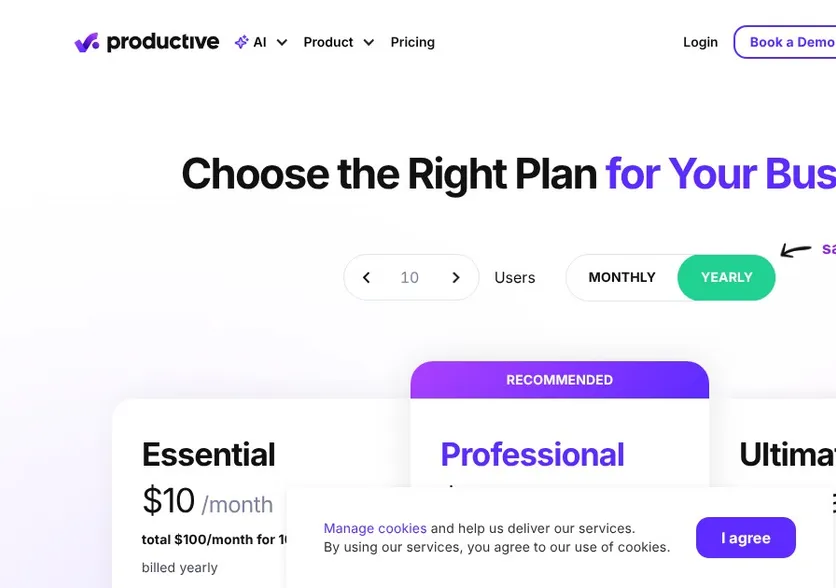
Paid tool Starting price: $10/user/month · Ten dollars per user a month billed annually on Essential (twelve dollars billed monthly); Professional is twenty-five dollars; Ultimate is quoted; three-seat minimum; one November 2026 read derives nine dollars from a ten-user total, which the vendor ladder does not support
Free plan: No free plan; 14-day free trial
A data consultancy that wants projects, budgets and invoices in one subscription finds it here, since this Productive plan costs ten dollars per user a month billed annually. Budget tracking shows the profit on each engagement while the work is still running, not after it closes. It is the lowest-priced all-in-one in this list for a firm moving off spreadsheets.
What we like
- Projects, time, budgets and invoicing in one place
- Low entry price with a clear upgrade path
- Budget tracking shows profit per project live
Watch out for
- CRM integrations and the MCP need the quoted Ultimate plan
- The three-seat minimum rules out solo users
How to try it
- Create a project and set its budget and rate card
- Track time and expenses against the project daily
- Invoice the client from the tracked work and check profitability
2. Ruddr
Best for: Small consultancies that want modern PSA at a low price
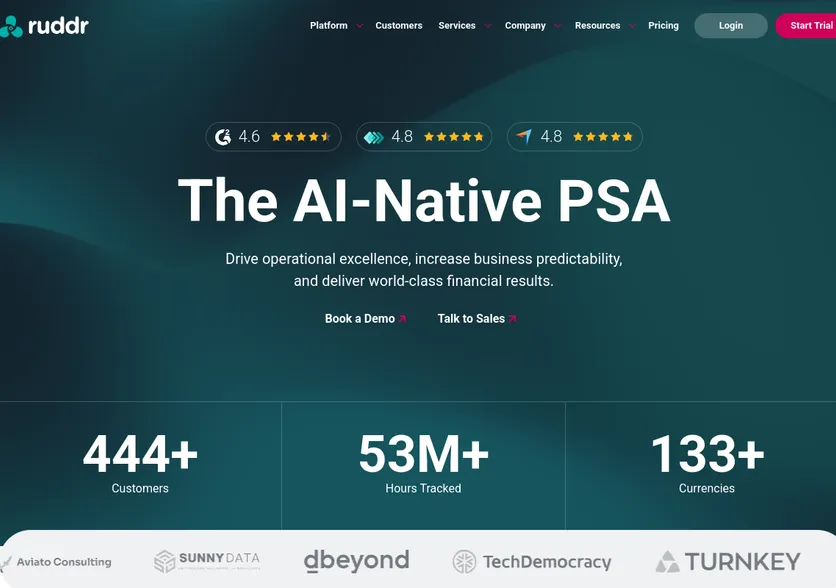
Paid tool Starting price: $14/billable user/month · Fourteen dollars per billable member a month billed annually on Team (seventeen dollars monthly); Pro is twenty-four dollars; non-billable staff are free; price locked for twenty-four months; thirty-day free trial
Free plan: No free plan; 30-day free trial
For a small consultancy that wants modern PSA without enterprise weight, this Ruddr plan costs fourteen dollars per billable member a month billed annually on Team. Only billable members pay, so support staff and analysts who never bill a client cost nothing. The price is locked for two years, which makes budgeting simple.
What we like
- Only billable members pay, so support staff are free
- Time, invoicing and project financials in one place
- Price locked for two years after signup
Watch out for
- Resource allocations and CRM integrations need Pro at twenty-four dollars
- No free plan, only a thirty-day trial
How to try it
- Add the team and mark who bills clients
- Create projects and log time against them
- Invoice from tracked time and review project margins
3. BigTime
Best for: Finance-led firms that bill by phase
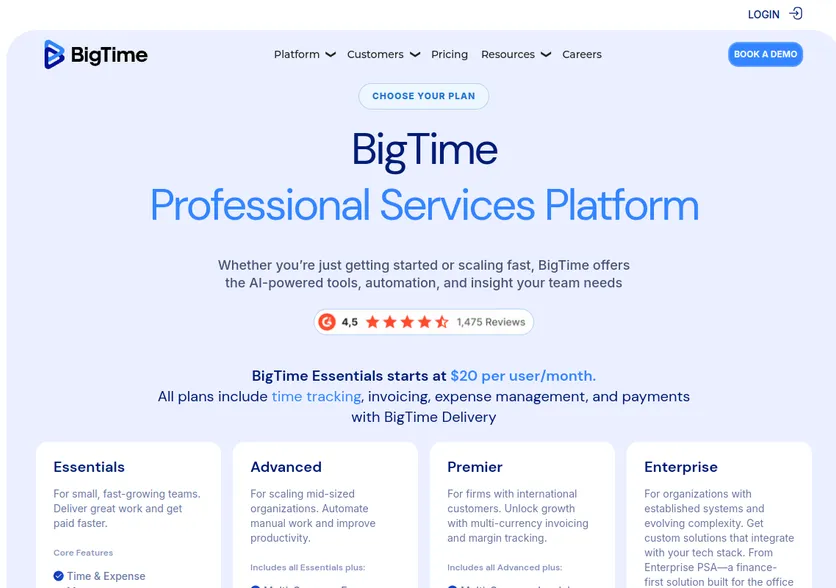
Paid tool Starting price: $20/user/month · Twenty dollars per user a month on Essentials, the only published price; Advanced, Premier and Enterprise are quoted; the vendor page states no minimum seat count or billing period, so confirm both before you buy; free demo only, no trial
Free plan: No free plan; free demo
A consultancy that bills by phase or by project needs time tied to the fee schedule, and this BigTime plan costs twenty dollars per user a month on Essentials. Invoicing and payments sit in the same workflow, and the QuickBooks and Sage Intacct links keep the back office in step. It suits finance-led firms that bill in phases.
What we like
- Phase-based billing ties time to fees cleanly
- Strong QuickBooks and Sage Intacct integrations
- Invoicing and payments sit in the same workflow
Watch out for
- Only the entry price is published, so higher tiers need a sales call
- Resource management is a separate module
How to try it
- Set up projects with phases that match the fee schedule
- Log billable time against each phase every day
- Generate invoices from approved time and send them for payment
4. Projectworks
Best for: Data consultancies that want resourcing and project financials in one suite
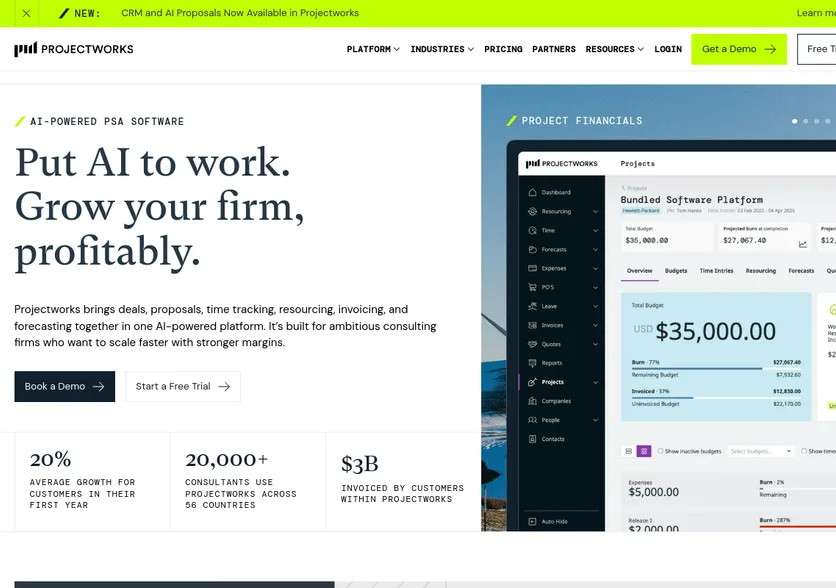
Paid tool Starting price: $17/user/month · Seventeen dollars per user a month billed annually on Build, with a ten-user minimum in bands of five; Scale is twenty-four dollars and Unleash is forty-one dollars a user a month billed annually; monthly billing is nineteen, twenty-seven and forty-five dollars with a one-year commitment; onboarding starts at one thousand dollars; Enterprise is quoted
Free plan: No free plan; 21-day free trial
Data consultancies that bill by the hour need resourcing, time and invoicing in one place, and this Projectworks plan costs seventeen dollars per user a month billed annually on Build. Resource planning with placeholders, timesheets, invoicing and forecasting sit in one system, with Xero and QuickBooks integrations included. It fits firms that want financial visibility without a sales call, though the ten-user minimum puts the real floor at one hundred and seventy dollars a month.
What we like
- Resource planning with placeholders and capacity views
- Timesheets, invoicing and forecasting in one system
- Xero and QuickBooks integrations on the entry tier
Watch out for
- Ten-user minimum in bands of five — the real floor is one hundred and seventy dollars a month
- Onboarding starts at one thousand dollars and most firms take four to six weeks to go live
How to try it
- Open the Projectworks site and start the free trial
- Set up resource placeholders against live project budgets
- Run invoicing and forecasting from the same project record
5. PSOhub
Best for: Consultancies that want a simple all-in-one PSA
Paid tool Starting price: $25/user/month · Twenty-five dollars per user a month billed annually on Essentials (thirty dollars monthly); Professional is thirty-five dollars and Enterprise is forty-five dollars; volume pricing above fifty users; thirty-day free trial
Free plan: No free plan; 30-day free trial
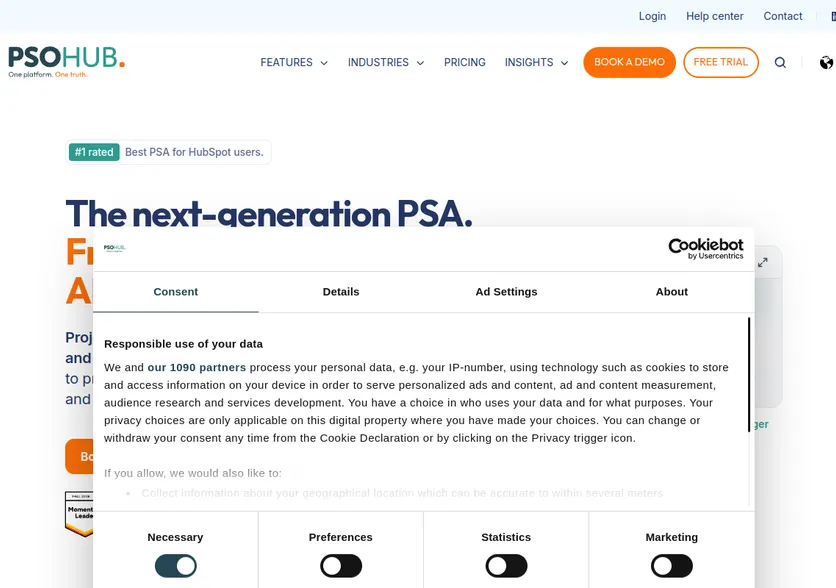
A consultancy that wants a simple all-in-one without enterprise complexity finds it here, since this PSOhub plan costs twenty-five dollars per user a month billed annually on Essentials. Projects, time, invoicing and CRM sit in one subscription with clear per-seat pricing and no hidden modules. Setup is quicker than the enterprise PSA suites.
What we like
- Projects, time, invoicing and CRM in one subscription
- Clear per-seat pricing with no hidden modules
- Quick setup compared with enterprise PSA suites
Watch out for
- Fewer deep integrations than the biggest platforms
- Advanced reporting needs the higher tiers
How to try it
- Create a project from a quote or a template
- Plan resources and log time against the project
- Invoice from tracked hours and watch the margin
6. Scoro
Best for: Firms that want quoting, delivery and money in one place
Paid tool Starting price: $29/user/month · Twenty-nine dollars per user a month billed annually on the Projects and Resources bundle; Time-billing is seventeen dollars, Quote to Cash is twenty-nine dollars and End-to-end is fifty-seven dollars; five-user minimum on every plan; the older Essential plan at twenty-six dollars is superseded by the new bundle ladder
Free plan: No free plan; 14-day free trial
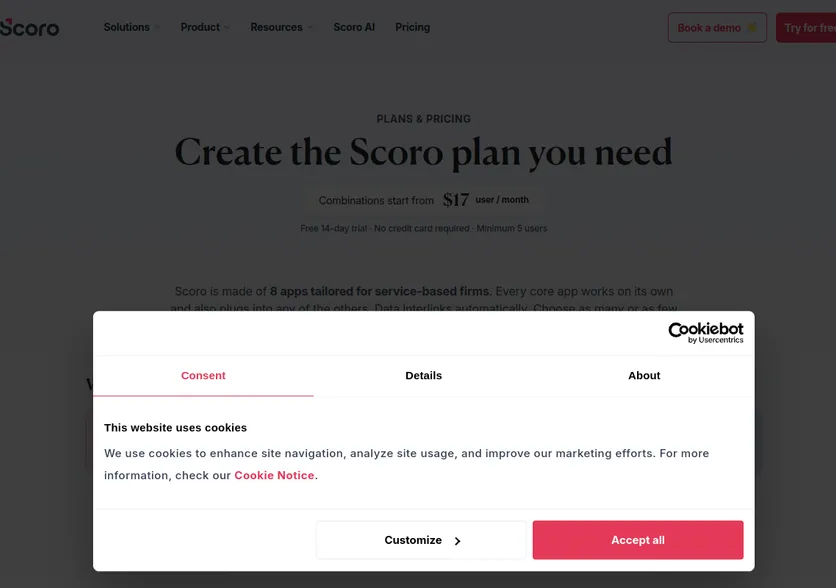
When a consultancy outgrows spreadsheets and needs quoting, delivery and money in one suite, this Scoro plan costs twenty-nine dollars per user a month billed annually on the Projects and Resources bundle. Real-time profitability reports show which engagements make money and which ones quietly lose it. It leads this list for firms past the ten-person mark.
What we like
- Quotes, projects, capacity and invoices in one suite
- Real-time profitability reports per project
- CRM and quoting sit beside delivery work
Watch out for
- The five-user minimum makes the real floor one hundred and forty-five dollars a month
- Add-ons push the bill up as modules are added
How to try it
- Set up a quote and turn it into a live project
- Plan capacity across the team on the resource board
- Track time and invoice from the same project record
7. Rocketlane
Best for: Consultancies that onboard clients in public
Paid tool Starting price: $49/user/month · Forty-nine dollars per user a month billed annually on Standard; Premium is sixty-nine dollars and adds resource management; Enterprise is quoted; five-seat minimum; implementation is priced by scope
Free plan: No free plan; 14-day free trial
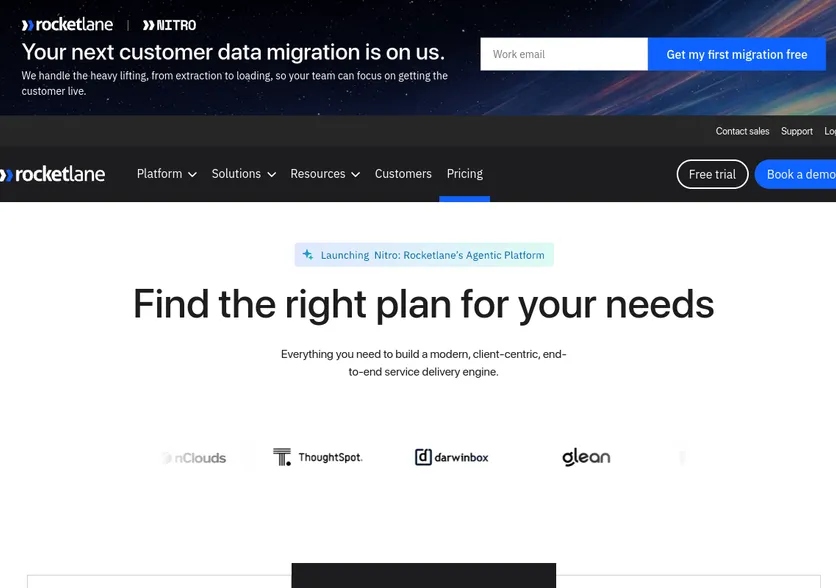
For a consultancy that onboards clients in public, this Rocketlane plan costs forty-nine dollars per user a month billed annually on Standard, and its branded client portal keeps delivery visible to everyone. AI agents handle routine delivery updates, so project managers spend less time writing status emails. It is the most client-facing tool in this list.
What we like
- Branded client portal keeps delivery visible
- AI agents handle routine delivery updates
- Project financials sit beside the delivery plan
Watch out for
- Resource management only starts on Premium at sixty-nine dollars
- Implementation takes four to twelve weeks
How to try it
- Set up the project with milestones and owners
- Invite the client to the branded portal
- Track delivery and finances from the same dashboard
Prices above were checked on each vendor’s own website on Nov 28, 2026 and can change — the vendor’s page is the final word. Vendor links are editorial: nobody paid to be listed or ranked here. Vendors who want a featured listing can see how it works on our Get listed page.
How to pick PSA software for a data consultancy
Start with capacity planning, because a consultancy that cannot see next week's availability will overbook its best people. Check whether the tool plans open roles and placeholders, not just named staff, since hiring lags behind sales by months. Test the profitability reports on a real engagement, because a tool that cannot show margin per project is just a timesheet. Watch the minimum seat count, since a ten-seat floor triples the bill for a five-person firm. Finally, run a trial on one live engagement with real hours and real invoices, and only pay once the numbers match the old spreadsheet.
Before you buy
- Confirm the tool plans capacity for open roles and placeholders, not just named staff
- Check whether profitability is reported per engagement, not just per client
- Ask if the CRM and invoicing are included, or sold as separate modules
- Make sure the minimum seat count still works for the size of the team
- Test the tool on one live engagement with real hours before paying for a full year
Official websites
Official websites of the products reviewed above. Features and prices were checked against these sites when this guide was written, and they can change, so confirm on the vendor site before you buy.
Frequently asked questions
What is PSA software for data consultancies?
It is software that runs the business side of a consultancy: engagements, capacity, time tracking, billing and profitability in one system. Good tools show who is free next week and which engagements make money, so a partner can staff work without guessing. The best options also connect to the accounting software the firm already uses, so billing and books stay in step.
How much does Scoro cost for a data consultancy?
Scoro costs twenty-nine dollars per user a month billed annually on the Projects and Resources bundle, with Time-billing at seventeen dollars and End-to-end at fifty-seven dollars. There is a five-user minimum, so the real floor is one hundred and forty-five dollars a month. A fourteen-day free trial lets a firm test the capacity board on a real engagement first.
Can a small data consultancy use PSA software for free?
Not really, since most tools in this list offer trials rather than free plans. Productive and PSOhub have no free tier, only fourteen and thirty-day trials. Teamwork and Avaza do offer free plans, but they are lighter on capacity planning. A small firm should start with a trial on one live engagement before paying.
Which PSA tool is best for a small data consultancy?
Productive is the best value for a small consultancy, at ten dollars a user a month billed annually, with projects, budgets and invoicing in one place. Ruddr is the better pick at fourteen dollars a billable member if only part of the team bills clients. Scoro is the choice once the firm needs capacity planning and profitability reports.
Why are Kantata and Certinia not in this list?
Both platforms publish no prices, so buyers must go through a sales process before any budget figure exists. We only include tools with a published US dollar list price, so quote-only tools are excluded even when large consultancies ask about them. Ask each vendor for a scoped quote before shortlisting either one.
Compare the seven tools above, then start with a free trial on the tool that matches how the firm plans capacity, before paying for a full year.
Browse Business Tools tools