On this page
An MSP runs on tickets, contracts and billable hours, so the PSA software has to turn support work into invoices without a second system. The seven tools below cover that job for providers of every size, from a forty-dollar helpdesk for a two-person shop to a full PSA and RMM stack for teams with hundreds of endpoints. Atera leads because it pairs PSA and RMM on one bill with unlimited devices per technician. The rest are ranked on how well they turn ticket time into money for the price.
How we researched this
We checked every price on the vendor pricing page on November 28, 2026, and only included tools with a published US dollar list price. ConnectWise PSA, Autotask, Kaseya BMS and NinjaOne publish no prices, so they are not in this list even though MSPs ask about them often. Prices change, so confirm the current figure on the vendor site before you buy.
Compare the tools
| Name | Best for | Starting price | Free plan | |
|---|---|---|---|---|
| SherpaDesk | Small MSPs that bill contracts and prepaid hours | $40/agent/month | Free plan (first agent free) | Visit |
| DeskDay | MSPs whose clients live in Microsoft Teams | $59/technician/month | No free plan; 14-day free trial | Visit |
 SuperOps | MSPs that want modern PSA without legacy weight | $79/technician/month | No free plan; 14-day free trial | Visit |
| HaloPSA | MSPs that want one system for tickets, projects and billing | $99/agent/month | No free plan; 30-day free trial | Visit |
| Gorelo | MSPs that want PSA and RMM together | $99/technician/month | No free plan; free demo | Visit |
 Atera | MSPs that want PSA and RMM on one bill | $129/technician/month | No free plan; 30-day free trial | Visit |
 Syncro | MSPs that bill from tickets and contracts | $129/user/month | No free plan; 14-day free trial | Visit |
The PSA software for MSPs, compared
1. SherpaDesk
Best for: Small MSPs that bill contracts and prepaid hours
Paid tool Starting price: $40/agent/month · Forty dollars per agent a month billed annually on Base Camp (forty-five dollars billed monthly); High Camp is fifty dollars billed annually; the first agent is free on every plan; fourteen-day free trial, no card
Free plan: Free plan (first agent free)
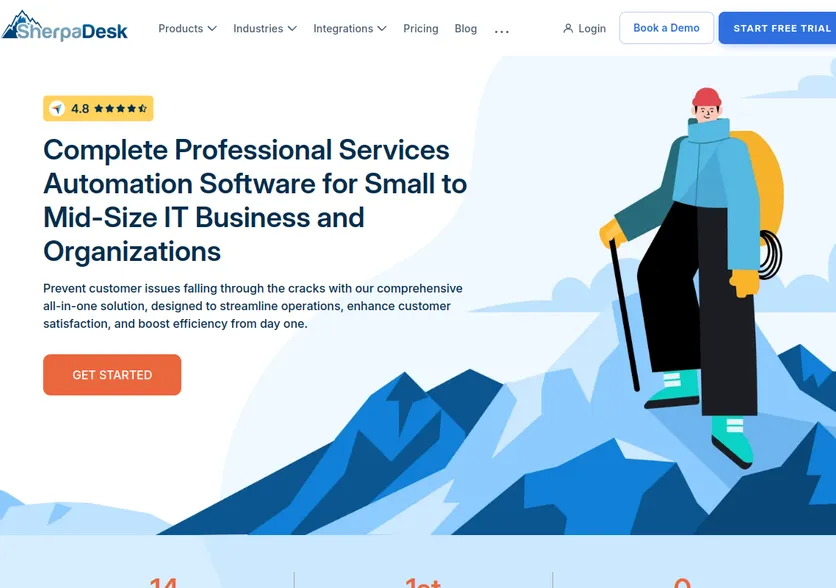
A small MSP that bills contracts and prepaid hours will like this SherpaDesk plan, which costs forty dollars per agent a month billed annually on Base Camp. The first agent is free, so a two-person shop pays for one seat, and prepaid hours with overage are built into every contract. Invoices flow straight into QuickBooks Online, which saves the Friday billing run.
What we like
- First agent free, so a two-person shop pays for one
- Prepaid hours and overage built into contracts
- Invoices flow straight into QuickBooks Online
Watch out for
- No RMM of its own, so the monitoring bill sits elsewhere
- The NinjaOne link needs High Camp
How to try it
- Add the team and set up client contracts with prepaid hours
- Log ticket time against each contract
- Send invoices from the Ready to Invoice queue
2. DeskDay
Best for: MSPs whose clients live in Microsoft Teams
Paid tool Starting price: $59/technician/month · Fifty-nine dollars per technician a month billed annually on Standard (seventy-nine dollars billed monthly); Enterprise is from four hundred and ninety-nine dollars a month plus sixty-nine dollars per technician; two-seat minimum on monthly billing; fourteen-day free trial; DeskDay AI is a priced add-on
Free plan: No free plan; 14-day free trial
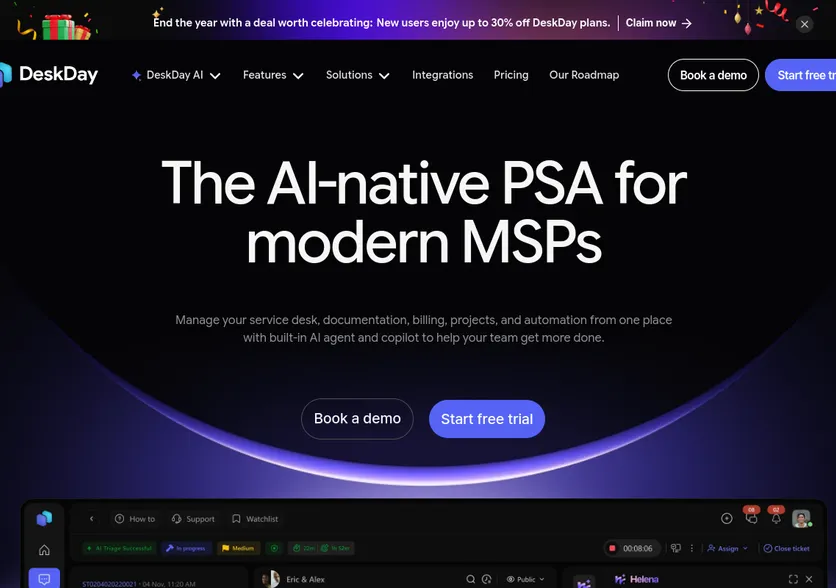
For an MSP whose clients live in Microsoft Teams, this DeskDay plan costs fifty-nine dollars per technician a month billed annually on Standard. Clients raise tickets inside a Teams app, and contracts, invoicing and time sit in the same place. Free data migration from the old PSA makes the switch less painful.
What we like
- Clients raise tickets inside a Teams app
- Contracts, invoicing and time in one place
- Free data migration from the old PSA
Watch out for
- The AI triage add-on is priced separately
- Two-seat minimum on monthly billing
How to try it
- Set up the team and connect the Teams app
- Create contracts and configure ticket queues
- Track time on tickets and invoice from the work
3. SuperOps
Best for: MSPs that want modern PSA without legacy weight
Paid tool Starting price: $79/technician/month · Seventy-nine dollars per technician a month billed annually on PSA-only (eighty-nine dollars monthly); RMM-only is ninety-nine dollars, Pro is one hundred and twenty-nine dollars and Super is one hundred and fifty-nine dollars; one hundred and fifty endpoints per technician licence
Free plan: No free plan; 14-day free trial
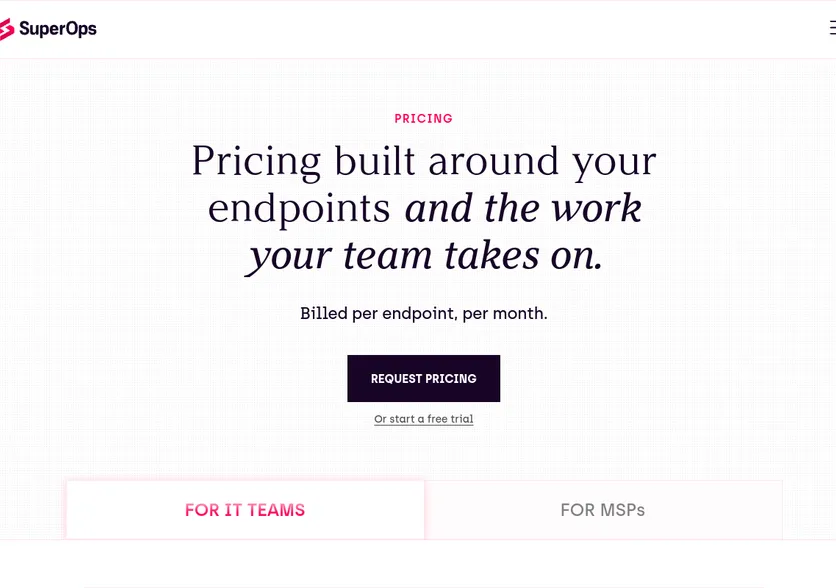
An MSP that wants modern PSA without legacy weight finds it here, since this SuperOps plan costs seventy-nine dollars per technician a month billed annually on PSA-only. The clean interface is one new technicians learn fast, and the PSA and RMM modules can be bought separately. It is the most approachable tool in this list for a growing team.
What we like
- Clean interface that new technicians learn fast
- PSA and RMM modules can be bought separately
- AI features included on the higher tiers
Watch out for
- One hundred and fifty endpoints per technician licence is a real cap
- Fewer third-party integrations than the incumbents
How to try it
- Create client accounts and set up service contracts
- Connect devices and configure monitoring policies
- Run tickets, time and billing from one dashboard
4. HaloPSA
Best for: MSPs that want one system for tickets, projects and billing
Paid tool Starting price: $99/agent/month · Ninety-nine dollars per agent a month billed annually for one to twenty-four agents (ninety-five dollars at twenty-five to forty-nine agents, eighty-nine dollars at fifty to ninety-nine); the UK page lists sixty-six pounds; an onboarding package is required and priced by scope; thirty-day free trial
Free plan: No free plan; 30-day free trial
For an MSP that wants one system for tickets, projects and billing, this HaloPSA plan costs ninety-nine dollars per agent a month billed annually. Deep automation routes tickets and bills from logged time, and the MSP can run it in the cloud or self-hosted. It is the most complete platform in this list, and the setup reflects that depth.
What we like
- Tickets, projects, billing and CRM in one platform
- Deep automation for ticket routing and billing
- Self-hosted or cloud, the MSP chooses
Watch out for
- An onboarding package is mandatory and priced by scope
- Setup is heavier than the simpler PSA tools
How to try it
- Import clients, contracts and service level agreements
- Route tickets through queues with automation rules
- Bill from logged time and contract terms each month
5. Gorelo
Best for: MSPs that want PSA and RMM together
Paid tool Starting price: $99/technician/month · Ninety-nine dollars per technician a month billed annually on the Full Platform (one hundred and forty-nine dollars billed monthly), per a November 2026 vendor-page comparison for a three-technician team; confirm the current figure on the vendor pricing page before you buy
Free plan: No free plan; free demo
An MSP that wants PSA and RMM together on one bill will find it here, because this Gorelo plan costs ninety-nine dollars per technician a month billed annually on the Full Platform. Tickets, monitoring and billing run from one console, and setup is quick for small teams. Confirm the per-technician figure on the vendor pricing page before you buy, since it comes from a comparison read.
What we like
- Full platform covers tickets, RMM and billing
- One bill for the whole MSP stack
- Quick setup for small teams
Watch out for
- The per-technician figure comes from a comparison read, so confirm it at checkout
- Smaller integration library than the incumbents
How to try it
- Add technicians and onboard client devices
- Configure ticket queues and billing rules
- Run tickets, monitoring and invoicing from one console
6. Atera
Best for: MSPs that want PSA and RMM on one bill
Paid tool Starting price: $129/technician/month · One hundred and twenty-nine dollars per technician a month billed annually on Pro (one hundred and thirty-nine dollars monthly); Growth is one hundred and fifty-nine dollars and Power is two hundred and nine dollars; some listings show one hundred and seventy-nine dollars for Growth, which appears stale; unlimited devices
Free plan: No free plan; 30-day free trial
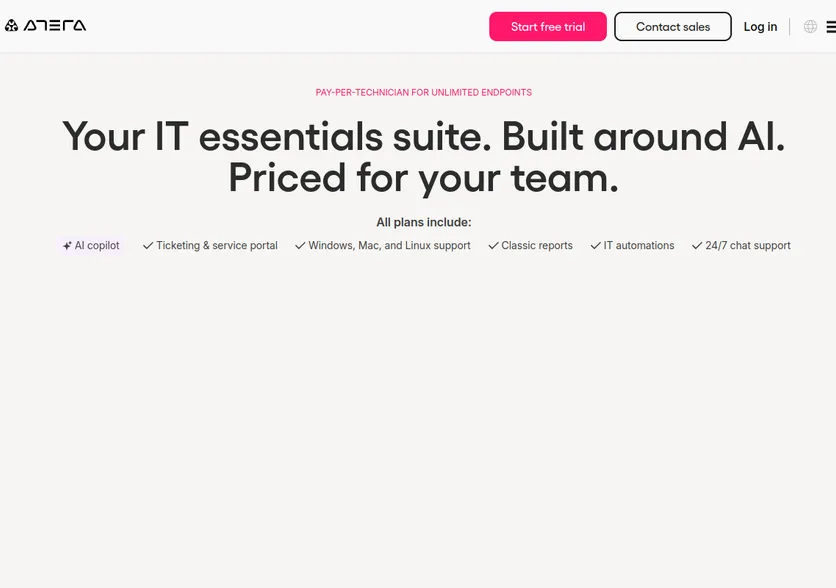
For an MSP that wants PSA and RMM on one bill with no per-device charges, this Atera plan costs one hundred and twenty-nine dollars per technician a month billed annually on Pro. Unlimited devices per technician means the bill does not grow with every new endpoint, and the AI assistant drafts ticket replies. It leads this list for MSPs that run monitoring and billing together.
What we like
- Unlimited devices per technician, no per-endpoint fees
- PSA and RMM in one console with one login
- AI assistant drafts ticket replies and summaries
Watch out for
- Growth pricing is reported differently across listings
- The Pro tier caps some automation features
How to try it
- Add technicians and connect client devices with the agent
- Set up monitoring alerts and ticket rules
- Bill clients from tickets and contract hours
7. Syncro
Best for: MSPs that bill from tickets and contracts
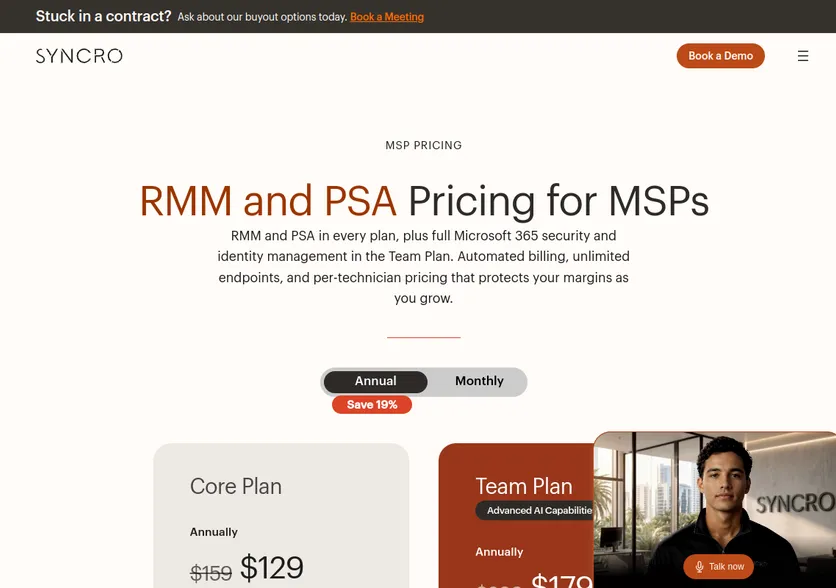
Paid tool Starting price: $129/user/month · One hundred and twenty-nine dollars per user a month billed annually on Core (one hundred and fifty-nine dollars monthly); Team is one hundred and seventy-nine dollars; Enterprise is quoted; unlimited endpoints; fourteen-day free trial; Team AI is free through January 2027, then usage-based
Free plan: No free plan; 14-day free trial
An MSP that bills from tickets and contracts will like this Syncro plan, which costs one hundred and twenty-nine dollars per user a month billed annually on Core. Unlimited endpoints come with no per-device charge, and built-in invoicing turns ticket time into bills. It is the closest rival to Atera in this list for a combined PSA and RMM stack.
What we like
- Unlimited endpoints with no per-device charge
- Tickets, billing and RMM in one subscription
- Built-in invoicing from ticket time
Watch out for
- Team AI becomes usage-based after January 2027
- Reporting depth lags the enterprise PSA tools
How to try it
- Onboard clients and install the agent on their devices
- Set up ticket queues and contract billing rules
- Invoice from ticket time and review margins monthly
Prices above were checked on each vendor’s own website on Nov 28, 2026 and can change — the vendor’s page is the final word. Vendor links are editorial: nobody paid to be listed or ranked here. Vendors who want a featured listing can see how it works on our Get listed page.
How to pick PSA software for an MSP
Start with whether the MSP needs RMM in the same bill, because a PSA-only tool means a second monitoring subscription on top. Check the per-technician maths against endpoints, since unlimited devices beats a per-endpoint cap once the client base grows. Test the contract billing on a real client, because prepaid hours, overage and retainers are where MSP billing usually breaks. Watch for mandatory onboarding packages, since some vendors charge for setup by scope. Finally, run a trial on one live client with real tickets and real invoices, and only pay once the numbers match the old system.
Before you buy
- Confirm whether RMM is included in the price or billed as a second subscription
- Check the endpoint cap per technician, since unlimited devices beats a per-endpoint limit
- Ask how prepaid hours, overage and retainers are billed from ticket time
- Make sure the accounting link syncs invoices into QuickBooks Online or Xero
- Test the tool on one live client with real tickets before paying for a full year
Official websites
Official websites of the products reviewed above. Features and prices were checked against these sites when this guide was written, and they can change, so confirm on the vendor site before you buy.
Frequently asked questions
What is PSA software for MSPs?
It is software that runs the business side of a managed service provider: tickets, contracts, time tracking, billing and reporting in one system. Good tools turn ticket time into invoices automatically, so a technician never has to remember what to bill. The best options also include remote monitoring, so devices and tickets live in the same console.
How much does Atera cost for an MSP?
Atera costs one hundred and twenty-nine dollars per technician a month billed annually on Pro, with Growth at one hundred and fifty-nine dollars and Power at two hundred and nine dollars. Devices are unlimited per technician, so the bill does not grow with endpoints. A thirty-day free trial lets an MSP test the full stack before paying.
Can a small MSP use PSA software for free?
Partly, with SherpaDesk, which makes the first agent free on every plan, so a two-person shop pays for one seat. No tool in this list offers a full free plan, but most offer fourteen or thirty-day trials. A small MSP should start with SherpaDesk or a trial, then move up as the client base grows.
Which PSA tool is best for a small MSP?
SherpaDesk is the best value for a small MSP, at forty dollars an agent a month billed annually with the first agent free, plus prepaid hours and QuickBooks billing. DeskDay is the better pick if clients live in Microsoft Teams. Atera is the choice once the MSP wants monitoring and billing on one bill.
Why are ConnectWise and Autotask not in this list?
Both platforms publish no prices, so buyers must go through a sales call before any budget figure exists. We only include tools with a published US dollar list price, so quote-only tools are excluded even when MSPs ask about them. Ask each vendor for a scoped quote before shortlisting either one.
Compare the seven tools above, then start with a free trial on the tool that matches how the MSP bills, before paying for a full year.
Browse Business Tools tools