On this page
Paid time off sounds simple until you run a small business. One employee asks for a week off, another has already booked the same dates, and the spreadsheet tracking balances has not been updated since spring. The right PTO software ends that mess: staff request time off from their phones, managers approve in one tap, and balances update on their own. Below are seven paid PTO tools compared on price, scheduling, payroll links and free trials, with every price checked on the vendor site. Zoho People is our first pick — the cheapest proper PTO tracking here.
How we researched this
We started from the PTO tools small businesses actually buy, then checked each price on the vendor pricing page on November 25, 2026 and noted the free trial or free plan each one offers. We judged them for a normal buyer, a small business owner with ten to fifty staff who needs time off tracked without hiring an HR manager, and we weighed clear pricing, mobile requests and payroll links ahead of raw feature counts.
Compare the tools
| Name | Best for | Starting price | Free plan | |
|---|---|---|---|---|
 Rippling | Teams that want HR, payroll and IT on one employee record | $8/user/month | See website | Visit |
 Homebase | Hourly teams at one or more locations that need PTO with scheduling | $70/location/month | Free plan | Visit |
 Deputy | Shift teams that need scheduling, time tracking and leave in one app | $5/user/month | 30-day free trial | Visit |
 When I Work | Small shift teams that want the cheapest per-user PTO and scheduling | $2.50/user/month | 14-day free trial | Visit |
 QuickBooks Time | Teams already on QuickBooks who want hours to flow into payroll | $20/month + $10/user/month | 30-day free trial | Visit |
 Gusto | Small single-state teams that want payroll and PTO together | $49/month + $6/person/month | Free until first payroll | Visit |
 Zoho People | Budget teams that want full HR and leave tracking for a few dollars | $1.25/user/month | Free plan | Visit |
The PTO tracking tools, compared
1. Rippling
Best for: Teams that want HR, payroll and IT on one employee record
Paid tool Starting price: $8/user/month · Starting price, plus a monthly base fee; full cost by custom quote; US payroll from $8 per employee per month billed annually
Free plan: See website
Rippling builds HR, payroll, IT and finance on a single employee record, so a time off request, a payroll run and a laptop handover all read from the same data. This Rippling platform starts at about eight dollars per user a month plus a monthly base fee, and each product you add is priced per employee per month on top. It is the pick for companies that plan to grow fast, though the final bill needs a custom quote.

What we like
- One record across HR, payroll and IT
- Automations cut manual admin work
- Hundreds of integrations included
Watch out for
- Final price needs a custom quote
- Each product raises the per-person cost
How to try it
- Request a quote for your headcount
- Set up records and time off policies
- Add payroll, benefits or IT as you grow
2. Homebase
Best for: Hourly teams at one or more locations that need PTO with scheduling
Paid tool Starting price: $70/location/month · Plus, billed monthly; Essentials $30 and All-in-One $120 per location per month; PTO controls start on Plus; free Basic plan; 14-day All-in-One trial
Free plan: Free plan
Homebase is the scheduling and time clock app hourly teams live in, and its PTO controls sit beside shifts, timesheets and team messaging. This Homebase plan costs about seventy dollars per location a month for Plus, the first plan with PTO controls, and the price stays flat no matter how many employees you add. It is the pick for restaurants, shops and clinics that schedule by the hour and want time off approved in the same app.

What we like
- Flat price per location, not per person
- PTO beside scheduling and time tracking
- Free plan for one location and ten staff
Watch out for
- PTO needs Plus, not Essentials
- Payroll is a separate add-on
How to try it
- Create an account for your location
- Add your team and publish the schedule
- Turn on PTO controls and approve requests
3. Deputy
Best for: Shift teams that need scheduling, time tracking and leave in one app
Paid tool Starting price: $5/user/month · Lite, billed upfront or in monthly installments; Core $6.50 and Pro $9 per user per month; $30 monthly minimum spend; HR add-on $2 per user per month; free trial
Free plan: 30-day free trial
Deputy is the workforce app for shift-based teams, combining schedules, timesheets, time clocks and leave requests in one place. This Deputy plan starts at about five dollars per user a month for Lite, with leave and availability included from the entry plan, and a thirty-day trial lets you test it on a real roster. It is the pick for managers who build rotas every week and want time off visible before a shift is published.

What we like
- Leave included from Lite
- Strong scheduling for shift teams
- Thirty-day trial on a real roster
Watch out for
- Thirty-dollar monthly minimum applies
- Payroll and HR cost extra
How to try it
- Start a trial and add your team
- Build the weekly schedule with leave marked
- Publish the rota and let staff swap shifts
4. When I Work
Best for: Small shift teams that want the cheapest per-user PTO and scheduling
Paid tool Starting price: $2.50/user/month · Essentials, single location; $5 per user per month for multiple locations; Pro $5 and Premium $8 per user per month; 14-day free trial, no card required
Free plan: 14-day free trial
When I Work keeps scheduling, time tracking and team messaging in one simple app that a small team can learn in an afternoon. This When I Work plan starts at about two dollars and fifty cents per user a month for a single location, and every plan includes scheduling, time and attendance and messaging with no add-on required. It is the pick for cafes, shops and clinics that want the lowest per-user price without giving up time off tracking.

What we like
- Lowest per-user price here
- Every plan includes time tracking
- No add-ons for the core tools
Watch out for
- Multi-location teams pay double
- No free plan, only a trial
How to try it
- Start a trial and add your team
- Build the schedule with templates
- Let staff request time off from phones
5. QuickBooks Time
Best for: Teams already on QuickBooks who want hours to flow into payroll
Paid tool Starting price: $20/month + $10/user/month · Time Premium base fee plus per-user fee, billed monthly; base fee includes 1 admin; Elite $40 plus $12 per user; base fee 70 percent off for 3 months; requires QuickBooks Online; 30-day free trial
Free plan: 30-day free trial
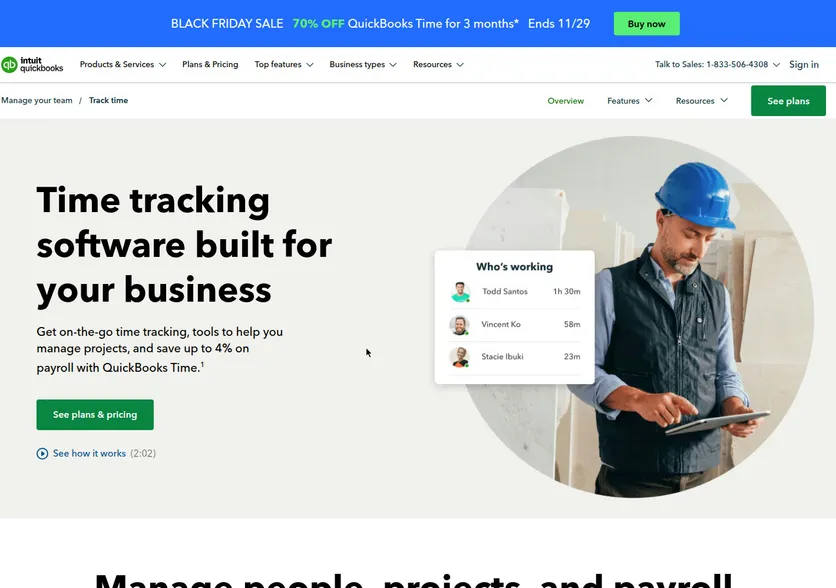
QuickBooks Time is the time tracker for businesses that already run QuickBooks, with mobile clock-ins, a time kiosk and time off management that syncs with payroll. This QuickBooks Time plan costs about twenty dollars a month plus about ten dollars per user a month for Premium, and approved hours flow straight into QuickBooks payroll and invoicing. It is the pick for field crews whose books already live in QuickBooks, though it needs a QuickBooks Online account to work.
What we like
- Hours flow into QuickBooks payroll
- Mobile app and kiosk for field teams
- Time off management on Premium
Watch out for
- Needs QuickBooks Online, billed separately
- Base plus per-user adds up fast
How to try it
- Start a trial from your QuickBooks account
- Add your team and time off policies
- Approve timesheets and sync hours to payroll
6. Gusto
Best for: Small single-state teams that want payroll and PTO together
Paid tool Starting price: $49/month + $6/person/month · Simple, billed monthly; Plus $80 plus $12 per person; Premium custom-priced; free until first payroll
Free plan: Free until first payroll
Gusto is the payroll-first platform small businesses choose when they want paychecks, tax filings and PTO handled without a finance degree. This Gusto plan starts at about forty-nine dollars a month plus about six dollars per person a month for Simple, with basic PTO tracking included and no charge until your first payroll run. It is the pick for single-state teams that want payroll and time off in one friendly place, though multi-state payroll needs the Plus plan.

What we like
- Payroll, tax filings and PTO together
- No charge until first payroll
- Friendly setup for first-time owners
Watch out for
- Multi-state payroll needs Plus
- Premium pricing is custom, not published
How to try it
- Create an account and add your team
- Set up payroll, tax filings and time off
- Run payroll and let PTO update itself
7. Zoho People
Best for: Budget teams that want full HR and leave tracking for a few dollars
Paid tool Starting price: $1.25/user/month · Essential HR, billed annually; $1.50 per user per month billed monthly; Professional $2, Premium $3 and Enterprise $4.50 per user per month billed annually; free plan for up to 5 users; 30-day free trial
Free plan: Free plan
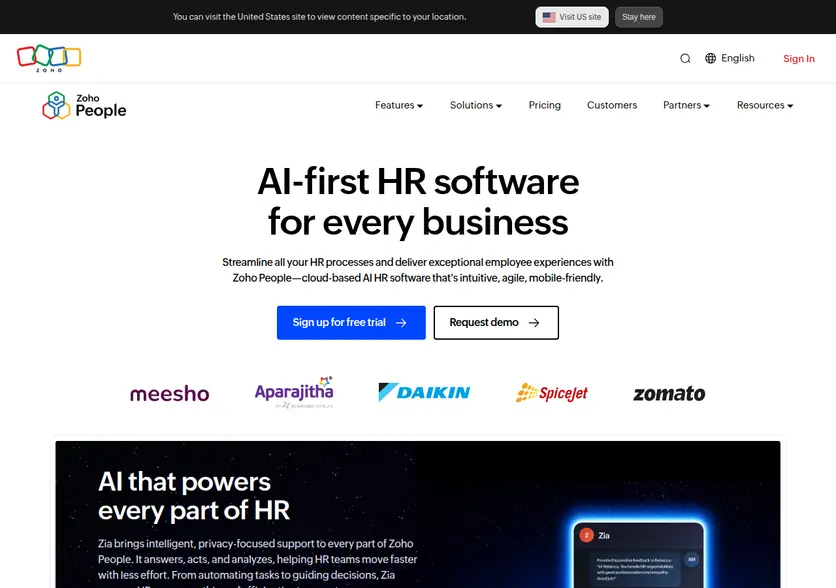
Zoho People is the cheapest full HR system on this list, with employee records, leave, attendance and timesheets for a few dollars per person. This Zoho People plan starts at about one dollar and twenty-five cents per user a month on annual billing for Essential HR, and a free plan covers up to five users for the basics. It is the pick for small teams on a tight budget that still want proper leave tracking, though payroll stays a separate product.
What we like
- Cheapest paid HR plan here
- Free plan covers five users
- Leave, attendance and timesheets together
Watch out for
- Payroll is a separate product
- Performance tools need higher plans
How to try it
- Create an account and add your team
- Set up leave types and approval rules
- Let staff request leave from the app
Prices above were checked on each vendor’s own website on Nov 25, 2026 and can change — the vendor’s page is the final word. Vendor links are editorial: nobody paid to be listed or ranked here. Vendors who want a featured listing can see how it works on our Get listed page.
What PTO tracking software costs in 2026
Some tools charge per person, some charge per location, and some add a base fee on top of the per-person rate. The table below uses the headline price each vendor shows on its own pricing page, checked on November 25, 2026.
Watch two things before you pay. First, the per-person rate is only half the bill on base-fee tools, so work out the total for your exact headcount. Second, check what the entry plan leaves out: PTO controls, payroll and multi-location support often sit on a higher tier, and that tier is the real price.
Before you buy
- Work out the total bill for your exact headcount, because base fees sit on top of per-person rates on Gusto and QuickBooks Time.
- Check whether PTO controls are on the entry plan or a higher tier, because Homebase puts them on Plus, not Essentials.
- Confirm time off syncs with payroll or scheduling, because Gusto and QuickBooks Time tie time off to payroll runs.
- Test mobile requests with real staff during the free trial, because Deputy gives thirty days and When I Work gives fourteen.
- Check the per-location price if you run several sites, because Homebase charges per location while Zoho People charges per user.
Official websites
Official websites of the products reviewed above. Features and prices were checked against these sites when this guide was written, and they can change, so confirm on the vendor site before you buy.
Frequently asked questions
Which PTO tracking software is best for small businesses in 2026?
For most small businesses, Deputy is the strongest pick for shift teams, since leave sits inside the schedule itself. Rippling is the better choice when you want payroll and HR in the same system. Zoho People wins on price, with full HR and leave tracking from about a dollar a user a month.
How much does PTO tracking software cost for a small business?
Entry prices here run from about a dollar a user a month for Zoho People, with most tools between two and ten dollars per user a month. Base-fee tools change the math: Gusto starts at forty-nine dollars a month plus six dollars per person, and Homebase charges seventy dollars per location, whatever your headcount.
Do I need payroll in the same tool as PTO tracking?
Not always, but it helps. When PTO and payroll share one system, approved time off flows into paychecks without retyping hours, and balances update on their own. Gusto, QuickBooks Time and Rippling tie time off to payroll, while Deputy, Homebase and When I Work focus on scheduling and let payroll run through an integration. If your payroll already works, a scheduling-first tool may be cheaper.
Can employees request time off from their phones?
Yes, every tool here offers a mobile app or a mobile-friendly site where staff can request time off, check balances and see approvals. Most also send push alerts to managers, so a request does not sit unread until the shift starts. Check the app reviews before you buy, since a clumsy mobile flow is the fastest way to kill adoption with hourly staff.
Can I try these PTO tools before paying?
Six of the seven tools here offer a free trial or a free plan, so you can test before you pay. Homebase and Zoho People both have a free plan, while Deputy, When I Work, QuickBooks Time and Gusto offer trials or free use until your first payroll. Use the trial on a real schedule with real time off requests, and check approvals and balances before you commit.
Only need the everyday business jobs? Run payroll dates, time math and schedules free on Toolsvine, right in your browser.
Browse Business Tools tools