On this page
Freelancers live or die by the hour, and a forgotten timer is money left on the table. The best time tracking software for freelancers starts fast, turns hours into invoices, and produces a report a client pays without argument. The eight tools below run from $4.99 a month to $20 a month plus per-user fees, every price was checked on the vendor site on November 25, 2026, and every tool offers a free plan or a free trial. Clockify is our first pick — the cheapest paid plan with unlimited tracking, and the best value for a solo freelancer.
How we researched this
We started with the time tracking tools freelancers actually use, then read each price on the vendor pricing page on November 25, 2026 and noted the free plan or trial each one carries. We judged them for a working freelancer who bills by the hour and needs clean timesheets, simple invoicing and a report a client will accept. We kept the list to tools with a published price, and we dropped any tool whose price we could not verify.
Compare the tools
| Name | Best for | Starting price | Free plan | |
|---|---|---|---|---|
 Toggl Track | Freelancers who want the simplest timer and the cleanest weekly report | $9/month | Free plan | Visit |
 Harvest | Freelancers who bill by the hour and want time tracking and invoices together | $11/month | Free plan (1 user, 2 projects) | Visit |
 Clockify | Freelancers who want the cheapest paid plan with unlimited tracking | $5.49/month | Free plan | Visit |
 Hubstaff | Freelancers who work with remote teams and need activity proof with their hours | $4.99/month | Free plan (1 user) | Visit |
 Time Doctor | Freelancers who want distraction alerts and detailed productivity reports | $6.67/month | 14-day free trial | Visit |
 Everhour | Freelancers who plan work inside Asana, Trello or Monday and want time inside the task | $8.50/month | Free plan | Visit |
 Timely | Freelancers who forget to start the timer and want automatic time capture | $9/month | 14-day free trial | Visit |
 QuickBooks Time | Freelancers and small teams who already use QuickBooks and want payroll in the same place | $20/month | 30-day free trial | Visit |
The time tracking tools, compared
1. Toggl Track
Best for: Freelancers who want the simplest timer and the cleanest weekly report
Paid tool Starting price: $9/month · Starter plan, per user per month billed annually; $12 a month billed monthly; Premium is about $16 a month billed annually
Free plan: Free plan
Toggl Track is the timer most freelancers reach for first, because starting it takes one click and the weekly report reads itself. This Toggl Track Starter plan adds billable rates, project estimates and the ability to set a budget per client. It is the best pick when the job is simply knowing where the hours went, without learning a project system first.

What we like
- One-click timer with no setup
- Weekly reports are clear and client-ready
- Free plan covers solo use well
Watch out for
- Invoicing needs a separate tool
- Project budgeting is basic on Starter
How to try it
- Open the Toggl Track pricing page and start the Starter trial
- Create a project for each client and set the rate
- Start the timer, stop it, and send the weekly report
2. Harvest
Best for: Freelancers who bill by the hour and want time tracking and invoices together
Paid tool Starting price: $11/month · Pro plan, per user per month billed annually
Free plan: Free plan (1 user, 2 projects)
Harvest is built for the freelancer whose month ends with invoices, because time tracking and billing live in the same app. This Harvest Pro plan adds unlimited clients and projects, invoicing, expense tracking and the ability to turn tracked hours into an invoice in one click. It suits a freelancer who bills by the hour and wants the invoice to write itself from the timesheet.

What we like
- Invoices are built from tracked hours
- Expense tracking included
- Clients can pay online through Stripe
Watch out for
- Free plan covers only 2 projects
- No built-in project management
How to try it
- Open the Harvest pricing page and start the Pro trial
- Create a client and a project with the hourly rate
- Track time, then turn the week into an invoice
3. Clockify
Best for: Freelancers who want the cheapest paid plan with unlimited tracking
Paid tool Starting price: $5.49/month · Standard plan, per seat per month billed annually; $6.99 a month billed monthly
Free plan: Free plan
Clockify is the budget pick that does not feel like one, because the paid plan costs less than a lunch and covers unlimited projects and users. This Clockify Standard plan adds time-off management, invoicing, project templates and the ability to lock timesheets. It is the best pick for a freelancer who wants every hour tracked and billed without paying a premium for the privilege.

What we like
- Lowest paid price on this list
- Unlimited projects and tracking
- Free plan is genuinely usable
Watch out for
- Interface is plainer than rivals
- Reports need some setup to look polished
How to try it
- Open the Clockify pricing page and pick the Standard plan
- Create a project for each client
- Track time and lock the timesheet at month end
4. Hubstaff
Best for: Freelancers who work with remote teams and need activity proof with their hours
Paid tool Starting price: $4.99/month · Starter plan, per seat per month billed annually; $7 a month billed monthly; 2-seat minimum
Free plan: Free plan (1 user)
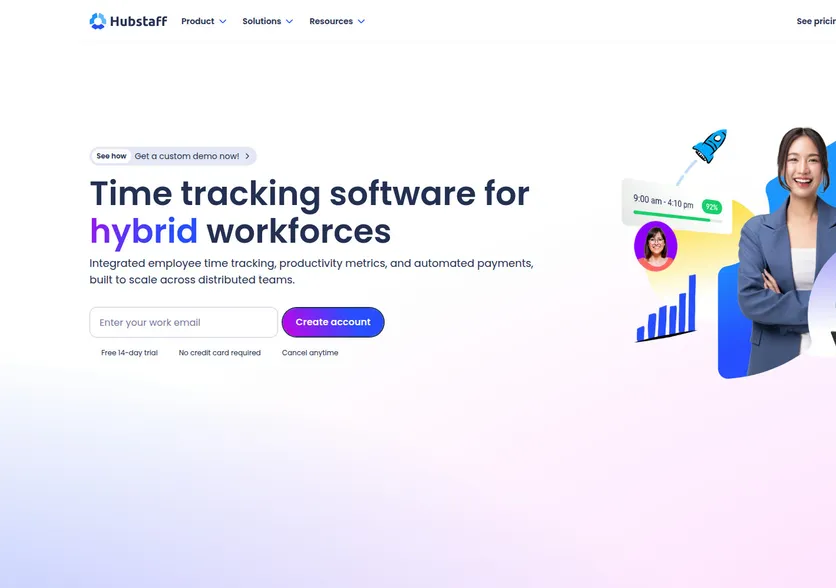
Hubstaff adds screenshots and activity levels to the timesheet, which matters when a client wants proof of work as well as hours. This Hubstaff Starter plan covers time tracking, activity monitoring and payroll for a small team. It suits a freelancer who manages contractors or bills clients who ask what the hours actually covered.
What we like
- Screenshots prove the work happened
- Payroll tools built in
- Works well for small remote teams
Watch out for
- Two-seat minimum on the paid plan
- Screenshots can feel intrusive to staff
How to try it
- Open the Hubstaff pricing page and pick the Starter plan
- Invite the team and set the screenshot schedule
- Review activity levels and approve the timesheet
5. Time Doctor
Best for: Freelancers who want distraction alerts and detailed productivity reports
Paid tool Starting price: $6.67/month · Basic plan, per user per month billed annually; $8 a month billed monthly
Free plan: 14-day free trial
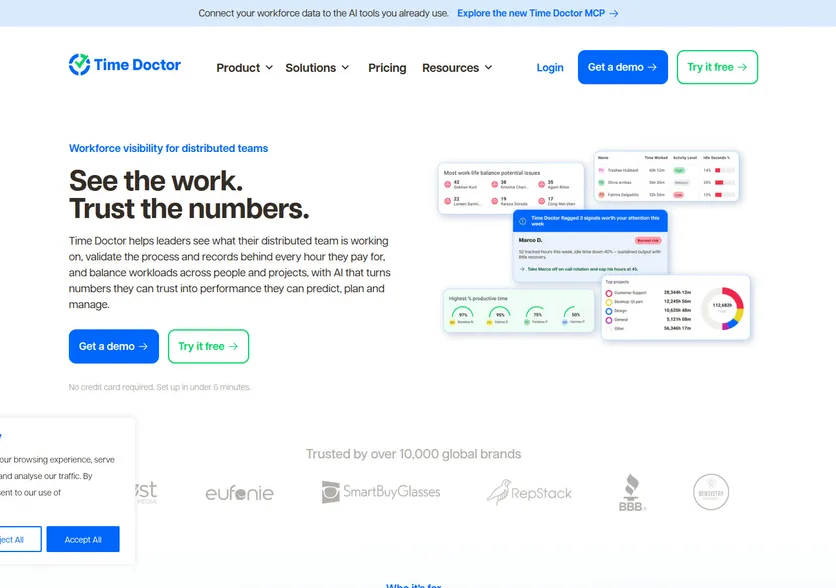
Time Doctor watches how the workday actually goes and tells you when focus slips, which is useful for a freelancer who bills for deep work. This Time Doctor Basic plan adds time tracking, distraction alerts, screenshots and client-ready reports. It is the best pick when the client pays for focused hours and wants a report that shows them.
What we like
- Distraction alerts keep focus on track
- Client reports are detailed and clear
- Works on desktop and mobile
Watch out for
- No free plan, only a trial
- Monitoring features can feel heavy-handed
How to try it
- Open the Time Doctor site and start the trial
- Create a project and set the work schedule
- Review the productivity report at week end
6. Everhour
Best for: Freelancers who plan work inside Asana, Trello or Monday and want time inside the task
Paid tool Starting price: $8.50/month · Team plan, per seat per month billed annually; $10 a month billed monthly; 5-seat minimum
Free plan: Free plan
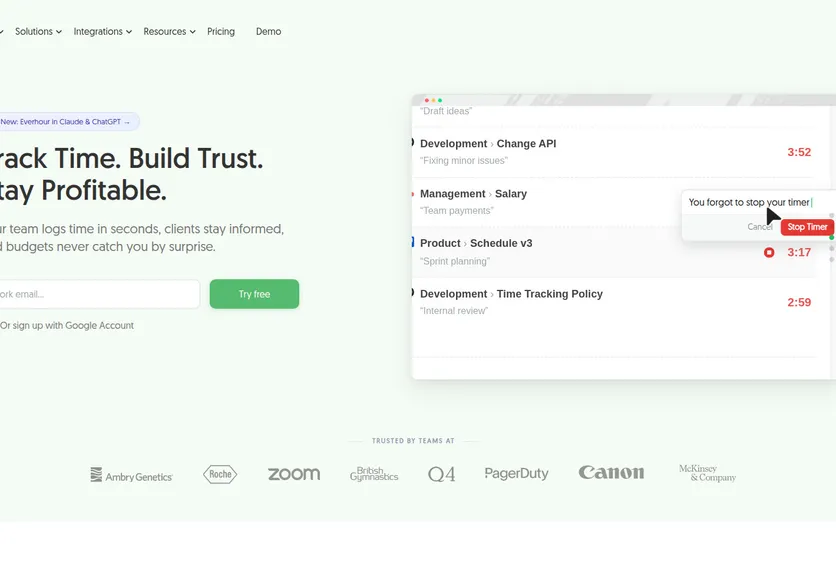
Everhour lives inside the project tools freelancers already use, so time tracking happens on the task itself instead of in a separate app. This Everhour Team plan adds timers inside Asana, Trello and Monday, project budgets, invoicing and team scheduling. It suits a freelancer whose clients already run their work in one of those tools and want hours attached to the task.
What we like
- Timer sits inside Asana and Trello
- Project budgets with alerts
- Invoicing built from tracked time
Watch out for
- Five-seat minimum on the paid plan
- Useless without a connected project tool
How to try it
- Open the Everhour pricing page and pick the Team plan
- Connect Asana, Trello or Monday
- Start the timer on a task and check the budget
7. Timely
Best for: Freelancers who forget to start the timer and want automatic time capture
Paid tool Starting price: $9/month · Starter plan, per user per month billed annually; $11 a month billed monthly
Free plan: 14-day free trial
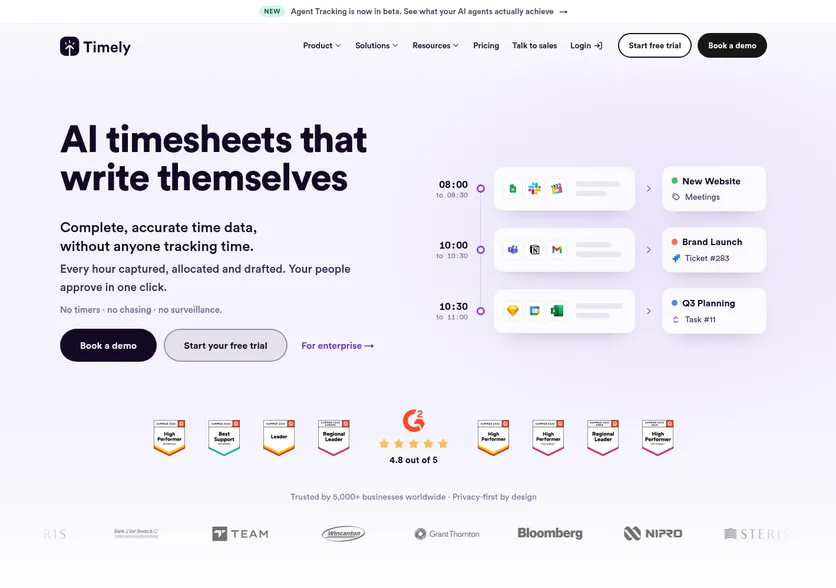
Timely is the tracker for people who never remember to press start, because it records the day automatically and lets you drag entries onto projects. This Timely Starter plan adds automatic time capture, project budgets, team capacity planning and the ability to plan hours ahead. It is the best pick for a freelancer whose day jumps between clients and who wants the timesheet to build itself.
What we like
- Automatic capture catches forgotten hours
- Planning view shows the week ahead
- Beautiful reports clients like to read
Watch out for
- No free plan, only a trial
- Automatic capture needs a desktop app
How to try it
- Open the Timely pricing page and start the trial
- Install the automatic capture app
- Drag the captured day onto your client projects
8. QuickBooks Time
Best for: Freelancers and small teams who already use QuickBooks and want payroll in the same place
Paid tool Starting price: $20/month · Time Premium plan, $20 base per month plus $10 per user per month, billed monthly; Elite is $40 base plus $12 per user
Free plan: 30-day free trial
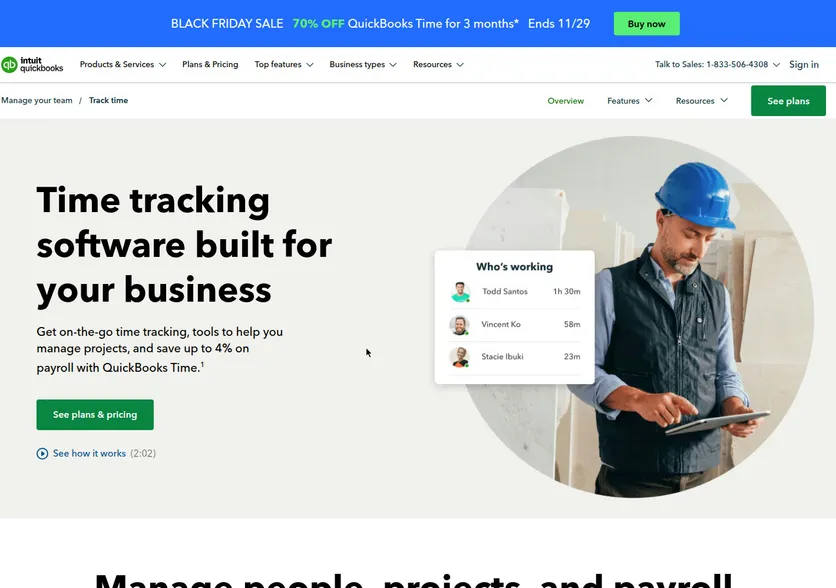
QuickBooks Time is the natural pick for anyone already running QuickBooks, because hours flow straight into payroll and invoicing without a second export. This QuickBooks Time Premium plan adds time tracking, scheduling, GPS tracking and overtime alerts for a team. It suits a freelancer with a small crew or a contractor who bills through QuickBooks and wants one system for time and money.
What we like
- Hours flow straight into QuickBooks
- GPS tracking for field work
- Scheduling and overtime alerts included
Watch out for
- Most expensive on this list
- Little value without QuickBooks
How to try it
- Open the QuickBooks Time pricing page and pick Premium
- Add the team and set the pay rates
- Track hours and send them to QuickBooks payroll
Prices above were checked on each vendor’s own website on Nov 14, 2026 and can change — the vendor’s page is the final word. Vendor links are editorial: nobody paid to be listed or ranked here. Vendors who want a featured listing can see how it works on our Get listed page.
What time tracking software costs in 2026
Price is the first filter, and the range on this list runs from $4.99 a month to $20 a month plus per-user fees. Most tools charge per user, so the real cost depends on team size, and a few carry seat minimums that raise the smallest bill. The prices in the comparison above use the headline plan each vendor shows on its own pricing page, checked on November 25, 2026. Hubstaff is the cheapest per seat at $4.99 a month but needs two seats, while QuickBooks Time is the most expensive at $20 a month plus $10 per user.
Before you buy
- Count every seat before comparing prices, because Hubstaff needs two seats and Everhour needs five, so the smallest bill is higher than the headline rate.
- Check whether invoicing is included, because Harvest turns tracked hours into an invoice in one click while Toggl Track needs a separate tool.
- Run the trial through a full billing cycle, because the month-end report is what the client actually sees and pays.
- Start on the free plan where one exists, since Toggl Track, Harvest, Clockify, Hubstaff and Everhour all have free plans while Time Doctor, Timely and QuickBooks Time offer trials only.
- Match the tool to your workflow, because Everhour lives inside Asana, Trello and Monday, while Timely records the day automatically for anyone who forgets the timer.
Official websites
Official websites of the products reviewed above. Features and prices were checked against these sites when this guide was written, and they can change, so confirm on the vendor site before you buy.
Frequently asked questions
What is the cheapest time tracking software for freelancers?
Clockify Standard, at $5.49 a month billed annually, is the cheapest paid plan here, and its free plan is genuinely usable for solo tracking. Hubstaff Starter at $4.99 a month is cheaper per seat but needs two seats, so the smallest bill is about $10 a month. Toggl Track at $9 a month is the cheapest simple timer with no seat minimum.
Which time tracking tool is best for invoicing?
Harvest is the best pick for invoicing, because it turns tracked hours into an invoice in one click and clients can pay online. Everhour and QuickBooks Time also invoice from tracked time, and Clockify adds invoicing on its Standard plan. If invoices are the main job, pick Harvest and skip the separate invoicing app.
Can I try time tracking software for free?
Yes, every tool here offers a free plan or a free trial. Toggl Track, Harvest, Clockify, Hubstaff and Everhour all have free plans, while Time Doctor, Timely and QuickBooks Time offer 14 to 30-day trials. Start with the free plan for a full billing cycle, because the month-end report is the real test.
Which time tracker works best if I forget to start the timer?
Timely is the best pick for forgotten timers, because it records your day automatically and lets you drag entries onto projects afterwards. Toggl Track and Clockify both offer one-click timers and idle detection, which helps when you step away. Automatic capture suits a freelancer whose day jumps between clients all afternoon.
Do time tracking tools charge per user?
Most tools on this list charge per user, so the bill grows with the team. Clockify and Harvest are the cheapest per seat, while QuickBooks Time adds a $20 base fee before the per-user charge. Count every person who needs a login, including part-time help, then compare the total monthly bill rather than the headline rate.
Browse the full date and time collection for every calendar job.
Browse Date & Time Tools tools