On this page
Converting a unit or a file should take seconds, not a search through tables or a trial-and-error upload. The best unit conversion software for engineers covers the units other tools skip, works offline when the site has no signal, and handles file formats through an API. The seven tools below run from $9 a month to a $29.95 one-time payment, every price was checked November 25, 2026, and every tool offers a free plan or a free trial. Uconeer is our first pick — the best engineering units, with torque, viscosity and enthalpy built in, offline, for $29.95 once.
How we researched this
We started with the conversion tools engineers and professionals actually use, then read each price on the vendor site or pricing page on November 25, 2026 and noted the free plan or trial each one carries. We judged them for someone who converts units and files every day and needs the answer fast, offline or through an API. We kept the list to tools with a published price, and we dropped any tool whose price we could not verify.
Compare the tools
| Name | Best for | Starting price | Free plan | |
|---|---|---|---|---|
 Uconeer | Engineers who want a desktop unit converter with engineering units built in | $29.95 one-time | 30-day free trial | Visit |
 ConvertAPI | Developers who need file conversion inside their own app or workflow | $35/month | 250 free conversions at sign-up | Visit |
 CloudConvert | Teams that convert files in bulk and want API access too | $9/month | Free plan (10 credits a day) | Visit |
 Zamzar | People who want unlimited web conversions with no file-size surprises | $12/month | Free plan (2 files a day) | Visit |
 magicplan | Contractors who measure rooms with a phone and need a dimensioned plan | $12.99/month | Free plan (2 projects) | Visit |
 Convertio | People who convert documents, images and audio in the browser | $11.99/month | Free plan (10 conversions a day) | Visit |
 FreeConvert | People who convert large video and audio files online | $12.99/month | Free plan (20 minutes a day) | Visit |
The conversion tools, compared
1. Uconeer
Best for: Engineers who want a desktop unit converter with engineering units built in
Paid tool Starting price: $29.95 one-time · Single user license, one-time payment; site license is $249 and enterprise is $1,999
Free plan: 30-day free trial
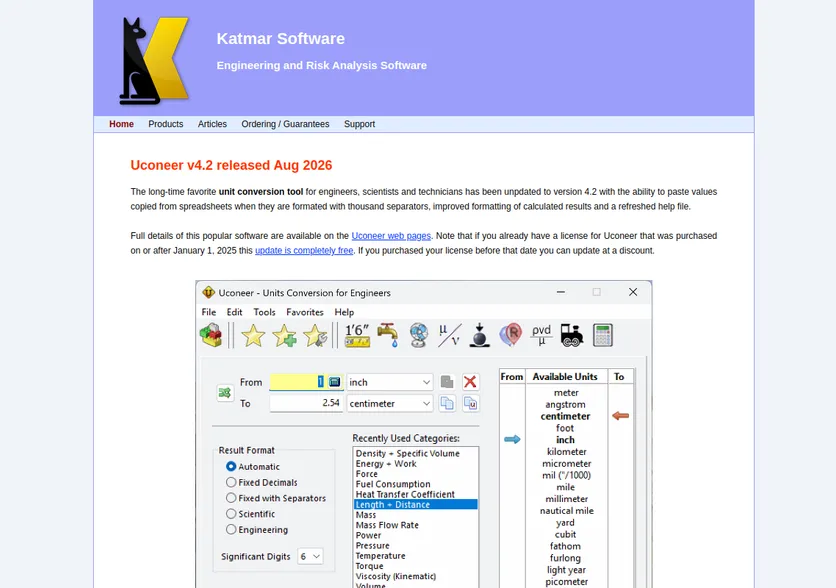
Uconeer is the converter engineers keep on the desktop, because it covers the units other tools skip: enthalpy, torque, viscosity, heat transfer and more. This Uconeer single-user license is a one-time payment that works offline, with 397 units across 46 categories and steam tables included. It suits an engineer who converts units ten times a day and wants the answer instantly, with no browser tab and no upload.
What we like
- Engineering units other tools skip
- Works fully offline, no uploads
- One-time payment, no subscription
Watch out for
- Windows only, no Mac version
- Interface looks dated next to web tools
How to try it
- Open the Uconeer page and download the trial
- Pick a category and enter the value
- Copy the converted result into your calculation
2. ConvertAPI
Best for: Developers who need file conversion inside their own app or workflow
Paid tool Starting price: $35/month · Developer plan, 1,000 conversions a month billed monthly; $30 a month billed annually
Free plan: 250 free conversions at sign-up
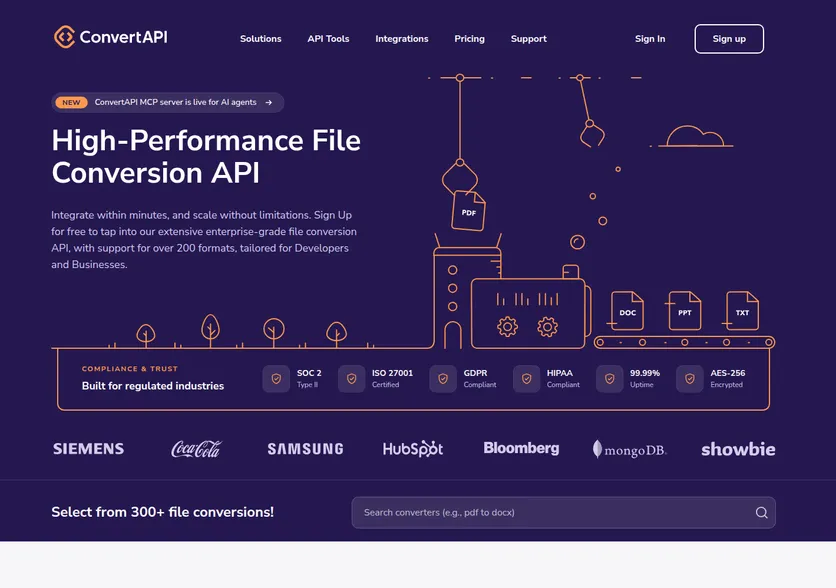
ConvertAPI turns file conversion into a service call, so an app can convert documents, images and PDFs without building the engine itself. This ConvertAPI Developer plan covers 1,000 conversions a month across more than 500 conversion types, with official SDKs and regional endpoints in the US, EU and UK. It suits a developer who needs reliable conversions in production and wants the billing to scale with volume.
What we like
- More than 500 conversion types
- Official SDKs for major languages
- Regional endpoints in the US and EU
Watch out for
- Overage costs $0.05 per conversion
- No desktop app, API only
How to try it
- Open the ConvertAPI site and create an account
- Pick the Developer plan and copy the API key
- Send a file to the API and get the converted result
3. CloudConvert
Best for: Teams that convert files in bulk and want API access too
Paid tool Starting price: $9/month · Subscription, 1,000 credits a month; packages from $17 for 1,000 credits one-time
Free plan: Free plan (10 credits a day)
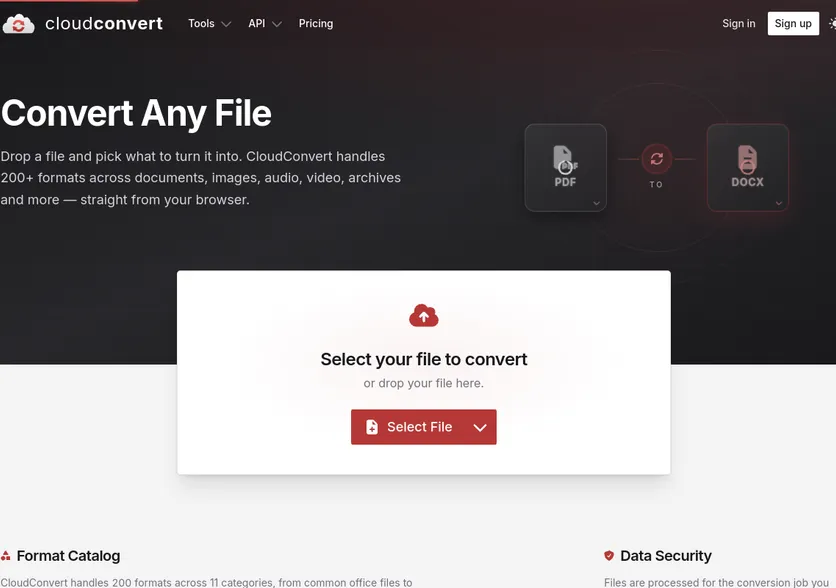
CloudConvert is the converter that handles the awkward files, with more than 200 formats and an API that fits into any workflow. This CloudConvert subscription covers 1,000 credits a month, with no size or time limits and high priority processing. It suits a team that converts files every day and wants the same tool for the website and the API, with credits that scale as volume grows.
What we like
- More than 200 formats supported
- API and website use the same credits
- One-time packages never expire
Watch out for
- Subscription credits do not roll over
- Office conversions cost extra credits
How to try it
- Open the CloudConvert pricing page and pick a subscription
- Upload a file and choose the output format
- Download the result or send it through the API
4. Zamzar
Best for: People who want unlimited web conversions with no file-size surprises
Paid tool Starting price: $12/month · Basic plan, per month; Pro is $19 a month and Business is $39 a month
Free plan: Free plan (2 files a day)
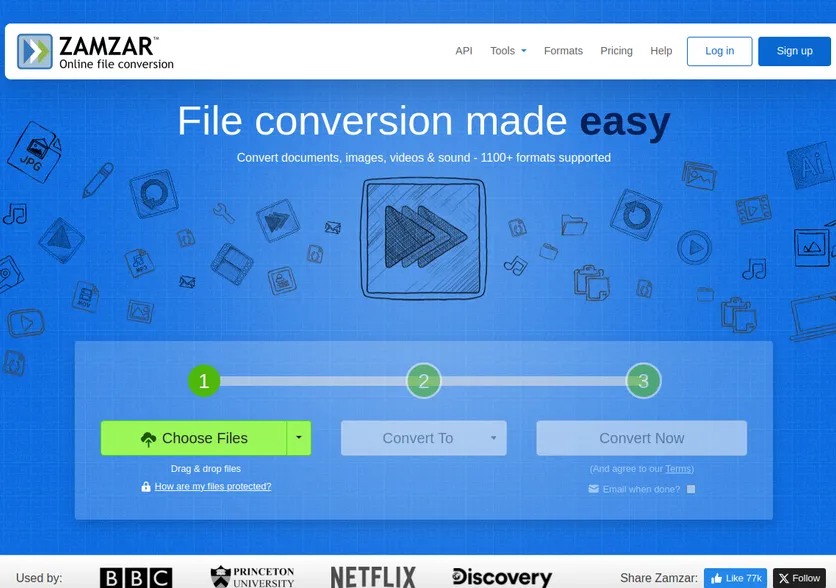
Zamzar is the converter that has been around since 2006, and its appeal is simple: unlimited web conversions on every paid plan. This Zamzar Basic plan covers 200 MB files, 25 concurrent conversions and 5 GB of online storage, with desktop conversions on top. It suits someone who converts files by hand every day and wants to stop counting conversions.
What we like
- Unlimited website conversions on paid plans
- Running since 2006, very stable
- Desktop app included on paid plans
Watch out for
- Free plan allows only 2 files a day
- No API on the Basic plan
How to try it
- Open the Zamzar pricing page and pick the Basic plan
- Upload a file and choose the output format
- Download the converted file from your inbox
5. magicplan
Best for: Contractors who measure rooms with a phone and need a dimensioned plan
Paid tool Starting price: $12.99/month · Sketch plan, per month in the App Store; $129.99 a year; team PRO plans from $250 a month
Free plan: Free plan (2 projects)
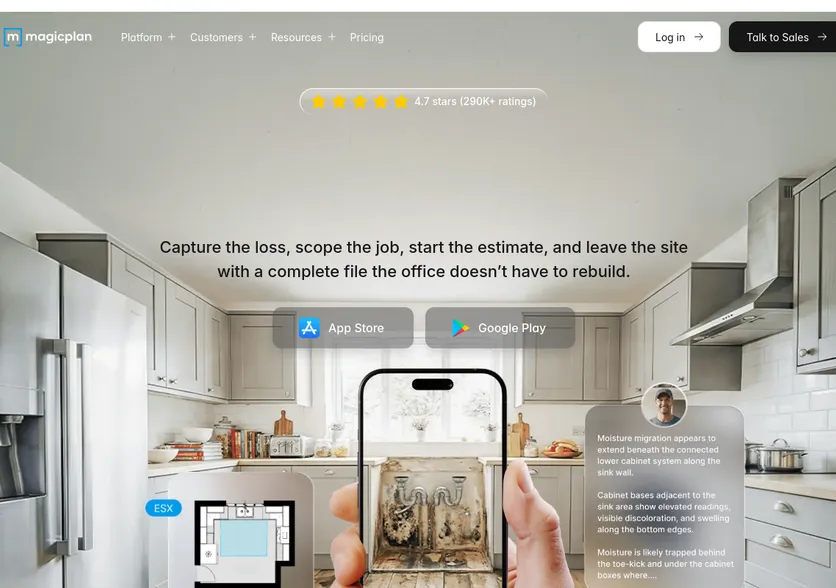
magicplan turns a phone into a tape measure: scan a room and it builds a dimensioned floor plan with photos, notes and line items attached. This magicplan Sketch plan covers floor plan creation and export for one user, with the Report and Estimate plans adding photo reports and Xactimate export. It suits a contractor or remodeler who needs a measured sketch from a site visit without carrying a laser and a clipboard.
What we like
- LiDAR scan builds plans in minutes
- Photos and notes attach to the plan
- Exports work with Xactimate on higher plans
Watch out for
- Team plans start at $250 a month
- Best features need an iPhone Pro
How to try it
- Open the magicplan site and pick the Sketch plan
- Scan a room with your phone camera
- Export the dimensioned floor plan
6. Convertio
Best for: People who convert documents, images and audio in the browser
Paid tool Starting price: $11.99/month · Lite plan, per month; $6.99 a month billed yearly; Basic is $22.99 a month
Free plan: Free plan (10 conversions a day)
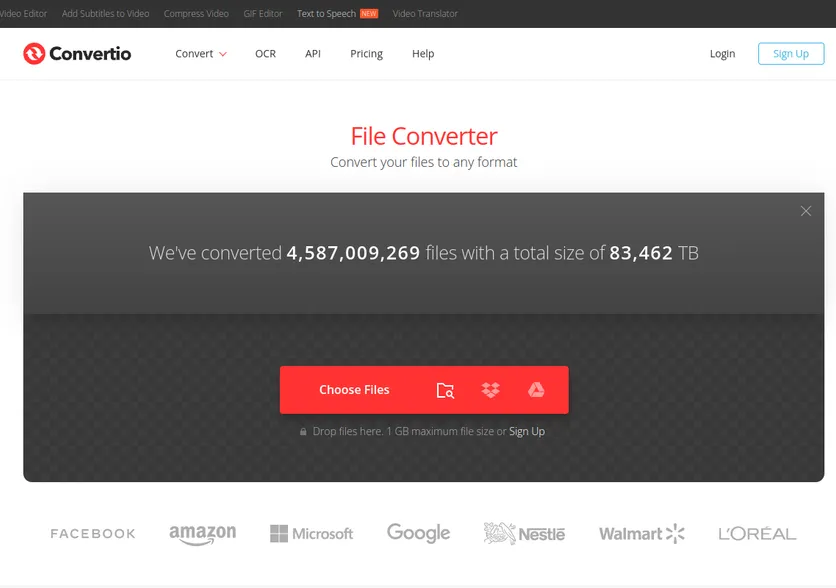
Convertio is the browser converter for the everyday job, with more than 300 formats and a clean drag-and-drop page. This Convertio Lite plan covers 1,000 conversion credits a month, 1 GB files and 50 concurrent conversions at high priority. It suits someone who converts documents and images a few times a week and wants the job done without installing anything.
What we like
- More than 300 formats supported
- No software to install
- OCR available on paid plans
Watch out for
- Free plan caps files at 100 MB
- OCR costs extra credits
How to try it
- Open the Convertio pricing page and pick the Lite plan
- Drop a file on the page and choose the format
- Download the converted file
7. FreeConvert
Best for: People who convert large video and audio files online
Paid tool Starting price: $12.99/month · Basic plan, per month; Standard is $24.99 a month and Pro is $29.99 a month
Free plan: Free plan (20 minutes a day)
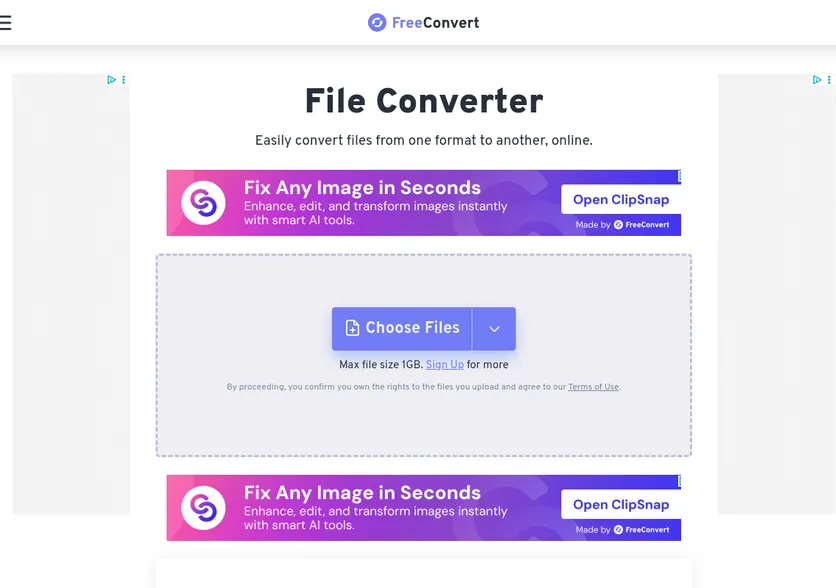
FreeConvert is the converter for big media files, with conversion minutes as the meter and file sizes up to 5 GB on the top plan. This FreeConvert Basic plan covers 1,500 conversion minutes a month, 1.5 GB files and unlimited operations a day. It suits someone who converts video and audio regularly and wants a simple monthly plan instead of counting credits per file.
What we like
- Large file sizes up to 5 GB
- Video and audio conversion built in
- Simple monthly plans, no credits
Watch out for
- Minutes are the meter, long files cost more
- Free plan caps each file at 5 minutes
How to try it
- Open the FreeConvert pricing page and pick the Basic plan
- Upload a video or audio file
- Choose the output format and convert
Prices above were checked on each vendor’s own website on Nov 14, 2026 and can change — the vendor’s page is the final word. Vendor links are editorial: nobody paid to be listed or ranked here. Vendors who want a featured listing can see how it works on our Get listed page.
What unit conversion software costs in 2026
Price is the first filter, and the range on this list runs from $9 a month to a $29.95 one-time payment. Desktop converters charge once and work offline, while web converters charge monthly and scale with volume. The prices in the comparison above use the headline plan each vendor shows on its own site, checked on November 25, 2026. Uconeer is the only one-time payment at $29.95, while ConvertAPI is the most expensive monthly plan at $35 a month and CloudConvert is the cheapest subscription at $9 a month.
Before you buy
- Pick a desktop tool if you work offline, because Uconeer works fully offline on Windows while the web converters and ConvertAPI need an internet connection.
- Check the meter before you buy, because CloudConvert and Convertio sell credits, FreeConvert sells minutes, and ConvertAPI counts conversions, so the numbers are not comparable.
- Test the units and formats you actually use, because Uconeer covers 397 units across 46 categories while ConvertAPI offers more than 500 conversion types and CloudConvert more than 200 formats.
- Start with the free tier to check your units and formats, since Uconeer gives a 30-day trial, ConvertAPI gives 250 free conversions, and CloudConvert gives 10 credits a day.
- Check the platform before you pay, because Uconeer is Windows only with no Mac version, while magicplan works best with an iPhone Pro for its top features.
Official websites
Official websites of the products reviewed above. Features and prices were checked against these sites when this guide was written, and they can change, so confirm on the vendor site before you buy.
Frequently asked questions
What is the cheapest unit conversion software for engineers?
Uconeer, at $29.95 once, is the cheapest converter here and the only one built for engineering units like torque and viscosity. Desktop tools charge once and work offline, while web tools charge monthly and need a connection, so match the billing to how often you convert. For file conversion, CloudConvert at $9 a month is the cheapest monthly plan.
Which unit converters work offline?
Uconeer works fully offline on Windows, which matters on a locked-down machine or a site with no signal. The rest run in the browser or through an API, so they need an internet connection. If offline work matters, pick a desktop tool and skip the web converters.
Can I try a unit converter for free?
Yes, every tool here offers a free plan or a free trial. Uconeer gives a 30-day trial, ConvertAPI gives 250 free conversions, and CloudConvert, Zamzar, Convertio and FreeConvert all have free plans. magicplan gives two free projects. Start with the free tier to check the units and formats you actually need.
Which converter is best for developers versus everyday use?
ConvertAPI is the best pick for developers, with more than 500 conversion types, official SDKs and regional endpoints. CloudConvert is the best pick for a team that wants the website and the API on the same credits. Zamzar and FreeConvert are better for people who convert files by hand and never touch an API.
Which tool is best for measuring rooms versus converting units?
magicplan is the best pick for measuring, because it scans a room with your phone and builds a dimensioned floor plan. Uconeer is the best pick for engineering units, with enthalpy, torque and viscosity built in. The two solve different problems: one measures the room, the other converts the numbers.
Browse the full unit converter collection for every measurement.
Browse Unit Converters tools