On this page
Scheduling across time zones is where good intentions go to die: one wrong conversion and the meeting lands at 3 a.m. for half the team. The best scheduling software for teams handles the timezone math itself, lets people book without an email chain, and protects focus time in between. The eight tools below run from $39 a year to $20 a month, every price was checked November 25, 2026, and every tool offers a free plan or a free trial. Calendly is our first pick — the simplest booking link, and the one invitees already know how to use.
How we researched this
We started with the scheduling tools remote teams actually use, then read each price on the vendor pricing or help page on November 25, 2026 and noted the free plan or trial each one carries. We judged them for a team spread across time zones that needs booking links, group polls and a calendar that protects focus time. We kept the list to tools with a published price, and we dropped any tool whose price we could not verify.
Compare the tools
| Name | Best for | Starting price | Free plan | |
|---|---|---|---|---|
 Calendly | Remote teams that need a simple booking link that handles time zones automatically | $10/month | Free plan | Visit |
 Acuity Scheduling | Service businesses that need intake forms, payments and packages with booking | $20/month | 7-day free trial | Visit |
 Doodle | Teams that schedule by group poll instead of a booking page | $17/month | Free plan | Visit |
 SavvyCal | People who want the invitee to overlay their own calendar before booking | $12/month | Free sign-up; meeting polls free | Visit |
 SimplyBook.me | Service businesses that charge by bookings, not by seats | $13.90/month | Free plan (50 bookings a month) | Visit |
 Motion | Busy teams that want tasks auto-scheduled around meetings | $19/month | 7-day free trial | Visit |
 Every Time Zone | Small remote teams that compare time zones on one slider every day | $39/year | Free plan | Visit |
 Reclaim | People whose calendar crowds out focus time and habits | $10/month | Free plan (Lite) | Visit |
The scheduling tools, compared
1. Calendly
Best for: Remote teams that need a simple booking link that handles time zones automatically
Paid tool Starting price: $10/month · Standard plan, per seat per month billed annually; $12 a month billed monthly; Teams is $16 a month billed annually
Free plan: Free plan
Calendly is the booking link most people already recognize, which means invitees book without instructions or confusion. This Calendly Standard plan adds unlimited event types, group scheduling and the ability to connect multiple calendars so double bookings never happen. It is the best pick when the job is simply letting someone pick a time that works on both sides of the world.

What we like
- Booking links everyone already knows
- Time zones handled automatically
- Connects multiple calendars at once
Watch out for
- Round robin needs the Teams plan
- One calendar only on the free plan
How to try it
- Open the Calendly pricing page and pick the Standard plan
- Connect your calendars and set your working hours
- Share the booking link and let invitees pick a time
2. Acuity Scheduling
Best for: Service businesses that need intake forms, payments and packages with booking
Paid tool Starting price: $20/month · Starter plan, per month billed monthly; $16 a month billed annually; Standard is $34 a month
Free plan: 7-day free trial
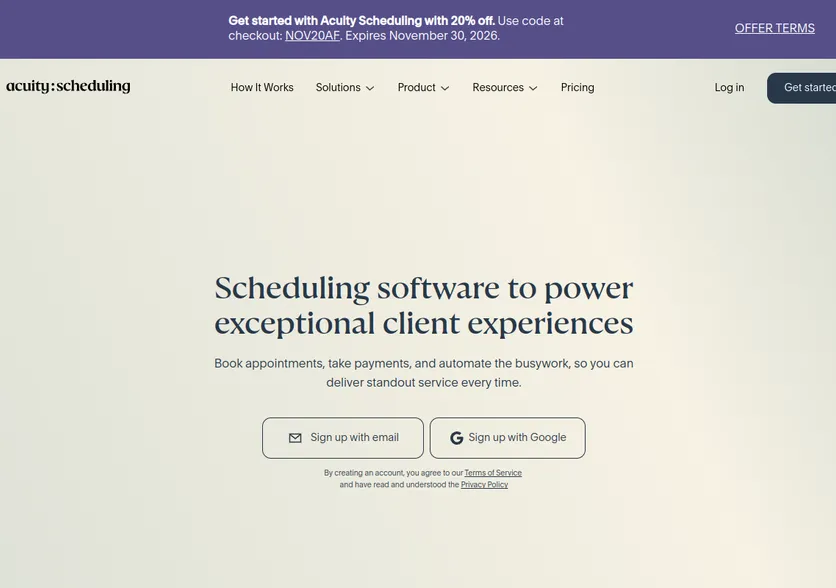
Acuity Scheduling is built for businesses that sell appointments, not just meetings, with intake forms, packages and payments attached to the booking. This Acuity Scheduling Starter plan covers one staff calendar with online booking, reminders and the ability to take payment at booking. It suits a coach, consultant or clinic that wants the client to book, pay and fill in the form in one flow.
What we like
- Payments and intake forms built in
- Packages and gift certificates included
- Reminders cut no-shows sharply
Watch out for
- No free plan, only a trial
- One staff calendar on Starter
How to try it
- Open the Acuity pricing page and pick the Starter plan
- Create an appointment type with an intake form
- Share the booking page and take payment at booking
3. Doodle
Best for: Teams that schedule by group poll instead of a booking page
Paid tool Starting price: $17/month · Professional plan, per month billed monthly; $132 a year billed annually; Team is $21 per user a month
Free plan: Free plan
Doodle is the tool for the meeting nobody can pin down, because a poll collects everyone's availability instead of a dozen reply-all emails. This Doodle Professional plan adds unlimited polls and booking pages, calendar sync, custom branding and video conferencing links. It is the best pick when the meeting involves people outside the company who will not install anything.

What we like
- Group polls everyone understands
- No sign-up needed for invitees
- Booking pages included on Pro
Watch out for
- Free plan shows ads on polls
- Team plan needs two seats minimum
How to try it
- Open the Doodle site and pick the Professional plan
- Create a group poll with the time options
- Send the link and book the winning slot
4. SavvyCal
Best for: People who want the invitee to overlay their own calendar before booking
Paid tool Starting price: $12/month · Basic plan, per user per month billed monthly; $10 a month billed annually; Premium is $20 a month
Free plan: Free sign-up; meeting polls free
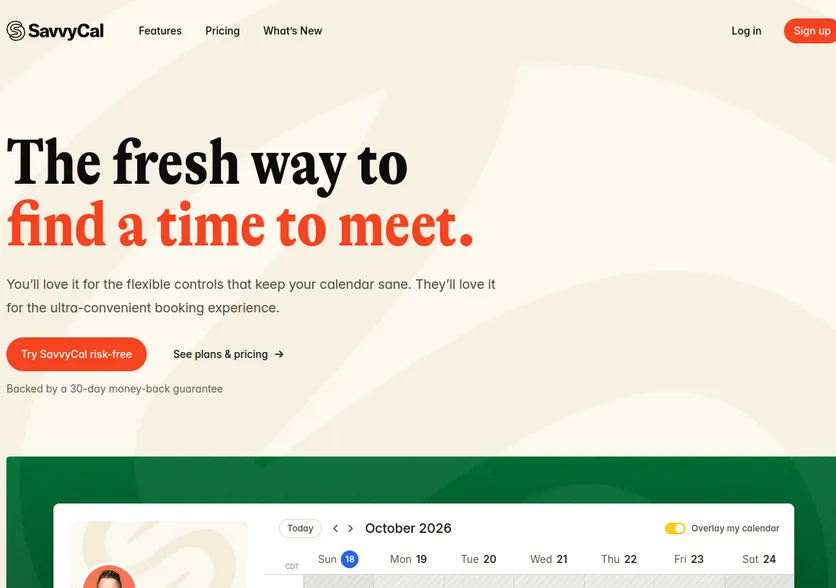
SavvyCal makes booking feel collaborative, because the invitee overlays their own calendar on your times and sees your preferred slots first. This SavvyCal Basic plan adds unlimited scheduling links, round robin, collective links and the ability to check every calendar you connect. It suits someone who books meetings across Outlook and other calendars and wants the other person to have a genuinely easy time.
What we like
- Calendar overlay is genuinely useful
- Round robin included on Basic
- Checks unlimited calendars per user
Watch out for
- No free plan for scheduling links
- Payments need the Premium plan
How to try it
- Open the SavvyCal site and pick the Basic plan
- Connect every calendar you use
- Share a link and let the invitee overlay theirs
5. SimplyBook.me
Best for: Service businesses that charge by bookings, not by seats
Paid tool Starting price: $13.90/month · Basic plan, per month billed monthly; $11.90 a month billed annually; Standard is $29.90 a month
Free plan: Free plan (50 bookings a month)
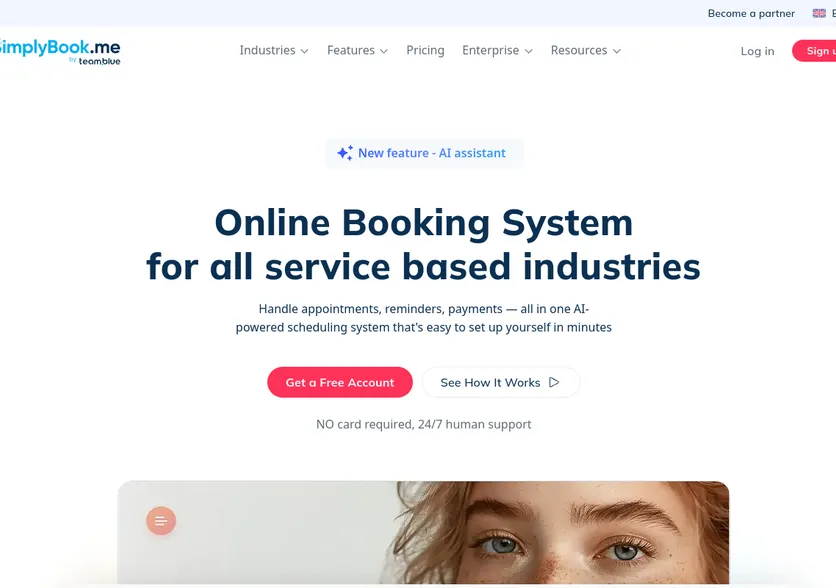
SimplyBook prices by how many bookings you take, which means adding staff does not multiply the bill the way per-seat tools do. This SimplyBook Basic plan covers 100 bookings a month, five providers, payments, deposits and a client app. It suits a salon, clinic or tutoring business where the whole team books from one account and the booking volume is the real cost driver.
What we like
- Pricing by bookings, not seats
- Payments, deposits and POS included
- Client app for repeat bookings
Watch out for
- Booking cap means upgrades as you grow
- Setup takes longer than simpler tools
How to try it
- Open the SimplyBook.me site and pick the Basic plan
- Add providers and set the services
- Share the booking website and take payments
6. Motion
Best for: Busy teams that want tasks auto-scheduled around meetings
Paid tool Starting price: $19/month · Pro AI plan, per seat per month billed yearly on Teams; $29 a month billed monthly; individuals pay $29 a month billed yearly
Free plan: 7-day free trial
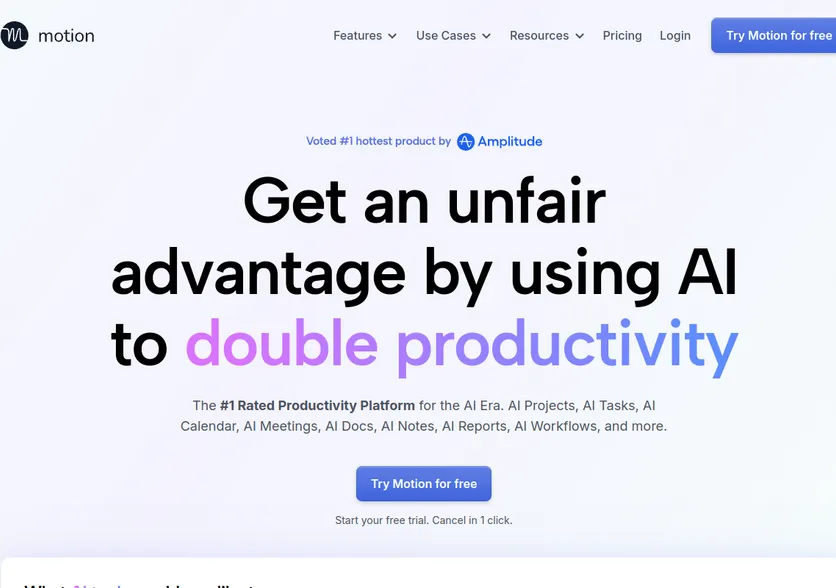
Motion is the calendar that plans itself: you give it tasks, deadlines and priorities, and it places the work into open time around your meetings. This Motion Pro AI plan adds the auto-scheduler, projects, docs, AI chat and a meeting notetaker for each seat. It suits a team whose week is mostly meetings plus a long task list, and who wants the calendar to decide when the work happens.
What we like
- Auto-scheduler replans when meetings move
- Tasks, projects and docs in one app
- Meeting notetaker included
Watch out for
- No free plan, only a trial
- AI credits cap the monthly usage
How to try it
- Open the Motion pricing page and pick the Pro AI plan
- Add tasks with durations and deadlines
- Let the auto-scheduler place them around meetings
7. Every Time Zone
Best for: Small remote teams that compare time zones on one slider every day
Paid tool Starting price: $39/year · Pro plan, up to 3 active users for 1 year; 15 users is $119 a year; early adopter pricing at 20% off
Free plan: Free plan
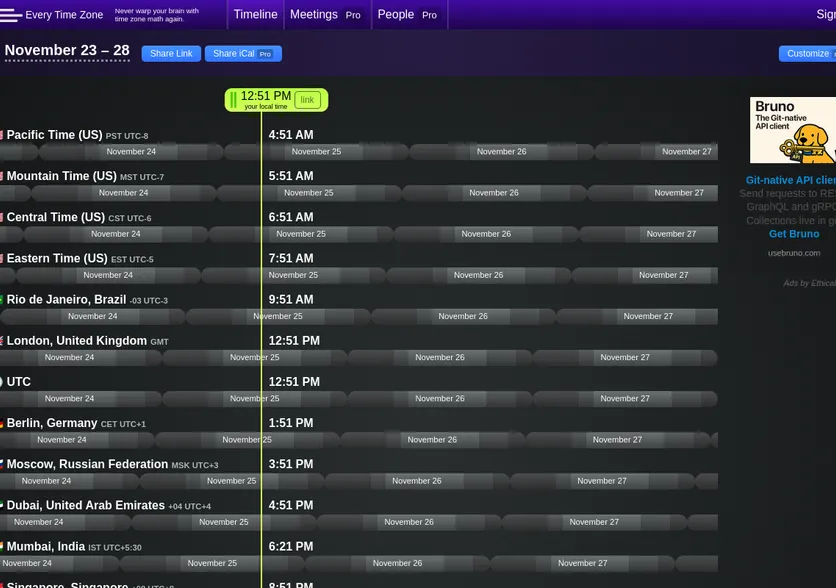
Every Time Zone is the simplest tool on this list, and that is the point: one slider shows the same moment in every city that matters. This Every Time Zone Pro plan adds unlimited contacts, team tracking by time zone, meeting suggestions and iCal sharing. It suits a small remote team that lives in timezone math all day and wants the answer in one glance.
What we like
- One slider answers any time question
- Team tracking by time zone
- Cheapest paid tool on this list
Watch out for
- No booking links, converter only
- Price shown only inside sign-up
How to try it
- Open the Every Time Zone site and pick the Pro plan
- Add the cities and teammates you track
- Drag the slider and share the meeting time
8. Reclaim
Best for: People whose calendar crowds out focus time and habits
Paid tool Starting price: $10/month · Starter plan, per seat per month billed annually; $12 a month billed monthly; Business is $15 a month billed annually
Free plan: Free plan (Lite)
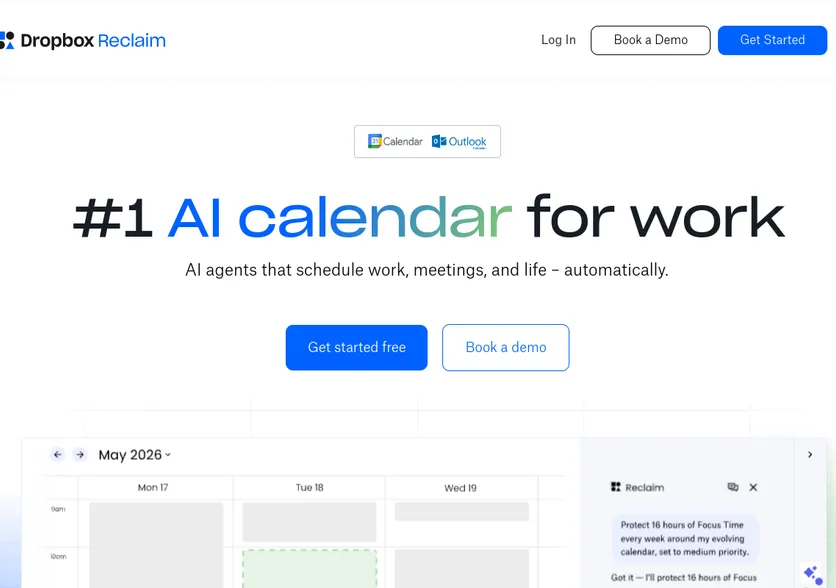
Reclaim is the AI assistant that defends your week: it books focus time, habits and breaks around the meetings already on your calendar. This Reclaim Starter plan adds ten AI agents per seat, an eight-week scheduling range, three calendar syncs and full task integrations. It suits someone whose calendar fills up by itself and who needs the important work protected automatically.
What we like
- Focus time gets booked automatically
- Habits and breaks protected too
- Syncs three calendars on Starter
Watch out for
- Lite plan covers only one calendar
- AI agents cost extra past the allowance
How to try it
- Open the Reclaim pricing page and pick the Starter plan
- Connect your calendars and task app
- Set habits and focus blocks to defend
Prices above were checked on each vendor’s own website on Nov 14, 2026 and can change — the vendor’s page is the final word. Vendor links are editorial: nobody paid to be listed or ranked here. Vendors who want a featured listing can see how it works on our Get listed page.
What scheduling software costs in 2026
Price is the first filter, and the range on this list runs from $39 a year to $20 a month. Most tools charge per seat, but two price by bookings or by account, which changes the bill completely for a team. The prices in the comparison above use the headline plan each vendor shows on its own pricing page, checked on November 25, 2026. Every Time Zone is the cheapest at $39 a year for three users, while Acuity is the most expensive at $20 a month, and annual billing trims Calendly and Reclaim to $10 a month.
Before you buy
- Count seats before comparing prices, because Calendly, SavvyCal, Motion and Reclaim charge per seat while SimplyBook.me charges by bookings and Acuity charges per account.
- Check that the tool converts time zones for the invitee, not just for you, because Calendly, SavvyCal, Reclaim and SimplyBook.me all convert the booking into each person's local time.
- Test the booking flow as an invitee, because a confusing booking page costs more meetings than any monthly fee, and Calendly links need no instructions.
- Start on the free plan where one exists, since Calendly, Doodle, SavvyCal, SimplyBook.me, Every Time Zone and Reclaim all have free plans while Acuity and Motion offer seven-day trials only.
- Decide whether you need payments or intake forms, because Acuity takes payment at booking and SimplyBook.me includes payments and deposits, while SavvyCal needs Premium for payments.
Official websites
Official websites of the products reviewed above. Features and prices were checked against these sites when this guide was written, and they can change, so confirm on the vendor site before you buy.
Frequently asked questions
What is the cheapest scheduling software for remote teams?
Every Time Zone Pro, at $39 a year for three users, is the cheapest paid tool here, but it only converts time zones and does not book meetings. For booking, Calendly Standard at $10 a month billed annually is the cheapest per seat, and Reclaim Starter at $10 a month is the cheapest AI calendar. Pick the converter for time math and the booking tool for actual meetings.
Which scheduling tools handle time zones automatically?
Calendly, SavvyCal, Reclaim and SimplyBook.me all handle time zones automatically, converting the booking into each person's local time. Every Time Zone is the dedicated converter for comparing zones before you book. Doodle shows poll times in each voter's local zone too, which is why it works well for international groups.
Can I try scheduling software for free?
Yes, every tool here offers a free plan or a free trial. Calendly, Doodle, SavvyCal, SimplyBook.me, Every Time Zone and Reclaim all have free plans, while Acuity and Motion offer seven-day trials. Start with the free plan for a month, because the booking flow your clients actually use is the real test.
Which tool is best for auto-scheduling my tasks?
Motion is the best pick for auto-scheduling, because it places tasks into open calendar time and replans them when meetings move. Reclaim is the best pick for protecting focus time and habits, because it books them around existing meetings. Motion plans the work; Reclaim defends the time around it.
Do scheduling tools charge per user or per booking?
It depends on the tool. Calendly, SavvyCal, Motion and Reclaim charge per seat, so the bill grows with every user. SimplyBook.me charges by bookings, so adding staff costs nothing extra. Acuity charges per account, not per seat, which suits a business with several staff calendars on one bill.
See every date and time tool and stop guessing across zones.
Browse Date & Time Tools tools