On this page
An enterprise Python team needs more than a text editor, because Django apps need debugging, testing and deploys that a bare editor cannot run. The eight tools below cover the editor, the repo, the container and the error tracker, and they start at four dollars a user a month. PyCharm Professional leads because its Django support is built in rather than bolted on, and the cheaper tools cover the teams that already have an editor.
How we researched this
We checked every price on the vendor pricing page on November 28, 2026, and only included tools with a published US dollar list price. Visual Studio Code and Django are free, so they do not belong in a paid comparison, and the enterprise tools below all carry a published price. Prices change, so confirm the current figure on the vendor site before you buy.
Compare the tools
| Name | Best for | Starting price | Free plan | |
|---|---|---|---|---|
| PyCharm Professional | Enterprise teams writing Python and Django daily | $249/user/year | Free Community Edition; 30-day trial of Professional | Visit |
 GitLab Premium | Enterprise teams that want code, CI and security in one place | $29/user/month | Free plan (5 users per namespace) | Visit |
 GitHub Team | Enterprise teams that host Python code on GitHub | $4/user/month | Free plan (unlimited public and private repos) | Visit |
 Sentry | Enterprise teams that need error tracking in production | $26/month | Free Developer plan (1 user) | Visit |
 Docker Pro | Enterprise teams that ship Python apps in containers | $9/user/month | Free Personal plan | Visit |
 Snyk Team | Enterprise teams that scan Python dependencies for flaws | $25/developer/month | Free plan (limited scans) | Visit |
 CircleCI Performance | Enterprise teams that run Django tests on every push | $15/month | Free plan (30,000 credits a month, 5 users) | Visit |
 Postman Team | Enterprise teams that test Django APIs together | $19/user/month | Free plan (1 user) | Visit |
The Python and Django developer software for enterprise, compared
1. PyCharm Professional
Best for: Enterprise teams writing Python and Django daily
Paid tool Starting price: $249/user/year · Two hundred and forty-nine dollars per user a year for organisations in the first year, then one hundred and ninety-nine dollars a year; monthly billing is twenty-four dollars and ninety cents per user a month; the All Products Pack for organisations is seven hundred and seventy-nine dollars per user a year; a free Community Edition exists
Free plan: Free Community Edition; 30-day trial of Professional
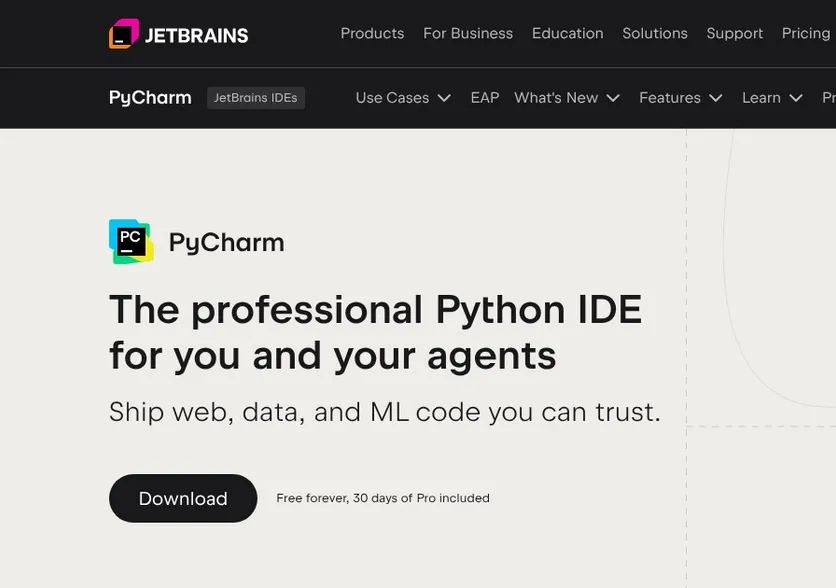
Enterprise Python teams live in their editor, and this PyCharm Professional plan costs two hundred and forty-nine dollars per user a year for organisations in the first year. Django support is built in rather than bolted on, and the debugger, profiler and test runner sit beside the code. It is the best editor in this list for a team that writes Django all day.
What we like
- Best-in-class Python and Django code intelligence
- Debugger, profiler and test runner built in
- Database tools and Docker support included
Watch out for
- Per-user price climbs with a large engineering team
- Heavier on memory than a lightweight editor
How to try it
- Install PyCharm and open the Django project
- Point the interpreter at the project virtualenv
- Run the test suite from the built-in runner
2. GitLab Premium
Best for: Enterprise teams that want code, CI and security in one place
Paid tool Starting price: $29/user/month · Twenty-nine dollars per user a month on Premium billed annually for software as a service, nineteen dollars for self-managed; Ultimate is ninety-nine dollars per user a month billed annually; Premium includes ten thousand compute minutes a month
Free plan: Free plan (5 users per namespace)
Teams that want code, CI and security in one place should look here, because this GitLab Premium plan costs twenty-nine dollars per user a month billed annually. Merge request approvals match enterprise review rules, and security scanning runs on every push. It is the most complete platform in this list, and the priciest seat next to the free tools.

What we like
- Code, CI, security scanning and deploys in one app
- Merge request approvals match enterprise review rules
- Self-managed option for strict data rules
Watch out for
- Premium is seven times the price of GitHub Team
- The interface packs in a lot, so new users need time
How to try it
- Create the group and import the Django repos
- Set up merge request approval rules
- Add a CI pipeline for tests and linting
3. GitHub Team
Best for: Enterprise teams that host Python code on GitHub
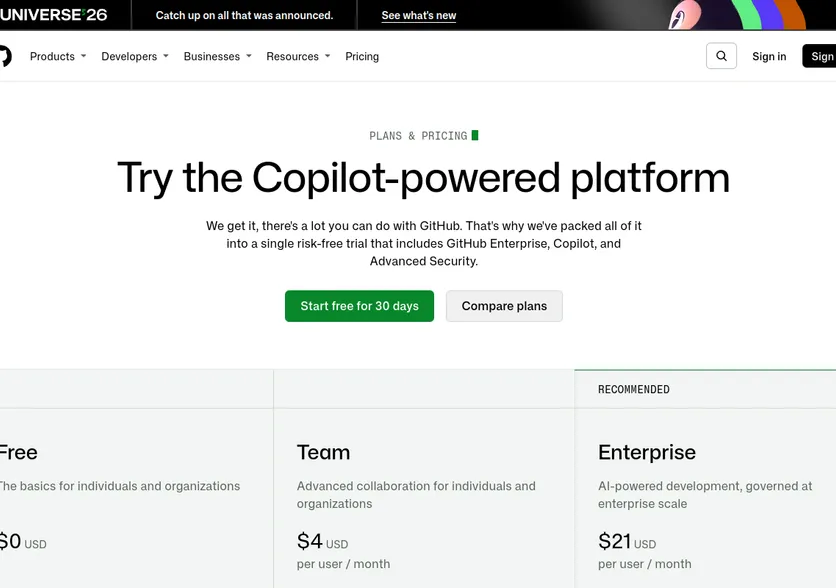
Paid tool Starting price: $4/user/month · Four dollars per user a month on Team; Enterprise is twenty-one dollars per user a month; both prices are quoted for the first twelve months in some reads, so confirm the renewal rate; Copilot Business is nineteen dollars per user a month as a separate add-on
Free plan: Free plan (unlimited public and private repos)
Most enterprise Python teams already host code here, and this GitHub Team plan costs four dollars per user a month, which makes it the cheapest paid seat in this list. Actions run the Django test suite on every push, and branch protection keeps the main branch safe from a rushed merge. It is the best value in this list for a team that already lives on GitHub.
What we like
- Actions, code review and branch protection included
- Huge marketplace of ready-made integrations
- Free tier covers unlimited repos
Watch out for
- Team lacks the compliance controls of Enterprise
- Copilot costs extra on top of the seat price
How to try it
- Create the organisation and invite the team
- Set branch protection on the main branch
- Add Actions workflows for tests and deploys
4. Sentry
Best for: Enterprise teams that need error tracking in production
Paid tool Starting price: $26/month · Twenty-six dollars a month on Team billed annually, twenty-nine dollars month to month; Business is eighty dollars a month billed annually; Enterprise is quoted; both paid plans include the same volume of fifty thousand errors a month, with overages metered separately
Free plan: Free Developer plan (1 user)
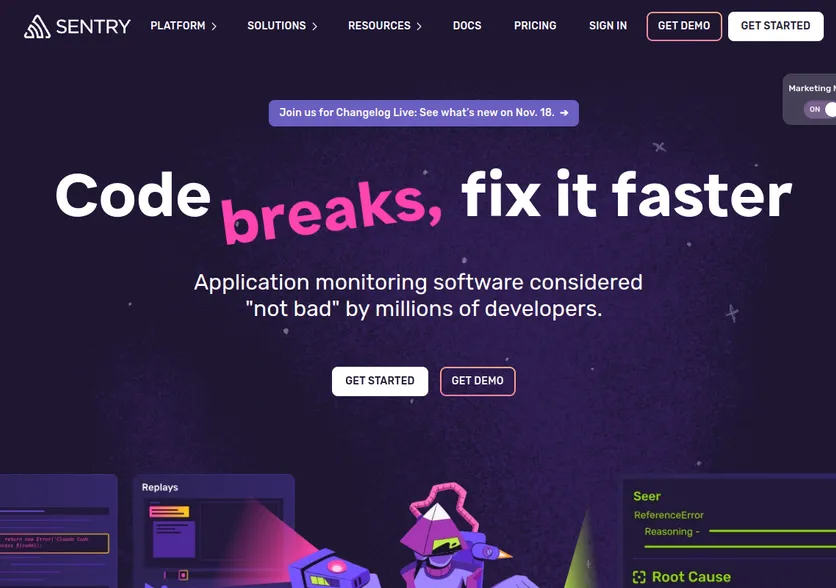
Production errors are the job here, and this Sentry plan costs twenty-six dollars a month on Team billed annually. Error grouping shows the real bug instead of a thousand copies of it, and replays show what the user did just before the crash. It is the best error tracking in this list for a Django app with real users.
What we like
- Error grouping shows the real bug, not the noise
- Performance traces link errors to slow requests
- Replays show what the user did before the crash
Watch out for
- Same volume on Team and Business, so the jump buys features only
- Overage charges can surprise a noisy release
How to try it
- Install the Python SDK in the Django app
- Set the release version on each deploy
- Triage the first grouped errors in the dashboard
5. Docker Pro
Best for: Enterprise teams that ship Python apps in containers
Paid tool Starting price: $9/user/month · Nine dollars per user a month on Pro billed annually, eleven dollars month to month; Team is fifteen dollars per user a month billed annually; Business is twenty-four dollars per user a month on annual billing only
Free plan: Free Personal plan
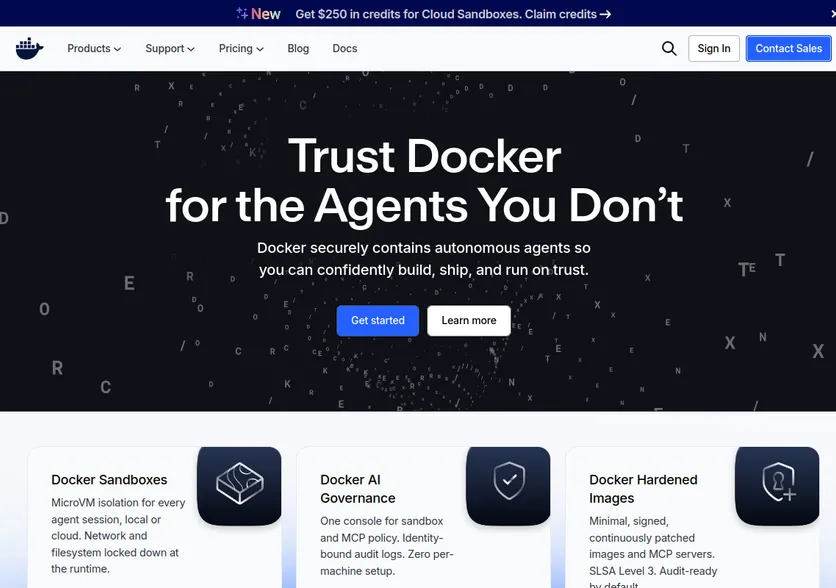
Shipping a Django app means shipping its environment too, and this Docker Pro plan costs nine dollars per user a month billed annually. Images build the same on every machine, and Scout scans them for vulnerable packages before they reach production. It is the cheapest container tool in this list for a team standardising on Docker.
What we like
- Private repos and unlimited public repos
- Docker Desktop and Scout vulnerability scanning
- Builds run the same on every machine
Watch out for
- Pro caps at one seat per licence, so teams need Team
- Business tier is annual billing only
How to try it
- Install Docker Desktop on each machine
- Write a Dockerfile for the Django app
- Build the image and push it to the registry
6. Snyk Team
Best for: Enterprise teams that scan Python dependencies for flaws
Paid tool Starting price: $25/developer/month · Twenty-five dollars per contributing developer a month on Team, with a minimum of five developers and a maximum of ten, so the real entry bill is one hundred and twenty-five dollars a month; Enterprise is credit-based, about seven hundred and thirty dollars per developer a year for Code plus Open Source; a contributing developer is anyone who committed to a monitored private repo in the last ninety days
Free plan: Free plan (limited scans)
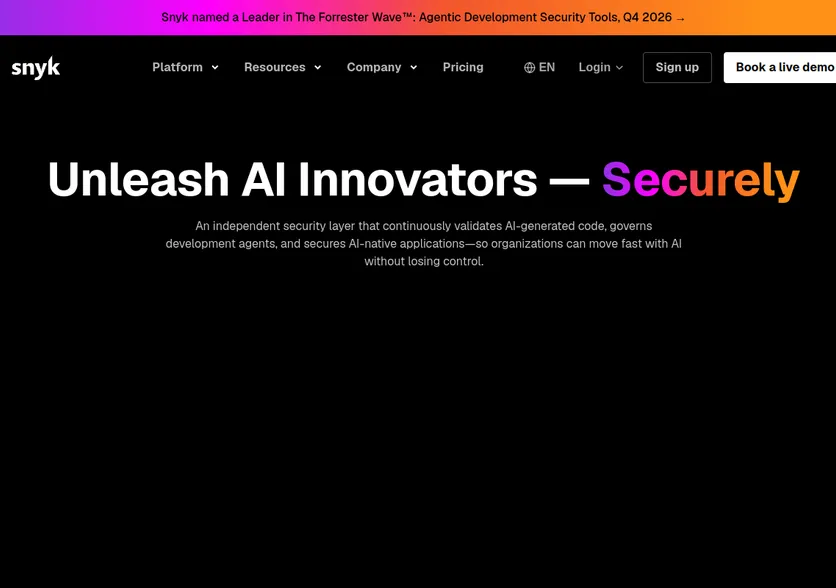
Vulnerable Python packages are the risk this tool closes, since this Snyk Team plan costs twenty-five dollars per contributing developer a month, with a minimum of five developers. It scans dependencies, code and containers, then opens fix pull requests for the worst flaws. It suits an enterprise team that must prove its supply chain is clean.
What we like
- Finds vulnerable packages before they ship
- Fix pull requests open automatically
- Covers code, containers and infrastructure as code
Watch out for
- Team is limited to ten developers
- Per-developer billing counts anyone who committed recently
How to try it
- Connect the GitHub or GitLab organisation
- Import the Python repos and run the first scan
- Open the fix pull requests for the worst flaws
7. CircleCI Performance
Best for: Enterprise teams that run Django tests on every push
Paid tool Starting price: $15/month · Fifteen dollars a month from on Performance, which includes thirty thousand credits and five active users, with extra users at fifteen dollars each; Scale is custom and annual billing only, about two thousand dollars a month in third-party reports; Server is custom; extra credits cost fifteen dollars per twenty-five thousand
Free plan: Free plan (30,000 credits a month, 5 users)
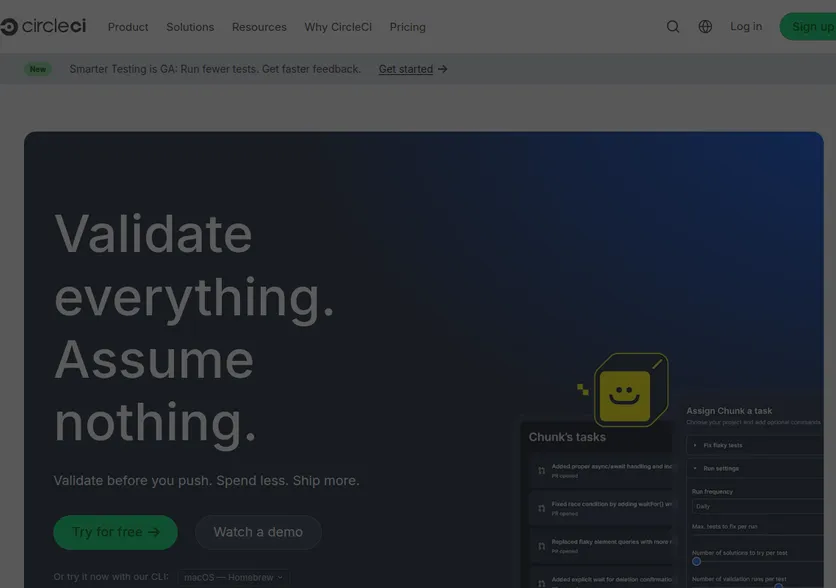
Django test suites get slow as they grow, and this CircleCI Performance plan starts at fifteen dollars a month, with thirty thousand credits and five active users included. Parallel jobs split the suite across machines, and orbs package the common steps so the config stays short. It is the best CI runner in this list for a team whose tests outgrew a free tier.
What we like
- Fast parallel test runs for large suites
- Orbs package common CI steps
- Free tier covers thirty thousand credits a month
Watch out for
- Credit pricing is hard to forecast for a busy team
- Scale tier is annual billing only
How to try it
- Connect the repo and add the config file
- Split the Django test suite across parallel jobs
- Add a deploy step for the main branch
8. Postman Team
Best for: Enterprise teams that test Django APIs together
Paid tool Starting price: $19/user/month · Nineteen dollars per user a month on Team billed annually, twenty-three dollars month to month; Solo is nine dollars a user a month; Enterprise is quoted; the old Basic fourteen-dollar and Professional twenty-nine-dollar tiers were retired on March first 2026 and must never be quoted
Free plan: Free plan (1 user)
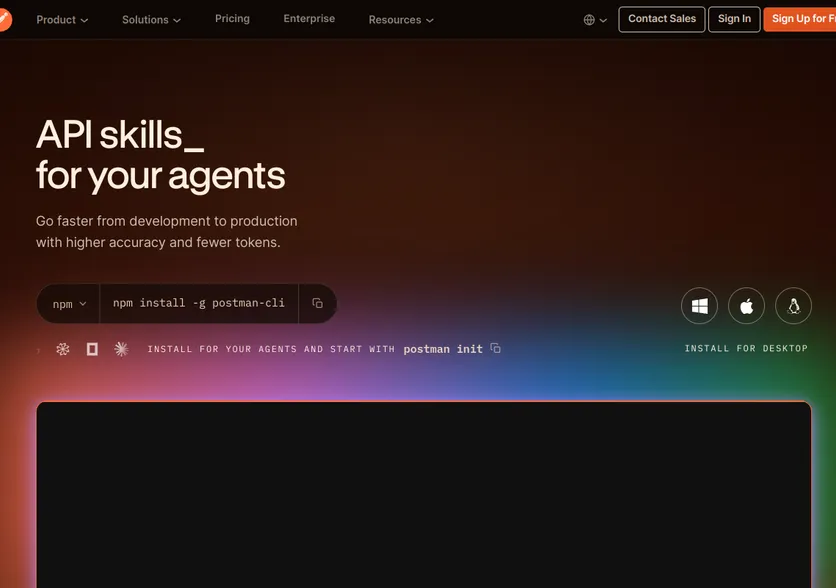
API testing is the job here, and this Postman Team plan costs nineteen dollars per user a month billed annually. Shared collections keep the Django API tests in one place, and monitors catch broken endpoints before users do. It is the best collaboration tool in this list for a team whose front end and back end move separately.
What we like
- Shared collections keep API tests in one place
- Mock servers let front-end work start early
- Monitors catch broken endpoints before users do
Watch out for
- Team is priced per user, so large teams pay a lot
- Enterprise features need a sales quote
How to try it
- Create a workspace for the API team
- Import the OpenAPI spec as a collection
- Write tests and set a monitor schedule
Prices above were checked on each vendor’s own website on Nov 28, 2026 and can change — the vendor’s page is the final word. Vendor links are editorial: nobody paid to be listed or ranked here. Vendors who want a featured listing can see how it works on our Get listed page.
How to standardise a Python and Django stack across teams
Pick one editor, one repo host and one CI runner, because an enterprise team that lets every developer choose ends up supporting five stacks. Put the Django settings, the test suite and the deploy steps in the repo, so a new hire can run the app on day one. Run the linter and the tests on every push, and block the merge until both pass. Pin the dependencies, and let a scanner open the fix pull requests instead of waiting for a security review. Review the error tracker each morning, because the bug that reaches production first is the one nobody triaged.
Before you buy
- Confirm the tool fits your stack, from editor to repo to CI runner
- Check whether the price is per user, per developer or flat
- Ask if the free tier covers a real project or only a toy
- Make sure security scanning covers dependencies, code and containers
- Test the tool on a real Django project before rolling it out
Official websites
Official websites of the products reviewed above. Features and prices were checked against these sites when this guide was written, and they can change, so confirm on the vendor site before you buy.
Frequently asked questions
What is Python and Django developer software for enterprise teams?
It is the set of tools an enterprise team uses to write, test, ship and monitor Python and Django applications. It covers the editor, the code host, the container platform, the CI runner, the error tracker and the security scanner. For an enterprise team it replaces ad-hoc setups with one standard stack every developer follows.
How much does PyCharm Professional cost for a team?
PyCharm Professional costs two hundred and forty-nine dollars per user a year for organisations in the first year, then one hundred and ninety-nine dollars a year. Monthly billing is twenty-four dollars and ninety cents per user a month. A free Community Edition exists, but it lacks the Django support that makes Professional worth the price.
Can an enterprise Python team work for free?
Partly, with GitHub Team, which offers a free plan for unlimited repos, Docker Personal, which is free, and Sentry Developer, which is free for one user. Django itself and Visual Studio Code are also free. A team that needs paid support, compliance controls or larger limits will need the paid tiers above.
What is the cheapest paid tool for Django teams?
GitHub Team is the cheapest paid seat at four dollars per user a month, and Docker Pro follows at nine dollars per user a month billed annually. Both are cheap because they are infrastructure, not the editor. PyCharm is the biggest single cost in this list, at two hundred and forty-nine dollars per user a year.
Which tool is best for an enterprise Django team?
PyCharm Professional is the best editor pick, with Django support built in and a debugger, profiler and test runner beside the code. GitLab Premium is the best platform pick if the team wants code, CI and security in one place. GitHub Team is the best value pick for a team that already hosts code there.
Compare the eight tools above, then start with the free plan or trial on the tool that matches how the team already writes Python before paying for a full year.
Browse Business Tools tools