On this page
A contractor runs the job from the drawing, so quality work means checklists, photos and fixes pinned to the plan. The eight tools below cover field work, billing, dispatch and client portals, and they start at twenty-nine dollars a month. Fieldwire Pro leads because it puts drawings and checklists on the same mobile screen, and the cheaper tools cover the crews that only need quoting and scheduling.
How we researched this
We checked every price on the vendor pricing page on November 28, 2026, and only included tools with a published US dollar list price. Procore, Autodesk Construction Cloud, Intelex, ETQ Reliance and MasterControl publish no prices, so they are not in this list. Prices change, so confirm the current figure on the vendor site before you buy.
Compare the tools
| Name | Best for | Starting price | Free plan | |
|---|---|---|---|---|
 Fieldwire Pro | Field teams that run checklists on drawings | $39/user/month | Free Basic plan (5 users, 3 projects) | Visit |
 Buildertrend Essential | Home builders and remodelers that manage clients | $499/month | No free plan; demo available | Visit |
 Jobber Core | Cleaning and contracting crews that quote and schedule jobs | $29/month | No free plan; 14-day free trial | Visit |
 Housecall Pro Basic | Larger cleaning and contracting crews with dispatch needs | $59/month | No free plan; 14-day free trial | Visit |
 SafetyCulture | Teams that run inspections and audits in the field | $24/seat/month | Free plan (up to 10 users) | Visit |
 Connecteam Basic | Cleaning crews that need scheduling and chat in one app | $29/month | Free Small Business plan (up to 10 users) | Visit |
 Knowify Core | Trade contractors that bill fixed-price jobs on AIA forms | $99/month | 14-day free trial; no free plan | Visit |
| JobNimbus Growing | Roofing and exterior contractors that sell then build | $225/month | 14-day free trial; no free plan | Visit |
The quality management software for contractors, compared
1. Fieldwire Pro
Best for: Field teams that run checklists on drawings
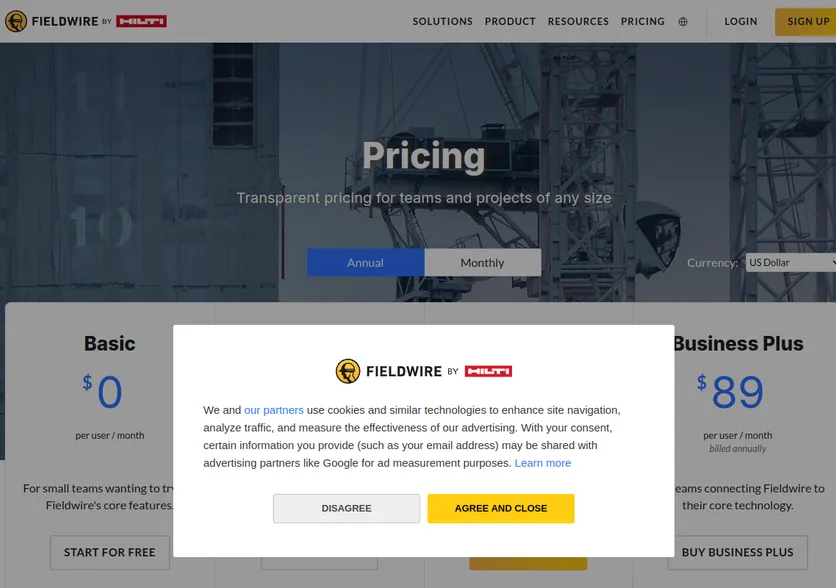
Paid tool Starting price: $39/user/month · Thirty-nine dollars per user a month on Pro billed annually, fifty-four dollars month to month; Business is sixty-four dollars a month billed annually; Business Plus is eighty-nine dollars
Free plan: Free Basic plan (5 users, 3 projects)
Contractors that run the job from the drawing need this first, because this Fieldwire Pro plan costs thirty-nine dollars per user a month billed annually. Checklists, tasks and photos sit on the plan itself, and the free Basic plan covers five users and three projects. It is the best field tool in this list for a contractor whose crew works from drawings.
What we like
- Drawings and checklists on one mobile app
- Tasks pinned to exact spots on the plan
- Free Basic plan for small teams
Watch out for
- Pro is per user, so big crews pay a lot
- Reporting depth needs the Business tier
How to try it
- Upload the drawings and set up the project
- Create checklists and assign them to the crew
- Pin tasks to the plan as issues appear
2. Buildertrend Essential
Best for: Home builders and remodelers that manage clients
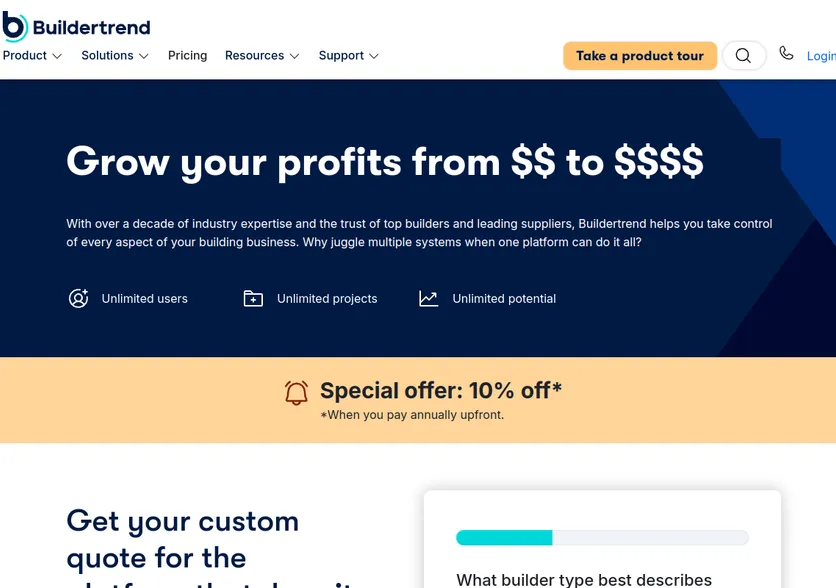
Paid tool Starting price: $499/month · Four hundred and ninety-nine dollars a month on Essential, with unlimited users; Advanced is seven hundred and ninety-nine dollars a month; Complete is one thousand and ninety-nine dollars a month; the final price depends on construction volume and onboarding, and a one-time onboarding fee of four hundred and ninety-nine to one thousand nine hundred and ninety-nine dollars applies; three hundred dollars off the first month is a promotion, not the list price
Free plan: No free plan; demo available
Home builders that manage clients as well as crews need a portal, and this Buildertrend Essential plan costs four hundred and ninety-nine dollars a month with unlimited users. Scheduling, change orders and selections sit beside the client portal, and higher tiers add estimating and financial tools. It is the most complete builder platform in this list, and the most expensive to start.
What we like
- Scheduling, client portal and change orders in one place
- Unlimited users on every plan
- Estimating and financial tools on higher tiers
Watch out for
- Entry price is steep for a small contractor
- Onboarding fee is charged on top
How to try it
- Set up the company and invite the team
- Build the schedule for the first job
- Open the client portal for selections
3. Jobber Core
Best for: Cleaning and contracting crews that quote and schedule jobs
Paid tool Starting price: $29/month · Twenty-nine dollars a month on Core billed annually; the price is per business, not per user, so adding crew does not add seats
Free plan: No free plan; 14-day free trial
Trade contractors that quote and schedule from one app start here, because this Jobber Core plan costs twenty-nine dollars a month billed annually, priced per business rather than per user. Quotes go out fast, clients book and pay online, and the crew sees the day on one schedule. It is the best value in this list for a contractor that wants to stop juggling apps.

What we like
- Quoting, scheduling and invoicing in one app
- Client portal with online booking and payments
- Priced per business, not per user
Watch out for
- No free plan, only a fourteen-day trial
- Advanced features need the dearer tiers
How to try it
- Add services and set prices
- Quote a job and send it to the client
- Schedule the crew and invoice on completion
4. Housecall Pro Basic
Best for: Larger cleaning and contracting crews with dispatch needs
Paid tool Starting price: $59/month · Fifty-nine dollars a month on Basic billed annually; some trade views of the vendor page show seventy-nine dollars, so confirm the plan at checkout
Free plan: No free plan; 14-day free trial
Contractors with several crews on the road need dispatch, and this Housecall Pro Basic plan costs fifty-nine dollars a month billed annually. The dispatch board shows every job and technician, and review and marketing tools come built in. It is the best pick in this list for a contractor whose phone rings all day.

What we like
- Dispatch board shows every job and tech
- Online booking and payments included
- Strong review and marketing tools built in
Watch out for
- Basic tier is limited for bigger operations
- Price shown varies by trade view on the vendor page
How to try it
- Add technicians and their service areas
- Set up online booking for clients
- Dispatch jobs from the board each morning
5. SafetyCulture
Best for: Teams that run inspections and audits in the field
Paid tool Starting price: $24/seat/month · Twenty-four dollars per seat a month on Premium billed annually, twenty-nine dollars month to month; Enterprise is quoted; Lite seats are five dollars a seat a month; the vendor rebranded to Mitti in August 2026 and safetyculture.com now leads to the new brand, while the product keeps the SafetyCulture name
Free plan: Free plan (up to 10 users)
Contractors that prove quality on site use inspections, and this SafetyCulture plan costs twenty-four dollars per seat a month billed annually on Premium. Site checklists run on a phone, failed items become fix tasks, and the free plan covers ten users. It is the best inspection tool in this list for a contractor that sells on quality.
What we like
- Checklists and inspections built for the field
- Free plan covers ten users and five templates
- Issues flow straight from inspection to fix
Watch out for
- Premium is per seat, so large crews pay a lot
- The rebrand to Mitti may confuse buyers
How to try it
- Pick a template or build a checklist
- Run the inspection on the mobile app
- Assign the failed items for fixing
6. Connecteam Basic
Best for: Cleaning crews that need scheduling and chat in one app
Paid tool Starting price: $29/month · Twenty-nine dollars a month per hub on Basic billed annually for the first thirty users, thirty-five dollars month to month; Advanced is forty-nine dollars a month billed annually; Expert is ninety-nine dollars; hubs are priced separately, so all three hubs on Basic cost eighty-seven dollars a month
Free plan: Free Small Business plan (up to 10 users)
Contractors whose crew works from phones need scheduling and chat together, and this Connecteam Basic plan costs twenty-nine dollars a month per hub billed annually for the first thirty users. The time clock, schedules and team chat live in one app, and the free plan covers ten users. It is the best team app in this list for a contractor with staff spread across sites.

What we like
- Scheduling, time clock and chat in one app
- Free plan covers ten users across all hubs
- Mobile-first design the crew actually uses
Watch out for
- Each hub is billed separately, so costs stack
- Extra users after thirty cost more per head
How to try it
- Add the crew and set their schedules
- Turn on the time clock for shifts
- Post updates in the team chat
7. Knowify Core
Best for: Trade contractors that bill fixed-price jobs on AIA forms
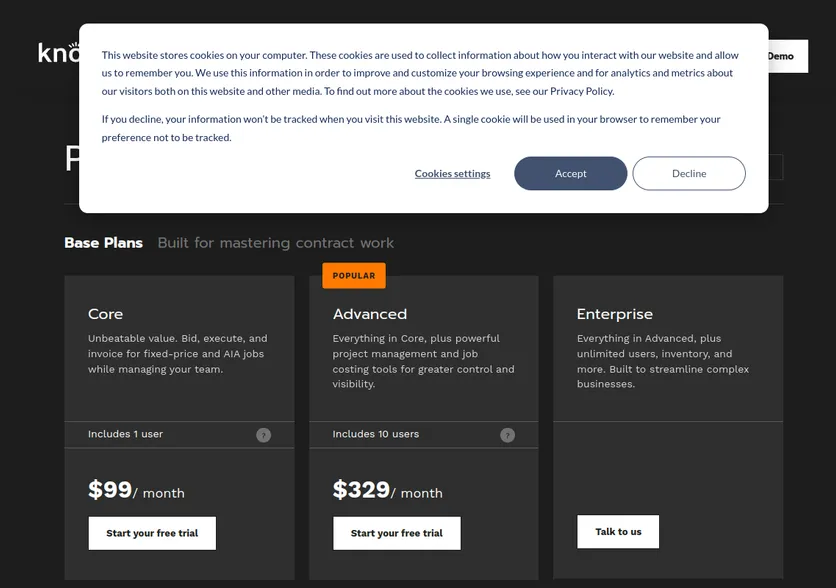
Paid tool Starting price: $99/month · Ninety-nine dollars a month on Core billed annually for one user, one hundred and forty-nine dollars month to month; Advanced is three hundred and twenty-nine dollars a month billed annually for ten users; extra users are twenty-nine dollars a month; Enterprise is quoted; no contract and no implementation fee
Free plan: 14-day free trial; no free plan
Trade contractors that bill fixed-price jobs on AIA forms need this, since this Knowify Core plan costs ninety-nine dollars a month billed annually for one user. Job costing, scheduling and retainage tracking sit beside a deep two-way QuickBooks sync. It is the best billing tool in this list for a contractor that lives on AIA pay applications.
What we like
- Real AIA billing with retainage tracking
- Deep two-way QuickBooks sync
- Job costing and scheduling in one tool
Watch out for
- Core covers only one user
- Service dispatch is a separate ninety-nine dollar add-on
How to try it
- Add the job with its budget and phases
- Track costs against the budget as work runs
- Bill the client on the AIA pay application
8. JobNimbus Growing
Best for: Roofing and exterior contractors that sell then build
Paid tool Starting price: $225/month · Two hundred and twenty-five dollars a month is the base fee for the Growing plan, and per-user fees of twenty-five to seventy-five dollars stack on top of it, so the total for a team is higher than the base figure; Established is five hundred and fifty dollars a month before per-user fees; third-party reports of a flat twenty-five dollars a user a month ignore the base fee
Free plan: 14-day free trial; no free plan
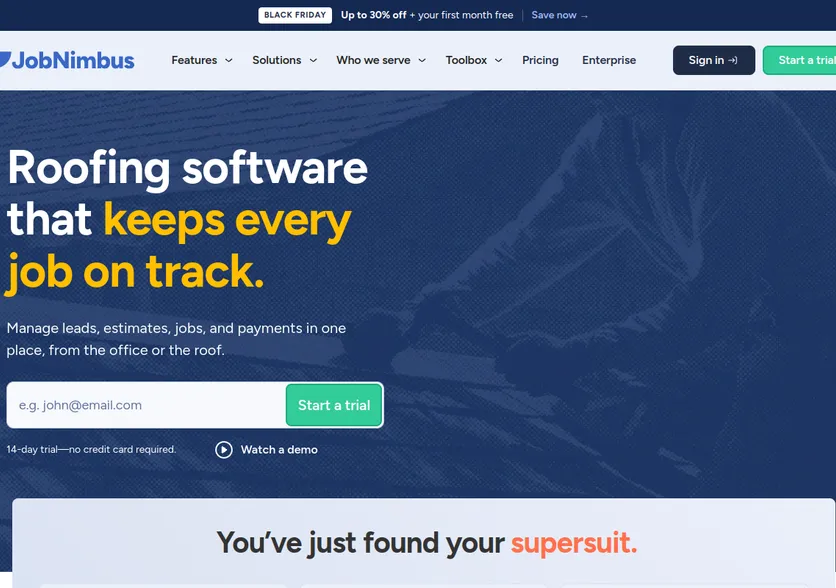
Roofing contractors that sell then build need a pipeline built for claims, and this JobNimbus Growing plan costs two hundred and twenty-five dollars a month as a base fee, with per-user fees on top. Kanban boards track the sale and the insurance claim together, and EagleView measurements plug straight in. It is the most roofing-specific tool in this list, and the hardest to budget.
What we like
- Kanban boards built for roofing sales
- Insurance claim tracking from lead to payment
- EagleView measurement integration
Watch out for
- Base fee plus per-user fees is hard to budget
- Mobile app is weaker than the desktop
How to try it
- Import leads and set up the pipeline
- Track the insurance claim on each job
- Move the job to production when sold
Prices above were checked on each vendor’s own website on Nov 28, 2026 and can change — the vendor’s page is the final word. Vendor links are editorial: nobody paid to be listed or ranked here. Vendors who want a featured listing can see how it works on our Get listed page.
How to keep quality on track across several job sites
Start with the drawing, because a quality check that ignores the plan misses the work. Put the checklist on the plan itself, and give every issue an owner and a fix date before the crew leaves the site. Photograph the fix, not just the fault, so the record shows the job was finished. Review the open issues each morning, and chase the oldest ones first. Keep the records with the job file, because the client will ask what was checked long after the job is done. Walk the site with the checklist once a week, because a photo never shows the whole story.
Before you buy
- Confirm the tool puts checklists on the drawing, not just in a list
- Check whether pricing is flat, per user or per project
- Ask if the client portal and change orders are included
- Make sure the tool works offline on a phone in the field
- Test the tool on a live job site before paying
Official websites
Official websites of the products reviewed above. Features and prices were checked against these sites when this guide was written, and they can change, so confirm on the vendor site before you buy.
Frequently asked questions
What is quality management software for contractors?
It is software that helps a contractor control quality across job sites, from drawings and checklists to billing, dispatch and client portals. It records what was checked, what failed and what was fixed, and it keeps the record for the client. For a contractor it replaces the notebook that stays in the truck when the client asks questions.
How much does Buildertrend cost for a contractor?
Buildertrend Essential costs four hundred and ninety-nine dollars a month with unlimited users, and Advanced is seven hundred and ninety-nine dollars a month. A one-time onboarding fee of four hundred and ninety-nine to one thousand nine hundred and ninety-nine dollars applies on top. The final price depends on construction volume, so get it quoted in writing.
Can a contractor manage quality for free?
Partly, with Fieldwire, which offers a free Basic plan for five users and three projects, SafetyCulture, which offers a free plan for up to ten users, and Connecteam, which offers a free plan for up to ten users. The paid tiers add the dispatch, billing and reporting features a growing contractor needs. A small crew can start free.
What is the cheapest quality tool for contractors?
Jobber Core is the cheapest full tool at twenty-nine dollars a month per business, with Connecteam Basic at twenty-nine dollars a month per hub. Fieldwire Pro costs thirty-nine dollars per user a month. Buildertrend is the most expensive entry in this list, at four hundred and ninety-nine dollars a month.
Which tool is best for a contractor?
Fieldwire is the best overall pick for a contractor whose crew works from drawings, at thirty-nine dollars per user a month. Buildertrend suits a home builder that needs a client portal. Jobber is the best value pick for a trade contractor that wants quoting and scheduling in one app.
Compare the eight tools above, then start with the free plan or trial on the tool that matches how the contractor already runs jobs before paying for a full year.
Browse Business Tools tools