On this page
Brokerages need e-signing that fits real estate forms, compliance and transaction flow, not just generic signatures on a blank page. The eight tools below range from a real estate transaction platform with signing built in to general agreement platforms that sign anything. Dotloop leads because it ties signatures to the deal itself for twenty-nine dollars per user a month, and the rest are ranked on how well they handle brokerage paperwork.
How we researched this
We checked every price on the vendor pricing page on November 28, 2026, and only included tools with a published US dollar list price. Form Simplicity prices vary by association with no single national list price, and zipForm is quote-only, so neither is in this list. Prices change, so confirm the current figure on the vendor site before you buy.
Compare the tools
| Name | Best for | Starting price | Free plan | |
|---|---|---|---|---|
| Dotloop | Brokerages that want signing inside transaction management | $29/user/month | Free trial | Visit |
 DocuSign | Brokerages that sign many document types beyond listings | $25/user/month | 30-day free trial | Visit |
 Dropbox Sign | Brokerages that already store documents in Dropbox | $15/month | Free plan (3 requests a month) | Visit |
 OneSpan Sign | Larger brokerages that need identity assurance | $22/user/month | No free plan; free developer sandbox | Visit |
 SignNow | Brokerages that want the lowest price with unlimited users | $8/month | 7-day free trial | Visit |
 PandaDoc | Brokerages that want polished proposals with signing | $19/user/month | Free plan (limited documents) | Visit |
 Adobe Acrobat Sign | Brokerages that already live in PDF files | $14.99/month | 7-day free trial | Visit |
| SignWell | Small brokerages that send many documents | $10/sender/month | Free plan (3 documents a month) | Visit |
The real estate e-signing software for brokerages, compared
1. Dotloop
Best for: Brokerages that want signing inside transaction management
Paid tool Starting price: $29/user/month · Twenty-nine dollars per user a month on the site banner, which matches the annual rate of $344 a year ($28.67 a month); monthly billing is $34.99 a month; a second dotloop page lists $31.99 a month, so confirm the figure at checkout; Teams and Business plans for brokerages are quoted
Free plan: Free trial
A brokerage that wants signatures, documents and transaction steps in one real estate system should start here, because this Dotloop plan costs twenty-nine dollars per user a month on the annual rate, and it is built around the deal itself. Unlimited transactions, MLS and association form feeds, audit trails and texting come in the Premium plan, and agents work from a mobile app at showings. Brokerage-wide plans are quoted rather than listed, so a large office should get a quote before budgeting per seat.
What we like
- E-signing tied to real estate transactions end to end
- MLS and association form feeds included
- Audit trail and texting built into the workflow
Watch out for
- The $29 banner hides a $34.99 monthly-billing price
- Brokerage plans are quoted, not published
How to try it
- Import your MLS and association form feeds
- Set up transaction templates for listings and offers
- Send the first deal for signature from the mobile app
2. DocuSign
Best for: Brokerages that sign many document types beyond listings
Paid tool Starting price: $25/user/month · Twenty-five dollars per user a month on Standard billed annually upfront ($30 billed monthly; $45 month to month); Personal is $10 and Business Pro is $40 a user a month billed annually upfront
Free plan: 30-day free trial
When a brokerage signs a wide mix of documents beyond listing contracts, the safest general platform is this one, since this DocuSign plan costs twenty-five dollars per user a month billed annually upfront on Standard. Clients and agents already know how it works, which cuts the time spent explaining the signing step, and shared templates plus branding keep every envelope consistent. It is not built around real estate forms or deal stages, so brokerages that want transaction management in the same tool should pair it with one.

What we like
- Most widely used e-signature platform clients already trust
- Shared templates and branding across the brokerage
- Agreement management beyond simple signing
Watch out for
- No real estate form library or transaction tracking
- Envelope limits apply on lower tiers
How to try it
- Create shared templates for listings and disclosures
- Set up branding so every envelope looks like the brokerage
- Connect DocuSign to your CRM and document storage
3. Dropbox Sign
Best for: Brokerages that already store documents in Dropbox
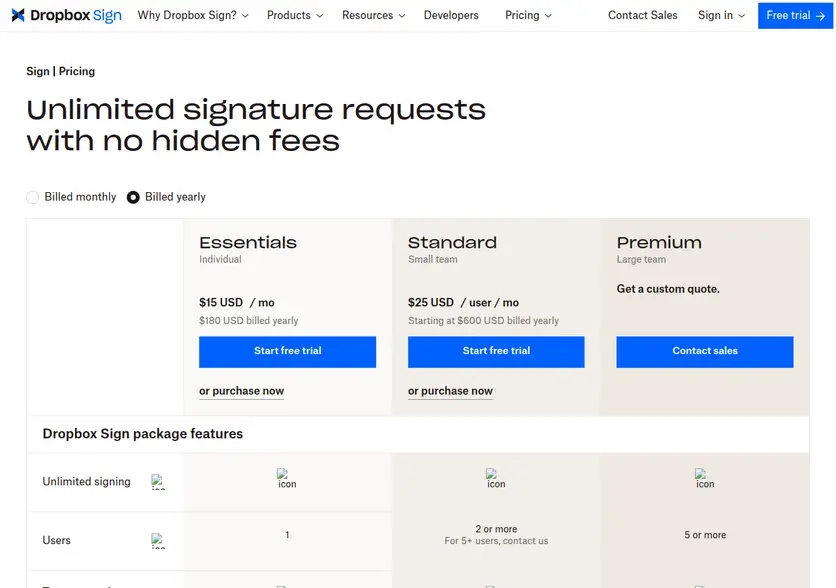
Paid tool Starting price: $15/month · Fifteen dollars a month on Essentials for one user ($20 billed monthly); Standard is $25 per user a month billed annually ($30 billed monthly) with a two-user minimum; first-year offers show $10.05 and $17.50 a month, which are not list prices; Premium is quoted
Free plan: Free plan (3 requests a month)
A brokerage that already stores documents in Dropbox will find the simplest signing layer here, because this Dropbox Sign plan costs fifteen dollars a month on Essentials for one user, with unlimited signature requests. Sending, signing and tracking take minutes to learn, and the free plan covers three requests a month for the occasional document. It is not a transaction management system, so forms, compliance checklists and deal stages need a separate real estate tool.
What we like
- Unlimited signature requests on every paid plan
- Simple setup that agents learn in minutes
- Free plan covers three requests a month
Watch out for
- No real estate forms or transaction management
- Standard needs two users, so the real minimum is $50 a month
How to try it
- Connect your Dropbox folders to the signing workspace
- Save your listing and disclosure forms as templates
- Send a test envelope to check the signing experience
4. OneSpan Sign
Best for: Larger brokerages that need identity assurance
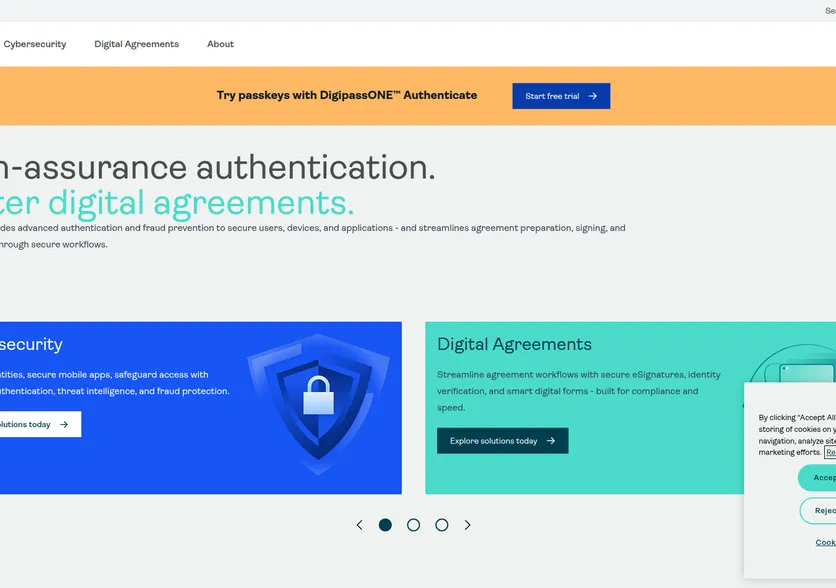
Paid tool Starting price: $22/user/month · Twenty-two dollars per user a month billed annually on Professional, with up to 1,000 transactions per user a year; Enterprise is quoted; some directories still list $20 a user a month, which appears stale against the November 2026 vendor page
Free plan: No free plan; free developer sandbox
Larger brokerages handling sensitive agreements will value the identity controls here, because this OneSpan Sign plan costs twenty-two dollars per user a month billed annually on Professional. Identity assurance, smart forms and automation sit behind the signing step, and the audit trail is built for regulated work. Its depth is more than a small brokerage needs for routine listing paperwork, and the free tier is a developer sandbox only, so test it on a real agreement before rolling it out.
What we like
- Identity assurance and verification built in
- Smart forms and automation for agreement workflows
- Unlimited transactions on the Professional plan
Watch out for
- More depth than a small brokerage needs for routine forms
- Enterprise features and API access are quoted only
How to try it
- Set up signer identity checks for high-value agreements
- Build smart forms for your most common documents
- Test the audit trail against your compliance checklist
5. SignNow
Best for: Brokerages that want the lowest price with unlimited users
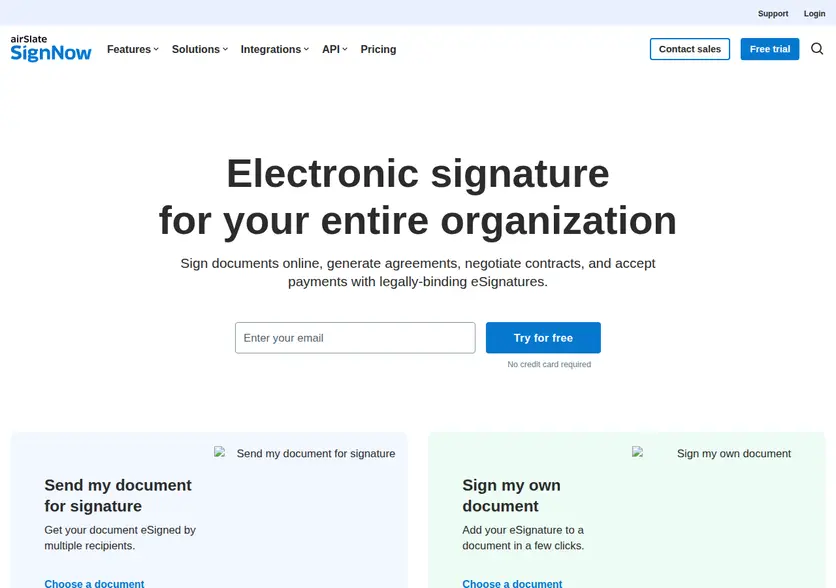
Paid tool Starting price: $8/month · Eight dollars a month billed annually for the whole account ($20 billed monthly), with unlimited users; Business Premium is $15 a month and Enterprise is $30 a month; each plan includes 100 signature invites a year, with overage fees per invite
Free plan: 7-day free trial
A brokerage that wants the lowest bill for the whole office should look here first, because this SignNow plan costs eight dollars a month billed annually for the entire account, with unlimited users. Custom workflows let the brokerage design its own signing flows for listings, disclosures and internal documents, and the mobile apps work on any device. The 100-invite yearly cap means a busy brokerage should count its envelopes before choosing the entry plan.
What we like
- One flat price covers unlimited users
- Custom e-signature workflows for any document type
- Works on any device with mobile apps
Watch out for
- Only 100 signature invites a year on the entry plan
- No real estate form library or transaction tracking
How to try it
- Design a signing workflow for listings and disclosures
- Invite the whole team, since users cost nothing extra
- Count yearly envelopes to check the invite allowance
6. PandaDoc
Best for: Brokerages that want polished proposals with signing
Paid tool Starting price: $19/user/month · Nineteen dollars per user a month on Starter billed annually; Business is $49 a user a month billed annually; the free plan covers a limited number of documents
Free plan: Free plan (limited documents)
Brokerages that send proposals and agreements as polished documents will like the presentation here, because this PandaDoc plan costs nineteen dollars per user a month on Starter billed annually. Documents look professional, templates and content blocks speed up repeat paperwork, and payments can be collected inside the document. It is a general agreement platform rather than a real estate transaction system, so MLS forms and deal stages still need a dedicated tool.

What we like
- Professional-looking documents with templates and content blocks
- Payments can be collected inside the document
- Free plan lets a brokerage test the editor
Watch out for
- No real estate form library or deal tracking
- Per-user pricing climbs as the brokerage grows
How to try it
- Build templates for listing presentations and agreements
- Add payment collection to fee agreements where needed
- Connect PandaDoc to your CRM for document tracking
7. Adobe Acrobat Sign
Best for: Brokerages that already live in PDF files
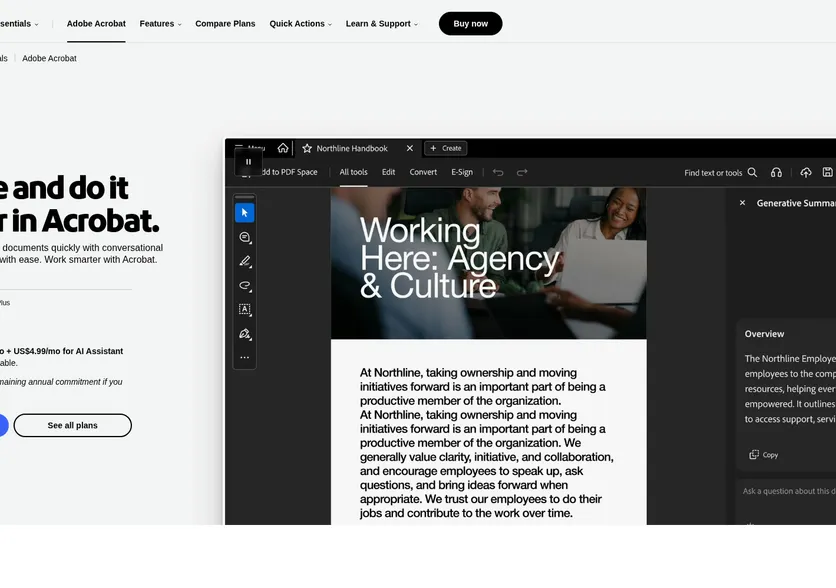
Paid tool Starting price: $14.99/month · Fourteen dollars and ninety-nine cents a month on Acrobat Standard for individuals billed annually; Standard for teams is $16.99 per licence a month and Pro is $19.99; signing is bundled inside Acrobat plans rather than sold standalone; transaction limits of 150 per user a year apply below Pro
Free plan: 7-day free trial
A brokerage already working in PDF files all day can add signing without a new app, because this Adobe Acrobat Sign plan costs fourteen dollars and ninety-nine cents a month inside Acrobat Standard billed annually. It edits, converts and signs in the same editor, with Microsoft 365 integration for teams that live in Office. The 150-transaction yearly cap on Standard means a busy brokerage should check its envelope volume before settling on the entry tier.
What we like
- Signing inside the PDF editor the team already uses
- Microsoft 365 integration for Office-based teams
- Familiar brand clients already trust
Watch out for
- Only 150 signature transactions a year on Standard
- Signing is bundled, so you pay for the full Acrobat editor
How to try it
- Open a listing agreement in Acrobat and send it for signature
- Save the signed copy with the transaction file
- Check yearly transaction volume against the 150 cap
8. SignWell
Best for: Small brokerages that send many documents
Paid tool Starting price: $10/sender/month · Ten dollars per sender a month billed annually on Light ($12 billed monthly); Business is $30 a month for three senders billed annually ($36 billed monthly); some listings show $8 a month billed annually, which conflicts with the November 2026 vendor page
Free plan: Free plan (3 documents a month)
Small brokerages that send a lot of documents will get the best value here, because this SignWell plan costs ten dollars per sender a month billed annually on Light, with unlimited documents. Only the people who send pay, while signers never need a seat, and bulk send plus template links cover repeat paperwork. It is a general signing tool, so real estate form libraries and transaction tracking are not its focus, and a brokerage needing those should pair it with a transaction system.
What we like
- Unlimited documents on every paid plan
- Only senders pay, so signers cost nothing
- Bulk send and template links included on Light
Watch out for
- No real estate forms or transaction tracking
- Five templates per sender on the Light plan
How to try it
- Set up templates for listings and disclosures
- Use bulk send for the same form to many clients
- Invite only the agents who send as paid senders
Prices above were checked on each vendor’s own website on Nov 28, 2026 and can change — the vendor’s page is the final word. Vendor links are editorial: nobody paid to be listed or ranked here. Vendors who want a featured listing can see how it works on our Get listed page.
How to choose e-signing that fits brokerage paperwork
Start with the form, not the signature. List the documents the brokerage actually signs every week, from listing agreements and disclosures to internal forms, and check whether each tool carries them natively or needs a template built by hand. Then test the signing experience on a phone, since clients sign from their couches, and confirm the audit trail records who signed what and when for your state rules. Finally, count the envelopes: a flat per-account plan wins for a busy office, while a per-user plan suits a brokerage where only a few agents send. Run the same test with your most common form, and time how long it takes from sending to a signed copy back in the file, because a tool that is fast on a simple agreement can still slow a brokerage down when the paperwork is a full listing package with several signers.
Before you buy
- Check whether the tool includes real estate forms or connects to association forms
- Confirm e-signature legality and audit trail support for your state and brokerage policy
- Verify integrations with document storage, CRM and transaction systems
- Ask how agents and clients sign on mobile and what identity checks exist
- Review workflow and permission controls for many agents under one brokerage
Official websites
Official websites of the products reviewed above. Features and prices were checked against these sites when this guide was written, and they can change, so confirm on the vendor site before you buy.
Frequently asked questions
Which e-signing tool is best for a real estate brokerage?
Dotloop is the first pick for brokerages wanting e-signing inside real estate transaction management, at twenty-nine dollars per user a month on the annual rate. DocuSign suits teams needing a broad agreement platform, and Form Simplicity fits brokerages aligned with association or MLS forms. The right choice depends on how much real estate workflow depth you need.
Can a general e-signature tool handle real estate paperwork?
General tools such as DocuSign, Dropbox Sign and SignNow can collect legally binding signatures on listing agreements and disclosures. They are less focused on real estate form libraries and transaction stages, so brokerages with heavy forms needs often pair them with a real estate-specific system such as Dotloop.
How much does Dotloop cost per user?
Dotloop Premium costs twenty-nine dollars per user a month on the site banner, which matches the annual rate of three hundred and forty-four dollars a year, or twenty-eight dollars and sixty-seven cents a month. Monthly billing is thirty-four dollars and ninety-nine cents a month, and a second dotloop page lists thirty-one dollars and ninety-nine cents, so confirm the figure at checkout.
What is the cheapest e-signing tool for a brokerage?
SignNow is the cheapest entry point here at eight dollars a month billed annually for the whole account, with unlimited users and one hundred signature invites a year. SignWell follows at ten dollars per sender a month with unlimited documents. Both are general signing tools, so a brokerage needing real estate forms should budget for a transaction system alongside them.
Do clients need an account to sign brokerage documents?
No. On every tool in this list, signers receive an email link and sign in a browser without creating an account or paying anything. Only the people who send documents need paid seats, which is why SignWell bills per sender and SignNow charges one flat price for the whole account.
Compare the eight tools above, then start with a free trial of the e-signing tool that matches your brokerage forms before paying for a full year.
Browse Business Tools tools