On this page
A freelancer signs contracts, proposals and NDAs every week, and the signing tool should be the cheapest part of that routine rather than a monthly headache. The seven tools below start at eight dollars a user a month, and most of them cover a solo worker with a free plan or a free trial before any payment. Every price here was checked on the vendor pricing page on November 26, 2026. SignNow is our first pick, because eight dollars a user a month buys the full Business plan with no per-document fees.
How we researched this
We started with the signing tools freelancers actually buy, then read each price on the vendor pricing page on November 26, 2026 and noted the signing limits and free plan each one carries. We judged them for a solo worker who sends a handful of documents a month and needs a signature back fast, with no IT help. We kept only tools with a published price, and we dropped any tool whose price we could not verify on the vendor site.
Compare the tools
| Name | Best for | Starting price | Free plan | |
|---|---|---|---|---|
 SignNow | Freelancers who want the cheapest full-featured signing plan with no per-document fees | $8/user/month | Free trial available | Visit |
 DocuSign | Freelancers whose clients already trust the DocuSign name on a signature request | $15/month | Free trial available | Visit |
 Signeasy | Freelancers who want to send contracts for signature from a phone | $10/user/month | Free trial available | Visit |
 Adobe Acrobat Sign | Freelancers who already live in Acrobat and want signing inside the PDF workflow | $12.99/month | Free trial available | Visit |
 PandaDoc | Freelancers who send proposals and contracts and want both in one document | $19/user/month | Free trial available | Visit |
 Dropbox Sign | Freelancers who want the fastest route from upload to a signed document | $15/month | 30-day free trial; no free plan | Visit |
 Zoho Sign | Freelancers who already use Zoho apps and want signing inside that ecosystem | $10/user/month | Free plan for one user with five documents a month | Visit |
The e signature software, compared
1. SignNow
Best for: Freelancers who want the cheapest full-featured signing plan with no per-document fees
Paid tool Starting price: $8/user/month · Business plan, $8 a user a month billed annually; 100 invites a user a year
Free plan: Free trial available
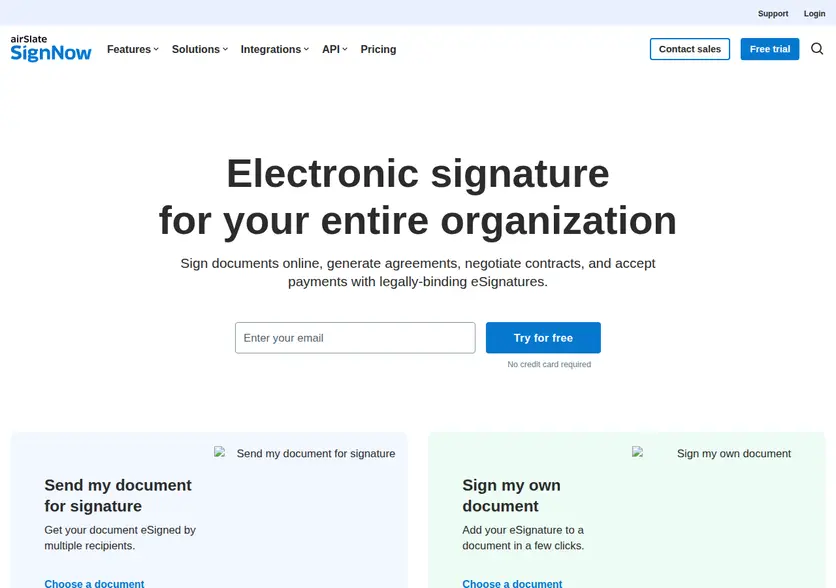
Eight dollars a user a month buys the full Business plan here, and SignNow keeps that price flat no matter how many documents you send. This SignNow plan covers unlimited templates, in-person signing and a signing link you can share by email or text. A freelancer can send a contract in the morning and have it back signed before lunch, without counting envelopes.
What we like
- Cheapest full plan here at eight dollars a user a month
- Unlimited templates with no per-document fees
- Signing links work by email or text
Watch out for
- Business plan costs eight dollars a user a month billed annually
- Invite limits apply per user each year
How to try it
- Open the SignNow pricing page and start the free trial
- Upload a contract and add signature fields for your client
- Send the signing link and track it until it comes back signed
2. DocuSign
Best for: Freelancers whose clients already trust the DocuSign name on a signature request
Paid tool Starting price: $15/month · Personal plan, $15 a month billed monthly or $10 a month billed annually; one user and five envelopes a month
Free plan: Free trial available
A freelancer who sends five contracts a month does not need an enterprise signing suite, and DocuSign Personal fits that exact shape. This DocuSign plan covers one user, five envelopes a month and signing from any device, with the brand clients already recognize. The Personal plan keeps costs low while the signature request still carries the name every client trusts.

What we like
- The signing brand clients already trust
- Five envelopes a month fits a light workload
- Signs from any device with no app install
Watch out for
- Personal plan covers only five envelopes a month
- Monthly billing costs more than the annual rate
How to try it
- Open the DocuSign pricing page and start the free trial
- Upload a document and place signature fields where needed
- Send the envelope and get notified when your client signs
3. Signeasy
Best for: Freelancers who want to send contracts for signature from a phone
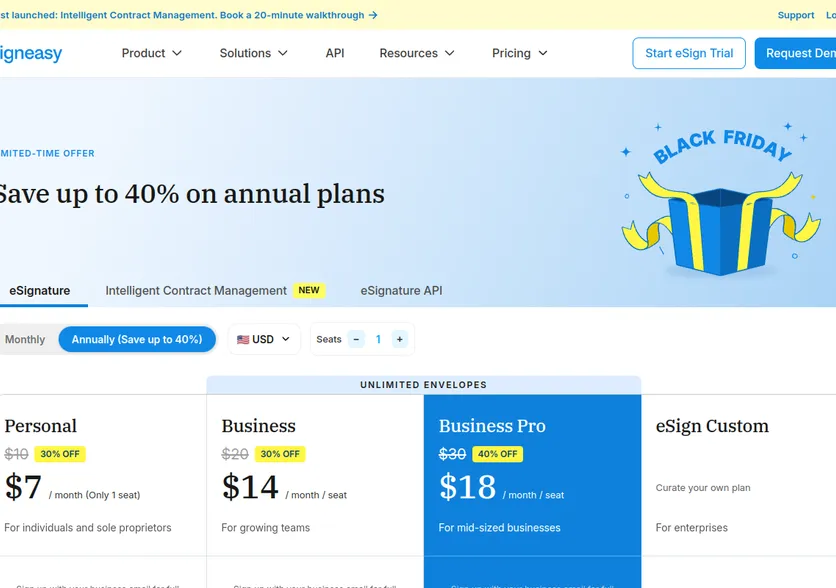
Paid tool Starting price: $10/user/month · Personal plan, $10 a user a month; one user and five sends a month
Free plan: Free trial available
Signeasy is built for the phone in your pocket, so a freelancer can send a contract for signature between meetings without opening a laptop. This Signeasy Personal plan covers one user, five sends a month and signing on any device. A freelancer who works from coffee shops and client offices will sign more deals with a tool that lives on the phone.
What we like
- Phone-first signing that works anywhere
- Simple enough to send a contract in minutes
- Reminders chase late signers for you
Watch out for
- Personal plan covers five sends a month
- Heavier workflows need a pricier plan
How to try it
- Open the Signeasy pricing page and start the free trial
- Upload a contract and add signature fields on your phone
- Send it for signature and track it until it comes back
4. Adobe Acrobat Sign
Best for: Freelancers who already live in Acrobat and want signing inside the PDF workflow
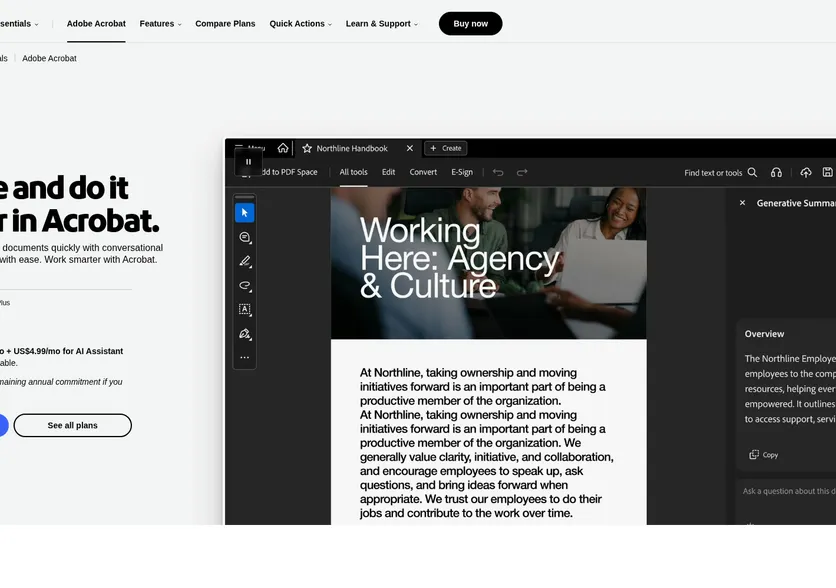
Paid tool Starting price: $12.99/month · Acrobat Standard individual plan, $12.99 a month billed annually
Free plan: Free trial available
Signing inside the PDF editor you already open every day is the whole appeal of Adobe Acrobat Sign for a solo worker. This Adobe Acrobat Sign plan adds e-signatures, templates and tracking to Acrobat Standard, so a contract never leaves the app you edited it in. A freelancer who already pays for Acrobat gets signing without adding another subscription to the stack.
What we like
- Signing lives inside Acrobat Standard
- Templates speed up repeat contracts
- Tracking shows when a client opens and signs
Watch out for
- Standard plan costs about thirteen dollars a month billed annually
- Team features need the pricier team plan
How to try it
- Open the Adobe pricing page and start the free trial
- Open a PDF in Acrobat and add signature fields
- Send the document and track it until it is signed
5. PandaDoc
Best for: Freelancers who send proposals and contracts and want both in one document
Paid tool Starting price: $19/user/month · Essentials plan, $19 a user a month billed annually; maximum two seats; Business is $49 a user a month
Free plan: Free trial available
Proposals and signatures usually live in two different tools for a freelancer, and PandaDoc pulls them into one send. This PandaDoc Essentials plan builds a proposal with pricing tables, sends it for an e-signature and tracks when the client opens it. A freelancer can quote, negotiate and close in a single document instead of chasing three separate threads.

What we like
- Proposals and signatures in one document
- Pricing tables and tracking built in
- Templates for quotes, contracts and invoices
Watch out for
- Essentials covers at most two seats
- Business plan costs far more per user
How to try it
- Open the PandaDoc pricing page and start the free trial
- Build a proposal from a template with your pricing table
- Send it for signature and watch the open tracking
6. Dropbox Sign
Best for: Freelancers who want the fastest route from upload to a signed document
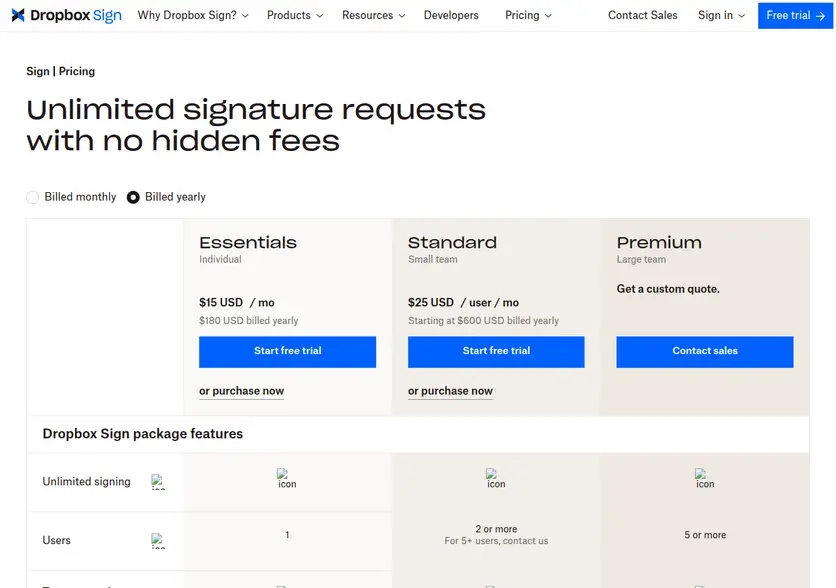
Paid tool Starting price: $15/month · Essentials plan, $15 a month billed annually for one user with unlimited requests and five templates; $20 a month billed monthly
Free plan: 30-day free trial; no free plan
When a client needs to sign today and you have no time to learn a new tool, Dropbox Sign is the fastest route from upload to signature. This Dropbox Sign Essentials plan covers unlimited signature requests, five templates and signing from any device for one user. A freelancer can upload a PDF, drop in a signature field and send it in under five minutes.
What we like
- Unlimited signature requests on Essentials
- Upload to send in under five minutes
- Templates for repeat documents
Watch out for
- Essentials covers one user only
- Only five templates on the entry plan
How to try it
- Open the Dropbox Sign pricing page and start the free trial
- Upload a document and place a signature field
- Send it and get notified when the client signs
7. Zoho Sign
Best for: Freelancers who already use Zoho apps and want signing inside that ecosystem
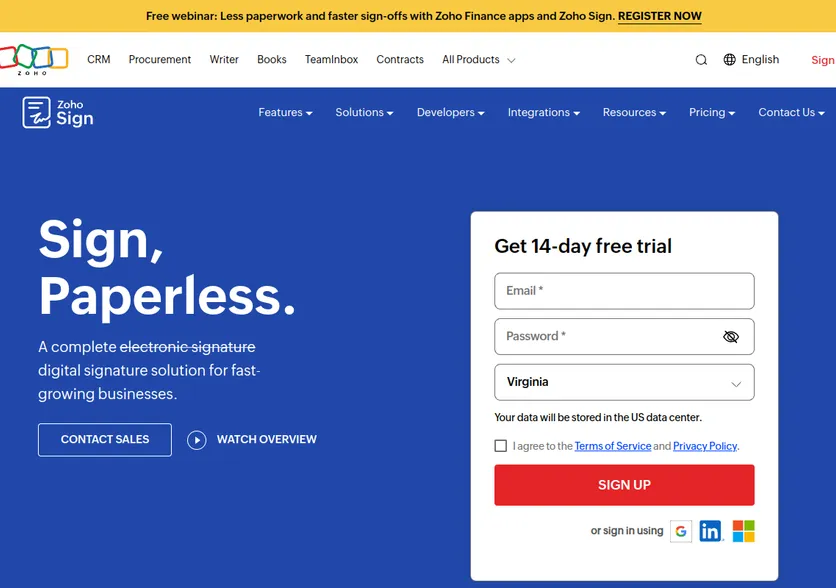
Paid tool Starting price: $10/user/month · Standard plan, $10 a user a month billed annually; 25 envelopes a user a month; Professional is $16 and Enterprise is $22
Free plan: Free plan for one user with five documents a month
Zoho Sign is the natural pick when the rest of your business already runs on Zoho, because signatures sit next to your CRM and books. This Zoho Sign Standard plan covers 25 envelopes a user a month, templates and reminders for ten dollars a user a month. A freelancer in the Zoho world can send a contract from the same account that holds the client record.
What we like
- Free plan covers one user and five documents
- Works inside the wider Zoho ecosystem
- Reminders chase late signers for you
Watch out for
- Standard plan covers 25 envelopes a user a month
- Higher plans cost more per user
How to try it
- Open the Zoho Sign pricing page and create a free account
- Upload a document and add signer fields
- Send it for signature and set a reminder
Prices above were checked on each vendor’s own website on Nov 26, 2026 and can change — the vendor’s page is the final word. Vendor links are editorial: nobody paid to be listed or ranked here. Vendors who want a featured listing can see how it works on our Get listed page.
What e signature software costs a freelancer in 2026
Most freelancers send fewer than ten documents a month, so the envelope limit matters more than the headline price. This list runs from eight dollars a user a month to nineteen, and the free plans at Zoho Sign and the trials elsewhere mean you can sign your first real contract before paying anything. The headline plan each vendor shows on its own pricing page is the number in the table above, checked on November 26, 2026.
Start with the free trial on two tools and send the same contract through both. Compare how fast the client signs and how the signed copy comes back, then pick the tool your clients find easiest. A ten-dollar tool your clients actually sign beats a thirty-dollar platform they ignore.
Before you buy
- Count your documents first, because a five-envelope limit is fine for most freelancers but not for a busy month.
- Check whether the plan charges per user or per document, because per-document fees punish a freelancer who sends often.
- Test the signing experience on a phone, because most clients sign on mobile and a clumsy form loses signatures.
- Ask whether templates are included, because repeat contracts should take a minute to send, not an afternoon to rebuild.
- Confirm the signed copy is stored and searchable, because a freelancer needs the proof months later without digging through email.
Official websites
Official websites of the products reviewed above. Features and prices were checked against these sites when this guide was written, and they can change, so confirm on the vendor site before you buy.
Frequently asked questions
Which e signature software is best for a freelancer in 2026?
SignNow, at eight dollars a user a month, is the best value because the Business plan covers unlimited templates with no per-document fees. DocuSign Personal is the safest pick when clients expect a familiar brand, at fifteen dollars a month for five envelopes. Signeasy wins for mobile signing at ten dollars a user a month, with a phone-first workflow that suits a freelancer on the move.
What is the cheapest e signature software for a freelancer?
SignNow Business, at eight dollars a user a month billed annually, is the cheapest full plan on this list. Zoho Sign has a free plan for one user with five documents a month, which costs nothing for a very light workload. Signeasy Personal and DocuSign Personal follow at ten and fifteen dollars a month, so a freelancer can start free and upgrade only when the volume grows.
Can I use e signature software for free as a freelancer?
Yes, for a light workload. Zoho Sign offers a free plan for one user with five documents a month, which covers an occasional contract without paying. Every other tool here offers a free trial, so you can send real documents and test the signing experience before committing. A trial is the honest way to learn whether your clients find a tool easy to sign.
How many documents can I send on the cheapest e signature plans?
It depends on the plan. DocuSign Personal covers five envelopes a month and Signeasy Personal covers five sends, which suits a freelancer who signs a few contracts a week. SignNow Business and Dropbox Sign Essentials have no per-document cap on requests, so they fit a busier month. Check the envelope limit before you buy, because overage fees or forced upgrades are where cheap plans get expensive.
Do clients need an account to sign my documents?
No, not on any tool in this list. Your client opens a signing link by email or text, signs in the browser and gets a copy, with no account or install needed. That matters because every extra step loses signatures, especially from busy clients on a phone. Pick the tool whose signing page looks simplest to a first-time signer, not the one with the longest feature list.
Need everyday document help too? Try Toolsvine's free document tools for small teams right in your browser.
Browse Document & File Converters tools