On this page
Faxing from a Mac should be simple, yet many services still expect Windows software or hide their real price behind a trial. The eight tools below send faxes from a Mac through a web app, a native app or email, with honest pricing from free pages to full business plans. eFax leads the list because it is the most established fax service with Mac and mobile apps for eighteen dollars and ninety-nine cents a month, and the other seven tools are ranked on the same practical test: how easily a Mac user can send a fax for the price.
How we researched this
We checked every price on the vendor pricing page on November 28, 2026, and only included tools with a published US dollar list price. Prices in this category move often and listings disagree, so every conflict is disclosed in the price note. Prices change, so confirm the current figure on the vendor site before you buy.
Compare the tools
| Name | Best for | Starting price | Free plan | |
|---|---|---|---|---|
| eFax | Mac users that want the most established fax service with mobile apps | $18.99/month | 7-day free trial | Visit |
| Fax.Plus | Mac users that want a free tier and apps on every platform | $6.99/month | Free plan | Visit |
| MyFax | Mac users that want a straightforward plan on a familiar network | $12/month | 14-day free trial | Visit |
 RingCentral Fax | Businesses that want fax inside a full phone system | $27.99/month | Free trial | Visit |
| iFax | Mac users that want a polished app with a hard monthly cap | $9.99/month | 7-day free trial | Visit |
| Dropbox Fax | Occasional Mac users that want to pay per fax, not per month | $0.99/fax | Free plan | Visit |
| MetroFax | Small businesses that want the most pages per dollar | $9.96/month | 3-day free trial | Visit |
| FaxZero | Mac users that only need to send the occasional fax for free | $3.29/fax | Free plan | Visit |
The Mac software for sending faxes, compared
1. eFax
Best for: Mac users that want the most established fax service with mobile apps
Paid tool Starting price: $18.99/month · Eighteen dollars and ninety-nine cents a month on the Personal plan, with four dollars and ninety-nine cents for the first month; annual prepay works out to fifteen dollars and eighty-three cents a month ($189.96 a year).
Free plan: 7-day free trial
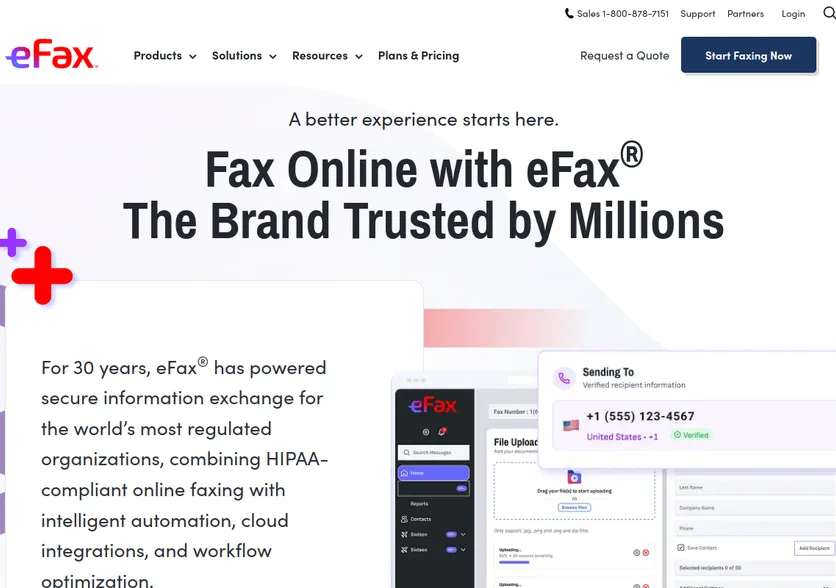
This eFax plan costs eighteen dollars and ninety-nine cents a month and sends and receives faxes from a Mac, a browser or a phone. It includes a personal fax number, three hundred fax pages a month and cloud storage, with e-signature tools and support around the clock. A Mac user who wants a fax service that has been running since the nineties gets the most established option in this list.
What we like
- A personal fax number with three hundred pages a month
- Mac, web and mobile apps with email faxing
- E-signature tools and cloud storage included
Watch out for
- The price rose from earlier sixteen-dollar listings
- HIPAA compliance needs the higher Business plan
How to try it
- Create an eFax account and pick your fax number
- Upload a document from your Mac or send by email
- Check incoming faxes in the app or your inbox
2. Fax.Plus
Best for: Mac users that want a free tier and apps on every platform
Paid tool Starting price: $6.99/month · Six dollars and ninety-nine cents a month billed annually on the Basic plan, or eight dollars and ninety-nine cents billed monthly, with two hundred pages, one number and one member; older listings show five dollars and ninety-nine cents a month
Free plan: Free plan
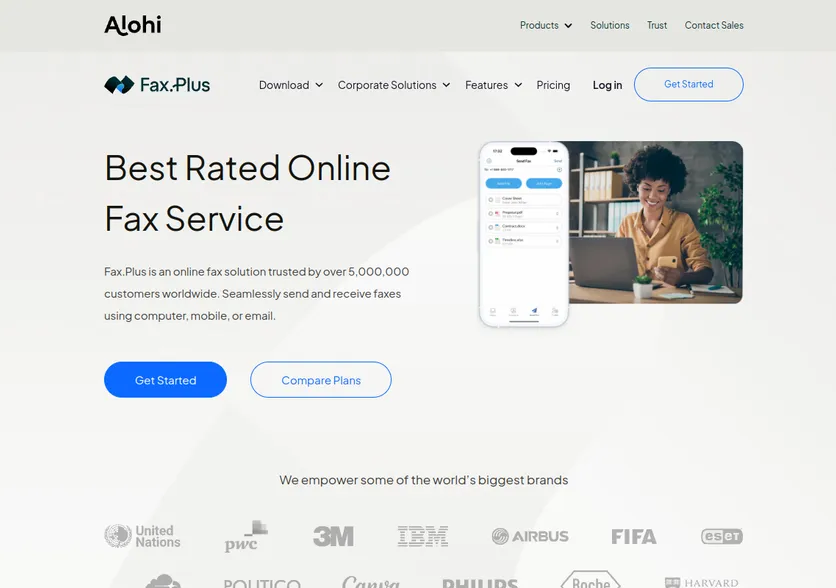
This Fax.Plus plan costs six dollars and ninety-nine cents a month billed annually and covers two hundred pages with one number and one member. It offers web, Mac, Windows, iOS and Android apps, sends to more than one hundred and eighty countries, and gives ten free pages to start. A Mac user who faxes occasionally gets a genuine free tier plus the cheapest real plan in this list.
What we like
- A genuine free plan with ten pages included
- Apps on Mac, web, iOS, Android and Windows
- Sends to more than one hundred and eighty countries
Watch out for
- HIPAA compliance needs the Enterprise plan
- The free plan covers only ten pages, once
How to try it
- Create a Fax.Plus account and claim your fax number
- Upload a PDF from your Mac or send it by email
- Track sent and received faxes in the dashboard
3. MyFax
Best for: Mac users that want a straightforward plan on a familiar network
Paid tool Starting price: $12/month · Twelve dollars a month on the Home Office plan, with five dollars for the first month; older listings show ten dollars a month, and one listing shows eight dollars and twenty-five cents a month
Free plan: 14-day free trial
This MyFax plan costs twelve dollars a month and sends and receives faxes by web, email and mobile apps. It runs on the same network as eFax, with polished apps and phone support, and the Home Office plan covers everyday faxing for a small office. A Mac user who wants a simple service with no surprises gets a plan that does the job without extras to configure.
What we like
- Simple plans with no confusing tiers
- Runs on the mature eFax network
- Web, email and mobile faxing in one account
Watch out for
- No permanent free plan, only a fourteen-day trial
- Listings disagree on the starting price by a few dollars
How to try it
- Create a MyFax account and choose a local or toll-free number
- Send a fax from the web app or by email
- Receive faxes as PDFs in your inbox
4. RingCentral Fax
Best for: Businesses that want fax inside a full phone system
Paid tool Starting price: $27.99/month · Twenty-seven dollars and ninety-nine cents a month on the Fax 3000 plan, or twenty-two dollars and ninety-nine cents on an annual plan; the full RingEX phone plan that bundles fax starts at thirty dollars per user a month, which is a different product
Free plan: Free trial
This RingCentral Fax plan costs twenty-seven dollars and ninety-nine cents a month and adds cloud fax to a business phone system. It includes a dedicated number, three thousand pages and the reliability of a major communications platform, with the full RingEX phone plan as the bigger step up. A company already considering RingCentral for phones gets fax as a natural add-on rather than a separate vendor.
What we like
- Fax inside a full business phone system
- A dedicated number with three thousand pages
- A free trial to test the service before paying
Watch out for
- The highest fax-only price in this list
- Overkill if you only need occasional faxing
How to try it
- Add RingCentral Fax to your account and pick a number
- Send faxes from the desktop or mobile app
- Receive faxes as PDFs and forward them by email
5. iFax
Best for: Mac users that want a polished app with a hard monthly cap
Paid tool Starting price: $9.99/month · Nine dollars and ninety-nine cents a month starting, per November 2026 listings; the Plus plan with a full two-way fax line is listed at twelve dollars and forty-nine cents a month, and the App Store monthly subscription shows twenty-four dollars and ninety-nine cents, so confirm the web price before buying
Free plan: 7-day free trial
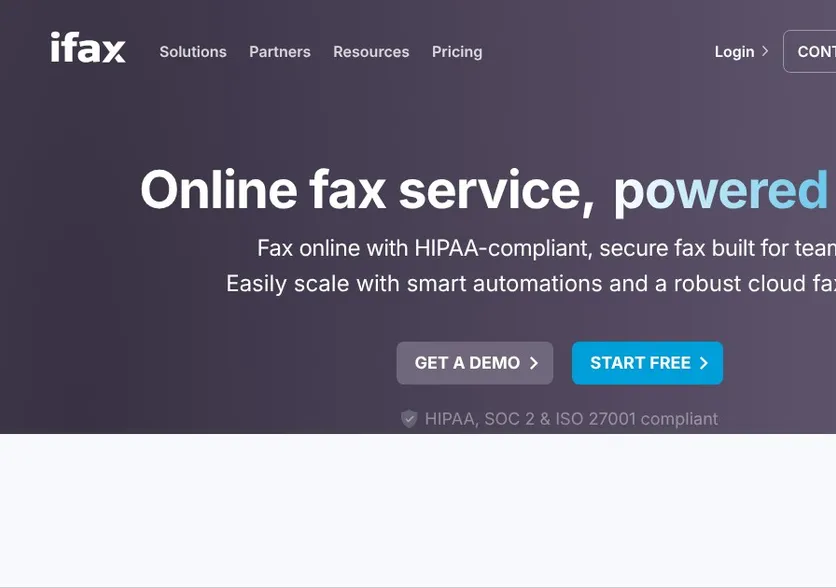
This iFax plan costs nine dollars and ninety-nine cents a month starting and faxes from a polished Mac and mobile app. It signs a business associate agreement from the Plus plan, caps every plan so overage fees never appear, and includes e-signatures for documents that need a signature before sending. A Mac user who faxes sensitive documents gets a modern app with compliance handled properly.
What we like
- A polished Mac app with a modern feel
- Hard-capped plans with no overage fees
- Signs a business associate agreement from Plus
Watch out for
- The entry tier is send-only, so receiving needs Plus
- Listings disagree widely on the real starting price
How to try it
- Install the iFax app on your Mac and start the trial
- Scan or upload the document you need to fax
- Send the fax and track delivery in the app
6. Dropbox Fax
Best for: Occasional Mac users that want to pay per fax, not per month
Paid tool Starting price: $0.99/fax · Ninety-nine cents per fax on the pay-as-you-go plan, up to ten pages, with five free pages once; there is no monthly subscription on this plan, and monthly plans start at nine dollars and ninety-nine cents a month for the Home Office plan (300 pages). Dropbox Fax was formerly HelloFax.
Free plan: Free plan
This Dropbox Fax plan costs ninety-nine cents per fax on the pay-as-you-go plan, up to ten pages, with five free pages once. It lives inside the Dropbox ecosystem, needs no mobile app, and suits a desktop user who faxes now and then rather than daily. A Mac user who sends a fax a few times a year pays less than a dollar a time instead of a monthly subscription.
What we like
- Pay per fax with no monthly subscription
- Five free pages to test the service
- Lives inside the Dropbox ecosystem you may already use
Watch out for
- No mobile app, so it suits desktop users only
- Pay-per-fax gets pricey if you fax every day
How to try it
- Open Dropbox Fax in your browser and sign in
- Upload the document and enter the destination number
- Pay ninety-nine cents and confirm the fax was delivered
7. MetroFax
Best for: Small businesses that want the most pages per dollar
Paid tool Starting price: $9.96/month · Nine dollars and ninety-six cents a month billed annually on the Essential plan, or eleven dollars and ninety-five cents billed monthly, for five hundred and fifty pages; the vendor page description line shows nine dollars and ninety-five cents, a cent under the plan card
Free plan: 3-day free trial
This MetroFax plan costs nine dollars and ninety-six cents a month billed annually and covers five hundred and fifty pages. It faxes from web, desktop, API and mobile apps, with a flat three-cent overage that stops a bad estimate becoming a bad bill. A small business that sends high volumes on a budget gets the best pages-per-dollar ratio in this list.
What we like
- Five hundred and fifty pages for under ten dollars a month
- A flat three-cent overage with no surprises
- Web, desktop, API and mobile faxing in one account
Watch out for
- No HIPAA option, so it suits general business only
- No permanent free plan, only a three-day trial
How to try it
- Create a MetroFax account and pick your fax number
- Send faxes from the web app, email or mobile app
- Monitor your page allowance and overage in the dashboard
8. FaxZero
Best for: Mac users that only need to send the occasional fax for free
Paid tool Starting price: $3.29/fax · Three dollars and twenty-nine cents per fax for a twenty-five-page paid fax, with no account and no subscription; the free option sends up to three pages plus a cover, five times a day, with a FaxZero-branded cover. FaxZero sends only and cannot receive faxes
Free plan: Free plan
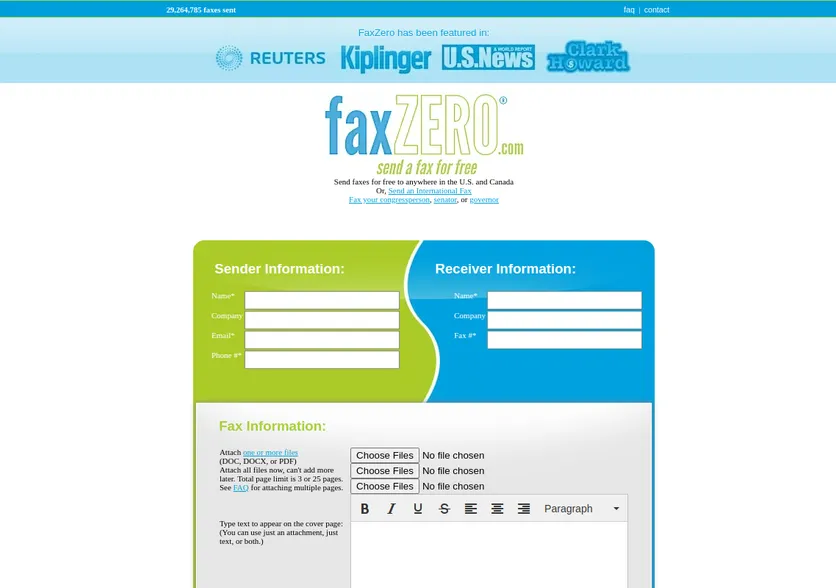
This FaxZero plan costs three dollars and twenty-nine cents per fax for a twenty-five-page paid fax, with no account and no subscription. The free option sends up to three pages plus a cover, five times a day, with a FaxZero-branded cover page, to numbers in the United States and Canada. A Mac user who needs to send one fax today gets it done in minutes without signing up for anything.
What we like
- Free faxing with no account and no subscription
- A paid fax costs three dollars and twenty-nine cents flat
- No app to install, it runs entirely in the browser
Watch out for
- Sends only, with no number and no receiving
- Free faxes carry a FaxZero-branded cover page
How to try it
- Open FaxZero in your browser, no account needed
- Enter the destination number and upload your document
- Send the free fax or pay three dollars and twenty-nine cents for twenty-five pages
Prices above were checked on each vendor’s own website on Nov 28, 2026 and can change — the vendor’s page is the final word. Vendor links are editorial: nobody paid to be listed or ranked here. Vendors who want a featured listing can see how it works on our Get listed page.
How to fax from a Mac without the usual headaches
Start with the free pages before you pay anything. Every tool in this list offers free pages or a trial, and a real fax to a real machine tells you more about quality than any marketing page. Pick a plan by how often you fax, not by the feature list: occasional senders should pay per fax, while weekly senders save money on a monthly plan with a page allowance. Keep your fax number once you have one, because changing it means telling every sender and every form. Finally, save a copy of every important fax as a PDF, since the service archive is the only proof you sent it.
Before you buy
- Confirm the service works fully on a Mac, with a native app or a web app that needs no Windows software
- Check whether the plan includes a dedicated fax number for receiving, not just sending
- Ask if the service signs a HIPAA agreement when you fax medical or legal documents
- Make sure international faxing is covered if you send outside the United States and Canada
- Test the free pages first, because the send quality only shows on a real fax
Official websites
Official websites of the products reviewed above. Features and prices were checked against these sites when this guide was written, and they can change, so confirm on the vendor site before you buy.
Frequently asked questions
What is Mac software for sending faxes?
It is an online service that sends and receives faxes from a Mac without a fax machine or phone line, usually through a web app, a Mac app or email. You upload a document, enter the destination number, and the service delivers it to a real fax machine on the other end. The tools in this list differ in whether they charge monthly, per fax, or offer free pages.
How much does eFax cost for Mac users?
eFax costs eighteen dollars and ninety-nine cents a month on the Personal plan, with four dollars and ninety-nine cents for the first month. The plan includes a personal fax number and three hundred fax pages a month. Paying for a year in advance works out to fifteen dollars and eighty-three cents a month, or one hundred eighty-nine dollars and ninety-six cents a year.
Can I send a fax for free from a Mac?
Yes, with FaxZero, which sends up to three pages plus a cover for free, five times a day, with no account needed. Fax.Plus gives ten free pages once, and Dropbox Fax gives five free pages once. Free options are send-only or one-time, so a business that faxes every week should budget for a paid plan.
Which fax service is best for Mac users?
Fax.Plus is the strongest fit for most Mac users, because it costs six dollars and ninety-nine cents a month billed annually, includes a free tier, and works on Mac, web, iOS and Android. MetroFax is the better pick for high volume, at nine dollars and ninety-six cents a month for five hundred and fifty pages. Dropbox Fax suits occasional users at ninety-nine cents per fax.
What should Mac users check before choosing a fax service?
First, check whether the service works fully on a Mac, because some fax tools still expect Windows software. Then confirm the plan includes a dedicated number for receiving, since send-only plans leave you without a way to get faxes back. Finally, ask about HIPAA compliance if you fax medical records, because only some services sign the required agreement.
Compare the eight tools above, then start with a free trial or the free pages of the one that matches how often you fax.
Browse Document & File Converters tools