On this page
Law firms drown in requests long before they drown in cases: intake forms, document asks, deadline chases and client messages all pile up in inboxes. The nine tools below track every request against a matter, a deadline and a responsible person, from a thirty-nine dollar starter to an AI intake platform. MyCase leads because its fifty dollar plan pairs case management with intake and billing in one place, and the rest are ranked on how well they fit a small firm or a growing practice.
How we researched this
We checked every price on the vendor pricing page on November 28, 2026, and only included tools with a published US dollar list price. Smokeball, Filevine and Actionstep publish no prices, so they are not in this list. Prices change, so confirm the current figure on the vendor site before you buy.
Compare the tools
| Name | Best for | Starting price | Free plan | |
|---|---|---|---|---|
 MyCase | Small firms that want one system for requests and billing | $50/user/month | No free plan; free trial | Visit |
 PracticePanther | Solo and small firms that want simple practice management | $49/user/month | No free plan; 7-day free trial | Visit |
 Rocket Matter | Firms that want matter-centric tracking with billing built in | $59/user/month | No free plan; free demo | Visit |
 Clio | Firms that want the largest integration ecosystem | $49/user/month | No free plan; 7-day free trial | Visit |
 CosmoLex | Firms that want accounting built into practice management | $49/user/month | No free plan; free demo | Visit |
 CARET Legal | Firms that want one full-featured plan with no tiers | $79/user/month | No free plan; free demo | Visit |
 Lawcus | Firms that prefer visual Kanban boards for requests | $49/user/month | No free plan; free trial | Visit |
 CaseFox | Solo practitioners who want the lowest price | $39/user/month | No free plan; free trial | Visit |
| Lawmatics | Firms that treat client intake as a growth engine | $199/user/month | No free plan; free demo | Visit |
The request tracking software for law firms, compared
1. MyCase
Best for: Small firms that want one system for requests and billing
Paid tool Starting price: $50/user/month · Fifty dollars per user a month billed annually on Basic (sixty dollars billed monthly); Pro is one hundred dollars per user a month and Advanced is one hundred and thirty dollars
Free plan: No free plan; free trial
Fifty dollars per user a month billed annually buys MyCase Basic, the most complete request-to-billing package at this price. It tracks every client request against a matter, logs documents, bills time and runs intake, so the firm stops juggling separate tools. Pro adds accounting and lead management, while Advanced adds analytics and integrations, so a growing firm can scale without migrating.

What we like
- Case management, intake and billing in one place
- Client portal keeps requests and messages organized
- Free trial with no card required
Watch out for
- No free plan, so the trial is the only way to test it
- Some advanced features need the hundred dollar Pro plan
How to try it
- Create a matter and log the first client request against it
- Set up the client portal so clients submit requests online
- Run time tracking and billing from the same matter for a week
2. PracticePanther
Best for: Solo and small firms that want simple practice management
Paid tool Starting price: $49/user/month · Forty-nine dollars per user a month billed annually on Solo (fifty-nine dollars billed monthly); Essential is sixty-nine dollars per user a month and Business is eighty-nine dollars
Free plan: No free plan; 7-day free trial
Forty-nine dollars per user a month billed annually buys PracticePanther Solo, a full practice management tool that tracks requests, matters, documents and time from one dashboard. Its intake forms and task automation turn a client request into a tracked matter without manual re-entry, and the interface is simpler than most rivals. Business adds trust accounting and custom workflows for firms that need them.

What we like
- Intake forms turn requests into tracked matters automatically
- Clean interface that new staff learn quickly
- Seven-day free trial to test the full workflow
Watch out for
- Trust accounting needs the Business plan
- No free plan for firms that want to try it longer
How to try it
- Set up intake forms for the firm's most common requests
- Create matters from incoming requests and assign owners
- Track time and documents against each matter for a week
3. Rocket Matter
Best for: Firms that want matter-centric tracking with billing built in
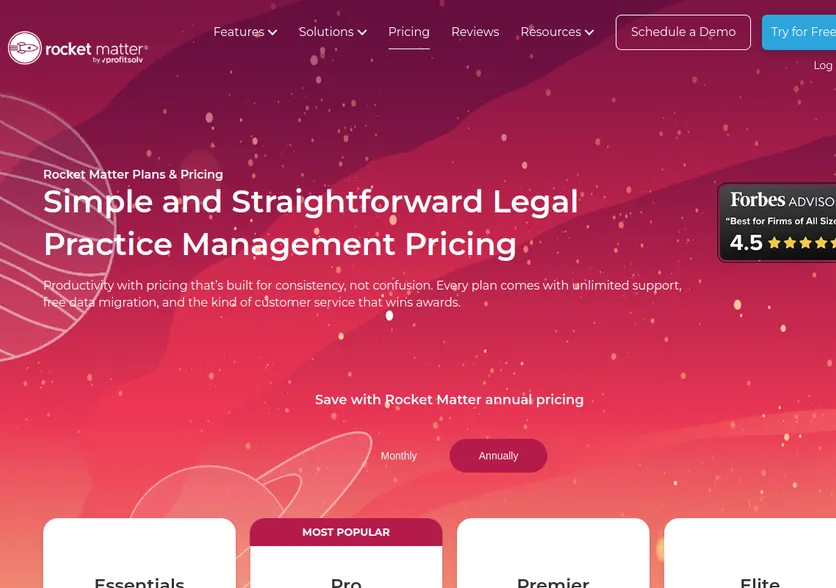
Paid tool Starting price: $59/user/month · Fifty-nine dollars per user a month billed annually on Essentials; Pro is ninety-five dollars per user a month and Premier is one hundred and fifteen dollars; the thirty-nine dollar figure in older listings is stale
Free plan: No free plan; free demo
Fifty-nine dollars per user a month billed annually buys Rocket Matter Essentials, a cloud practice management tool built around matter-centric request tracking. It logs every client communication against the matter, tracks time and expenses, and runs billing without a separate system. Pro adds document automation and advanced reporting, while Premier adds workflow automation for firms that want to standardize intake.
What we like
- Every request and message logged against its matter
- Time tracking and billing included on every plan
- Cloud access from any device with no server to maintain
Watch out for
- No free trial, so the demo is the only preview
- The thirty-nine dollar figure in old listings is stale
How to try it
- Book the demo and confirm the Essentials price in writing
- Import matters and set up the client portal
- Log requests against matters and test billing for a week
4. Clio
Best for: Firms that want the largest integration ecosystem
Paid tool Starting price: $49/user/month · Forty-nine dollars per user a month billed annually on EasyStart (fifty-nine dollars billed monthly); Essentials is eighty-nine dollars per user a month billed annually
Free plan: No free plan; 7-day free trial
Forty-nine dollars per user a month billed annually buys Clio EasyStart, the entry point to the largest legal software ecosystem in this list. It tracks requests, matters, contacts and time, and the Clio app marketplace connects hundreds of integrations for anything the core tool lacks. Essentials adds document automation and advanced billing, so a firm can start small and grow inside one system.

What we like
- Largest legal app marketplace of any tool here
- Matter tracking with time, billing and documents together
- Seven-day free trial to test the workflow
Watch out for
- EasyStart caps some features that need Essentials
- The ecosystem can feel large for a two-person firm
How to try it
- Create the first matter and log a client request against it
- Connect the integrations the firm already uses
- Test document automation on Essentials before upgrading
5. CosmoLex
Best for: Firms that want accounting built into practice management
Paid tool Starting price: $49/user/month · Forty-nine dollars per user a month billed annually on Launch (fifty-nine dollars billed monthly); Core is ninety-nine dollars per user a month and Pro is one hundred and twenty-nine dollars
Free plan: No free plan; free demo
Forty-nine dollars per user a month billed annually buys CosmoLex Launch, a practice management tool with accounting built in rather than bolted on. It tracks requests and matters, runs trust accounting correctly and bills from the same matter, which removes the reconciliation work most firms do between two systems. Core adds document management and advanced billing for growing practices.

What we like
- Trust accounting built in, not added as an integration
- Matter tracking with billing from the same record
- Launch price is among the lowest in this list
Watch out for
- No free trial, so the demo is the only preview
- Document management needs the Core plan
How to try it
- Book the demo and confirm the Launch price in writing
- Set up trust accounts and matter billing
- Log requests against matters and test the accounting for a week
6. CARET Legal
Best for: Firms that want one full-featured plan with no tiers
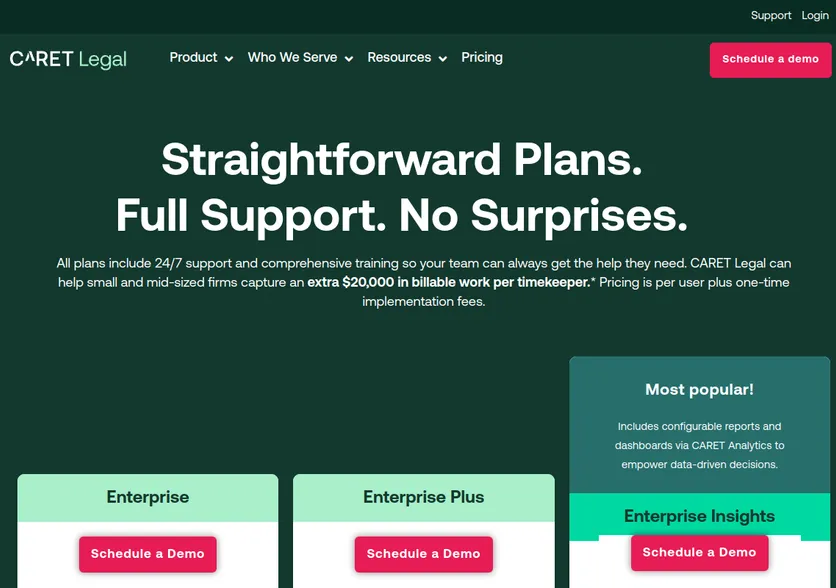
Paid tool Starting price: $79/user/month · Seventy-nine dollars per user a month billed annually; monthly pricing is not published
Free plan: No free plan; free demo
Seventy-nine dollars per user a month billed annually buys CARET Legal, a single-plan practice management tool that tracks requests, matters, documents and billing without tier decisions. Its flat structure means every user gets the full feature set, including workflow automation and integrations with QuickBooks and LawPay. The trade-off is a higher entry price than the forty-nine dollar rivals, so it fits firms that would buy the mid-tier elsewhere anyway.
What we like
- Single plan means every user gets every feature
- Workflow automation included at the base price
- Integrates with QuickBooks and LawPay out of the box
Watch out for
- No monthly billing option is published
- Higher entry price than the forty-nine dollar rivals
How to try it
- Book a demo and confirm the annual price in writing
- Set up matter workflows for the firm's common requests
- Connect QuickBooks or LawPay and test billing end to end
7. Lawcus
Best for: Firms that prefer visual Kanban boards for requests
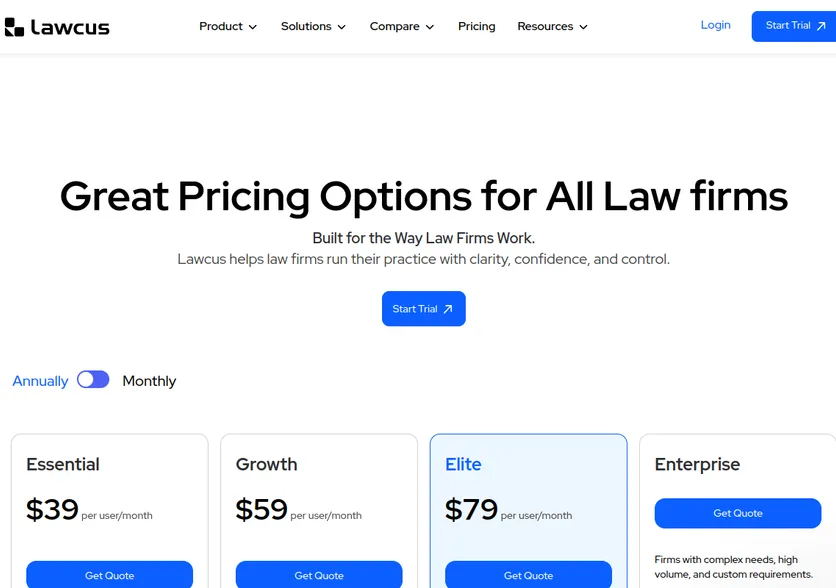
Paid tool Starting price: $49/user/month · Forty-nine dollars per user a month; older listings showing thirty-four or thirty-nine dollars are stale
Free plan: No free plan; free trial
Forty-nine dollars per user a month buys Lawcus, a visual practice management tool that tracks requests on Kanban boards rather than lists. Each request becomes a card that moves from intake to done, which suits firms that think in workflows rather than spreadsheets. It includes time tracking, billing and a client portal, and the single flat price keeps the decision simple.
What we like
- Kanban boards make request status visible at a glance
- Flat price with no tier decisions to make
- Client portal keeps requests and messages organized
Watch out for
- Older listings showing thirty-four or thirty-nine dollars are stale
- Smaller ecosystem than Clio or MyCase
How to try it
- Set up a Kanban board for the firm's intake workflow
- Move the first client request from intake to done
- Test time tracking and billing from the same board
8. CaseFox
Best for: Solo practitioners who want the lowest price
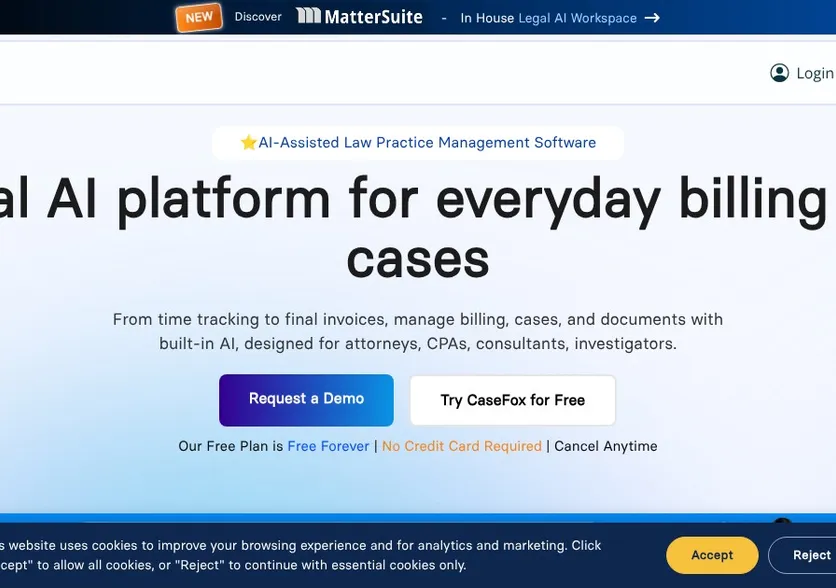
Paid tool Starting price: $39/user/month · Thirty-nine dollars per user a month billed annually (forty-five dollars billed monthly)
Free plan: No free plan; free trial
Thirty-nine dollars per user a month billed annually buys CaseFox, the cheapest practice management tool in this list. It tracks requests, matters, time and billing with a clean interface and a client portal, and it handles trust accounting without a separate system. The low price makes it the obvious starting point for a solo practitioner who needs matter tracking without enterprise features.
What we like
- Lowest price in this list at thirty-nine dollars a month
- Trust accounting included without a separate system
- Client portal keeps requests organized
Watch out for
- Fewer integrations than Clio or PracticePanther
- No free plan, so the trial is the only way to test it
How to try it
- Create the first matter and log a client request against it
- Set up trust accounting and test billing
- Invite a client to the portal and check the request flow
9. Lawmatics
Best for: Firms that treat client intake as a growth engine
Paid tool Starting price: $199/user/month · One hundred and ninety-nine dollars per user a month on Lite; Pro is two hundred and ninety-nine dollars per user a month; figures are last-published — the vendor page no longer shows prices, so confirm before buying
Free plan: No free plan; free demo
One hundred and ninety-nine dollars per user a month buys Lawmatics Lite on last-published pricing, an intake and CRM platform built for firms that win clients through marketing. It tracks every lead and request from first contact to signed engagement, automates follow-up and measures which campaigns bring clients. The vendor page no longer shows prices, so confirm the figure before budgeting, and the cost fits firms that treat intake as a growth engine.

What we like
- Intake automation from first contact to signed client
- Campaign tracking shows which marketing brings clients
- CRM built for law firms rather than generic sales
Watch out for
- Vendor page no longer shows prices, so confirm before buying
- Highest entry price in this list by a wide margin
How to try it
- Book a demo and confirm the Lite price in writing
- Set up intake forms and automated follow-up sequences
- Track the first month of leads to signed clients
Prices above were checked on each vendor’s own website on Nov 28, 2026 and can change — the vendor’s page is the final word. Vendor links are editorial: nobody paid to be listed or ranked here. Vendors who want a featured listing can see how it works on our Get listed page.
How to stop client requests falling through the cracks
Give every request a home the moment it arrives, because a request that lives in an inbox is a request nobody owns. Log it against a matter, assign one person and set a deadline, then let the tool chase the follow-up instead of a sticky note. Use the client portal for intake so clients submit requests in a structured form rather than a free-text email. Check the billing link too: a tool that tracks time against the same matter turns a request into a billable hour without re-entry.
Before you buy
- Confirm the tool tracks requests against matters, not just a generic task list
- Check whether the client portal is included or sold as a separate add-on
- Ask how intake forms work and whether they create matters automatically
- Make sure time tracking and billing link to the same matter record
- Test the tool with a real client request during the free trial before moving the whole firm
Official websites
Official websites of the products reviewed above. Features and prices were checked against these sites when this guide was written, and they can change, so confirm on the vendor site before you buy.
Frequently asked questions
What is request tracking software for law firms?
Request tracking software logs every client request against a matter, assigns an owner and a deadline, and follows it through to completion. In a law firm that means intake forms, document asks, deadline chases and client messages all live in one place instead of scattered inboxes. Practice management tools such as MyCase and PracticePanther do this as part of matter management, while Lawmatics focuses on intake and client acquisition.
How much does MyCase cost?
MyCase costs fifty dollars per user a month billed annually on Basic, or sixty dollars billed monthly. Pro is one hundred dollars per user a month and adds accounting and lead management, while Advanced is one hundred and thirty dollars and adds analytics and integrations. Every plan includes case management, intake and billing, and a free trial lets the firm test it before paying.
What is the cheapest request tracking software for law firms?
CaseFox is the cheapest at thirty-nine dollars per user a month billed annually, with trust accounting included. MyCase, PracticePanther, Clio, CosmoLex and Lawcus all start at forty-nine dollars per user a month billed annually, so the choice among them comes down to features rather than price. Solo practitioners who only need matter tracking and billing will find CaseFox hard to beat on cost.
Do law firms need a client portal for request tracking?
A client portal helps because it gives clients one place to submit requests, upload documents and check status without emailing the firm. MyCase, PracticePanther, CaseFox and Lawcus all include a portal, which reduces the back-and-forth that causes requests to stall. Firms that handle most intake by phone may not need one, but any firm with a steady flow of document requests will save hours each week.
Can these tools handle trust accounting?
Several do. CosmoLex builds trust accounting into the core product, CaseFox includes it at the base price, and PracticePanther adds it on the Business plan. Firms that bill from trust accounts should confirm the accounting workflow on a demo rather than assuming it works the same way in every tool. A tool that tracks requests but cannot handle trust accounting will still need a second system.
Compare the nine tools above, then start the free trial on the tool that matches your firm size and intake volume before paying for a full year.
Browse Business Tools tools