On this page
A startup cannot afford a sales admin, so the software has to do the chasing: log the calls, remind the team about follow-ups and show which deals will close this month. The seven tools below are the cheapest full sales systems with published prices, and every price was checked on the vendor site. Zoho CRM leads because it packs pipelines, email, workflows and calling into a fourteen-dollar-a-user-a-month plan with a free tier for three users, and the rest are ranked on value for a small team.
How we researched this
We checked every price on the vendor pricing page on November 28, 2026, and only included tools with a published US dollar list price. The list covers the full startup sales stack: CRM, pipeline, email, calling and project tracking. Prices change, so confirm the current figure on the vendor site before you buy.
Compare the tools
| Name | Best for | Starting price | Free plan | |
|---|---|---|---|---|
 Zoho CRM | Startups that want a full CRM at the lowest seat price | $14/user/month | Free plan (up to 3 users) | Visit |
 HubSpot CRM | Startups that want to start free and grow into sales tools | $20/seat/month | Free plan (up to 2 users) | Visit |
 Pipedrive | Sales teams that think in deals and stages | $14/user/month | No free plan; 14-day free trial | Visit |
| Salesforce Sales Cloud | Startups that plan to grow into an enterprise CRM | $25/user/month | No free plan; 30-day free trial | Visit |
| monday.com | Startups that plan work on visual boards | $9/seat/month | Free plan (up to 2 seats) | Visit |
 Asana | Startups that want clear plans and deadlines | $10.99/user/month | Free plan (Personal, up to 2 users) | Visit |
 ClickUp | Startups that want one app for tasks, docs and chat | $9/user/month | Free plan | Visit |
The SaaS management software for startups, compared
1. Zoho CRM
Best for: Startups that want a full CRM at the lowest seat price
Paid tool Starting price: $14/user/month · Fourteen dollars per user a month for Standard on annual billing, twenty dollars month to month; Professional is twenty-three dollars, Enterprise is forty dollars and Ultimate is fifty-two dollars; the free plan covers up to three users
Free plan: Free plan (up to 3 users)
A startup that cannot afford a sales admin needs the CRM to do the chasing, and this Zoho CRM plan costs fourteen dollars a user a month billed annually for Standard. It packs pipelines, email, workflows and calling into one plan, and the free tier covers three users with no card required. It is the most complete sales system in this list at the lowest seat price.

What we like
- Pipelines, email, workflows and calling in one plan
- The free plan covers three users with no card required
- Automation rules run without buying a dearer tier
Watch out for
- The interface feels dense until the team learns where things live
- Some advanced reports need the Professional tier
How to try it
- Import contacts and deals from a spreadsheet
- Set up one pipeline with the stages the team actually uses
- Turn on a workflow that assigns new leads to the next rep
2. HubSpot CRM
Best for: Startups that want to start free and grow into sales tools
Paid tool Starting price: $20/seat/month · Twenty dollars a seat a month at list for Sales Hub Starter; new customers pay seven dollars a seat a month billed annually, or ten dollars month to month, as a limited-time offer; Professional is ninety dollars a seat a month billed annually plus a one thousand five hundred dollar onboarding fee
Free plan: Free plan (up to 2 users)
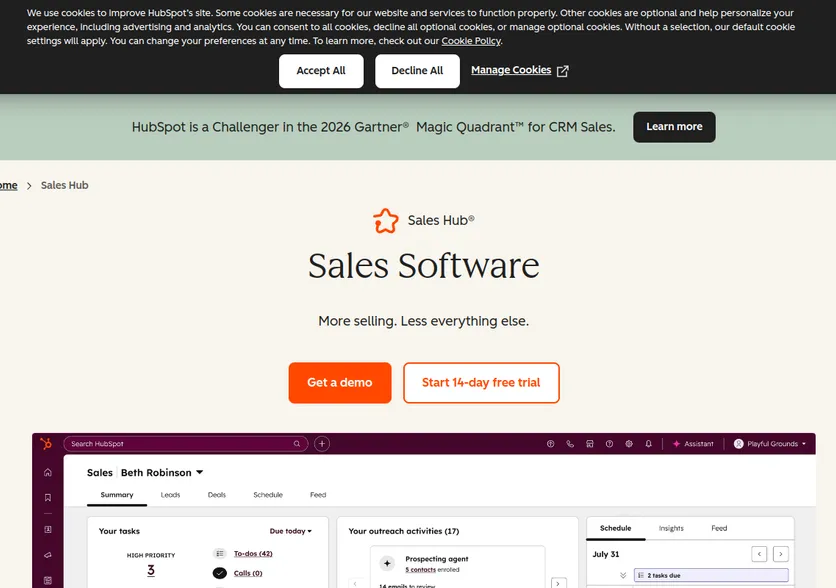
Most startups start on the free HubSpot CRM and grow into paid sales tools, and this HubSpot CRM plan costs twenty dollars a seat a month at list for Sales Hub Starter. It adds sequences, meeting links and deal pipelines to the free CRM the team already knows, and the free tier covers two users and a thousand contacts. The list price matters more than the seven-dollar new-customer offer, which is a limited-time deal.
What we like
- The free CRM covers two users and a thousand contacts
- Email, meetings and deal pipelines share one record
- Hundreds of integrations, including Slack and Gmail
Watch out for
- The list price is twenty dollars a seat, not the seven-dollar new-customer offer
- Costs climb fast once the team adds Marketing or Service Hub
How to try it
- Create the free CRM and import the contact list
- Add a deal pipeline with the stages the team uses
- Connect the inbox so emails log against each deal automatically
3. Pipedrive
Best for: Sales teams that think in deals and stages
Paid tool Starting price: $14/user/month · Fourteen dollars per user a month for Essential on annual billing, twenty-four dollars month to month; Advanced is twenty-nine dollars, though some November 2026 reads show thirty-four dollars; Professional is fifty-nine dollars, Power is sixty-nine dollars and Enterprise is ninety-nine dollars
Free plan: No free plan; 14-day free trial
A startup sales process has to be visible on one board, and this Pipedrive plan costs fourteen dollars a user a month billed annually for the Essential tier. Every deal sits in a stage with a next step, activity reminders keep follow-ups from slipping, and email sync logs each message against the right deal. It is the fastest CRM here to set up, which matters when the team is three people.

What we like
- A drag-and-drop board shows every deal and its next step
- Activity reminders keep follow-ups from slipping
- Email sync logs every message against the right deal
Watch out for
- No free plan, so every seat is paid from day one
- Reporting on the Essential tier is basic
How to try it
- Create a pipeline with the stages from first call to close
- Import the deal list from a spreadsheet
- Set an activity reminder on every open deal
4. Salesforce Sales Cloud
Best for: Startups that plan to grow into an enterprise CRM
Paid tool Starting price: $25/user/month · Twenty-five dollars per user a month for Starter; Professional is eighty dollars, Enterprise is one hundred and sixty-five dollars and Unlimited is three hundred and thirty dollars; Pro Suite is one hundred dollars per user a month
Free plan: No free plan; 30-day free trial
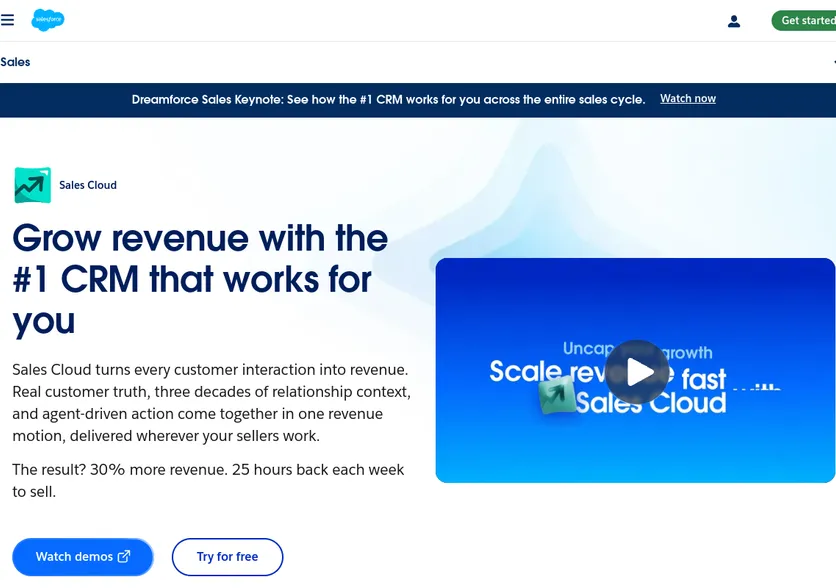
A startup that plans to grow into an enterprise does not want to migrate CRMs later, and this Salesforce Sales Cloud plan costs twenty-five dollars a user a month for Starter. It brings the deepest CRM in this list, with forecasting built in and thousands of apps in the AppExchange, though setup takes longer than the simpler tools here. It is the right pick for a startup that is already planning for fifty seats.
What we like
- The deepest CRM in this list, with forecasting built in
- Thousands of apps in the AppExchange extend it
- Einstein AI scores leads on the higher tiers
Watch out for
- Setup takes longer than the simpler CRMs here
- The Starter tier is light on automation
How to try it
- Create the org and import contacts, accounts and deals
- Set up one sales pipeline with the stages the team uses
- Add the email integration so messages log against each deal
5. monday.com
Best for: Startups that plan work on visual boards
Paid tool Starting price: $9/seat/month · Nine dollars a seat a month for Basic on annual billing, twelve dollars month to month; Standard is twelve dollars, Pro is nineteen dollars and Enterprise is quoted; Basic needs a three-seat minimum
Free plan: Free plan (up to 2 seats)
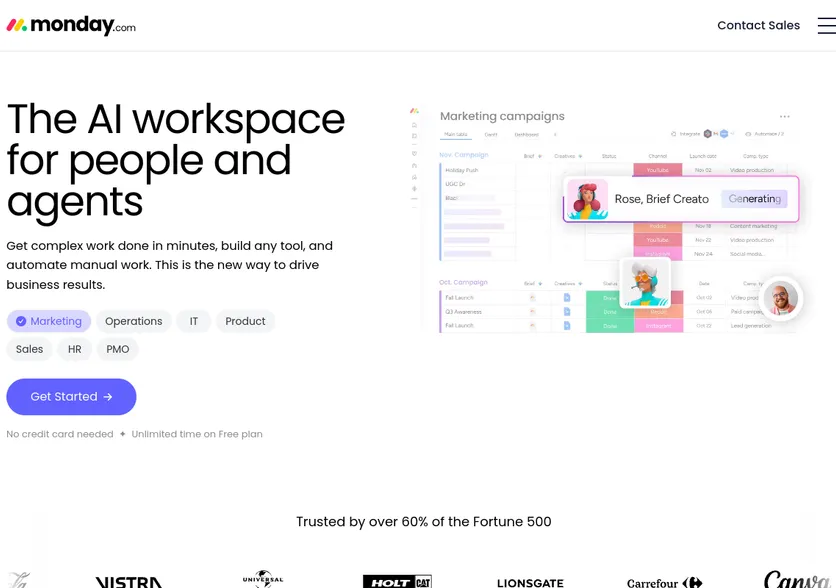
Startups that plan in boards rather than tickets will read this one at a glance, and this monday.com plan costs nine dollars a seat a month billed annually for Basic. Colourful boards show status, owner and deadline for every item, and automations move work between groups without manual effort. The three-seat minimum means the smallest team pays for three, which is the only real catch.
What we like
- Colourful boards show status, owner and deadline at a glance
- Automations move items between groups without manual work
- Dashboards roll many boards into one view
Watch out for
- The three-seat minimum means the smallest team pays for three
- Costs rise quickly as the team adds boards and users
How to try it
- Pick a board template for sales or projects
- Add the team and assign an owner to each item
- Turn on one automation that moves done items to the finished group
6. Asana
Best for: Startups that want clear plans and deadlines
Paid tool Starting price: $10.99/user/month · Ten dollars and ninety-nine cents per user a month for Starter on annual billing, thirteen dollars and forty-nine cents month to month; Advanced is twenty-four dollars and ninety-nine cents; Starter needs a two-seat minimum
Free plan: Free plan (Personal, up to 2 users)
A startup with more ideas than hours needs the plan visible to everyone, and this Asana plan costs ten dollars and ninety-nine cents a user a month billed annually for Starter. Timelines and Gantt views show the whole plan at once, task templates repeat the same workflow without setup, and rules automate routine moves between sections. It is the most structured planner here for a team that likes a deadline on everything.

What we like
- Timelines and Gantt views show the whole plan at once
- Task templates repeat the same workflow without setup
- Rules automate routine moves between sections
Watch out for
- The two-seat minimum applies even to a one-person startup
- Portfolios and workload views need the Advanced tier
How to try it
- Create a project from a template that matches the work
- Add tasks with owners and due dates
- Switch to Timeline to check the plan before the week starts
7. ClickUp
Best for: Startups that want one app for tasks, docs and chat
Paid tool Starting price: $9/user/month · Nine dollars per user a month for Core on annual billing, twelve dollars month to month; Business is seventeen dollars per user a month
Free plan: Free plan
One subscription that replaces the docs, the chat and the task list is exactly what a startup budget wants, and this ClickUp plan costs nine dollars a user a month billed annually for Core. Tasks, docs, goals, chat and whiteboards share one workspace, and views switch between list, board, calendar and Gantt. It is the most features per dollar in this list, though the first week feels overwhelming.

What we like
- Tasks, docs, goals, chat and whiteboards in one workspace
- Views switch between list, board, calendar and Gantt
- The free plan is generous enough for a small team
Watch out for
- So many features that the first week feels overwhelming
- Some views and automations need the Business tier
How to try it
- Create a space for the team and add the first project
- Add tasks with owners, dates and priorities
- Turn on the calendar view to see the week at a glance
Prices above were checked on each vendor’s own website on Nov 28, 2026 and can change — the vendor’s page is the final word. Vendor links are editorial: nobody paid to be listed or ranked here. Vendors who want a featured listing can see how it works on our Get listed page.
How to choose a sales system for a startup
Start with the pipeline, because a startup lives or dies on knowing which deals will close this month. Pick the cheapest plan that still has the automation the team will actually use, and skip the enterprise tiers until the team outgrows them. Import the real contacts and deals during the trial, not a test list, so the decision is based on the real work. Agree on who owns the CRM, because a shared tool with no owner quietly becomes a spreadsheet again.
Before you buy
- Confirm the plan includes the automation the team will actually use, not only the pipeline
- Check the free plan limits, because a startup can outgrow three users in a month
- Ask whether the price is per seat or per user, and whether there is a seat minimum
- Make sure the CRM connects to the email and calendar the team already uses
- Test the trial with real contacts and deals, not a demo list
Official websites
Official websites of the products reviewed above. Features and prices were checked against these sites when this guide was written, and they can change, so confirm on the vendor site before you buy.
Frequently asked questions
What is the best SaaS management software for startups?
Zoho CRM Standard leads on value at fourteen dollars a user a month, with a full sales stack and a free plan for three users. HubSpot CRM is best for teams that want to start free, and ClickUp is best for teams that want tasks, docs and CRM in one app. The right pick depends on whether the startup needs a CRM first or a whole workspace.
How much does HubSpot cost for a startup?
Sales Hub Starter lists at twenty dollars a seat a month, while new customers pay seven dollars a seat a month billed annually, or ten dollars month to month, as a limited-time offer. The free CRM covers two users and a thousand contacts, and Professional is ninety dollars a seat a month billed annually plus a one thousand five hundred dollar onboarding fee.
Can a startup manage sales for free?
Yes, at the start: Zoho CRM is free for three users, HubSpot is free for two users, monday.com is free for two seats, Asana Personal is free for two users, and ClickUp has a free plan. The free tiers cover pipelines and basic tracking, while the paid plans add automation, calling and reporting that a growing team will need.
Which CRM is easiest to set up?
Pipedrive is the fastest to set up here, because the whole product is a visual pipeline and a team can be selling in an afternoon. Zoho CRM and ClickUp take longer, since they pack in more features to learn. Salesforce takes the longest of the seven, which is the trade-off for a CRM that scales to hundreds of seats.
Should a startup buy Salesforce?
Starter at twenty-five dollars a user a month is affordable, but setup takes longer and automation is light on the entry tier. Buy it if the team plans to grow into an enterprise CRM and wants to avoid migrating later. Otherwise start with Zoho CRM or Pipedrive, which are cheaper to run and faster to learn.
Compare the seven tools above, then start with the free plan or a free trial on the tool that matches how the startup already sells before paying for a full year.
Browse Business Tools tools