On this page
A growing sales team outgrows the spreadsheet when the deal count passes what one person can hold in their head, and that is when automation starts paying for itself. The eight tools below cover the whole loop, from finding leads to sequencing follow-ups to closing in the CRM, with every price checked on the vendor site. Pipedrive leads because its Essential plan keeps the whole pipeline visible for fourteen dollars a user a month, and the rest are ranked on how much selling they automate for the price.
How we researched this
We checked every price on the vendor pricing page on November 28, 2026, and only included tools with a published US dollar list price. Outreach and Salesloft publish no prices and are not in this list. Prices change, so confirm the current figure on the vendor site before you buy.
Compare the tools
| Name | Best for | Starting price | Free plan | |
|---|---|---|---|---|
 HubSpot Sales Hub | Growing teams that already run on HubSpot | $20/seat/month | Free plan (up to 2 users) | Visit |
 Pipedrive | Sales teams that think in deals and stages | $14/user/month | No free plan; 14-day free trial | Visit |
 Zoho CRM | Startups that want a full CRM at the lowest seat price | $14/user/month | Free plan (up to 3 users) | Visit |
| Dynamics 365 Sales | Teams that already run on Microsoft | $65/user/month | No free plan; free trial | Visit |
 Freshsales | Teams that want AI scoring at the lowest seat price | $9/user/month | No free plan; 21-day free trial | Visit |
 Close | Teams that sell by phone and email all day | $49/user/month | No free plan; 14-day free trial | Visit |
 Apollo | Teams that have to find their own leads | $49/user/month | Free plan | Visit |
 Copper | Teams that live in Google Workspace | $9/user/month | No free plan; 14-day free trial | Visit |
The sales automation software for growing teams, compared
1. HubSpot Sales Hub
Best for: Growing teams that already run on HubSpot
Paid tool Starting price: $20/seat/month · Twenty dollars a seat a month at list for Sales Hub Starter; new customers pay seven dollars a seat a month billed annually, or ten dollars month to month, as a limited-time offer; Professional is ninety dollars a seat a month billed annually plus a one thousand five hundred dollar onboarding fee
Free plan: Free plan (up to 2 users)
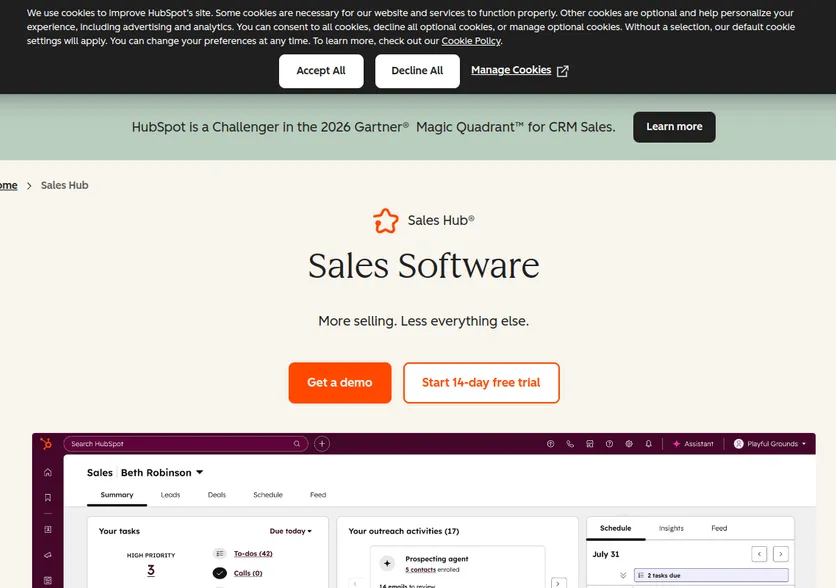
A growing team that already runs on HubSpot does not need a second CRM, and this HubSpot Sales Hub plan costs twenty dollars a seat a month at list for Starter. It adds sequences, meeting links and deal pipelines to the free CRM the team already knows, and the free tier covers two users and a thousand contacts. The seven-dollar new-customer offer is a limited-time deal, so budget on the list price.
What we like
- The free CRM covers two users and a thousand contacts
- Email, meetings and deal pipelines share one record
- Sequences and meeting links come with the Starter plan
Watch out for
- The list price is twenty dollars a seat, not the seven-dollar new-customer offer
- Costs climb fast once the team adds Marketing or Service Hub
How to try it
- Create the free CRM and import the contact list
- Add a deal pipeline with the stages the team uses
- Connect the inbox so emails log against each deal automatically
2. Pipedrive
Best for: Sales teams that think in deals and stages
Paid tool Starting price: $14/user/month · Fourteen dollars per user a month for Essential on annual billing, twenty-four dollars month to month; Advanced is twenty-nine dollars, though some November 2026 reads show thirty-four dollars; Professional is fifty-nine dollars, Power is sixty-nine dollars and Enterprise is ninety-nine dollars
Free plan: No free plan; 14-day free trial
Growth means more deals than one person can hold in their head, and this Pipedrive plan costs fourteen dollars a user a month billed annually for Essential. Every deal sits in a stage with a next step on a drag-and-drop board, activity reminders keep follow-ups from slipping, and email sync logs each message against the right deal. It is the clearest pipeline here for a team that is adding reps every quarter.

What we like
- A drag-and-drop board shows every deal and its next step
- Activity reminders keep follow-ups from slipping
- Email sync logs every message against the right deal
Watch out for
- No free plan, so every seat is paid from day one
- Reporting on the Essential tier is basic
How to try it
- Create a pipeline with the stages from first call to close
- Import the deal list from a spreadsheet
- Set an activity reminder on every open deal
3. Zoho CRM
Best for: Startups that want a full CRM at the lowest seat price
Paid tool Starting price: $14/user/month · Fourteen dollars per user a month for Standard on annual billing, twenty dollars month to month; Professional is twenty-three dollars, Enterprise is forty dollars and Ultimate is fifty-two dollars; the free plan covers up to three users
Free plan: Free plan (up to 3 users)
A growing team that needs automation without an enterprise bill will find it here, and this Zoho CRM plan costs fourteen dollars a user a month billed annually for Standard. It packs pipelines, email, workflows and calling into one plan, and automation rules run without buying a dearer tier. It is the most features per dollar in this list for a team that is scaling on a budget.

What we like
- Pipelines, email, workflows and calling in one plan
- The free plan covers three users with no card required
- Automation rules run without buying a dearer tier
Watch out for
- The interface feels dense until the team learns where things live
- Some advanced reports need the Professional tier
How to try it
- Import contacts and deals from a spreadsheet
- Set up one pipeline with the stages the team actually uses
- Turn on a workflow that assigns new leads to the next rep
4. Dynamics 365 Sales
Best for: Teams that already run on Microsoft
Paid tool Starting price: $65/user/month · Sixty-five dollars per user a month for Sales Professional, paid yearly; Enterprise is one hundred and five dollars and Premium is one hundred and fifty dollars; an older read lists Enterprise at ninety-five dollars, which appears stale; all plans are paid yearly
Free plan: No free plan; free trial
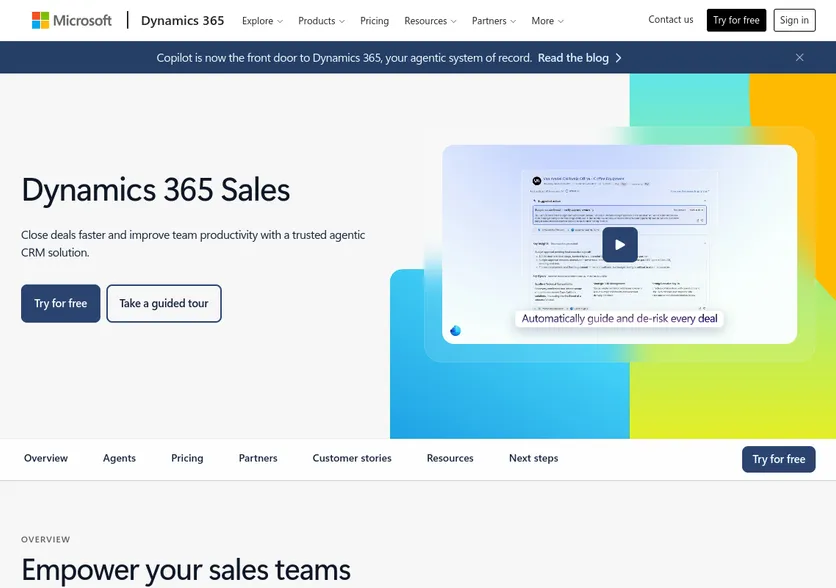
A growing team that already lives in Outlook and Teams gets its CRM in the same family, and this Dynamics 365 Sales plan costs sixty-five dollars a user a month for Professional. It shares data with Outlook, Teams and Excel without sync tools, AI insights score deals and predict the pipeline, and Copilot drafts emails from the deal record. It costs more than the others here, but it is the only one that is native to Microsoft.
What we like
- Shares data with Outlook, Teams and Excel without sync tools
- AI insights score deals and predict the pipeline
- Copilot drafts emails from the deal record
Watch out for
- All plans are paid yearly, with no monthly billing option
- Setup takes longer than the simpler CRMs in this list
How to try it
- Connect the Microsoft cloud tenant to Dynamics 365 Sales
- Import contacts and deals from a spreadsheet
- Turn on the pipeline view and the AI deal insights
5. Freshsales
Best for: Teams that want AI scoring at the lowest seat price
Paid tool Starting price: $9/user/month · Nine dollars per user a month for Growth on annual billing, eleven dollars month to month; Pro is thirty-nine dollars and Enterprise is fifty-nine dollars; the free plan was removed in November 2026 and replaced with a twenty-one-day free trial
Free plan: No free plan; 21-day free trial
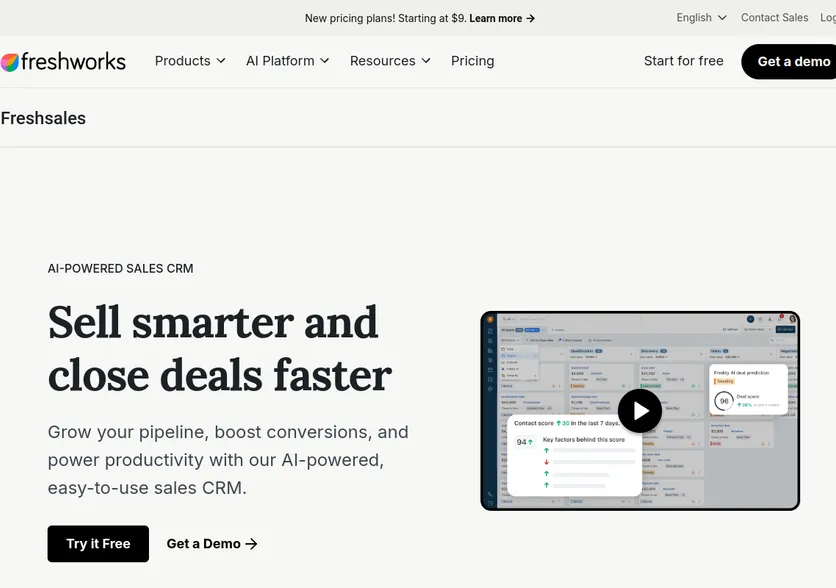
A growing team that sells by phone as well as email needs both in one record, and this Freshsales plan costs nine dollars a user a month billed annually for Growth. Freddy AI scores leads and drafts emails, the built-in phone and email mean no second subscription, and the visual pipeline shows every deal and its next step. The free plan is gone, but the price is still the lowest paid entry here.
What we like
- Freddy AI scores leads and drafts emails on Growth
- Built-in phone and email mean no second subscription
- The visual pipeline shows every deal and its next step
Watch out for
- The free plan was removed in November 2026
- Advanced automation needs the Pro tier
How to try it
- Import contacts and deals into the pipeline
- Turn on Freddy AI lead scoring for new leads
- Connect the phone so calls log against each deal
6. Close
Best for: Teams that sell by phone and email all day
Paid tool Starting price: $49/user/month · Forty-nine dollars per user a month for Startup billed annually, for up to three users; Professional is ninety-nine dollars; Enterprise is one hundred and thirty-nine dollars in some reads and one hundred and forty-nine dollars in others, so confirm at checkout
Free plan: No free plan; 14-day free trial
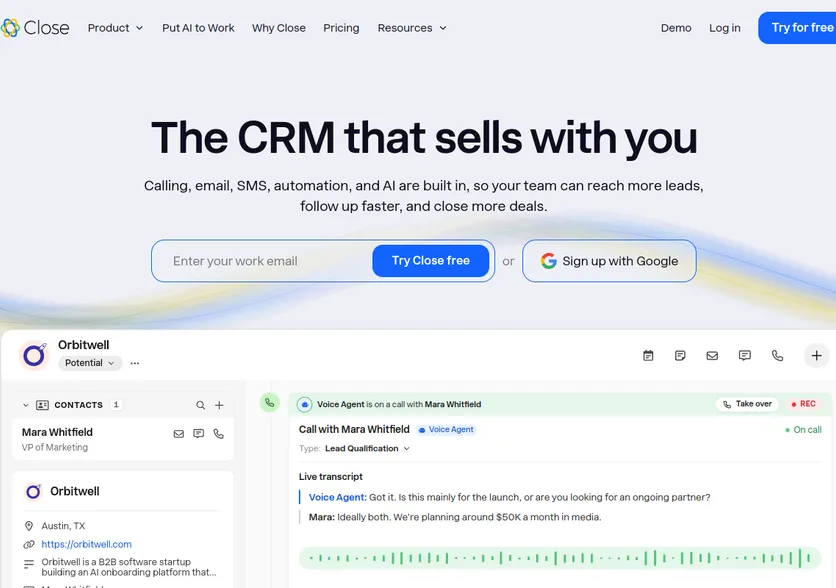
Phone-first teams lose deals when the dialer lives outside the CRM, and this Close plan costs forty-nine dollars a user a month billed annually for Startup. A built-in dialer, SMS and email live in the deal view, power dialling calls down a list without manual dialling, and email sequences follow up automatically. It is the best pick here for a team that sells by calling all day.
What we like
- A built-in dialer, SMS and email live in the deal view
- Power dialling calls down a list without manual dialling
- Email sequences follow up automatically
Watch out for
- Startup caps at three users, so a bigger team pays more
- Directory listings disagree on the Enterprise price
How to try it
- Import the lead list and assign it to the reps
- Set up a calling list and start the power dialler
- Create an email sequence for leads that do not answer
7. Apollo
Best for: Teams that have to find their own leads
Paid tool Starting price: $49/user/month · Forty-nine dollars per user a month for Basic on annual billing, sixty-five dollars month to month; Professional is seventy-nine dollars and Organization is one hundred and nineteen dollars with a three-seat minimum; Basic includes thirty thousand credits per seat a year and a two hundred and fifty send daily cap
Free plan: Free plan
A growing team that has to find its own leads cannot afford a separate database and a separate sequencer, and this Apollo plan costs forty-nine dollars a user a month billed annually for Basic. A contact database of more than two hundred million people pairs with sequences, a dialler and a CRM in one subscription, and AI writing drafts the first email. It is the only tool here that finds the leads as well as working them.
What we like
- A contact database of more than two hundred million people
- Sequences, dialler and CRM in one subscription
- AI writing drafts the first email in a sequence
Watch out for
- Basic caps sends at two hundred and fifty a day
- Credits run out fast for a team that prospects heavily
How to try it
- Filter the database by role, company size and technology
- Build a sequence with email, call and LinkedIn steps
- Enrol the first list and watch replies land in the inbox
8. Copper
Best for: Teams that live in Google Workspace
Paid tool Starting price: $9/user/month · Nine dollars per user a month for Starter on annual billing, twelve dollars month to month; Basic is twenty-three dollars, Professional is fifty-nine dollars and Business is ninety-nine dollars in some reads and one hundred and thirty-four dollars in others; Starter caps at one thousand contacts and needs Google Workspace
Free plan: No free plan; 14-day free trial
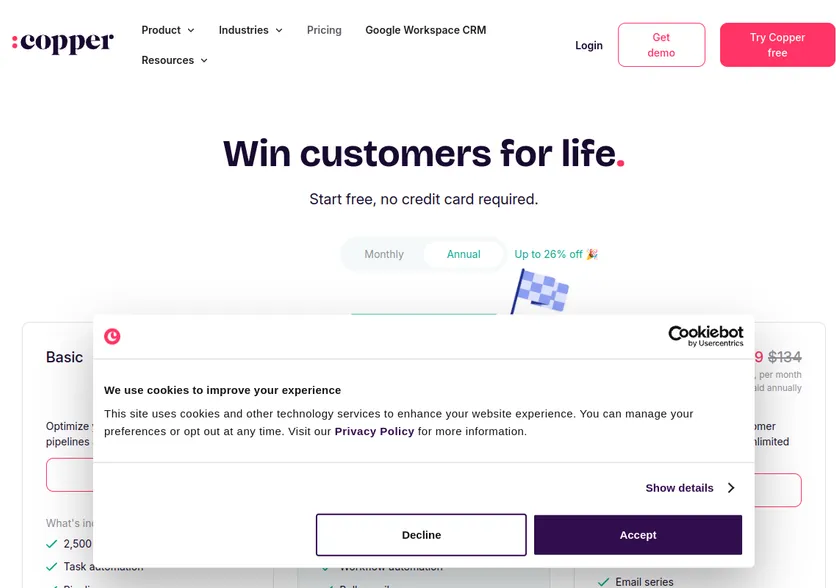
A growing team that runs its whole business from Gmail should not have to open a second app to sell, and this Copper plan costs nine dollars a user a month billed annually for Starter. It runs inside Gmail, so deals update without leaving the inbox, contacts sync from Google Calendar automatically, and project tracking sits beside the pipeline. It is the only CRM here built around Google Workspace from the start.
What we like
- Runs inside Gmail, so deals update without leaving the inbox
- Contacts sync from Google Calendar automatically
- Project tracking sits beside the pipeline
Watch out for
- Needs Google Workspace, so Microsoft shops cannot use it
- Starter caps at one thousand contacts
How to try it
- Connect the Google Workspace account to Copper
- Import contacts from Gmail and Google Sheets
- Set up the pipeline and drag the first deals into place
Prices above were checked on each vendor’s own website on Nov 28, 2026 and can change — the vendor’s page is the final word. Vendor links are editorial: nobody paid to be listed or ranked here. Vendors who want a featured listing can see how it works on our Get listed page.
How to automate sales without losing the personal touch
Start with the pipeline, because automation only helps once every deal sits in a stage with a next step. Pick one automation at a time, such as follow-up emails for leads that go quiet, and measure whether it books more meetings before adding another. Keep the phone in the loop, because a sequence that never calls is a newsletter, not a sales process. Review the pipeline every week and delete the automations that nobody reads.
Before you buy
- Confirm the plan covers lead finding, sequencing and the CRM, or know which part needs a second tool
- Check the daily send cap and the credit allowance before the team starts prospecting
- Ask whether the price is per seat and whether there is a minimum seat count
- Make sure the tool logs calls and emails against the deal automatically
- Test the trial with the real pipeline, so the team feels the difference in a real week
Official websites
Official websites of the products reviewed above. Features and prices were checked against these sites when this guide was written, and they can change, so confirm on the vendor site before you buy.
Frequently asked questions
What is the best sales automation software for growing teams?
Pipedrive Essential leads at fourteen dollars a user a month, with the clearest pipeline in this list. Apollo is best for teams that find their own leads at forty-nine dollars a user a month, and Close is best for phone-first teams at the same price. The right pick depends on whether the team needs leads, a pipeline or a dialler most.
How much does HubSpot Sales Hub Starter cost?
Sales Hub Starter lists at twenty dollars a seat a month, while new customers pay seven dollars a seat a month billed annually, or ten dollars month to month, as a limited-time offer. The free CRM covers two users and a thousand contacts, and Professional is ninety dollars a seat a month billed annually plus a one thousand five hundred dollar onboarding fee.
Is there a free sales automation tool for growing teams?
Yes, at the entry level: HubSpot CRM is free for two users, Apollo has a free plan with limited credits, and Zoho CRM is free for three users. The free tiers cover the basics, while the paid plans add sequencing, automation and AI scoring that a growing team will need within months.
What is the difference between Pipedrive and Zoho CRM?
Both cost fourteen dollars a user a month, but Pipedrive is the more visual pipeline, while Zoho CRM bundles more features, including workflows, email and calling, at the same price. Pick Pipedrive for simplicity and speed, and Zoho CRM for depth and automation at the same seat price.
Do I need Dynamics 365 Sales?
Only if the team already runs on Microsoft. At sixty-five dollars a user a month it costs more than the others here, but it shares data with Outlook, Teams and Excel without sync tools. A team that lives in Google Workspace or no Microsoft apps at all should pick one of the cheaper CRMs instead.
Compare the eight tools above, then start with a free trial on the tool that matches how the team already sells before paying for a full year.
Browse Business Tools tools