On this page
Mid-market companies sit in an awkward middle: plans too complex for spreadsheets, but budgets too small for enterprise platforms that sell by quote. The eight tools below publish real prices, automate the calculation and payout cycle, and give sellers a statement they can trust. Salesforce Spiff leads for teams already on Salesforce at seventy-five dollars per user a month, and the rest are ranked on price, transparency and depth for a growing sales organisation.
How we researched this
We checked every price on the vendor pricing page or in multiple agreeing November 2026 reads, and only included tools with a published US dollar list price. The enterprise platforms, including Xactly, Varicent, CaptivateIQ, Performio and Anaplan, publish no prices, so they are not in this list. Prices change, so confirm the current figure on the vendor site before you buy.
Compare the tools
| Name | Best for | Starting price | Free plan | |
|---|---|---|---|---|
 Salesforce Spiff | Salesforce shops that want live earnings visibility | $75/user/month | Free trial | Visit |
 QuotaPath | Mid-market teams that want transparent pricing | $35/user/month | 14-day free trial | Visit |
 Core Commissions | Teams that want reporting first at a low per-payee rate | $10/payee/month | 30-day free trial | Visit |
| Kennect | Teams that want nudges and motivation built in | $20/user/month | Free demo | Visit |
| Palette | Transaction and usage-based businesses | $590/month | Free demo | Visit |
 QCommission | QuickBooks and Salesforce shops on a budget | $17/user/month | No free plan; free demo | Visit |
 Sales Cookie | Small teams that want monthly billing and no contract | $40/user/month | 14-day free trial | Visit |
| Easy-Commission | Small teams that want the cheapest real commission tool | $2.95/user/month | 15-day free trial | Visit |
The sales compensation software for mid-market, compared
1. Salesforce Spiff
Best for: Salesforce shops that want live earnings visibility
Paid tool Starting price: $75/user/month · Seventy-five dollars per user a month billed annually; connectors to systems outside Salesforce cost extra (about $250 a month each in vendor reads); Premium Support adds about 30 percent
Free plan: Free trial
Mid-market teams that already run Salesforce get the deepest integration here, because this Salesforce Spiff plan costs seventy-five dollars per user a month billed annually. Sellers see earnings update as deals close, managers approve plans in the same system, and finance gets an audit trail for every payout. It is the strongest pick for a Salesforce shop that can afford the seat price.
What we like
- Real-time earnings visibility keeps sellers motivated
- Plan builder handles complex, tiered commission rules
- Audit trails and approvals keep finance comfortable
Watch out for
- Deepest value inside the Salesforce ecosystem
- Outside connectors add a monthly fee per system
How to try it
- Connect Spiff to the CRM and import the sales data
- Build the commission plan with tiers, splits and accelerators
- Publish the plan so sellers see earnings update in real time
2. QuotaPath
Best for: Mid-market teams that want transparent pricing
Paid tool Starting price: $35/user/month · Thirty-five dollars per user a month on Growth plus a $525 a month platform fee that covers the first five users, billed annually; Premium is $50 a user a month plus an $800 platform fee; Strategic is quote-only
Free plan: 14-day free trial
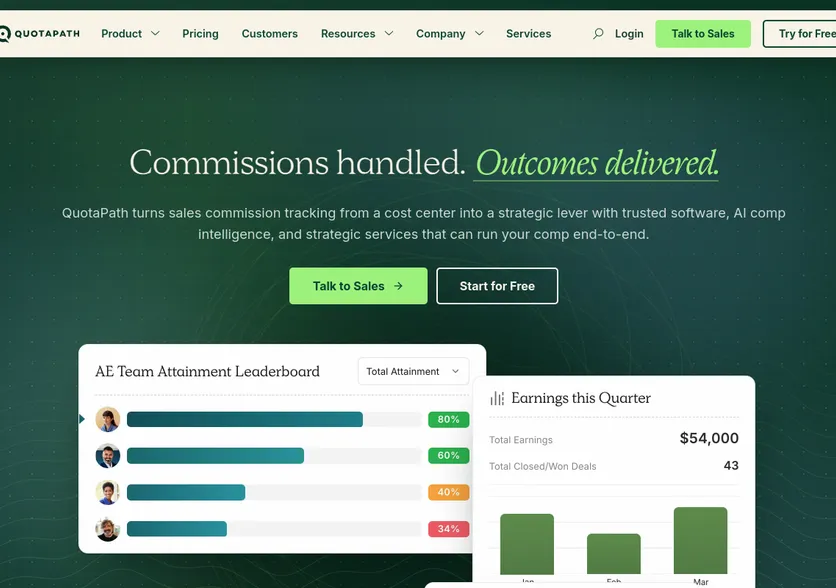
For a mid-market RevOps team of one or two people, this QuotaPath plan costs thirty-five dollars per user a month plus a monthly platform fee and reads like a real price list. The platform fee covers the first five users plus implementation and support, so the total bill is easy to defend in a budget meeting. Plans are written in plain language that reps can read without a finance degree.
What we like
- Only major commission vendor with a fully published rate card
- Plans are written so reps can actually read them
- Implementation and support are inside the platform fee
Watch out for
- The platform fee makes tiny teams pay more than the seat rate suggests
- Premium tier is sold through a sales conversation, not self-serve
How to try it
- Connect Salesforce or HubSpot and import the team
- Build the plan with the AI plan builder and sign-offs
- Run payouts and let reps track earnings in the app
3. Core Commissions
Best for: Teams that want reporting first at a low per-payee rate
Paid tool Starting price: $10/payee/month · Ten dollars per payee a month on Reporter, billed annually in advance, with a 15-payee minimum; Launch is $20 and Enterprise is $35 per payee a month; Managed Services adds $5 per payee
Free plan: 30-day free trial
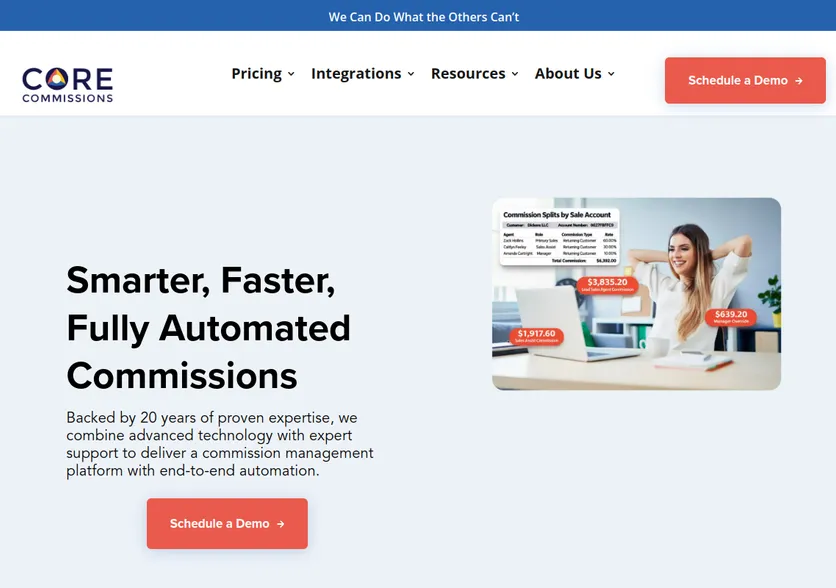
When reporting matters more than flash, this Core Commissions plan costs ten dollars per payee a month on Reporter and gives finance the deepest drill-downs in the guide. Launch adds a self-setup rule designer, and the rep portal emails payment detail reports without anyone chasing them. The fifteen-payee minimum is the only real sting for a mid-size team.
What we like
- Lowest per-payee list price in this comparison
- Drag-and-drop analytics with fast drill-downs
- Rep portal emails each person their own payment detail
Watch out for
- Every tier carries a 15-payee minimum, so small teams overpay
- Launch includes only five rules, then $0.50 per extra rule
How to try it
- Import transactions from the CRM or accounting system
- Design the rules in the self-setup rule designer
- Run the calculation and email statements to each payee
4. Kennect
Best for: Teams that want nudges and motivation built in
Paid tool Starting price: $20/user/month · Twenty dollars per user a month on Basic, billed annually; source-system integrations sit on the quote-only Enterprise tier, so CRM sync is not in the entry price
Free plan: Free demo
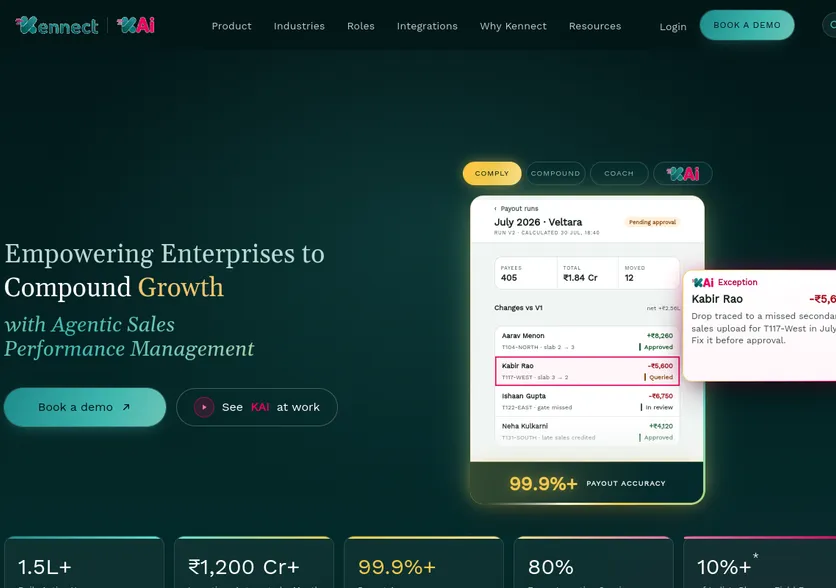
A mid-market team that wants motivation built into the tool, not bolted on, gets it here, since this Kennect plan costs twenty dollars per user a month on Basic. Intelligent nudges push reps toward the behaviours the plan rewards, and attainment shows on a leaderboard everyone can see. Just confirm where the CRM integration lives before signing, since it is not in the entry price.
What we like
- Intelligent nudges keep reps focused on the next deal
- Transparent per-user pricing with no platform fee
- Setup is quick for standard incentive plans
Watch out for
- CRM integrations need the quote-only Enterprise tier
- Fewer native connectors than the bigger platforms
How to try it
- Import the team and set up the incentive plans
- Turn on nudges for the behaviours the plan rewards
- Track attainment on the leaderboard and pay out monthly
5. Palette
Best for: Transaction and usage-based businesses
Paid tool Starting price: $590/month · Five hundred and ninety dollars a month on Starter for up to 15 seats, billed annually ($790 month to month); Scale is $1,110 a month for up to 30 seats; Enterprise is custom; implementation is quoted separately
Free plan: Free demo
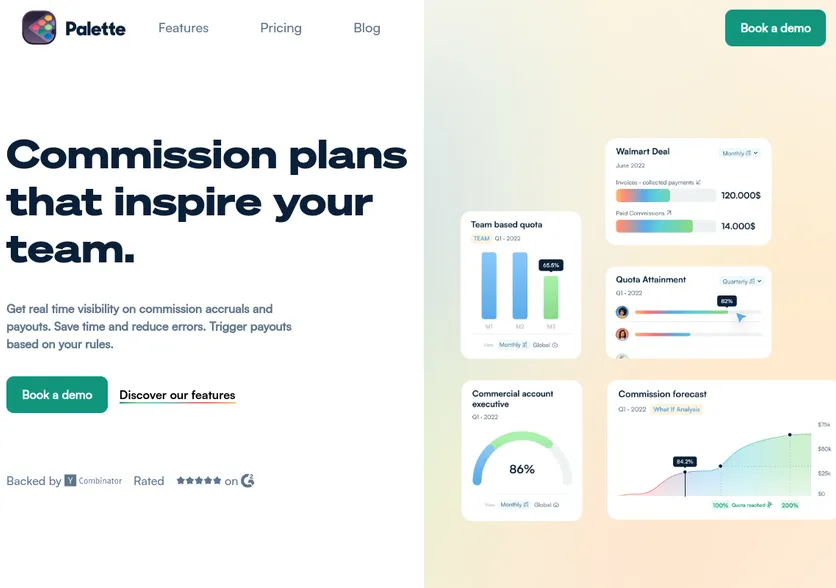
Mid-market brands with transaction or usage-based revenue should look closely here, because this Palette plan costs five hundred and ninety dollars a month on Starter for up to fifteen seats. Commissions accrue as transactions happen, dashboards show reps what they have earned, and plan comparison tools let finance test changes safely. Admin seats are free, which keeps the seat count honest.
What we like
- Built natively for transaction and usage-based models
- Real-time accruals show what is owed before payout
- Plan A/B testing compares compensation designs side by side
Watch out for
- Flat seat bands mean a ten-seat team pays for fifteen
- Scale caps at 30 seats, then the price is custom
How to try it
- Connect Stripe, Chargebee or the CRM as the source
- Design the plan and test it against past deals
- Publish dashboards so reps see earnings as they accrue
6. QCommission
Best for: QuickBooks and Salesforce shops on a budget
Paid tool Starting price: $17/user/month · Seventeen dollars per payee a month on Pro (minimum $200 a month); Premier is $25 a payee a month and Enterprise is $39; older directory listings showing $45 or $50 a user a month conflict with the current vendor page
Free plan: No free plan; free demo
Budget-conscious mid-market teams get the lowest dedicated price here, since this QCommission plan costs seventeen dollars per payee a month on Pro. It covers flat, tiered and quota-based plans with Salesforce and QuickBooks connectors, which is enough for most mid-market stacks. The interface feels dated next to newer tools, but the maths is sound.

What we like
- Lowest entry price of any dedicated commission tool here
- Handles flat, tiered, quota-based and split plans
- Long-running vendor with Salesforce and QuickBooks connectors
Watch out for
- Interface draws dated-UI comments from reviewers
- No free trial, so judge it from the demo
How to try it
- Import sales data from the CRM or accounting system
- Set up the plan rules for tiers, quotas and splits
- Run the calculation and send each rep a statement
7. Sales Cookie
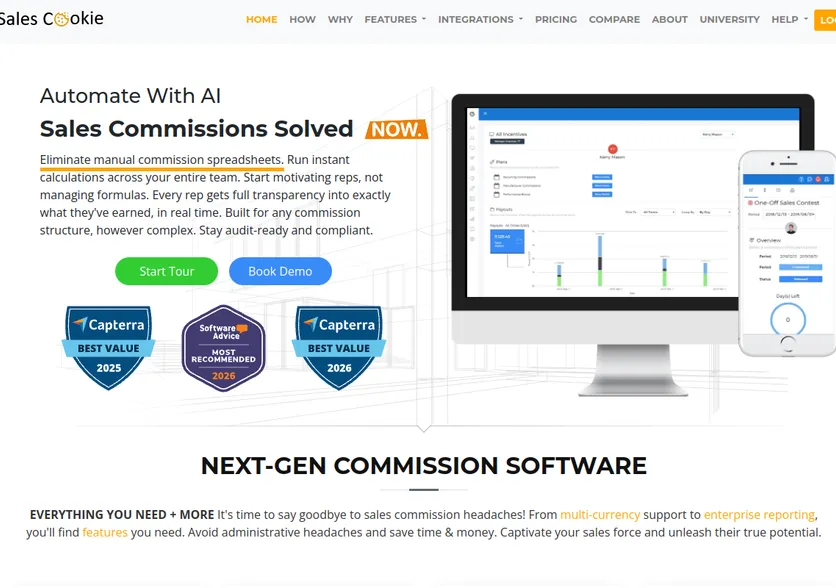
Best for: Small teams that want monthly billing and no contract
Paid tool Starting price: $40/user/month · Forty dollars per user a month on Business, billed monthly with no contract; dashboard-disabled seats are $15 and Business+ is $60; volume discounts available; first plan configured free
Free plan: 14-day free trial
For a mid-market team that refuses long contracts, this Sales Cookie plan costs forty dollars per user a month on Business and bills monthly with no lock-in. It handles complex plan logic, dashboards and approvals, and the vendor configures the first plan free. The pay-as-you-go model makes it easy to leave if the fit is wrong.
What we like
- Full price list published with no sales call needed
- Monthly billing with no long-term commitment
- First commission plan configured free by the vendor
Watch out for
- Business plan needs at least ten users for the free configuration hours
- AI assistants are a newer addition, so check them on the trial
How to try it
- Connect the CRM or upload the sales data
- Design the plan with the vendor's free first-plan setup
- Let reps check their own dashboards and statements
8. Easy-Commission
Best for: Small teams that want the cheapest real commission tool
Paid tool Starting price: $2.95/user/month · Two dollars and ninety-five cents per user a month on Economy for up to five users, billed annually; Regular is $6.95 per user a month; rates fall with volume to $0.25; annual billing includes one month free
Free plan: 15-day free trial
The cheapest way into real commission software for a mid-market team is this Easy-Commission plan, which costs two dollars and ninety-five cents per user a month on Economy. It calculates splits, overrides and tiered payouts, includes a small built-in CRM console, and emails statements to every rep. Recurring commissions need the Regular tier, so check the plan before buying.
What we like
- Cheapest per-user list price of any tool in this guide
- Built-in CRM console for leads and opportunities
- Volume discounts step down as the team grows
Watch out for
- Recurring commissions and role-based security need Regular
- Economy support is limited to a few cases a year
How to try it
- Enter sales data or connect QuickBooks
- Set the commission schedule, splits and overrides
- Generate statements and email each rep a web link
Prices above were checked on each vendor’s own website on Nov 28, 2026 and can change — the vendor’s page is the final word. Vendor links are editorial: nobody paid to be listed or ranked here. Vendors who want a featured listing can see how it works on our Get listed page.
How to pick a compensation tool a mid-market team will not outgrow
Start from the plan, not the price, because a cheap tool that cannot model the real incentive structure costs more in workarounds than it saves. List the tiers, accelerators, splits and clawbacks the team actually pays on, then test each shortlisted tool against that list with real deal data. Check the seat math carefully, since platform fees and minimums change the bill more than the headline rate. Ask who owns the plan when the RevOps lead is on holiday, because a tool only one person can run is a risk, not a solution.
Before you buy
- Confirm the tool models the real plan, including tiers, accelerators, splits, clawbacks and draws
- Add up the full bill, including platform fees, minimum seats and connector charges, before comparing prices
- Check whether sellers can see earnings and dispute figures without emailing finance
- Ask how long implementation takes and whether it is included in the price or billed separately
- Test the tool with last quarter's real deals and compare every payout with the spreadsheet
Official websites
Official websites of the products reviewed above. Features and prices were checked against these sites when this guide was written, and they can change, so confirm on the vendor site before you buy.
Frequently asked questions
What is sales compensation software for mid-market companies?
It is software that designs, calculates and pays sales commissions for a team too large for spreadsheets but too small for enterprise platforms. Good tools handle complex plans with tiers and accelerators, give sellers live earnings visibility and produce audit-ready payout records. The aim is to pay accurately and on time without hiring a full compensation team.
How much does Salesforce Spiff cost?
Salesforce Spiff costs seventy-five dollars per user a month billed annually. Connectors to systems outside Salesforce cost extra, at about two hundred and fifty dollars a month each in vendor reads, and Premium Support adds about thirty percent. That makes it the priciest pick here, and the best one for a team already living in Salesforce.
Why is QuotaPath the transparency pick?
QuotaPath is the only major commission vendor with a fully published rate card: Growth at thirty-five dollars per user a month plus a five hundred and twenty-five dollar monthly platform fee, and Premium at fifty dollars plus eight hundred. Implementation and support sit inside the platform fee, so the total cost is visible before the sales call.
Can a mid-market team avoid a long contract?
Yes. Sales Cookie bills forty dollars per user a month with no contract at all, and Easy-Commission bills annually from two dollars and ninety-five cents per user a month. Both let a team start small and leave if the fit is wrong. The enterprise platforms in this category almost always require annual contracts negotiated by sales.
Which tool is best for reporting?
Core Commissions is the reporting pick, at ten dollars per payee a month on Reporter, because its drag-and-drop analytics drill from a payout total to a single transaction in seconds. Each rep also gets an emailed payment detail report. The trade-off is a fifteen-payee minimum, so a team under that size pays for seats it does not use.
Compare the eight tools above, then start with a free trial on the one that matches the team's plan complexity before paying for a full year.
Browse Business Tools tools