On this page
Remote sellers cannot walk over to finance and ask what they earned, so the compensation tool has to answer that question itself. The eight tools below calculate commissions, show earnings in real time and let reps raise disputes without a meeting. QuotaPath leads because its plans are written for reps to read and its price is published at thirty-five dollars per user a month, and the rest are ranked on visibility, transparency and fit for a distributed team.
How we researched this
We checked every price on the vendor pricing page or in multiple agreeing November 2026 reads, and only included tools with a published US dollar list price. The enterprise platforms, including Xactly, Varicent, CaptivateIQ, Performio and Anaplan, publish no prices, so they are not in this list. Prices change, so confirm the current figure on the vendor site before you buy.
Compare the tools
| Name | Best for | Starting price | Free plan | |
|---|---|---|---|---|
 QuotaPath | Mid-market teams that want transparent pricing | $35/user/month | 14-day free trial | Visit |
 Salesforce Spiff | Salesforce shops that want live earnings visibility | $75/user/month | Free trial | Visit |
 Sales Cookie | Small teams that want monthly billing and no contract | $40/user/month | 14-day free trial | Visit |
| Commissionly | Small teams that want flat monthly pricing | $75/month | Free trial | Visit |
 Core Commissions | Teams that want reporting first at a low per-payee rate | $10/payee/month | 30-day free trial | Visit |
| Kennect | Teams that want nudges and motivation built in | $20/user/month | Free demo | Visit |
| Easy-Commission | Small teams that want the cheapest real commission tool | $2.95/user/month | 15-day free trial | Visit |
| Sales Commission Control | Tiny teams that want flat monthly pricing | $29.99/month | No free plan | Visit |
The sales compensation software for remote teams, compared
1. QuotaPath
Best for: Mid-market teams that want transparent pricing
Paid tool Starting price: $35/user/month · Thirty-five dollars per user a month on Growth plus a $525 a month platform fee that covers the first five users, billed annually; Premium is $50 a user a month plus an $800 platform fee; Strategic is quote-only
Free plan: 14-day free trial
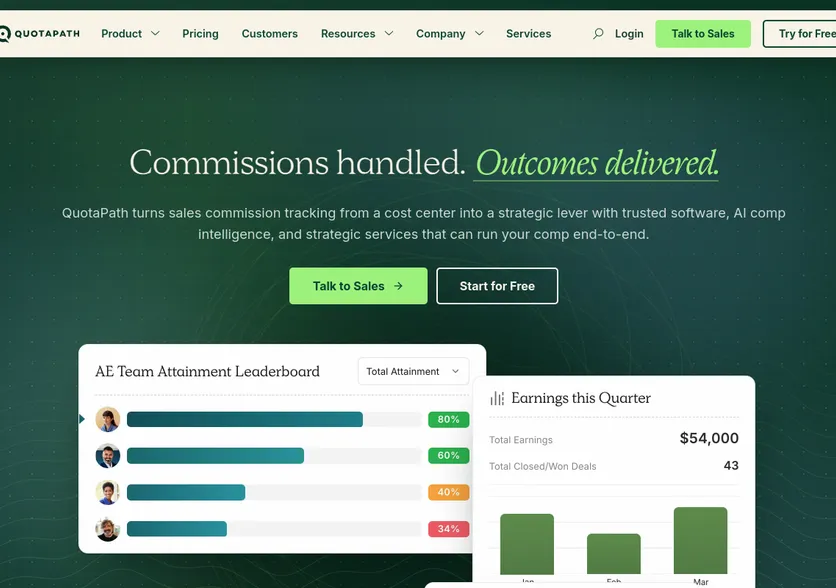
Remote teams need sellers to trust the numbers without asking a manager in person, and this QuotaPath plan costs thirty-five dollars per user a month plus a monthly platform fee to deliver exactly that. Reps read their own plans, track earnings in the app and flag discrepancies in place, while finance runs the close from one dashboard. Implementation is included in the platform fee, which suits a lean remote RevOps team.
What we like
- Only major commission vendor with a fully published rate card
- Plans are written so reps can actually read them
- Implementation and support are inside the platform fee
Watch out for
- The platform fee makes tiny teams pay more than the seat rate suggests
- Premium tier is sold through a sales conversation, not self-serve
How to try it
- Connect Salesforce or HubSpot and import the team
- Build the plan with the AI plan builder and sign-offs
- Run payouts and let reps track earnings in the app
2. Salesforce Spiff
Best for: Salesforce shops that want live earnings visibility
Paid tool Starting price: $75/user/month · Seventy-five dollars per user a month billed annually; connectors to systems outside Salesforce cost extra (about $250 a month each in vendor reads); Premium Support adds about 30 percent
Free plan: Free trial
For a remote team on Salesforce, this Salesforce Spiff plan costs seventy-five dollars per user a month billed annually and makes earnings visible wherever sellers work. Real-time visibility replaces the hallway question about pay, and the plan builder handles the complex rules remote teams often need. It is the best pick for a distributed Salesforce shop.
What we like
- Real-time earnings visibility keeps sellers motivated
- Plan builder handles complex, tiered commission rules
- Audit trails and approvals keep finance comfortable
Watch out for
- Deepest value inside the Salesforce ecosystem
- Outside connectors add a monthly fee per system
How to try it
- Connect Spiff to the CRM and import the sales data
- Build the commission plan with tiers, splits and accelerators
- Publish the plan so sellers see earnings update in real time
3. Sales Cookie
Best for: Small teams that want monthly billing and no contract
Paid tool Starting price: $40/user/month · Forty dollars per user a month on Business, billed monthly with no contract; dashboard-disabled seats are $15 and Business+ is $60; volume discounts available; first plan configured free
Free plan: 14-day free trial
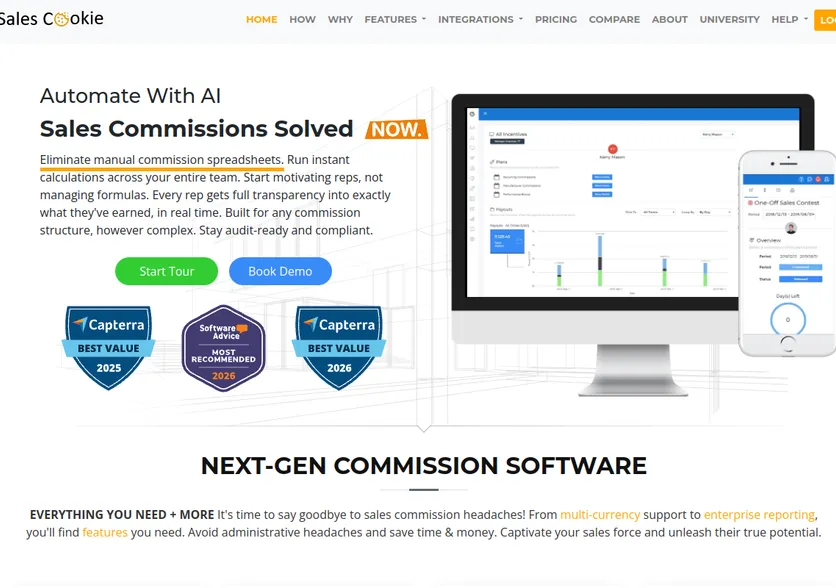
A remote team that wants to start fast without a contract finds it here, since this Sales Cookie plan costs forty dollars per user a month on Business billed monthly. Reps check personal dashboards from anywhere, managers approve adjustments online, and multi-currency support covers sellers in different countries. The vendor configures the first plan free, which removes the usual setup bottleneck.
What we like
- Full price list published with no sales call needed
- Monthly billing with no long-term commitment
- First commission plan configured free by the vendor
Watch out for
- Business plan needs at least ten users for the free configuration hours
- AI assistants are a newer addition, so check them on the trial
How to try it
- Connect the CRM or upload the sales data
- Design the plan with the vendor's free first-plan setup
- Let reps check their own dashboards and statements
4. Commissionly
Best for: Small teams that want flat monthly pricing
Paid tool Starting price: $75/month · Seventy-five dollars a month on Individual for one user; Small Business is $200 a month for five users and Medium Business is $350 a month for ten users; directories quote $15 to $33 per user a month, which conflicts with the vendor flat tiers
Free plan: Free trial
Remote teams with simple plans and a small budget get a clean fit here, because this Commissionly plan costs seventy-five dollars a month on Individual for one user. It automates the calculations, supports stepped commissions and splits, and generates statements reps can read without asking finance. The flat monthly tiers keep the bill the same wherever the team sits.
What we like
- Flat monthly tiers make the bill easy to predict
- Report builder and splits included from the mid tier
- Simple interface that small teams learn fast
Watch out for
- Flat tiers mean a one-user team still pays $75 a month
- HubSpot integration is CSV import only for now
How to try it
- Upload sales data manually or through the API
- Build the commission plan with tiers and bonus payments
- Generate statements and pay reps from the same screen
5. Core Commissions
Best for: Teams that want reporting first at a low per-payee rate
Paid tool Starting price: $10/payee/month · Ten dollars per payee a month on Reporter, billed annually in advance, with a 15-payee minimum; Launch is $20 and Enterprise is $35 per payee a month; Managed Services adds $5 per payee
Free plan: 30-day free trial
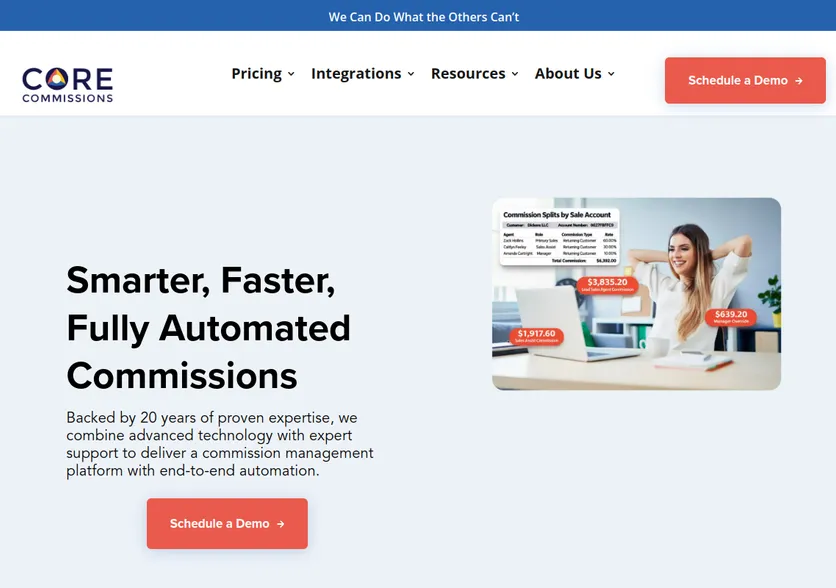
When the remote finance team wants the numbers first, this Core Commissions plan costs ten dollars per payee a month on Reporter billed annually. Drill-down analytics answer payout questions in seconds, and emailed payment detail reports reach every rep without a meeting. The fifteen-payee minimum is the main thing to check for a small remote team.
What we like
- Lowest per-payee list price in this comparison
- Drag-and-drop analytics with fast drill-downs
- Rep portal emails each person their own payment detail
Watch out for
- Every tier carries a 15-payee minimum, so small teams overpay
- Launch includes only five rules, then $0.50 per extra rule
How to try it
- Import transactions from the CRM or accounting system
- Design the rules in the self-setup rule designer
- Run the calculation and email statements to each payee
6. Kennect
Best for: Teams that want nudges and motivation built in
Paid tool Starting price: $20/user/month · Twenty dollars per user a month on Basic, billed annually; source-system integrations sit on the quote-only Enterprise tier, so CRM sync is not in the entry price
Free plan: Free demo
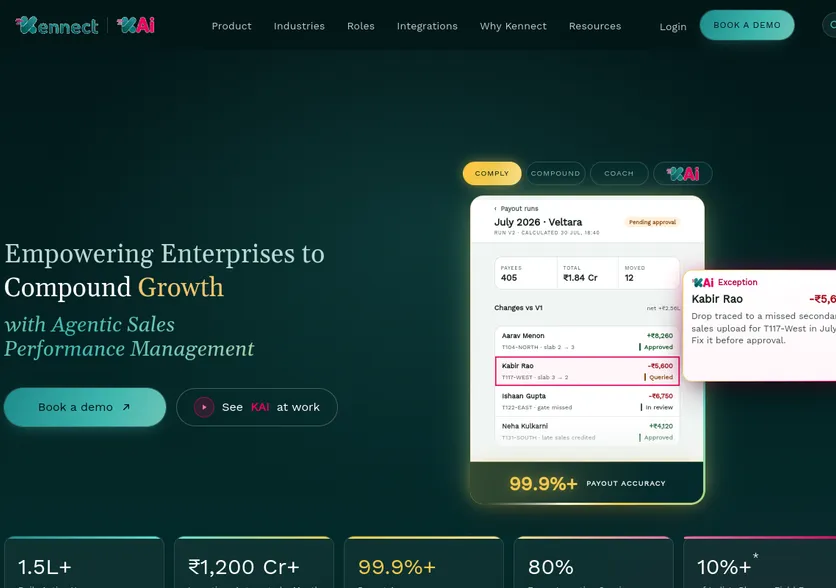
Distributed sellers stay motivated between check-ins with this Kennect plan, which costs twenty dollars per user a month on Basic. Nudges based on live compensation data keep each rep focused on the next target, and the leaderboard gives a remote team a shared scoreboard. The entry tier lacks CRM integrations, so confirm the data flow before buying.
What we like
- Intelligent nudges keep reps focused on the next deal
- Transparent per-user pricing with no platform fee
- Setup is quick for standard incentive plans
Watch out for
- CRM integrations need the quote-only Enterprise tier
- Fewer native connectors than the bigger platforms
How to try it
- Import the team and set up the incentive plans
- Turn on nudges for the behaviours the plan rewards
- Track attainment on the leaderboard and pay out monthly
7. Easy-Commission
Best for: Small teams that want the cheapest real commission tool
Paid tool Starting price: $2.95/user/month · Two dollars and ninety-five cents per user a month on Economy for up to five users, billed annually; Regular is $6.95 per user a month; rates fall with volume to $0.25; annual billing includes one month free
Free plan: 15-day free trial
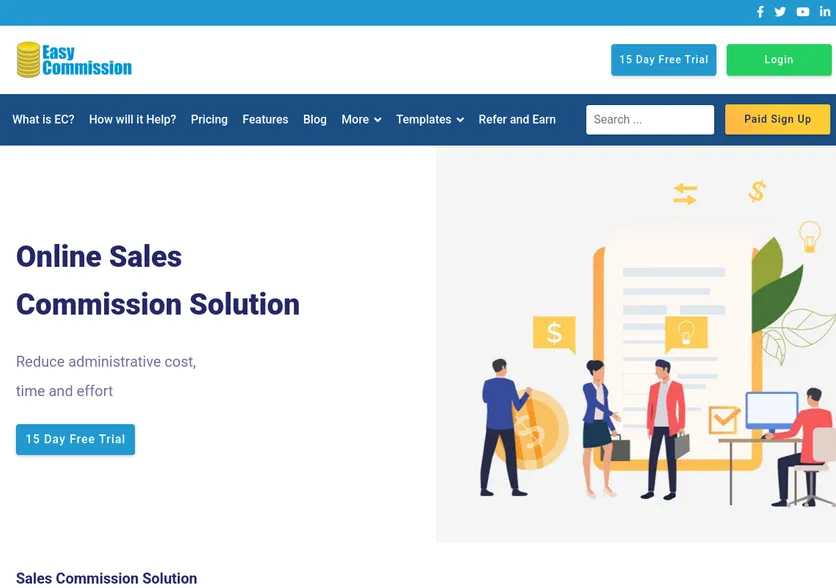
For a remote startup watching cash, this Easy-Commission plan costs two dollars and ninety-five cents per user a month on Economy billed annually. It handles splits, overrides and tiered payouts, and reps open statements on the web from any location. The price is the lowest in the guide, and the trade-off is a narrower feature set.
What we like
- Cheapest per-user list price of any tool in this guide
- Built-in CRM console for leads and opportunities
- Volume discounts step down as the team grows
Watch out for
- Recurring commissions and role-based security need Regular
- Economy support is limited to a few cases a year
How to try it
- Enter sales data or connect QuickBooks
- Set the commission schedule, splits and overrides
- Generate statements and email each rep a web link
8. Sales Commission Control
Best for: Tiny teams that want flat monthly pricing
Paid tool Starting price: $29.99/month · Twenty-nine dollars and ninety-nine cents a month on Single Organization for three user seats; Enterprise is $19.99 a month per organization with two seats; extra seats are $4.99 per user a month; billed monthly in advance
Free plan: No free plan
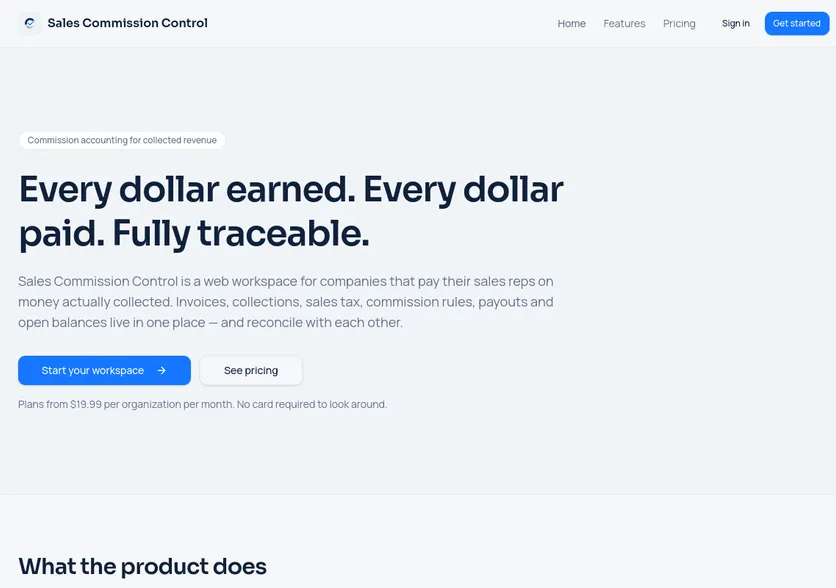
A tiny remote team that wants one flat price will find it here, since this Sales Commission Control plan costs twenty-nine dollars and ninety-nine cents a month for three user seats. Every plan includes the full product, from invoicing to collections, and billing is monthly with no annual commitment. It is a small vendor, so expect a narrower feature set than the big platforms.
What we like
- Flat monthly price with three seats included
- Full product on every plan, including invoicing and collections
- No annual commitment, cancel anytime
Watch out for
- Small vendor with a narrow feature set
- Extra seats are added automatically when invited
How to try it
- Create the workspace for the company
- Enter the commission rules and the sales transactions
- Review payouts and send statements to the team
Prices above were checked on each vendor’s own website on Nov 28, 2026 and can change — the vendor’s page is the final word. Vendor links are editorial: nobody paid to be listed or ranked here. Vendors who want a featured listing can see how it works on our Get listed page.
How to keep remote sellers confident about their pay
Make the statement the source of truth, not a manager's word, because remote sellers cannot check a number by walking across the office. Pick a tool where reps see the same calculation finance sees, with the plan rules visible beside the figures. Set a clear dispute process inside the tool, so a rep can flag a figure and finance can answer in the same thread. Run the first payout in parallel with the old method, and do not switch off the spreadsheet until every seller agrees the numbers match.
Before you buy
- Confirm sellers can see their own earnings and plan rules without asking a manager
- Check that the tool supports the currencies and time zones the distributed team actually works in
- Ask whether disputes can be raised and resolved inside the tool, with an audit trail
- Make sure approvals and sign-offs work asynchronously, not only in live meetings
- Test the tool from a seller's login, not just the admin view, before committing
Official websites
Official websites of the products reviewed above. Features and prices were checked against these sites when this guide was written, and they can change, so confirm on the vendor site before you buy.
Frequently asked questions
What should remote teams look for in sales compensation software?
Remote teams should look for accurate calculations, seller-facing earnings visibility and reporting finance can trust, all without hallway conversations. Permissions and access controls matter more across locations, and the tool should work the same from any time zone. The best test is whether a seller can answer their own pay question from the dashboard alone.
How much does QuotaPath cost for a remote team?
QuotaPath Growth costs thirty-five dollars per user a month plus a five hundred and twenty-five dollar monthly platform fee, billed annually. The fee covers the first five users plus implementation and support, so a ten-user team pays seven hundred dollars a month in total. Premium costs fifty dollars per user plus an eight hundred dollar platform fee.
Is a dedicated commission tool better than a broad planning platform?
A dedicated tool such as QuotaPath or Sales Cookie simplifies commission administration for a remote team, because the whole workflow lives in one place. A broader platform such as Anaplan can model compensation as part of wider planning, but it publishes no price and needs more setup. Most remote teams should start with the dedicated tool.
Can these tools support complex incentive plans?
Several can. Salesforce Spiff and QuotaPath both handle tiered plans, accelerators, splits and multi-source payouts, while Core Commissions covers complex rules on its Enterprise tier. Simpler tools such as Easy-Commission suit flat and tiered plans only. Confirm the exact plan logic with the vendor before buying.
Which tool is best for a small remote team?
Sales Cookie is the best balance for a small remote team, at forty dollars per user a month with no contract and dashboards every seller can check from anywhere. Easy-Commission is cheaper at two dollars and ninety-five cents per user a month, but its feature set is narrower. QuotaPath is the better pick once the team passes five sellers.
Compare the eight tools above, then start with a free trial on the one that gives remote sellers the clearest view of their earnings.
Browse Business Tools tools