On this page
Outreach in several languages means more than translation: lists, deliverability and follow-up all behave differently in each market. The eight tools below cover multilingual prospecting, from a database that spans countries to senders that handle volume without breaking. Apollo.io leads because it pairs a contact database of more than two hundred and forty million people with sequences for forty-nine dollars a user a month, and the rest are ranked on how well they cross borders.
How we researched this
We checked every price on the vendor pricing page on November 28, 2026, and only included tools with a published US dollar list price. Outreach, Salesloft and Salesforce Sales Cloud publish no prices, so they are not in this list. Prices change, so confirm the current figure on the vendor site before you buy.
Compare the tools
| Name | Best for | Starting price | Free plan | |
|---|---|---|---|---|
 Apollo.io | Teams that prospect and run sequences in one place | $49/user/month | Free plan | Visit |
 Reply.io | Teams running email, LinkedIn and calls together | $49/user/month | No free plan; 14-day free trial | Visit |
 lemlist | Small teams sending personalised multichannel outreach | $39/user/month | No free plan; 14-day free trial | Visit |
 Snov.io | Small teams that find, verify and email in one place | $39/month | Free Trial plan (50 credits a month) | Visit |
 Hunter | Teams that need fast email finding by domain | $49/month | Free plan (50 credits a month) | Visit |
 Instantly | High-volume cold email senders | $37/month | Free trial | Visit |
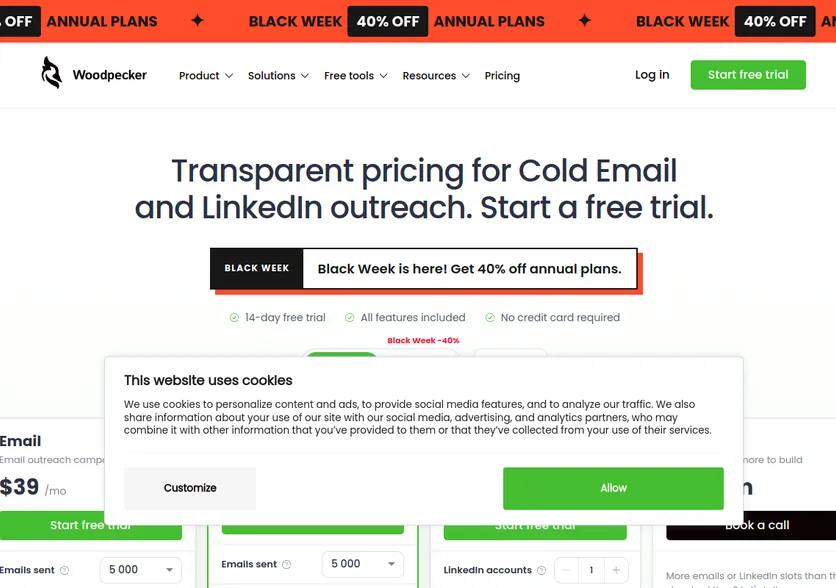
 Woodpecker | Small teams sending careful, low-volume cold email | $29/month | No free plan; 7-day free trial | Visit |
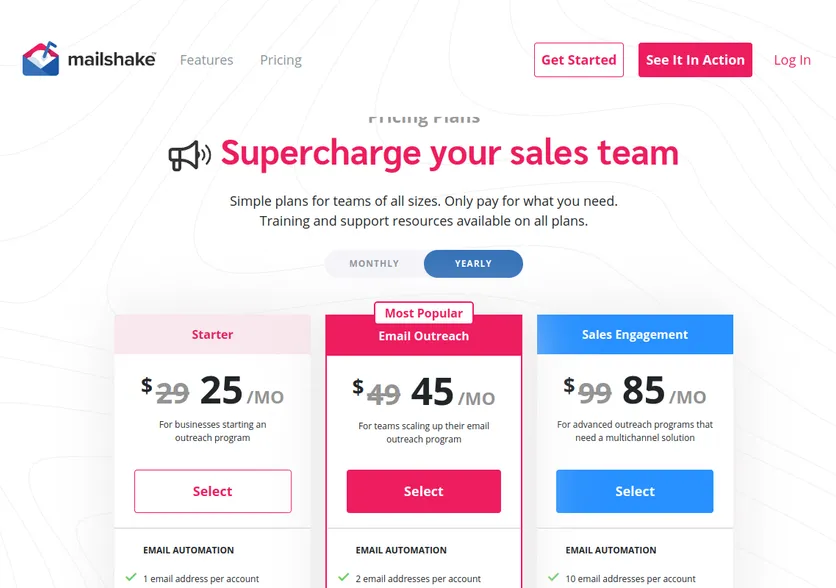
 Mailshake | Beginners who want the simplest outreach setup | $25/user/month | No free plan; no free trial | Visit |
The sales engagement software for multilingual outreach, compared
1. Apollo.io
Best for: Teams that prospect and run sequences in one place
Paid tool Starting price: $49/user/month · Forty-nine dollars per user a month on Basic billed annually (sixty-five dollars billed monthly); Professional is seventy-nine dollars a user a month billed annually; Organization is one hundred and nineteen dollars a user a month with a three-seat minimum; credits are capped per plan and expire each cycle
Free plan: Free plan
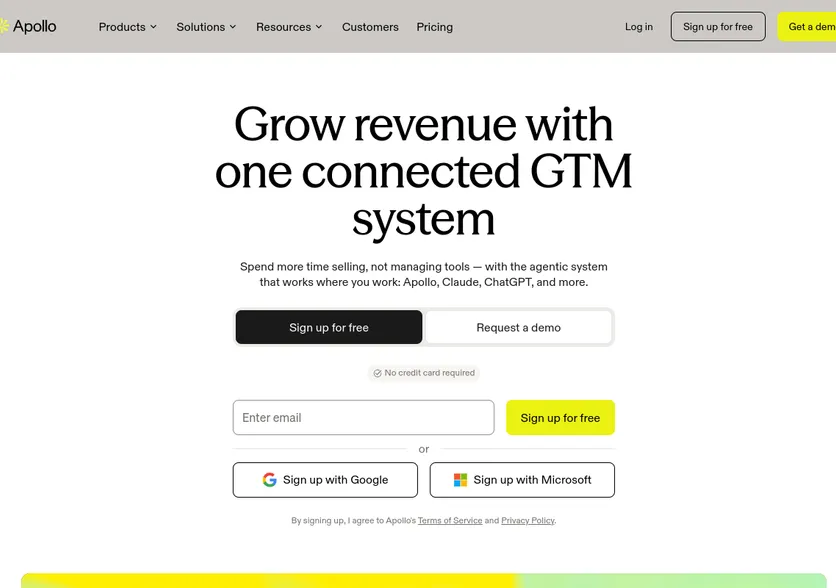
When a team prospects in several languages and needs data to match, this Apollo.io plan costs forty-nine dollars per user a month billed annually, and it pairs a contact database of more than two hundred and forty million people with email sequences, a dialer and deal tracking. Sequences, enrichment and calling sit in one login, so a rep can build a list, write the outreach and log the outcome without switching tools. The credit system is the catch, since every plan caps monthly credits and unused credits expire, so heavy list builders should watch the allowance.
What we like
- Contact database plus sequences, dialer and deals in one login
- Unlimited sequences on every paid plan
- Free plan covers nine hundred credits a year for testing
Watch out for
- Credits cap monthly prospecting and expire each cycle
- Basic caps daily sends and allows one mailbox per user
How to try it
- Search the database for contacts that match the ideal customer profile
- Add the list to a sequence with email, call and LinkedIn steps
- Track replies and booked meetings, then refresh the list weekly
2. Reply.io
Best for: Teams running email, LinkedIn and calls together
Paid tool Starting price: $49/user/month · Forty-nine dollars per user a month on Email Volume billed annually (fifty-nine dollars billed monthly) for one thousand active contacts; Multichannel is eighty-nine dollars a user a month billed annually; LinkedIn automation is a sixty-nine-dollar add-on on Email Volume; Jason AI SDR starts at five hundred dollars a month
Free plan: No free plan; 14-day free trial
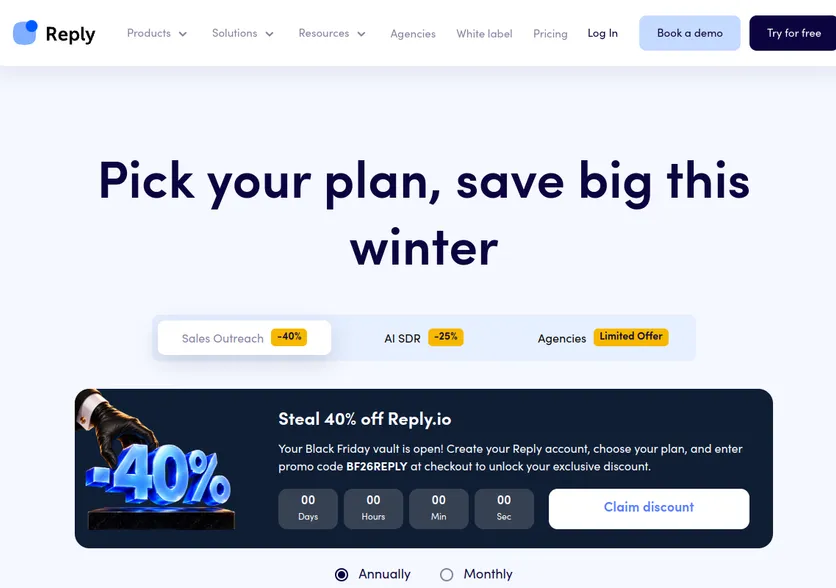
When a team runs outreach in several languages across email and LinkedIn, this Reply.io plan costs forty-nine dollars per user a month billed annually, and it runs multichannel sequences across email, LinkedIn, calls and SMS from one dashboard. Its AI assistant drafts replies, scores leads and can book meetings, which takes the repetitive work out of follow-up. The entry plan is email-only, so teams that want LinkedIn and calling in the same seat need the dearer Multichannel plan.
What we like
- Email, LinkedIn, calls and SMS in one sequence
- AI assistant drafts replies and books meetings
- Unlimited mailboxes on the entry plan
Watch out for
- True multichannel costs eighty-nine dollars a user a month
- LinkedIn and calls are paid add-ons on Email Volume
How to try it
- Import contacts and split them into segments by fit and intent
- Build a multichannel sequence with email, LinkedIn and call steps
- Review reply rates weekly and pause steps that underperform
3. lemlist
Best for: Small teams sending personalised multichannel outreach
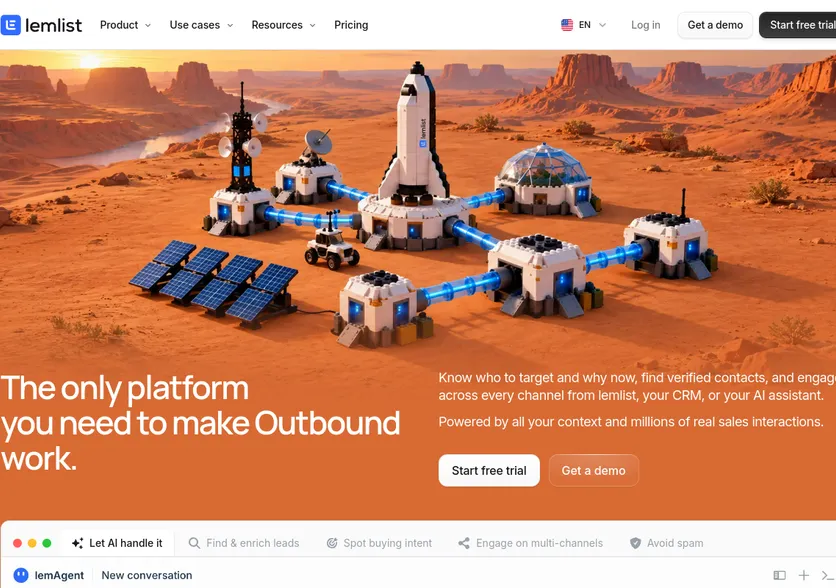
Paid tool Starting price: $39/user/month · Thirty-nine dollars per user a month on Email Starter billed annually; Email Pro is sixty-nine dollars and Multichannel Expert is ninety-nine dollars a user a month billed annually; some November 2026 reads show a newer flat Email plan at fifty-five dollars a user a month billed annually, so confirm the plan at checkout
Free plan: No free plan; 14-day free trial
When a team personalises cold email in the prospect's own language, this lemlist plan costs thirty-nine dollars per user a month billed annually, and it builds personalised multichannel sequences with custom images, landing pages and warm-up. Personalised images and videos make each first email feel written for one person, which lifts reply rates on small, targeted lists. The entry plan allows one sending email per user, so teams that rotate several inboxes will need a higher tier.
What we like
- Personalised images and videos in every sequence
- Built-in warm-up protects new sending domains
- Lead database of more than four hundred and fifty million contacts
Watch out for
- Entry plan allows only one sending email per user
- LinkedIn steps need the Multichannel Expert tier
How to try it
- Build a targeted list and verify every address before sending
- Write a short sequence with a personalised image in the first email
- Warm the sending domain, then launch and watch reply rates daily
4. Snov.io
Best for: Small teams that find, verify and email in one place
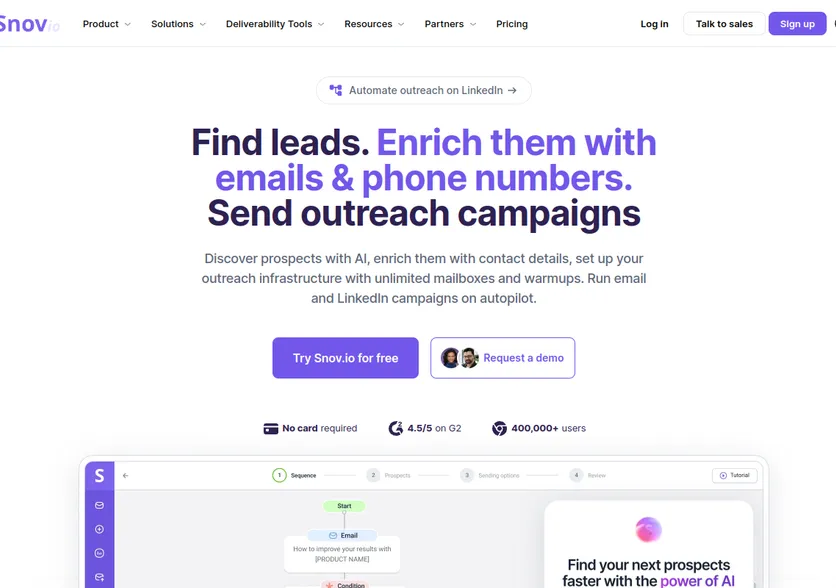
Paid tool Starting price: $39/month · Thirty-nine dollars a month on Starter billed monthly (twenty-nine dollars and twenty-five cents billed annually) for one thousand credits and five thousand recipients; Pro S is ninety-nine dollars and Ultra is seven hundred and thirty-eight dollars a month; a fifty-percent Black Friday discount on annual plans ran until December 4 2026 and is not the list price; LinkedIn automation is a separate add-on
Free plan: Free Trial plan (50 credits a month)
When a team finds and verifies contacts across several countries, this Snov.io plan costs thirty-nine dollars a month, and it finds and verifies email addresses, runs drip campaigns and warms up mailboxes. A light CRM is included at no extra charge, and every plan covers unlimited team seats, so a small team shares one credit pool. Everything runs on credits, so a team that burns through finds and verifications quickly will climb the ladder faster than the headline suggests.
What we like
- Finder, verifier, drip campaigns and CRM in one account
- Unlimited team seats on every plan
- Free Trial plan renews every month
Watch out for
- LinkedIn automation is a separate paid add-on
- Credit-based pricing punishes heavy prospecting
How to try it
- Find emails by domain or name and verify the results
- Add verified contacts to a drip campaign with follow-ups
- Warm mailboxes and review credit use weekly
5. Hunter
Best for: Teams that need fast email finding by domain
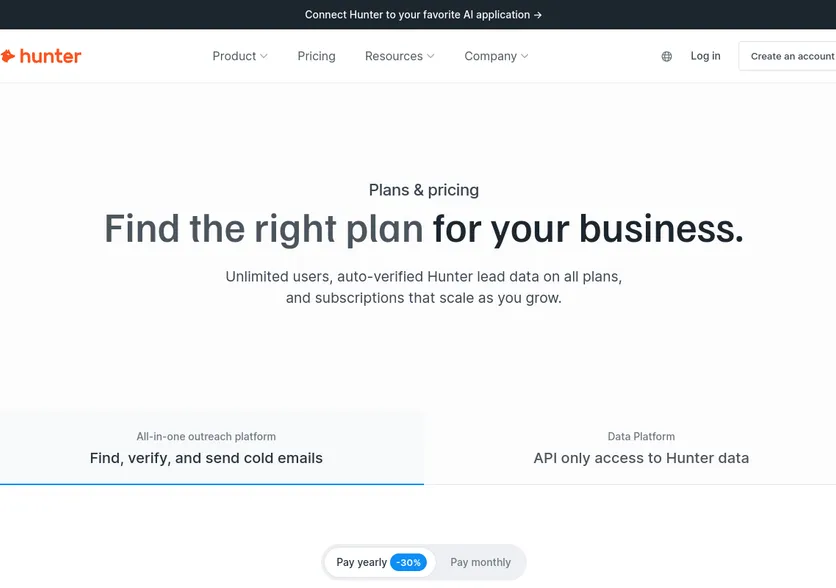
Paid tool Starting price: $49/month · Forty-nine dollars a month on Starter billed monthly (thirty-four dollars billed annually, four hundred and eight dollars a year) for two thousand credits a month; Growth is one hundred and forty-nine dollars and Scale is two hundred and ninety-nine dollars a month; one credit finds one email and a verification costs half a credit
Free plan: Free plan (50 credits a month)
When a team finds email addresses for prospects in any market, this Hunter plan costs forty-nine dollars a month, and it finds professional email addresses from a company domain and verifies them. Domain search, bulk verification and a simple sequencer cover the whole finder workflow, and unlimited users share one credit pool. It is a finder first and a sequencer second, so teams that need deep CRM pipelines will pair it with another tool.
What we like
- Fastest domain-based email finding in this list
- Verification costs half a credit
- Unlimited users share one credit pool
Watch out for
- Sequencing is basic next to dedicated outreach tools
- Accept-all domains can waste credits
How to try it
- Search a company domain for the right contacts
- Verify the addresses and export the clean list
- Send a short sequence and track replies
6. Instantly
Best for: High-volume cold email senders
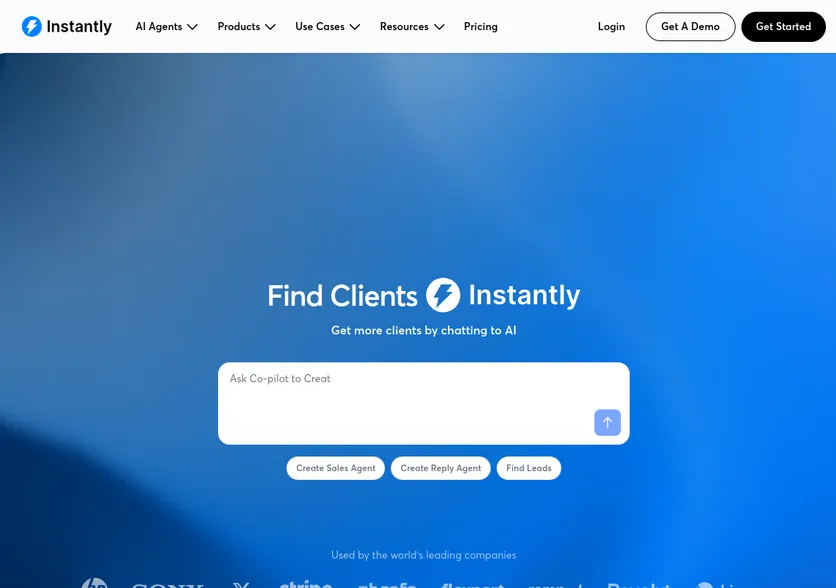
Paid tool Starting price: $37/month · Thirty-seven dollars a month on Growth billed annually (forty-seven dollars billed monthly) for one thousand active leads and five thousand emails; Hypergrowth is ninety-seven dollars a month; lead database credits are billed separately from forty-seven dollars a month
Free plan: Free trial
When a team sends high-volume cold email to several countries at once, this Instantly plan costs thirty-seven dollars a month billed annually, and it offers unlimited sending accounts and built-in warm-up on one flat monthly fee. The unified inbox gathers every reply in one place, and A/B testing runs on the entry plan, so small teams can learn what works fast. Lead credits are billed separately, so the real monthly cost rises once prospecting is added to the sending plan.
What we like
- Unlimited sending accounts and warm-up included
- Flat fee per workspace, not per seat
- Unified inbox gathers every reply in one place
Watch out for
- Lead database credits are billed separately
- Growth caps at one thousand active leads a month
How to try it
- Connect sending accounts and let warm-up run for two weeks
- Upload a verified list and build a short sequence with A/B variants
- Work replies in the unified inbox and pause weak variants
7. Woodpecker
Best for: Small teams sending careful, low-volume cold email
Paid tool Starting price: $29/month · Twenty-nine dollars a month on Starter for five hundred contacted prospects a month; Growth is eighty-four dollars and Scale is one hundred and eighty-eight dollars a month; some reads show a twenty-four-dollar annual-effective Starter figure, so confirm at checkout; LinkedIn automation and extra warm-ups are paid add-ons
Free plan: No free plan; 7-day free trial
When a team sends careful, low-volume outreach in several languages, this Woodpecker plan costs twenty-nine dollars a month, and it sends careful condition-based sequences with human-like timing and a bounce shield. Follow-ups branch on opens, clicks and replies, and unlimited team seats are included, so a whole team can share one account. There is no built-in prospect database, so every list has to be sourced and verified elsewhere before sending.
What we like
- Prospect-based pricing with unlimited team seats
- Human-like sending intervals protect deliverability
- Bounce shield checks addresses before sending
Watch out for
- No built-in prospect database
- LinkedIn automation is a paid add-on
How to try it
- Import a verified list of no more than five hundred prospects
- Build a sequence with condition-based follow-ups
- Check deliverability weekly and keep daily volume modest
8. Mailshake
Best for: Beginners who want the simplest outreach setup
Paid tool Starting price: $25/user/month · Twenty-five dollars per user a month on Starter billed annually (twenty-nine dollars billed monthly); Email Outreach is forty-five dollars a user a month billed annually (fifty-nine dollars monthly) and Sales Engagement is eighty-five dollars (ninety-nine dollars monthly); the fifty-nine-dollar figure widely cited is the monthly-billed Email Outreach rate
Free plan: No free plan; no free trial
When a small team runs simple multilingual campaigns from one account, this Mailshake plan costs twenty-five dollars per user a month billed annually, and it walks a beginner through campaign setup with templates, scheduling and throttling. The lead catcher gathers replies in one inbox, and integrations push outcomes into Salesforce, HubSpot or Pipedrive. The Starter plan connects a single email account, and there is no free trial, so test the workflow on the entry tier before committing a team.
What we like
- Simplest campaign setup in this list
- Lead catcher gathers every reply in one inbox
- Built-in email warm-up on paid plans
Watch out for
- Starter connects only one email account per user
- No free trial, which is unusual in this category
How to try it
- Connect one sending account and import a verified list
- Pick a template and set scheduling and throttling limits
- Answer replies in the lead catcher and log outcomes daily
Prices above were checked on each vendor’s own website on Nov 28, 2026 and can change — the vendor’s page is the final word. Vendor links are editorial: nobody paid to be listed or ranked here. Vendors who want a featured listing can see how it works on our Get listed page.
How to run outreach in several languages without breaking it
Run each language as its own campaign with its own sending domain, because deliverability, spam rules and reply patterns differ by market. Write the first email in the prospect's own language with a native speaker checking it, since a translated template reads as translated and kills replies. Keep lists separate by country, and never mix languages in one sequence, because a reply in another language breaks the automation. Track reply rates per language, pause the ones that underperform, and fix the copy before raising the volume. Keep one owner per market, so nothing falls between languages, and review reply rates with someone who speaks the language before changing the copy.
Before you buy
- Confirm the tool's database covers the countries you actually sell into
- Check whether sequences can run in several languages without mixing lists
- Ask if sending domains can be separated by market for deliverability
- Make sure replies in another language still route to the right person
- Test the tool in one market before paying, including a reply in that language
Official websites
Official websites of the products reviewed above. Features and prices were checked against these sites when this guide was written, and they can change, so confirm on the vendor site before you buy.
Frequently asked questions
What is sales engagement software for multilingual outreach?
It is software that runs prospecting and follow-up in several languages in one place, using pipelines and automated sequences borrowed from sales teams. A multilingual team adapts the sequences per market, with separate lists, domains and copy for each language. The tools in this list range from a global prospecting database to high-volume senders, and every price was checked on the vendor site.
How much does Apollo.io cost for multilingual outreach?
Apollo.io costs forty-nine dollars per user a month on Basic billed annually, or sixty-five dollars billed monthly, with thirty thousand credits a year. Professional is seventy-nine dollars a user a month billed annually and adds more credits, a dialer and workflows. The free plan covers nine hundred credits a year, which is enough to test coverage in one market.
Can I run multilingual outreach for free?
Yes, with Apollo.io, which offers a free plan with nine hundred credits a year, and Snov.io, which offers a free Trial plan with fifty credits a month. Hunter also offers a free plan with fifty credits a month. Free plans suit testing one market, but outreach in several languages at volume soon needs a paid tier.
Which tool is best for multilingual outreach?
Apollo.io is the best pick for multilingual outreach, because its database spans countries and its sequences run in any language at forty-nine dollars a user a month. Snov.io is the better pick for small teams that find and verify contacts across markets, at thirty-nine dollars a month. Lemlist suits teams that personalise every message in the prospect's language.
Should each language be a separate campaign?
Yes, always. Each language needs its own list, its own sending domain and its own copy, because deliverability and reply patterns differ by market. Mixing languages in one sequence breaks the automation when replies come back in another language. Track reply rates per language separately, and fix the copy before raising the volume.
Compare the eight tools above, then start with a free trial or the free plan on the tool that matches how multilingual outreach already handles outreach before paying for a full year.
Browse Business Tools tools