On this page
Scaling a sales team breaks the tools that worked for five reps, because pipelines, territories and forecasts all get harder at once. The seven tools below cover that jump for companies of every size, from a startup hiring its first reps to an enterprise running several sales teams at once. Salesforce Sales Cloud leads because it handles leads, pipeline and forecasting at any headcount for twenty-five dollars per user a month, and the rest are ranked on how smoothly they grow with the team.
How we researched this
We checked every price on the vendor pricing page on November 28, 2026, and only included tools with a published US dollar list price. Every tool in this list was priced from the vendor's own site, so the figures below are list prices, not quotes. Prices change, so confirm the current figure on the vendor site before you buy.
Compare the tools
| Name | Best for | Starting price | Free plan | |
|---|---|---|---|---|
 Salesforce Sales Cloud | Companies scaling from a small team to a large sales org | $25/user/month | No free plan; 30-day free trial | Visit |
 HubSpot Sales Hub | Teams scaling on the HubSpot platform | $20/seat/month | Free plan | Visit |
 Pipedrive | Growing teams that want a pipeline that stays simple | $14/user/month | No free plan; 14-day free trial | Visit |
 Zoho CRM | Startups scaling on a tight software budget | $14/user/month | Free plan (up to 3 users) | Visit |
| Microsoft Dynamics 365 Sales | Companies already running on Microsoft 365 | $65/user/month | No free plan; free trial available | Visit |
 Freshsales | Growing teams that want a modern CRM cheap | $9/user/month | No free plan; 21-day free trial | Visit |
 Copper | Teams that sell from Gmail every day | $23/seat/month | No free plan; 14-day free trial | Visit |
The sales software for scaling, compared
1. Salesforce Sales Cloud
Best for: Companies scaling from a small team to a large sales org
Paid tool Starting price: $25/user/month · Twenty-five dollars per user a month on Starter Suite; Pro Suite is $100, Core is $195, Advanced is $395 and Max is $550 a user a month, with annual billing available
Free plan: No free plan; 30-day free trial
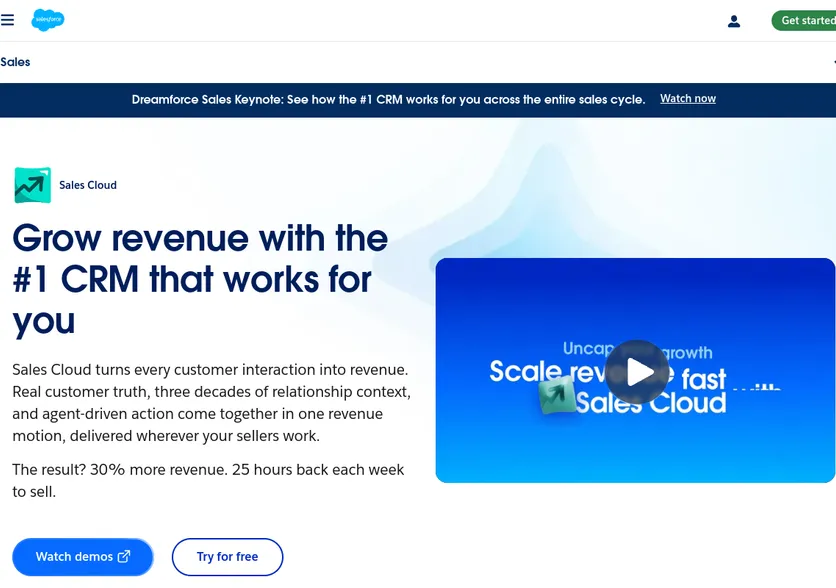
When headcount doubles, the CRM has to keep up without a rebuild, and this Salesforce Sales Cloud plan costs twenty-five dollars per user a month on Starter Suite. It follows a lead from first touch to signed deal, with forecasting and reporting that managers can trust as the team grows. The same platform scales into the dearer suites, so a company never has to migrate to a new CRM mid-growth.
What we like
- Scales from a handful of reps to thousands
- Forecasting and reporting managers can trust
- The largest integration marketplace of any CRM
Watch out for
- Admin work grows with the team and needs an owner
- The entry tier caps automation and custom reporting
How to try it
- Map the sales stages to the stages the team actually sells through
- Import leads and assign them to reps by territory
- Run the forecast each week and coach reps on stalled deals
2. HubSpot Sales Hub
Best for: Teams scaling on the HubSpot platform
Paid tool Starting price: $20/seat/month · Twenty dollars per seat a month on Starter, billed annually ($24 billed monthly); a new-customer promotion has shown Starter from seven dollars a seat a month on annual billing and ten dollars billed monthly, which is a first-customer discount, not the list price
Free plan: Free plan
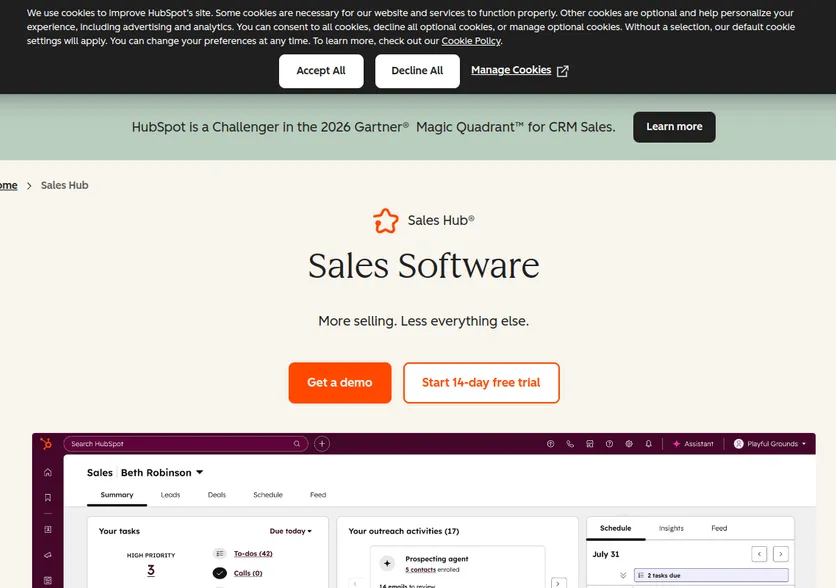
A company that grows on HubSpot wants sales to share the same customer record as marketing, and this HubSpot Sales Hub plan costs twenty dollars per seat a month billed annually. Deals, sequences and meeting links sit beside the marketing data, so handoffs stop falling through the cracks. The free tier covers the basics, and the paid tiers add the automation a scaling team needs.
What we like
- Sales, marketing and service share one contact record
- Sequences and meeting booking built in
- Free tier lets a small team start without paying
Watch out for
- The new-customer promo price is not the list price
- Costs rise quickly once seats and hubs multiply
How to try it
- Connect the team inboxes and import the contact list
- Build the pipeline stages and set up deal automation
- Add sequences for follow-ups and track reply rates
3. Pipedrive
Best for: Growing teams that want a pipeline that stays simple
Paid tool Starting price: $14/user/month · Fourteen dollars per user a month billed annually on the entry plan ($24 billed monthly); Growth is $24, Premium is $49 and Ultimate is $69 a user a month billed annually; older listings may show the previous tier names
Free plan: No free plan; 14-day free trial
Growth does not have to mean complexity, and this Pipedrive plan costs fourteen dollars per user a month billed annually. The visual pipeline stays readable as reps and deals multiply, while the higher tiers add the automation and reporting a bigger team needs. It is the simplest way to keep a growing sales team pointed at the same numbers.

What we like
- Visual pipeline that stays readable as the team grows
- Higher tiers add automation and reporting
- Quick to set up, with no admin training needed
Watch out for
- The entry tier has no workflow automation
- Advanced reporting needs the dearer tiers
How to try it
- Define the pipeline stages for the longer sales cycle
- Add reps, assign leads and set activity targets
- Review the insights dashboard weekly to spot bottlenecks
4. Zoho CRM
Best for: Startups scaling on a tight software budget
Paid tool Starting price: $14/user/month · Fourteen dollars per user a month billed annually on Standard ($20 billed monthly); Professional is $23, Enterprise is $40 and Ultimate is $52 a user a month billed annually
Free plan: Free plan (up to 3 users)
A scaling company that wants CRM power without enterprise prices will find it here, since this Zoho CRM plan costs fourteen dollars per user a month billed annually. It covers leads, deals, quotes and email, and the higher tiers add the workflow automation and analytics a bigger team relies on. The free tier supports three users, so a startup can grow into the paid plans gradually.

What we like
- Low entry price with a genuine free tier
- Workflow automation and analytics in the higher tiers
- Quotes, email and social built into one CRM
Watch out for
- The interface feels busier than the simpler CRMs
- Some integrations need the dearer tiers
How to try it
- Set up the pipeline and import the lead database
- Build workflows that assign leads and remind reps
- Use the analytics to see which sources close best
5. Microsoft Dynamics 365 Sales
Best for: Companies already running on Microsoft 365
Paid tool Starting price: $65/user/month · Sixty-five dollars per user a month on Sales Professional, paid yearly; Sales Enterprise is $105 and Sales Premium is $150 a user a month paid yearly; older pages showing Enterprise at $95 and Premium at $135 are stale
Free plan: No free plan; free trial available
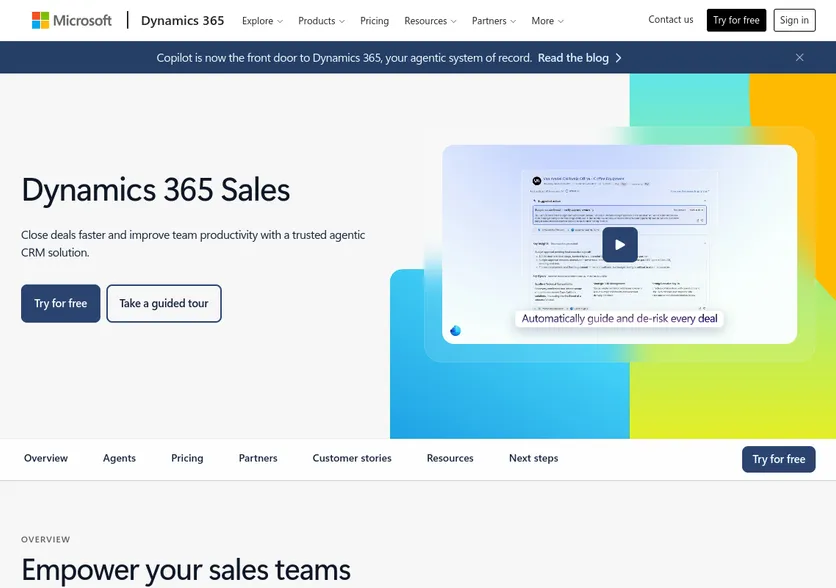
A company that already runs on Microsoft 365 gets a CRM that feels like part of the suite, and this Microsoft Dynamics 365 Sales plan costs sixty-five dollars per user a month paid yearly. It ties deals to Outlook, Teams and Excel, so reps work inside the tools they already open every morning. The same platform grows into enterprise and premium tiers when the sales org gets bigger.
What we like
- Built-in Outlook, Teams and Excel integration
- Strong forecasting and pipeline management
- Grows into Enterprise and Premium tiers
Watch out for
- No free plan, and setup needs Microsoft admin skills
- The entry price is well above the simpler CRMs
How to try it
- Connect the Microsoft 365 tenant and import the lead list
- Set up the sales pipeline and forecast categories
- Train reps on the Outlook and Teams integration
6. Freshsales
Best for: Growing teams that want a modern CRM cheap
Paid tool Starting price: $9/user/month · Nine dollars per user a month billed annually on Growth ($11 billed monthly); Pro is $39 and Enterprise is $59 a user a month billed annually; there is no free plan since November 2026, only a twenty-one-day trial
Free plan: No free plan; 21-day free trial
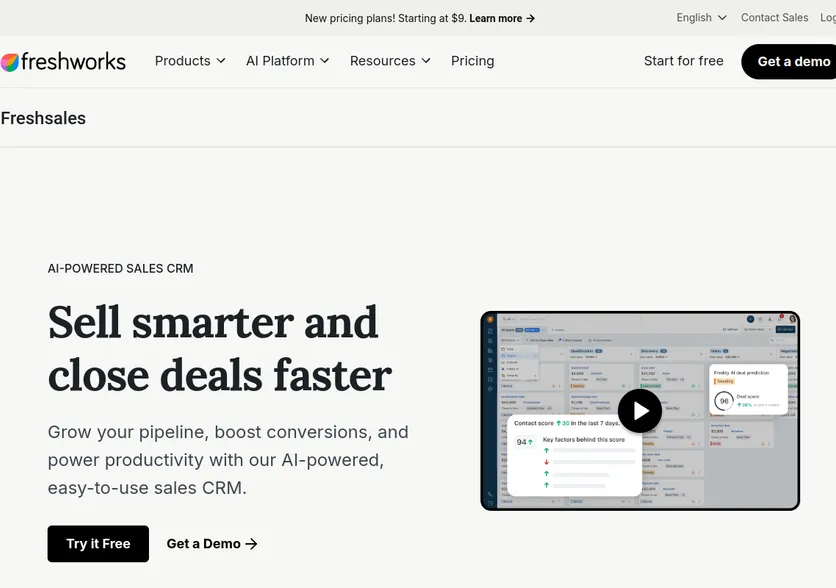
A growing team that wants a modern CRM without the enterprise price tag will like the entry point here, because this Freshsales plan costs nine dollars per user a month billed annually. It covers leads, deals, email and phone in one place, with AI scoring that points reps at the deals most likely to close. The higher tiers add the automation and forecasting a scaling team needs.
What we like
- Low entry price with AI lead scoring
- Email, phone and chat built into the CRM
- Clean interface the team learns fast
Watch out for
- No free plan since November 2026, only a trial
- Advanced forecasting needs the dearer tiers
How to try it
- Import the lead list and set up the sales pipeline
- Connect the team email and phone for one inbox
- Turn on AI scoring and work the highest-scored deals first
7. Copper
Best for: Teams that sell from Gmail every day
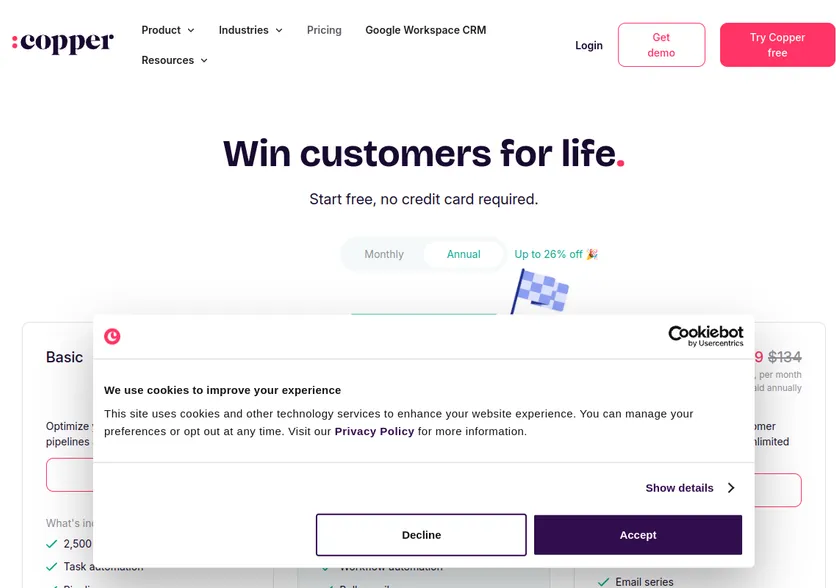
Paid tool Starting price: $23/seat/month · Twenty-three dollars per seat a month billed annually on Basic ($29 billed monthly); Professional is $59 and Business is $99 a seat a month billed annually ($69 and $134 billed monthly)
Free plan: No free plan; 14-day free trial
A team that lives in Gmail will feel at home here, since this Copper plan costs twenty-three dollars per seat a month billed annually. It turns the inbox into a CRM, tracking deals, contacts and follow-ups without leaving Gmail. The higher tiers add the automation and reporting a scaling team needs as headcount grows.
What we like
- Works inside Gmail, so reps never switch apps
- Simple pipeline with contact and deal tracking
- Google Workspace integration built in
Watch out for
- No free plan, only a fourteen-day trial
- Less powerful than Salesforce for large sales orgs
How to try it
- Install the Copper Chrome extension and connect Google Workspace
- Import contacts and build the deal pipeline
- Work deals from the inbox and log activity automatically
Prices above were checked on each vendor’s own website on Nov 28, 2026 and can change — the vendor’s page is the final word. Vendor links are editorial: nobody paid to be listed or ranked here. Vendors who want a featured listing can see how it works on our Get listed page.
How to choose sales software that will not break at fifty reps
Buy for the team you will have in a year, not the team you have today, because migrating a CRM mid-growth costs more than any licence. Check the per-seat price at twenty, fifty and one hundred reps, since a cheap entry tier can turn expensive once the whole team is on it. Confirm the tool handles territories, forecasting and approvals, because a scaling team needs structure that a five-person team can skip. Test the admin side too: someone has to own users, permissions and reports, and a tool that needs a full-time admin at fifty seats is a hidden cost. Finally, confirm the data exports cleanly, so a future move never holds the pipeline hostage.
Before you buy
- Price the tool at twenty, fifty and one hundred seats before signing, since cheap entry tiers rise fast
- Confirm territories, forecasting and approvals are included, because scaling teams need that structure
- Check who will own admin, permissions and reports, since a tool that needs a full-time admin costs more
- Test the free trial with the real sales cycle, from lead to closed deal, before committing to a year
- Make sure contacts, deals and history export cleanly, so a future CRM move never traps the pipeline
Official websites
Official websites of the products reviewed above. Features and prices were checked against these sites when this guide was written, and they can change, so confirm on the vendor site before you buy.
Frequently asked questions
What is the best sales software for scaling?
Salesforce Sales Cloud is the best overall pick for scaling, at twenty-five dollars per user a month, because it handles leads, pipeline and forecasting at any headcount. HubSpot Sales Hub suits teams already on HubSpot, and Freshsales is the best value at nine dollars per user a month. The right pick depends on the team's size, stack and budget.
How much does sales software for scaling cost?
Entry prices in this list run from nine dollars per user a month for Freshsales to sixty-five dollars per user a month for Microsoft Dynamics 365 Sales, all billed annually. Salesforce starts at twenty-five dollars per user a month, and most tools offer a free plan or a two-week trial. Price the tool at the team's future headcount, not today's, before signing.
When should a company move from a simple CRM to Salesforce?
Move when the team outgrows simple pipelines, needs territories, forecasting and approvals, or hires an admin to own the CRM. Salesforce earns its price once the sales org has several teams, complex deals and reporting needs a small tool cannot handle. Smaller teams should stay on a simpler CRM until the pain of the simple tool costs more than the move.
Can I try sales software for scaling for free?
Yes, with HubSpot Sales Hub and Zoho CRM, which offer genuine free plans, and Salesforce, Pipedrive, Freshsales and Copper, which offer free trials of fourteen to thirty days. Use the trial with the real sales cycle, from lead to closed deal, so the team learns whether the tool fits before the first invoice arrives.
What should a growing team check before paying for sales software?
Check the per-seat price at the team's future headcount, confirm territories and forecasting are included, and find out who will own admin and reporting. Watch for seat minimums, add-ons and per-user billing that raise the monthly total. Confirm the data exports cleanly, and run the free trial on a live deal before committing to a yearly plan.
Compare the seven tools above, then start with a free plan or trial on the tool that matches how the team sells before paying for a full year.
Browse Business Tools tools