On this page
Every app a small business ships is built from open-source parts, and customers now ask for a list of those parts before they buy. The seven SBOM tools below cover that job for small teams, from a free plan for a handful of projects to a platform that scans every dependency for known flaws. FOSSA leads because it builds SBOMs and checks licences for twenty dollars per project a month, and the rest are ranked on price, coverage and how much work they save the team.
How we researched this
We checked every price on the vendor pricing page on November 28, 2026, and only included tools with a published US dollar list price. The enterprise SBOM platforms that sell by quote, including Anchore Enterprise and Endor Labs, publish no prices, so they are not in this list. Prices change, so confirm the current figure on the vendor site before you buy.
Compare the tools
| Name | Best for | Starting price | Free plan | |
|---|---|---|---|---|
 FOSSA | Small teams that need SBOMs and licence checks | $20/project/month | Free plan (5 projects, 10 developers) | Visit |
 Snyk | Developer teams that ship code every day | $25/contributing developer/month | Free plan | Visit |
 Socket | Teams worried about malicious packages in the supply chain | $25/developer/month | Free plan | Visit |
| Sonatype Nexus Lifecycle | Teams that want lifecycle policy enforcement | $1,200/year | Free plan | Visit |
| JFrog Xray | Teams already building with JFrog | $50/month | No free plan; free trial available | Visit |
| Mend.io | Teams that want scanning plus automated fixes | $250/developer/year | Free plan | Visit |
 Aikido Security | Small teams that want all-in-one security scanning | $350/month | Free plan (2 users) | Visit |
The SBOM software for small business, compared
1. FOSSA
Best for: Small teams that need SBOMs and licence checks
Paid tool Starting price: $20/project/month · Twenty dollars per project a month billed annually on Business; Enterprise is custom-quoted; snippet and binary scanning add-ons are quoted separately
Free plan: Free plan (5 projects, 10 developers)
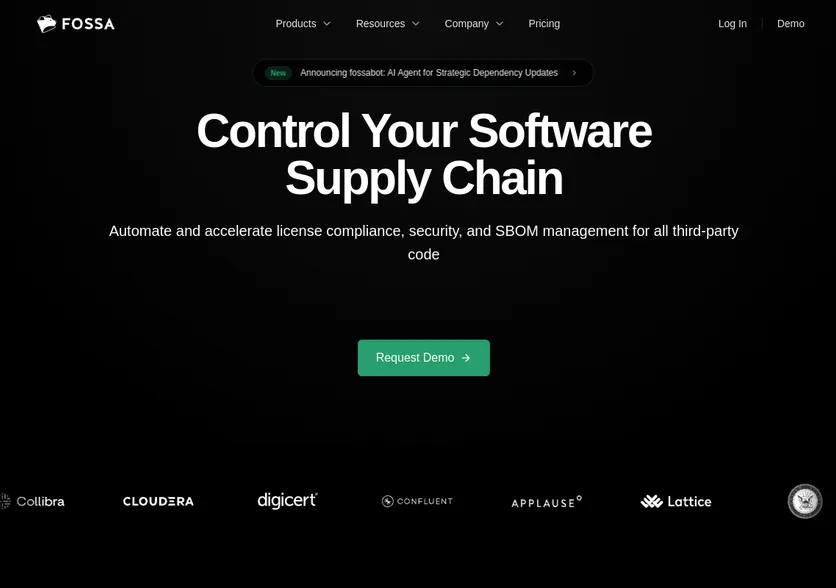
A small business that needs an SBOM for every release will find the simplest path here, since this FOSSA plan costs twenty dollars per project a month billed annually. It scans dependencies, builds the SBOM and flags licence problems before the software ships. The free tier covers five projects and ten developers, so a small team can start without paying.
What we like
- SBOM import and export with licence scanning
- Free tier covers five projects and ten developers
- Flags licence problems before release
Watch out for
- Snippet and binary scanning add-ons are quoted
- Enterprise tier is custom-priced
How to try it
- Connect the code repository to FOSSA
- Run the first scan and review the SBOM
- Fix the flagged licences and export the SBOM
2. Snyk
Best for: Developer teams that ship code every day
Paid tool Starting price: $25/contributing developer/month · Twenty-five dollars per contributing developer a month on Team, with a five-developer minimum and a ten-developer cap; the smallest annual bill is one thousand three hundred and seventy-five dollars a year for five developers; the monthly minimum bill is one hundred and twenty-five dollars
Free plan: Free plan
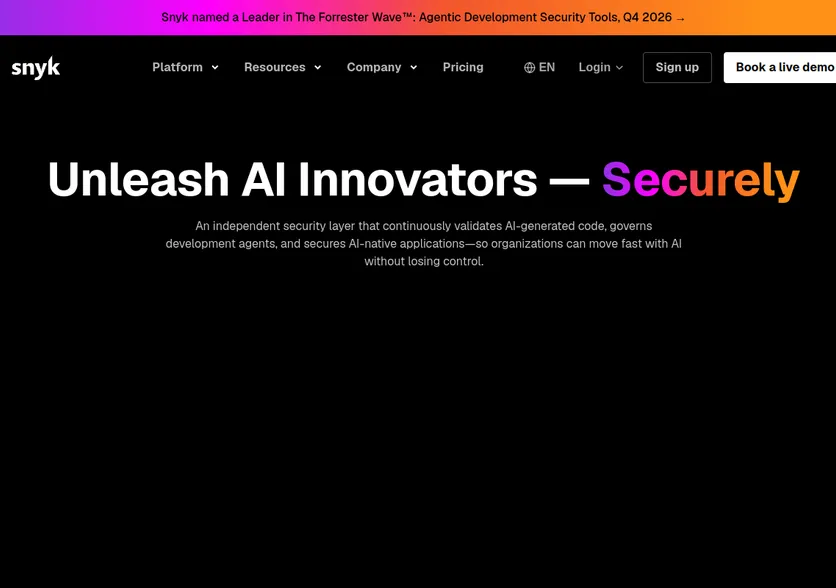
A team that ships code every day needs to know when a dependency turns risky, and this Snyk plan costs twenty-five dollars per contributing developer a month on Team. It scans open-source packages, containers and code for known flaws, and flags the ones that actually reach the app. The plan covers teams of up to ten developers, with a five-developer minimum and a monthly minimum bill.
What we like
- Scans open source, containers and code in one place
- Reachability flags only the flaws that matter
- Free tier for trying the scanner
Watch out for
- Team plan caps at ten developers
- The monthly minimum bill is $125
How to try it
- Connect the repository and run the first scan
- Review the flagged vulnerabilities by reachability
- Fix or upgrade the riskiest dependencies first
3. Socket
Best for: Teams worried about malicious packages in the supply chain
Paid tool Starting price: $25/developer/month · Twenty-five dollars per developer a month billed monthly on Team ($20 billed yearly), from five seats; Business is $50 a month billed monthly ($40 billed yearly) from twenty seats and adds SBOM import and export; Enterprise is custom
Free plan: Free plan
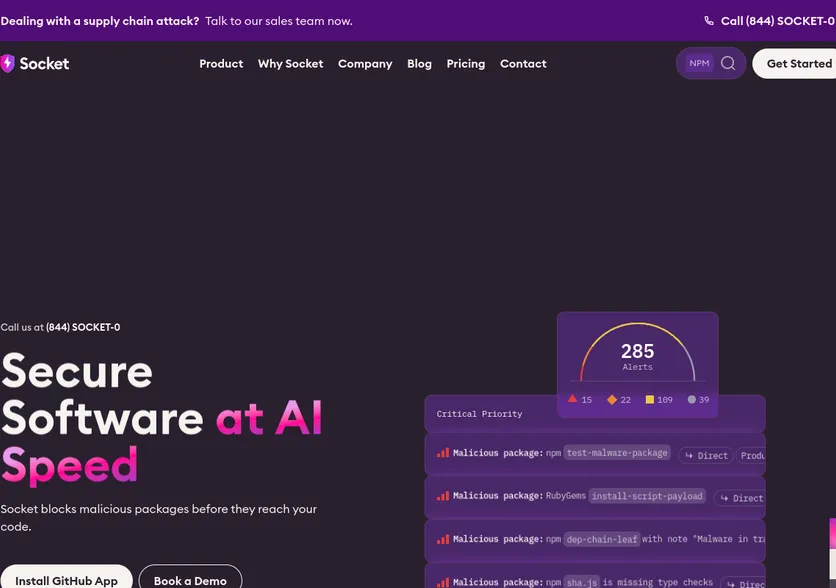
A team that worries about malicious packages, not just known flaws, will like the approach here, because this Socket plan costs twenty-five dollars per developer a month on Team. It watches what a package actually does, install scripts, network calls and hidden code, and blocks the bad ones before they reach the build. The free tier covers one thousand scans a month, so a small team can try the firewall first.
What we like
- Blocks malicious packages before they install
- Watches package behaviour, not just known flaws
- Free tier covers 1,000 scans a month
Watch out for
- SBOM import and export need the dearer Business tier
- Team plan needs at least five seats
How to try it
- Install the Socket firewall for the package manager
- Connect the repository and run the first scan
- Block flagged packages and review the alerts
4. Sonatype Nexus Lifecycle
Best for: Teams that want lifecycle policy enforcement
Paid tool Starting price: $1,200/year · One thousand two hundred dollars a year; a free plan exists for small teams, and higher tiers are quoted
Free plan: Free plan
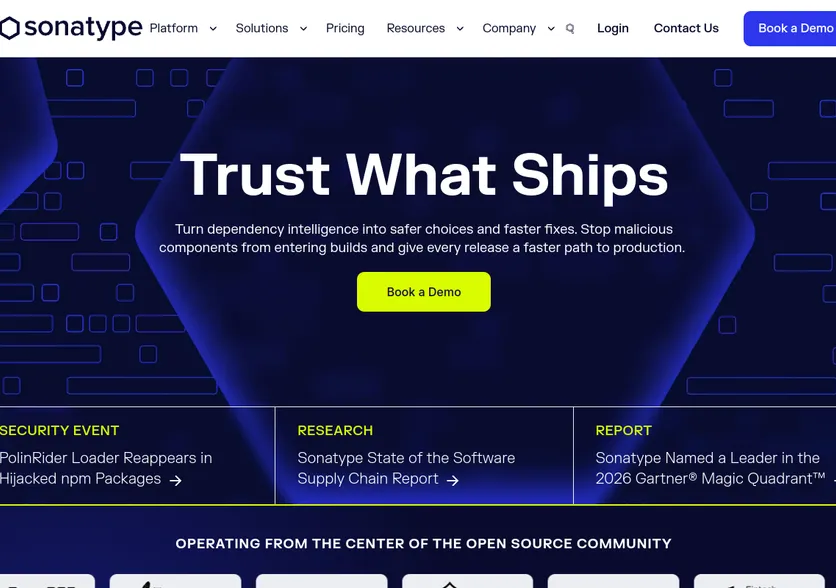
A team that wants a full lifecycle view of its dependencies will find it here, since this Sonatype Nexus Lifecycle plan costs one thousand two hundred dollars a year. It scans components, builds SBOMs and enforces licence and security policies across the whole pipeline. The free plan covers small teams, so the team can test the scanner before paying for the year.
What we like
- Full lifecycle view of every component
- SBOMs with licence and security policy checks
- Free plan for small teams
Watch out for
- Higher tiers are quoted, so the real price is unclear
- Setup takes longer than the simpler scanners
How to try it
- Connect the repository and build pipeline
- Set the licence and security policies
- Run the first scan and export the SBOM
5. JFrog Xray
Best for: Teams already building with JFrog
Paid tool Starting price: $50/month · Fifty dollars a month; most of its value sits inside the wider JFrog platform, so standalone buyers should check what the entry tier actually covers
Free plan: No free plan; free trial available
A team that already builds with JFrog will find the scanner fits the same pipeline here, because this JFrog Xray plan costs fifty dollars a month. It scans binaries and dependencies for known flaws and licence problems, and builds SBOMs from what the build actually used. Most of its value sits inside the wider JFrog platform, so standalone buyers should check what the entry tier covers.
What we like
- Scans binaries, not just source manifests
- SBOMs built from the actual build
- Fits the JFrog pipeline the team already uses
Watch out for
- Most value sits inside the wider JFrog platform
- No free plan, only a trial
How to try it
- Connect Xray to the JFrog Artifactory
- Run a scan on the next build
- Review the SBOM and fix the flagged components
6. Mend.io
Best for: Teams that want scanning plus automated fixes
Paid tool Starting price: $250/developer/year · Two hundred and fifty dollars per developer a year; higher tiers and the Renovate automation add-on are quoted
Free plan: Free plan
A team that wants dependency scanning plus automated fixes will like the automation here, because this Mend.io plan costs two hundred and fifty dollars per developer a year. It scans dependencies, builds SBOMs and opens pull requests that fix the flaws it finds. The Renovate automation add-on is quoted separately, so the team should confirm the full price before buying.
What we like
- Opens pull requests that fix flagged flaws
- SBOMs and licence checks in one scan
- Renovate automation keeps dependencies fresh
Watch out for
- Renovate automation add-on is quoted separately
- Higher tiers are quoted
How to try it
- Connect the repository to Mend.io
- Run the first scan and review the SBOM
- Approve the fix pull requests it opens
7. Aikido Security
Best for: Small teams that want all-in-one security scanning
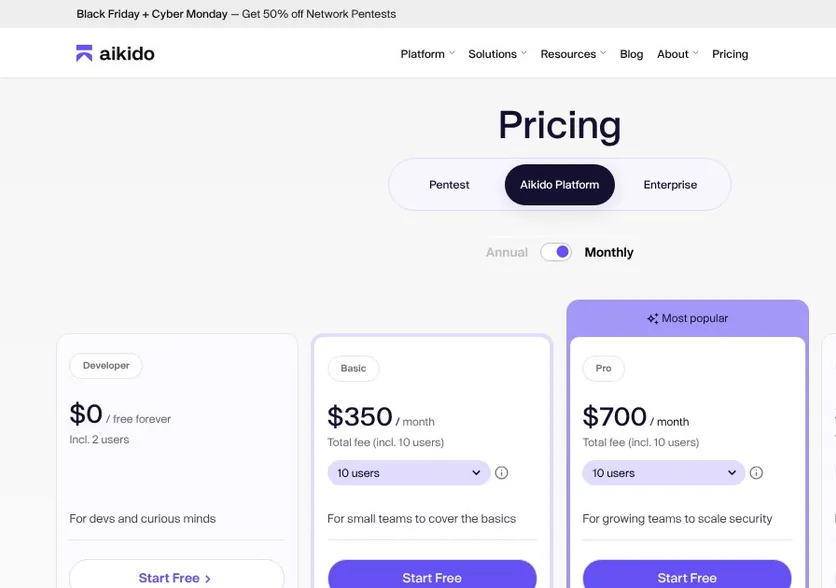
Paid tool Starting price: $350/month · Three hundred and fifty dollars a month on Basic, including ten users, with ten percent off annual billing; Pro is $700 and Advanced is $1,050 a month; some November 2026 reads still show Basic at $300 a month, so confirm the current figure at checkout
Free plan: Free plan (2 users)
A small team that wants code, cloud and dependency scanning in one place will find the breadth here, because this Aikido Security plan costs three hundred and fifty dollars a month on Basic. It scans code, containers and dependencies, and its AI AutoFix opens pull requests for the flaws it finds. The price covers ten users, so the monthly cost is high for a solo developer but fair for a small team.
What we like
- Code, cloud and dependency scanning in one place
- AI AutoFix opens pull requests for flaws
- Free Developer tier covers two users
Watch out for
- All paid plans have a ten-user minimum
- Some November reads still show Basic at $300 a month
How to try it
- Create an account and connect the repository
- Run the first scan across code and dependencies
- Review the AI AutoFix pull requests
Prices above were checked on each vendor’s own website on Nov 28, 2026 and can change — the vendor’s page is the final word. Vendor links are editorial: nobody paid to be listed or ranked here. Vendors who want a featured listing can see how it works on our Get listed page.
How to pick SBOM software a small team will actually use
Start with the SBOM itself, because a tool that cannot export a clean SPDX or CycloneDX file will not satisfy a customer audit. Check what the scanner actually covers: source manifests, binaries and containers are different jobs, and a cheap plan that only reads manifests leaves gaps. Count the real cost by developers or projects, since per-developer plans charge for everyone who commits code. Confirm the tool flags only reachable flaws, because a scanner that reports every flaw in code the app never runs wastes the team's week. Finally, run a scan on a real project and read the SBOM it produces before paying.
Before you buy
- Check that the tool exports a clean SBOM in SPDX or CycloneDX format, since customers ask for it
- Confirm the scanner covers source, binaries and containers, because manifest-only scanning leaves gaps
- Count the real cost by developers or projects, since per-developer plans charge for everyone who commits
- Make sure the tool flags only reachable flaws, so the team does not waste a week on false alarms
- Run a scan on a real project and read the SBOM it produces before paying for a year
Official websites
Official websites of the products reviewed above. Features and prices were checked against these sites when this guide was written, and they can change, so confirm on the vendor site before you buy.
Frequently asked questions
What is the best SBOM software for small business?
FOSSA is the best overall pick, at twenty dollars per project a month billed annually, because it builds SBOMs and checks licences in one scan. Snyk suits developer teams that ship code daily, and Socket is best for blocking malicious packages before they install. The right pick depends on team size, budget and whether the team needs licence checks too.
How much does SBOM software cost for a small business?
Entry prices in this list run from twenty dollars per project a month for FOSSA to three hundred and fifty dollars a month for Aikido Security. Snyk and Socket both start at twenty-five dollars per developer a month, and Sonatype costs one thousand two hundred dollars a year. Most tools offer a free plan or trial, so test a scan before paying.
What is an SBOM?
An SBOM, or software bill of materials, is a list of every component in a piece of software, including open-source libraries, versions and licences. Customers and regulators ask for it to check for known flaws and licence problems before they use the software. Small businesses that ship apps now need to produce one for every release, which is what the tools in this list do.
Can I try SBOM software for free?
Yes, with FOSSA, Snyk, Socket, Sonatype, Mend.io and Aikido Security, which all offer genuine free plans for small teams. JFrog Xray offers a free trial instead. Use the free plan to scan a real project and read the SBOM it produces, so the team learns whether the tool fits before paying for a year.
What should a small business check before buying SBOM software?
Check that the tool exports a clean SBOM in SPDX or CycloneDX format, confirm the scanner covers source, binaries and containers, and count the real cost by developers or projects. Watch for per-developer billing that grows with every hire and add-ons that are quoted separately. Run a scan on a real project before paying for a year.
Compare the seven tools above, then start with a free plan or trial on the tool that matches how the team already builds software before paying for a full year.
Browse Developer Tools tools