On this page
An IT support team lives in its ticket queue, and the service desk decides whether a request gets fixed in an hour or forgotten for a week. The seven tools below handle incidents, requests, assets and SLAs, from a full ITIL platform to a simple inbox with automation. Freshservice leads because it covers incident, knowledge and asset management for nineteen dollars an agent a month, and the rest are ranked on how much order they bring to the queue.
How we researched this
We checked every price on the vendor pricing page on November 28, 2026, and only included tools with a published US dollar list price. SysAid and ManageEngine ServiceDesk Plus publish no clean list price for the service desk tiers, and the enterprise ITSM platforms sell by quote, so they are not in this list. Prices change, so confirm the current figure on the vendor site before you buy.
Compare the tools
| Name | Best for | Starting price | Free plan | |
|---|---|---|---|---|
 Freshservice | IT teams that want proper ITSM without complexity | $19/agent/month | No free plan; 21-day free trial | Visit |
 Freshdesk | Support teams that want solid ticketing at a low price | $15/agent/month | Free plan (up to 2 agents) | Visit |
 Zendesk | Support teams that will grow into omnichannel support | $19/agent/month | No free plan; 14-day free trial | Visit |
 Jira Service Management | IT teams already running Jira and Confluence | $22.50/agent/month | Free plan (up to 3 agents) | Visit |
 Help Scout | IT teams that answer most requests by email | $25/user/month | Free plan (up to 5 users) | Visit |
 Zoho Desk | IT teams that want the cheapest full service desk | $14/agent/month | Free plan (up to 3 agents) | Visit |
 HappyFox | IT teams that want predictable cost and simple ticketing | $24/agent/month | No free plan; 14-day free trial | Visit |
The service desk software for IT support, compared
1. Freshservice
Best for: IT teams that want proper ITSM without complexity
Paid tool Starting price: $19/agent/month · Nineteen dollars per agent a month billed annually (twenty-nine dollars billed monthly) for Starter; Growth is forty-nine dollars and Pro is ninety-nine dollars a month billed annually, and Enterprise is quoted; the Freddy AI Copilot add-on is twenty-nine dollars per agent a month on Pro and Enterprise
Free plan: No free plan; 21-day free trial
For an IT team that needs a proper service desk without enterprise complexity, this Freshservice plan costs nineteen dollars per agent a month billed annually for Starter. It covers incidents, a knowledge base and a support portal, with asset management and SLAs waiting on the Growth tier. The price undercuts the ITSM platforms by a wide margin, which suits a team that wants order without a consultant.

What we like
- Incident, knowledge base and portal in one login
- Asset management and SLAs on the Growth tier
- Far cheaper than the enterprise ITSM platforms
Watch out for
- Change and problem management need the Pro tier
- The AI Copilot is a paid add-on, not included
How to try it
- Set up the support portal and ticket categories
- Import the asset inventory and link it to tickets
- Write the first knowledge base articles for common fixes
2. Freshdesk
Best for: Support teams that want solid ticketing at a low price
Paid tool Starting price: $15/agent/month · Fifteen dollars per agent a month billed annually for Growth; Pro is forty-nine dollars and Enterprise is seventy-nine dollars a month; the omnichannel Omni tracks cost more, from twenty-nine dollars a month for Omni Growth; the free plan covers a small number of agents
Free plan: Free plan (up to 2 agents)
For a support team that needs solid ticketing at the lowest price in this list, this Freshdesk plan costs fifteen dollars per agent a month billed annually for Growth. It covers ticketing, automations, SLAs and a knowledge base, with custom roles and advanced reporting waiting on Pro. The free plan lets a tiny team start without a card, which makes it the easiest first service desk to try.

What we like
- Ticketing, automations and SLAs from fifteen dollars
- Free plan lets a tiny team start without a card
- Knowledge base included on the Growth tier
Watch out for
- Multi-language support and custom roles need Pro
- The omnichannel Omni tracks cost considerably more
How to try it
- Set up the ticket categories and automations
- Build the knowledge base with the common fixes
- Turn on SLAs and watch the first response times
3. Zendesk
Best for: Support teams that will grow into omnichannel support
Paid tool Starting price: $19/agent/month · Nineteen dollars per agent a month billed annually (twenty-five dollars billed monthly) for Support Team, which covers email ticketing only; Suite Team is fifty-five dollars and Suite Professional is one hundred and fifteen dollars a month; the old Suite Growth plan at eighty-nine dollars was withdrawn in 2026 and Enterprise is now quote-only
Free plan: No free plan; 14-day free trial
For a support team that will grow into omnichannel support, this Zendesk plan costs nineteen dollars per agent a month billed annually for Support Team. It covers email ticketing, routing and prebuilt analytics, and the Suite tiers add messaging, chat, voice and AI agents when the team is ready. The ecosystem of apps and integrations is the largest in this list, which matters once the desk connects to other systems.

What we like
- The largest app and integration ecosystem here
- Suite tiers add chat, voice and AI agents when ready
- Strong analytics from the first paid tier
Watch out for
- Support Team covers email only, with no chat or messaging
- The price jumps sharply between Support and Suite tiers
How to try it
- Set up the ticket views and routing rules
- Connect the email channels and the help centre
- Review the analytics weekly and adjust the staffing
4. Jira Service Management
Best for: IT teams already running Jira and Confluence
Paid tool Starting price: $22.50/agent/month · Twenty-two dollars and fifty cents per agent a month for Standard at ten agents on annual billing (two thousand seven hundred dollars a year); the rate falls with volume to eighteen dollars and thirty-three cents at fifty agents and seventeen dollars and fifty cents at one hundred; Premium is fifty-one dollars and sixty-seven cents at ten agents; monthly billing is higher and Atlassian repriced the plans on October 13, 2026
Free plan: Free plan (up to 3 agents)
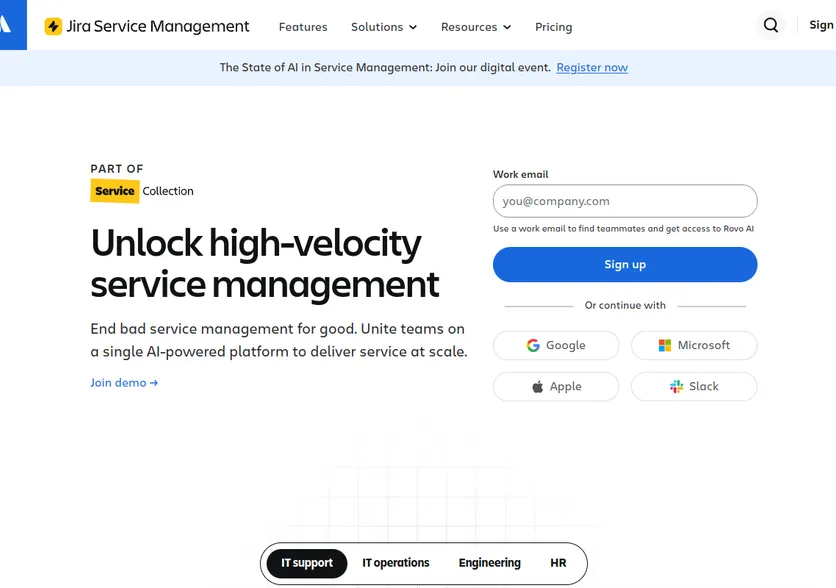
For an IT team that already lives in Jira and Confluence, this Jira Service Management plan costs twenty-two dollars and fifty cents per agent a month for Standard at ten agents on annual billing. It brings SLAs, automation, asset management and a branded help centre into the Atlassian stack the team already knows. The per-agent price falls as the desk grows, which rewards a team that scales.
What we like
- SLAs, automation and assets inside the Atlassian stack
- Per-agent price falls as the desk grows
- Branded help centre included on Standard
Watch out for
- The price is banded, so small desks pay more per agent
- Change management and AI need the Premium tier
How to try it
- Connect Jira Service Management to the existing Jira projects
- Set up the request types and SLA policies
- Build the help centre with the common fixes
5. Help Scout
Best for: IT teams that answer most requests by email
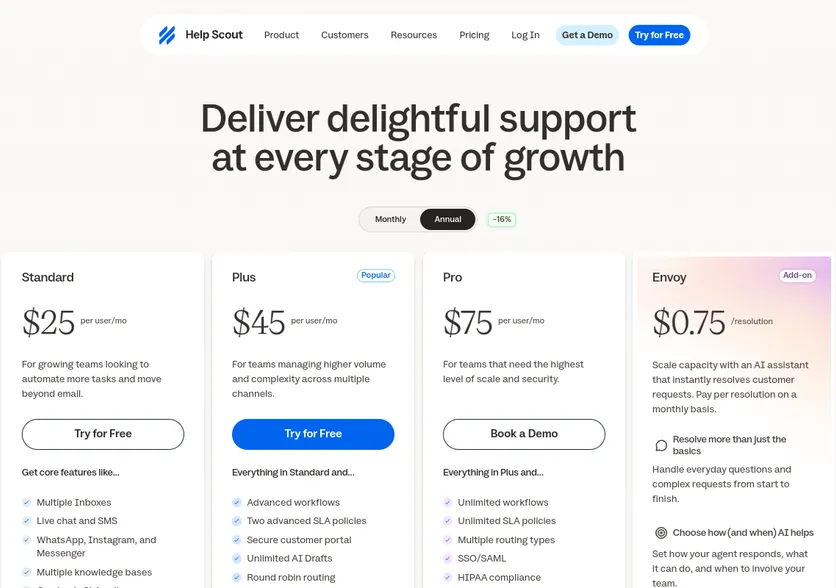
Paid tool Starting price: $25/user/month · Twenty-five dollars per user a month billed annually (thirty dollars billed monthly) for Standard, capped at twenty-five users; Plus is forty-five dollars and Pro is seventy-five dollars a month with a ten-user minimum; older listings showing twenty, forty and sixty-five dollars are the pre-2026 ladder
Free plan: Free plan (up to 5 users)
For an IT team that answers most requests by email and wants a shared inbox with order, this Help Scout plan costs twenty-five dollars per user a month billed annually for Standard. It turns the shared support address into assigned conversations with collision detection, so two agents never answer the same ticket. The free plan covers five users, which lets a tiny team run a real inbox before paying.
What we like
- Shared inbox with collision detection built in
- Free plan covers five users with a real inbox
- Simple enough for a team to adopt in a day
Watch out for
- Standard caps at twenty-five users, so growth forces an upgrade
- No asset management or ITIL depth
How to try it
- Connect the support email address
- Set up the inboxes and assign the team
- Turn on collision detection and saved replies
6. Zoho Desk
Best for: IT teams that want the cheapest full service desk
Paid tool Starting price: $14/agent/month · Fourteen dollars per agent a month billed annually for Standard; Express is seven dollars, Professional is twenty-three dollars and Enterprise is forty dollars a month; monthly billing is higher, at twenty, thirty-five and fifty dollars for the three upper tiers; the free plan covers three agents
Free plan: Free plan (up to 3 agents)
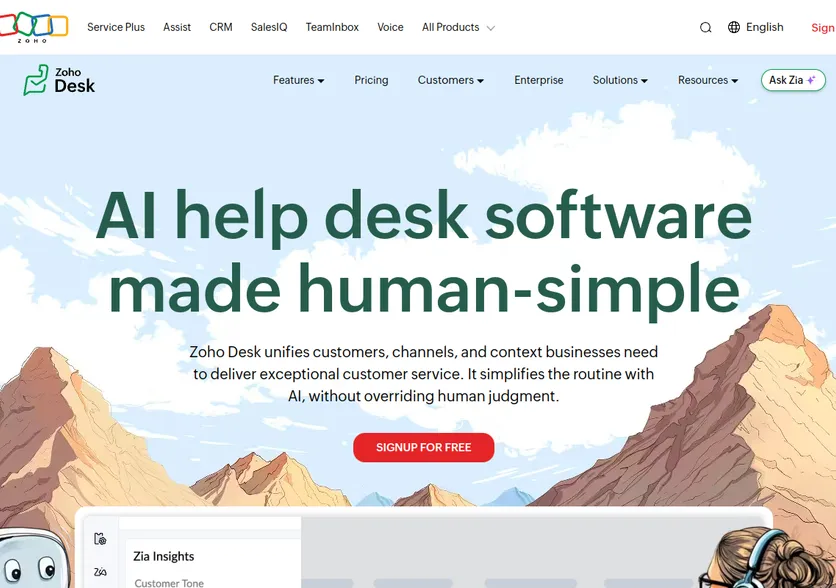
For an IT team that wants the cheapest full service desk in this list, this Zoho Desk plan costs fourteen dollars per agent a month billed annually for Standard. It covers multichannel ticketing, a knowledge base and workflow automation, with the AI assistant waiting on the higher tiers. The free plan covers three agents, and the Zoho ecosystem keeps the price low for teams already on Zoho CRM.
What we like
- Multichannel ticketing from fourteen dollars a month
- Free plan covers three agents
- Low price for teams already on Zoho CRM
Watch out for
- The AI assistant waits on the higher tiers
- The interface packs many features into small menus
How to try it
- Set up the departments and ticket categories
- Connect the email and chat channels
- Build the knowledge base and the first automations
7. HappyFox
Best for: IT teams that want predictable cost and simple ticketing
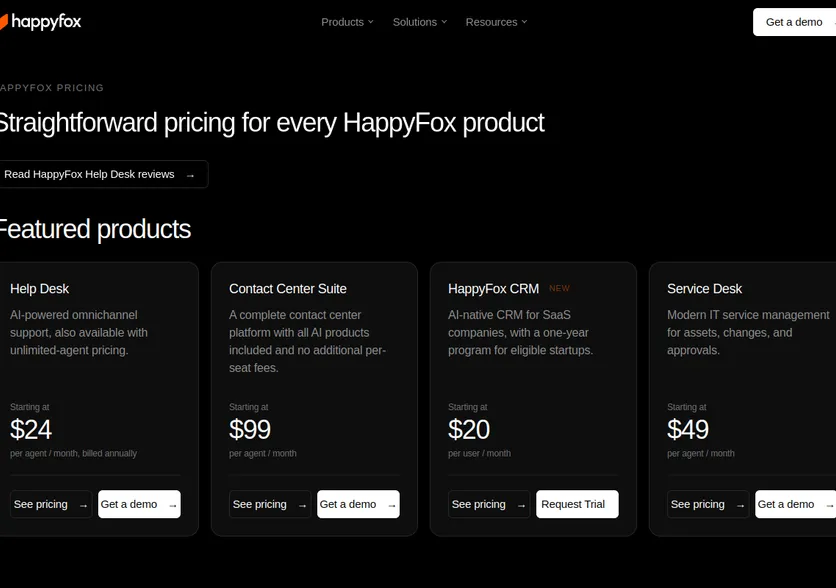
Paid tool Starting price: $24/agent/month · Twenty-four dollars per agent a month billed annually (twenty-nine dollars billed monthly) for Basic, capped at five agents; Team is forty-nine dollars and Pro is ninety-nine dollars a month; two-year terms cut those to twenty-one, thirty-nine and eighty-nine dollars, and a flat unlimited-agent Growth plan is one thousand nine hundred and ninety-nine dollars a month
Free plan: No free plan; 14-day free trial
For an IT team that wants predictable cost and simple ticketing, this HappyFox plan costs twenty-four dollars per agent a month billed annually for Basic. It covers unlimited tickets, SLAs and a knowledge base, with multi-brand support and custom roles waiting on Team. The flat unlimited-agent Growth plan suits a large desk where per-seat pricing would run away.
What we like
- Unlimited tickets on every agent-based plan
- Flat unlimited-agent plan for large desks
- Simple ticketing without enterprise complexity
Watch out for
- Basic caps at five agents
- AI features are a separate product with its own price
How to try it
- Set up the ticket categories and SLA policies
- Build the knowledge base with the common fixes
- Connect the email channels and test the first tickets
Prices above were checked on each vendor’s own website on Nov 28, 2026 and can change — the vendor’s page is the final word. Vendor links are editorial: nobody paid to be listed or ranked here. Vendors who want a featured listing can see how it works on our Get listed page.
How to run a service desk the team actually uses
Start with the categories the team already uses in email, because a ticket system with fifty categories nobody understands gets ignored. Write the ten most common fixes into the knowledge base first, since those ten answers cut the queue more than any automation. Set SLAs the team can actually meet, and publish them, because a missed promise hurts more than a slow answer. Review the unassigned pile every morning, because a ticket with no owner is a ticket nobody fixes. Finally, measure first response time and resolution time every week, and change one thing at a time until both move in the right direction.
Before you buy
- Check whether SLAs, asset management and change control are on the plan you would actually buy
- Make sure the tool covers the channels the team answers on, including email and chat
- Confirm the knowledge base is included, not sold as a separate product
- Ask if the AI features are bundled or billed as a paid add-on per agent
- Test the agent interface with the people who will answer tickets all day
Official websites
Official websites of the products reviewed above. Features and prices were checked against these sites when this guide was written, and they can change, so confirm on the vendor site before you buy.
Frequently asked questions
What is the best service desk software for IT support?
Freshservice is the best pick for most IT teams, at nineteen dollars an agent a month billed annually for Starter, covering incidents, a knowledge base and a support portal. Freshdesk is the best value, at fifteen dollars an agent a month for Growth with solid ticketing and SLAs. Zendesk is the best choice for scale, at nineteen dollars an agent a month for Support Team with the largest integration ecosystem.
How much does Freshservice cost for IT support?
Freshservice Starter costs nineteen dollars per agent a month billed annually, or twenty-nine dollars billed monthly. Growth is forty-nine dollars and Pro is ninety-nine dollars a month billed annually, with Enterprise quoted. The Freddy AI Copilot add-on is twenty-nine dollars per agent a month on Pro and Enterprise, so budget for it separately if the team wants AI help.
Can I run a service desk for free?
Yes, in a limited way: Freshdesk offers a free plan for a small number of agents, Jira Service Management is free for up to three agents, Help Scout is free for up to five users and Zoho Desk is free for up to three agents. Those free tiers suit a tiny team, though SLAs, asset management and advanced automation sit on the paid plans in this list. Most teams start free and pay once the ticket volume grows.
What is the difference between a service desk and a help desk?
A help desk answers support requests, while a service desk adds ITIL structure: incident, problem and change management, asset tracking and service-level agreements. Freshservice and Jira Service Management are service desks in that fuller sense, while Freshdesk, Help Scout and HappyFox are help desks with some service desk features. A team that manages assets and changes should pick a true service desk.
Which tool is best for a small IT team?
Freshdesk is the best pick for a small team, at fifteen dollars an agent a month billed annually for Growth, with ticketing, automations, SLAs and a knowledge base. Zoho Desk is cheaper still at fourteen dollars a month for Standard, with multichannel ticketing and a free plan for three agents. Freshservice is the better pick once the team needs asset management, at nineteen dollars a month.
Compare the seven tools above, then start with a free trial on the tool that matches how the IT team already handles requests before paying for a full year.
Browse Business Tools tools