On this page
A wedding shoot can leave thousands of frames on the card, and picking the keepers by hand eats the evening after every job. AI culling tools score focus, eyes and expressions, and retouching tools clean skin and color across the whole gallery. The seven tools below run from about seven dollars a month to about one hundred twenty-nine dollars a month, and every price was checked on the vendor site on November 26, 2026. Most offer a free trial, so you can test on a real shoot before you pay. Aftershoot is our first pick for wedding photographers.
How we researched this
We started with the AI culling and retouching tools photographers actually buy, then read each price on the vendor site on November 26, 2026 and noted the free trial each one carries. We judged them for a wedding or portrait photographer who shoots hundreds of frames per job and needs both a fast first pass and consistent retouching, and we kept only tools with a published price. We dropped tools whose prices disagreed across sources and tools that only enhance images without culling, because a culling decision cannot rest on a number you cannot verify.
Compare the tools
| Name | Best for | Starting price | Free plan | |
|---|---|---|---|---|
 Aftershoot | Wedding photographers who want culling, editing and retouching in one offline app | $45/month | No free plan; 30-day free trial | Visit |
 Imagen AI | Photographers who want a learned personal style applied to whole shoots | $129/month | Free trial available; 1,000 free edits | Visit |
 Narrative Select | Portrait and wedding photographers who want AI evidence but the final call | $20/month | No free plan; free trial of Ultra | Visit |
 FilterPixel | Volume school and event photographers who want cloud culling | $14.99/month | Free trial; free DeepCull shoots | Visit |
| Optyx | Hobbyists and part-time photographers who want the cheapest AI culling | $6.99/month | Free plan; manual culling | Visit |
 Evoto AI | High-volume portrait work priced in credits | $89/year | Free trial; 7 days, 50 free credits | Visit |
 Photo Mechanic | Sports and news photographers who need the fastest manual culling | $149/year | No free plan; 30-day free trial | Visit |
The AI photo culling and retouching software, compared
1. Aftershoot
Best for: Wedding photographers who want culling, editing and retouching in one offline app
Paid tool Starting price: $45/month · Complete plan $45 a month billed annually or $55 billed monthly for culling, editing and retouching with unlimited images; Select $10, Retouch $20 and Edit $30 a month billed annually; 30-day free trial
Free plan: No free plan; 30-day free trial
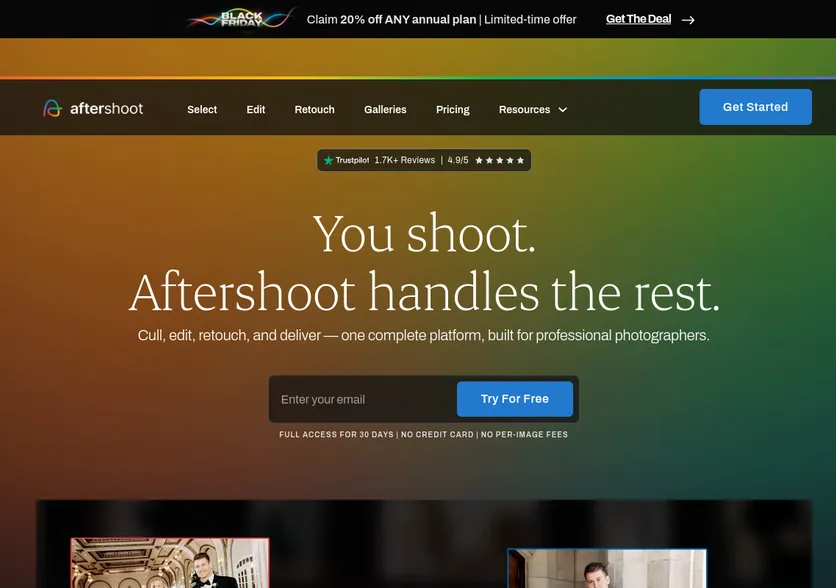
Aftershoot reviews a whole wedding and picks the keepers for you, with an AI that learns your selection style over time and processing that never leaves your computer. This Aftershoot Complete plan costs forty-five dollars a month on annual billing and covers culling, editing and retouching with unlimited images. A photographer who wants one flat fee for the whole post-production flow will find it the most complete pick here.
What we like
- Culling, editing and retouching in one app
- Fully offline processing after sign-in
- AI learns your selection style
Watch out for
- Complete costs more than culling alone
- Personal editing profile needs many edited photos
How to try it
- Open the Aftershoot site and start the 30-day free trial
- Import a full wedding and let Select make the first pass
- Train your editing profile and retouch the keepers in one pass
2. Imagen AI
Best for: Photographers who want a learned personal style applied to whole shoots
Paid tool Starting price: $129/month · Limitless plan $129 a month billed annually or $165 billed monthly, with unlimited editing, retouching and AI culling; pay-as-you-go starts at $0.05 a photo with a $7 monthly base fee; culling add-on from $12 a month
Free plan: Free trial available; 1,000 free edits
Imagen AI builds a personal editing profile from your past work, then applies your style to whole shoots in the cloud while you keep shooting. This Imagen AI Limitless plan costs one hundred twenty-nine dollars a month on annual billing and covers unlimited editing, retouching and AI culling. A photographer who edits every week and wants to stop tracking per-photo costs will find it the simplest flat option here.
What we like
- Personal AI profile learns your style
- Unlimited exports on Limitless
- Retouching tools included at no extra cost
Watch out for
- Cloud workflow needs uploads for every shoot
- Highest flat price in this list
How to try it
- Open the Imagen pricing page and start for free
- Upload edited photos to build your personal AI profile
- Send a shoot through and review the edits before export
3. Narrative Select
Best for: Portrait and wedding photographers who want AI evidence but the final call
Paid tool Starting price: $20/month · Standard plan $20 a month billed annually or $29 billed monthly with full AI culling, Scenes View and close-ups panel; Lite $10 a month billed annually; Premium $40 and Ultra $60 a month billed annually
Free plan: No free plan; free trial of Ultra
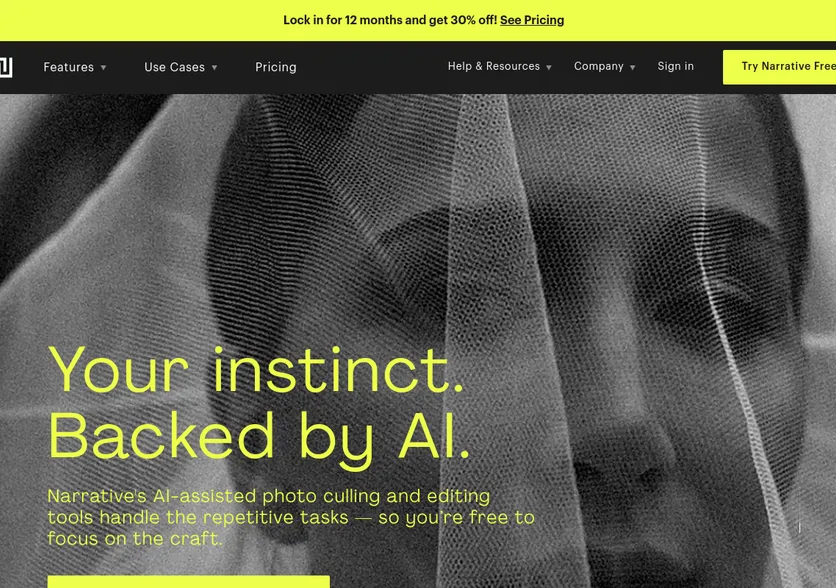
Narrative Select acts as an AI assistant rather than an autopilot, grading focus, blinks and close-ups on every frame while you decide the keepers. This Narrative Select Standard plan costs twenty dollars a month on annual billing and adds the full culling toolset with Scenes View and the close-ups panel. A photographer who wants to stay in creative control while culling faster will find it the most considered pick here.
What we like
- Instant RAW rendering for fast browsing
- Keeps the final decision with you
- AI presets trained on your own edits
Watch out for
- Lite leaves out the advanced culling tools
- Editing presets need Lightroom, paid separately
How to try it
- Open the Narrative site and start the free trial
- Import a shoot and check the focus and face scores
- Send the keepers to Lightroom with your presets applied
4. FilterPixel
Best for: Volume school and event photographers who want cloud culling
Paid tool Starting price: $14.99/month · Standard plan $14.99 a month billed annually or $19.99 billed monthly with unlimited basic culling and 20 DeepCull shoots; Pro $34.99 and Studio $64.99 a month billed annually
Free plan: Free trial; free DeepCull shoots
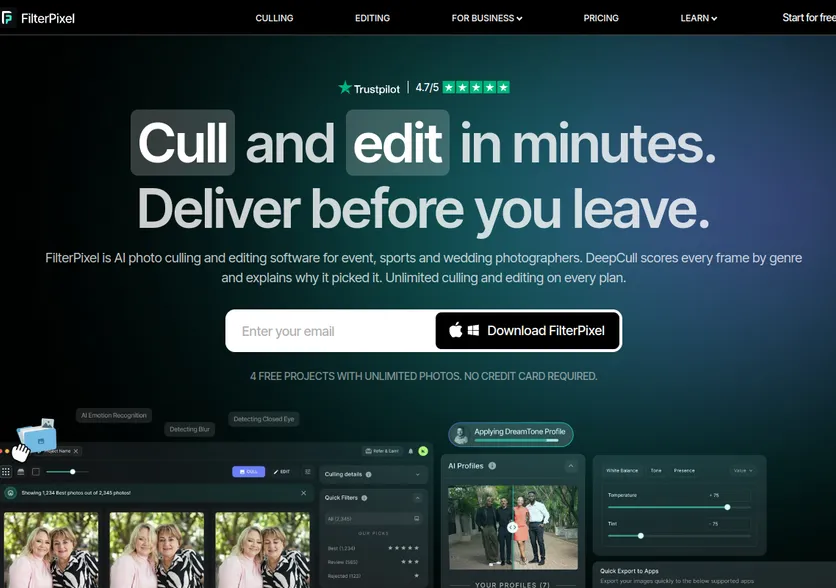
FilterPixel culls in the cloud with DeepCull, a genre-trained pass that works from the first shoot without learning your style. This FilterPixel Standard plan costs about fifteen dollars a month on annual billing and includes unlimited basic culling, twenty DeepCull shoots and client galleries. A volume photographer who wants the culling done before the files even reach the desk will find it the fastest cloud option here.
What we like
- DeepCull works from the first shoot
- Client galleries included in the plan
- Unlimited basic culling on Standard
Watch out for
- Previews upload to the cloud
- Extra DeepCull shoots cost more
How to try it
- Open the FilterPixel site and start the free trial
- Upload a shoot and run the DeepCull pass
- Review the picks and send the gallery to your client
5. Optyx
Best for: Hobbyists and part-time photographers who want the cheapest AI culling
Paid tool Starting price: $6.99/month · Pro plan $6.99 a month billed annually or $9.99 billed monthly with AI Autocull, Autogroup, face analysis and focus detection; free plan covers manual culling
Free plan: Free plan; manual culling
Optyx is a dedicated culling app that groups similar frames, flags focus and expression issues, and helps you land on your best shots fast. This Optyx Pro plan costs about seven dollars a month on annual billing and adds AI Autocull, Autogroup, face analysis and focus detection. A photographer who wants AI help with selection without paying for a full editing suite will find it the cheapest paid culling here.
What we like
- Cheapest paid culling in this list
- Free plan covers manual culling
- Fast previews with Lightroom compatibility
Watch out for
- AI features need the Pro plan
- No editing or retouching built in
How to try it
- Open the Optyx site and start with the free plan
- Import a shoot and let Autogroup cluster similar frames
- Upgrade to Pro for AI Autocull and face analysis
6. Evoto AI
Best for: High-volume portrait work priced in credits
Paid tool Starting price: $89/year · Starter plan $89 a year for 800 credits with most exports costing 1 credit per photo; Basic $149 a year for 1,600 credits; first-buy discounts are not the list price; unused credits roll over while subscribed
Free plan: Free trial; 7 days, 50 free credits
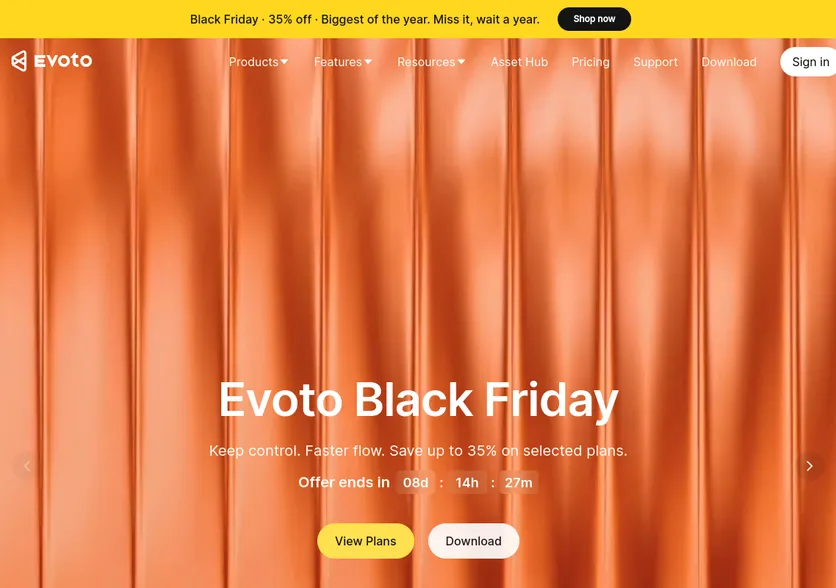
Evoto AI is a portrait retouching editor with AI skin retouching, background replacement, color matching and batch processing across a full gallery. This Evoto AI Starter plan costs eighty-nine dollars a year for eight hundred credits, with most exports costing one credit per photo and unused credits rolling over while you subscribe. A portrait studio that retouches in batches will find the credit model easy to scale here.
What we like
- Credits roll over while subscribed
- Batch retouching across a full gallery
- Works on desktop, mobile and iPad
Watch out for
- Cost grows with every photo you export
- No AI culling, retouching only
How to try it
- Open the Evoto site and start the free trial
- Import a portrait gallery and apply a retouching preset
- Export the keepers and watch one credit per photo
7. Photo Mechanic
Best for: Sports and news photographers who need the fastest manual culling
Paid tool Starting price: $149/year · Annual subscription $149 a year or $14.99 a month; perpetual license $299 one time; no AI culling, it is the manual speed benchmark
Free plan: No free plan; 30-day free trial
Photo Mechanic is the speed benchmark every culling tool is measured against, rendering previews instantly so a skilled photographer can fly through thousands of frames with keyboard shortcuts. This Photo Mechanic annual subscription costs one hundred forty-nine dollars a year, with a perpetual license available for one payment of two hundred ninety-nine dollars. A photographer on deadline who trusts their own eye more than any AI will find it the fastest way to cull here.
What we like
- Fastest ingest and browsing anywhere
- Perpetual license with no subscription
- Trusted by sports and news desks
Watch out for
- No AI culling at all
- Perpetual license gets one year of updates
How to try it
- Open the Camera Bits store and start the 30-day trial
- Ingest a card and cull with keyboard shortcuts
- Pair the keepers with a retouching tool like Evoto
Prices above were checked on each vendor’s own website on Nov 26, 2026 and can change — the vendor’s page is the final word. Vendor links are editorial: nobody paid to be listed or ranked here. Vendors who want a featured listing can see how it works on our Get listed page.
What AI photo culling and retouching costs in 2026
Photo tools bill in four different ways, so compare the billing unit before the headline price. Flat subscriptions run from about seven dollars a month to about one hundred twenty-nine dollars a month, Imagen charges per exported photo, Evoto charges per credit, and Photo Mechanic sells a perpetual license for one payment. A wedding photographer shooting twenty-five weddings a year pays very differently on a per-photo plan than on a flat plan, so count your yearly volume first and do the annual math before you buy.
Start with the free trial on two tools and run one real shoot through each, from card to delivered gallery. Compare how many keepers the AI finds, how natural the skin retouching looks, and whether the tool works offline or needs uploads. Pick the tool whose keepers match your taste, because a culling tool that picks the wrong frames costs more time than it saves.
Before you buy
- Count your yearly shoots first, because per-photo pricing beats flat plans only at low volume.
- Check whether culling works offline, because cloud uploads slow down a wedding-week workflow.
- Test the AI on your own frames, because a model trained on weddings may miss sports or school shots.
- Confirm retouching is included, because some culling tools hand editing to Lightroom at extra cost.
- Read the trial limits, because a thirty-day trial is only useful if it covers a full shoot.
Official websites
Official websites of the products reviewed above. Features and prices were checked against these sites when this guide was written, and they can change, so confirm on the vendor site before you buy.
Frequently asked questions
Which AI photo culling and retouching software is best in 2026?
Aftershoot Complete, at forty-five dollars a month on annual billing, is the safest default because it covers culling, editing and retouching in one offline app with unlimited images. Imagen AI wins for variable volume, with pay-as-you-go editing from five cents a photo and unlimited everything on Limitless. Optyx is the cheapest start, at about seven dollars a month for AI culling with a free manual plan.
How much does AI photo culling software cost?
Flat subscriptions run from about seven dollars a month to about one hundred twenty-nine dollars a month, with most culling plans landing between ten and twenty dollars a month on annual billing. Credit and per-photo plans change the math: Evoto starts at eighty-nine dollars a year for eight hundred credits, and Imagen charges five cents per exported photo. Count your yearly volume before you compare.
Does AI culling work offline?
Some do, some do not. Aftershoot, Narrative Select and Photo Mechanic process locally on your computer, so a wedding-week workflow never waits on uploads. FilterPixel and Imagen AI run in the cloud, which means previews upload before culling starts. If you shoot where the internet is slow, pick a local tool and check the trial on a real shoot.
Is per-photo pricing cheaper than a subscription?
It depends on volume. A photographer who edits a few hundred photos a year pays less per photo than on a flat plan, while a wedding photographer shooting twenty-five weddings a year usually pays less on a flat subscription like Aftershoot Complete. Do the annual math with your real shoot count, and remember that per-photo plans also charge for retouching tools on top.
What should I look for in AI culling software?
Look for AI that scores focus, eyes and expressions, grouping for similar frames, and a first pass you can review rather than blindly trust. Check whether retouching is included or handed to another app, whether the tool works offline, and whether the trial covers a full shoot. The best tool is the one whose keepers match your taste.
Need more image help too? Try Toolsvine's free image tools right in your browser.
Browse Image Tools tools