
On this page
Architectural design software ranges from a free web modeller to a monthly subscription that costs more than a car payment, so picking the right one starts with knowing what you actually design. The eight tools below cover drafting, BIM modelling and freeform design, and every price was checked on the vendor site on November 26, 2026. SketchUp Pro is our first pick — the easiest 3D modeller here, from three hundred and ninety nine dollars a year.
How we researched this
We started with the architectural design tools firms actually buy, then read each price on the vendor pricing page on November 26, 2026 and noted the free plan or trial each one carries. We judged them for a studio that designs real buildings and needs drawings clients and contractors can read. We kept only tools with a published dollar price, and we dropped any tool whose price we could not verify on the vendor site.
Compare the tools
| Name | Best for | Starting price | Free plan | |
|---|---|---|---|---|
 AutoCAD | Architects and engineers who need the industry-standard drafting tool | $260/month | No free plan; 30-day free trial | Visit |
 SketchUp Pro | Beginners and small studios who want fast 3D modelling | $399/year | Free web version with basic modelling | Visit |
 Revit | Architects who design buildings with full BIM modelling | $380/month | No free plan; 30-day free trial | Visit |
 Chief Architect Premier | Residential designers who want a complete home design tool | $1,995/year | No free plan; free trial available | Visit |
 Rhino 8 | Designers who shape freeform curves and complex surfaces | $995 one-time | No free plan; 90-day free trial | Visit |
 Vectorworks Architect | Architects who need BIM, landscape and entertainment design in one tool | $1,530/year | No free plan; free trial available | Visit |
 BricsCAD Pro | Firms that want AutoCAD-compatible drafting at a lower yearly cost | $780/year | No free plan; 30-day free trial | Visit |
 ArchiCAD Studio | Architects who want a full BIM platform with a low monthly entry | $2,414/year | No free plan; free trial available | Visit |
The software for architectural design, compared
1. AutoCAD
Best for: Architects and engineers who need the industry-standard drafting tool
Paid tool Starting price: $260/month · Monthly billing, $260 a month or $2,095 a year
Free plan: No free plan; 30-day free trial
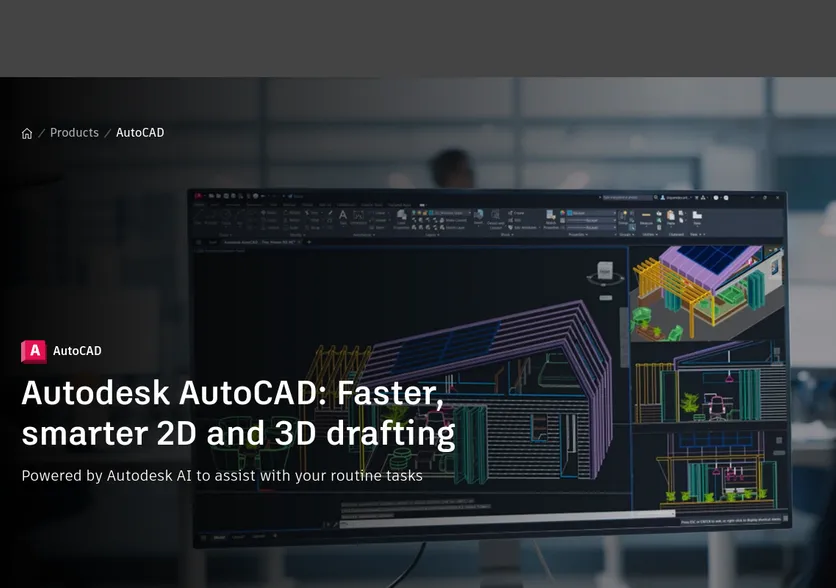
AutoCAD is the industry standard on this list, and it is the tool most firms expect a new hire to already know. This AutoCAD plan includes the full drafting tool with specialized toolsets for architecture, electrical and mechanical work. An architect can draw precise plans, sections and details that any contractor can read.
What we like
- Industry standard every firm recognizes
- Specialized toolsets included
- Huge library of blocks and templates
Watch out for
- Monthly billing costs two hundred and sixty dollars a month
- No free plan, only a trial
How to try it
- Open the Autodesk pricing page and start the 30-day trial
- Draw a floor plan with the architecture toolset
- Subscribe when the trial proves the fit
2. SketchUp Pro
Best for: Beginners and small studios who want fast 3D modelling
Paid tool Starting price: $399/year · Pro plan, $399 a year or $99.99 a month billed monthly
Free plan: Free web version with basic modelling
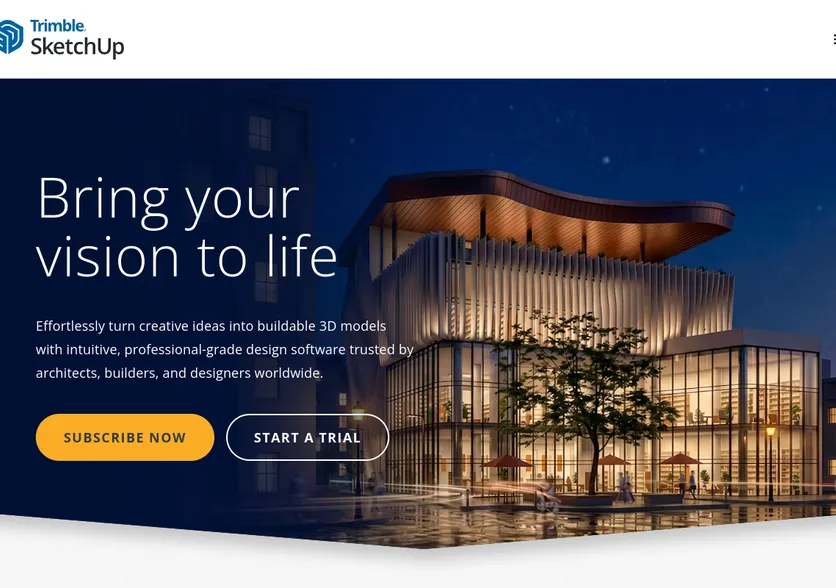
SketchUp Pro is the easiest 3D modeller on this list, and it is the tool most beginners learn first. This SketchUp Pro plan includes the desktop modeller, LayOut for documents and a large warehouse of ready models. A small studio can sketch a house in the morning and show the client a walkthrough by lunch.
What we like
- Easiest 3D modeller on this list
- Huge warehouse of ready models
- LayOut turns models into documents
Watch out for
- Pro costs three hundred and ninety nine dollars a year
- Monthly billing costs much more
How to try it
- Open the SketchUp pricing page and try the free web version
- Model a simple building and share it with a client
- Upgrade to Pro for LayOut and the desktop app
3. Revit
Best for: Architects who design buildings with full BIM modelling
Paid tool Starting price: $380/month · Monthly billing, $380 a month or $3,005 a year
Free plan: No free plan; 30-day free trial
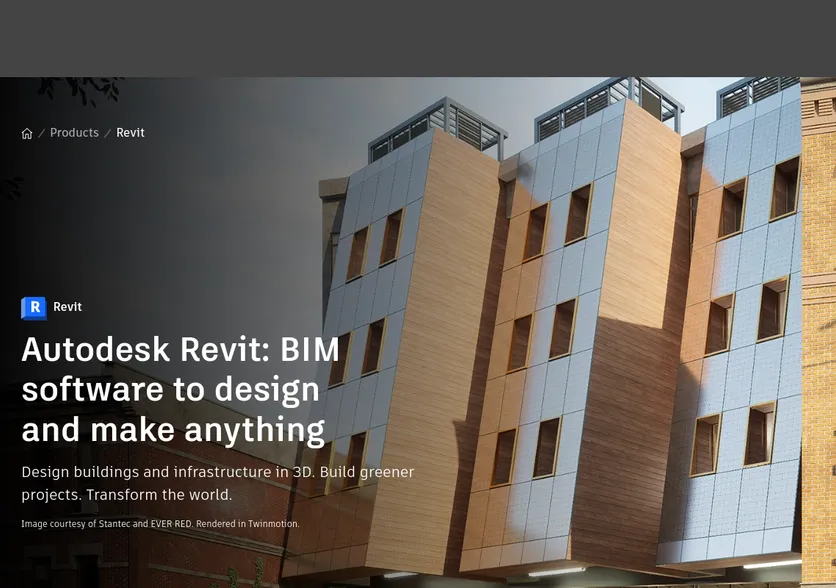
Revit is the BIM leader on this list, building a full digital model of a building instead of a stack of flat drawings. This Revit plan includes the full modelling tool with collaboration, so every plan, section and schedule comes from one model. An architect on a large project gets a single source of truth that updates every drawing when the design changes.
What we like
- Full BIM modelling in one tool
- Every drawing updates from one model
- Collaboration built in for teams
Watch out for
- Monthly billing costs three hundred and eighty dollars a month
- No free plan, only a trial
How to try it
- Open the Autodesk pricing page and start the 30-day trial
- Model a small building and generate its schedules
- Subscribe when the trial proves the fit
4. Chief Architect Premier
Best for: Residential designers who want a complete home design tool
Paid tool Starting price: $1,995/year · Premier plan, $1,995 a year; four seats are $7,980 a year
Free plan: No free plan; free trial available
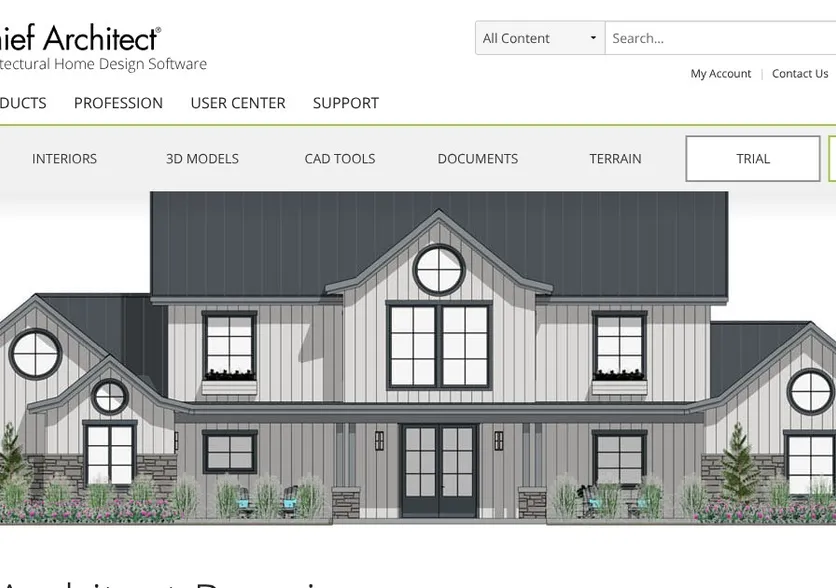
Chief Architect Premier is the residential specialist on this list, built for homes rather than towers. This Chief Architect Premier plan includes automatic framing, materials lists and realistic renderings, so a designer can take a house from sketch to permit set. A residential designer gets a complete workflow without bolting on extra tools.
What we like
- Automatic framing and materials lists
- Realistic renderings built in
- Built for residential design
Watch out for
- Premier costs one thousand nine hundred and ninety five dollars a year
- Built for homes, not towers
How to try it
- Open the Chief Architect pricing page and start the trial
- Design a home and generate its materials list
- Buy the yearly licence when the trial proves the fit
5. Rhino 8
Best for: Designers who shape freeform curves and complex surfaces
Paid tool Starting price: $995 one-time · Rhino 8 licence, $995 paid once per user
Free plan: No free plan; 90-day free trial
Rhino is the freeform modeller of this list, and it is the tool designers reach for when a building refuses to be a box. This Rhino licence is a one-time purchase, so a designer pays once and owns the tool instead of renting it. An architect working on a curved facade gets precise surface modelling and a huge plugin ecosystem.
What we like
- One-time licence with no subscription
- Best freeform surface modelling here
- Huge plugin ecosystem
Watch out for
- Licence costs nine hundred and ninety five dollars paid once
- No free plan, only a trial
How to try it
- Open the Rhino pricing page and download the 90-day trial
- Model a curved surface and test the plugins
- Buy the one-time licence when the trial proves the fit
6. Vectorworks Architect
Best for: Architects who need BIM, landscape and entertainment design in one tool
Paid tool Starting price: $1,530/year · Architect plan, $1,530 a year; five seats are $7,650 a year
Free plan: No free plan; free trial available
Vectorworks Architect is the versatile BIM tool of this list, covering architecture, landscape and entertainment design in one platform. This Vectorworks Architect plan includes the full modelling tool with rendering and worksheets, so a studio can design a building and its site in one file. An architect on a mixed-use project gets BIM modelling with strong 2D drafting beside it.
What we like
- BIM and 2D drafting in one tool
- Covers landscape and entertainment too
- Rendering built into the plan
Watch out for
- Architect costs one thousand five hundred and thirty dollars a year
- No free plan, only a trial
How to try it
- Open the Vectorworks pricing page and start the trial
- Model a building and test the worksheets
- Subscribe when the trial proves the fit
7. BricsCAD Pro
Best for: Firms that want AutoCAD-compatible drafting at a lower yearly cost
Paid tool Starting price: $780/year · Pro plan, $780 a year; five seats are $3,900 a year
Free plan: No free plan; 30-day free trial
BricsCAD Pro is the value drafting tool of this list, reading and writing the same DWG files as AutoCAD at a lower yearly price. This BricsCAD Pro plan includes full 2D drafting, 3D modelling and sheet sets, so a firm can switch without losing its drawing library. An engineering firm gets a familiar workflow with AI tools and a perpetual licence option.
What we like
- Full DWG compatibility with AutoCAD
- Lower yearly cost than AutoCAD
- Perpetual licence option available
Watch out for
- Pro costs seven hundred and eighty dollars a year
- No free plan, only a trial
How to try it
- Open the BricsCAD pricing page and start the 30-day trial
- Open your existing DWG files and test the tools
- Subscribe to Pro when the trial proves the fit
8. ArchiCAD Studio
Best for: Architects who want a full BIM platform with a low monthly entry
Paid tool Starting price: $2,414/year · Studio plan, $2,414 a year paid upfront or $201 a month
Free plan: No free plan; free trial available
ArchiCAD Studio is the BIM alternative of this list, with a low monthly entry for architects who want full building modelling. This ArchiCAD Studio plan includes the full BIM tool with collaboration and documentation, so a studio can model a building and issue its drawings from one place. An architect gets a mature BIM platform with a subscription that starts lower than the bigger rivals.
What we like
- Full BIM platform at a lower entry price
- Collaboration built in for teams
- Mature tool with deep documentation
Watch out for
- Studio costs two thousand four hundred and fourteen dollars a year
- No free plan, only a trial
How to try it
- Open the Graphisoft pricing page and start the trial
- Model a building and generate its documentation
- Subscribe to Studio when the trial proves the fit
Prices above were checked on each vendor’s own website on Nov 26, 2026 and can change — the vendor’s page is the final word. Vendor links are editorial: nobody paid to be listed or ranked here. Vendors who want a featured listing can see how it works on our Get listed page.
What architectural design software costs in 2026
Architectural tools charge in three ways: monthly subscriptions, yearly subscriptions and one-time licences. This list runs from three hundred and ninety nine dollars a year for SketchUp Pro to three hundred and eighty dollars a month for Revit, with a one-time Rhino licence near one thousand dollars in between. The headline plan each vendor shows on its own pricing page is the number in the table above, checked on November 26, 2026.
Try the free plan or trial on two tools and design the same building in both. Watch which one your team finishes faster, then pay for that one. The best tool is the one your studio actually uses every day, not the one with the longest feature list.
Before you buy
- Check whether the plan is a subscription or a one-time licence, because the total cost over three years differs hugely.
- Match the tool to your work: AutoCAD draws plans, Revit and ArchiCAD model buildings, Rhino shapes curves.
- Ask whether your clients and partners use the same file format, because sharing files matters more than features.
- Test the tool on a real project, because a demo model never shows how it handles your messiest floor plan.
- Add up the seats for the whole studio, because most plans here charge per user and studios grow fast.
Official websites
Official websites of the products reviewed above. Features and prices were checked against these sites when this guide was written, and they can change, so confirm on the vendor site before you buy.
Frequently asked questions
What is the best software for architectural design in 2026?
AutoCAD, at two hundred and sixty dollars a month, is the safest default because it is the industry standard most firms already use. SketchUp Pro, at three hundred and ninety nine dollars a year, is the best pick for beginners and small studios because it is the easiest to learn. Rhino, at nine hundred and ninety five dollars paid once, is the best pick for freeform design without a subscription.
What is the cheapest software for architectural design?
SketchUp Pro, at three hundred and ninety nine dollars a year, is the cheapest paid plan here, and it has a free web version for basic modelling. Rhino costs nine hundred and ninety five dollars once, which works out cheaper than a yearly subscription after the second year. AutoCAD and Revit are the most expensive, at two hundred and sixty and three hundred and eighty dollars a month.
Can I design architecture for free?
Yes, SketchUp has a free web version with basic modelling, and it is the only free plan on this list. AutoCAD, Revit, Rhino and BricsCAD all offer free trials of thirty to ninety days. Chief Architect, Vectorworks and ArchiCAD also offer trials, so you can test a tool on a real project before paying.
What is the difference between AutoCAD and Revit?
AutoCAD is a drafting tool: it draws precise two-dimensional plans, sections and details. Revit is a BIM tool: it builds a full three-dimensional model of the building, and every drawing comes from that model. Firms that need a single source of truth for large projects pick Revit, while firms that need precise drawings fast pick AutoCAD.
Should I buy a subscription or a one-time licence for architecture software?
Pick a one-time licence like Rhino when you hate subscriptions and your work suits freeform modelling. Pick a yearly subscription like SketchUp Pro or BricsCAD Pro when you want updates and support included. Pick a monthly subscription like AutoCAD or Revit when you need the industry standard and want to stop paying when a project ends.
Want more engineering help? Try Toolsvine's free science and engineering tools right in your browser.
Browse Science & Engineering tools


