On this page
Call center integration means the phone system talks to the CRM, the helpdesk and the billing system. Genesys Cloud CX leads this list at seventy-five dollars a user a month billed annually because it covers voice, chat and email in one platform with a clear tiered price. The other six tools range from one dollar per active user hour on Twilio Flex to one hundred and fifty-nine dollars per concurrent seat on Five9, and every price below was checked on the vendor site. The best tool fits the team's real call volume, not the biggest feature list.
How we researched this
We checked every price on the vendor pricing page on November 28, 2026, and only included tools with a published US dollar list price. All seven tools in this list publish their prices, so no candidate was excluded for being quote-only. Prices change, so confirm the current figure on the vendor site before you buy.
Compare the tools
| Name | Best for | Starting price | Free plan | |
|---|---|---|---|---|
| Twilio Flex | Teams with developers that want a programmable contact center | $1/active user hour | Free trial (5,000 free active user hours) | Visit |
 Genesys Cloud CX | Growing support teams that want voice, chat and email in one platform | $75/user/month | No free plan; free trial available | Visit |
 NICE CXone | Larger contact centers that need every channel and workforce tools | $110/agent/month | No free plan; free trial available | Visit |
 Five9 | Large contact centers with high call volumes | $159/concurrent seat/month | No free plan; demo available | Visit |
 Talkdesk | Teams that want a modern cloud contact center running quickly | $85/user/month | No free plan; free trial available | Visit |
| Amazon Connect | Teams on AWS that want a contact center priced by the minute | $0.038/minute | Free tier (12-month free tier for new accounts) | Visit |
 Zendesk | Small teams that handle support by email and web form | $19/agent/month | No free plan; 14-day free trial | Visit |
The software for call center integration, compared
1. Twilio Flex
Best for: Teams with developers that want a programmable contact center
Paid tool Starting price: $1/active user hour · $1 per active user hour (in beta, starting at); User plus Usage is from $35 a monthly active user and Named User is from $150 a named user a month under contract
Free plan: Free trial (5,000 free active user hours)
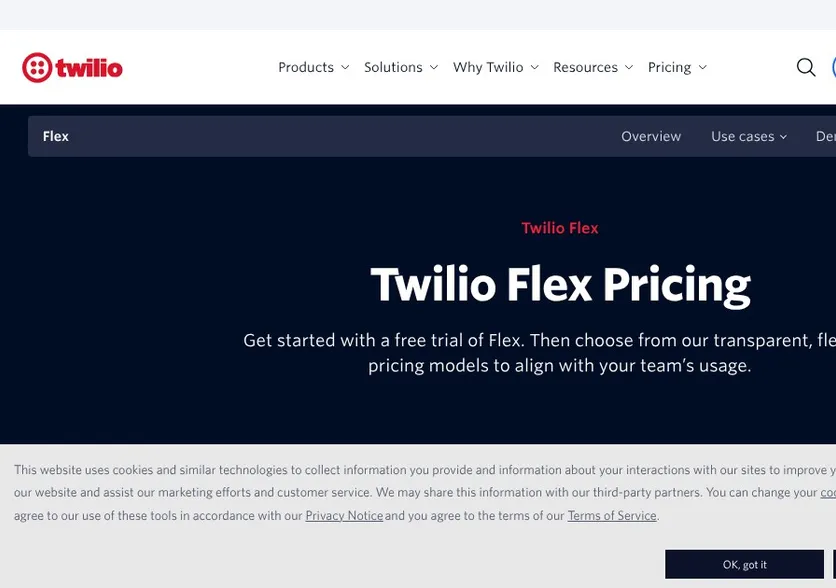
At one dollar per active user hour, Twilio Flex is the only usage-based contact center in this list, and it charges for the hours agents are actually active rather than a flat seat price. It is a programmable platform, so a team can build the exact contact center it needs on top of Twilio's voice and messaging, with five thousand free active user hours for a new account to test with. The User plus Usage model starts at thirty-five dollars a monthly active user. It fits a team with developers that wants a contact center shaped to its own workflow.
What we like
- Pay only for the hours agents are actually active
- Fully programmable, so the contact center fits the workflow
- Five thousand free active user hours for a new account
Watch out for
- It is a platform to build on, not a finished contact center
- Voice and SMS usage are billed separately on top
How to try it
- Use the free active user hours to build a test contact center
- Route real calls through it for one team
- Compare the usage cost against a flat seat price
2. Genesys Cloud CX
Best for: Growing support teams that want voice, chat and email in one platform
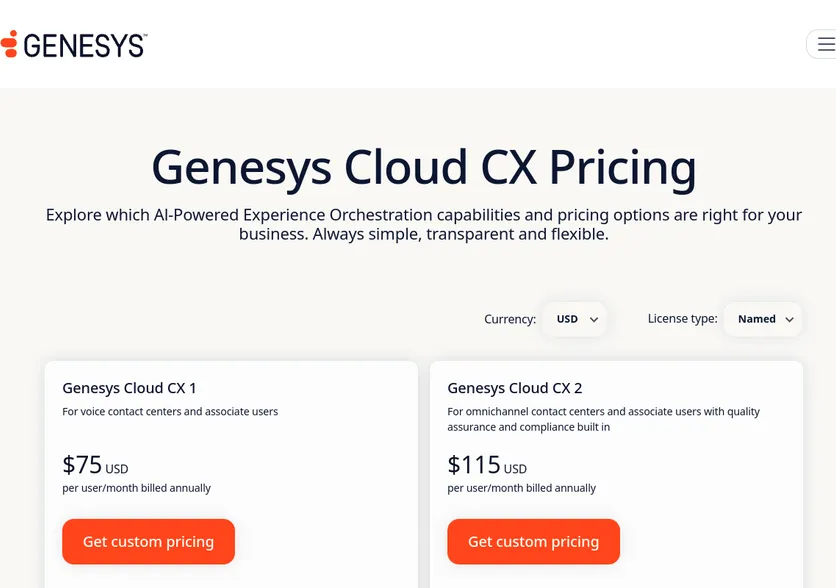
Paid tool Starting price: $75/user/month · $75 a user a month billed annually for CX 1; CX 2 is $115, CX 3 is $155 and CX 4 is $240 a user a month; a $2,000 a month minimum commitment applies
Free plan: No free plan; free trial available
At seventy-five dollars a user a month billed annually, Genesys Cloud CX is the entry tier of the biggest cloud contact center in this list, and it covers voice, chat and email in one platform. Higher tiers add workforce management, quality monitoring and artificial intelligence, with prices stepping up to one hundred and fifteen, one hundred and fifty-five and two hundred and forty dollars a user a month. It fits a growing support team that wants one platform for every channel.
What we like
- Voice, chat and email in one platform
- Clear tiered pricing from seventy-five to two hundred and forty dollars
- Scales from a small team to a large contact center
Watch out for
- A two thousand dollar a month minimum commitment applies
- The entry tier lacks the workforce tools of the higher tiers
How to try it
- Trial the CX 1 tier with one team's real call volume
- Check the total against the two thousand dollar minimum
- Test the chat and email channels alongside voice
3. NICE CXone
Best for: Larger contact centers that need every channel and workforce tools
Paid tool Starting price: $110/agent/month · $110 an agent a month for the Omnichannel Suite; Essential is $135, Core is $169, Complete is $209 and Ultimate is $249 an agent a month; digital-only is $71 and voice-only is $94
Free plan: No free plan; free trial available
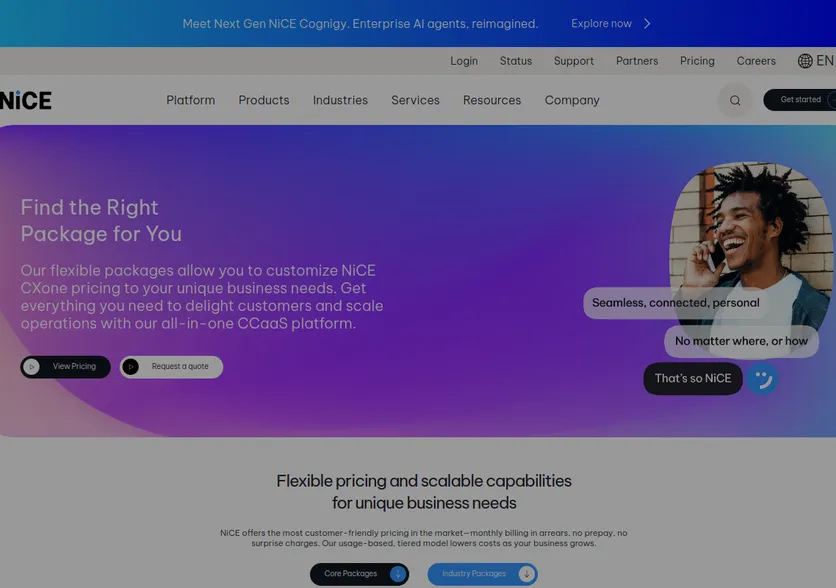
At one hundred and ten dollars an agent a month, NICE CXone Omnichannel Suite is the enterprise contact center in this list, and it covers voice, chat, email and social channels with workforce management built in. The price is billed monthly in arrears with no prepayment, and digital-only and voice-only packages cost seventy-one and ninety-four dollars an agent a month for teams that need one channel. Higher suites add quality management and artificial intelligence. It fits a larger contact center that needs every channel and the management tools to run it.
What we like
- Every channel in one platform, with workforce management
- Billed monthly in arrears, with no prepayment
- Digital-only and voice-only packages for single-channel teams
Watch out for
- The most expensive per-agent price in this list
- Overkill for a team that only answers the phone
How to try it
- Trial the Omnichannel Suite with the team's real call volume
- Check the digital-only price if the team rarely takes calls
- Compare the workforce tools against the higher suites
4. Five9
Best for: Large contact centers with high call volumes
Paid tool Starting price: $159/concurrent seat/month · $159 per concurrent seat a month for Core; Digital is $119 a concurrent seat a month and has no voice; a 50-seat minimum applies to all tiers
Free plan: No free plan; demo available
At one hundred and fifty-nine dollars per concurrent seat a month, Five9 Core is the voice contact center in this list, and it charges per concurrent seat rather than per agent, which suits a team where not everyone is on the phone at once. The Digital tier costs one hundred and nineteen dollars per concurrent seat a month but has no voice, so the voice entry is Core. It fits a large contact center with high call volumes and a real need for scale.
What we like
- Per-concurrent-seat pricing suits teams with shifts
- Three thousand AI minutes come with each bundled seat
- Strong voice quality and reliability at scale
Watch out for
- A fifty-seat minimum makes the smallest order very expensive
- Plus, Pro and Enterprise tiers are all by quote
How to try it
- Model the concurrent seats against the real shift pattern
- Check the total against the fifty-seat minimum
- Test the AI minutes allowance against the team's usage
5. Talkdesk
Best for: Teams that want a modern cloud contact center running quickly
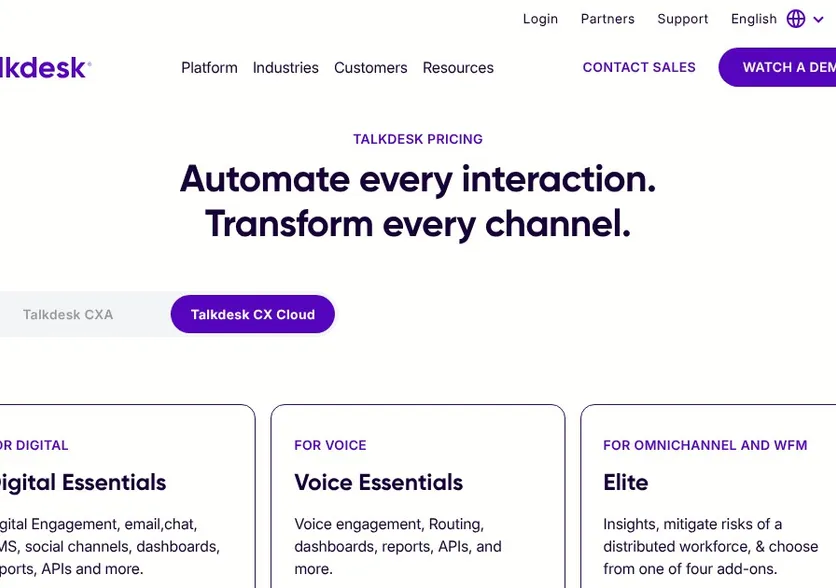
Paid tool Starting price: $85/user/month · $85 a user a month for Digital Essentials; Voice Essentials is $105, Elite is $165 and Industry Experience Clouds are $225 a user a month; one source reports a three-year minimum commitment
Free plan: No free plan; free trial available
At eighty-five dollars a user a month, Talkdesk Digital Essentials is the fastest cloud contact center in this list to set up, and it covers digital channels with voice available on the higher tiers. Voice Essentials costs one hundred and five dollars a user a month, Elite costs one hundred and sixty-five, and the Industry Experience Clouds cost two hundred and twenty-five. One source reports that the listed prices rest on a minimum three-year commitment, so the contract length should be confirmed before signing. It fits a team that wants a modern contact center running quickly.
What we like
- Fast to set up compared with the enterprise platforms
- Digital and voice tiers let a team buy only what it needs
- A free trial is listed for a proper test
Watch out for
- The listed prices may rest on a three-year commitment
- Per-hour and concurrent pricing options complicate the comparison
How to try it
- Trial the Digital Essentials tier with one team
- Check the contract length before budgeting
- Compare the voice tier price against the digital tier
6. Amazon Connect
Best for: Teams on AWS that want a contact center priced by the minute
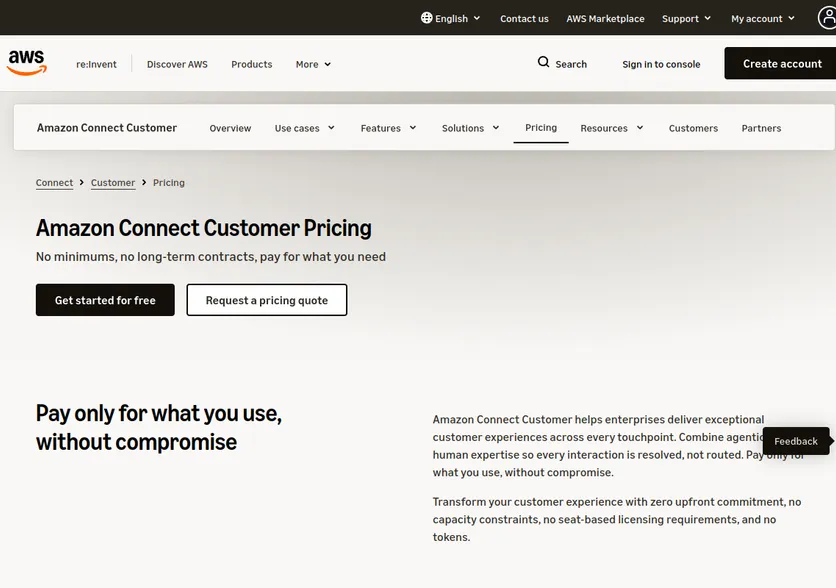
Paid tool Starting price: $0.038/minute · $0.038 a minute for voice on the current default Amazon Connect Customer plan, with AI features included; the older Customer Basic model is $0.018 a minute with AI billed separately
Free plan: Free tier (12-month free tier for new accounts)
At three point eight cents a minute of voice time, Amazon Connect is the usage-based contact center in this list, and it charges for the minutes actually used rather than a seat price. The current default plan includes artificial intelligence features in the per-minute price, while the older Customer Basic model costs one point eight cents a minute with AI billed separately. Chat costs one cent a message and email costs eight cents a message, with telephony extra. It fits a team that already runs on Amazon Web Services and wants a contact center that scales with call volume.
What we like
- Pay only for the minutes actually used, with no seat price
- Artificial intelligence features are included in the per-minute price
- Scales with call volume without renegotiating seats
Watch out for
- It is a platform to build on, not a finished contact center
- Telephony charges sit on top of the per-minute price
How to try it
- Estimate the monthly minutes from the real call volume
- Compare the default plan with the older Basic model
- Build a test contact flow and route real calls through it
7. Zendesk
Best for: Small teams that handle support by email and web form
Paid tool Starting price: $19/agent/month · $19 an agent a month billed annually for Support Team ($25 monthly); Suite Team is $55 and Suite Professional is $115 an agent a month billed annually
Free plan: No free plan; 14-day free trial
At nineteen dollars an agent a month billed annually, Zendesk Support Team is the cheapest support entry in this list, and it covers email and web-form ticketing for a small team. It is ticketing only, with no chat, phone or AI agents, which start on the Suite Team plan at fifty-five dollars an agent a month billed annually. The Suite Professional plan costs one hundred and fifteen dollars an agent a month for teams that need more. It fits a small team that handles support by email and wants a proven ticketing system at the lowest price here.

What we like
- The cheapest support entry in this list
- A proven ticketing system that agents already know
- Scales cleanly through the Suite tiers as the team grows
Watch out for
- Support Team is ticketing only, with no chat or phone
- Chat, phone and AI agents need the Suite Team plan
How to try it
- Set up the email channel and route real tickets through it
- Check the Suite Team price before the team needs chat
- Test the agent workspace with the busiest support day
Prices above were checked on each vendor’s own website on Nov 28, 2026 and can change — the vendor’s page is the final word. Vendor links are editorial: nobody paid to be listed or ranked here. Vendors who want a featured listing can see how it works on our Get listed page.
How to integrate a call center without breaking the CRM
Start from the agent's screen, not the vendor's feature list, because an integration only works when the agent sees the customer record without switching apps. Map the data flow first: which system owns the customer, which owns the ticket and which owns the call record, since two systems owning the same fact will disagree within a week. Test with one team and one channel before rolling out everywhere, and measure the handle time before and after, since that is the number that proves the integration paid for itself. Keep the old phone numbers working until the new flow has run for a full week.
Before you buy
- Confirm the phone system shows the customer record on the agent's screen, not a separate login
- Check whether the CRM, helpdesk and billing integrations are included or cost extra
- Ask how the price is charged, per seat, per concurrent seat or per minute, and model the real volume
- Make sure the minimum commitment and contract length are clear before signing anything
- Test the integration with one team and one channel before rolling it out everywhere
Official websites
Official websites of the products reviewed above. Features and prices were checked against these sites when this guide was written, and they can change, so confirm on the vendor site before you buy.
Frequently asked questions
What is call center integration software?
Call center integration software connects the phone system with the CRM, the helpdesk and the billing system, so the agent who answers a call already sees who is calling, what they bought and what happened last time. Without it, the agent asks the caller to repeat everything and the customer waits while the agent searches three systems. The best tools also route calls, record them and report on handle time, so the team can see where the work actually goes.
How much does call center integration software cost?
The seven tools here range from three point eight cents a minute on Amazon Connect to one hundred and fifty-nine dollars per concurrent seat a month on Five9 Core. Seat-based plans sit between nineteen dollars an agent a month for Zendesk and one hundred and ten dollars an agent a month for NICE CXone, while Twilio Flex charges one dollar per active user hour. Compare the total monthly cost at the team's real call volume, not the headline price.
Should I pay per seat, per concurrent seat or per minute?
Per-seat pricing suits a team where everyone is on the phone all day, because the cost is predictable. Per-concurrent-seat pricing suits a team with shifts, since it charges for the agents working at once rather than every named agent. Per-minute pricing suits uneven volumes, because a quiet month costs almost nothing, though a busy month can surprise. The right model is the one that matches how the team's call volume actually behaves across the week.
Which call center tool is best for a small team?
Zendesk Support Team at nineteen dollars an agent a month is the best pick for a small team that handles support by email and web form, though chat and phone need Suite Team at fifty-five dollars. Genesys Cloud CX 1 at seventy-five dollars a user a month suits a small team that needs voice, chat and email together. Twilio Flex suits a team with developers, since one dollar per active user hour can beat seat pricing for part-time agents.
What should I check before signing a call center contract?
Check the minimum commitment first, since Genesys requires two thousand dollars a month and Five9 requires fifty seats, which can make a cheap per-seat price expensive in total. Check the contract length, since Talkdesk prices are reported to rest on a three-year commitment. Check what is included and what costs extra, especially telephony charges, AI minutes and workforce tools, because those extras often cost more than the seat price itself.
Compare the seven tools above, then start with a free trial on the tool that matches how the team already handles calls before paying for a full year.
Browse Business Tools tools