On this page
Cost intelligence is knowing what a job should cost before you bid it, not finding out after you win it. The eight tools below give estimators that knowledge, from the unit-cost database every bid is checked against to AI takeoff that measures the drawings in minutes. RSMeans Data Online leads because its Core plan costs four hundred and eight dollars a year and its location-adjusted prices are the benchmark other tools are measured against. The rest are ranked on how fast reliable costs reach the estimate.
How we researched this
We checked every price on the vendor pricing page on November 28, 2026, and only included tools with a published US dollar list price. ProEst is excluded because its published figures conflict badly, and Gordian Flash AI Estimating is quote-only. Prices change, so confirm the current figure on the vendor site before you buy.
Compare the tools
| Name | Best for | Starting price | Free plan | |
|---|---|---|---|---|
| RSMeans Data Online | Estimators who need defensible unit-cost data | $408/year | Free demo | Visit |
| Togal.AI | Estimators who want AI to measure the drawings | $299/user/month | No free plan; free trial | Visit |
| Civils.ai | Civil teams that want AI takeoff from plain English | $90/month | Free plan | Visit |
 STACK | Mid-size GCs that need cloud takeoff and estimating | $299/user/month | Free plan (1 project) | Visit |
 Clear Estimates | Remodelers that price from a unit-cost database | $59/month | No free plan; 30-day free trial | Visit |
 Buildxact | Small residential builders that want takeoff plus estimating | $169/month | No free plan; 14-day free trial | Visit |
 PlanSwift | Trade contractors doing repetitive takeoffs | $2,000/year | No free plan; 14-day free trial | Visit |
 Bluebeam Revu | Teams that measure and mark up PDF drawings | $330/user/year | No free plan; 14-day free trial | Visit |
The software for construction cost intelligence, compared
1. RSMeans Data Online
Best for: Estimators who need defensible unit-cost data
Paid tool Starting price: $408/year · Four hundred and eight dollars a year on Core for RSMeans Data Online; Complete is one thousand and forty-nine dollars a year; older listings show three hundred and ninety-six dollars for Core
Free plan: Free demo
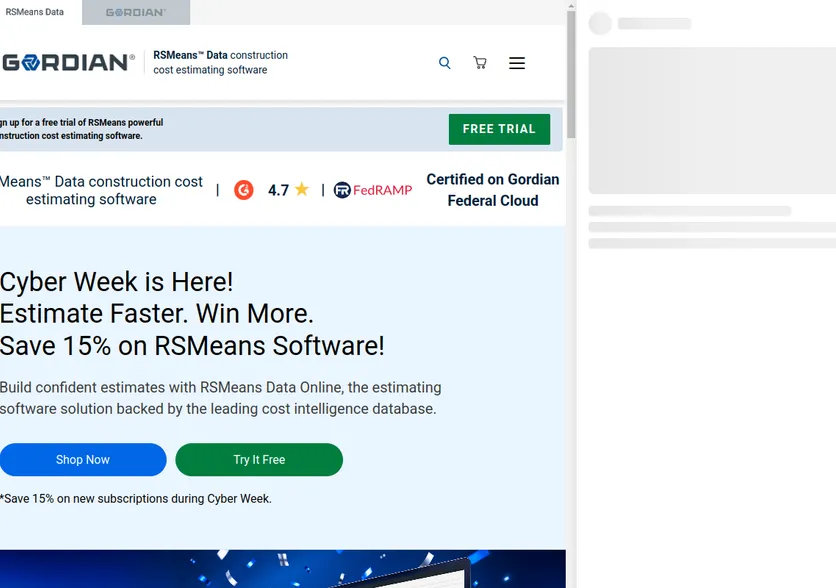
An estimator who needs unit costs that stand up in a bid will trust this RSMeans Data Online plan, which costs four hundred and eight dollars a year. Its North American unit-cost data covers labour, materials and equipment, searchable by CSI MasterFormat divisions. Location-adjusted prices stand up in a bid, though the product is a cost database rather than a full estimating suite.
What we like
- North American unit costs for labour, materials and equipment
- Searchable by CSI MasterFormat divisions
- Location-adjusted prices that stand up in a bid
Watch out for
- A cost database, not a full estimating suite
- Overkill for a shop pricing fewer than ten jobs a year
How to try it
- Search the database by CSI division
- Adjust the costs for the project location
- Build the estimate from the priced line items
2. Togal.AI
Best for: Estimators who want AI to measure the drawings
Paid tool Starting price: $299/user/month · Two hundred and ninety-nine dollars per user a month billed annually on Growth; Business is quoted for teams of four or more
Free plan: No free plan; free trial
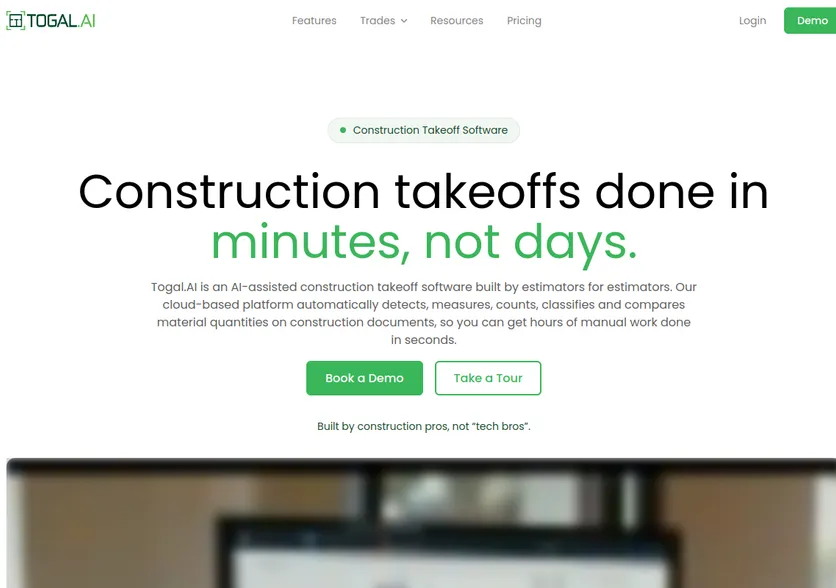
An estimator who wants AI to measure the drawings and price the quantities will move fastest with this Togal.AI plan, which costs two hundred and ninety-nine dollars per user a month billed annually. Its cloud AI takeoff measures drawings automatically, with chat prompts and image search across the plan set. It was built by estimators for estimators, which shows in the workflow, though Growth pricing is per user.
What we like
- AI takeoff with automated measurement and chat prompts
- Image and symbol search across the plan set
- Built by estimators for estimators
Watch out for
- Growth pricing is per user, so teams pay for every estimator
- Business tier is quoted, not published
How to try it
- Upload the drawings to the project
- Ask the AI to measure walls, rooms and openings
- Review the quantities and price the estimate
3. Civils.ai
Best for: Civil teams that want AI takeoff from plain English
Paid tool Starting price: $90/month · Ninety dollars a month on Starter for ten takeoffs; Professional is two hundred and seventy dollars a month for thirty takeoffs and Enterprise is quoted; a free tier is listed
Free plan: Free plan
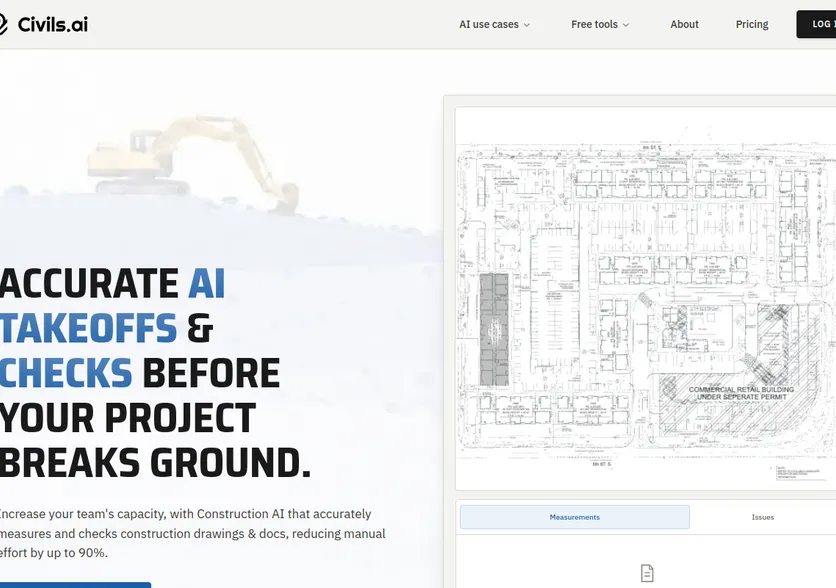
A civil team that describes the scope in plain English and gets a measured takeoff back will like this Civils.ai plan, which costs ninety dollars a month. Its browser tool lets a team describe the scope in plain English while AI measures the PDF drawings. A QA team reviews the results before delivery, and takeoffs arrive as an annotated PDF and Excel export.
What we like
- Describe the scope in plain English and AI measures it
- A QA team reviews results before delivery
- Takeoffs arrive as annotated PDF and Excel
Watch out for
- Takeoffs are counted per sheet, so big sets add up
- Newer vendor with a smaller track record
How to try it
- Upload the drawings and describe the scope
- Review the AI measurements against the drawing
- Export the annotated PDF and Excel takeoff
4. STACK
Best for: Mid-size GCs that need cloud takeoff and estimating
Paid tool Starting price: $299/user/month · Two hundred and ninety-nine dollars per user a month billed annually on Premium; Pro is three hundred and forty-nine dollars a user a month billed annually; a free plan covers one active project a month
Free plan: Free plan (1 project)
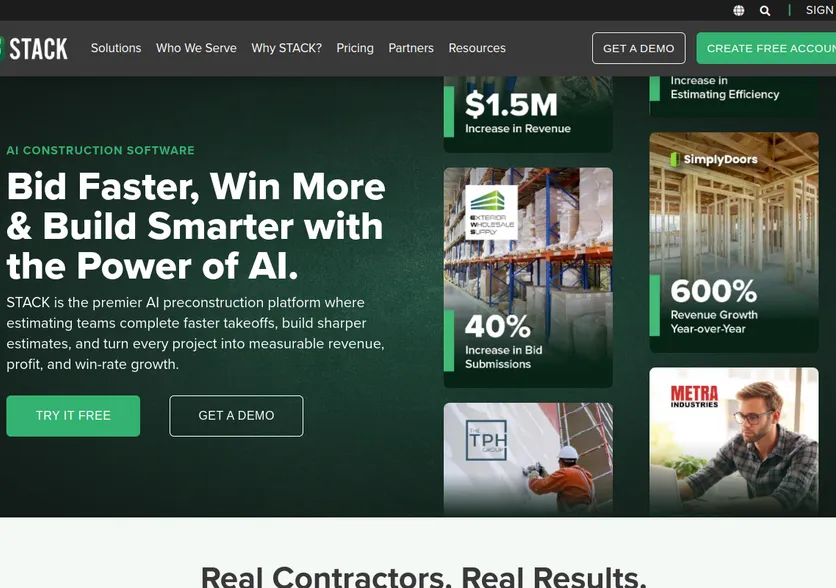
A mid-size GC that pairs cloud takeoff with live cost data will estimate sharpest with this STACK plan, which costs two hundred and ninety-nine dollars per user a month billed annually. Its cloud takeoff pairs AI measurement with estimating, so quantities flow straight into the bid without retyping. Real-time plan sharing keeps the whole team on the same set, though per-user pricing gets dear for large teams.
What we like
- Cloud takeoff with AI measurement built in
- Real-time plan sharing across the team
- Estimates link straight to the takeoff quantities
Watch out for
- Per-user pricing gets dear for large estimating teams
- A twelve-month commitment applies on paid plans
How to try it
- Upload the plans and run the AI takeoff
- Review the quantities and price the estimate
- Share the estimate with the team for bid review
5. Clear Estimates
Best for: Remodelers that price from a unit-cost database
Paid tool Starting price: $59/month · Fifty-nine dollars a month billed annually on Standard, or seventy-nine dollars billed monthly; Pro is ninety-nine dollars a month billed annually and adds AI estimates and more templates
Free plan: No free plan; 30-day free trial
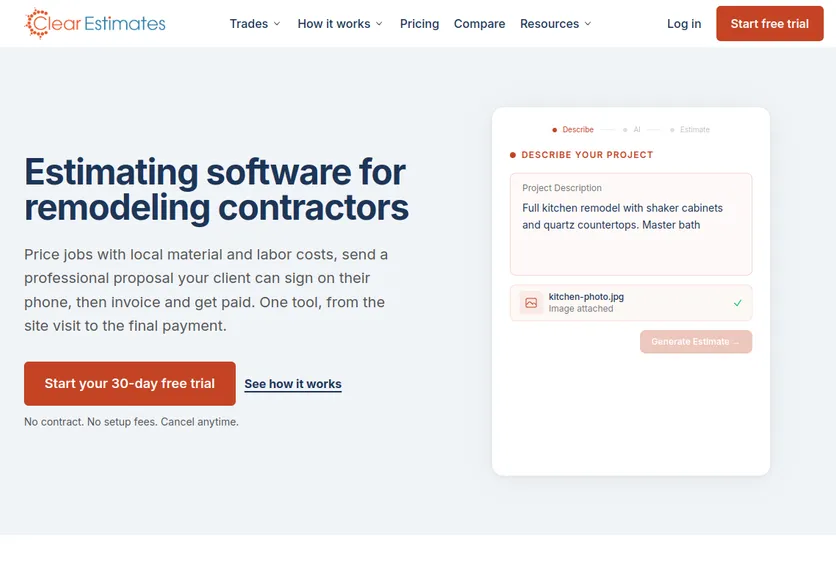
A remodeler who prices from thirteen thousand line items will bid with confidence on this Clear Estimates plan, which costs fifty-nine dollars a month billed annually. Its thirteen thousand priced line items and four hundred templates let a remodeler price a job without building every line from scratch. AI estimates run on every plan, and the thirty-day trial carries no setup fees.
What we like
- Thirteen thousand priced line items with templates
- AI estimates on every plan
- Thirty-day trial with no setup fees
Watch out for
- A unit-cost database, not a full project suite
- Pro users cost nine dollars a month extra
How to try it
- Pick the template that matches the job
- Adjust the line items to local prices
- Send the estimate and track the win rate
6. Buildxact
Best for: Small residential builders that want takeoff plus estimating
Paid tool Starting price: $169/month · One hundred and sixty-nine dollars a month billed annually on Foundation with unlimited users, or one hundred and ninety-nine dollars billed monthly; Pro is three hundred and thirty-nine dollars and Master is five hundred and nine dollars a month billed annually
Free plan: No free plan; 14-day free trial
A small builder who wants supplier prices inside the estimate will stay current with this Buildxact plan, which costs one hundred and sixty-nine dollars a month billed annually. Its takeoff, estimating and supplier price lists sit in one plan with unlimited users, which suits small residential builders. Setup is fast and the learning curve is low, though the tool is built for residential work rather than commercial jobs.

What we like
- Takeoff, estimating and supplier price lists in one plan
- Unlimited users on every plan
- Fast setup with a low learning curve
Watch out for
- Built for residential work, thinner on commercial jobs
- A twelve-month commitment applies on annual billing
How to try it
- Upload the plans and run the takeoff
- Price the estimate from supplier lists
- Send the quote and track the job costs
7. PlanSwift
Best for: Trade contractors doing repetitive takeoffs
Paid tool Starting price: $2,000/year · Two thousand dollars a year on Essential for one seat; higher tiers add takeoff automation and multi-user seats; older listings showing a one-time licence are stale
Free plan: No free plan; 14-day free trial
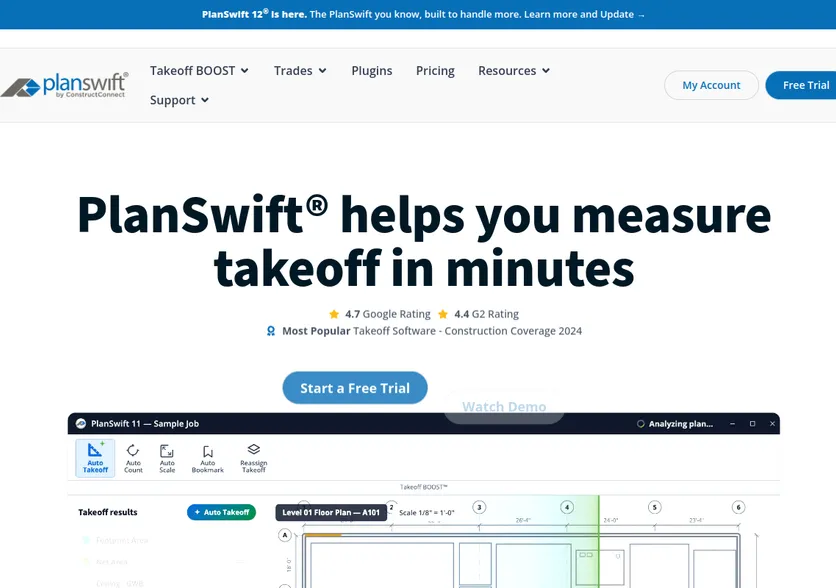
A trade contractor who prices repetitive takeoffs from assemblies will win on speed with this PlanSwift plan, which costs two thousand dollars a year. Its on-screen takeoff pairs trade assemblies with Auto Count, Auto Scale and Auto Bookmark, which saves hours on repetitive jobs. One Windows app covers takeoff and estimating, though it is Windows only and annual plans only.
What we like
- On-screen takeoff with trade assemblies built in
- Auto Count, Auto Scale and Auto Bookmark save hours
- One Windows app for takeoff and estimating
Watch out for
- Windows only, with no cloud version
- Annual plans only, so the entry cost is high
How to try it
- Open the plans and set the scale
- Measure the quantities with on-screen takeoff
- Price the assemblies and export the estimate
8. Bluebeam Revu
Best for: Teams that measure and mark up PDF drawings
Paid tool Starting price: $330/user/year · Three hundred and thirty dollars per user a year on Core; Basics is two hundred and sixty dollars, Complete is four hundred and forty dollars and Max is five hundred and ninety dollars a user a year
Free plan: No free plan; 14-day free trial
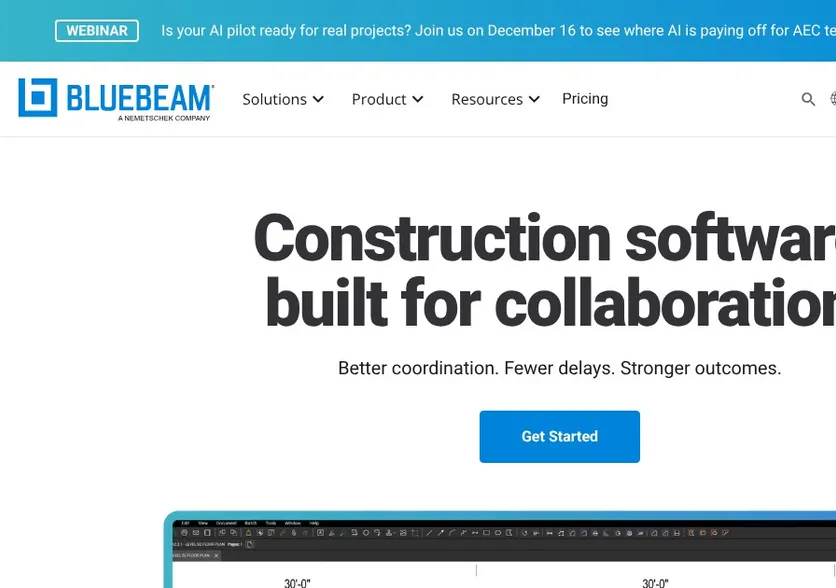
A team that turns PDF measurements into priced quantities will work from this Bluebeam Revu plan, which costs three hundred and thirty dollars per user a year. Its PDF markup and measurement tools cover design and construction in one app, and Quantity Link exports measurements straight to Excel. Studio Sessions let the whole team mark up the same drawing together.
What we like
- PDF markup and measurement across design and construction
- Quantity Link exports measurements to Excel
- Studio Sessions let the team mark up together
Watch out for
- Basics cannot host Studio Sessions
- Annual billing only, so the cost lands at once
How to try it
- Open the drawing and set the measurement scale
- Measure areas, lengths and counts on the plan
- Export the quantities to Excel for the estimate
Prices above were checked on each vendor’s own website on Nov 28, 2026 and can change — the vendor’s page is the final word. Vendor links are editorial: nobody paid to be listed or ranked here. Vendors who want a featured listing can see how it works on our Get listed page.
How to use cost intelligence without bidding yourself out of work
Check every bid against a trusted cost database before it goes out, because a price that feels right is not the same as a price that is right. Adjust the costs for the project location, since national averages hide the local labour rate that decides the job. Track which bids win and which lose, and compare the winning prices against the database to find where the estimate drifts. Update the price list every month, because a database from last year is a guess dressed as data. Keep the intelligence in one place, so every estimator bids from the same numbers.
Before you buy
- Check whether the cost data is location-adjusted, since national averages hide local labour rates
- Make sure the database updates regularly, because stale prices turn good bids into losses
- Test the AI takeoff against a hand-measured drawing before trusting it on a live bid
- Confirm whether the price is per user or flat, because per-user billing punishes large teams
- Ask how the tool handles assemblies and crews, since line items alone do not price a job
Official websites
Official websites of the products reviewed above. Features and prices were checked against these sites when this guide was written, and they can change, so confirm on the vendor site before you buy.
Frequently asked questions
What is the best software for construction cost intelligence?
RSMeans Data Online is the best overall pick, at four hundred and eight dollars a year on Core, because its location-adjusted unit costs are the benchmark other tools are measured against. Togal.AI is the best pick for AI takeoff, at two hundred and ninety-nine dollars per user a month billed annually. Clear Estimates is the best value for remodelers, at fifty-nine dollars a month billed annually.
How much does RSMeans Data Online cost?
RSMeans Data Online Core costs four hundred and eight dollars a year, and Complete costs one thousand and forty-nine dollars a year. Older listings show three hundred and ninety-six dollars for Core, so the price has moved. The product is a cost database and estimate builder, not a full crew-based estimating suite on its own.
What is the difference between cost intelligence and estimating software?
Cost intelligence is the data behind the bid: unit costs, location adjustments and benchmarks that say what a job should cost. Estimating software is the tool that turns quantities into a priced proposal. The tools above span both, from the RSMeans database to Togal.AI takeoff and the STACK estimating suite, so most teams need one of each.
Which tool is cheapest for cost intelligence?
Clear Estimates is the cheapest at fifty-nine dollars a month billed annually on Standard, with thirteen thousand priced line items and templates. RSMeans Data Online is the cheapest database at four hundred and eight dollars a year. Civils.ai is the cheapest AI takeoff option, at ninety dollars a month for ten takeoffs.
Can AI really measure drawings accurately?
It can, with checking. Togal.AI claims high accuracy on automated measurement, and Civils.ai has a QA team review results before delivery. Both still need a human to review the quantities against the drawing before the bid goes out. The time saved is real, but the estimator stays responsible for the numbers.
Compare the eight tools above, then start with a free trial or demo on the tool that matches how the firm already prices before paying for a full year.
Browse Business Tools tools