On this page
A destination wedding means planning across borders, time zones and vendors who may never meet in person, so the software has to hold the whole job together. The eight tools below split into wedding specialists and business systems, and Aisle Planner leads because it is built for weddings, with seating, layouts and RSVPs from sixty-nine dollars and ninety-nine cents a month.
How we researched this
We checked every price on the vendor pricing page on November 28, 2026, and only included tools with a published US dollar list price. Planning Pod publishes no price on its own site and sells by demo, so it is not in this list. Prices change, so confirm the current figure on the vendor site before you buy.
Compare the tools
| Name | Best for | Starting price | Free plan | |
|---|---|---|---|---|
| Aisle Planner | Wedding planners running several destination weddings at once | $69.99/month | 30-day free trial (card required) | Visit |
 HoneyBook | Planners who want polished client paperwork fast | $29/month | Free trial (30 days) | Visit |
 Dubsado | Planners who want full control over forms and workflows | $335/year | Free trial (21 days, no card) | Visit |
| 17hats | Solo planners who want one flat price for everything | $50/month | No free plan; 14-day free trial | Visit |
 Bonsai | Freelancers planning weddings on a tight budget | $19/user/month | No free plan; 14-day free trial | Visit |
| Coordon | Planners who want planning tools at a small-studio price | $19/month | First event free, no card | Visit |
| Wedding Day | Small studios that want one flat price for every wedding | $45.99/month | No free plan; free trial available | Visit |
| Forever Farrah | Planners who want a free real wedding before paying | $299/year | Free plan for 1 client wedding | Visit |
The software for coordinating destination weddings, compared
1. Aisle Planner
Best for: Wedding planners running several destination weddings at once
Paid tool Starting price: $69.99/month · Sixty-nine dollars and ninety-nine cents a month for up to fifteen active projects with full planning tools; Sales Essentials is forty-nine dollars and ninety-nine cents a month for sales tools only, with no project management; sixteen to twenty-five projects is one hundred and nine dollars and ninety-nine cents; annual billing saves ten percent
Free plan: 30-day free trial (card required)
A wedding planner who runs several destination weddings at once finds the only tool here built for the job, since this Aisle Planner plan costs sixty-nine dollars and ninety-nine cents a month for up to fifteen active projects. It covers timelines, checklists, budgets, guest management, seating, layouts and event websites with RSVPs in one workspace, with unlimited users on every plan. The price rises with the number of active projects, so a busy season costs more than a quiet one.

What we like
- Built for weddings, with seating, layouts and RSVPs included
- Unlimited users on every plan, so the team costs nothing extra
- Client portal, checklists and budgets in one workspace
Watch out for
- The entry sales plan has no project management tools at all
- Price rises with active projects, so a busy season costs more
How to try it
- Create a project for the wedding and add the couple
- Build the timeline, budget and guest list in the workspace
- Share the client portal and collect RSVPs online
2. HoneyBook
Best for: Planners who want polished client paperwork fast
Paid tool Starting price: $29/month · Twenty-nine dollars a month billed annually on Starter (thirty-six dollars billed monthly); Essentials is forty-nine dollars a month billed annually (fifty-nine dollars monthly); Premium is one hundred and nine dollars a month billed annually (one hundred and twenty-nine dollars monthly); promotional pricing sometimes appears on the page, so confirm the figure at checkout
Free plan: Free trial (30 days)
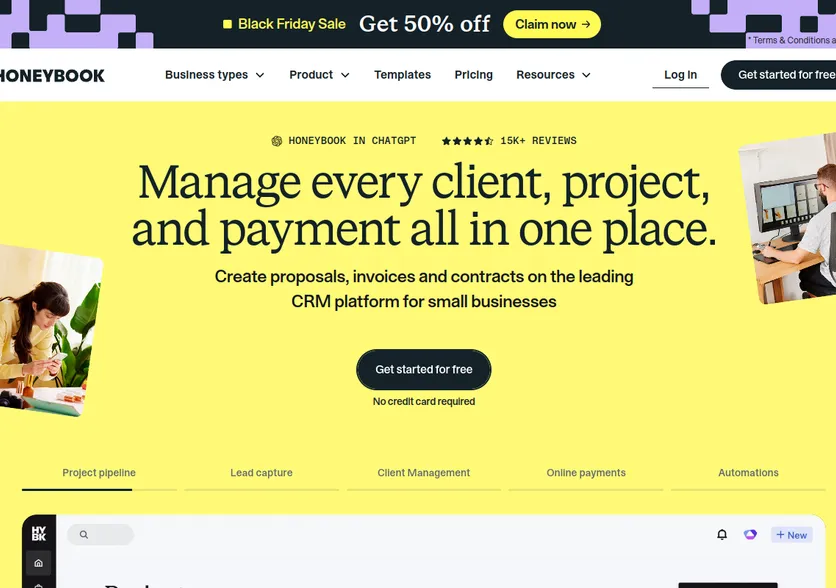
A planner who wants the client paperwork out of the way fast starts here, since this HoneyBook plan costs twenty-nine dollars a month billed annually for proposals, contracts, invoices, payments and a client portal. It is the most polished client flow in this list, and a branded proposal can go out on the first day. It has no wedding-day planning tools, so guest lists, seating and timelines need another app or an integration.
What we like
- Proposals, contracts, invoices and payments in one place
- Branded client portal that feels professional to couples
- Fast setup, with a proposal ready on day one
Watch out for
- No guest list, RSVP, seating or day-of timeline tools
- Scheduler and automations sit on the dearer Essentials plan
How to try it
- Create a project for the couple and send the proposal
- Collect the signed contract and the first payment
- Track the booking in the client portal through the wedding
3. Dubsado
Best for: Planners who want full control over forms and workflows
Paid tool Starting price: $335/year · Three hundred and thirty-five dollars a year for Starter (about twenty-seven dollars and ninety-two cents a month), or thirty-five dollars a month billed monthly; Premier is five hundred and twenty-five dollars a year (about forty-three dollars and seventy-five cents a month), or fifty-five dollars billed monthly; the first three team members are free
Free plan: Free trial (21 days, no card)
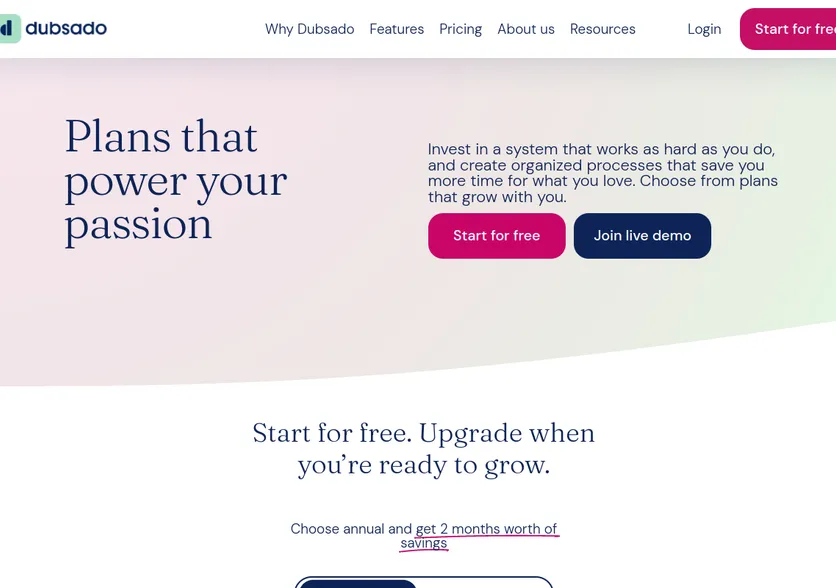
A planner who wants every form and workflow shaped to their own process finds it here, since this Dubsado plan costs three hundred and thirty-five dollars a year for unlimited clients and projects, invoicing, contracts and client portals. It charges no extra payment-processing fee beyond the processor's own cut, and the first three team members are free. It takes more setup than its rivals, and wedding-day planning tools are not included.
What we like
- Unlimited clients and projects on every plan
- No platform fee on payments beyond the processor's cut
- First three team members are free
Watch out for
- Needs more setup time than the polished rivals
- Scheduling and automations sit on the dearer Premier plan
How to try it
- Build the lead form and the workflow for a new booking
- Send the proposal, contract and invoice from one project
- Add team members free and assign them their tasks
4. 17hats
Best for: Solo planners who want one flat price for everything
Paid tool Starting price: $50/month · Fifty dollars a month billed annually (six hundred dollars a year); sixty dollars a month billed monthly; the price covers the full feature set with no higher tier
Free plan: No free plan; 14-day free trial
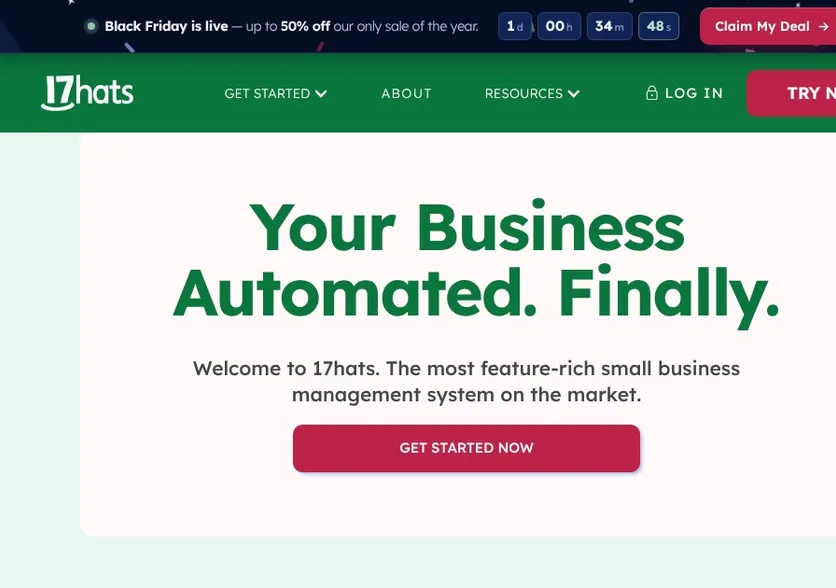
A solo planner who wants one flat price for everything starts here, since this 17hats plan costs fifty dollars a month billed annually and covers leads, bookings, contracts, invoices, scheduling and workflows. There is no higher tier to grow into, so the bill never jumps when the business adds a feature. It is a general business tool rather than a wedding specialist, so seating charts and timelines need another app.
What we like
- One flat price with no higher tier to grow into
- Leads, bookings, contracts and invoices in one login
- Workflows and scheduling included at the single price
Watch out for
- Not wedding-specific, so no seating or timeline tools
- The interface feels dated next to the newer rivals
How to try it
- Add the couple as a lead and send the quote
- Book the date and collect the contract and deposit
- Run the workflow and reminders through to the wedding day
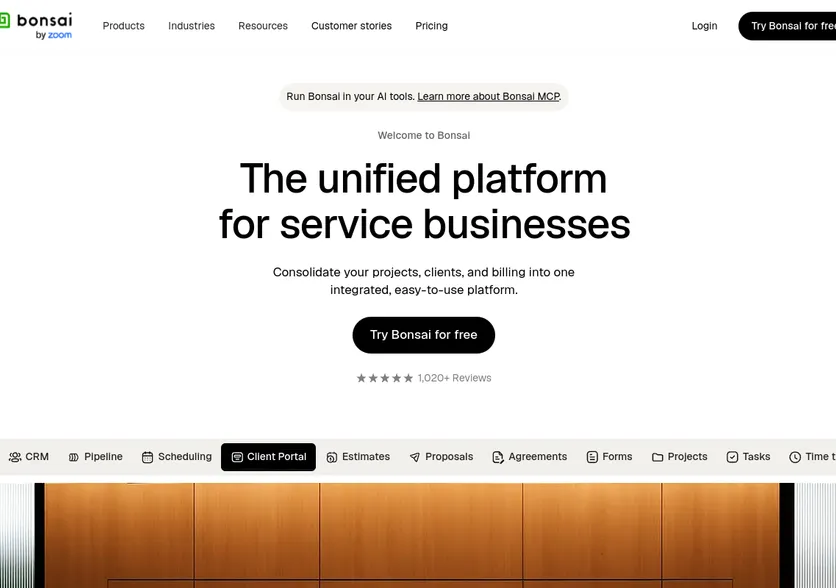
5. Bonsai
Best for: Freelancers planning weddings on a tight budget
Paid tool Starting price: $19/user/month · Nineteen dollars per user a month billed annually on Essentials; higher tiers add scheduling, workflows and team features
Free plan: No free plan; 14-day free trial
A freelancer who plans weddings on the side and needs the cheapest real client system finds it here, since this Bonsai plan costs nineteen dollars per user a month billed annually for proposals, contracts, invoicing and time tracking. It is the lowest entry price in this list, and it covers the business side cleanly for a one-person operation. It has no wedding planning tools, so the day-of work still lives in another app.
What we like
- Lowest entry price in this list for a real client system
- Proposals, contracts and invoicing in one place
- Time tracking included for hourly work
Watch out for
- No wedding-specific planning, seating or timeline tools
- Per-user pricing grows with every team member added
How to try it
- Send the proposal and contract to the couple
- Invoice the deposit and track the payment
- Log hours and expenses against the wedding
6. Coordon
Best for: Planners who want planning tools at a small-studio price
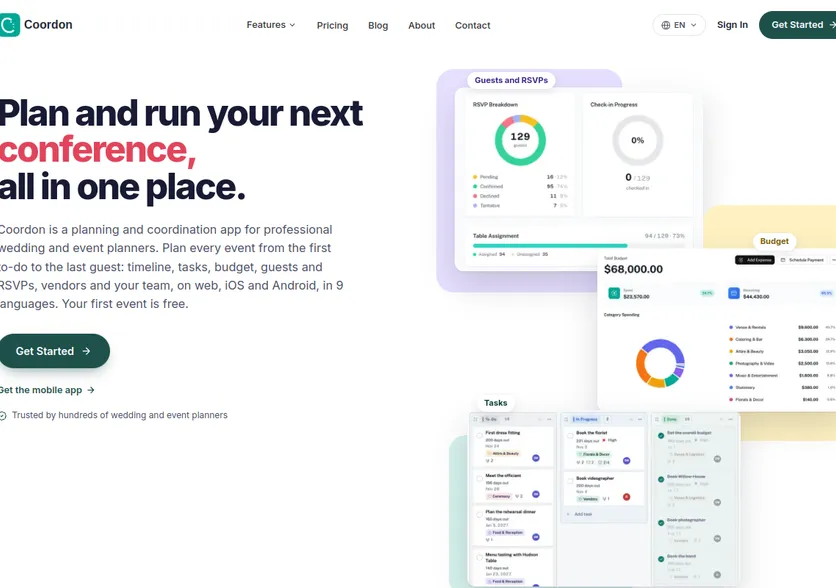
Paid tool Starting price: $19/month · Nineteen dollars a month billed monthly on Solo (fourteen dollars billed annually) for ten active events; Pro is thirty-nine dollars a month (twenty-nine dollars billed annually) for fifty active events and up to ten team members
Free plan: First event free, no card
A planner who wants the planning tools without the big-studio price finds it here, since this Coordon plan costs nineteen dollars a month for ten active events with timelines, budgets and guest tools. The first event is free with no card, so a planner can run a real wedding through it before paying. It is a newer tool than the established names, so the template library and integrations are thinner.
What we like
- First event free with no card required
- Planning tools included from the cheapest paid plan
- Low monthly price for up to ten active events
Watch out for
- Newer tool with a thinner template library
- Fewer integrations than the established wedding platforms
How to try it
- Start the first wedding free and build the timeline
- Add guests, vendors and the budget in one project
- Upgrade to Solo when the next wedding is booked
7. Wedding Day
Best for: Small studios that want one flat price for every wedding
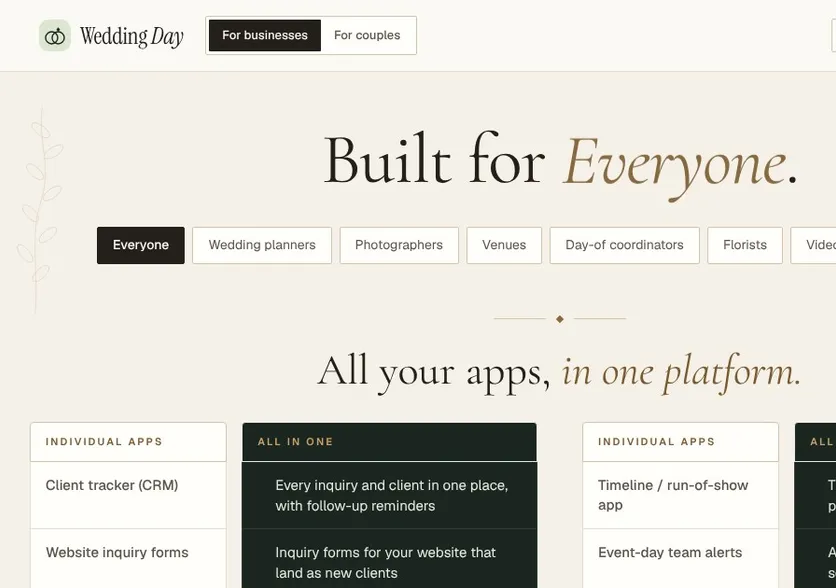
Paid tool Starting price: $45.99/month · Forty-five dollars and ninety-nine cents a month, everything included, whatever the number of weddings, with up to five team members
Free plan: No free plan; free trial available
A planner who hates per-project pricing finds relief here, since this Wedding Day plan costs forty-five dollars and ninety-nine cents a month for everything, however many weddings are on the books. The flat price covers up to five team members with no tier to climb, which suits a small studio with a full calendar. It is a newer entrant, so the review record is shorter than the established wedding platforms.
What we like
- One flat price however many weddings are booked
- Everything included with no tier to climb
- Up to five team members on the single plan
Watch out for
- Newer tool with a shorter review record
- No free plan, so testing it costs money
How to try it
- Create the wedding and invite up to five team members
- Build the timeline and guest list for the day
- Share updates with the couple through the wedding
8. Forever Farrah
Best for: Planners who want a free real wedding before paying
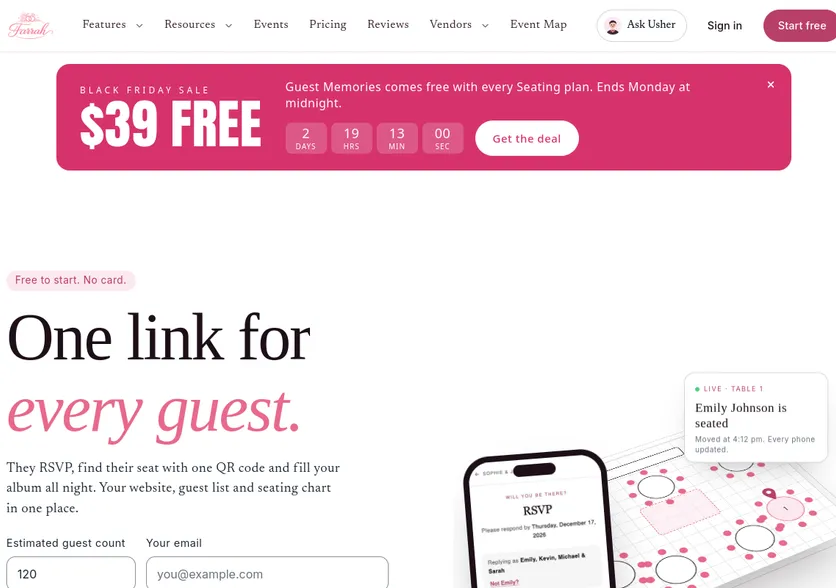
Paid tool Starting price: $299/year · Two hundred and ninety-nine dollars a year for Pro; Agency is five hundred and ninety-nine dollars a year; Enterprise is one thousand one hundred and ninety-nine dollars a year; the free plan covers one client wedding
Free plan: Free plan for 1 client wedding
A planner who wants to try the software on a real wedding before paying finds it here, since this Forever Farrah plan costs two hundred and ninety-nine dollars a year and covers the full planning workflow. The free plan handles one client wedding, which is a genuine test on live work rather than a timed trial. It is a smaller name than the big wedding platforms, so integrations and community templates are fewer.
What we like
- Free plan covers one full client wedding
- Annual price is low for a full planning workflow
- Simple pricing with three clear tiers
Watch out for
- Smaller name with fewer integrations
- Fewer public reviews than the established platforms
How to try it
- Plan the first client wedding on the free plan
- Add the timeline, vendors and budget in one place
- Upgrade to Pro when the second wedding is booked
Prices above were checked on each vendor’s own website on Nov 28, 2026 and can change — the vendor’s page is the final word. Vendor links are editorial: nobody paid to be listed or ranked here. Vendors who want a featured listing can see how it works on our Get listed page.
How to coordinate a destination wedding without losing track of vendors
Start with one master timeline that every vendor can see, because a destination wedding fails when the florist and the venue work from different dates. Keep the guest list, travel details and meal choices in the same place as the budget, so a change to one updates the other. Give the couple a portal they can check without calling you, and keep a day-of sheet on paper too, since venue wifi fails at the worst moment.
Before you buy
- Confirm whether the tool covers guest lists, seating and timelines, or only the business paperwork
- Check if the price rises with the number of weddings, since a busy season can push you into a dearer tier
- Ask whether the couple gets a portal, and whether vendors can see the timeline without a paid seat
- Make sure contracts, invoices and payments work across the currencies and countries the wedding touches
- Test the tool on one real wedding before the season starts, including a seating change and a vendor cancellation
Official websites
Official websites of the products reviewed above. Features and prices were checked against these sites when this guide was written, and they can change, so confirm on the vendor site before you buy.
Frequently asked questions
What software do destination wedding planners need?
They need two things in one system: the business side, meaning proposals, contracts, invoices and payments, and the planning side, meaning timelines, guest lists, seating, layouts and vendor coordination. Wedding-specific tools such as Aisle Planner cover both, while business tools such as HoneyBook and Dubsado cover the paperwork and need another app for the wedding day itself. A destination wedding adds travel, time zones and overseas vendors, so shared access matters most.
How much does Aisle Planner cost?
Aisle Planner project plans cost sixty-nine dollars and ninety-nine cents a month for up to fifteen active projects, one hundred and nine dollars and ninety-nine cents for sixteen to twenty-five, one hundred and sixty-four dollars and ninety-nine cents for twenty-six to fifty, and two hundred and twenty-nine dollars and ninety-nine cents for fifty-one to one hundred. Annual billing saves ten percent, and the trial lasts thirty days with a card.
Can I coordinate a destination wedding for free?
Partly, yes. Forever Farrah offers a free plan for one client wedding, and Coordon lets a planner run the first event free with no card. HoneyBook, Dubsado and 17hats offer free trials rather than free plans, and Aisle Planner offers a thirty-day trial with a card. A planner can run a first wedding free on Forever Farrah or Coordon, but a busy season needs a paid plan.
Is HoneyBook or Dubsado better for wedding planners?
HoneyBook is better for planners who want speed and polish, since its branded proposals and client portal are ready on day one, from twenty-nine dollars a month billed annually. Dubsado is better for planners who want control, since every form and workflow can be shaped to their process, for three hundred and thirty-five dollars a year with no platform fee on payments. Neither covers guest lists, seating or timelines, so both need a wedding-specific tool beside them.
Which tool is best for a solo destination wedding planner?
Aisle Planner is the best pick for a solo planner who runs several weddings, since it covers the whole wedding from sixty-nine dollars and ninety-nine cents a month with unlimited users. 17hats is the best flat-price business tool, at fifty dollars a month billed annually with no higher tier. Bonsai is the cheapest entry point, at nineteen dollars per user a month billed annually, for a freelancer who plans weddings on the side.
Compare the eight tools above, then start with the free Forever Farrah plan or the Coordon first event on the tool that matches how many weddings the season holds before paying for a full year.
Browse Business Tools tools