On this page
Counterterrorism intelligence runs on open-source data, dark web collection and finished analysis, and the tools below cover all three at prices a team can actually budget. Deltabridge leads because it publishes its prices openly, from twenty-nine dollars a month, in a market where the biggest names sell by quote alone. They also need to cover the open web, the dark web and breached data, not just one of them.
How we researched this
We checked every price on the vendor pricing page on November 28, 2026, and only included tools with a published US dollar list price. The biggest names in this field, including Recorded Future, Palantir, Dataminr, Flashpoint's own site, Anomali and ThreatConnect, publish no prices and sell by quote, so they are not in this list except where a marketplace list exists. Prices change, so confirm the current figure on the vendor site before you buy.
Compare the tools
| Name | Best for | Starting price | Free plan | |
|---|---|---|---|---|
| Deltabridge | Lean teams that want finished, cited intelligence cheaply | $29/month | Free trial available | Visit |
| Censys | Investigators checking internet exposure and open services | $79/month | Free plan (100 credits a month) | Visit |
| SOCRadar | Teams that want dark web monitoring at a fixed price | $4,550/year | Free plan available | Visit |
| Flashpoint | Fraud and dark web teams needing primary-source collection | $100,000/year | No free plan; demo on request | Visit |
| GreyNoise | Teams that need to filter internet scanning noise | $9,999/year | Free community plan available | Visit |
| Shodan | Investigators finding exposed devices and open ports | $49 one-time | Free plan available | Visit |
| UpGuard | Teams scoring vendor risk and attack surface | $1,750/month | Free plan available | Visit |
| Have I Been Pwned | Investigators checking breach exposure on email addresses | $52.68/year | Free plan available | Visit |
The software for counterterrorism intelligence, compared
1. Deltabridge
Best for: Lean teams that want finished, cited intelligence cheaply
Paid tool Starting price: $29/month · Twenty-nine dollars a month for Researcher, a single analyst; Business is two hundred and ninety-nine dollars per seat a month with a free trial and up to fifteen seats self-serve; Enterprise is custom
Free plan: Free trial available
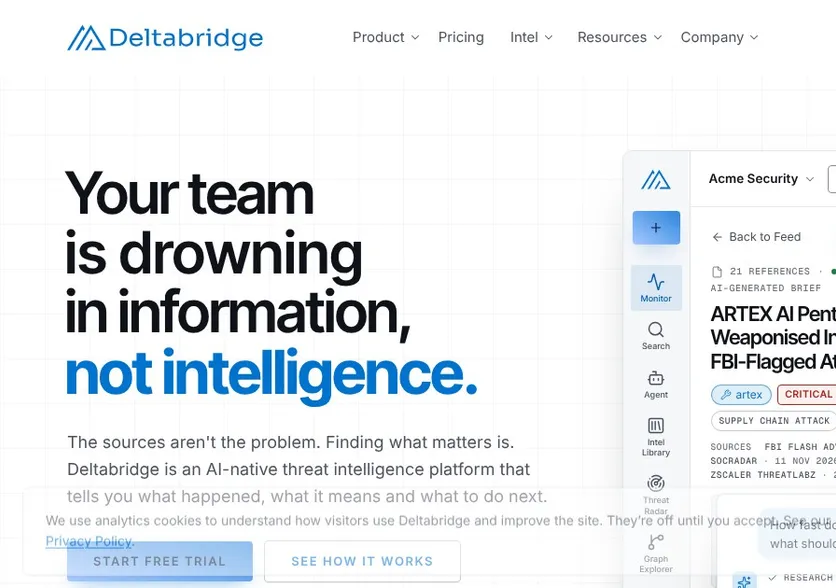
A lean intelligence team that wants finished analysis without an enterprise sales cycle starts here, since this Deltabridge plan costs twenty-nine dollars a month for a single analyst. It publishes its prices openly, which almost no rival in this category does, and its artificial intelligence analyst writes cited briefs and forecasts tuned to the organisation. It is the cheapest published route onto finished threat intelligence in this list.
What we like
- Publishes prices openly, unlike almost every rival here
- AI analyst writes cited briefs and forecasts
- Single-analyst plan is genuinely affordable
Watch out for
- A young platform with a shorter track record than the big names
- Deep collection is thinner than the enterprise intelligence clouds
How to try it
- Open a Researcher workspace and set the topics to watch
- Read the AI brief and check its citations
- Share the finished analysis with the team
2. Censys
Best for: Investigators checking internet exposure and open services
Paid tool Starting price: $79/month · Seventy-nine dollars a month for Starter with five hundred credits; Starter Pro is five hundred and ninety-nine dollars a month for four thousand credits; every action, such as a lookup or a search, costs one credit
Free plan: Free plan (100 credits a month)
An investigator who needs to see what an adversary exposes on the open internet starts here, since this Censys plan costs seventy-nine dollars a month for five hundred credits. It scans the internet continuously and records which services, certificates and hosts are exposed, so a team can check whether a forgotten server or an open database is visible to attackers. The free plan covers one hundred credits a month, so a first check costs nothing.
What we like
- Lowest monthly starting price in this list
- Continuous scans of services, certificates and hosts
- Free plan lets a team run a first check at no cost
Watch out for
- No dark web coverage, so it sees only the open internet
- Credit metering means heavy searching pushes the bill up
How to try it
- Search the target domain or IP range in Censys
- Review the exposed services and certificates found
- Export the findings into the investigation file
3. SOCRadar
Best for: Teams that want dark web monitoring at a fixed price
Paid tool Starting price: $4,550/year · Four thousand five hundred and fifty dollars a year for Essential; Business is nine thousand one hundred dollars a year; a second figure of three thousand nine hundred and fifty dollars also appears on the vendor pricing page, so confirm which figure applies before signing
Free plan: Free plan available
A team that needs dark web monitoring on a fixed annual price starts here, since this SOCRadar plan costs four thousand five hundred and fifty dollars a year for Essential. It combines dark web monitoring, brand protection and attack surface management in one platform, which is the only fixed-price dark web option in this list. The vendor page also shows a three thousand nine hundred and fifty dollar figure, so get the price in writing before paying.
What we like
- Only dark web tool here with a published fixed price
- Dark web, brand and attack surface in one platform
- Free plan lets a team test the interface first
Watch out for
- A second price figure appears on the vendor page, so confirm before paying
- Annual price is high for a small team
How to try it
- Add the domains and brands to monitor
- Review the dark web alerts and leaked credentials
- Export the exposure report for the investigation
4. Flashpoint
Best for: Fraud and dark web teams needing primary-source collection
Paid tool Starting price: $100,000/year · One hundred thousand dollars a year for the Cyber Threat Intelligence dimension as listed on the AWS Marketplace; the vendor site itself publishes no dollar figure and sells by quote, so the marketplace list is the only published price and should be confirmed with the vendor
Free plan: No free plan; demo on request
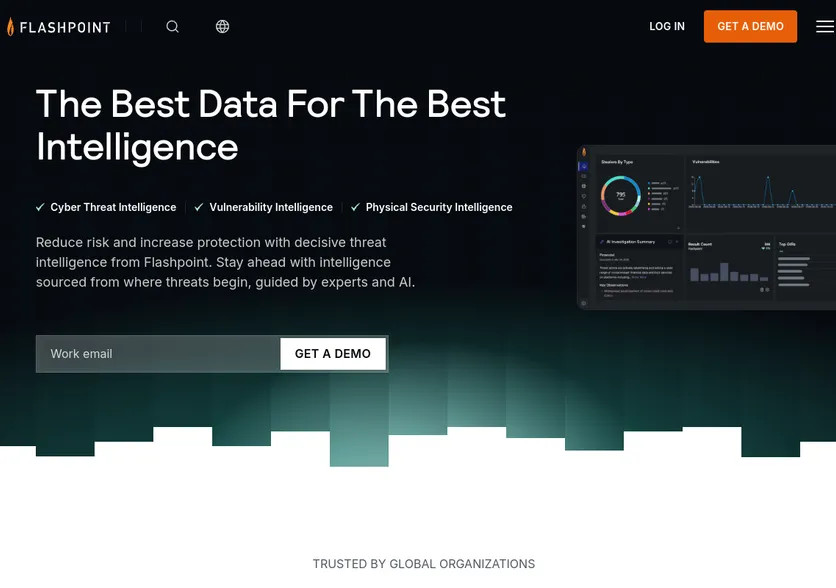
A team that needs primary-source access to criminal forums and illicit communities starts here, since this Flashpoint listing costs one hundred thousand dollars a year on the AWS Marketplace for its cyber threat intelligence dimension. Its collection comes from primary sources rather than another feed, which is why fraud and dark web teams choose it over the cheaper tools in this list. The vendor site publishes no price of its own, so treat the marketplace figure as a starting point for a quote.
What we like
- Primary-source access to criminal forums and chats
- Deepest dark web and illicit-community coverage here
- AI summarisation over the collected intelligence
Watch out for
- The vendor site publishes no price, so the figure is a marketplace list
- The price is far beyond a small team or a solo analyst
How to try it
- Request a demo scoped to the threat the team tracks
- Test the forum and chat coverage against known actors
- Confirm the marketplace price in writing before signing
5. GreyNoise
Best for: Teams that need to filter internet scanning noise
Paid tool Starting price: $9,999/year · Nine thousand nine hundred and ninety-nine dollars a year for GreyNoise Block, the separate product for small and mid-size companies; the main commercial tiers are quoted only, so confirm the figure with the vendor before buying
Free plan: Free community plan available
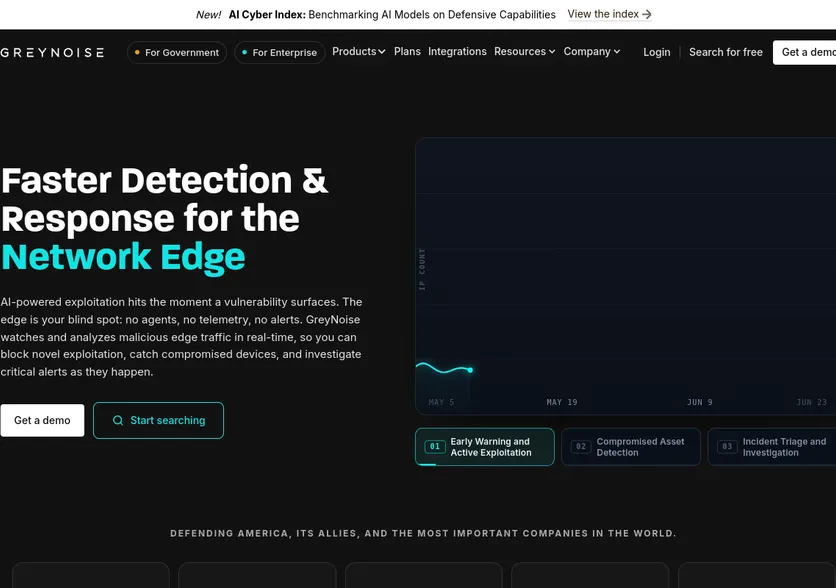
A team drowning in internet scanning noise starts here, since this GreyNoise product costs nine thousand nine hundred and ninety-nine dollars a year for GreyNoise Block. It separates real threats from background scanning, so analysts stop chasing alerts that turn out to be harmless internet background noise. The main commercial tiers are quoted only, so the Block figure is the only published price to budget from.
What we like
- Separates real threats from background scanning noise
- Cuts false alerts so analysts focus on real incidents
- Free community plan lets a team test the data first
Watch out for
- The published figure covers Block only, not the main platform
- Main commercial tiers are quoted, so the full cost is unclear
How to try it
- Connect GreyNoise to the SIEM or firewall feed
- Tag the scanning sources as benign or malicious
- Review the filtered alerts and tune the rules
6. Shodan
Best for: Investigators finding exposed devices and open ports
Paid tool Starting price: $49 one-time · Forty-nine dollars one time for Membership; the search engine itself is free to use with limits, and paid plans add API access and monitoring
Free plan: Free plan available
An investigator who needs to find exposed devices on the internet starts here, since this Shodan membership costs forty-nine dollars one time. It crawls the internet at least weekly and records open ports and exposed devices, so a team can check whether a target system is reachable before an adversary does. The one-time price is the cheapest paid option in this list, and the free tier covers basic searches.
What we like
- One-time price with no subscription to maintain
- Full internet crawl refreshed at least weekly
- Free tier covers basic searches before paying
Watch out for
- A search tool, not a finished intelligence platform
- Results need an analyst to interpret them
How to try it
- Search the target IP or organisation in Shodan
- Review the open ports and exposed services found
- Save the findings and monitor the target over time
7. UpGuard
Best for: Teams scoring vendor risk and attack surface
Paid tool Starting price: $1,750/month · One thousand seven hundred and fifty dollars a month for Vendor Risk Standard, the published starting price; higher tiers and the threat intelligence module are priced separately, with the module listed at fourteen thousand seven hundred and fifty dollars a year
Free plan: Free plan available
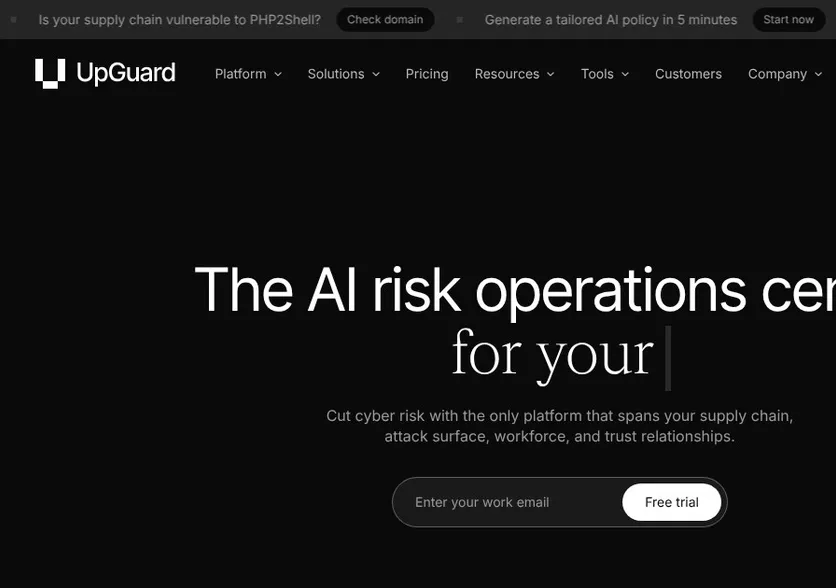
A team that needs to watch the attack surface of its own organisation and its vendors starts here, since this UpGuard plan costs one thousand seven hundred and fifty dollars a month for vendor risk with a published starting price. It rates vendors, monitors domains for exposure and lets any organisation claim its own scorecard free. It is a risk platform rather than a finished intelligence feed, so it suits teams that score third parties rather than track actors.
What we like
- Publishes a starting price, unlike most risk platforms
- Free self-monitoring scorecard for any organisation
- Vendor ratings and domain monitoring in one place
Watch out for
- It scores risk, so it does not track threat actors directly
- The threat intelligence module costs extra on top
How to try it
- Claim the organisation scorecard and review the rating
- Add the vendors to monitor and set the thresholds
- Export the risk report for the security review
8. Have I Been Pwned
Best for: Investigators checking breach exposure on email addresses
Paid tool Starting price: $52.68/year · Fifty-two dollars and sixty-eight cents a year for Core 1; the service tracks more than seventeen billion breached addresses across more than one thousand breaches
Free plan: Free plan available
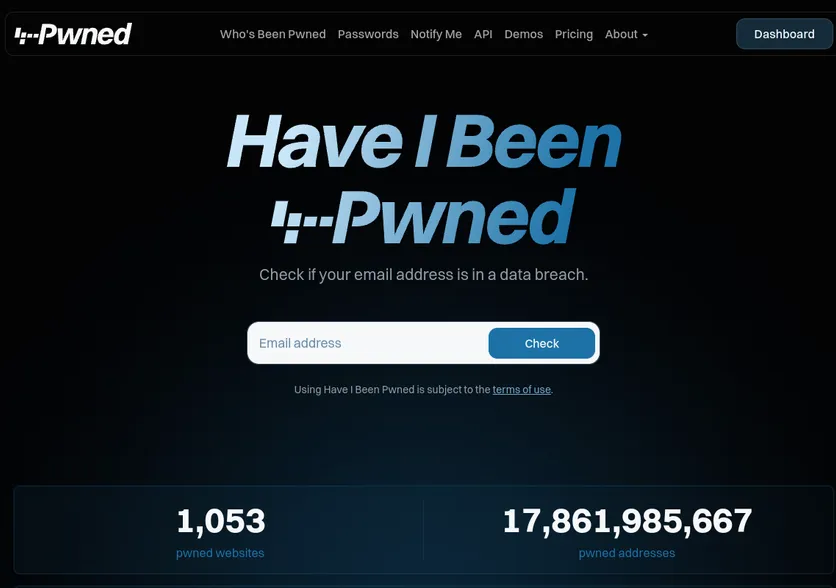
An investigator who needs to know whether an email address appears in a breach starts here, since this Have I Been Pwned plan costs fifty-two dollars and sixty-eight cents a year for Core 1. It holds more than seventeen billion breached addresses across more than one thousand breaches, so a single lookup can confirm whether credentials are already in criminal hands. It answers one question well, so it belongs beside a fuller platform rather than instead of one.
What we like
- Cheapest annual price in this list by a wide margin
- Huge breach database with more than a thousand breaches
- Free tier covers basic lookups before paying
Watch out for
- It checks breach exposure only, not the wider threat picture
- No finished analysis or actor tracking included
How to try it
- Enter the email address or domain to check
- Review the breaches where it appears
- Add the findings to the investigation file
Prices above were checked on each vendor’s own website on Nov 28, 2026 and can change — the vendor’s page is the final word. Vendor links are editorial: nobody paid to be listed or ranked here. Vendors who want a featured listing can see how it works on our Get listed page.
How to run a counterterrorism intelligence check without chasing noise
Start with the question, not the tool, because a vague search across every feed returns noise and nothing usable. Check the open internet first, then the dark web, and only then pay for finished analysis, since the free tiers cover the first two steps. Keep every finding cited to its source, because an intelligence report that cannot show where a fact came from is useless in a briefing. Re-check the key facts before the report goes out, since exposure data changes daily.
Before you buy
- Confirm whether the tool publishes a price, since most intelligence vendors sell by quote and the total is unknown
- Check whether the coverage is open internet, dark web or finished analysis, because each answers a different question
- Ask if findings carry citations, since an uncited claim cannot be used in a briefing or a report
- Make sure the tool fits the team's clearance and handling rules for sensitive sources and methods
- Test the tool on a known target before paying, including a domain the team already understands well
Official websites
Official websites of the products reviewed above. Features and prices were checked against these sites when this guide was written, and they can change, so confirm on the vendor site before you buy.
Frequently asked questions
What is counterterrorism intelligence software?
It is software that collects, analyses and reports intelligence about terrorist threats, actors and infrastructure. Open-source tools search the internet and breach data, dark web platforms monitor criminal forums and leaked credentials, and finished intelligence services turn that collection into cited analysis. The best choice depends on whether the team needs raw collection, exposure checks, or finished reporting it can brief from.
How much does Deltabridge cost?
Deltabridge Researcher costs twenty-nine dollars a month for a single analyst, and Business costs two hundred and ninety-nine dollars per seat a month with a free trial and up to fifteen seats self-serve. Enterprise pricing is custom. It is the only finished intelligence platform in this list that publishes its prices openly, while Recorded Future, Palantir and Dataminr sell by quote and publish no dollar figure at all.
Can I check threat intelligence for free?
Yes, in part. Censys offers a free plan with one hundred credits a month, Shodan offers free searches with limits, GreyNoise offers a free community plan, and Have I Been Pwned offers free lookups before paying. SOCRadar and UpGuard also offer free tiers. None of these free tiers includes finished analysis or dark web collection, so a team that needs those still needs a paid plan such as Deltabridge or SOCRadar.
Why do most threat intelligence tools publish no prices?
The big platforms price by organisation size, seat count, modules and data coverage, so a single list price would mislead most buyers. Recorded Future, Flashpoint, Anomali and ThreatConnect all sell by quote, and buyer-reported figures put Recorded Future at a median of about seventy-two thousand dollars a year. The tools in this list are the exceptions that publish a price, which is why a small team can budget them without a sales call.
Which tool is best for a small intelligence team?
Deltabridge is the best pick for a small team that wants finished analysis, at twenty-nine dollars a month for one analyst with cited briefs. Censys is the best pick for internet exposure checks, at seventy-nine dollars a month with a free plan. SOCRadar is the best pick for dark web monitoring at a fixed price, at four thousand five hundred and fifty dollars a year, though a second figure on its page should be confirmed first.
Compare the eight tools above, then start with the free Censys or Shodan tier on the tool that matches the question the team must answer before paying for a full year.
Browse Business Tools tools