
On this page
A logo is the face of a business, and the right maker turns a name into a mark worth putting on a sign. The eight tools below run from three dollars a month to thirty-five dollars once, and every price was checked on the vendor site on November 26, 2026. Some charge a small monthly fee for full brand kits, while others sell a single logo file for one payment. Compare the file types, the ownership and the extras each plan includes. Canva Pro is our first pick — the best all-rounder for logos and everything after them.
How we researched this
We started with the logo makers small businesses actually buy, then read each price on the vendor pricing page on November 26, 2026 and noted the free plan or free trial each one carries. We judged them for a business that needs a logo for a website, a sign and social media, and we kept only tools with a published price in US dollars. We left out logo makers that publish no price, because a tool with no published price cannot be compared on cost.
Compare the tools
| Name | Best for | Starting price | Free plan | |
|---|---|---|---|---|
 Canva Pro | Businesses that want logos plus a full design toolkit | $12/month | Free plan available | Visit |
 BrandCrowd | Businesses that want the cheapest logo subscription | $3/month | Free plan available | Visit |
 Tailor Brands | New businesses that want a logo plus a brand launch kit | $3.99/month | Free to design; pay to download | Visit |
 Adobe Express | Businesses that want Adobe-quality design without the full suite | $9.99/month | Free plan available | Visit |
 LogoAI | Businesses that want an AI logo with a short trial | $20/month | No free plan; 7-day trial costs $10 | Visit |
 Designhill | Businesses that want a logo file for a single payment | $20 one-time | Free to design; pay to download | Visit |
 Wix Logo Maker | Wix users who want a logo for their website | $20 one-time | Free to design; pay to download | Visit |
 Looka | Businesses that want a full brand kit for a single payment | $35 one-time | Free to design; pay to download | Visit |
The logo maker software, compared
1. Canva Pro
Best for: Businesses that want logos plus a full design toolkit
Paid tool Starting price: $12/month · Pro, $12 a month billed annually; $18 billed monthly; one person only; Business $250 per person a year
Free plan: Free plan available
Canva Pro is the design platform where a business builds a logo, then uses the same brand kit for social posts, flyers and presentations. This Canva Pro plan costs twelve dollars a month billed annually, with a free plan for basic design. A small business can design a logo in an afternoon and keep the brand consistent everywhere after that.

What we like
- Logo maker plus a full design toolkit
- Brand kit that keeps colors and fonts consistent
- Huge template library for every format
Watch out for
- Twelve dollars a month covers one person only
- A second seat forces the Business plan
How to try it
- Sign up for the free plan on the Canva pricing page
- Pick a logo template and change the name and colors
- Download the logo and save it to your brand kit
2. BrandCrowd
Best for: Businesses that want the cheapest logo subscription
Paid tool Starting price: $3/month · Starter, $3 a month billed annually; $9 billed monthly; Value $4; Premium $5; no standalone pricing page — prices as published on BrandCrowd's own site
Free plan: Free plan available
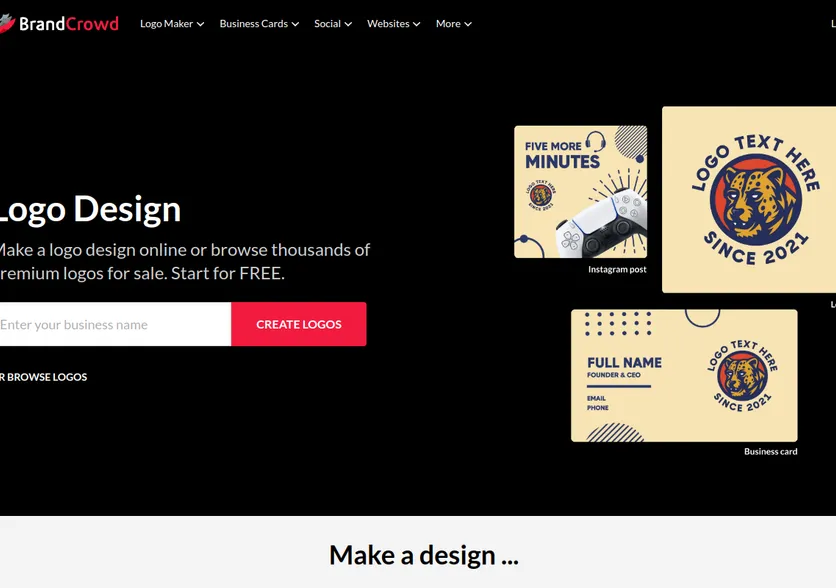
BrandCrowd is the logo maker with a large library of templates, where a business types a name and gets dozens of logo options in seconds. This BrandCrowd Starter plan costs three dollars a month billed annually, with a free plan for basic downloads. A new business can get a usable logo for the price of a coffee and upgrade later for the full brand kit.
What we like
- Cheapest entry price in this comparison
- Large template library for every industry
- Free plan for basic logo downloads
Watch out for
- Three dollars a month is billed annually, or nine billed monthly
- No standalone pricing page — prices come from BrandCrowd's own site
How to try it
- Sign up for the free plan on the BrandCrowd pricing page
- Type your business name and pick a template
- Customize the colors and download your logo
3. Tailor Brands
Best for: New businesses that want a logo plus a brand launch kit
Paid tool Starting price: $3.99/month · Basic, $3.99 a month billed annually; $9.99 billed monthly; Standard $5.99; Premium $12.99; no standalone logo pricing page — prices shown in the logo design flow
Free plan: Free to design; pay to download
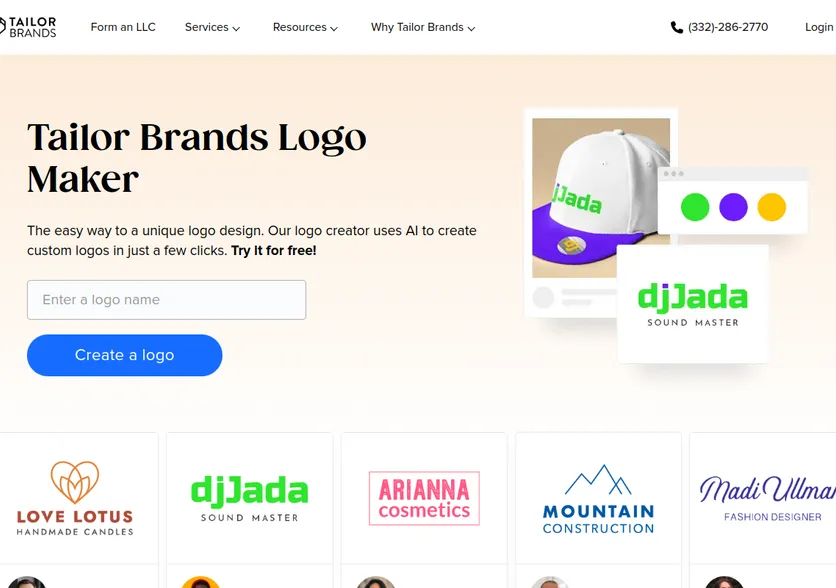
Tailor Brands is the AI logo maker that builds a logo from your business name and style, then adds a brand kit, website and social tools. This Tailor Brands Basic plan costs three dollars and ninety-nine cents a month billed annually, with free design and paid downloads. A new business can launch a logo, a website and social profiles from one subscription.
What we like
- AI builds a logo from your business name
- Brand kit, website and social tools included
- Free to design before you pay
Watch out for
- Three dollars and ninety-nine cents a month is billed annually
- Monthly billing costs nine dollars and ninety-nine cents
How to try it
- Start a free design on the Tailor Brands pricing page
- Answer the style questions and pick a logo
- Choose the Basic plan and download your files
4. Adobe Express
Best for: Businesses that want Adobe-quality design without the full suite
Paid tool Starting price: $9.99/month · Premium, $9.99 a month billed monthly, no annual commitment; free for Creative Cloud subscribers
Free plan: Free plan available
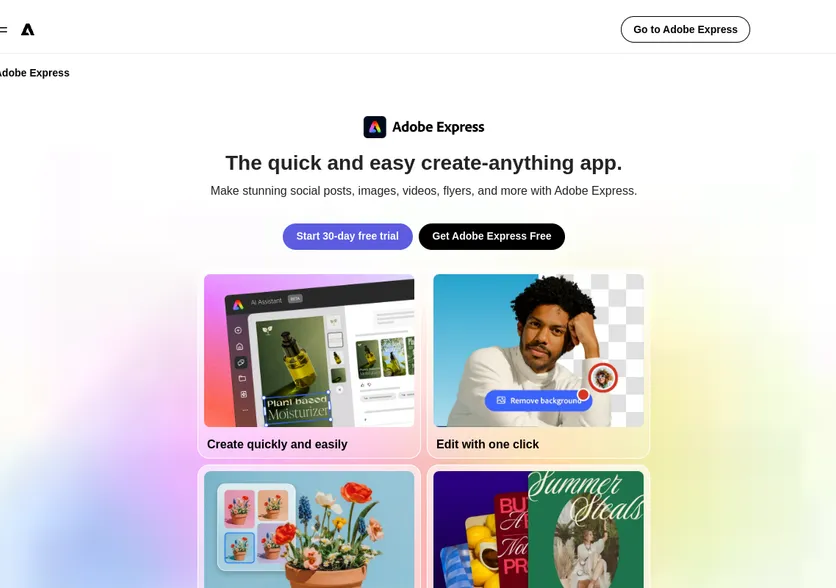
Adobe Express is the quick design app from Adobe for logos, social posts and flyers, with templates and stock photos built in. This Adobe Express Premium plan costs nine dollars and ninety-nine cents a month billed monthly, with a free plan for basic design. A business can make a polished logo and keep designing social posts in the same app.
What we like
- Adobe-quality templates and stock photos
- Monthly billing with no annual commitment
- Free plan for basic design work
Watch out for
- Nine dollars and ninety-nine cents a month billed monthly
- Logo tools are simpler than a dedicated logo maker
How to try it
- Sign up for the free plan on the Adobe Express page
- Pick a logo template and change the text
- Download the logo and try a social post template
5. LogoAI
Best for: Businesses that want an AI logo with a short trial
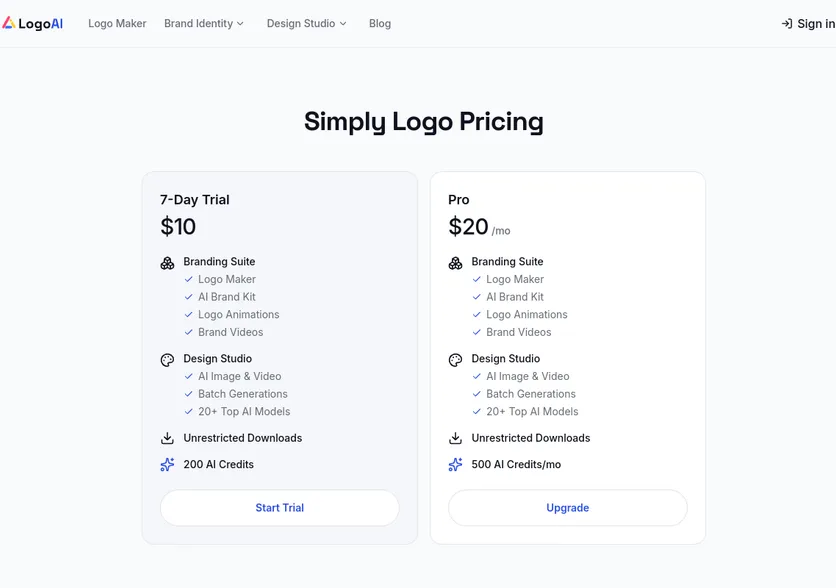
Paid tool Starting price: $20/month · Pro, $20 a month billed monthly; $10 7-day trial that renews at $20 a month; no annual billing
Free plan: No free plan; 7-day trial costs $10
LogoAI is the AI logo maker that generates logo options from your business name and style, with a brand kit for the finished mark. This LogoAI Pro plan costs twenty dollars a month billed monthly, with a ten-dollar seven-day trial. A business can test dozens of AI logo ideas in an hour and keep the one that fits.
What we like
- AI generates dozens of logo options fast
- Brand kit included with the Pro plan
- Short trial lets you test before committing
Watch out for
- Twenty dollars a month with no annual billing option
- The seven-day trial costs ten dollars, it is not free
How to try it
- Start the seven-day trial from the LogoAI pricing page
- Type your business name and pick a style
- Choose a logo and download the brand kit
6. Designhill
Best for: Businesses that want a logo file for a single payment
Paid tool Starting price: $20 one-time · Basic, $20 one-time for a low-resolution PNG; Premium $65 one-time with high-resolution files and vectors
Free plan: Free to design; pay to download
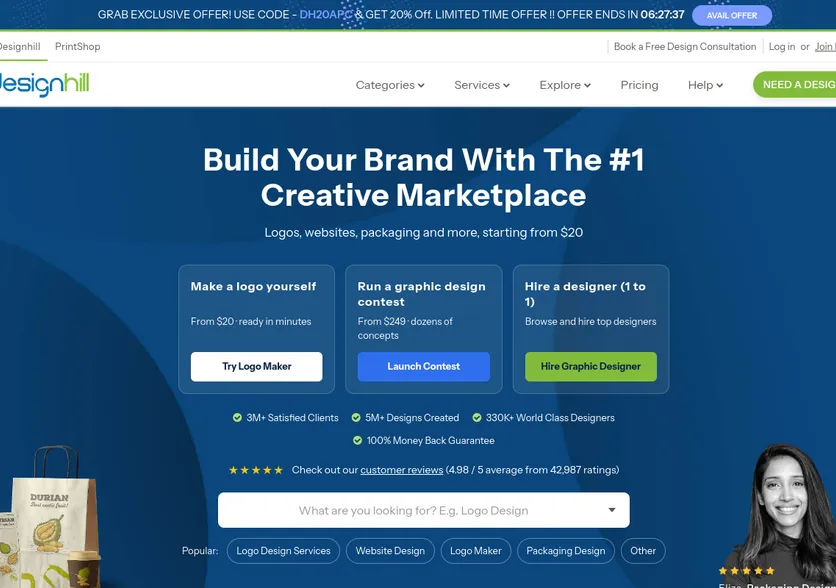
Designhill is the logo maker where a business designs a logo for free and pays once to download the files, with vector formats on the higher plan. This Designhill Basic plan costs twenty dollars once for a low-resolution PNG, with Premium at sixty-five dollars once for high-resolution files and vectors. A business can own its logo outright with no monthly bill.
What we like
- One-time payment with no subscription
- Free to design before you pay
- Vector files on the Premium plan
Watch out for
- Twenty dollars once buys a low-resolution PNG only
- High-resolution files need the sixty-five-dollar Premium plan
How to try it
- Design a logo for free on the Designhill site
- Pick the Basic plan and pay twenty dollars once
- Download the logo file for your website
7. Wix Logo Maker
Best for: Wix users who want a logo for their website
Paid tool Starting price: $20 one-time · Basic, $20 one-time for high-resolution PNG and JPG with commercial rights; Advanced $50 one-time with SVG vectors
Free plan: Free to design; pay to download
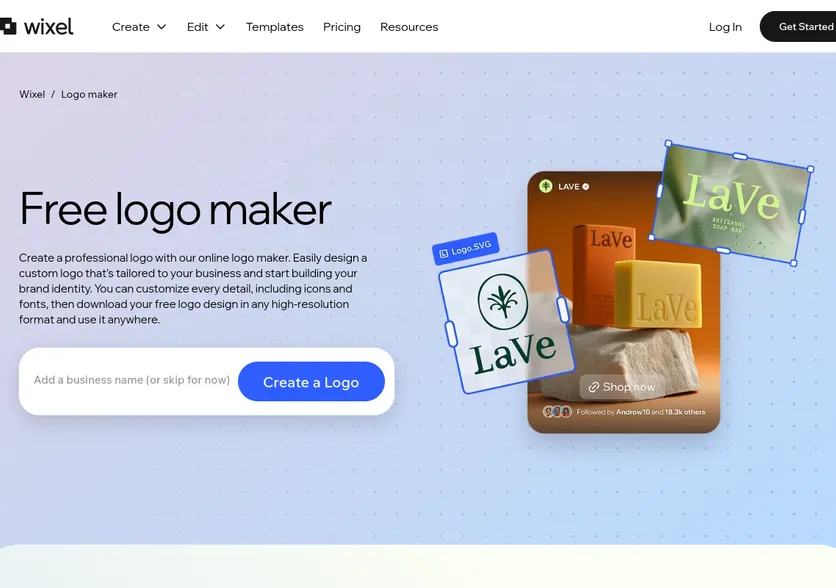
Wix Logo Maker is the AI logo tool from Wix that builds a logo from your business name and pairs it with your Wix website. This Wix Logo Maker Basic plan costs twenty dollars once for high-resolution PNG and JPG files with commercial rights. A Wix user can design a logo, download it and use it on the site in one afternoon.
What we like
- One-time payment with no subscription
- High-resolution files with commercial rights
- Pairs with your Wix website
Watch out for
- Twenty dollars once covers PNG and JPG only
- Vector files need the fifty-dollar Advanced plan
How to try it
- Design a logo for free on the Wix Logo Maker page
- Pick the Basic plan and pay twenty dollars once
- Download the logo and add it to your Wix site
8. Looka
Best for: Businesses that want a full brand kit for a single payment
Paid tool Starting price: $35 one-time · Basic, $35 one-time for a single low-resolution PNG; Premium $72 one-time with PNG, EPS, SVG and PDF; Brand Kit $96 a year
Free plan: Free to design; pay to download
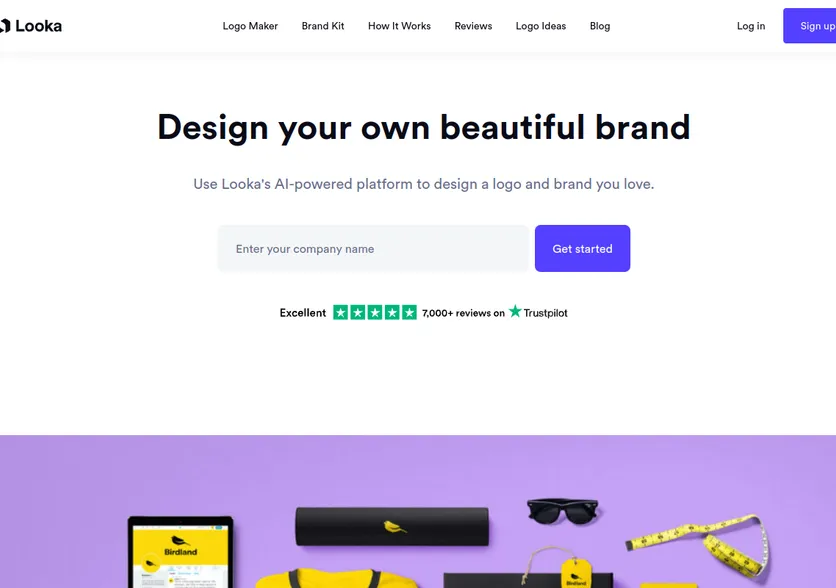
Looka is the AI logo maker that builds a logo and a full brand kit, with business cards, social files and brand guidelines in one package. This Looka Basic plan costs thirty-five dollars once for a single low-resolution PNG, with Premium at seventy-two dollars once for full file types. A business can get a logo and a brand kit without a monthly subscription.
What we like
- AI logo with a full brand kit option
- One-time payment with no subscription
- Social and print files included on Premium
Watch out for
- Thirty-five dollars once buys one low-resolution PNG
- Full file types need the seventy-two-dollar Premium plan
How to try it
- Design a logo for free on the Looka pricing page
- Pick the Basic plan and pay thirty-five dollars once
- Download the logo file for your website
Prices above were checked on each vendor’s own website on Nov 26, 2026 and can change — the vendor’s page is the final word. Vendor links are editorial: nobody paid to be listed or ranked here. Vendors who want a featured listing can see how it works on our Get listed page.
What logo maker software costs in 2026
Most logo makers charge in one of two ways, and the model matters more than the headline. Subscriptions like BrandCrowd and Canva Pro cost three to twelve dollars a month and include brand kits, while one-time tools like Designhill and Looka cost twenty to thirty-five dollars once for a single logo file. A subscription wins if you design often, while a one-time buy wins if you need one logo and nothing else.
Start with the free design on two tools and build the same logo in each, with the same name and colors. Compare how the mark looks at small sizes, which file types the plan includes, and whether you own the logo outright. Pick the tool that gives you the files your printer and website need, because a low-resolution PNG will not survive a sign or a banner.
Before you buy
- Check the file types first, because Designhill Basic buys a low-resolution PNG only.
- Confirm you own the logo, because some plans limit commercial rights to higher tiers.
- Compare monthly and annual billing, because BrandCrowd costs three dollars annually or nine monthly.
- Count the seats, because Canva Pro covers one person only at twelve dollars a month.
- Test the free design, because every tool here lets you design before you pay.
Official websites
Official websites of the products reviewed above. Features and prices were checked against these sites when this guide was written, and they can change, so confirm on the vendor site before you buy.
Frequently asked questions
Which logo maker software is best in 2026?
Canva Pro, at twelve dollars a month, is the safest default because it covers logos plus a full design toolkit and brand kit. BrandCrowd wins for the lowest price at three dollars a month, with a large template library. Looka is the strongest one-time option at thirty-five dollars once, with a full brand kit on the Premium plan.
How much does logo maker software cost?
Prices here run from three dollars a month for BrandCrowd to twelve dollars a month for Canva Pro, with one-time buys from twenty dollars for Designhill and Wix Logo Maker to thirty-five dollars for Looka. Subscriptions suit businesses that design often, while one-time buys suit a single logo. Expect to pay more for vector files and full brand kits.
Is there a free logo maker software?
Canva, BrandCrowd and Adobe Express offer free plans for basic design, and every tool here lets you design a logo for free before you pay to download it. Free downloads are usually low-resolution, so a paid plan is needed for print and signs. A one-time buy of twenty dollars is the cheapest route to a high-resolution file.
What should I look for in logo maker software?
Look for vector file types, full commercial rights and a brand kit first, because those three decide whether the logo works everywhere. Check whether the price is monthly or one-time, and whether the plan covers one person or a team. Test the logo at small sizes, because a mark that reads on a website may vanish on a business card.
Can I use a logo from a logo maker for my business?
Yes, paid plans from the tools here include commercial rights, so you can use the logo on a website, a sign and products. Free downloads may carry limits, so check the license terms before you print. Keep the vector file safe, because it is the master copy you will need for every future use.
Need everyday image help too? Try Toolsvine's free image tools right in your browser.
Browse Image Tools tools


