On this page
Custom jewellery lives or dies on precision, since a ring that is a fraction of a millimetre off does not fit, and the tools below are judged on whether they hold exact dimensions while leaving room for artistry. Rhino 3D leads because it is the precision engine most jewellery plug-ins are built on, for nine hundred and ninety-five dollars once. They also need to render the piece for the client, since a drawing alone rarely sells a ring.
How we researched this
We checked every price on the vendor pricing page on November 28, 2026, and only included tools with a published US dollar list price. The jewellery-specific CAD tools, including MatrixGold, 3Design, JewelCAD and CounterSketch, publish no prices and sell by quote, so they are not in this list. Prices change, so confirm the current figure on the vendor site before you buy.
Compare the tools
| Name | Best for | Starting price | Free plan | |
|---|---|---|---|---|
 Rhino 3D | Independent designers who want precision NURBS modelling | $995 one-time | 90-day free trial | Visit |
 ZBrush | Designers sculpting organic, high-detail jewellery pieces | $399/year | 14-day free trial | Visit |
 Fusion 360 | Designers who need CAM and simulation with the model | $680/year | Free plan for personal use | Visit |
 SketchUp Pro | Designers who want fast concept models for clients | $399/year | Free web version available | Visit |
 Shapr3D | Designers who model on an iPad with a pencil | $299/year | Free Basic plan available | Visit |
| Houdini Indie | Designers building procedural and generative jewellery | $299/year | Free Apprentice plan available | Visit |
| Cinema 4D | Designers who need renders and animations of jewellery | $839/year | 14-day free trial | Visit |
| Maya | Studios that need the industry-standard 3D pipeline | $2,010/year | 30-day free trial | Visit |
The software for custom jewelry design, compared
1. Rhino 3D
Best for: Independent designers who want precision NURBS modelling
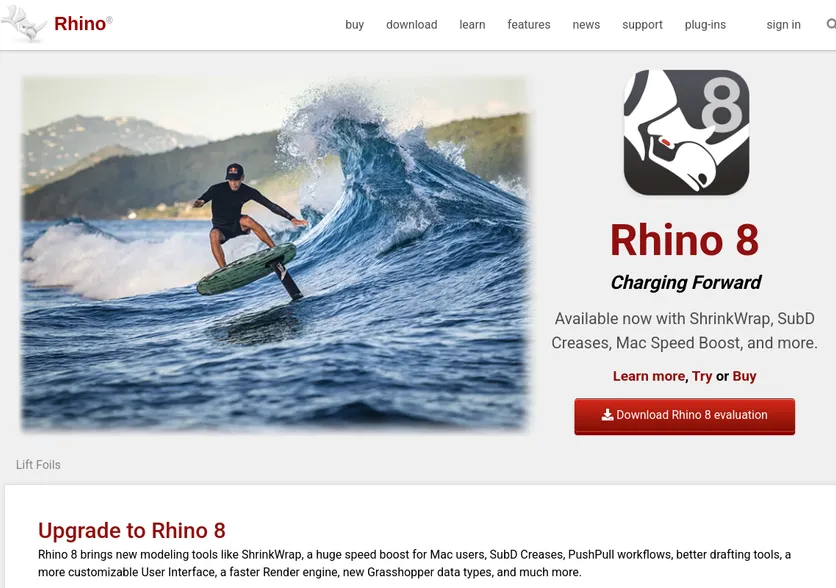
Paid tool Starting price: $995 one-time · Nine hundred and ninety-five dollars one time for a commercial permanent licence, with no subscription and no maintenance fees; the licence includes Grasshopper, and a jewellery plug-in is extra
Free plan: 90-day free trial
A jewellery designer who wants the precision engine most plug-ins are built on starts here, since this Rhino 3D licence costs nine hundred and ninety-five dollars one time with no subscription attached. It models with NURBS curves and surfaces, so a ring shank holds exact dimensions and a stone seat lands precisely where the setter expects it. It includes Grasshopper for parametric variations, though a jewellery plug-in for ring builders and pave is extra.
What we like
- One-time licence with no subscription or maintenance fees
- NURBS precision for exact dimensions and stone seats
- Grasshopper included for parametric variations
Watch out for
- No jewellery-specific tools, so stone layouts are manual
- A jewellery plug-in is an extra purchase on top
How to try it
- Model the ring shank with exact NURBS dimensions
- Place the stone seats and check the measurements
- Export the model for rendering or printing
2. ZBrush
Best for: Designers sculpting organic, high-detail jewellery pieces
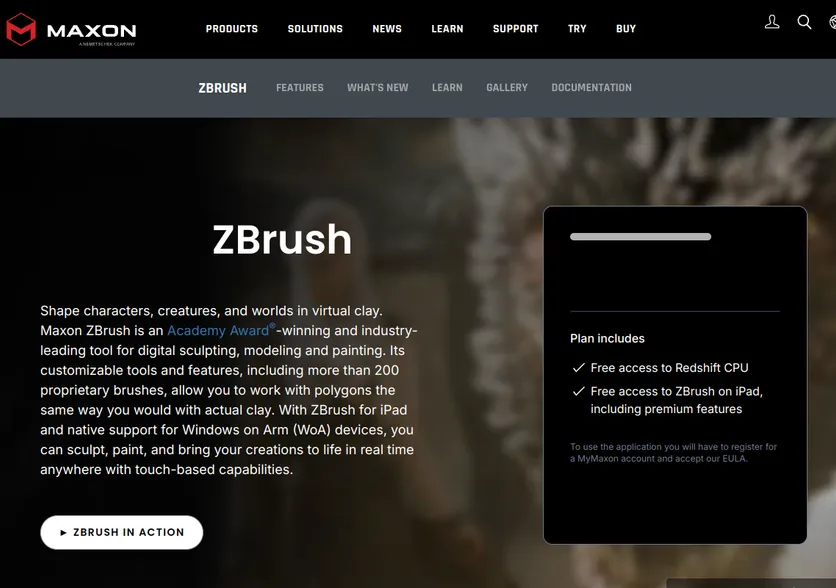
Paid tool Starting price: $399/year · Three hundred and ninety-nine dollars a year billed annually, or forty-nine dollars a month billed monthly; one listing shows three hundred and fifty-nine dollars a year, which conflicts with the three hundred and ninety-nine dollar figure and is not used here; the old perpetual licence is gone and the tool is subscription-only
Free plan: 14-day free trial
A designer sculpting organic, high-detail pieces starts here, since this ZBrush plan costs three hundred and ninety-nine dollars a year for digital sculpting with more than two hundred brushes. It handles tens of millions of polygons in real time, which suits animals, flowers, faces and textured surfaces that a precision modeller cannot shape. One subscription covers desktop ZBrush and ZBrush for iPad, though it does not animate or render full scenes on its own.
What we like
- Unmatched surface detail with more than two hundred brushes
- Handles tens of millions of polygons in real time
- One subscription covers desktop and iPad
Watch out for
- Subscription only, so the cost never stops
- Does not animate or render full scenes on its own
How to try it
- Sculpt the organic form with the brush set
- Refine the surface detail at high polygon counts
- Export the sculpt for rendering or printing
3. Fusion 360
Best for: Designers who need CAM and simulation with the model
Paid tool Starting price: $680/year · Six hundred and eighty dollars a year, or eighty-five dollars a month billed monthly; a free plan covers personal use with limits
Free plan: Free plan for personal use
A designer who also needs CAM, simulation and cloud collaboration starts here, since this Fusion 360 plan costs six hundred and eighty dollars a year for precise parametric modelling with manufacturing built in. It suits jewellery that must be machined or printed to exact tolerances, and the cloud tools keep the team on the same file. It has no jewellery-specific tools, so stone layouts and pave are manual work, and the subscription never stops.
What we like
- Parametric modelling with CAM and simulation included
- Cloud collaboration keeps the team on one file
- Free plan covers personal use for a first test
Watch out for
- No jewellery-specific tools, so pave is manual work
- Subscription only, so the cost never stops
How to try it
- Model the piece with parametric dimensions
- Run the simulation and check the tolerances
- Send the model to CAM or the printer
4. SketchUp Pro
Best for: Designers who want fast concept models for clients
Paid tool Starting price: $399/year · Three hundred and ninety-nine dollars a year for Pro; Go is one hundred and twenty-nine dollars a year; the monthly Pro price is ninety-nine dollars and ninety-nine cents
Free plan: Free web version available
A designer who wants a fast concept model to show a client starts here, since this SketchUp Pro plan costs three hundred and ninety-nine dollars a year for quick three-dimensional modelling with an enormous component library. It is the fastest tool in this list for turning an idea into a model a client can understand, and the free web version covers basic work. It is not a precision jewellery modeller, so fine stone work needs a different tool.
What we like
- Fastest concept modelling in this list
- Huge component library for quick mock-ups
- Free web version for basic work
Watch out for
- Not a precision modeller for fine stone work
- Limited surfacing tools for organic jewellery forms
How to try it
- Sketch the concept in SketchUp Pro
- Add components and materials from the library
- Present the model to the client for approval
5. Shapr3D
Best for: Designers who model on an iPad with a pencil
Paid tool Starting price: $299/year · Two hundred and ninety-nine dollars a year for Pro; the Basic plan is free with limits
Free plan: Free Basic plan available
A designer who sketches ideas on an iPad starts here, since this Shapr3D plan costs two hundred and ninety-nine dollars a year for precise modelling with an Apple Pencil, synced to Mac and Windows. It suits a designer who thinks with a pen in hand, and the model transfers cleanly to the desktop for finishing. It is a general modeller rather than a jewellery specialist, so stone setting tools are not built in.
What we like
- Precise modelling on iPad with Apple Pencil
- Syncs to Mac and Windows for finishing
- Cheapest paid plan in this list for precision work
Watch out for
- No jewellery-specific stone setting tools
- Smaller ecosystem than the desktop CAD giants
How to try it
- Sketch the piece on iPad with the pencil
- Refine the dimensions on the desktop
- Export the model for rendering or printing
6. Houdini Indie
Best for: Designers building procedural and generative jewellery
Paid tool Starting price: $299/year · Two hundred and ninety-nine dollars a year for Indie; the Apprentice plan is free with limits for learning and non-commercial work
Free plan: Free Apprentice plan available
A designer who wants procedural jewellery, where one change rebuilds the whole piece, starts here, since this Houdini Indie plan costs two hundred and ninety-nine dollars a year for node-based modelling with simulation built in. It suits generative jewellery, where a pattern repeats across a surface and a parameter change rebuilds the design. It has the steepest learning curve in this list, and it is overkill for a simple ring.
What we like
- Procedural modelling rebuilds a design from one change
- Simulation and effects built into the same tool
- Free Apprentice plan for learning the basics
Watch out for
- Steepest learning curve in this list
- Overkill for a simple ring or pendant
How to try it
- Build the piece as a node network
- Change a parameter and watch the design rebuild
- Export the final model for rendering or printing
7. Cinema 4D
Best for: Designers who need renders and animations of jewellery
Paid tool Starting price: $839/year · Eight hundred and thirty-nine dollars a year billed annually, listed as sixty-nine dollars and ninety-two cents a month; one hundred and nine dollars a month billed monthly; every plan includes the Redshift renderer
Free plan: 14-day free trial
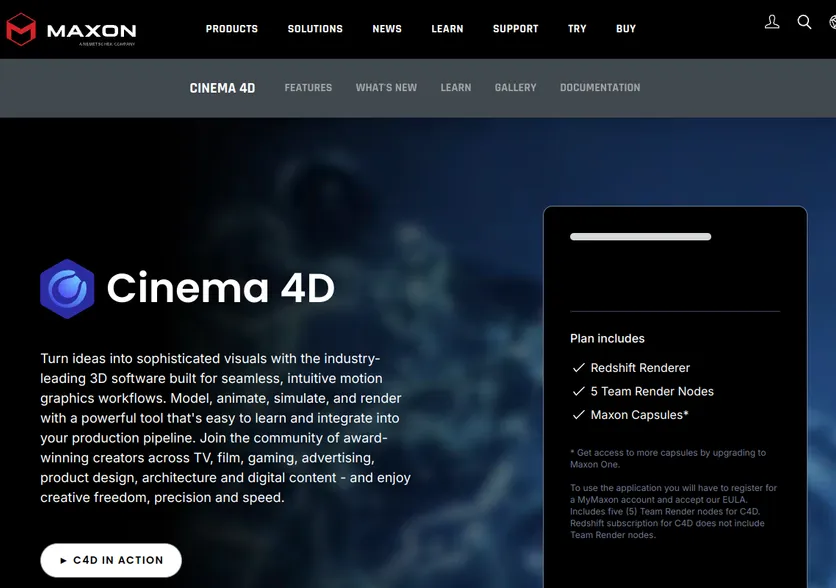
A designer who needs beautiful renders and animations of a piece starts here, since this Cinema 4D plan costs eight hundred and thirty-nine dollars a year for motion graphics and rendering with the Redshift renderer included. It turns a model into a product shot or a short film a client can fall in love with, and its link to After Effects suits marketing work. It is a presentation tool rather than a precision modeller, so the model usually starts elsewhere.
What we like
- Redshift renderer included in every plan
- Best motion graphics tools in this list
- Direct link to After Effects for marketing work
Watch out for
- A presentation tool, not a precision modeller
- The dearest rendering option in this list
How to try it
- Import the finished model into Cinema 4D
- Light the piece and set up the Redshift render
- Export the images or animation for the client
8. Maya
Best for: Studios that need the industry-standard 3D pipeline
Paid tool Starting price: $2,010/year · Two thousand and ten dollars a year, listed as one hundred and sixty-eight dollars a month billed annually; the monthly plan is two hundred and fifty-five dollars a month; an Indie licence is three hundred and thirty dollars a year for artists earning under one hundred thousand dollars
Free plan: 30-day free trial
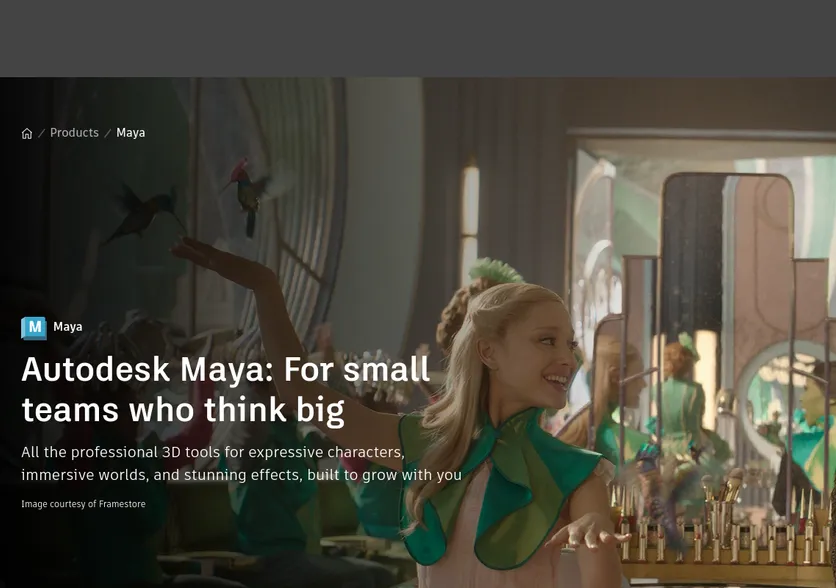
A studio that needs the industry-standard pipeline for character and product work starts here, since this Maya plan costs two thousand and ten dollars a year for modelling, rigging, animation and visual effects in one package. It is the tool film, television and game studios build around, and a jewellery studio that also animates collections will find it familiar. It is the dearest tool in this list, and it is far more than a small jewellery studio needs.
What we like
- Industry-standard pipeline for studios
- Modelling, rigging, animation and effects in one tool
- Indie licence for artists earning under one hundred thousand dollars
Watch out for
- Dearest tool in this list by a wide margin
- Far more tool than a small jewellery studio needs
How to try it
- Model the piece in Maya with exact dimensions
- Rig and animate it for the collection film
- Render the final frames for the client
Prices above were checked on each vendor’s own website on Nov 28, 2026 and can change — the vendor’s page is the final word. Vendor links are editorial: nobody paid to be listed or ranked here. Vendors who want a featured listing can see how it works on our Get listed page.
How to design custom jewelry without losing the measurements
Start with the finger or the neck, not the screen, because a design that ignores the body never gets worn. Model the shank and the stone seats to exact dimensions first, then add the decoration, since a beautiful piece that does not fit is a failure. Keep a parametric master file where one change rebuilds the variations, and print a resin test before committing to metal. Check the render against the real stone, because a screen lies about colour.
Before you buy
- Confirm whether the tool holds exact dimensions, since a ring that is a fraction of a millimetre off does not fit
- Check if jewellery plug-ins are included, or whether the ring builder and pave tools cost extra
- Ask whether the licence is one-time or subscription, since the three-year cost differs sharply
- Make sure the model exports cleanly to the printer or the mill the workshop actually uses
- Test the tool on a real ring before buying, including the stone seats and the shank thickness
Official websites
Official websites of the products reviewed above. Features and prices were checked against these sites when this guide was written, and they can change, so confirm on the vendor site before you buy.
Frequently asked questions
What is custom jewelry design software?
It is software that models jewellery to exact dimensions, so a ring, pendant or bracelet can be rendered, printed and cast to fit. Precision modellers such as Rhino 3D hold the dimensions and stone seats, sculpting tools such as ZBrush shape organic forms, and rendering tools such as Cinema 4D turn the model into images a client can approve. The jewellery-specific CAD tools sell by quote.
How much does Rhino 3D cost?
Rhino 3D costs nine hundred and ninety-five dollars one time for a commercial permanent licence, with no subscription and no maintenance fees. The licence includes Grasshopper for parametric variations, and the trial lasts ninety days. A jewellery plug-in for ring builders and pave is an extra purchase, and adding ZBrush for organic work brings the first year to one thousand three hundred and ninety-four dollars.
Can I design custom jewelry for free?
Partly, yes. Fusion 360 offers a free plan for personal use, SketchUp offers a free web version, Shapr3D offers a free Basic plan, and Houdini offers a free Apprentice plan for learning. Rhino 3D offers a ninety-day trial, and Maya and Cinema 4D offer trials of thirty and fourteen days. A designer can test the category free, but professional jewellery work needs a paid licence, and the cheapest is Shapr3D Pro at two hundred and ninety-nine dollars a year.
Is ZBrush or Rhino 3D better for jewelry design?
Rhino 3D is better for precision work, since its NURBS engine holds exact dimensions and stone seats for nine hundred and ninety-five dollars once. ZBrush is better for organic work, since its sculpting brushes shape animals, flowers, faces and textured surfaces that a precision modeller cannot, for three hundred and ninety-nine dollars a year. Most professional jewellers use both, with Rhino for the structure and ZBrush for the organic detail.
Which tool is best for a small jewelry studio?
Rhino 3D is the best pick for a small studio, since the one-time nine hundred and ninety-five dollar licence is the precision engine most jewellery plug-ins are built on. Shapr3D Pro is the cheapest precision option, at two hundred and ninety-nine dollars a year for iPad and desktop modelling. Fusion 360 is the best pick for a studio that also machines its pieces, at six hundred and eighty dollars a year with CAM included.
Compare the eight tools above, then start with the free Fusion 360 plan or the ninety-day Rhino 3D trial on the tool that matches how the studio works before paying for a full year.
Browse Business Tools tools