
On this page
Direct to film printing lives or dies on the software between the artwork and the printer, because the RIP controls white ink, color and gang sheets. The seven tools below run from nineteen dollars a month to nearly nine hundred dollars a year, and every price was checked on the vendor site on November 27, 2026. Dedicated RIPs handle the print workflow while design tools build the artwork, so most shops need one of each. Fiery Digital Factory is our first pick — the dedicated DTF RIP with the strongest color control for desktop printers.
How we researched this
We started with the DTF RIP and design tools print shops actually buy, then read each price on the vendor pricing page on November 27, 2026 and noted the trial each plan carries. We judged them for a small shop printing transfers on desktop or wide-format printers that needs clean white ink, sharp color and gang sheets without wasted film. We dropped AcroRIP because it has no official vendor pricing page, Maintop DTF and EKPrint Studio because their prices come only from resellers or are unpublished, and Wasatch SoftRIP and ONYX RIP because both are quote-only.
Compare the tools
| Name | Best for | Starting price | Free plan | |
|---|---|---|---|---|
 Fiery Digital Factory | DTF print shops that want a dedicated RIP with strong color control on desktop printers | $445 one-time | No free plan; 15-day free trial | Visit |
 Flexi DTF Pro | Production DTF shops that want halftoning and white ink control in one RIP | $899.99/year | No free plan; 7-day free trial | Visit |
 DTFNestly | Small DTF shops that want a low monthly RIP with all features unlocked | $19/month | No free plan; 7-day free trial | Visit |
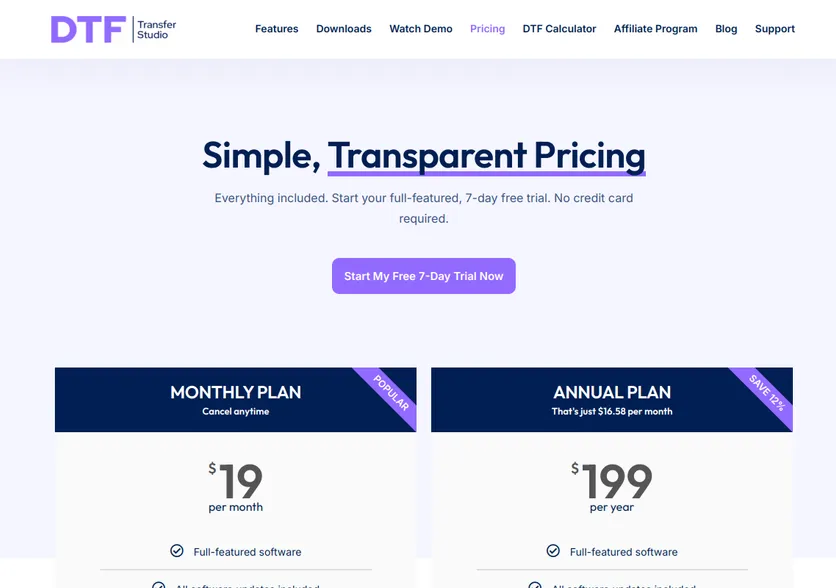
 DTF Transfer Studio | Beginners who want a simple desktop RIP for gang sheets and transfers | $19/month | No free plan; 7-day free trial | Visit |
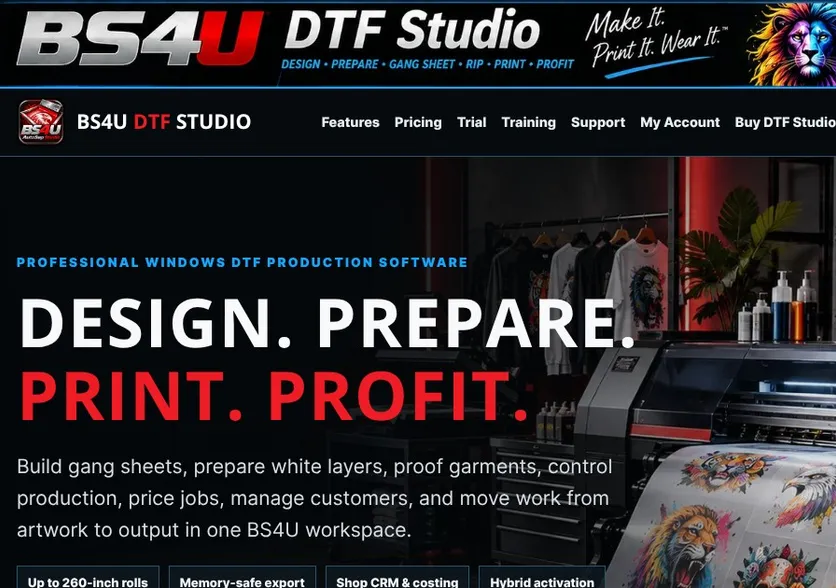
| BS4U DTF Studio | Small shops that want a perpetual DTF RIP without a subscription | $699 one-time | No free plan; free trial available | Visit |
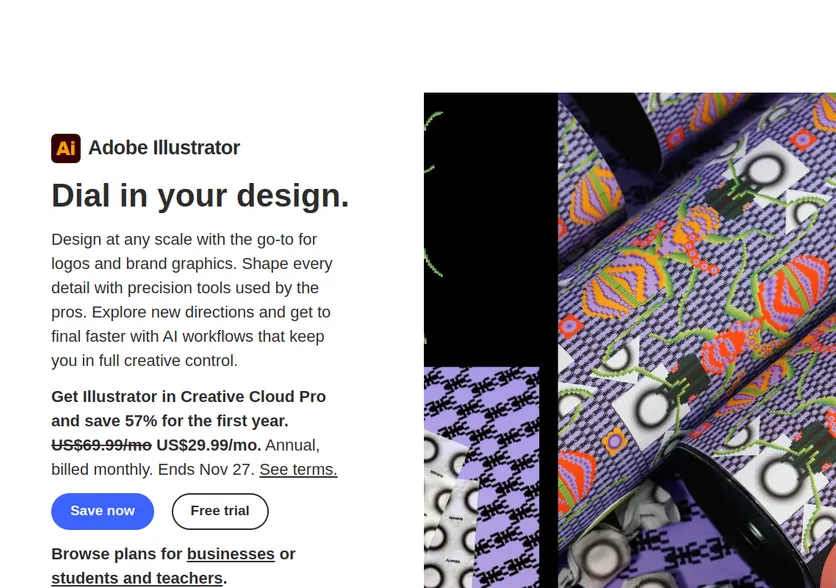
 Adobe Illustrator | Designers who draw DTF artwork as vectors before it reaches the RIP | $22.99/month | No free plan; 7-day free trial | Visit |
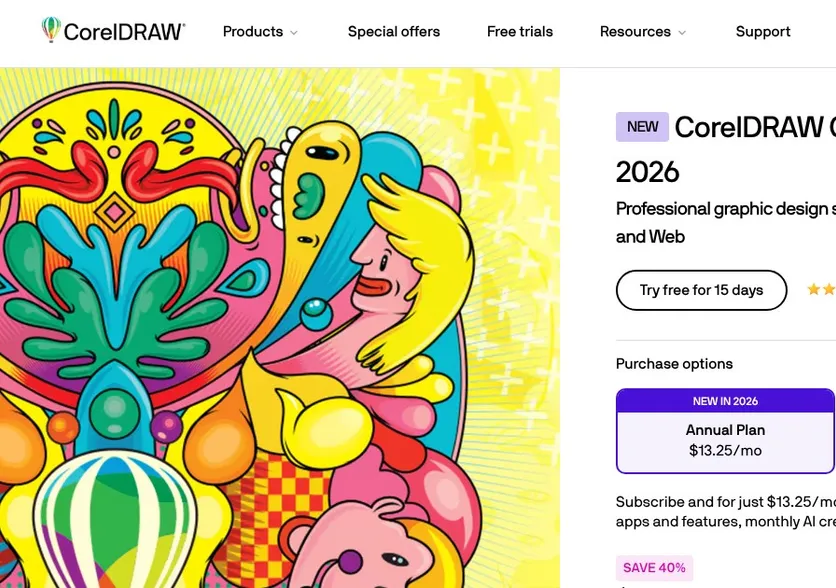
 CorelDRAW Graphics Suite | Print shops that want vector design, layout and photo editing in one suite | $269/year | No free plan; 15-day free trial | Visit |
The dtf printing software, compared
1. Fiery Digital Factory
Best for: DTF print shops that want a dedicated RIP with strong color control on desktop printers
Paid tool Starting price: $445 one-time · Desktop Edition 12, four hundred forty-five dollars once, perpetual license with no annual fee; Production Edition lists from nine hundred forty-five dollars
Free plan: No free plan; 15-day free trial
Fiery Digital Factory is the dedicated DTF RIP most small print shops start with, handling color management, white ink layering and gang sheet layout in one workflow. This Fiery Digital Factory Desktop Edition lists from four hundred forty-five dollars once as a perpetual license, with no annual fee and a fifteen-day free trial. A shop printing on desktop printers up to A2 size gets the full RIP without a dongle, and the Production Edition covers wide-format printers for larger runs.
What we like
- Dedicated DTF RIP with color management and white ink control
- Perpetual license with no annual fee or dongle
- Desktop Edition covers printers up to A2 size
Watch out for
- Windows only, so Mac shops need a Windows computer to run it
- Desktop Edition will not drive wide-format printers
How to try it
- Open the Fiery Digital Factory page and start the 15-day trial
- Add your DTF printer model and load a test gang sheet
- Print a transfer and check white ink coverage before you buy
2. Flexi DTF Pro
Best for: Production DTF shops that want halftoning and white ink control in one RIP
Paid tool Starting price: $899.99/year · Annual subscription, eight hundred ninety-nine dollars and ninety-nine cents a year; the vendor runs a fifty percent first-year promotion that is not the list price
Free plan: No free plan; 7-day free trial
Flexi DTF Pro is the professional RIP from SAi, built for shops that print transfers all day and need precise halftoning, white ink generation and color knockout in one place. This Flexi DTF Pro annual subscription lists at eight hundred ninety-nine dollars and ninety-nine cents a year, with a seven-day free trial and no extra charge for printer drivers. A busy shop gets design tools and RIP features together, so artwork can be finished and printed without switching programs.

What we like
- Halftoning and color knockout built into the RIP
- Design tools and print workflow in one program
- No extra charge for printer drivers or tools
Watch out for
- The most expensive RIP here, so small shops should weigh it against a perpetual license
- First-year promotion ends at renewal, so budget for the full rate
How to try it
- Open the ThinkSAi site and start the 7-day trial
- Import your artwork and test the halftone and white ink settings
- Run a full production day on the trial before you commit
3. DTFNestly
Best for: Small DTF shops that want a low monthly RIP with all features unlocked
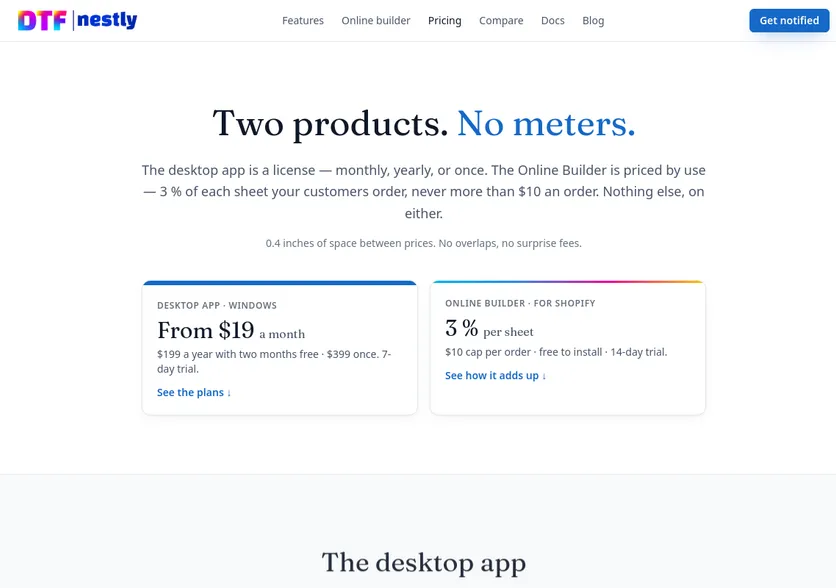
Paid tool Starting price: $19/month · Nineteen dollars a month, or one hundred ninety-nine dollars a year, or three hundred ninety-nine dollars once for a lifetime license
Free plan: No free plan; 7-day free trial
DTFNestly is a desktop RIP app that keeps the price low and the feature list open, with every tool unlocked from the cheapest plan. This DTFNestly plan costs nineteen dollars a month, or one hundred ninety-nine dollars a year, or three hundred ninety-nine dollars once for a lifetime license. A small shop can start monthly and switch to the lifetime license once the workflow proves itself, with a seven-day free trial to test the full feature set first.
What we like
- Lowest monthly price in this comparison at nineteen dollars
- All features unlocked on every plan, with no tier gates
- Lifetime license option for shops that want to stop paying monthly
Watch out for
- A newer vendor than Fiery or SAi, with a smaller support community
- Monthly billing adds up past the lifetime price within two years
How to try it
- Open the DTFNestly pricing page and start the 7-day trial
- Load your artwork and build a gang sheet with the full tools
- Compare the monthly and lifetime prices before you pay
4. DTF Transfer Studio
Best for: Beginners who want a simple desktop RIP for gang sheets and transfers
Paid tool Starting price: $19/month · Nineteen dollars a month, or one hundred ninety-nine dollars a year
Free plan: No free plan; 7-day free trial
DTF Transfer Studio is a straightforward desktop RIP aimed at beginners, with gang sheet building and transfer printing as its core job. This DTF Transfer Studio plan costs nineteen dollars a month, or one hundred ninety-nine dollars a year, and the seven-day free trial unlocks every feature. A first-time DTF printer can learn the workflow in a day and print real transfers during the trial before spending anything.
What we like
- Simple workflow that beginners can learn in a day
- Gang sheet building included at the lowest monthly price
- Trial unlocks every feature with no card lock-in
Watch out for
- Fewer advanced color controls than the professional RIPs here
- No lifetime license option, so the monthly bill never stops
How to try it
- Open the DTF Transfer Studio pricing page and start the trial
- Build a gang sheet from your first artwork files
- Print a test transfer and check the color and white ink
5. BS4U DTF Studio
Best for: Small shops that want a perpetual DTF RIP without a subscription
Paid tool Starting price: $699 one-time · Six hundred ninety-nine dollars once for a one-computer license; the vendor lists an introductory price of four hundred ninety-nine dollars that is not the list price
Free plan: No free plan; free trial available
BS4U DTF Studio sells a one-computer perpetual license, so a small shop pays once and owns the RIP instead of renting it every year. This BS4U DTF Studio license lists at six hundred ninety-nine dollars once for one computer, with a two-computer license available for larger setups. A shop with a single RIP station gets a full DTF workflow without a monthly bill, though support and updates follow the license terms rather than a subscription.
What we like
- Perpetual license with no monthly or yearly bill
- One-computer price suits a single RIP station
- Two-computer license available for a second station
Watch out for
- License covers one computer, so a second station costs extra
- Smaller vendor with less documentation than Fiery or SAi
How to try it
- Open the BS4U DTF Studio site and check the license options
- Test the trial on your own printer and film
- Buy the one-computer license if a single station covers your work
6. Adobe Illustrator
Best for: Designers who draw DTF artwork as vectors before it reaches the RIP
Paid tool Starting price: $22.99/month · Twenty-two dollars and ninety-nine cents a month on the annual plan billed monthly; month-to-month costs more
Free plan: No free plan; 7-day free trial
Adobe Illustrator is where most DTF artwork starts, with vector drawing, text and color tools that keep designs sharp at any print size. This Adobe Illustrator single-app plan costs twenty-two dollars and ninety-nine cents a month on the annual plan billed monthly, with a seven-day free trial. A designer can draw the artwork, separate the colors and hand a clean file to the RIP, though Illustrator prints nothing itself and always needs a RIP beside it.
What we like
- Industry-standard vector tools for DTF artwork
- Clean color separations that RIPs read well
- Works with every RIP in this comparison
Watch out for
- Subscription only, with no one-time purchase option
- Prints nothing on its own, so a RIP is still required
How to try it
- Open the Adobe site and start the Illustrator trial
- Draw your design as vectors and set up the color separations
- Export the file to your RIP and print a test transfer
7. CorelDRAW Graphics Suite
Best for: Print shops that want vector design, layout and photo editing in one suite
Paid tool Starting price: $269/year · Two hundred sixty-nine dollars a year on the annual plan; the vendor shows a forty percent promotional rate that is not the list price; one-time purchase lists at five hundred forty-nine dollars
Free plan: No free plan; 15-day free trial
CorelDRAW Graphics Suite pairs vector drawing with page layout and photo editing, which suits a print shop that designs, lays out and prints in one place. This CorelDRAW Graphics Suite annual plan costs two hundred sixty-nine dollars a year, with a one-time purchase at five hundred forty-nine dollars and a fifteen-day free trial. A shop that builds multipage layouts and edits photos beside its vector work gets three tools for one price, though the subscription is pushed harder than the one-time license.
What we like
- Vector, layout and photo editing in one suite
- One-time purchase option at five hundred forty-nine dollars
- Strong multipage layout tools for print shops
Watch out for
- Promotional pricing appears often, so confirm the list rate at checkout
- Mac version lags the Windows version on some features
How to try it
- Open the CorelDRAW product page and start the 15-day trial
- Draw a design and lay out a gang sheet in the same suite
- Export the artwork to your RIP and print a test transfer
Prices above were checked on each vendor’s own website on Nov 27, 2026 and can change — the vendor’s page is the final word. Vendor links are editorial: nobody paid to be listed or ranked here. Vendors who want a featured listing can see how it works on our Get listed page.
What DTF software costs in 2026
A DTF shop pays for two kinds of software, and the bill is easy to misread if you price only one of them. The RIP drives the printer and controls white ink, while the design tool builds the artwork, so most shops need one of each. A perpetual RIP at four hundred forty-five dollars once can cost less than a yearly subscription within a single year, while a nineteen-dollar monthly RIP stays cheap until the second year. Add both tools together before you compare totals.
Start with the trial on two RIPs and print real transfers on your own printer and film. Compare white ink coverage, color sharpness and how fast a gang sheet comes together, then check the license covers your printer width and your computer count. Pick the RIP whose transfers look right on your film, because a cheap RIP that wastes ink costs more than a dear one that prints clean.
Before you buy
- Match the RIP edition to your printer width, because the Desktop license will not drive a wide-format printer.
- Check whether the price is a subscription or a one-time license, because a yearly RIP can cost more than a perpetual one within two years.
- Confirm the trial length before you buy, because most DTF RIPs offer only seven to fifteen days to test with real film.
- Count the computers that need a license, because several RIPs charge per computer and a second station doubles the bill.
- Separate the design tool from the RIP in your budget, because artwork software and print software solve different jobs.
Official websites
Official websites of the products reviewed above. Features and prices were checked against these sites when this guide was written, and they can change, so confirm on the vendor site before you buy.
Frequently asked questions
Which DTF printing software is best in 2026?
Fiery Digital Factory is the best overall pick at four hundred forty-five dollars once, with dedicated DTF color management, white ink control and gang sheet tools in a perpetual license. Flexi DTF Pro is the best choice for high-volume shops that need halftoning and design tools in one program. DTFNestly is the best budget pick at nineteen dollars a month with every feature unlocked.
How much does DTF printing software cost?
Dedicated DTF RIPs in this list run from nineteen dollars a month to eight hundred ninety-nine dollars and ninety-nine cents a year, with perpetual licenses from four hundred forty-five dollars to six hundred ninety-nine dollars once. Design tools add twenty-two dollars and ninety-nine cents a month for Illustrator or two hundred sixty-nine dollars a year for CorelDRAW. Most shops need one RIP plus one design tool, so budget for both.
Do I need a RIP, or can I print straight from Illustrator?
No, a design tool alone cannot print a DTF transfer, because the RIP controls white ink, color management and the printhead itself. Illustrator and CorelDRAW build the artwork as vectors, then hand the file to a RIP like Fiery Digital Factory or Flexi DTF Pro that prepares it for the printer. A shop that skips the RIP will waste film and ink on bad transfers.
Is there a free DTF RIP?
There is no free DTF RIP with a permanent free plan in this list, but every tool offers a trial of seven to fifteen days with the full feature set unlocked. DTFNestly and DTF Transfer Studio both cost nineteen dollars a month after the trial, which is the cheapest paid start. Use the trial to print real transfers on your own printer before you pay.
What is the difference between Desktop and Production editions?
The Desktop Edition covers small-format desktop printers up to A2 size or roughly eighteen-inch rolls, which suits most home and small shops. The Production Edition covers wide-format and production-class printers, including twenty-four-inch roll printers, for high-volume work. Buying the wrong edition is the most common RIP mistake, so check your printer width before you buy.
Need everyday image help too? Try Toolsvine's free image tools right in your browser.
Browse Image Tools tools


