
On this page
An esports poster needs bold type, loud colors and a layout that reads from across a room, and the tools below all ship gaming templates that get you there fast. The seven options run from about four dollars a month to about eighteen dollars a month, and every price was checked on the vendor site on November 26, 2026. Most include a free plan with thousands of templates, so the real choice is whether you want gaming mockups or a full design editor. Canva is our first pick — the biggest template library from twelve dollars a month billed annually.
How we researched this
We started with the poster tools esports creators actually use, then read each price on the vendor pricing page on November 26, 2026 and noted the free plan each one carries. We judged them for a streamer, team or tournament organizer that needs posters, banners and social graphics every week. We kept only tools with a published price, and we dropped quote-only design services and tools with no published plan, because a creator cannot budget for a price the vendor will not print.
Compare the tools
| Name | Best for | Starting price | Free plan | |
|---|---|---|---|---|
 Canva | Everyday esports graphics with the biggest template library | $12/month | Free plan with thousands of templates and no time limit | Visit |
 Adobe Express | Posters with Adobe fonts, stock assets and AI generation | $9.99/month | Free plan with hundreds of thousands of templates | Visit |
 Placeit | Gaming mockups, logos and merch designs for streamers | $14.95/month | Limited free previews; no full free plan | Visit |
 VistaCreate | Polished commercial templates for teams on one bill | $13/month | Free Starter plan with 1 seat and 10 GB storage | Visit |
 Snappa | Fast static graphics with safe-zone overlays for banners | $10/month | Free plan with 10 credits a month | Visit |
 Fotor | Budget posters with AI photo enhancement and quick edits | $3.99/month | Free plan with banner presets and basic editing | Visit |
 PosterMyWall | High-volume event posters with niche templates | $9.08/month | Free plan with watermarked image downloads | Visit |
The poster design tools, compared
1. Canva
Best for: Everyday esports graphics with the biggest template library
Paid tool Starting price: $12/month · Pro $12 a month per person billed annually ($144 a year) or $18 a month billed monthly; free plan with thousands of templates and no time limit
Free plan: Free plan with thousands of templates and no time limit
Canva is the easiest starting point for esports posters, because its template library includes gaming layouts, tournament brackets and stream graphics that only need your team colors. This Canva Pro plan costs twelve dollars a month per person billed annually, or eighteen dollars billed monthly and adds brand kits, background removal, magic resize and a hundred gigabytes of storage. A tournament organizer can make a poster, a banner and a social post from one design in ten minutes.

What we like
- Biggest template library in the list
- Magic resize for every social size
- Brand kits keep every poster on brand
Watch out for
- Pro is priced per person, so teams pay more
- Advanced editing is lighter than Photoshop
How to try it
- Open the Canva pricing page and create a free account
- Search the templates for esports and pick a poster layout
- Set up a brand kit with your team colors and logo
2. Adobe Express
Best for: Posters with Adobe fonts, stock assets and AI generation
Paid tool Starting price: $9.99/month · Premium $9.99 a month with no annual commitment, or $99.99 a year; free plan with hundreds of thousands of templates
Free plan: Free plan with hundreds of thousands of templates
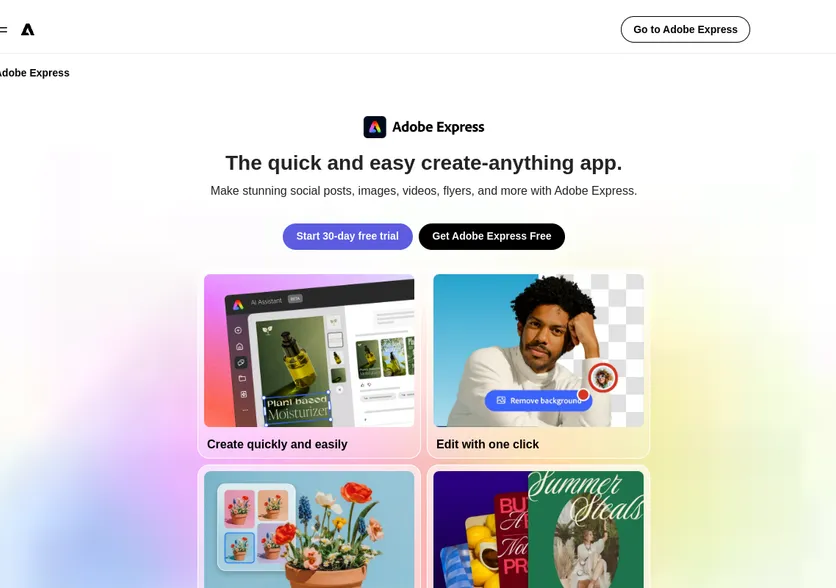
Adobe Express brings the Adobe ecosystem to poster design, with Firefly AI generation, Adobe Fonts and millions of stock assets in a simple editor. This Adobe Express Premium plan costs nine dollars and ninety nine cents a month and unlocks premium stock, advanced Firefly features and brand kit controls. A designer who already works in Adobe apps will feel at home here, with the same fonts and assets across every tool.
What we like
- Firefly AI generation built in
- Adobe Fonts and stock included
- No annual commitment on Premium
Watch out for
- Fewer gaming templates than Canva
- Advanced features need the Premium plan
How to try it
- Open the Adobe Express plans page and create a free account
- Search the templates for a gaming poster layout
- Generate a background with Firefly and add your team name
3. Placeit
Best for: Gaming mockups, logos and merch designs for streamers
Paid tool Starting price: $14.95/month · Unlimited subscription $14.95 a month or $89.69 a year; single designs from about $2.95 each
Free plan: Limited free previews; no full free plan
Placeit is the gaming specialist here, with channel presets, gaming logo overlays and realistic device mockups that no general editor matches. This Placeit Unlimited subscription costs fourteen dollars and ninety five cents a month and opens every graphic generator, banner layout and merch mockup on the site. A streamer can make a poster, a logo and a merch mockup in one session without opening a second tool.
What we like
- Best gaming templates in the list
- Mockups and merch in the same tool
- Fast fill-in layouts, no design skill needed
Watch out for
- No full free plan, only previews
- Editor is simpler than Canva
How to try it
- Open the Placeit pricing page and browse the gaming templates
- Pick a poster layout and add your team name
- Download the poster and a matching mockup
4. VistaCreate
Best for: Polished commercial templates for teams on one bill
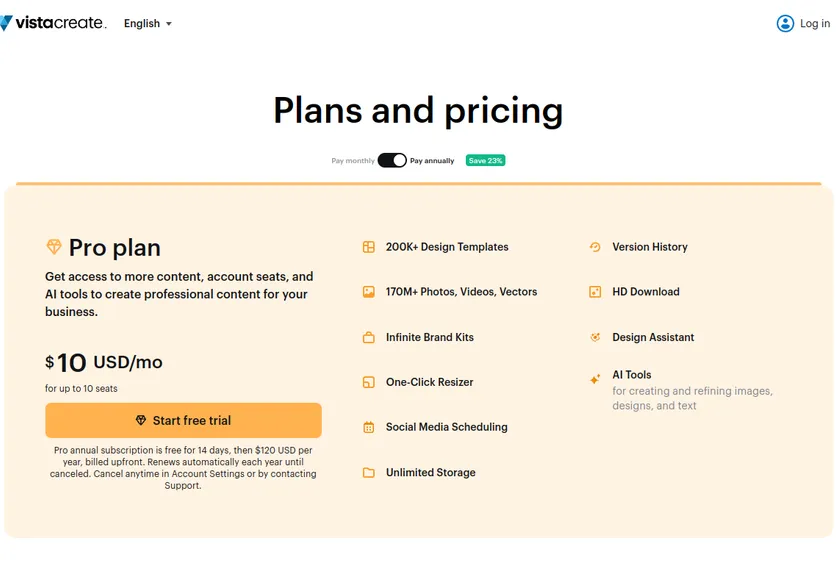
Paid tool Starting price: $13/month · Pro $13 a month or $10 a month billed annually at $120 a year; one plan covers up to 10 seats; Starter free
Free plan: Free Starter plan with 1 seat and 10 GB storage
VistaCreate gives a small team polished templates and a brand kit on one bill, which makes it the cheapest way to hand the same brand tools to ten people. This VistaCreate Pro plan costs thirteen dollars a month and covers up to ten seats with unlimited downloads, background removal and full brand kit features. A team can keep every poster on brand without paying per person like the bigger editors charge.
What we like
- One plan covers up to ten seats
- Unlimited downloads on Pro
- Background remover included
Watch out for
- Smaller template library than Canva
- Fewer gaming-specific layouts
How to try it
- Open the VistaCreate pricing page and create a free account
- Pick a poster template and set up your brand kit
- Resize the poster for every social channel in one click
5. Snappa
Best for: Fast static graphics with safe-zone overlays for banners
Paid tool Starting price: $10/month · Pro $10 a month billed $120 a year with 3,000 credits a year; free plan gives 10 credits a month
Free plan: Free plan with 10 credits a month
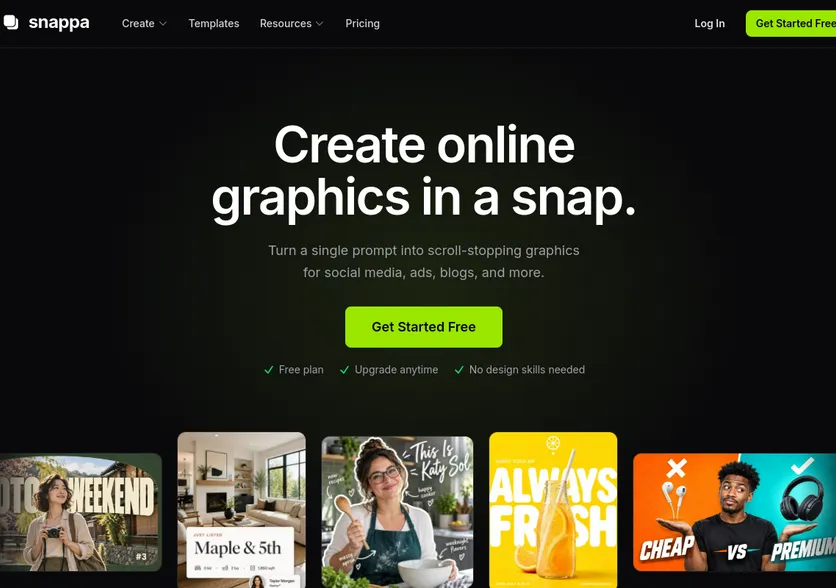
Snappa is the fastest tool here for a single poster, because its safe-zone overlays and one-click resize get a graphic out the door in minutes. This Snappa Pro plan costs ten dollars a month billed annually and includes three thousand credits a year for graphics, edits and resizes. A creator who needs a few sharp posters a week will find the credit model cheaper than a per-person subscription.
What we like
- Safe-zone overlays for banners
- One-click magic resizing
- Very fast for a single graphic
Watch out for
- Credits limit how many graphics you make
- Smaller template library than Canva
How to try it
- Open the Snappa pricing page and create a free account
- Pick a poster size and check the safe-zone overlay
- Add your text and download the finished poster
6. Fotor
Best for: Budget posters with AI photo enhancement and quick edits
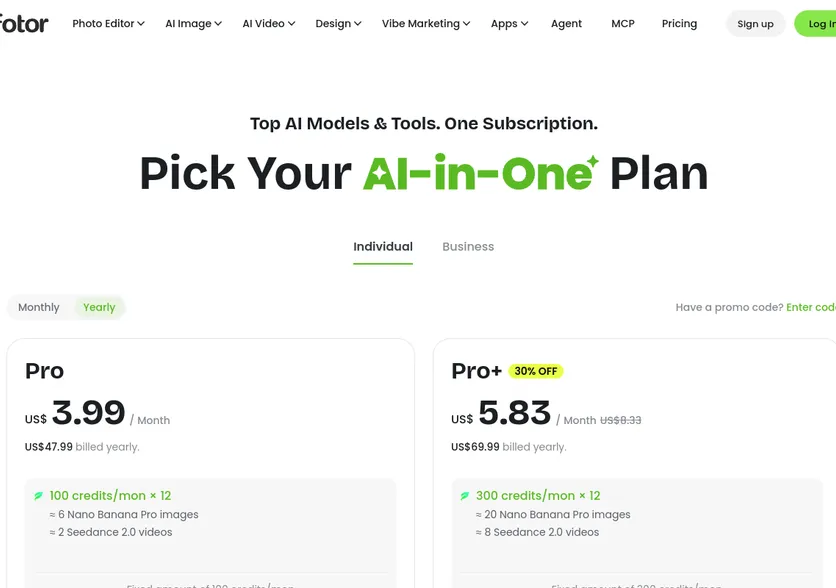
Paid tool Starting price: $3.99/month · Pro $3.99 a month billed annually ($47.99 a year); $10.99 a month on monthly billing; free plan with banner presets and basic editing
Free plan: Free plan with banner presets and basic editing
Fotor is the budget pick here, with AI background removal, text-to-image generation and photo touch-up tools at the lowest paid price on this list. This Fotor Pro plan costs three dollars and ninety nine cents a month billed annually and unlocks the full photo enhancement and banner preset library. A creator on a tight budget can make a sharp esports poster without paying for a full design suite.
What we like
- Lowest paid price in the list
- Strong AI photo enhancement
- Quick background removal
Watch out for
- Smaller template library than Canva
- Fewer gaming-specific layouts
How to try it
- Open the Fotor pricing page and create a free account
- Pick a banner preset and upload your team photo
- Remove the background and add your team name
7. PosterMyWall
Best for: High-volume event posters with niche templates
Paid tool Starting price: $9.08/month · Premium $9.08 a month billed annually ($109 a year); $13 a month on monthly billing; single high-resolution images from $5.99 each; free plan with watermarked downloads
Free plan: Free plan with watermarked image downloads
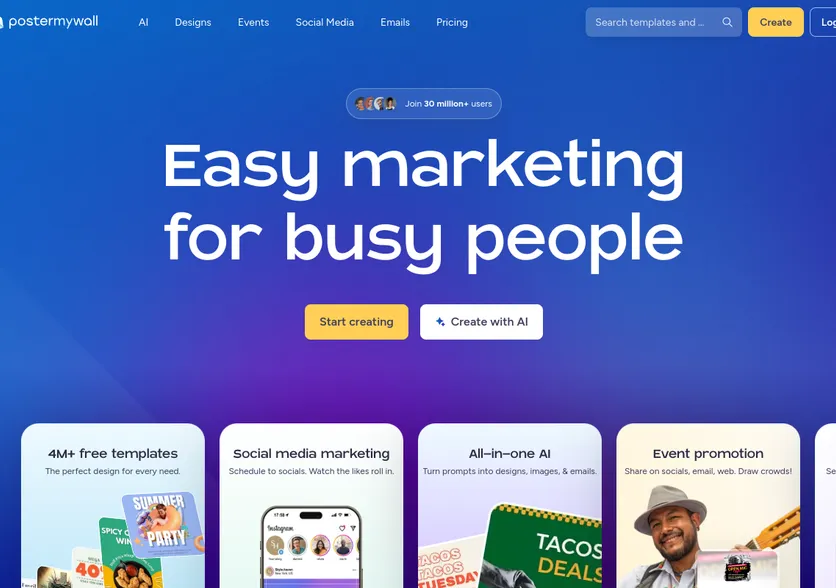
PosterMyWall is built for volume, with a huge library of event and promotional templates that a tournament organizer can turn into posters all week. This PosterMyWall Premium plan costs nine dollars and eight cents a month billed annually and adds a brand kit, custom fonts and high-resolution downloads. An organizer running weekly events will find a fresh template for every match without starting from a blank canvas.
What we like
- Huge library of event templates
- Fast text customization
- High-resolution downloads on Premium
Watch out for
- Free downloads are watermarked
- Some listings show a higher monthly rate
How to try it
- Open the PosterMyWall pricing page and create a free account
- Search the templates for a gaming or event poster
- Customize the text and download it in high resolution
Prices above were checked on each vendor’s own website on Nov 26, 2026 and can change — the vendor’s page is the final word. Vendor links are editorial: nobody paid to be listed or ranked here. Vendors who want a featured listing can see how it works on our Get listed page.
What esports poster software costs in 2026
Most creators pay for one design tool, so the headline price is the whole budget and the cheapest plan is not always the cheapest deal. This list runs from about four dollars a month to about eighteen dollars a month, and the per-person pricing of Canva can pass every flat plan once your whole team needs a seat. The headline plan each vendor shows on its own pricing page is the number in the table above, checked on November 26, 2026.
Start with the free plan on two tools and make the same poster through both. Compare the gaming templates, the text tools and how the poster looks printed large, then pick the tool you will actually open before every match. A nine-dollar tool your team uses beats a fifteen-dollar editor that sits empty.
Before you buy
- Check the template library first, because Placeit and Canva have gaming layouts while others expect you to build from scratch.
- Test the export quality, because a poster that looks sharp on screen can blur when printed large.
- Ask about seats, because Canva charges per person while VistaCreate covers ten seats on one plan.
- Check the free plan limits, because Snappa counts credits and PosterMyWall watermarks free downloads.
- Add up the add-ons, because stock photos, premium fonts and background removal can sit behind the paid plan on some tools.
Official websites
Official websites of the products reviewed above. Features and prices were checked against these sites when this guide was written, and they can change, so confirm on the vendor site before you buy.
Frequently asked questions
Which software is best for esports poster design in 2026?
Canva, at twelve dollars a month billed annually, is the safest default because it has the biggest template library with gaming layouts and stream graphics. Adobe Express is better when you already work in Adobe apps, at nine dollars a month with Firefly AI and stock assets. Placeit wins for gaming specialists, at about fifteen dollars a month with mockups, logos and merch in one tool.
Can I design esports posters for free?
Yes. Canva, Adobe Express, VistaCreate, Snappa and Fotor all offer free plans with templates you can use for real posters. Placeit offers free previews, and PosterMyWall gives watermarked downloads free. All of them are permanent free plans, so a streamer can make posters for the next match without paying anything.
What is the cheapest poster design software?
Fotor Pro, at three dollars and ninety nine cents a month billed annually, is the cheapest paid plan here. PosterMyWall Premium, at nine dollars and eight cents a month billed annually, and Snappa Pro, at ten dollars a month billed annually, are close behind. Adobe Express Premium, at nine dollars and ninety nine cents a month, adds AI generation for the same money.
Which poster tool is best for a gaming team?
Placeit is the best pick for a gaming team, with channel presets, gaming logo overlays and merch mockups in one tool. Canva suits a team that also needs social posts and banners, with the biggest template library. VistaCreate is the cheapest way to equip a whole team, since one thirteen-dollar plan covers up to ten seats.
Do these tools work for tournament posters?
Yes. PosterMyWall is built for event posters with a huge template library for weekly matches, and Canva covers tournament brackets and stream graphics too. Placeit adds merch mockups for tournament merch, while Adobe Express brings AI-generated backgrounds for a fresh look every event. Pick the tool whose templates match your tournament style.
Need more help with the visuals? Try Toolsvine's free image tools for creators right in your browser.
Browse Image Tools tools


