On this page
Field marketing lives or dies on the event itself: the registration page, the check-in line and the follow-up email all have to work on the day. The seven tools below cover that job for events of every size, from a free ticket page for a small meetup to a platform that runs a flagship conference. Eventbrite leads because ticketing and email marketing share one dashboard from fifteen dollars a month, and the rest are ranked on how much event control you get for the price.
How we researched this
We checked every price on the vendor pricing page on November 28, 2026, and only included tools with a published US dollar list price. Cvent, Bizzabo and Whova publish no prices, so they are not in this list. Prices change, so confirm the current figure on the vendor site before you buy.
Compare the tools
| Name | Best for | Starting price | Free plan | |
|---|---|---|---|---|
 Eventbrite | Teams that sell tickets and market the event | $15/month | Free plan (free events) | Visit |
 Airmeet | Teams that run webinars and virtual events | $167/month | Free plan (50 attendees) | Visit |
 Zoho Backstage | Zoho users who run conferences and trade shows | $99/month | Free plan (100 attendees per event) | Visit |
 Accelevents | Teams that run one big flagship event a year | $7,500/event | No free plan; demo on request | Visit |
 Eventzilla | Small organisers who charge per registration | $1.50/registration | Free plan (free events) | Visit |
 TicketSpice | Festivals and fairs that sell lots of tickets | $0.99/ticket | No free plan; free trial | Visit |
| RingCentral Events | Teams that run webinars and hybrid events every week | $99/organizer/month | No free plan; 30-day free trial | Visit |
The software for managing field marketing events, compared
1. Eventbrite
Best for: Teams that sell tickets and market the event
Paid tool Starting price: $15/month · Fifteen dollars a month on Pro for two thousand emails a day, with twenty percent off annual billing; larger Pro tiers are fifty dollars and one hundred dollars; paid tickets also carry a three-point-seven percent plus one-dollar-seventy-nine-cent service fee and two-point-nine percent payment processing; one September 2026 read says Pro is closed to new subscribers, against a November 2026 vendor-page read
Free plan: Free plan (free events)
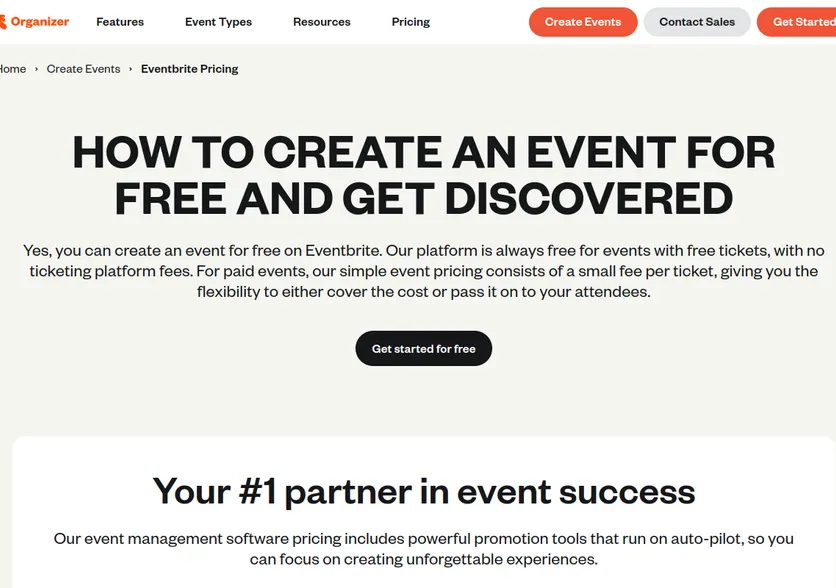
A team that sells tickets and markets the event from one place starts here, because this Eventbrite plan costs fifteen dollars a month on Pro for two thousand emails a day. Registration pages, ticket sales and email campaigns share one dashboard, and free events cost nothing to list. It is the best pick in this list for a team that runs public events and needs ticket sales with marketing built in.
What we like
- Ticketing and email marketing in one dashboard
- Free events cost nothing to list
- Huge built-in audience discovers public events
Watch out for
- Ticket fees add up on every paid ticket
- Pro availability for new subscribers is disputed in recent reads
How to try it
- Create the event page and set ticket types and prices
- Send the first email campaign to the invite list
- Track registrations and check in attendees at the door
2. Airmeet
Best for: Teams that run webinars and virtual events
Paid tool Starting price: $167/month · One hundred and sixty-seven dollars a month billed annually on Premium Webinars ($199 month to month); the free plan covers fifty attendees and five events a month; Events and Managed Events are quoted
Free plan: Free plan (50 attendees)
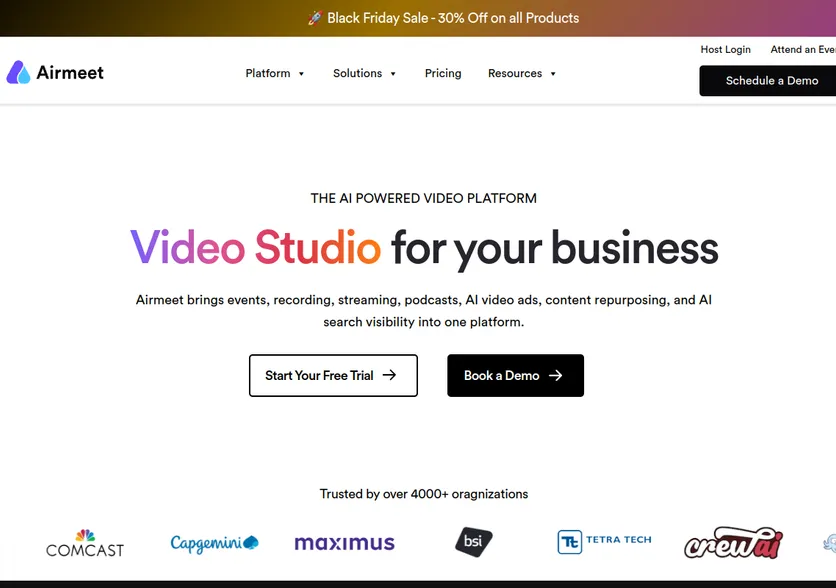
A team that runs webinars every week gets a proper virtual venue here, because this Airmeet plan costs one hundred and sixty-seven dollars a month billed annually on Premium Webinars. Stages, breakout tables and networking lounges give virtual events the feel of a real conference, and the free plan covers fifty attendees. It is the best pick in this list for a team whose events live mostly online.
What we like
- Virtual stages, lounges and breakout tables
- Networking that feels closer to a real event
- Free plan covers fifty attendees and five events a month
Watch out for
- The entry price is high for occasional events
- Larger conferences need the quoted Events plans
How to try it
- Set up the virtual stage and add speakers
- Open breakout tables for networking sessions
- Send reminders and follow up with attendees after
3. Zoho Backstage
Best for: Zoho users who run conferences and trade shows
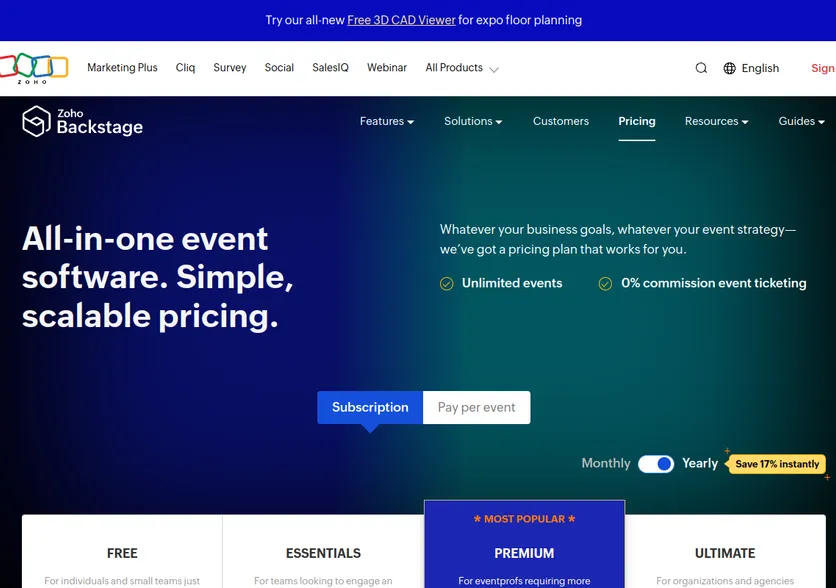
Paid tool Starting price: $99/month · Ninety-nine dollars a month billed annually on Essentials ($119 month to month); Premium is two hundred and eight dollars and Ultimate four hundred and sixteen dollars; pay-per-event starts at two hundred and ninety-nine dollars
Free plan: Free plan (100 attendees per event)
A team already running Zoho apps gets the smoothest fit here, because this Zoho Backstage plan costs ninety-nine dollars a month billed annually on Essentials. Event websites, ticketing and attendee check-in share one dashboard, and the free plan covers one hundred attendees per event. It is the best pick in this list for a Zoho shop that runs in-person events.
What we like
- Event websites, ticketing and check-in in one app
- Free plan covers one hundred attendees per event
- Deep integration with Zoho CRM and the Zoho suite
Watch out for
- No ticket commission, but the monthly fee is fixed
- Virtual event features are thinner than Airmeet
How to try it
- Build the event website and set ticket types
- Publish the agenda and open registration
- Check in attendees with the mobile app at the door
4. Accelevents
Best for: Teams that run one big flagship event a year
Paid tool Starting price: $7,500/event · Seven thousand five hundred dollars per event on Professional for one event; Business is thirteen thousand five hundred dollars a year for unlimited events; Enterprise and White Label are quoted
Free plan: No free plan; demo on request
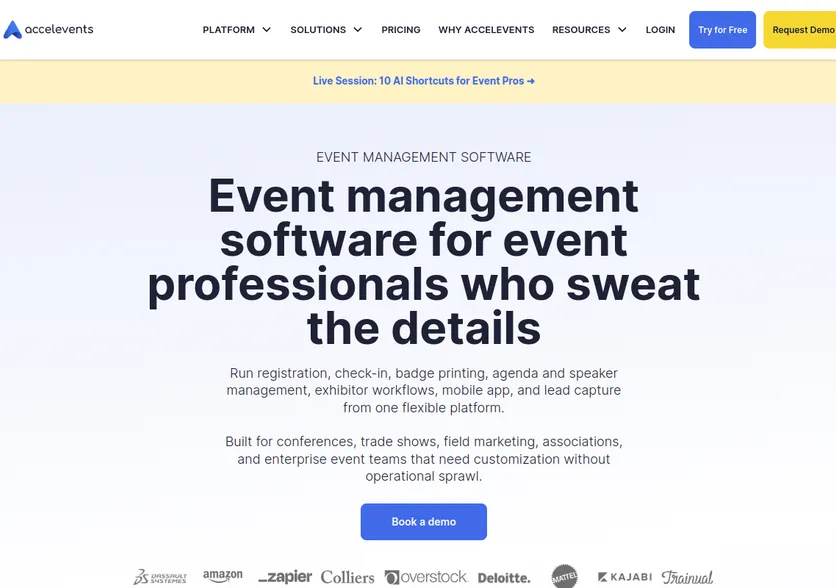
A team that pours everything into one flagship event gets a platform built for it here, because this Accelevents plan costs seven thousand five hundred dollars per event on Professional for a single event. Registration, badge printing, lead retrieval and a mobile app cover the whole show floor, and the Business plan covers unlimited events for a year. It is the best pick in this list for a team whose year hangs on one big conference.
What we like
- Built for large in-person conferences and expos
- Badge printing and lead retrieval included
- Mobile app covers the whole show floor
Watch out for
- Per-event pricing is dear for small or frequent events
- No free plan, only a demo on request
How to try it
- Build the event website and registration flow
- Set up badge printing and lead retrieval for exhibitors
- Run check-in from the mobile app on the day
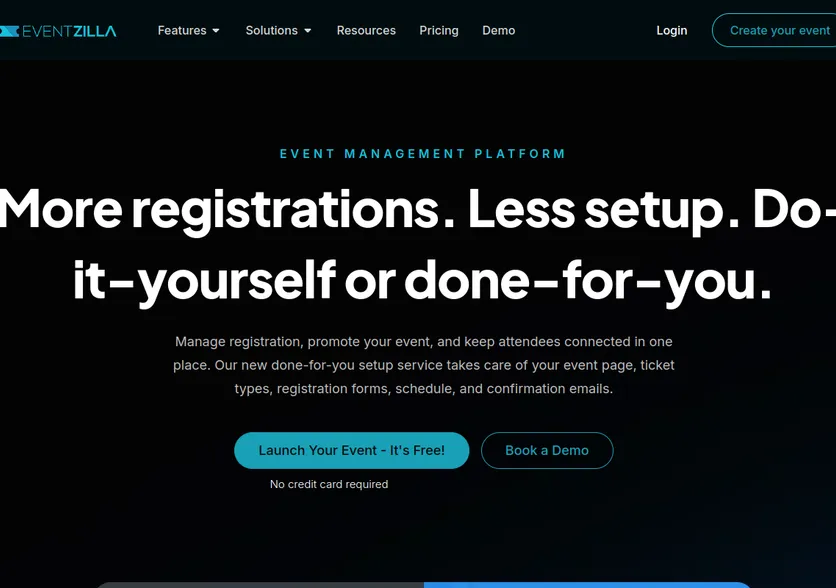
5. Eventzilla
Best for: Small organisers who charge per registration
Paid tool Starting price: $1.50/registration · One dollar and fifty cents per paid registration on Basic; Pro is one-point-nine percent plus one dollar and fifty cents, Plus is two-point-nine percent plus one dollar and fifty cents, and Scale starts at one thousand nine hundred and ninety-nine dollars a year; free events cost nothing
Free plan: Free plan (free events)
A small organiser who wants to pay only when people register finds the fairest deal here, because this Eventzilla plan costs one dollar and fifty cents per paid registration on Basic. Free events cost nothing, unlimited events are included, and the fee can be passed to attendees. It is the best pick in this list for a team that runs occasional paid events and hates monthly subscriptions.
What we like
- Pay only per paid registration, no subscription
- Free events cost nothing at all
- Fees can be passed to attendees
Watch out for
- Basic allows only one paid ticket type
- Processing fees sit on top and are not published
How to try it
- Create the event and set up one paid ticket type
- Publish the registration page and share the link
- Check in attendees with the organiser app
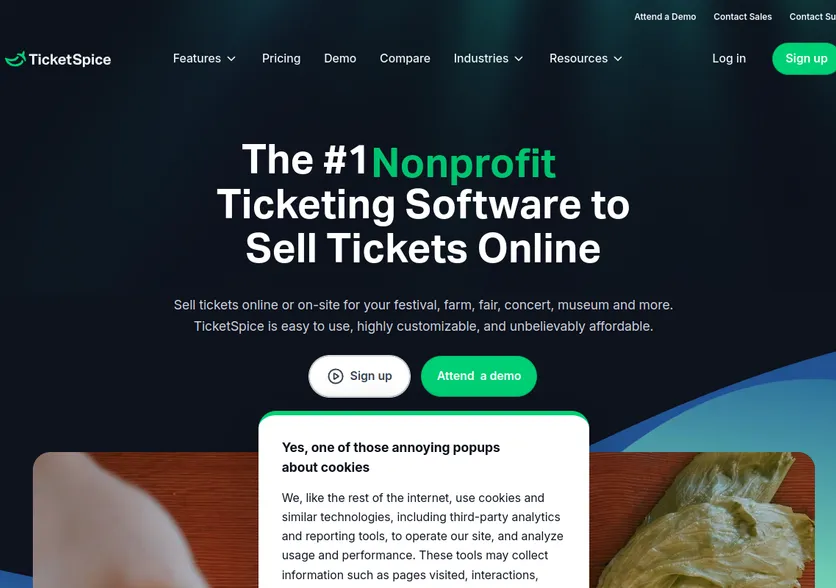
6. TicketSpice
Best for: Festivals and fairs that sell lots of tickets
Paid tool Starting price: $0.99/ticket · Ninety-nine cents per paid ticket on Standard plus standard card processing; Premium is one dollar and forty-nine cents and Pro one dollar and ninety-nine cents; marketing add-ons cost extra
Free plan: No free plan; free trial
A festival or fair that sells thousands of tickets gets the simplest maths here, because this TicketSpice plan costs ninety-nine cents per paid ticket on Standard plus standard card processing. The page builder makes the ticket page look like the organiser's own site, and reserved seating and season passes come on the higher tiers. It is the best pick in this list for a team that sells tickets by the thousand and wants a flat fee.
What we like
- Flat ninety-nine-cent fee per paid ticket
- White-label pages that look like the organiser's site
- Reserved seating and season passes on higher tiers
Watch out for
- No free plan, only a free trial
- Marketing tools cost extra as add-on modules
How to try it
- Build the ticket page with the drag-and-drop builder
- Set ticket types, add-ons and donations
- Scan tickets at the gate with the box office app
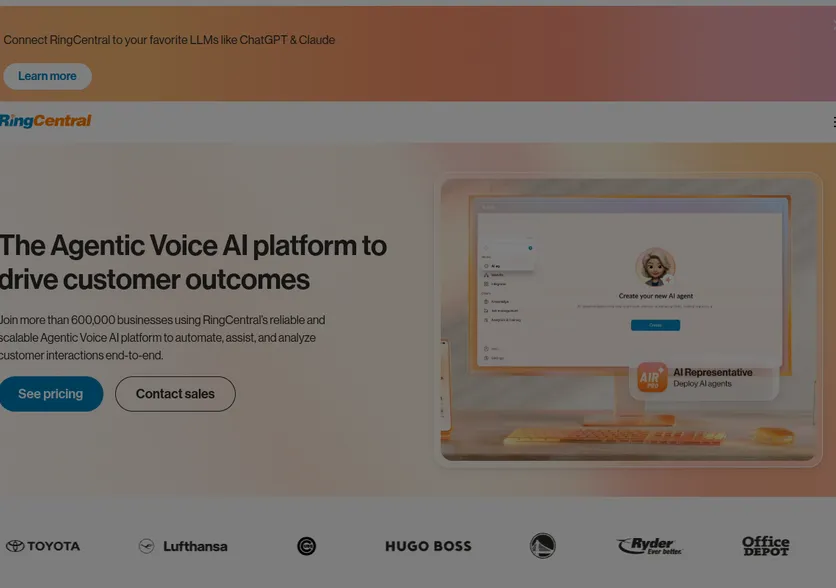
7. RingCentral Events
Best for: Teams that run webinars and hybrid events every week
Paid tool Starting price: $99/organizer/month · Ninety-nine dollars per organiser a month billed annually on Events Pro ($119 month to month, with an annual commitment either way); Pro+ is one hundred and ninety-nine dollars and Enterprise two hundred and ninety-nine dollars; every plan includes unlimited events and registrations
Free plan: No free plan; 30-day free trial
A marketing team that ships a webinar every week gets predictable pricing here, because this RingCentral Events plan costs ninety-nine dollars per organiser a month billed annually on Events Pro. Unlimited events and registrations come on every plan, and the virtual venue, stage and production studio cover the whole show. It is the best pick in this list for a team that runs events constantly and wants one flat price per organiser.
What we like
- Unlimited events and registrations on every plan
- Virtual venue with stage and production studio
- Predictable per-organiser pricing for frequent events
Watch out for
- Per-organiser pricing grows with every organiser seat
- Onsite and hybrid tools need the dearer Pro+ plan
How to try it
- Set up the virtual venue and brand the stage
- Schedule the webinar series and open registration
- Run the show from the production studio
Prices above were checked on each vendor’s own website on Nov 28, 2026 and can change — the vendor’s page is the final word. Vendor links are editorial: nobody paid to be listed or ranked here. Vendors who want a featured listing can see how it works on our Get listed page.
How to run a field event that fills the pipeline
Start with the attendee journey, not the agenda: registration, reminders, check-in and follow-up all have to work before the first speaker takes the stage. Send the first reminder a week out and the second the day before, because no-shows are the biggest leak in event marketing. Capture every badge scan and session visit, and push the data into the CRM the same night, while the event is still fresh. Finally, send the follow-up within two working days, while attendees still remember the room. And name one owner for the event data, so leads do not sit in a spreadsheet while the sales team waits.
Before you buy
- Confirm whether the price covers registration, ticketing and check-in or only one of them
- Check whether attendee limits, events or emails are capped on the entry plan
- Ask if the tool handles both in-person check-in and virtual sessions
- Make sure the data exports cleanly into the CRM the sales team uses
- Test the full attendee journey, from registration to check-in, before the event
Official websites
Official websites of the products reviewed above. Features and prices were checked against these sites when this guide was written, and they can change, so confirm on the vendor site before you buy.
Frequently asked questions
What is the best software for managing field marketing events?
Eventbrite is the best overall pick, because ticketing, registration and email marketing share one dashboard, and Pro costs fifteen dollars a month for two thousand emails a day. TicketSpice is the best value for ticket sellers at ninety-nine cents per paid ticket, and RingCentral Events suits teams that run webinars weekly at ninety-nine dollars per organiser a month. The right choice depends on whether the event is public, virtual or a big conference.
How much does field marketing event software cost?
Prices in this list run from ninety-nine cents per paid ticket on TicketSpice to seven thousand five hundred dollars per event on Accelevents Professional, because the tools cover very different jobs. Eventbrite Pro is fifteen dollars a month, Zoho Backstage Essentials is ninety-nine dollars a month, and Airmeet Premium Webinars is one hundred and sixty-seven dollars a month. Per-ticket tools suit occasional events, while subscriptions suit teams that run events every week.
Is there free event software for small events?
Yes. Eventbrite is free for free events, Eventzilla charges nothing for free events, Zoho Backstage is free for up to one hundred attendees per event, and Airmeet is free for fifty attendees and five events a month. TicketSpice, Accelevents and RingCentral Events offer trials or demos instead of free plans. Free tiers cover small events, and bigger shows will need a paid plan.
Can one tool handle both in-person and virtual events?
Yes, most tools in this list handle both. RingCentral Events and Airmeet cover virtual and hybrid events with stages, networking and production studios, while Zoho Backstage and Accelevents cover in-person registration, badge printing and check-in. Eventbrite works for both public ticketed events and private ones. Pick the tool that matches the format the team runs most often.
What should I check before buying event software?
Check whether the price covers registration, ticketing and check-in, or only one of them, and whether attendee limits apply. Confirm that the data exports into the CRM, so sales can follow up with every attendee. Test the full journey from registration to check-in before the event, because a broken check-in line is the failure the audience remembers.
Compare the seven tools above, then start with a free plan or trial on the one that matches the event size and format before paying for a full year.
Browse Marketing & Ads Calculators tools