
On this page
A patent drawing must be precise enough to pass review, and the software you pick decides whether your figures are clean or a headache. The eight tools below run from five dollars per user a month for diagrams to two thousand eight hundred twenty dollars a year for 3D modeling, and every price was checked on the vendor site on November 27, 2026. Some are CAD tools, others are diagram tools, so match the tool to the figures you actually draw. DraftSight is our first pick — AutoCAD-compatible drafting at a fair yearly price.
How we researched this
We started with the patent drawing tools engineers and illustrators actually buy, then checked each price on the vendor pricing page on November 27, 2026 and noted the free plan or trial each one offers. We judged them for a team drawing patent figures, weighing precision, format support and the price of the plan you actually need. We dropped Inkscape because it costs nothing, and we noted that BricsCAD is now sold under the Octave name.
Compare the tools
| Name | Best for | Starting price | Free plan | |
|---|---|---|---|---|
 Adobe Illustrator | Designers who draw patent illustrations as vector art | $22.99/month | No free plan; 7-day free trial | Visit |
 AutoCAD | Engineers who need the CAD standard for precise patent drawings | $2,095/year | No free plan; 30-day free trial | Visit |
 BricsCAD | CAD users who want AutoCAD compatibility at a lower price | $780/year | No free plan; 30-day free trial | Visit |
 CorelDRAW Technical Suite | Technical illustrators who need precise vector drawings with CAD tools | $499/year | No free plan; free trial available | Visit |
| DraftSight | Teams who want AutoCAD-compatible 2D drafting at a lower yearly price | $299/year | No free plan; 30-day free trial | Visit |
 Microsoft Visio | Office teams who draw patent flowcharts and diagrams in Microsoft 365 | $5/user/month | No free plan; 1-month free trial | Visit |
 SmartDraw | Anyone who wants quick technical diagrams without learning CAD | $10.95/month | No free plan; 7-day free trial | Visit |
 SOLIDWORKS | Engineers who model inventions in 3D before drawing them | $2,820/year | No free plan; 15-day money-back policy | Visit |
The patent drawing software, compared
1. Adobe Illustrator
Best for: Designers who draw patent illustrations as vector art
Paid tool Starting price: $22.99/month · Annual plan billed monthly at twenty-two dollars and ninety-nine cents a month, the standard Adobe single-app rate
Free plan: No free plan; 7-day free trial
Adobe Illustrator draws patent illustrations as precise vector art, with pen tools and layers that keep every line editable. This Adobe Illustrator plan costs twenty-two dollars and ninety-nine cents a month on the annual plan, the standard Adobe single-app rate. A designer who illustrates inventions will like its control over every curve.

What we like
- Precise vector drawing with full edit control
- Layers keep complex figures organized
- Pairs with the rest of the Adobe suite
Watch out for
- No CAD dimensioning or DWG editing
- Per-user subscription adds up for a team
How to try it
- Open Illustrator and set up an artboard for your figure
- Draw with the pen tool and organize parts on layers
- Export the figure as a PDF for the patent filing
2. AutoCAD
Best for: Engineers who need the CAD standard for precise patent drawings
Paid tool Starting price: $2,095/year · Annual plan at two thousand ninety-five dollars a year; month-to-month is two hundred sixty dollars a month and three years is six thousand two hundred eighty-five dollars
Free plan: No free plan; 30-day free trial
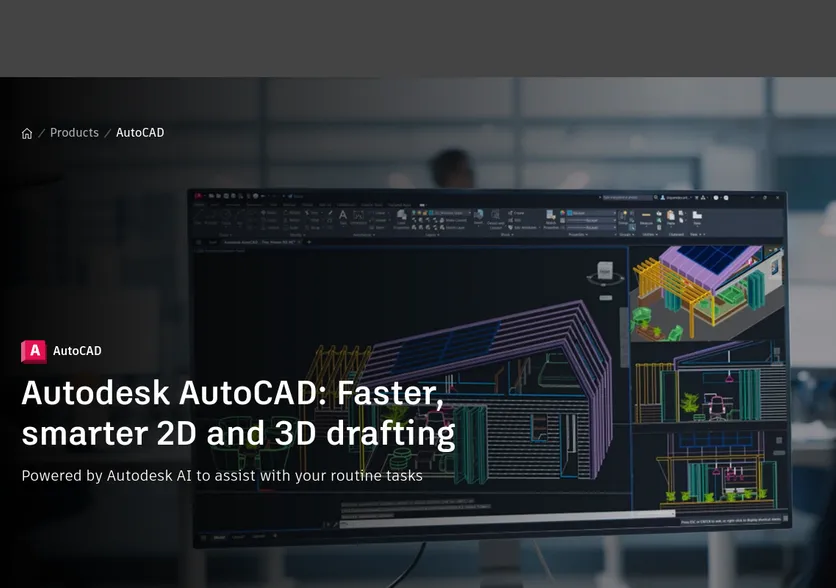
AutoCAD is the CAD standard, and its precision tools, layers and dimensioning make it the reference for patent drawings. This AutoCAD annual plan costs two thousand ninety-five dollars a year and covers 2D and 3D drafting with automation tools. An engineer who files patents regularly will find its precision worth the price.
What we like
- The CAD standard every engineer knows
- Precision tools, layers and dimensioning built in
- Automation tools speed up repeat drawings
Watch out for
- Highest yearly price for 2D drafting here
- Steep learning curve for anyone new to CAD
How to try it
- Open AutoCAD and start a new drawing from a template
- Draw the invention with precision tools and layers
- Add dimensions and export the figure as a PDF
3. BricsCAD
Best for: CAD users who want AutoCAD compatibility at a lower price
Paid tool Starting price: $780/year · Pro plan at seven hundred eighty dollars a year; Lite is three hundred forty-five dollars a year and Mechanical is one thousand one hundred dollars a year
Free plan: No free plan; 30-day free trial
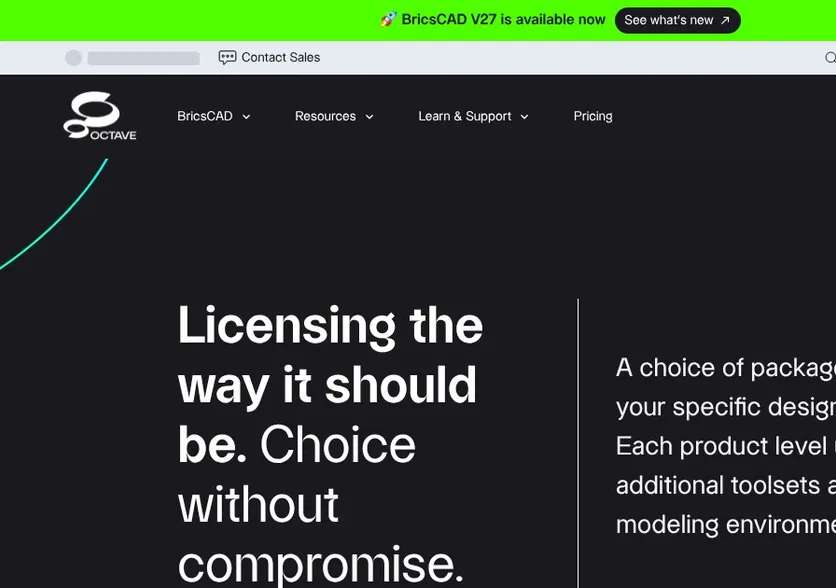
BricsCAD is a full CAD platform that opens DWG files natively, with 2D drafting and 3D modeling at a lower price than AutoCAD. This BricsCAD Pro plan costs seven hundred eighty dollars a year and covers drafting, modeling and sheet metal tools. A CAD user who wants AutoCAD compatibility without the AutoCAD bill will find it a strong fit.
What we like
- Native DWG compatibility at a lower price
- 2D drafting and 3D modeling in one plan
- Familiar interface for AutoCAD users
Watch out for
- Now sold under the Octave name, so the brand is changing
- Smaller community than AutoCAD for help and training
How to try it
- Open BricsCAD and load your DWG files
- Draft the patent figure with 2D tools
- Export the drawing as a PDF for filing
4. CorelDRAW Technical Suite
Best for: Technical illustrators who need precise vector drawings with CAD tools
Paid tool Starting price: $499/year · Annual plan at four hundred ninety-nine dollars a year; month-to-month is sixty-five dollars a month and a one-time purchase is one thousand one hundred ninety-nine dollars
Free plan: No free plan; free trial available
CorelDRAW Technical Suite pairs vector illustration with CAD precision, so technical drawings and patent figures come from one app. This CorelDRAW Technical Suite annual plan costs four hundred ninety-nine dollars a year and covers illustration, CAD tools and 3D import. A technical illustrator who draws as well as drafts will like its range.
What we like
- Vector illustration with CAD precision in one app
- 3D import for technical drawings
- One-time purchase option available
Watch out for
- Less common in patent firms than AutoCAD
- 3D CAD variant costs much more per year
How to try it
- Open CorelDRAW Technical Suite and start a new illustration
- Draw the figure with vector and CAD tools
- Export the finished figure as a PDF
5. DraftSight
Best for: Teams who want AutoCAD-compatible 2D drafting at a lower yearly price
Paid tool Starting price: $299/year · Professional plan at two hundred ninety-nine dollars a year per named user; Premium is five hundred ninety-nine dollars a year and Enterprise starts at three hundred ninety-nine dollars a year
Free plan: No free plan; 30-day free trial
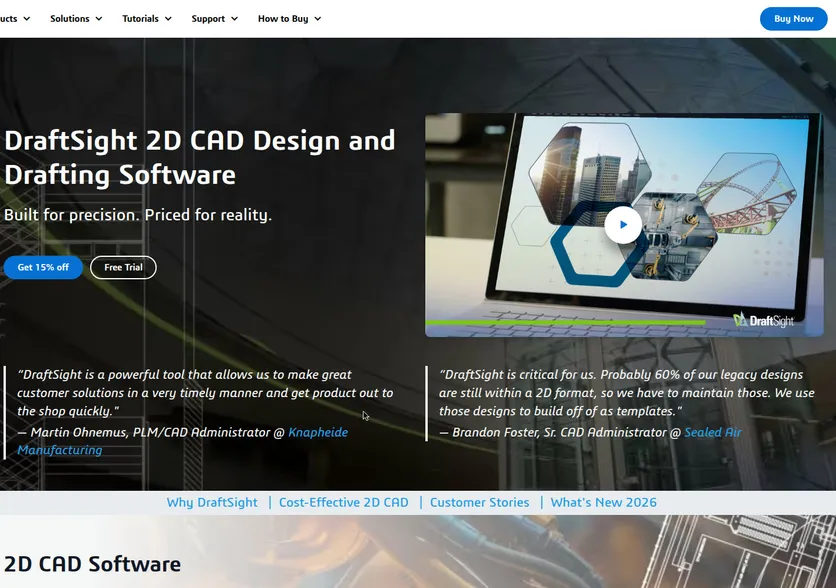
DraftSight is a professional 2D CAD tool that reads and writes DWG files, making it the most compatible alternative to AutoCAD here. This DraftSight Professional plan costs two hundred ninety-nine dollars a year per named user and covers drafting, dimensioning and sheet sets. A team that draws patent figures in 2D will get AutoCAD-level precision at a fraction of the price.
What we like
- Native DWG compatibility at a fair price
- Professional 2D drafting with dimensioning
- Familiar workflow for AutoCAD users
Watch out for
- 2D only on the Professional plan
- Per-user pricing adds up for a large team
How to try it
- Open DraftSight and start a new DWG drawing
- Draft the patent figure with precision tools
- Add dimensions and export the figure as a PDF
6. Microsoft Visio
Best for: Office teams who draw patent flowcharts and diagrams in Microsoft 365
Paid tool Starting price: $5/user/month · Plan 1 at five dollars per user a month paid yearly; Plan 2 is fifteen dollars per user a month
Free plan: No free plan; 1-month free trial
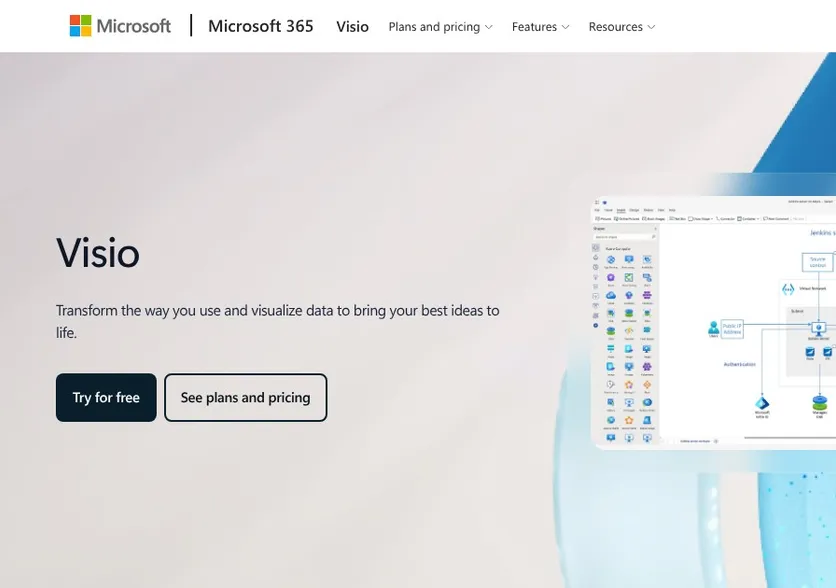
Microsoft Visio draws patent flowcharts and diagrams inside Microsoft 365, with shapes and connectors that snap into place. This Microsoft Visio Plan 1 costs five dollars per user a month paid yearly and covers web-based diagramming in Teams and browsers. An office team that already lives in Microsoft 365 will find it the easiest tool here.
What we like
- Cheapest plan in this comparison
- Works inside Microsoft 365 and Teams
- Shapes and connectors snap into place
Watch out for
- Plan 1 is web-only with no desktop app
- Diagrams only, not full CAD drafting
How to try it
- Open Visio in your browser and pick a diagram template
- Add shapes and connectors for your flowchart
- Export the diagram as a PDF for the filing
7. SmartDraw
Best for: Anyone who wants quick technical diagrams without learning CAD
Paid tool Starting price: $10.95/month · Individual plan at ten dollars and ninety-five cents a month billed annually; new-customer intro rates are lower but are not the list price
Free plan: No free plan; 7-day free trial
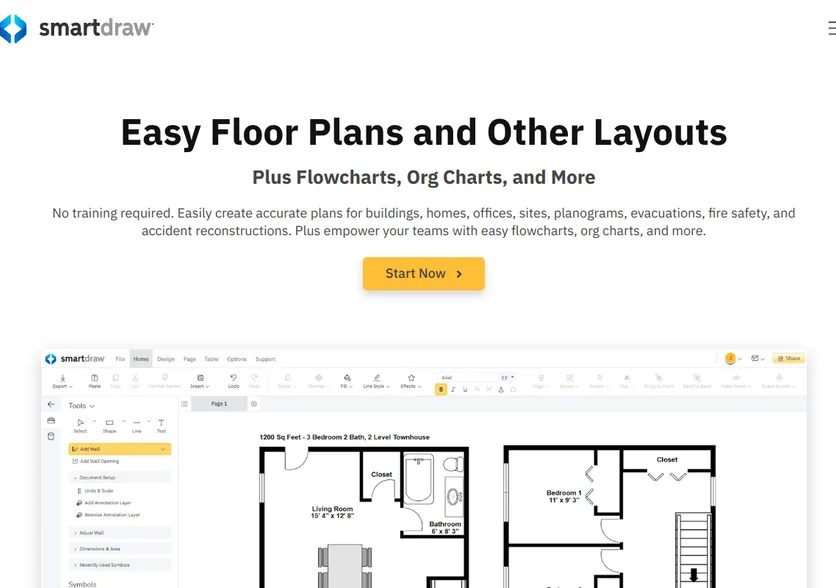
SmartDraw draws technical diagrams fast, with templates and shape libraries that turn an idea into a clean figure in minutes. This SmartDraw Individual plan costs ten dollars and ninety-five cents a month billed annually and covers diagrams, flowcharts and floor plans. It suits anyone who needs a patent figure without learning CAD.
What we like
- Templates turn ideas into figures fast
- No CAD learning curve
- Annual billing only, so no monthly surprise
Watch out for
- Diagrams only, not precision CAD drafting
- Intro rates vary, so check the list price
How to try it
- Open SmartDraw and pick a technical diagram template
- Add shapes and labels for your invention
- Export the figure as a PDF for the filing
8. SOLIDWORKS
Best for: Engineers who model inventions in 3D before drawing them
Paid tool Starting price: $2,820/year · Design Standard with Cloud Services at two thousand eight hundred twenty dollars a year; Professional is three thousand four hundred fifty-six dollars a year and Premium is four thousand seven hundred sixteen dollars a year
Free plan: No free plan; 15-day money-back policy
SOLIDWORKS models inventions in 3D, so a patent drawing starts from a real part rather than a flat sketch. This SOLIDWORKS Design Standard plan costs two thousand eight hundred twenty dollars a year and covers 3D modeling with cloud services. An engineer who designs products before patenting them will get the most from its depth.
What we like
- 3D modeling with drawings generated from the model
- Industry standard for product design
- Cloud services included in the plan
Watch out for
- Highest yearly price in this comparison
- No free trial, only a money-back policy
How to try it
- Open SOLIDWORKS and model the invention in 3D
- Generate 2D drawings from the model
- Export the figures as PDFs for the filing
Prices above were checked on each vendor’s own website on Nov 27, 2026 and can change — the vendor’s page is the final word. Vendor links are editorial: nobody paid to be listed or ranked here. Vendors who want a featured listing can see how it works on our Get listed page.
What patent drawing software costs in 2026
Patent drawing tools split into CAD, diagram and vector tools, and the price follows the precision. Full CAD like AutoCAD and SOLIDWORKS costs thousands a year for the depth engineers need, while diagram tools like SmartDraw and Visio cost a few dollars a month for flowcharts and simple figures. DraftSight and BricsCAD sit in the middle, offering CAD precision at a fraction of the AutoCAD price.
Start with the free trial on two tools and draw one real figure in each. Check how the lines export to PDF, whether the dimensions read clearly, and whether the file opens cleanly in the format your attorney uses. Pick the tool whose figures you would file with confidence, because a patent drawing is a legal document, not a sketch.
Before you buy
- Check DWG compatibility, because patent examiners and attorneys often work in that format.
- Decide 2D or 3D first, because SOLIDWORKS models parts while SmartDraw only diagrams them.
- Confirm the plan covers your platform, because Visio Plan 1 is web-only with no desktop app.
- Test the trial on a real figure, because precision tools feel different with your own drawing.
- Compare the yearly total, because a two-thousand-ninety-five-dollar annual plan is a serious commitment.
Official websites
Official websites of the products reviewed above. Features and prices were checked against these sites when this guide was written, and they can change, so confirm on the vendor site before you buy.
Frequently asked questions
Which patent drawing software is best in 2026?
DraftSight is the best overall pick, with AutoCAD-compatible 2D drafting at two hundred ninety-nine dollars a year per user. SmartDraw is the best value at ten dollars and ninety-five cents a month billed annually for quick technical diagrams. AutoCAD is the best professional CAD at two thousand ninety-five dollars a year for teams that need the standard.
How much does patent drawing software cost?
Prices in this list run from five dollars per user a month for Microsoft Visio Plan 1 to two thousand eight hundred twenty dollars a year for SOLIDWORKS, with DraftSight at two hundred ninety-nine dollars a year and BricsCAD Pro at seven hundred eighty dollars a year. Diagram tools cost far less than full CAD, so match the tool to the figures you draw.
Can I draw patent figures for free?
Yes, Inkscape is a free vector editor that can draw patent figures, though it has no CAD dimensioning. Most paid tools here offer a free trial, with DraftSight and AutoCAD at thirty days and SmartDraw at seven days. Start with a trial on a real figure before you pay.
Do patent drawings need CAD or will a diagram tool do?
It depends on the figure. CAD tools like AutoCAD, DraftSight and BricsCAD give the precision and dimensioning patent examiners expect for mechanical inventions. Diagram tools like SmartDraw and Visio suit flowcharts and process figures. Vector tools like Illustrator suit illustrated figures. Many filings use more than one kind.
What file format do patent drawings use?
Patent drawings are usually filed as PDF files, with vector art preferred for clean lines at any size. CAD tools export DWG files as well, which attorneys and examiners often use. Keep the original drawing file safe, since the patent office may ask for changes during review.
Need everyday document help too? Try Toolsvine's free document tools right in your browser.
Browse Document & File Converters tools


