
On this page
Pixel art looks simple until you animate it, and the software you pick decides whether each frame is a pleasure or a chore. The eight tools below run from nine dollars once for a tilemap editor to sixty-three dollars once for a full illustration studio, and every price was checked on the vendor site on November 27, 2026. Some live on desktop, others on iPad, so match the tool to where you draw. Aseprite is our first pick — the pixel art standard for game artists.
How we researched this
We started with the pixel art animation tools game artists actually buy, then checked each price on the vendor pricing page on November 27, 2026 and noted the free version or trial each one offers. We judged them for an artist animating sprites, weighing timeline tools, palette control and the price of the license. We dropped Piskel, Pixelorama and GraphicsGale because all three are free.
Compare the tools
| Name | Best for | Starting price | Free plan | |
|---|---|---|---|---|
 Aseprite | Game artists who want the pixel art standard for sprites and animation | $19.99 one-time | No free plan; open source code available | Visit |
 Clip Studio Paint | Illustrators who animate pixel art inside a full drawing studio | $63 one-time | No free plan; free trial up to 3 months | Visit |
 Pixaki | iPad artists who draw pixel art with Apple Pencil | $20 one-time | Free version available | Visit |
| Pixel Studio | Mobile artists who want pixel art and animation on a phone or tablet | $12.99 one-time | Free version with ads; PRO unlocks all features | Visit |
 Pixquare | Apple artists who want one license across iPad, iPhone and Mac | $24.99 one-time | Free download; license unlocks all features | Visit |
 Pro Motion NG | Animators who want deep pixel animation tools on Windows | $19 one-time | Free edition with limited features | Visit |
 Pyxel Edit | Tilemap artists who build game levels pixel by pixel | $9 one-time | Free beta build available | Visit |
 Resprite | iPad and iPhone artists who want a mobile pixel studio | $24.99 one-time | Free download with in-app purchases | Visit |
The pixel art animation software, compared
1. Aseprite
Best for: Game artists who want the pixel art standard for sprites and animation
Paid tool Starting price: $19.99 one-time · One-time purchase at nineteen dollars and ninety-nine cents, with updates through the 1.x series
Free plan: No free plan; open source code available
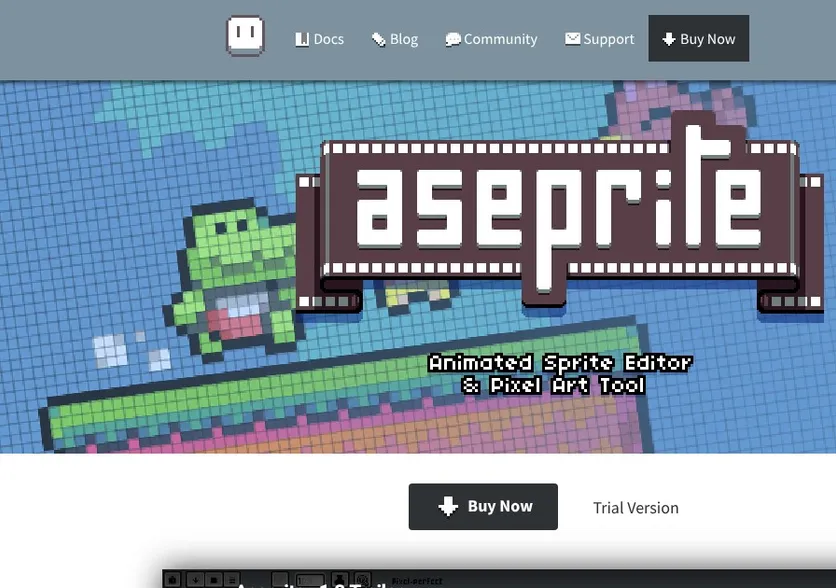
Aseprite is the pixel art standard for game artists, with a timeline, onion skinning and palette tools built for sprites and animation. This Aseprite license costs nineteen dollars and ninety-nine cents once, with updates through the 1.x series included. A game artist who animates characters frame by frame will find it the most focused tool here.
What we like
- The pixel art standard for game sprites
- Timeline and onion skinning built for animation
- Palette tools keep colors consistent
Watch out for
- Desktop only, with no iPad or mobile app
- No free plan, though the source code is open
How to try it
- Open Aseprite and start a new sprite canvas
- Draw the first frame, then add frames to the timeline
- Export the animation as a GIF or spritesheet
2. Clip Studio Paint
Best for: Illustrators who animate pixel art inside a full drawing studio
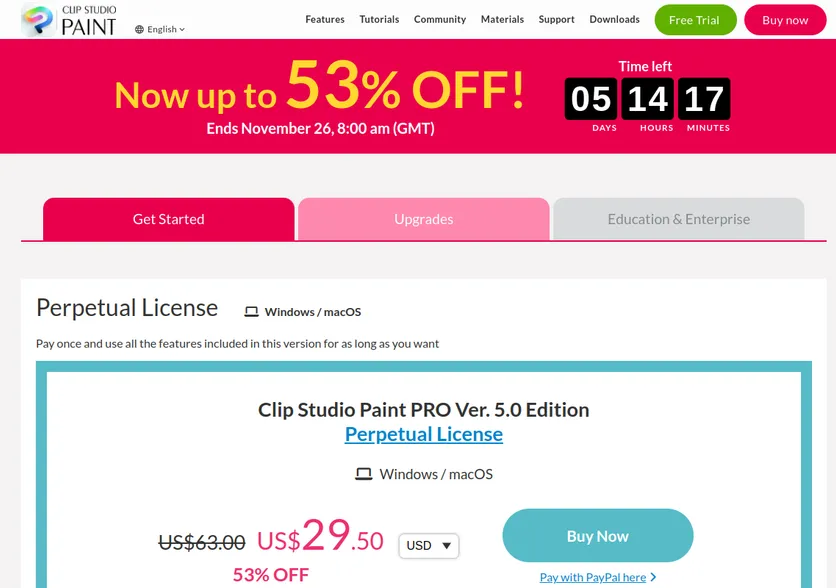
Paid tool Starting price: $63 one-time · PRO Ver. 5.0 perpetual license at sixty-three dollars once for Windows and Mac; a plan is twenty-six dollars and ninety-nine cents a year, and the Update Pass is ten dollars and ninety-nine cents a year
Free plan: No free plan; free trial up to 3 months
Clip Studio Paint is a full illustration studio that also animates, with brushes, 3D models and a timeline for frame-by-frame pixel work. This Clip Studio Paint PRO license costs sixty-three dollars once for Windows and Mac, and the PRO edition caps animation at twenty-four frames. An illustrator who draws and animates in one app will find it the broadest tool here.
What we like
- Full illustration studio with animation built in
- Brushes and 3D models for reference
- Free trial of up to three months
Watch out for
- PRO caps animation at twenty-four frames
- One-time license freezes at Ver. 5.0 without the Update Pass
How to try it
- Open Clip Studio Paint and start a new animation project
- Draw each frame with the pixel brushes
- Export the animation as a GIF or video
3. Pixaki
Best for: iPad artists who draw pixel art with Apple Pencil
Paid tool Starting price: $20 one-time · One-time purchase at twenty dollars on the App Store for Pixaki 4 Pro; a free version is also available
Free plan: Free version available
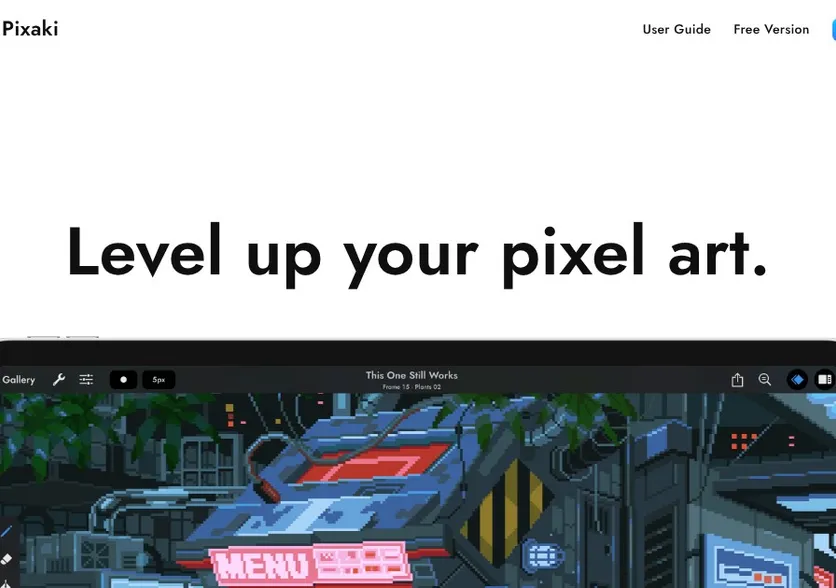
Pixaki is the pixel art app built for iPad, with Apple Pencil support, pixel-perfect painting and a timeline for animation. This Pixaki Pro app costs twenty dollars once on the App Store, and a free version is available to try. An iPad artist who draws sprites on the couch will find it the most enjoyable tool here.
What we like
- Built for iPad with Apple Pencil support
- Pixel-perfect painting removes double pixels
- Dither brushes and layers built in
Watch out for
- iPad only, with no desktop or Android app
- Vendor pricing page returns an error, so the App Store sets the price
How to try it
- Open Pixaki and start a new canvas
- Draw with Apple Pencil in pixel-perfect mode
- Animate the frames on the timeline and export a GIF
4. Pixel Studio
Best for: Mobile artists who want pixel art and animation on a phone or tablet
Paid tool Starting price: $12.99 one-time · PRO one-time purchase at twelve dollars and ninety-nine cents on the App Store; the Android PRO app is five dollars and ninety-nine cents
Free plan: Free version with ads; PRO unlocks all features
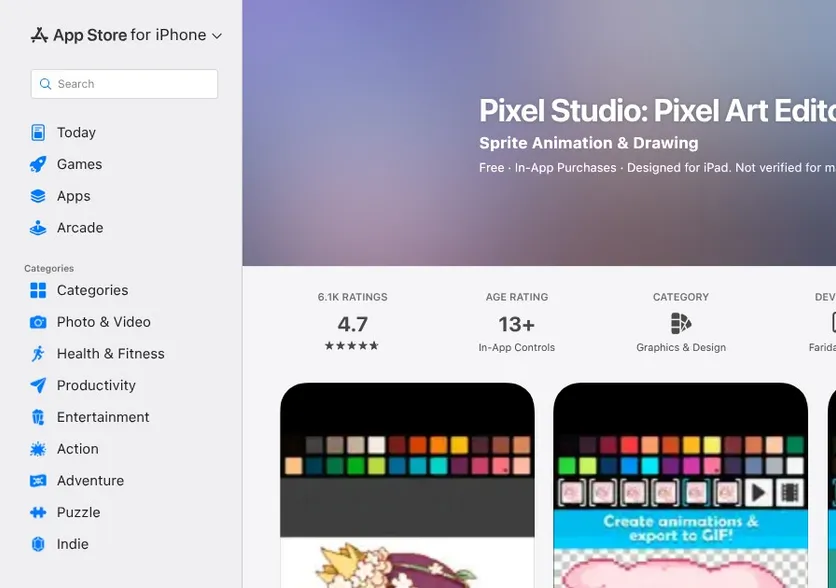
Pixel Studio is a mobile pixel art editor for phones and tablets, with drawing, animation and color tools in a touch-friendly app. This Pixel Studio PRO purchase costs twelve dollars and ninety-nine cents once on the App Store and removes ads while unlocking Drive sync and MP4 export. A mobile artist who wants pixel art anywhere will find it the cheapest route here.
What we like
- Cheapest paid route in this comparison
- Works on phones and tablets
- MP4 export with the PRO purchase
Watch out for
- Prices vary across app stores and platforms
- Free version shows ads until you upgrade
How to try it
- Open Pixel Studio and start a new pixel canvas
- Draw and animate frames on the timeline
- Export the animation as a GIF or MP4
5. Pixquare
Best for: Apple artists who want one license across iPad, iPhone and Mac
Paid tool Starting price: $24.99 one-time · All-device license at twenty-four dollars and ninety-nine cents one time; iPhone-only is seven dollars and ninety-nine cents, with a first-time download discount
Free plan: Free download; license unlocks all features
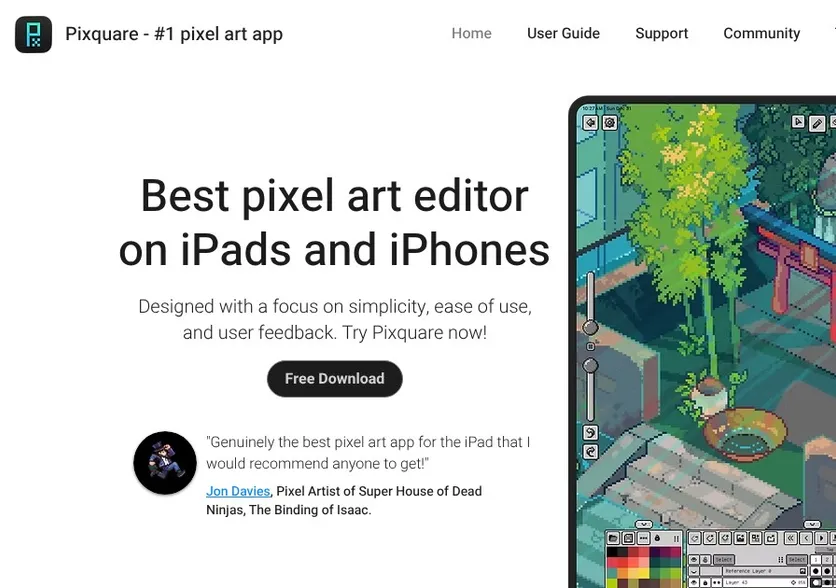
Pixquare is a pixel art editor for iPad, iPhone and Mac, with layers, tilemaps, Aseprite file support and Lospec palettes under one license. This Pixquare all-device license costs twenty-four dollars and ninety-nine cents once, with free updates for life. An Apple artist who draws on every device will get the most from its one-license model.
What we like
- One license covers iPad, iPhone and Mac
- Aseprite file support for existing sprites
- Free updates for life with the license
Watch out for
- Apple devices only, with no Windows or Android app
- First-time discount changes the price for three days
How to try it
- Download Pixquare free on your iPad or Mac
- Buy the all-device license to unlock every feature
- Draw, animate and export your sprites
6. Pro Motion NG
Best for: Animators who want deep pixel animation tools on Windows
Paid tool Starting price: $19 one-time · One-time license key at nineteen dollars, with free updates; a free edition with limited features is available
Free plan: Free edition with limited features
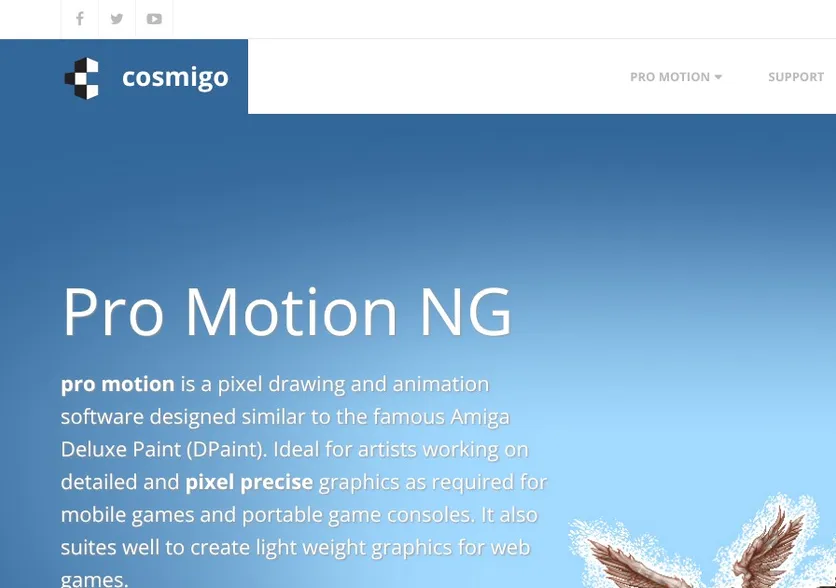
Pro Motion NG is a deep pixel animation studio for Windows, with onion skinning, tilemaps and a timeline built for game sprites. This Pro Motion NG license key costs nineteen dollars once, with free updates included. An animator who wants the most control over every pixel will get the most from its depth.
What we like
- Deep animation tools built for game sprites
- Onion skinning and tilemaps included
- Free updates with the license key
Watch out for
- Windows only, with no Mac or mobile app
- Interface feels dated next to newer tools
How to try it
- Open Pro Motion NG and start a new sprite project
- Draw frames with onion skinning turned on
- Export the animation as a GIF or spritesheet
7. Pyxel Edit
Best for: Tilemap artists who build game levels pixel by pixel
Paid tool Starting price: $9 one-time · One-time purchase at nine dollars in beta; a free beta build is also available
Free plan: Free beta build available
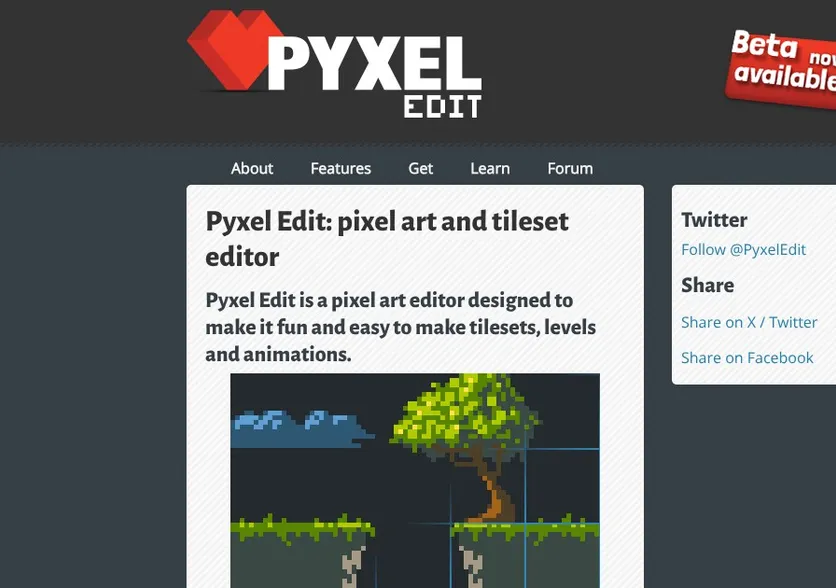
Pyxel Edit is built for tilemaps, letting game artists paint levels pixel by pixel with tiles, palettes and animation previews. This Pyxel Edit license costs nine dollars once in beta, and a free beta build is available to try. It suits a level designer who thinks in tiles rather than single sprites.
What we like
- Cheapest tool in this comparison
- Built for tilemaps and game levels
- Free beta build to try first
Watch out for
- Still in beta, so updates are slow
- Fewer animation tools than Aseprite or Pro Motion NG
How to try it
- Open Pyxel Edit and create a tilemap canvas
- Paint tiles and preview the level as you go
- Export the tiles and animation for your game
8. Resprite
Best for: iPad and iPhone artists who want a mobile pixel studio
Paid tool Starting price: $24.99 one-time · Lifetime purchase at twenty-four dollars and ninety-nine cents on the App Store; monthly and yearly options are also available
Free plan: Free download with in-app purchases
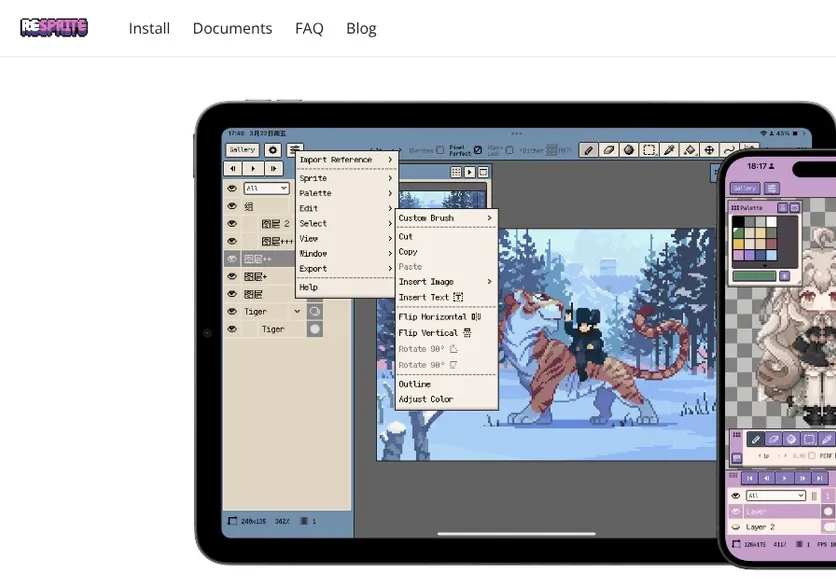
Resprite is a mobile pixel art studio for iPad and iPhone, with desktop-class tools, layers and a timeline in a touch-first app. This Resprite Lifetime purchase costs twenty-four dollars and ninety-nine cents on the App Store, with monthly and yearly options as well. A mobile artist who animates on the go will like its depth and speed.
What we like
- Desktop-class tools on a mobile app
- Layers and timeline for real animation
- Premium shared between iPad and iPhone
Watch out for
- Apple devices only, with no desktop app
- Lifetime price rose from the older twenty-dollar figure
How to try it
- Download Resprite free on your iPad or iPhone
- Buy the Lifetime purchase to unlock every feature
- Draw and animate sprites on the timeline
Prices above were checked on each vendor’s own website on Nov 27, 2026 and can change — the vendor’s page is the final word. Vendor links are editorial: nobody paid to be listed or ranked here. Vendors who want a featured listing can see how it works on our Get listed page.
What pixel art animation software costs in 2026
Pixel art tools charge once, and the price follows the platform. Desktop tools like Aseprite and Pro Motion NG cost around twenty dollars once, while mobile apps like Pixaki and Resprite charge similar prices through the App Store. Clip Studio Paint costs the most at sixty-three dollars once, but it is a full illustration studio, not just a pixel editor.
Start with the free version on two tools and animate one short sprite in each. Check how the timeline feels, whether the palette tools keep your colors consistent, and whether the export format fits your game engine. Pick the tool whose frames you enjoy drawing, because pixel art is slow work and the tool should not fight you.
Before you buy
- Decide desktop or mobile first, because Aseprite is desktop while Pixaki and Pixquare are iPad apps.
- Check the animation frame limit, because Clip Studio Paint PRO caps animation at twenty-four frames.
- Confirm the file formats, because Aseprite files open in Pixquare but not everywhere.
- Test the free version first, because pixel art tools feel very different in the hand.
- Compare the one-time total, because every tool here charges once, so the cheapest is nine dollars.
Official websites
Official websites of the products reviewed above. Features and prices were checked against these sites when this guide was written, and they can change, so confirm on the vendor site before you buy.
Frequently asked questions
Which pixel art animation software is best in 2026?
Aseprite is the best overall pick at nineteen dollars and ninety-nine cents once, with the timeline and palette tools game artists rely on. Clip Studio Paint is the best all-rounder at sixty-three dollars once, adding full illustration tools. Pixquare is the best iPad pick at twenty-four dollars and ninety-nine cents once, with one license for iPad, iPhone and Mac.
How much does pixel art animation software cost?
Every tool here charges once, from nine dollars for Pyxel Edit to sixty-three dollars for Clip Studio Paint PRO, with Aseprite at nineteen dollars and ninety-nine cents and Pixaki at twenty dollars. There are no subscriptions in this list, so the price you pay is the price you keep.
Can I make pixel art animations for free?
Yes, Piskel and Pixelorama are free pixel editors with animation, and Pyxel Edit offers a free beta build while Pro Motion NG has a free edition. Free tools cover the basics, but paid tools add timeline depth, palette control and export options. Start free, then pay once your sprites outgrow the free tools.
What is the best pixel art app for iPad?
Pixaki is the best iPad-only pick at twenty dollars once, built for Apple Pencil with pixel-perfect painting. Pixquare covers iPad, iPhone and Mac under one twenty-four-dollar-and-ninety-nine-cent license. Resprite is the best mobile studio for both iPad and iPhone at the same lifetime price.
Do I need Aseprite to make game sprites?
No, you can animate sprites in Pyxel Edit, Pro Motion NG, Pixquare or Clip Studio Paint, and free tools like Piskel cover the basics. Aseprite earns its reputation with the best timeline and palette workflow for game artists, but the right tool depends on where you draw and what you animate.
Need everyday image help too? Try Toolsvine's free image tools right in your browser.
Browse Image Tools tools


