On this page
PNG files look great but load slowly, so converting them to JPG is a small job that makes websites faster and files easier to share. The eight tools below run from about five dollars a month to a lifetime document license, and every price was checked on the vendor site on November 26, 2026. Most offer a free tier, so you can convert a real batch before paying anything. CloudConvert is our first pick — the most flexible converter here.
How we researched this
We started with the converters people actually use for PNG to JPG, then read each price on the vendor pricing page on November 26, 2026 and noted the free tier each one carries. We judged them for a person who converts images regularly and wants good quality without a complicated setup. We kept only tools with a published price and dropped any tool whose price we could not verify on the vendor site.
Compare the tools
| Name | Best for | Starting price | Free plan | |
|---|---|---|---|---|
 Adobe Acrobat Pro | People who convert images as part of a full PDF workflow | $19.99/month | 7-day free trial; no free plan | Visit |
 CloudConvert | Anyone who converts images and documents in bulk | $9/month | Free plan with 10 credits a day | Visit |
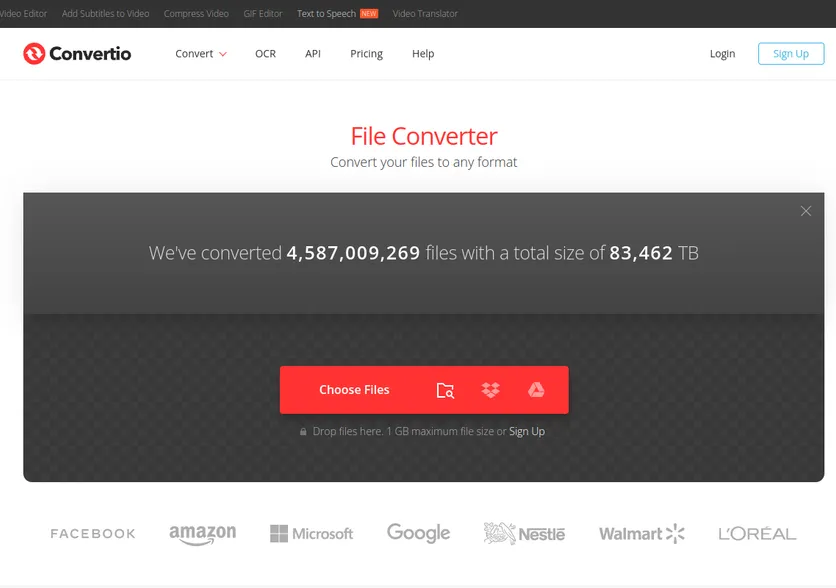
 Convertio | Casual users who want quick browser conversions | $6.99/month | Free tier with 10 conversions a day and 100 MB files | Visit |
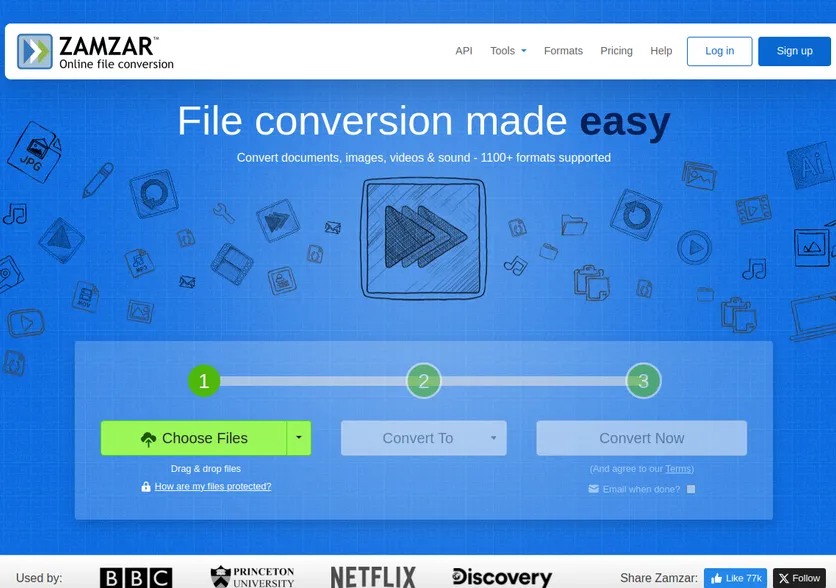
 Zamzar | People who want unlimited web conversions on a simple plan | $12/month | Free plan with limited conversions | Visit |
 iLoveIMG | Anyone who edits and converts images in one place | $5/month | Free plan with basic conversion tools | Visit |
 reaConverter | Windows users who convert image batches offline | $49/year | Free Lite version with limited features | Visit |
 Pixillion | Windows users who want a simple premium image converter | $49.99/year | Free version for non-commercial use | Visit |
 Able2Extract Professional | Professionals who convert PDFs and images in one tool | $199.95 one-time | Free trial with limited conversions | Visit |
The software for PNG to JPG conversion, compared
1. Adobe Acrobat Pro
Best for: People who convert images as part of a full PDF workflow
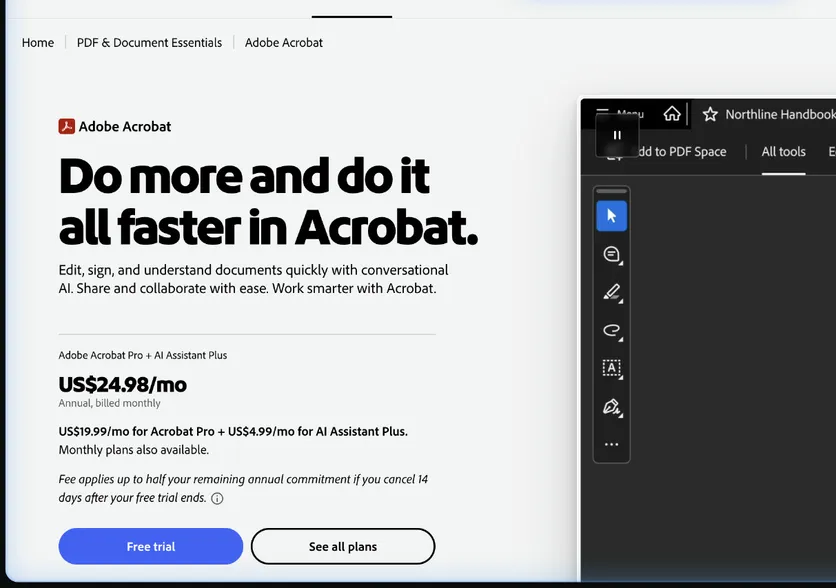
Paid tool Starting price: $19.99/month · Annual plan billed monthly, $19.99 a month ($239.88 a year); $29.99 month-to-month; 7-day trial
Free plan: 7-day free trial; no free plan
Adobe Acrobat Pro is the document heavyweight that also converts images, with reliable output and the full PDF toolkit behind it. This Adobe Acrobat Pro plan adds image conversion, editing and signing to the document tools most offices already use. A person who already works with PDFs every day will find Acrobat Pro the most capable converter here.
What we like
- Reliable conversion with Adobe quality
- Full PDF editing and signing included
- Trusted by offices everywhere
Watch out for
- Pro costs about twenty dollars a month
- Overkill if you only convert images
How to try it
- Open the Acrobat pricing page and start a trial
- Upload your PNG files to the converter
- Choose JPG output and download the results
2. CloudConvert
Best for: Anyone who converts images and documents in bulk
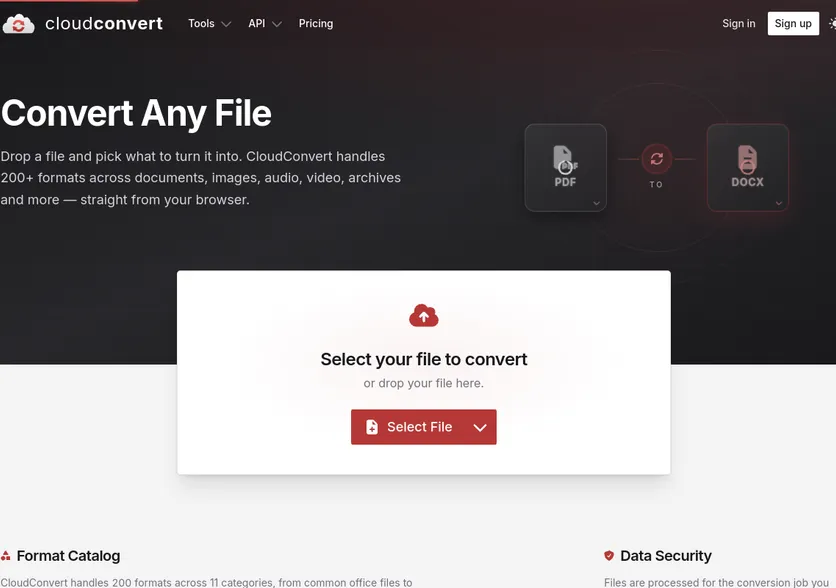
Paid tool Starting price: $9/month · Subscription, $9 a month for 1,000 credits a month, unused credits do not roll over; one-time Package $17 for 1,000 credits that never expire; free plan 10 credits a day
Free plan: Free plan with 10 credits a day
CloudConvert is the conversion specialist that handles PNG to JPG alongside hundreds of other formats, with a clean API and batch tools. This CloudConvert subscription adds one thousand credits a month, faster processing and priority support. A person who converts files every week will find CloudConvert the most flexible tool here.
What we like
- Hundreds of formats beyond images
- Batch conversion with an API option
- Clean interface with no ads
Watch out for
- Subscription costs nine dollars a month
- Credits do not roll over month to month
How to try it
- Open the CloudConvert pricing page and create an account
- Upload your PNG files and pick JPG output
- Download the converted files in one batch
3. Convertio
Best for: Casual users who want quick browser conversions
Paid tool Starting price: $6.99/month · Lite plan, $6.99 a month billed annually ($11.99 month-to-month); Basic $13.99 a month billed annually, Pro $25.99 a month billed annually; free tier 10 conversions a day
Free plan: Free tier with 10 conversions a day and 100 MB files
Convertio is the friendly browser converter for quick PNG to JPG jobs, with a simple drag-and-drop page and no software to install. This Convertio Lite plan adds more conversions a day, larger files and faster processing. A person who converts a few images a week will find Convertio the easiest tool to reach for.
What we like
- Simple drag-and-drop browser tool
- No software to install anywhere
- Fast conversion for small batches
Watch out for
- Lite costs about seven dollars a month billed annually
- Free tier limits file size and conversions
How to try it
- Open the Convertio pricing page and create an account
- Drop your PNG files on the converter page
- Download the JPG files when ready
4. Zamzar
Best for: People who want unlimited web conversions on a simple plan
Paid tool Starting price: $12/month · Basic plan, $12 a month with unlimited web conversions and 200 MB files; Pro $19 a month, Business $39 a month
Free plan: Free plan with limited conversions
Zamzar is the long-running online converter with a clean interface and unlimited web conversions on its paid plans. This Zamzar Basic plan adds unlimited web conversions, larger files and faster processing. A person who converts images and documents regularly will find Zamzar the most straightforward tool here.
What we like
- Unlimited web conversions on paid plans
- Simple interface with no learning curve
- Handles documents and audio too
Watch out for
- Basic costs twelve dollars a month
- Email delivery adds a step to each conversion
How to try it
- Open the Zamzar pricing page and create an account
- Upload your PNG files and choose JPG output
- Download the converted files from your inbox
5. iLoveIMG
Best for: Anyone who edits and converts images in one place
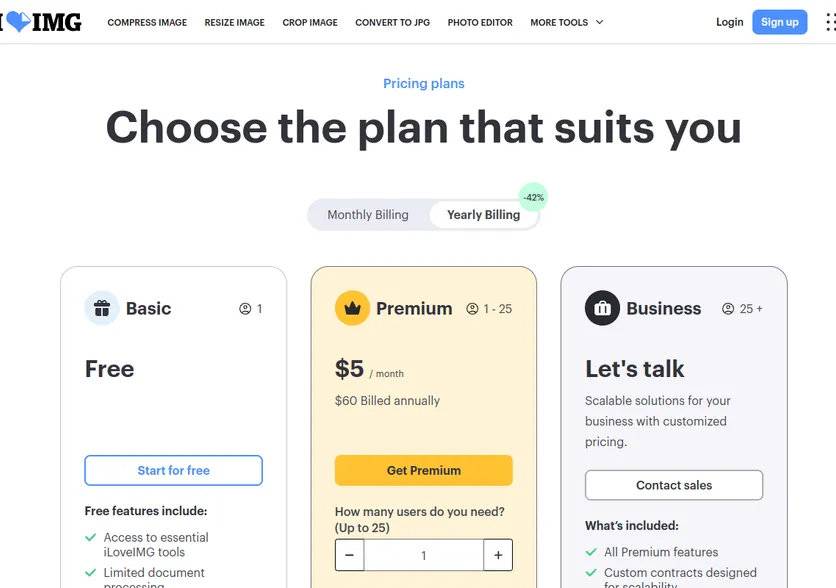
Paid tool Starting price: $5/month · Premium plan, $5 a month billed annually ($60 a year) or $9 billed monthly; 1 to 25 users; 2,000 AI credits; some October 2026 reads show $4 a month billed annually with geo-localised pricing
Free plan: Free plan with basic conversion tools
iLoveIMG is the image toolkit that pairs PNG to JPG conversion with compression, resizing and editing in one browser tab. This iLoveIMG Premium plan adds unlimited conversions, larger files and two thousand AI credits a month. A person who prepares images for the web will find iLoveIMG the most useful all-round image tool here.
What we like
- Conversion plus compression and resizing
- Clean browser tool with no install
- AI credits for extra image tasks
Watch out for
- Premium costs five dollars a month billed annually
- Free plan limits file size and batch size
How to try it
- Open the iLoveIMG pricing page and create an account
- Upload your PNG files to the converter
- Download the JPG files and compress them if needed
6. reaConverter
Best for: Windows users who convert image batches offline
Paid tool Starting price: $49/year · Individual annual license, $49 a year; perpetual license $75 once; Pro $99 a year or $149 once; Server $499 a year
Free plan: Free Lite version with limited features
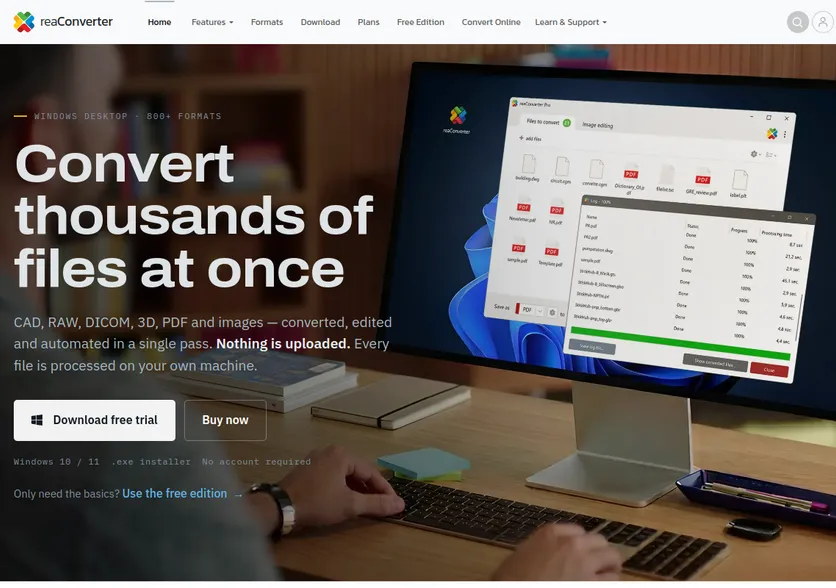
reaConverter is the desktop batch converter for Windows, turning hundreds of PNG files into JPGs in one run without uploading anything. This reaConverter Individual annual license adds the full batch engine, watch folders and command line support. A person with large photo folders will find reaConverter the fastest offline option here.
What we like
- Fast batch conversion with no uploads
- Watch folders automate repeat jobs
- Works fully offline for privacy
Watch out for
- Annual license costs forty-nine dollars a year
- Windows only, so Mac users cannot use it
How to try it
- Open the reaConverter purchase page and buy a license
- Add your PNG files to the batch list
- Pick JPG output and run the conversion
7. Pixillion
Best for: Windows users who want a simple premium image converter
Paid tool Starting price: $49.99/year · Premium Annual license, $49.99 a year; Standard Annual $34.99 a year plus tax; Premium Quarterly $11.64; older reads citing a one-time price are stale, NCH now sells subscriptions
Free plan: Free version for non-commercial use
Pixillion is the straightforward Windows converter for image batches, with a clean interface and a premium plan that covers larger files. This Pixillion Premium Annual license adds the full converter with priority support and no limits on batch size. A Windows user who wants a simple paid converter will find Pixillion the easiest desktop option here.
What we like
- Simple interface with no learning curve
- Fast batch conversion on Windows
- Low yearly price for a premium license
Watch out for
- Premium Annual costs about fifty dollars a year
- Windows only, so Mac users cannot use it
How to try it
- Open the Pixillion product page and download the app
- Add your PNG files to the conversion list
- Choose JPG output and convert the batch
8. Able2Extract Professional
Best for: Professionals who convert PDFs and images in one tool
Paid tool Starting price: $199.95 one-time · Professional lifetime license, $199.95 one-time for up to 2 computers; 30-day license $49.95; major-version upgrade $59.95 unless on the $49.95 a year support plan
Free plan: Free trial with limited conversions
Able2Extract Professional is the document converter that handles PNG to JPG alongside PDF editing, creation and conversion. This Able2Extract Professional lifetime license covers the full tool for up to two computers with no subscription. A professional who works with documents all day will find Able2Extract the most capable desktop converter here.
What we like
- Full PDF and image conversion in one tool
- Lifetime license with no subscription
- Works offline for private documents
Watch out for
- Lifetime license costs about two hundred dollars once
- Overkill if you only convert images
How to try it
- Open the Able2Extract product page and start a trial
- Add your PNG files to the converter
- Choose JPG output and save the results
Prices above were checked on each vendor’s own website on Nov 26, 2026 and can change — the vendor’s page is the final word. Vendor links are editorial: nobody paid to be listed or ranked here. Vendors who want a featured listing can see how it works on our Get listed page.
What PNG to JPG conversion software costs in 2026
Most people pay for one converter, so the monthly price is the whole budget and the conversion limit matters as much as the price. This list runs from about five dollars a month for a browser image toolkit to a lifetime license near two hundred dollars for a full document converter, and the free tiers cover ten conversions a day for occasional use. The headline plan each vendor shows on its own pricing page is the number in the table above, checked on November 26, 2026.
Start with the free tier on two tools and convert the same ten images in both. Compare the file size, the image quality and how long the batch takes, then pay for the one that gives the cleanest output. A five-dollar tool that keeps your photos sharp beats a twenty-dollar app that adds artifacts.
Before you buy
- Check the file size limit first, because a free plan that caps files at one hundred megabytes will not handle your photos.
- Count the conversions per month, because a cheap plan with ten conversions a day runs out fast on a big batch.
- Ask whether the tool keeps your files private, because a converter should delete uploads after processing.
- Test the output quality on one image, because a bad converter adds artifacts to every photo.
- Try the free tier on a real batch, because a trial that only covers one file tells you nothing useful.
Official websites
Official websites of the products reviewed above. Features and prices were checked against these sites when this guide was written, and they can change, so confirm on the vendor site before you buy.
Frequently asked questions
What is the best software for PNG to JPG conversion in 2026?
CloudConvert, at nine dollars a month for one thousand credits, is the safest default because it handles hundreds of formats with batch tools and an API. Convertio is better for casual users, at about seven dollars a month billed annually for quick browser conversions. iLoveIMG wins for web work, since it pairs conversion with compression and resizing in one tab.
What is the cheapest PNG to JPG converter?
iLoveIMG Premium, at five dollars a month billed annually, is the cheapest paid plan here. Convertio Lite, at about seven dollars a month billed annually, is the cheapest browser converter. Both offer free tiers, so you can convert a few images a day without paying. CloudConvert also offers a free plan with ten credits a day for occasional use.
Can I convert PNG to JPG for free?
Yes, every browser tool here offers a free tier. Convertio gives ten conversions a day, CloudConvert gives ten credits a day, and iLoveIMG and Zamzar offer free plans with basic conversion. Desktop tools like reaConverter and Pixillion offer free versions for non-commercial use. Start free and pay only when your batch size outgrows the free limits.
Does converting PNG to JPG lose quality?
Yes, and the difference is small when you use a good converter. JPG files are much smaller than PNG files, which helps web pages load faster, but JPG compression can soften fine details. Use the highest quality setting your converter offers, and keep the original PNG files as backups. For photos, JPG is the right choice; for logos and text, keep PNG.
Is CloudConvert or Convertio better for PNG to JPG?
CloudConvert is better for most people because it handles hundreds of formats, offers batch conversion and an API, and costs nine dollars a month. Convertio is better when you want the simplest possible browser tool for a few images at a time. Both have free tiers, so convert the same batch in each and keep the one whose output looks best to you.
Want free image converters too? Try Toolsvine's free image converters right in your browser.
Browse Image Converters tools