On this page
Regression analysis turns raw numbers into answers a team can act on, so the software has to get the statistics right. The seven tools below run from seven dollars a user a month to two thousand four hundred fifty dollars one-time, and every price was checked on the vendor site on November 27, 2026. Some are point-and-click, others run on code, so match the tool to the analyst. IBM SPSS Statistics is our first pick — the most trusted statistics package for research teams.
How we researched this
We started with the regression analysis tools researchers and analysts actually buy, then read each price on the vendor pricing page on November 27, 2026 and noted the free trial each plan carries. We judged them for an analyst who needs reliable regression, clear output and reproducible work, and we kept only tools with a published list price. We dropped XLSTAT because its pricing page shows no prices, and SAS because it sells by quote only.
Compare the tools
| Name | Best for | Starting price | Free plan | |
|---|---|---|---|---|
 Microsoft Excel | Analysts that want the cheapest regression entry inside spreadsheets they already use | $7/user/month | No free plan; 30-day free trial | Visit |
 IBM SPSS Statistics | Research teams that need a deep procedure library with output reviewers trust | $109/user/month | No free plan; 30-day free trial | Visit |
 Minitab | Quality teams that need guided analysis and control charts | $2,394/year | No free plan; 30-day free trial | Visit |
 Stata | Economists and social scientists that need reproducible panel-data analysis | $1,015/year | No free plan; free trial available | Visit |
 GraphPad Prism | Lab teams that want statistics and publication-ready graphs in one package | $520/year | No free plan; 30-day free trial | Visit |
 JMP | Teams that design experiments and want interactive statistical graphics | $1,390/year | No free plan; 30-day free trial | Visit |
 EViews | Economists that want time-series forecasting with a one-time purchase | $2,450 one-time | No free plan; trial version available | Visit |
The regression analysis software, compared
1. Microsoft Excel
Best for: Analysts that want the cheapest regression entry inside spreadsheets they already use
Paid tool Starting price: $7/user/month · Microsoft 365 Business Basic, seven dollars per user a month on an annual commitment; the price rose from six dollars on July 1, 2026
Free plan: No free plan; 30-day free trial
Microsoft Excel is the cheapest entry here, running regression through the Data Analysis ToolPak that ships with Microsoft 365. This Microsoft Excel plan costs seven dollars per user a month on an annual commitment through Microsoft 365 Business Basic, which rose from six dollars on July 1, 2026. An analyst that already works in spreadsheets gets charts, pivot tables and familiar grids, though Business Basic has web and mobile apps only, with no desktop apps.
What we like
- Data Analysis ToolPak with regression built in
- Familiar grid with charts and pivot tables
- Cheapest entry price in this list
Watch out for
- Business Basic has web and mobile apps only, no desktop apps
- Large datasets slow down fast
How to try it
- Open the Microsoft 365 pricing page and start the trial
- Enable the Data Analysis ToolPak in Excel
- Run a regression on a real dataset and check the output
2. IBM SPSS Statistics
Best for: Research teams that need a deep procedure library with output reviewers trust
Paid tool Starting price: $109/user/month · Base, one hundred nine dollars per user a month per authorized user; add-ons cost eighty-seven dollars per user a month each
Free plan: No free plan; 30-day free trial
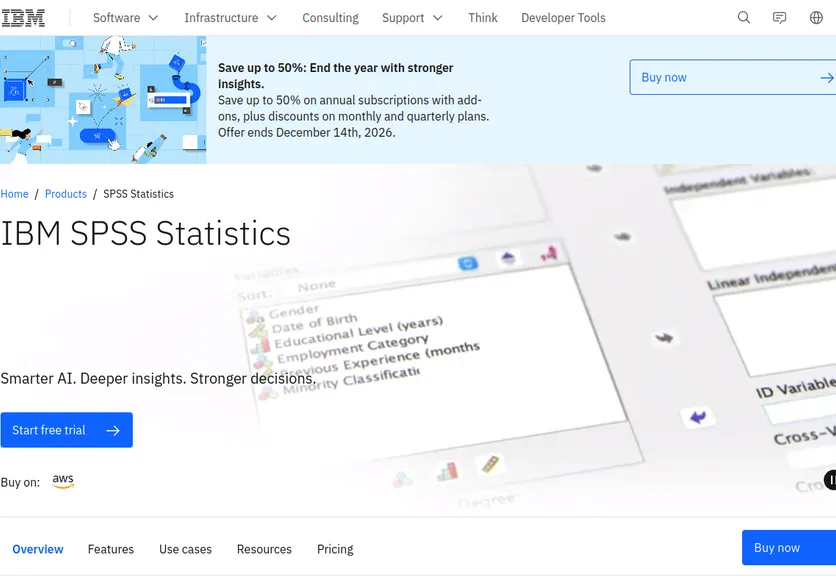
IBM SPSS Statistics is the research standard here, with a point-and-click interface over a huge procedure library. This IBM SPSS Statistics Base plan costs one hundred nine dollars per user a month per authorized user, with add-ons at eighty-seven dollars per user a month each. A research team gets syntax for repeatable work and output that reviewers trust, though each add-on adds eighty-seven dollars to the monthly bill.
What we like
- Point-and-click statistics with a huge procedure library
- Syntax for repeatable, auditable work
- Output that reviewers and journals trust
Watch out for
- Each add-on costs eighty-seven dollars a user a month
- Per-authorized-user pricing adds up on teams
How to try it
- Open the IBM SPSS page and start the thirty-day trial
- Run a regression with syntax saved for reuse
- Check the output against your current tool
3. Minitab
Best for: Quality teams that need guided analysis and control charts
Paid tool Starting price: $2,394/year · Solution Center Core, two thousand three hundred ninety-four dollars per user a year
Free plan: No free plan; 30-day free trial
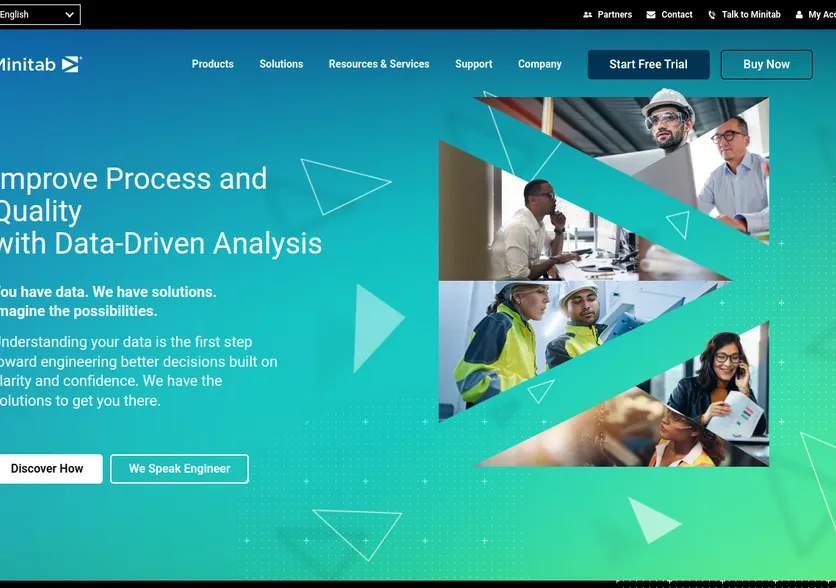
Minitab is the quality-control pick here, with guided menus that walk an analyst through each test. This Minitab Solution Center Core plan costs two thousand three hundred ninety-four dollars per user a year, with no monthly billing listed. A quality team gets control charts, capability analysis and strong documentation, though the Analytics and Copilot tiers cost more.
What we like
- Guided analysis menus for every test
- Quality-control charts built in
- Strong documentation and examples
Watch out for
- No monthly billing listed
- Analytics and Copilot tiers cost more
How to try it
- Open the Minitab pricing page and start the trial
- Run a capability analysis on a real dataset
- Export the charts and check them with your team
4. Stata
Best for: Economists and social scientists that need reproducible panel-data analysis
Paid tool Starting price: $1,015/year · Stata SE business single-user, one thousand fifteen dollars a year
Free plan: No free plan; free trial available
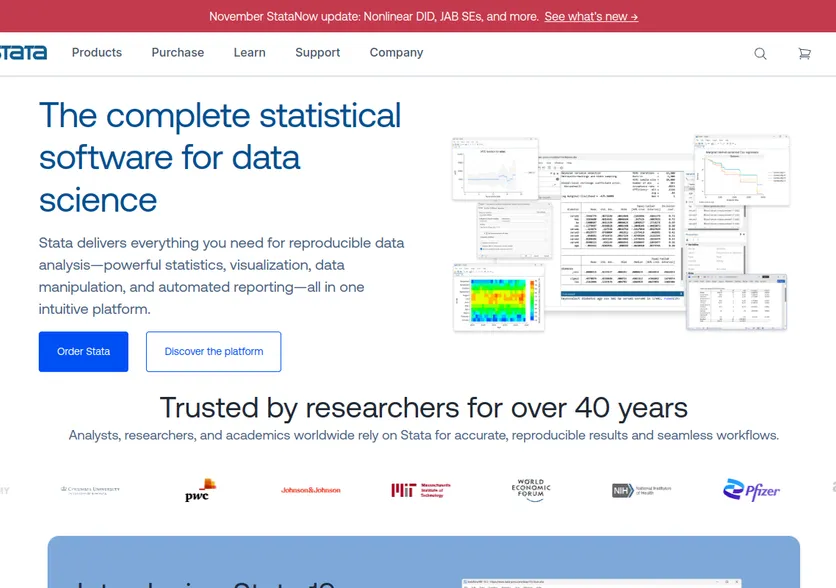
Stata is the reproducible-research pick here, with do-files that rerun an entire analysis from one script. This Stata SE business single-user license costs one thousand fifteen dollars a year, which sits in the middle of this list on price. An economist or social scientist gets strong panel-data tools and a huge user community, though SE caps variables, so large datasets need the MP edition.
What we like
- Reproducible do-files for the whole analysis
- Strong panel-data tools
- Huge user community with shared code
Watch out for
- SE caps variables, so large datasets need MP
- Annual license, not a one-time purchase
How to try it
- Open the Stata order page and check the SE license
- Write a do-file that reruns one analysis
- Test it on your largest dataset before you buy
5. GraphPad Prism
Best for: Lab teams that want statistics and publication-ready graphs in one package
Paid tool Starting price: $520/year · Standard personal corporate, five hundred twenty dollars a year; academic costs two hundred sixty-five dollars and Pro corporate costs six hundred seventy-five dollars
Free plan: No free plan; 30-day free trial
GraphPad Prism pairs statistics with publication-ready graphs in one lab-friendly package. This GraphPad Prism Standard personal corporate plan costs five hundred twenty dollars a year, while academic pricing is two hundred sixty-five dollars and Pro corporate is six hundred seventy-five dollars. A lab team gets clear result interpretation and layouts built for papers, though corporate pricing is higher than academic pricing.
What we like
- Graphing and statistics in one package
- Clear result interpretation for lab teams
- Layouts built for papers and posters
Watch out for
- Pro costs six hundred seventy-five dollars a year
- Corporate pricing is higher than academic pricing
How to try it
- Open the GraphPad how-to-buy page and start the trial
- Run a regression and build a publication graph
- Check the graph quality against your current tool
6. JMP
Best for: Teams that design experiments and want interactive statistical graphics
Paid tool Starting price: $1,390/year · Basic, one thousand three hundred ninety dollars per user a year; Pro costs eight thousand eight hundred twenty dollars
Free plan: No free plan; 30-day free trial
JMP brings SAS-grade statistics into interactive visualizations that an analyst can explore by dragging. This JMP Basic plan costs one thousand three hundred ninety dollars per user a year, while Pro costs eight thousand eight hundred twenty dollars. A team that designs experiments gets design-of-experiments tools and strong graphics, though Pro costs more than six times the Basic plan.
What we like
- Interactive visualizations you can explore by dragging
- Design-of-experiments tools built in
- SAS-grade statistics behind a friendly interface
Watch out for
- Pro costs eight thousand eight hundred twenty dollars a year
- Per-user yearly billing only
How to try it
- Open the JMP pricing page and start the trial
- Build a design of experiments for a real question
- Compare the visualizations with your current tool
7. EViews
Best for: Economists that want time-series forecasting with a one-time purchase
Paid tool Starting price: $2,450 one-time · EViews 14 commercial single-user, two thousand four hundred fifty dollars one-time; academic costs seven hundred dollars
Free plan: No free plan; trial version available
EViews is the econometrics pick here, built for time-series analysis and forecasting with a one-time price. This EViews 14 commercial single-user license costs two thousand four hundred fifty dollars one-time, while academic pricing is seven hundred dollars. An economist gets forecasting tools and a one-time purchase, though the price is fixed with no subscription option.
What we like
- Time-series econometrics with forecasting tools
- One-time purchase with no subscription
- Long track record in economics research
Watch out for
- One-time price with no subscription option
- Academic pricing is much lower, so check eligibility
How to try it
- Open the EViews prices page and check the commercial license
- Run a forecast on a real time series
- Compare the output with your current tool
Prices above were checked on each vendor’s own website on Nov 27, 2026 and can change — the vendor’s page is the final word. Vendor links are editorial: nobody paid to be listed or ranked here. Vendors who want a featured listing can see how it works on our Get listed page.
What regression analysis software costs in 2026
Most tools here charge per user a year, so the bill depends on headcount more than usage. A seven dollar a month plan costs eighty-four dollars a year, while a two thousand three hundred ninety-four dollar yearly license costs about two hundred dollars a month. One-time licenses like EViews suit a solo analyst who buys once, while yearly plans suit a team that always needs the latest version.
Start with the free trial on two tools and run one real regression in each. Compare how the output reads, how the graphs look, and whether the plan you buy covers the procedures you actually use. Pick the tool whose results your readers trust, because a statistic nobody can reproduce is money wasted.
Before you buy
- Check the license model first, because EViews sells once while the rest here charge yearly.
- Confirm the plan covers your procedures, because SPSS add-ons cost eighty-seven dollars a user a month each.
- Count your analysts, because per-user yearly pricing multiplies with each seat you add.
- Test one real dataset during the trial, because a statistics tool lives or dies on its output.
- Check the variable limits, because Stata SE caps variables and large datasets need the MP edition.
Official websites
Official websites of the products reviewed above. Features and prices were checked against these sites when this guide was written, and they can change, so confirm on the vendor site before you buy.
Frequently asked questions
Which regression analysis software is best in 2026?
IBM SPSS Statistics is the best overall pick at one hundred nine dollars per user a month, with the deepest procedure library for research teams. Microsoft Excel is the cheapest entry at seven dollars per user a month, while GraphPad Prism is the best for lab graphs at five hundred twenty dollars a year. Pick SPSS for a research team, Excel for a tight budget, and Prism for publication-ready graphs.
How much does regression analysis software cost?
Yearly licenses here run from five hundred twenty dollars to two thousand three hundred ninety-four dollars per user a year, while monthly plans run from seven dollars to one hundred nine dollars per user a month. EViews is the only one-time purchase at two thousand four hundred fifty dollars. A solo analyst can start with Excel at seven dollars a month and upgrade when the statistics outgrow it.
Can Excel do regression analysis?
Yes, Excel runs regression through the Data Analysis ToolPak and fits lines, curves and multiple predictors. It suits quick checks and small datasets, though it lacks the diagnostics and procedure library of SPSS, Minitab or Stata. Use Excel for a first look, then move to a dedicated statistics tool when the analysis needs to stand up to review.
Is there a free regression analysis tool?
R, jamovi and statsmodels are free and powerful, though none is in this paid comparison. The paid tools here offer thirty-day trials, so test a real dataset before you pay. Start free to learn the methods, then buy the tool whose output your readers trust.
What should I look for in regression analysis software?
Look for the procedures you actually run, output that a reader can follow, and graphs that need no extra tool. Check whether the price is monthly, yearly or one-time, and whether add-ons cost extra. The best tool is the one whose results you can reproduce a year later, not the one with the longest feature list.
Need everyday science help too? Try Toolsvine's free science tools right in your browser.
Browse Science & Engineering tools