On this page
How we researched this
We checked every price on the vendor pricing page on November 28, 2026, and only included tools with a published US dollar list price. Everstage, Xactly, Varicent, Anaplan, CaptivateIQ and Performio sell by quote only, so they are not in this list. Prices change, so confirm the current figure on the vendor site before you buy.
Compare the tools
| Name | Best for | Starting price | Free plan | |
|---|---|---|---|---|
 QuotaPath | Mid-market RevOps teams leaving spreadsheets | $35/user/month | No free plan; 14-day free trial | Visit |
 Salesforce Spiff | Salesforce teams that want commissions inside the CRM | $75/user/month | No free plan; free demo | Visit |
| Commissionly | Small teams that want flat monthly commission pricing | $75/month | No free plan; free trial | Visit |
 QCommission | Teams with complex rules and high transaction volumes | $17/payee/month | No free plan; free trial | Visit |
 Sales Cookie | Small teams that want published pricing and no contract | $40/user/month | No free plan; 14-day free trial | Visit |
 Core Commissions | Teams that want reporting first at a low per-payee rate | $10/payee/month | No free plan; 30-day free trial | Visit |
| Kennect | Price-sensitive teams that can live without CRM sync | $20/user/month | No free plan; free demo | Visit |
The 7 best tools for sales compensation modeling
1. QuotaPath
Best for: Mid-market RevOps teams leaving spreadsheets
Paid tool Starting price: $35/user/month · Thirty-five dollars per user a month billed annually on Growth, plus a five hundred and twenty-five dollar monthly platform fee that covers the first five users, implementation, the account team and support; Premium is fifty dollars per user plus an eight hundred dollar platform fee; a ten-user Growth team pays seven hundred dollars a month; the old Essential plan at twenty-five dollars was removed on November 7, 2026; Strategic is a quoted managed service
Free plan: No free plan; 14-day free trial
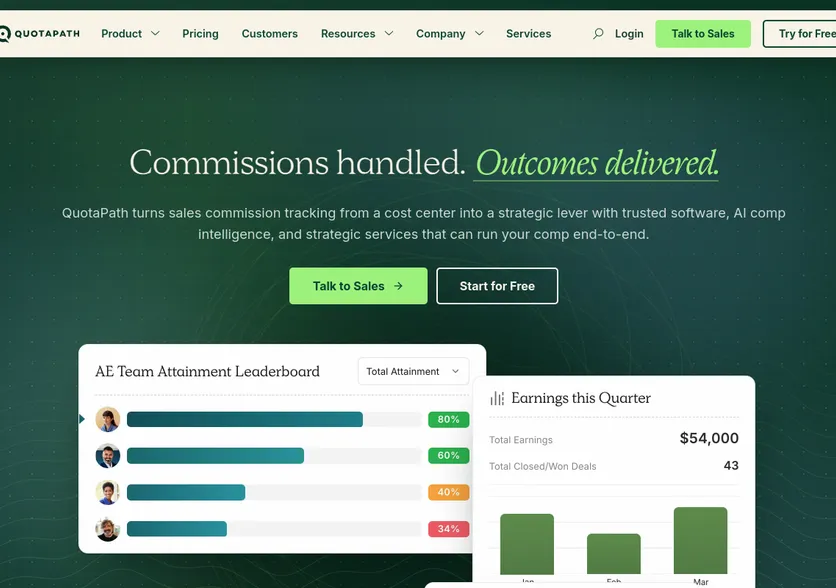
A mid-market RevOps team leaving spreadsheets gets the Growth plan here for thirty-five dollars per user a month billed annually, and QuotaPath covers commission modeling, payouts, forecasting and attainment tracking at that price. The plan also carries a five hundred and twenty-five dollar monthly platform fee that covers the first five users, so a ten-user team pays seven hundred dollars a month. It is the strongest modeling tool in this list for a team that needs to see the plan before it goes live.
What we like
- Model the plan and forecast payouts before launch
- Platform fee covers implementation and support
- Fourteen-day free trial with no card required
Watch out for
- The platform fee adds five hundred and twenty-five dollars a month on top
- The old twenty-five dollar Essential plan was removed in November 2026
How to try it
- List the payees and the plan rules the team runs
- Model the current plan in the trial and compare the payout
- Price the platform fee into the monthly total before buying
2. Salesforce Spiff
Best for: Salesforce teams that want commissions inside the CRM
Paid tool Starting price: $75/user/month · Seventy-five dollars per user a month; Spiff is now sold as Salesforce Incentive Compensation Management and the live pages are the Salesforce incentive compensation pages; connector fees for outside systems can add to the bill
Free plan: No free plan; free demo
A Salesforce team that wants commissions inside the CRM pays seventy-five dollars per user a month here, and Salesforce Spiff covers commission modeling, real-time attainment and payouts without leaving Salesforce at that price. The product is now sold as Salesforce Incentive Compensation Management, and the live pages are the Salesforce incentive compensation pages. It suits a team whose deals, quotas and commissions all live in Salesforce already.
What we like
- Commissions calculated inside Salesforce, not in a spreadsheet
- Real-time attainment that reps can see every day
- Built for teams already running Salesforce
Watch out for
- No free plan and no published free trial
- Connector fees for outside systems can add to the bill
How to try it
- List the Salesforce objects the comp plan reads
- Ask for a demo with the team's real plan rules
- Check the connector fees for any system outside Salesforce
3. Commissionly
Best for: Small teams that want flat monthly commission pricing
Paid tool Starting price: $75/month · Seventy-five dollars a month flat on Individual for one user, read from the vendor pricing page in October 2026; Small Business is two hundred dollars a month for five users and Medium Business is three hundred and fifty dollars a month for ten users; directories conflict on per-user figures, from fifteen to thirty-three dollars a user a month, so the vendor page flat rates above are the figures used here; Commissionly was acquired by Fullcast in June 2025
Free plan: No free plan; free trial
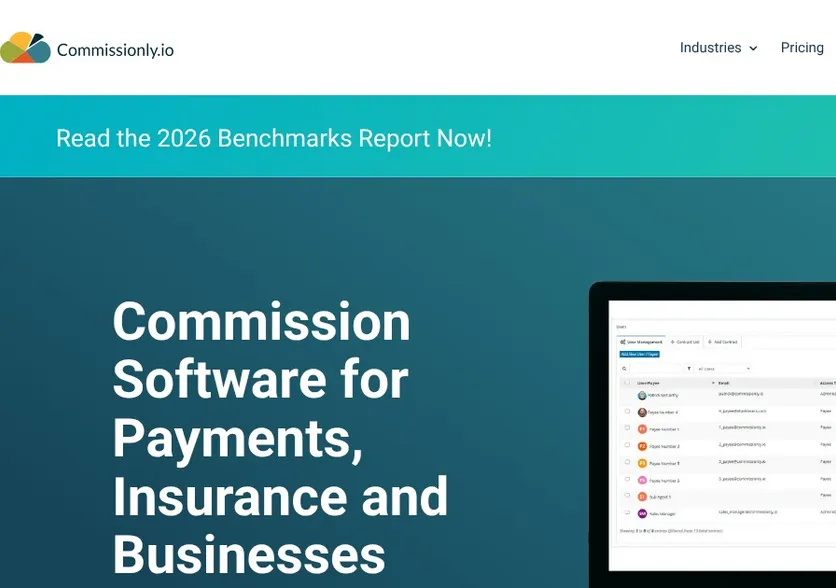
A small team that wants flat monthly commission pricing gets the Individual plan here for seventy-five dollars a month, and Commissionly covers commission modeling, calculations and statements for one user at that price. Small Business covers five users for two hundred dollars a month, and Medium Business covers ten users for three hundred and fifty dollars a month. It suits a team that would rather pay a flat monthly bill than a per-user rate that grows with the team.
What we like
- Flat monthly pricing with no per-user surprises
- Simple plans by user count
- Free trial to test the calculations
Watch out for
- Directories conflict on per-user figures, so the vendor page flat rates are the ones used here
- Fewer advanced features than QuotaPath or Spiff
How to try it
- Count the users who need to model and approve commissions
- Test the calculation on last month's real deals
- Compare the flat rate with the per-user tools before buying
4. QCommission
Best for: Teams with complex rules and high transaction volumes
Paid tool Starting price: $17/payee/month · Seventeen dollars per payee a month on Pro, with the shown price based on twenty payees; Premier is twenty-five dollars and Enterprise is thirty-nine dollars; each edition carries a monthly minimum, two hundred dollars on Pro, four hundred dollars on Premier and six hundred dollars on Enterprise, plus a per-payee fee beyond it; Pro supports two to five hundred payee users and one million two hundred thousand transaction lines a fiscal year
Free plan: No free plan; free trial
A team with complex rules and high transaction volumes gets the Pro plan here for seventeen dollars per payee a month, and QCommission covers commission modeling, calculations and statements at that price. Premier adds more features for twenty-five dollars, and Enterprise adds advanced options for thirty-nine dollars, and each edition carries a monthly minimum, two hundred dollars on Pro. It is the best fit in this list for a team whose plan rules run to pages, not lines.

What we like
- Handles complex plan rules and high transaction volumes
- Low per-payee rate for large teams
- Free trial to test the calculation engine
Watch out for
- Monthly minimums apply on top of the per-payee rate
- The shown price is based on twenty payees
How to try it
- Count the payees and the transaction lines per year
- Model the most complex plan rule in the trial
- Price the monthly minimum into the total before buying
5. Sales Cookie
Best for: Small teams that want published pricing and no contract
Paid tool Starting price: $40/user/month · Forty dollars per user a month billed monthly on Business, with no contract and no setup fee; Business+ is sixty dollars per user a month; dashboard-disabled seats are fifteen dollars per user a month; volume discounts are available and the first incentive plan is configured free; a fourteen-day free trial needs no card
Free plan: No free plan; 14-day free trial
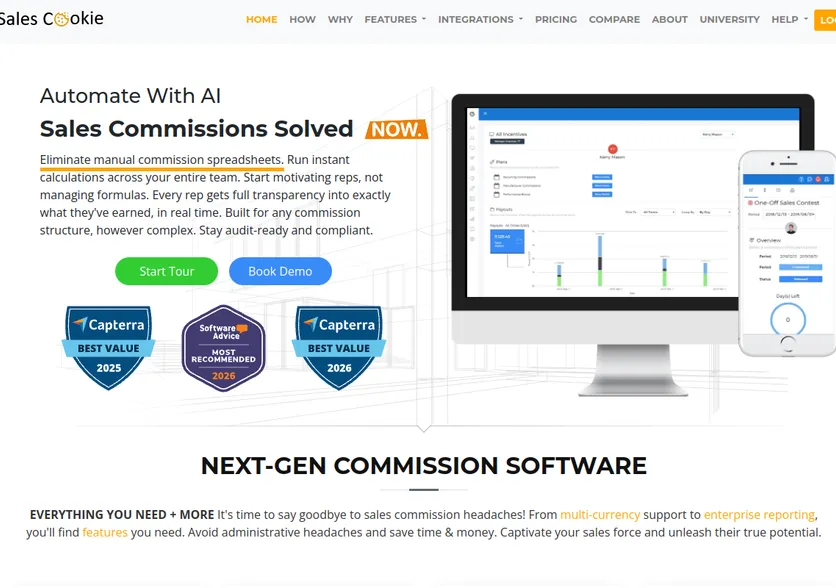
A small team that wants published pricing and no contract gets the Business plan here for forty dollars per user a month, and Sales Cookie covers commission modeling, calculations and statements at that price. Business+ adds more features for sixty dollars, and dashboard-disabled seats are fifteen dollars per user a month, and there is no contract and no setup fee. It is the most transparent tool in this list for a team that hates surprises.
What we like
- No contract and no setup fee
- Published pricing with a fourteen-day free trial
- Dashboard-disabled seats at fifteen dollars a user a month
Watch out for
- Billed monthly, so there is no annual discount
- Volume discounts are available but not published
How to try it
- Count the users who need the dashboard and those who do not
- Start the fourteen-day trial with last month's deals
- Check the volume discount for a larger team
6. Core Commissions
Best for: Teams that want reporting first at a low per-payee rate
Paid tool Starting price: $10/payee/month · Ten dollars per payee a month billed annually in advance on Reporter, announced September 1, 2026; Launch is twenty dollars and Enterprise is thirty-five dollars; every tier carries a fifteen-payee minimum, so a ten-payee team pays for fifteen, or one hundred and fifty dollars a month on Reporter; Launch includes five rules and charges fifty cents per extra rule per payee a month; some directories list twenty dollars as the start, which is the Launch figure, not Reporter
Free plan: No free plan; 30-day free trial
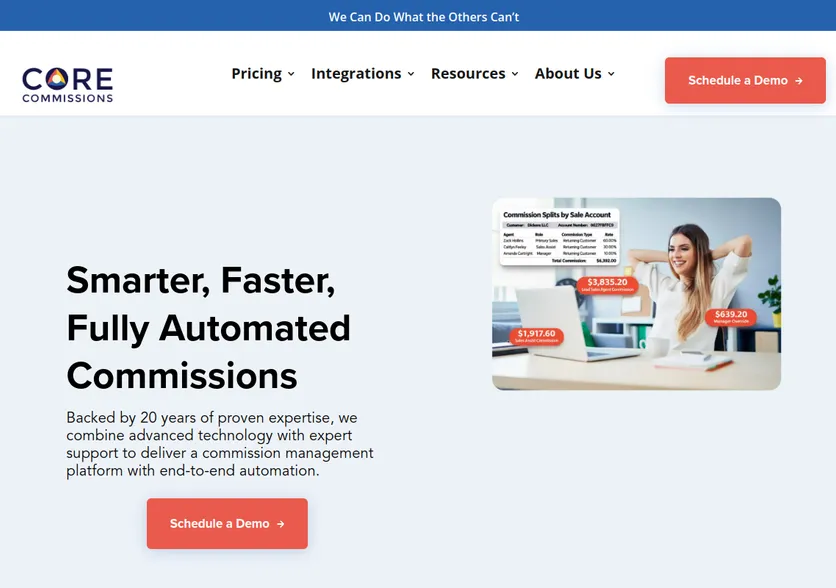
A team that wants reporting first at a low per-payee rate gets the Reporter plan here for ten dollars per payee a month billed annually, and Core Commissions covers commission reporting, calculations and statements at that price. Launch adds modeling for twenty dollars, and Enterprise adds advanced options for thirty-five dollars, and every tier carries a fifteen-payee minimum. It is the cheapest per-payee price in this list for a team that starts with reporting.
What we like
- Cheapest per-payee price in this list
- Thirty-day Quick Start trial
- Reporting-first design that finance teams like
Watch out for
- The fifteen-payee minimum means a small team pays for fifteen
- Some directories list twenty dollars as the start, which is the Launch figure
How to try it
- Count the payees, then price the fifteen-payee minimum
- Start the thirty-day trial with the current plan
- Check whether Launch modeling is needed or Reporter is enough
7. Kennect
Best for: Price-sensitive teams that can live without CRM sync
Paid tool Starting price: $20/user/month · Twenty dollars per user a month on Basic, the lowest published starting price in this list; source-system integrations sit on the quote-only Enterprise tier, so CRM sync is not in that price; no free trial is listed, only a demo
Free plan: No free plan; free demo
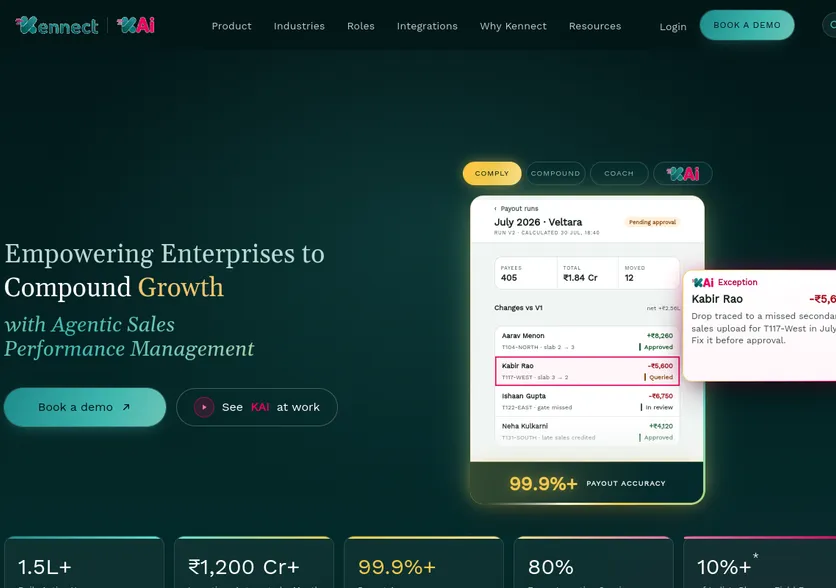
A price-sensitive team that can live without CRM sync gets the Basic plan here for twenty dollars per user a month, and Kennect covers commission modeling, calculations and statements at that price. Source-system integrations sit on the quote-only Enterprise tier, so CRM sync is not in that price, and no free trial is listed, only a demo. It suits a team that runs the model from its own data and does not need the sync.
What we like
- Lowest published starting price in this list for modeling
- Simple per-user pricing
- Covers the core modeling and calculation workflow
Watch out for
- CRM integrations are only on the quote-only Enterprise tier
- No free trial, only a demo
How to try it
- List the systems the comp plan must read from
- Ask for a demo with the team's real plan rules
- Check the Enterprise quote if CRM sync is needed
Prices above were checked on each vendor’s own website on Nov 28, 2026 and can change — the vendor’s page is the final word. Vendor links are editorial: nobody paid to be listed or ranked here. Vendors who want a featured listing can see how it works on our Get listed page.
How to pick sales compensation modeling software that pays people right
Start with the plan rules. A compensation model earns its price when the team can change a rate, a tier or a quota and see the payout change before the plan goes live, and the tools that do that best are the ones with a real modeling engine, not a calculator. QuotaPath and QCommission cover that modeling from the entry plan, while Core Commissions suits a team that starts with reporting and adds modeling later.
Then count the real bill. Per-payee pricing looks cheap until the team adds the platform fee, the monthly minimum or the connector fees, so price the whole team, including the minimums, before comparing plans. A trial should run on last month's real deals, because the payout it produces is the only proof that the model matches the spreadsheet it replaces.
Before you buy
- Confirm the price covers every payee, not just the users who model the plan
- Check whether a platform fee or monthly minimum applies on top of the per-user rate
- Verify the modeling engine can change a rate and show the new payout before launch
- Test the calculation on last month's real deals during the trial
- Confirm whether CRM sync is included or locked behind a quoted tier
Official websites
Official websites of the products reviewed above. Features and prices were checked against these sites when this guide was written, and they can change, so confirm on the vendor site before you buy.
Frequently asked questions
What is sales compensation modeling software?
Sales compensation modeling software lets a team design a commission plan, test it against real deals and pay people correctly every month. The tools in this list cover plan modeling, commission calculations, payout statements and forecasting, so the sales team can see what they will earn before the plan goes live. QuotaPath, QCommission and Kennect are the modeling-first options, while Core Commissions starts with reporting.
How much does sales compensation software cost?
Entry prices in this list run from ten dollars per payee a month on Core Commissions Reporter to seventy-five dollars per user a month on Salesforce Spiff, with QuotaPath at thirty-five dollars per user a month plus a five hundred and twenty-five dollar platform fee. Commissionly is seventy-five dollars a month flat, QCommission is seventeen dollars per payee a month, Sales Cookie is forty dollars per user a month and Kennect is twenty dollars per user a month.
Is there a free sales compensation tool?
No tool in this list offers a free plan, because commission modeling is a paid workflow in every case. QuotaPath, Sales Cookie and Core Commissions offer free trials of fourteen to thirty days, and Spiff and Kennect offer demos. A trial should be run on last month's real deals, so the payout it produces can be checked against the spreadsheet it replaces.
Why are Xactly and CaptivateIQ not in this list?
Xactly, Varicent, Anaplan, CaptivateIQ, Performio and Everstage all sell by quote only and publish no list prices on their own sites. The rule for this list is that every price must be verified on the vendor pricing page, so quote-only tools are excluded rather than guessed at. QuotaPath and Spiff cover the same modeling workflow at published prices.
Which tool is best for a Salesforce team?
Salesforce Spiff is the strongest pick for a Salesforce team, because commissions are calculated inside Salesforce at seventy-five dollars per user a month, with real-time attainment that reps can see every day. QuotaPath is the alternative when the team needs modeling and forecasting outside Salesforce, at thirty-five dollars per user a month plus the platform fee. Both cover the full modeling and payout workflow.
Model the current plan on last month's real deals, then price the whole team before choosing.
Browse Business Tools tools