On this page
Sublimation printing turns a digital design into a vivid image on shirts, mugs and tumblers, and the software matters as much as the printer, because colour, layout and file preparation decide whether the print comes out right. The seven tools below cover that job for sellers of every size, from a free design app to a dedicated print rip. Adobe Illustrator leads because it draws crisp vectors that scale to any product for twenty-two dollars and ninety-nine cents a month, and the rest are ranked on how well they fit a print workflow.
How we researched this
We checked every price on the vendor pricing page on November 28, 2026, and only included tools with a published US dollar list price. The quote-only print rips, including Wasatch SoftRIP, publish no prices, and the free design tools, including Inkscape and Cricut Design Space, are outside this paid comparison, so they are not in this list. Prices change, so confirm the current figure on the vendor site before you buy.
Compare the tools
| Name | Best for | Starting price | Free plan | |
|---|---|---|---|---|
| Adobe Illustrator | Shops that design original sublimation artwork | $22.99/month | No free plan; 7-day free trial | Visit |
 Adobe Photoshop | Shops that start from photos or scanned art | $22.99/month | No free plan; 7-day free trial | Visit |
 CorelDRAW Graphics Suite | Shops that want the whole design bench for one price | $269/year | No free plan; 15-day free trial | Visit |
 Canva Pro | Small sellers who design fast for marketplaces | $15/month | Free plan | Visit |
 Procreate | Illustrators who draw every design from scratch | $12.99 one-time | No free plan; no free trial | Visit |
| Silhouette Studio Business Edition | Crafters who run a Silhouette cutter beside a printer | $99.99 one-time | Free plan (Basic edition) | Visit |
 Fiery Digital Factory 12 Sublimation Edition | Shops that print daily and want consistent colour | $595 one-time | No free plan; 15-day free trial | Visit |
The software for sublimation printing, compared
1. Adobe Illustrator
Best for: Shops that design original sublimation artwork
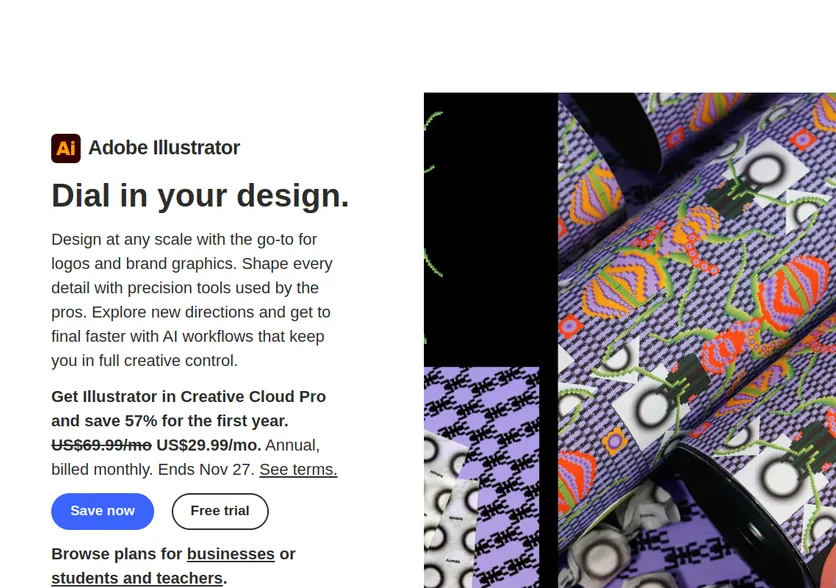
Paid tool Starting price: $22.99/month · Twenty-two dollars and ninety-nine cents a month billed annually (thirty-four dollars and forty-nine cents month to month); Teams is thirty-seven dollars and ninety-nine cents a month, a seven-day free trial is included and there is no free plan; the annual prepaid price is two hundred and sixty-three dollars and eighty-eight cents
Free plan: No free plan; 7-day free trial
A print shop that draws its own sublimation artwork gets the industry vector editor here, because this Adobe Illustrator plan costs twenty-two dollars and ninety-nine cents a month billed annually. It draws crisp vectors that scale to any shirt or mug size, and the colour tools keep prints matching the screen. It suits a shop that designs original artwork rather than buying it.
What we like
- Industry-standard vector drawing
- Vectors scale to any shirt or mug size
- Colour tools keep prints matching the screen
Watch out for
- The learning curve is steep for a first-time designer
- The subscription never ends, so the cost runs forever
How to try it
- Draw the artwork as vectors on an artboard
- Set the colours for the sublimation printer
- Export a print-ready file for the heat press
2. Adobe Photoshop
Best for: Shops that start from photos or scanned art
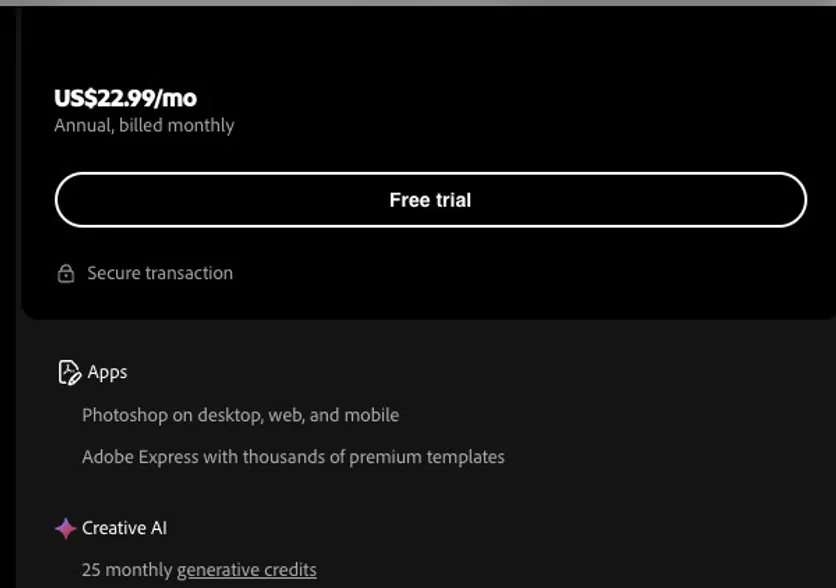
Paid tool Starting price: $22.99/month · Twenty-two dollars and ninety-nine cents a month billed annually as a single app (thirty-four dollars and forty-nine cents month to month); a seven-day free trial is included and there is no free plan
Free plan: No free plan; 7-day free trial
A print shop that edits photos and mockups for sublimation gets the standard raster editor here, since this Adobe Photoshop plan costs twenty-two dollars and ninety-nine cents a month billed annually. It retouches images, builds mockups and prepares files for the heat press, and the generative tools speed up background work. It fits a shop that starts from photos or scanned art.
What we like
- The standard raster editor for photo work
- Mockups show customers the finished product
- Generative tools speed up background work
Watch out for
- Raster images lose sharpness when scaled up
- The subscription never ends, so the cost runs forever
How to try it
- Open the photo and clean it up
- Build a mockup on the product template
- Export a print-ready file for the heat press
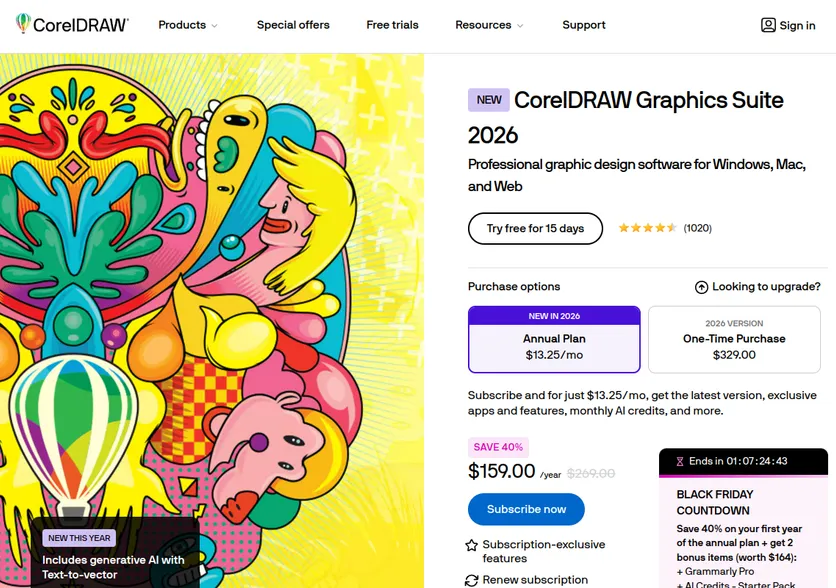
3. CorelDRAW Graphics Suite
Best for: Shops that want the whole design bench for one price
Paid tool Starting price: $269/year · Two hundred and sixty-nine dollars a year on subscription; a one-time purchase is five hundred and forty-nine dollars and a fifteen-day free trial is included; the Mac App Store lists two hundred and forty-nine dollars and ninety-nine cents a year, and some store reads show a higher list figure, so confirm at checkout
Free plan: No free plan; 15-day free trial
A print shop that wants vectors, layout and photo editing in one suite gets a bundled deal here, because this CorelDRAW Graphics Suite plan costs two hundred and sixty-nine dollars a year on subscription. It covers illustration, page layout and bitmap editing, and a one-time purchase is available for shops that dislike subscriptions. It suits a shop that wants the whole design bench for one price.
What we like
- Vectors, layout and photo editing in one suite
- One-time purchase available beside the subscription
- Long history in print and sign shops
Watch out for
- The store price varies by channel, so confirm at checkout
- Fewer online tutorials than the Adobe tools
How to try it
- Draw the design in the vector editor
- Lay out the print with text and images
- Export a print-ready file for the heat press
4. Canva Pro
Best for: Small sellers who design fast for marketplaces
Paid tool Starting price: $15/month · Fifteen dollars a month, or one hundred and twenty dollars a year, which saves sixty dollars against monthly billing; Teams and Business start at ten to twenty dollars or more per person a month, a thirty-day free trial is included, a free plan is available and Education and nonprofit plans are free
Free plan: Free plan
A seller who needs quick sublimation designs without learning a pro editor gets a template-first tool here, since this Canva Pro plan costs fifteen dollars a month, or one hundred and twenty dollars a year. It offers thousands of templates, easy text and background removal, and print-ready exports, and the free tier covers the basics. It fits a small seller who designs fast and sells on marketplaces.

What we like
- Thousands of templates for quick designs
- Background removal and print-ready exports
- Free tier covers the basics
Watch out for
- Templates look generic next to original artwork
- Vector control is thin next to Illustrator
How to try it
- Pick a template in the right product size
- Change the text, colours and images
- Export a print-ready file for the heat press
5. Procreate
Best for: Illustrators who draw every design from scratch
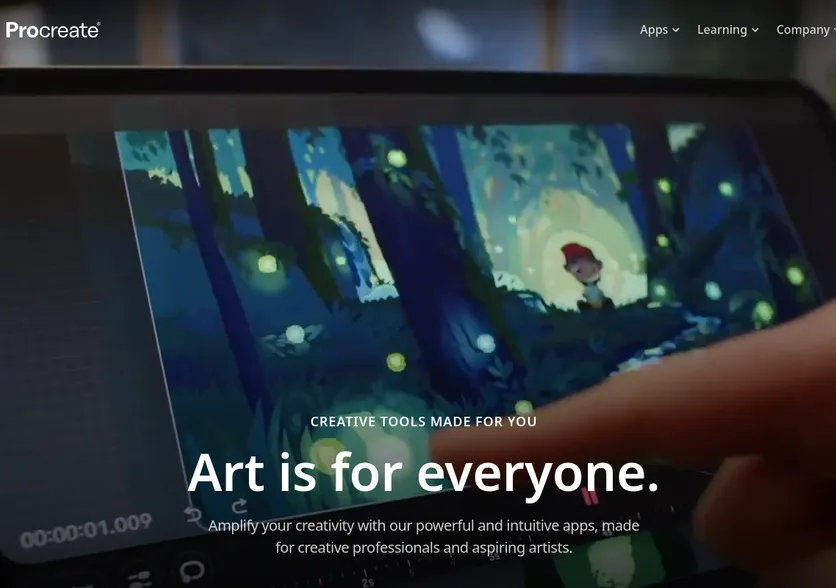
Paid tool Starting price: $12.99 one-time · Twelve dollars and ninety-nine cents one time on the App Store, up from nine dollars and ninety-nine cents earlier in 2026; it runs on the tablet only, there is no free plan, and Pocket and Dreams are separate purchases at five dollars and ninety-nine cents and twelve dollars and ninety-nine cents
Free plan: No free plan; no free trial
An artist who draws sublimation art by hand on a tablet gets a one-time purchase here, because this Procreate plan costs twelve dollars and ninety-nine cents once. It offers hundreds of brushes, layers and a natural drawing feel on the tablet, and there is no subscription to keep paying. It suits an illustrator who draws every design from scratch.
What we like
- One-time purchase with no subscription
- Hundreds of brushes and a natural drawing feel
- Layers and canvas tools made for illustrators
Watch out for
- Tablet only, with no desktop version
- No vector tools for crisp scaling
How to try it
- Create a canvas at the print size
- Sketch and paint the artwork in layers
- Export a high-resolution file for the heat press
6. Silhouette Studio Business Edition
Best for: Crafters who run a Silhouette cutter beside a printer
Paid tool Starting price: $99.99 one-time · Ninety-nine dollars and ninety-nine cents one time for the Business Edition upgrade from the free Basic edition, with a seventy-nine dollar and ninety-nine cent sale price sometimes listed; Designer is forty-nine dollars and ninety-nine cents and Designer Plus is seventy-four dollars and ninety-nine cents, and resellers often list lower prices
Free plan: Free plan (Basic edition)
A crafter who cuts and prints with Silhouette machines gets the matching design software here, since this Silhouette Studio Business Edition plan costs ninety-nine dollars and ninety-nine cents once as an upgrade from the free Basic edition. It adds nesting, multi-cutter support and advanced design tools for production work, and the Basic edition stays free. It fits a crafter who runs a Silhouette cutter beside a sublimation printer.
What we like
- Nesting and multi-cutter support for production
- One-time upgrade with no subscription
- Free Basic edition for trying it out
Watch out for
- The Business Edition is an upgrade, so Basic must be installed first
- Built for Silhouette machines, not other cutters
How to try it
- Open the design in the Business Edition
- Nest the shapes to save material
- Send the job to the cutter and print the transfer
7. Fiery Digital Factory 12 Sublimation Edition
Best for: Shops that print daily and want consistent colour
Paid tool Starting price: $595 one-time · Five hundred and ninety-five dollars one time for a perpetual licence of the Sublimation Edition; a fifteen-day free trial is included, there is no subscription and the base licence covers desktop printers, with wide-format support through add-ons
Free plan: No free plan; 15-day free trial
A shop that prints sublimation on a desktop printer and wants colour it can trust gets a dedicated rip here, because this Fiery Digital Factory plan costs five hundred and ninety-five dollars once for a perpetual licence. It manages colour, nesting and print queues for desktop printers, and wide-format support arrives through add-ons. It suits a shop that prints daily and wants consistent colour every run.
What we like
- Dedicated colour management for sublimation
- Nesting and print queues for daily production
- One-time perpetual licence with no subscription
Watch out for
- The base licence covers desktop printers only
- Wide-format support costs extra through add-ons
How to try it
- Install the rip and add the desktop printer
- Set the colour profile for the inks and paper
- Queue jobs and print with consistent colour
Prices above were checked on each vendor’s own website on Nov 28, 2026 and can change — the vendor’s page is the final word. Vendor links are editorial: nobody paid to be listed or ranked here. Vendors who want a featured listing can see how it works on our Get listed page.
How to get sublimation prints that match the screen
Start with colour, because a design that looks vivid on screen can print dull or shifted, so use the printer profile and print a test swatch before a full run. Work at the right size and resolution, since a small raster image stretched to a shirt will blur no matter how good the printer is, and vectors stay crisp at any size. Keep the artwork and the print settings together in one file, and press a test piece first, because a ruined shirt costs more than the minute a test takes.
Before you buy
- Check whether the tool handles vectors, photos or both before choosing
- Confirm the export format and resolution match the sublimation printer
- Ask if colour management and printer profiles are included or extra
- Make sure the price is a subscription or a one-time purchase, not both
- Test the tool on a real design and press a test piece before paying
Official websites
Official websites of the products reviewed above. Features and prices were checked against these sites when this guide was written, and they can change, so confirm on the vendor site before you buy.
Frequently asked questions
What is software for sublimation printing?
It is software that designs artwork and prepares it for a sublimation printer, covering drawing, photo editing, layout, colour management and print queues. The design is printed onto transfer paper and heat-pressed onto shirts, mugs and tumblers, so the software decides how sharp and how vivid the finished product looks.
How much does Adobe Illustrator cost for sublimation?
Adobe Illustrator costs twenty-two dollars and ninety-nine cents a month billed annually as a single app, or thirty-four dollars and forty-nine cents month to month. The Teams plan is thirty-seven dollars and ninety-nine cents a month, a seven-day free trial is included, and the annual prepaid price is two hundred and sixty-three dollars and eighty-eight cents.
Can I design sublimation prints for free?
Yes, for simple work. Canva offers a free tier with templates and basic exports, Silhouette Studio offers a free Basic edition, and Inkscape and Cricut Design Space are free, though they sit outside this paid comparison. A seller who designs daily will still want a paid tool for better colour, vectors and print-ready exports.
Which tool is best for original sublimation artwork?
Adobe Illustrator is the best pick for original artwork at twenty-two dollars and ninety-nine cents a month, because its vectors scale to any product size without losing sharpness. Procreate suits hand-drawn art at twelve dollars and ninety-nine cents once, while CorelDRAW covers vectors, layout and photo editing in one suite.
Do I need a RIP for sublimation printing?
Not for occasional printing, since a design app plus the printer driver handles small runs. A shop that prints daily benefits from a RIP such as Fiery Digital Factory, at five hundred and ninety-five dollars once, because it manages colour, nesting and print queues so every run matches the last one.
Compare the seven tools above, then start with a free trial on the one that matches how the shop already designs before paying for a full year.
Browse Image Tools tools