On this page
Print work forgives nothing: a colour that looks right on screen can shift on paper, a low-resolution image turns soft, and a missing bleed ruins a whole run. The right design tool keeps CMYK, bleeds, crop marks and high-resolution export under control from the first layout. Adobe Illustrator leads this list because it is the vector standard print shops expect, and the other seven tools are ranked on print output, honest pricing and how well they handle real press files.
How we researched this
We checked every price on the vendor pricing page on November 27, 2026, and only included tools with a published US dollar list price and a free trial or free plan. We ranked each tool on print-specific strengths, including CMYK colour, bleed and crop-mark support, PDF export quality and file compatibility with print shops. Tools with quote-only pricing were left out, so every price below can be verified on the vendor site.
Compare the tools
| Name | Best for | Starting price | Free plan | |
|---|---|---|---|---|
 Adobe Illustrator | Print shops and studios that need the vector standard for logos and packaging | $22.99/mo | 7-day free trial, no free plan | Visit |
 Adobe InDesign | Designers laying out books, magazines, brochures and catalogues | $22.99/mo | 7-day free trial, no free plan | Visit |
 Adobe Photoshop | Print designers who retouch photos and prepare raster artwork for press | $22.99/mo | 7-day free trial, no free plan | Visit |
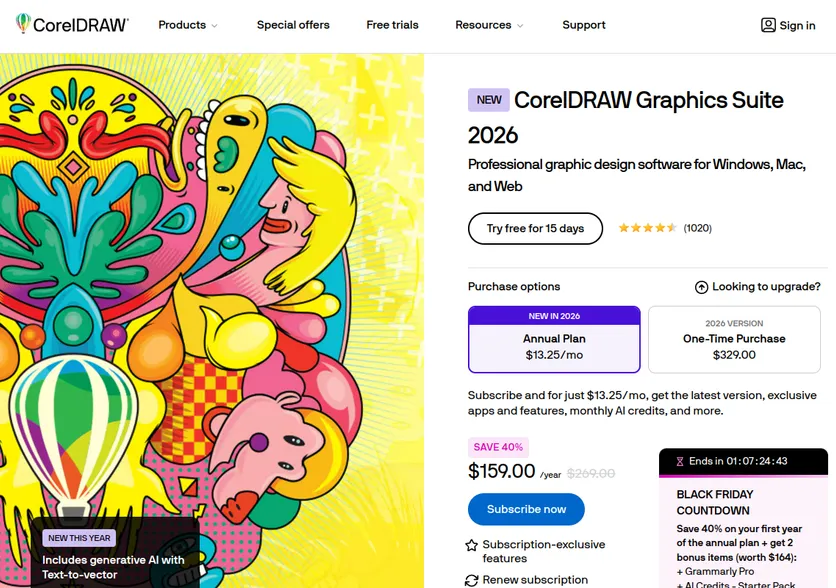
 CorelDRAW Graphics Suite | Print shops and sign makers who want layout, vector and photo editing in one suite | $269/yr | 15-day free trial, no free plan | Visit |
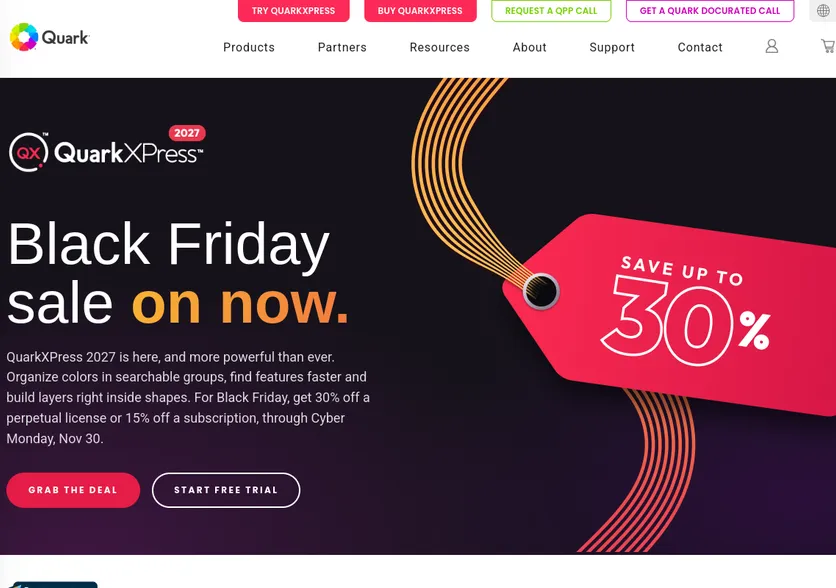
 QuarkXPress | Publishers and designers who want professional layout they can own outright | $279/yr | Free trial, no free plan | Visit |
 Canva Pro | Small businesses that need print flyers, posters and cards fast from templates | $120/yr | Free plan; 30-day free trial of Pro | Visit |
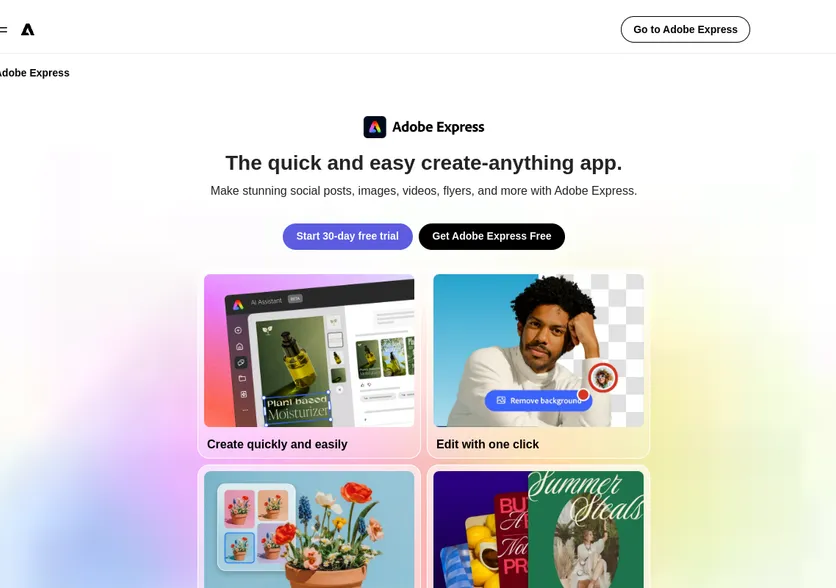
 Adobe Express Premium | Creators who need quick print flyers and social graphics on one cheap plan | $9.99/mo | Free plan; 30-day free trial of Premium | Visit |
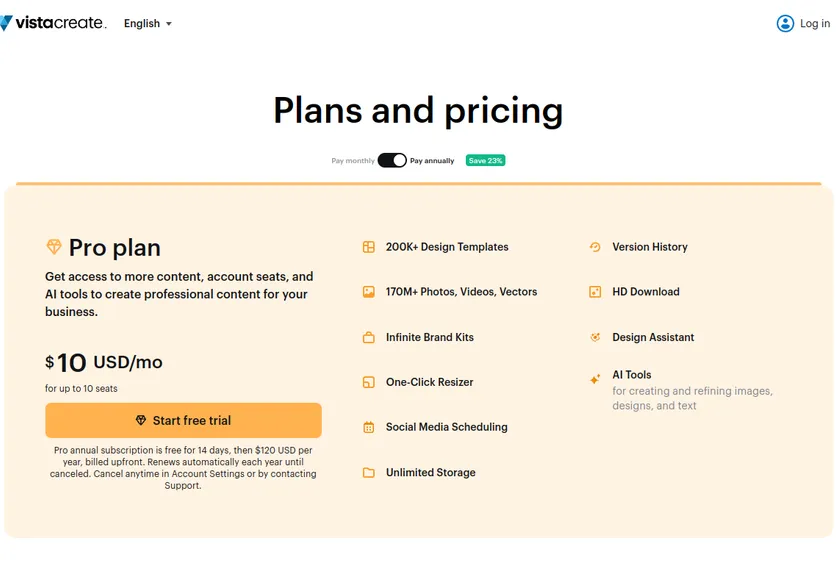
 VistaCreate | Small teams that want animated and print graphics on one flat bill | $120/yr | Free Starter plan; 14-day free trial of Pro | Visit |
The graphic design software for print media, compared
1. Adobe Illustrator
Best for: Print shops and studios that need the vector standard for logos and packaging
Paid tool Starting price: $22.99/mo · Twenty-two dollars and ninety-nine cents per user a month on an annual plan billed monthly; about thirty-four dollars and forty-nine cents month to month; a prepaid year costs two hundred sixty-three dollars and eighty-eight cents
Free plan: 7-day free trial, no free plan
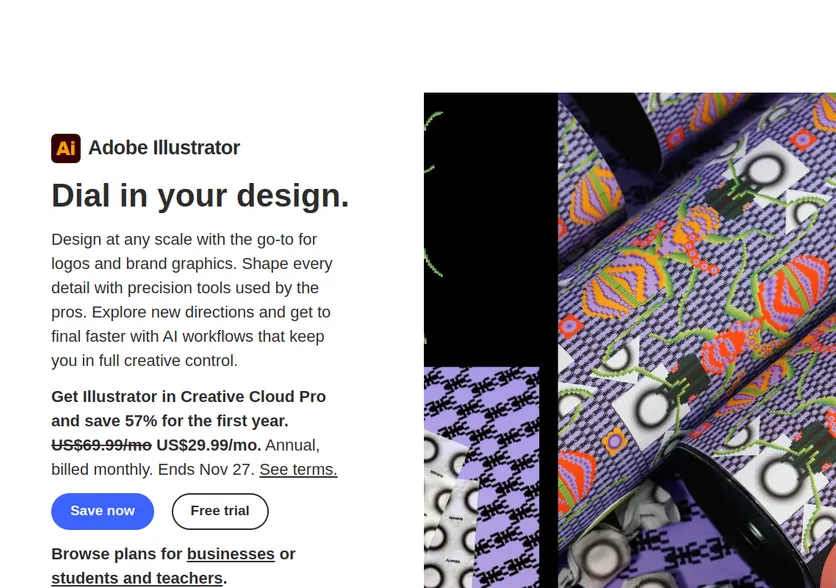
Adobe Illustrator is the vector editor most print shops ask for by name, and its CMYK colour, overprint preview and packaging tools cover the whole journey from logo sketch to press file. A single-app plan costs twenty-two dollars and ninety-nine cents a month on annual billing and includes one hundred gigabytes of cloud storage with Adobe Fonts. Illustrator files open cleanly in almost any prepress workflow, so printers rarely ask for a conversion or a redraw.
What we like
- The vector standard every print shop accepts
- Strong CMYK, overprint and packaging tools
- Files move cleanly into prepress workflows
Watch out for
- No perpetual licence, so the subscription never ends
- Annual plan carries an early-cancellation fee
How to try it
- Draw the artwork on an artboard sized to the finished print piece
- Set the colour mode to CMYK and add bleed around the edges
- Export a press-ready PDF with crop marks and embedded fonts
2. Adobe InDesign
Best for: Designers laying out books, magazines, brochures and catalogues
Paid tool Starting price: $22.99/mo · Twenty-two dollars and ninety-nine cents per user a month on an annual plan billed monthly; about thirty-four dollars and forty-nine cents month to month; a prepaid year costs two hundred sixty-three dollars and eighty-eight cents
Free plan: 7-day free trial, no free plan
Adobe InDesign is the layout tool for multi-page print, and it handles long documents, master pages, styles and tables with a control that single-page editors cannot match. A single-app plan costs twenty-two dollars and ninety-nine cents a month on annual billing and pairs with Illustrator and Photoshop files without conversion. Its preflight checks catch missing fonts, low-resolution images and overset text before the file reaches the printer.
What we like
- Best multi-page layout and style control
- Preflight catches print errors early
- Native handling of Adobe linked files
Watch out for
- Overkill for a one-page flyer or business card
- Subscription only, with no one-time purchase
How to try it
- Build master pages for repeating headers, folios and grids
- Flow the text through linked frames and apply paragraph styles
- Run preflight and export a press-ready PDF with bleeds
3. Adobe Photoshop
Best for: Print designers who retouch photos and prepare raster artwork for press
Paid tool Starting price: $22.99/mo · Twenty-two dollars and ninety-nine cents per user a month on an annual plan billed monthly; about thirty-four dollars and forty-nine cents month to month; a prepaid year costs two hundred sixty-three dollars and eighty-eight cents
Free plan: 7-day free trial, no free plan
Adobe Photoshop is where print images get ready for paper, with colour correction, retouching and sharpening tuned for CMYK output and high-resolution files. A single-app plan costs twenty-two dollars and ninety-nine cents a month on annual billing and includes one hundred gigabytes of cloud storage with Adobe Fonts. Its soft-proofing shows how an image will look on a specific paper and printer before a single sheet is printed.
What we like
- Deepest photo retouching and colour control
- Soft-proofing against real printer profiles
- Standard file formats every printer accepts
Watch out for
- Not a layout tool, so pair it with InDesign
- Subscription only, with no one-time purchase
How to try it
- Open the photo and correct colour in CMYK mode
- Retouch, sharpen and size the image to the final print resolution
- Soft-proof against the printer profile and export a TIFF or PSD
4. CorelDRAW Graphics Suite
Best for: Print shops and sign makers who want layout, vector and photo editing in one suite
Paid tool Starting price: $269/yr · Two hundred sixty-nine dollars a year on the annual plan; a one-time purchase of the 2026 version costs five hundred forty-nine dollars; monthly billing is about thirty-nine dollars a month
Free plan: 15-day free trial, no free plan
CorelDRAW Graphics Suite pairs vector drawing with page layout and photo editing, so a print shop can design a sign, a brochure and a vehicle wrap without leaving the suite. The annual plan costs two hundred sixty-nine dollars a year and includes CorelDRAW Web plus two thousand AI credits a month. A one-time purchase at five hundred forty-nine dollars suits buyers who want to own the 2026 version outright.
What we like
- Vector, layout and photo editing in one suite
- One-time purchase option for owners
- Strong sign and large-format print tools
Watch out for
- Smaller template and stock library than Adobe
- One-time buyers miss new features and AI credits
How to try it
- Lay out the piece with vector art and placed photos
- Set CMYK colour and bleed for the print size
- Export a press-ready PDF or send the file to the cutter
5. QuarkXPress
Best for: Publishers and designers who want professional layout they can own outright
Paid tool Starting price: $279/yr · Two hundred seventy-nine dollars a year on the prepaid annual subscription; the standard subscription is three hundred fourteen dollars a year per the vendor blog; a perpetual licence costs six hundred ninety-nine dollars
Free plan: Free trial, no free plan
QuarkXPress is the long-standing professional alternative to InDesign, and its main draw is ownership alongside serious page-layout power for books, magazines and catalogues. A prepaid annual subscription costs two hundred seventy-nine dollars a year with upgrades, updates and support included while it stays active. It reads InDesign shortcuts, handles long documents well and ships with a royalty-free stock image library.
What we like
- Perpetual licence option for owners
- Strong long-document and publishing tools
- InDesign shortcuts ease the switch
Watch out for
- Smaller ecosystem of plugins than InDesign
- Subscription and perpetual prices are easy to confuse
How to try it
- Set up the document with master pages and style sheets
- Place text and images and check the layout in print preview
- Export a press-ready PDF or buy the perpetual licence instead
6. Canva Pro
Best for: Small businesses that need print flyers, posters and cards fast from templates
Paid tool Starting price: $120/yr · One hundred twenty dollars a year on annual billing, about ten dollars a month; fifteen dollars a month on monthly billing; Teams is ten dollars per user a month on annual billing
Free plan: Free plan; 30-day free trial of Pro
Canva Pro turns print design into template work, with thousands of flyer, poster, brochure and business-card layouts that resize in one click. Pro costs one hundred twenty dollars a year on annual billing and adds premium templates, a brand kit, background removal and one terabyte of storage. Finished designs export as print-ready PDFs with bleed and crop marks, and Canva can even print and ship the job.

What we like
- Fastest route from idea to printable file
- Huge template library for common print jobs
- Built-in print and delivery service
Watch out for
- Less precise typography than InDesign or Quark
- CMYK control is limited next to pro tools
How to try it
- Pick a print template sized to the finished piece
- Apply the brand kit colours, fonts and logo
- Download a PDF print file with bleed and crop marks
7. Adobe Express Premium
Best for: Creators who need quick print flyers and social graphics on one cheap plan
Paid tool Starting price: $9.99/mo · Nine dollars and ninety-nine cents a month billed monthly with no annual commitment; Firefly Pro is nineteen dollars and ninety-nine cents a month; Teams is seven dollars and ninety-nine cents per licence a month on annual billing
Free plan: Free plan; 30-day free trial of Premium
Adobe Express Premium is the cheapest way into Adobe design tools, and it covers flyers, posters, invitations and social graphics from templates with Adobe Stock photos built in. Premium costs nine dollars and ninety-nine cents a month billed monthly with no annual commitment and adds premium templates, brand kits and two hundred fifty generative credits a month. Print files download as PDFs, and the one-click resize tool adapts one design to many sizes.
What we like
- Cheapest Adobe paid design plan
- No annual commitment on monthly billing
- One-click resize across many formats
Watch out for
- Too light for multi-page or colour-critical work
- Generative credits cap at two hundred fifty a month
How to try it
- Choose a flyer or poster template in the print size
- Swap in brand colours, fonts and photos
- Download the print PDF and send it to the printer
8. VistaCreate
Best for: Small teams that want animated and print graphics on one flat bill
Paid tool Starting price: $120/yr · One hundred twenty dollars a year on annual billing, about ten dollars a month; thirteen dollars a month on monthly billing; one Pro plan covers up to ten team members
Free plan: Free Starter plan; 14-day free trial of Pro
VistaCreate is a template-led design tool with animated templates and a large stock library, and one Pro plan covers a team of up to ten people for a single flat price. Pro costs one hundred twenty dollars a year on annual billing and adds two hundred thousand templates, unlimited brand kits and a resize tool. Print designs export as PDFs, while the same account also handles social posts and animated graphics for the business.
What we like
- One flat price covers up to ten seats
- Animated templates included at no extra cost
- Free Starter plan is genuinely usable
Watch out for
- Smaller asset library than Canva Pro
- Print colour controls are basic next to Adobe
How to try it
- Pick a print or social template from the library
- Apply the brand kit and resize for each format
- Export the print PDF and share the design with the team
Prices above were checked on each vendor’s own website on Nov 27, 2026 and can change — the vendor’s page is the final word. Vendor links are editorial: nobody paid to be listed or ranked here. Vendors who want a featured listing can see how it works on our Get listed page.
How to pick graphic design software for print media
Start with the output, not the editor: ask the printer what file it wants, then check that the tool exports it. Most print shops want a press-ready PDF with bleed, crop marks and embedded fonts, so a tool that only exports screen PDFs will cost you a second purchase. Check the colour mode before you design anything, because RGB artwork converted at the last minute shifts colours in ways no proof catches. Ask for a proof on the real paper stock whenever the job matters, since coated and uncoated paper render the same file differently. Finally, count the real cost across a year: a cheap monthly plan that needs a second tool for layout is dearer than one subscription that covers vector, layout and photo work.
Before you buy
- Confirm the tool exports press-ready PDFs with bleed, crop marks and embedded fonts
- Check that CMYK colour mode and soft-proofing are available before you start designing
- Ask the printer which file formats it accepts and test one file before a big run
- Count the yearly cost including any second tool needed for layout or photo work
- Trial the tool with a real print job and check the proof on the actual paper stock
Official websites
Official websites of the products reviewed above. Features and prices were checked against these sites when this guide was written, and they can change, so confirm on the vendor site before you buy.
Frequently asked questions
What is the best graphic design software for print media?
Adobe Illustrator is the best overall choice for print media, because print shops accept its vector files without conversion and its CMYK and overprint tools cover logos, packaging and signage. InDesign is the better pick for multi-page work such as books, magazines and catalogues, since it adds master pages, styles and preflight checks. For quick flyers and posters, Canva Pro at one hundred twenty dollars a year is the fastest route to a print-ready PDF.
What is the cheapest graphic design software for print media?
Adobe Express Premium is the cheapest paid plan here at nine dollars and ninety-nine cents a month, and it handles flyers, posters and invitations from templates. VistaCreate Pro and Canva Pro both cost one hundred twenty dollars a year on annual billing, with VistaCreate covering up to ten seats on one plan. For professional vector and layout work, Illustrator and InDesign each cost twenty-two dollars and ninety-nine cents a month.
Do I need CMYK for print design?
Yes, CMYK is the colour mode print presses use, so designing in CMYK shows colours much closer to the printed result than RGB does. RGB artwork converted at export time can shift blues toward purple and bright greens toward dull tones, and the change is hard to predict. Illustrator, InDesign, Photoshop, CorelDRAW and QuarkXPress all support CMYK natively, while template tools such as Canva and VistaCreate offer more limited colour control.
Can Canva files be printed professionally?
Yes, Canva Pro exports print-ready PDFs with bleed and crop marks, which most print shops accept for flyers, posters, brochures and business cards. The free plan also exports PDFs, though premium templates, brand kits and background removal sit behind Pro. For colour-critical work such as packaging or brand-matched printing, a CMYK-native tool such as Illustrator or InDesign gives tighter control over the final result.
Is CorelDRAW or Illustrator better for print shops?
Illustrator is the safer choice when files must move between studios and printers, because it is the vector standard and its files open cleanly in almost any prepress workflow. CorelDRAW suits print shops that want vector, layout and photo editing in one suite, and its one-time purchase at five hundred forty-nine dollars appeals to buyers who dislike subscriptions. For sign and large-format work, CorelDRAW is a genuine rival; for agency and packaging work, Illustrator still leads.
Compare the eight tools above, then trial the one that matches your print jobs with a real file and a real proof before you commit.
Browse Image Tools tools