On this page
A small shop runs on its till and its stock count, and a system that only does one of those leaves the owner doing the rest by hand. The seven tools below cover that job for retailers of every kind, from a free till for one cafe to a retail platform that runs the shop and the web store. Shopify leads because it runs the web store, the point of sale, payments and shipping for twenty-nine dollars a month billed annually on Basic, and the rest are ranked on how much shop management they give for the price.
How we researched this
We checked every price on the vendor pricing page on November 29, 2026, and only included tools with a published US dollar list price. The quote-only retail platforms that sell by sales call publish no prices, so they are not in this list. Prices change, so confirm the current figure on the vendor site before you buy.
Compare the tools
| Name | Best for | Starting price | Free plan | |
|---|---|---|---|---|
 Lightspeed Retail | Small shops selling in-store and online | $89/month | Free demo | Visit |
 Shopify | Shops selling online first | $29/month | No free plan; 3-day free trial | Visit |
 Epos Now | Shops that need a till today | $39/month | No free plan; 30-day free trial | Visit |
 Square for Retail | Shops already taking Square payments | $49/location/month | Free plan | Visit |
 KORONA POS | Independent retailers keeping their own processor | $59/terminal/month | Free plan; unlimited free trial | Visit |
 Clover | Shops wanting register, payments and hardware together | $29.95/month | Free plan (Starter, $0) | Visit |
 Loyverse | Single shops and cafes on a tight budget | $25/store/month | Free plan (core POS) | Visit |
The store management software for small business, compared
1. Lightspeed Retail
Best for: Small shops selling in-store and online
Paid tool Starting price: $89/month · Eighty-nine dollars a month on Basic billed annually (one hundred and nine dollars billed monthly); Core is one hundred and seventy-nine dollars and Plus is three hundred and thirty-nine dollars billed annually; this is the Retail product, not the separate Restaurant product
Free plan: Free demo
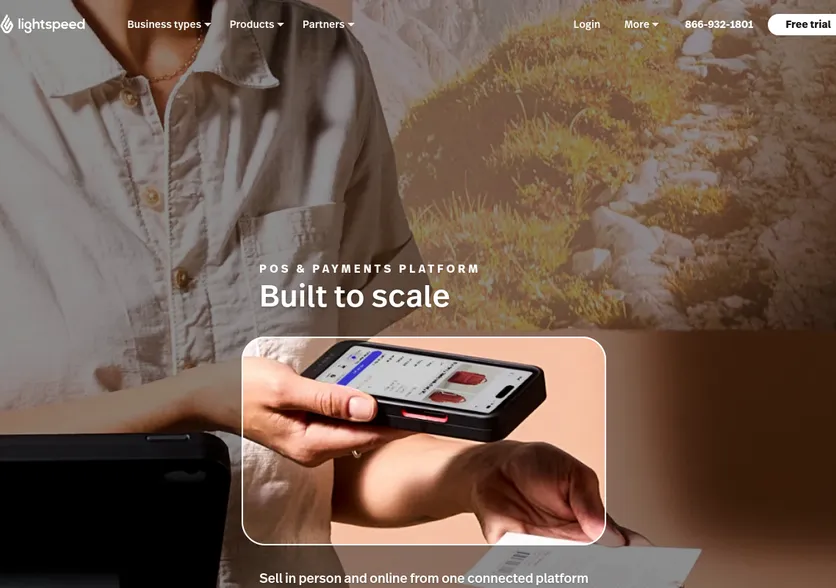
A small shop that sells in-store and online needs one system for both, and this Lightspeed Retail plan costs eighty-nine dollars a month on Basic billed annually. It runs the till, the inventory and the web shop from one count, so a sale anywhere updates stock everywhere. It suits shops that want a proper retail system without hiring a specialist to run it.
What we like
- Till, inventory and web shop from one count
- A sale anywhere updates stock everywhere
- Purchase orders and low-stock alerts included
Watch out for
- The Restaurant product is separate, with different pricing
- Advanced reporting sits on the dearer tiers
How to try it
- Add the shop, products and opening stock
- Connect the till and the web shop
- Ring up the first sale and check the stock update
2. Shopify
Best for: Shops selling online first
Paid tool Starting price: $29/month · Twenty-nine dollars a month on Basic billed annually (thirty-nine dollars billed monthly); Grow is eighty-nine dollars and Advanced is three hundred and fifty-nine dollars billed annually; annual figures rose in October 2026; no free plan, three-day free trial
Free plan: No free plan; 3-day free trial
The default choice for a small shop that sells online first is this Shopify plan, which costs twenty-nine dollars a month on Basic billed annually. It runs the web store, the point of sale, payments and shipping in one account, with an app store for everything else. It fits sellers who want to be trading the same week they sign up.

What we like
- Web store, till, payments and shipping in one account
- Huge app store for every extra feature
- Trading the same week you sign up
Watch out for
- No free plan, so even a tiny shop pays monthly
- Card fees and apps add to the monthly bill
How to try it
- Add products, prices and photos to the store
- Set up payments and shipping rates
- Publish the store and take the first order
3. Epos Now
Best for: Shops that need a till today
Paid tool Starting price: $39/month · Thirty-nine dollars a month software-only; Premium is sixty-nine dollars and the Complete Solution is three hundred and forty-nine dollars up front plus thirty-nine dollars a month; thirty-day free trial; no four hundred and ninety-nine dollar figure exists on the vendor page
Free plan: No free plan; 30-day free trial
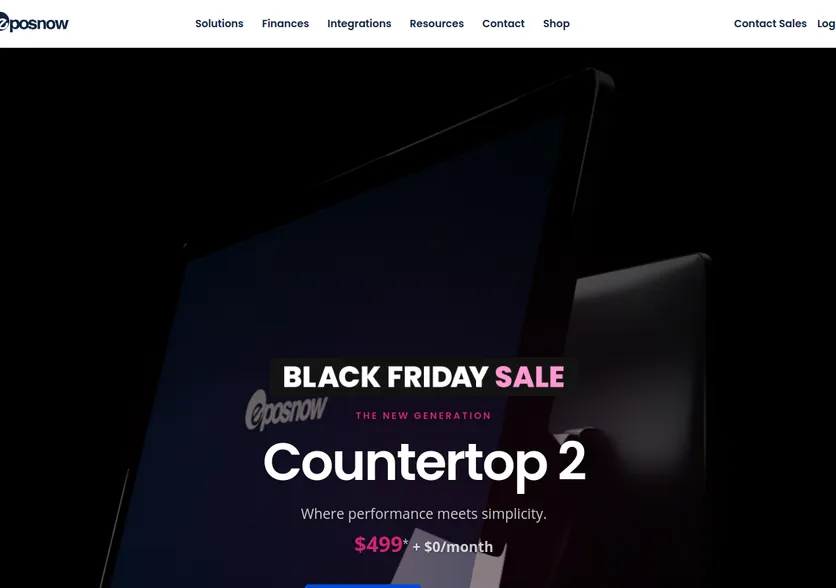
A shop that needs a till today rather than a project next month gets a fast start here, as this Epos Now plan costs thirty-nine dollars a month software-only. It rings up sales, tracks stock and manages customers, with hardware available as a bundle or bought separately. The software-only price keeps the entry low, though the till hardware and card fees add to the bill.
What we like
- Point of sale and stock tracking in one system
- Hardware available as a bundle or separately
- Cheap software-only entry price
Watch out for
- Hardware and payment processing cost extra
- Advanced stock features need the Premium tier
How to try it
- Add products and stock levels for the shop
- Set up the till and ring up the first sale
- Check the stock update and raise a purchase order
4. Square for Retail
Best for: Shops already taking Square payments
Paid tool Starting price: $49/location/month · Forty-nine dollars a month per location on Plus; Premium is one hundred and forty-nine dollars a month per location; the Free plan costs nothing before card fees; the monthly fee applies to each location you run; no annual billing option is shown on the vendor page
Free plan: Free plan
Shops already taking card payments through Square get the easiest upgrade here, since this Square for Retail plan costs forty-nine dollars a month per location on Plus. It adds purchase orders, vendor management and cost reporting to the register the staff already know. The free plan covers basic sales and stock, so a tiny shop can start without a monthly fee.
What we like
- Purchase orders and vendor management added to the register
- Free plan covers basic sales and stock
- Staff already know the register, so training is minimal
Watch out for
- The monthly fee applies to each location you run
- Real stock management starts on Plus, not the free plan
How to try it
- Add products and stock levels to the register
- Turn on purchase orders and vendor management
- Review the cost reports at the end of the week
5. KORONA POS
Best for: Independent retailers keeping their own processor
Paid tool Starting price: $59/terminal/month · Fifty-nine dollars a month per terminal on Core; Retail is seventy-nine dollars and Plus is ninety-nine dollars a month per terminal; the free plan covers basic checkout; inventory counts and stock management need the Retail plan; optional modules cost extra per terminal
Free plan: Free plan; unlimited free trial
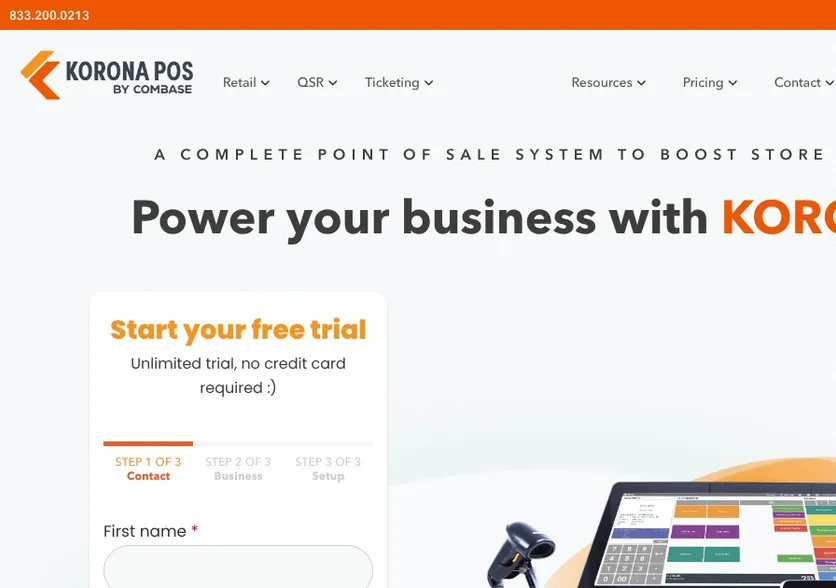
Independent retailers that want to keep their own payment processor will like this KORONA POS plan, which costs fifty-nine dollars a month per terminal on Core. It runs the till, the product database and sales reports without locking the shop into one processor. Note that real stock management needs the Retail plan at seventy-nine dollars, so budget for that tier, not Core.
What we like
- Works with the payment processor you choose
- Till, product database and sales reports included
- Unlimited free trial with no card required
Watch out for
- Real stock management needs the Retail tier, not Core
- Optional modules cost extra per terminal
How to try it
- Set up the product database and prices
- Connect your own payment processor
- Ring up sales and review the reports
6. Clover
Best for: Shops wanting register, payments and hardware together
Paid tool Starting price: $29.95/month · Twenty-nine dollars and ninety-five cents a month on Essentials; Retail Growth is eighty-four dollars and ninety-five cents a month; the Starter plan is free; hardware is sold separately from the software plan, and bank or reseller pricing can differ from the online prices
Free plan: Free plan (Starter, $0)
A shop that wants the register, the payments and the hardware from one supplier gets a tidy bundle here, because this Clover plan costs twenty-nine dollars and ninety-five cents a month on Essentials. It covers the item catalogue, stock tracking and detailed reports, with the Retail Growth tier adding loyalty, gift cards and returns. Hardware is sold separately, and the online prices are only available on the vendor site.
What we like
- Item catalogue, stock tracking and reports included
- Loyalty, gift cards and returns on Retail Growth
- Free Starter plan for the simplest shops
Watch out for
- Hardware is sold separately from the software plan
- Bank or reseller pricing can differ from the online prices
How to try it
- Add the item catalogue and stock levels
- Choose the register hardware and set it up
- Ring up sales and turn on loyalty when ready
7. Loyverse
Best for: Single shops and cafes on a tight budget
Paid tool Starting price: $25/store/month · Twenty-five dollars a month per store on Advanced inventory (two hundred and fifty dollars billed yearly); the core POS is free, and Unlimited sales history is five dollars a month per store; each paid add-on starts with a fourteen-day free trial; prices exclude taxes
Free plan: Free plan (core POS)
The cheapest way to run a small shop properly is a free till with paid add-ons, and this Loyverse plan costs twenty-five dollars a month per store on Advanced inventory. The free core POS covers sales, basic stock and loyalty, while the add-on adds purchase orders, stock transfers and deeper reports. It suits a single shop or cafe that wants to pay only for the features it actually uses.
What we like
- Free core POS with sales, stock and loyalty
- Pay only for the add-ons you actually use
- Fourteen-day free trial on every paid add-on
Watch out for
- Purchase orders need the paid Advanced inventory add-on
- No online store built in, unlike Shopify or Lightspeed
How to try it
- Download the free POS app and add products
- Ring up sales and check the basic stock levels
- Add Advanced inventory when purchase orders matter
Prices above were checked on each vendor’s own website on Nov 29, 2026 and can change — the vendor’s page is the final word. Vendor links are editorial: nobody paid to be listed or ranked here. Vendors who want a featured listing can see how it works on our Get listed page.
How to run a small shop without the stock count lying to you
Count the fast movers every week and the slow movers every month, because a shop that only counts once a year finds its losses too late. Ring every sale through the till, including cash, so the stock count and the takings tell the same story. Set a reorder level for the products that sell every day and let the system raise the order when stock dips below it. Keep one price list for the shop and the web store, so a customer never finds two prices for the same item. Finally, review the dead stock each month and discount it or move it on, because shelf space is the most expensive thing in a small shop.
Before you buy
- Check the price covers the till, the stock and the web store, or whether each piece costs extra
- Make sure card processing fees are clear, because a low monthly price can hide high per-sale charges
- Confirm stock counts update everywhere at once, from the till to the web shop
- Ask whether hardware is included or sold separately, and what it costs to add a second till
- Test the free plan or trial with real products and prices before moving the whole shop across
Official websites
Official websites of the products reviewed above. Features and prices were checked against these sites when this guide was written, and they can change, so confirm on the vendor site before you buy.
Frequently asked questions
What is store management software for small business?
It is software that runs the daily life of a small shop, covering the till, stock counts, customer records, purchase orders and the web store in one system. Good tools ring up sales, update stock everywhere at once, raise orders when shelves run low and report on what sells. For a small retailer it replaces the separate till, spreadsheet and notebook that used to run the shop.
How much does Shopify cost?
Shopify costs twenty-nine dollars a month on Basic billed annually, or thirty-nine dollars billed monthly. Grow is eighty-nine dollars and Advanced is three hundred and fifty-nine dollars billed annually, and the annual figures rose in October 2026. There is no free plan, though a three-day free trial is available, and card fees and apps add to the monthly bill.
Can I run a small shop for free?
Yes, with Loyverse, Square for Retail and Clover, which all offer genuine free plans rather than trials. Loyverse covers the core till with sales, basic stock and loyalty, Square for Retail covers basic sales and stock, and Clover covers basic payments on its Starter plan. A tiny shop can trade on any of them, and paid tiers add purchase orders, reporting and extra features.
Which tool is best for a single shop?
Loyverse is the best value for a single shop, with a free till and Advanced inventory at twenty-five dollars a month per store, so you pay only for the features you use. Shopify is the better pick once online sales matter, at twenty-nine dollars a month, because it runs the web store and the till together. Square for Retail suits a shop already taking Square payments, with Plus at forty-nine dollars a location a month.
Do I need separate hardware?
It depends on the tool, since Loyverse and Shopify run on a phone or tablet you already own, while Clover and Epos Now sell dedicated registers and card readers. Square for Retail works with Square readers from a modest price, and KORONA POS runs on standard tablets and terminals. Budget for hardware separately from the software price, and check what a second till costs before you need one.
Compare the seven tools above, then start with a free plan or trial on the one that matches how your shop actually sells, and check the monthly price plus card fees and hardware against your real takings before paying for a full year.
Browse Business Tools tools