On this page
A builder who runs subcontractors on spreadsheets and group chats pays for it in missed calls, lost drawings and invoices nobody can find. The eight tools below give a builder one place for field tasks, bids, billing and daily reports, with prices a small firm can actually read. Fieldwire leads because its live jobsite management starts with a free plan and Pro at thirty-nine dollars a user a month billed annually, and the rest are ranked on how well they keep a crew, a sub and a budget in step.
How we researched this
We checked every price on the vendor pricing page on November 29, 2026, and only included tools with a published US dollar list price. Procore, Buildertrend, eSUB, Assignar and HammerTech all sell by quote, so they are not in this list. Prices change, so confirm the current figure on the vendor site before you buy.
Compare the tools
| Name | Best for | Starting price | Free plan | |
|---|---|---|---|---|
 Fieldwire | Builders who need live field tasks and drawings | $39/user/month | Free plan (Basic) | Visit |
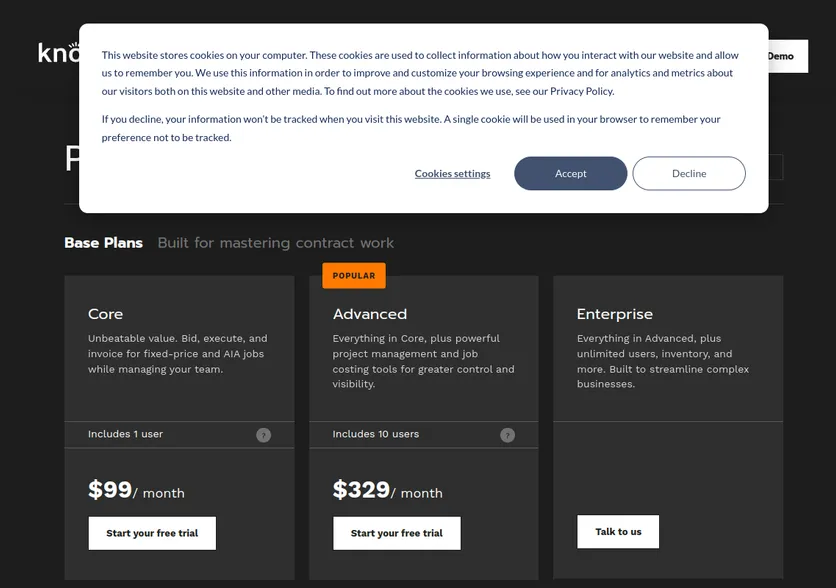
 Knowify | Trade contractors bidding and invoicing jobs | $99/month | No free plan; free trial | Visit |
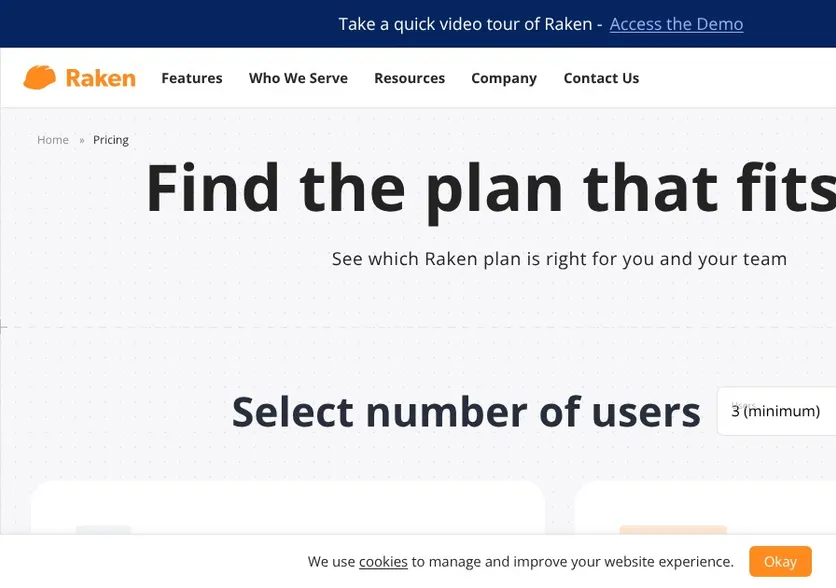
 Raken | Builders whose daily report is the job record | $23/user/month | No free plan; demo only | Visit |
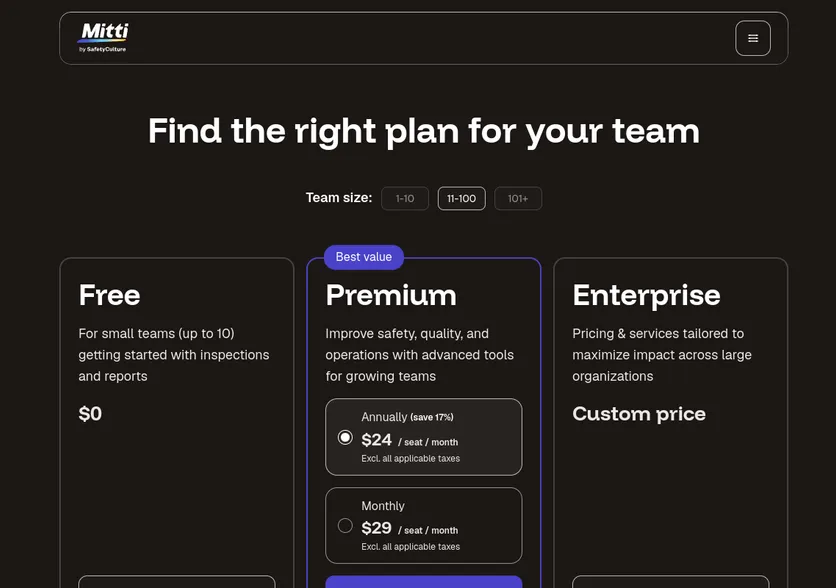
 Mitti | Builders who need audit-ready inspections and checklists | $24/seat/month | Free plan (up to 10 people) | Visit |
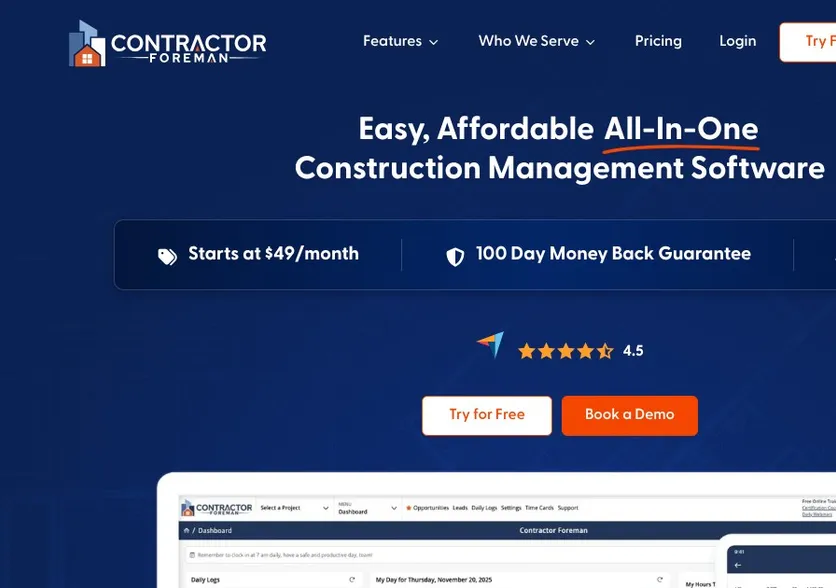
 Contractor Foreman | Small contractors who want one login for everything | $49/month | No free plan; 30-day free trial | Visit |
 DailyBuild | Builders with a big crew on a few jobs | $49/month | No free plan; 14-day free trial | Visit |
 Snappii | Small crews that need custom forms above all | $25/user/month | Free plan (2 form submissions a month) | Visit |
 Fluix | Builders running field work on forms and signatures | $29/user/month | No free plan; free trial | Visit |
The subcontractor management software for builders, compared
1. Fieldwire
Best for: Builders who need live field tasks and drawings
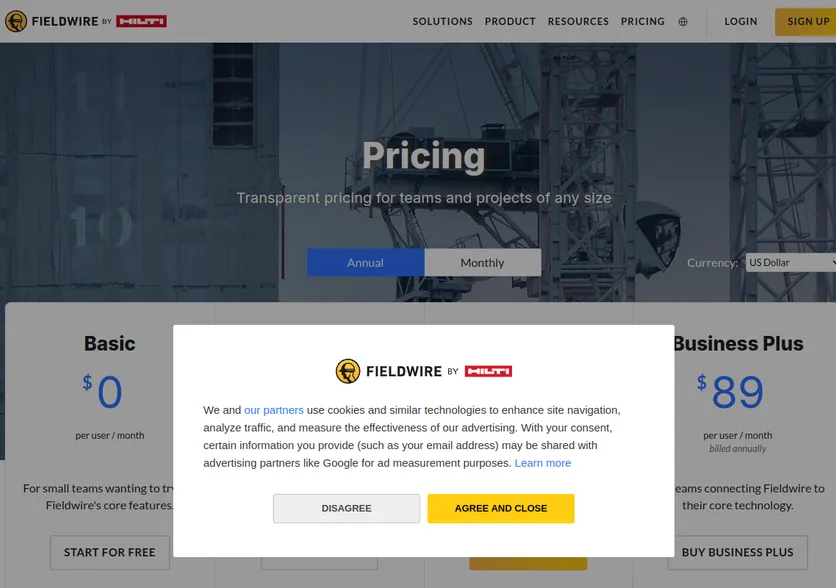
Paid tool Starting price: $39/user/month · Thirty-nine dollars per user a month billed annually for Pro; Business $64; Business Plus $89; forms start on Business
Free plan: Free plan (Basic)
For a builder who needs live jobsite task and drawing management, this Fieldwire plan costs thirty-nine dollars per user a month billed annually and lets the crew track tasks, update drawings and cut rework from the field. Drawings stay current on every phone, punch lists close out on site, and the free Basic plan lets a small crew start without paying. It is the field-management pick in this list for a builder who lives on the jobsite.
What we like
- Live task and drawing management from the field
- Drawings stay current on every crew phone
- Free Basic plan to start without paying
Watch out for
- Forms start on Business, not on Pro
- Focused on the field, not back-office billing
How to try it
- Upload the drawings and assign tasks to the crew
- Update drawings and close punch items on site
- Review progress from the office dashboard
2. Knowify
Best for: Trade contractors bidding and invoicing jobs
Paid tool Starting price: $99/month · Ninety-nine dollars a month billed annually for Core with 1 user; Plus is $149; some November 2026 reads quote $19 per unit a month, but the $99 Core figure is the one the vendor pricing page shows
Free plan: No free plan; free trial
For a trade contractor who bids, runs and invoices jobs on one system, this Knowify plan costs ninety-nine dollars a month billed annually for Core and ties bidding to job costing, time tracking and invoicing with QuickBooks sync. AIA payment applications keep billing clean on commercial work, and the job stays on time and on budget because the numbers live in one place. It is the bidding and billing pick in this list.
What we like
- Bidding, job costing and invoicing in one system
- AIA payment applications for commercial work
- QuickBooks sync keeps the books straight
Watch out for
- Core covers one user, so a team pays more
- Narrower than a full project platform
How to try it
- Build the bid from the estimate
- Track job costs and time against the bid
- Invoice from the job and sync to QuickBooks
3. Raken
Best for: Builders whose daily report is the job record
Paid tool Starting price: $23/user/month · Twenty-three dollars per user a month billed annually for Basic; Performance $59; three-user minimum, so Basic starts at $69 a month
Free plan: No free plan; demo only
For a builder whose daily report is the record that matters, this Raken plan costs twenty-three dollars per user a month billed annually and turns work logs, notes, photos and video into a branded PDF the whole team receives. Voice-to-text lets a foreman dictate the day, and time and materials tracking come with Performance. It is the daily-report specialist in this list.
What we like
- Branded PDF daily reports sent to the whole team
- Voice-to-text for foremen who hate typing
- Photos, video and time tracking in one app
Watch out for
- Three-user minimum means one person pays for three
- No free plan or trial on the pricing page
How to try it
- Log the day with notes, photos and voice
- Add time and materials for the crew
- Send the branded PDF to the team and the client
4. Mitti
Best for: Builders who need audit-ready inspections and checklists
Paid tool Starting price: $24/seat/month · Twenty-four dollars per seat a month billed annually for Premium; $29 billed monthly; SafetyCulture rebranded as Mitti in August 2026
Free plan: Free plan (up to 10 people)
For a builder who needs inspections, checklists and safety records that stand up in an audit, this Mitti plan costs twenty-four dollars per seat a month billed annually and is the inspection app formerly called SafetyCulture, now under its new name. Templates, photo capture and corrective actions keep every inspection on record, and the free plan covers teams of up to ten people. It is the safety and inspection pick in this list.
What we like
- Inspection templates with photos and corrective actions
- Free plan for teams of up to ten people
- Audit trails that stand up to scrutiny
Watch out for
- Safety is the focus, so estimating and billing live elsewhere
- Premium is the only paid tier, with no middle step
How to try it
- Pick an inspection template for the job
- Complete it on a phone with photos
- Assign corrective actions and file the report
5. Contractor Foreman
Best for: Small contractors who want one login for everything
Paid tool Starting price: $49/month · Forty-nine dollars a month billed annually for one user; $105 for three users; $166 for eight; $221 for fifteen; $332 unlimited
Free plan: No free plan; 30-day free trial
For a small contractor who wants daily logs, scheduling and billing under one login, this Contractor Foreman plan costs forty-nine dollars a month billed annually for one user and covers punch lists, permits, time cards and equipment logs without enterprise prices. The plan grows by user count rather than by feature, so a crew pays for headcount and gets everything. It is the low-cost all-in-one in this list.
What we like
- Daily logs, scheduling, punch lists and billing in one app
- Plans priced by user count, not by feature
- Thirty-day trial to test the whole suite
Watch out for
- No free plan, only a thirty-day trial
- A large crew pays more as every head adds cost
How to try it
- Set up the job with its schedule and permits
- Log the day and track time cards
- Invoice from the job when the work is done
6. DailyBuild
Best for: Builders with a big crew on a few jobs
Paid tool Starting price: $49/month · Forty-nine dollars a month for one active project with unlimited users; Team $149 for five projects; Pro $249 for fifteen; a year costs ten months
Free plan: No free plan; 14-day free trial
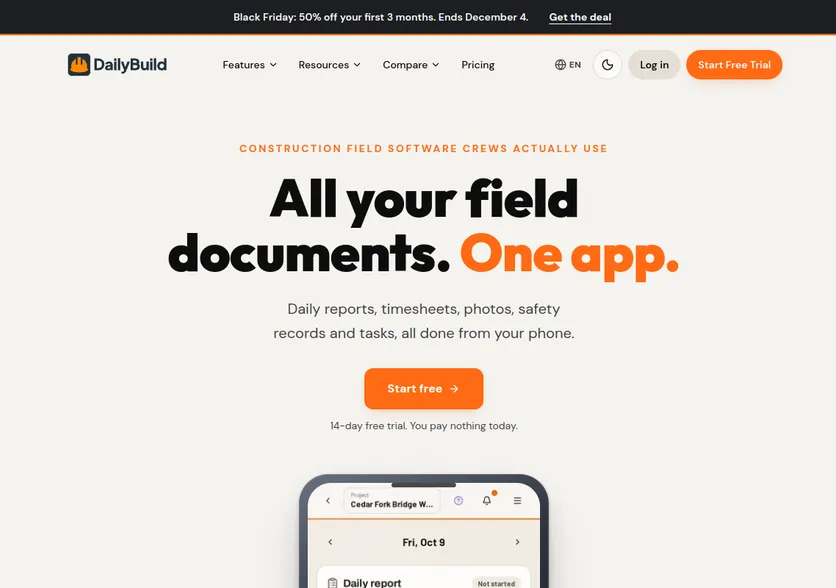
For a builder with a big crew on a few jobs, this DailyBuild plan costs forty-nine dollars a month for one active project with unlimited users and drafts the daily report from a spoken update in English or Spanish. Weather, captioned photos and signed PDFs are filled in automatically, and timesheets run by cost code. It is the flat-price pick in this list for a crew that hates per-user billing.
What we like
- Flat price per project with unlimited users
- Drafts the report from a spoken update
- Works offline with signed PDFs
Watch out for
- Team plan stops at five active projects
- Per-project pricing punishes a builder with many small jobs
How to try it
- Start a project and invite the whole crew free
- Dictate the daily update by voice
- File the signed PDF with photos attached
7. Snappii
Best for: Small crews that need custom forms above all
Paid tool Starting price: $25/user/month · Twenty-five dollars per user a month for unlimited forms; $240 a year; the free plan covers two submissions a month, then $0.99 each
Free plan: Free plan (2 form submissions a month)
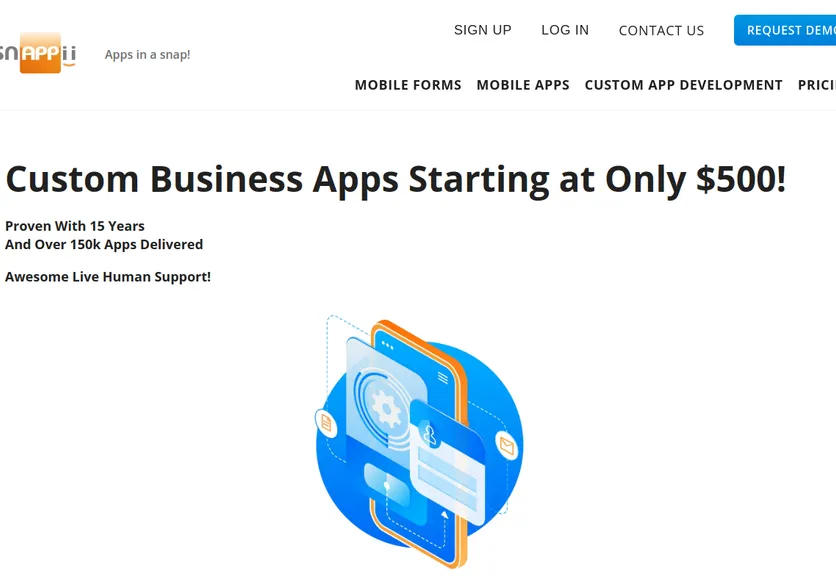
For a builder who needs custom forms more than a full platform, this Snappii plan costs twenty-five dollars per user a month for unlimited forms and is the cheapest per-user pick in this list for one superintendent. Daily reports, inspections and checklists can all be built as forms, and the free plan covers two submissions a month. It suits a small crew that wants forms its own way.
What we like
- Custom forms for reports, inspections and checklists
- Cheapest per-user price here for one superintendent
- Free plan covers two submissions a month
Watch out for
- A form app, not a full construction platform
- Customisation beyond the basics costs extra
How to try it
- Build a form for the daily report
- Fill it in on a phone from the field
- Send the finished form to the office
8. Fluix
Best for: Builders running field work on forms and signatures
Paid tool Starting price: $29/user/month · Twenty-nine dollars per user a month for Crews; Operations $49 per user a month with a 15-user minimum
Free plan: No free plan; free trial
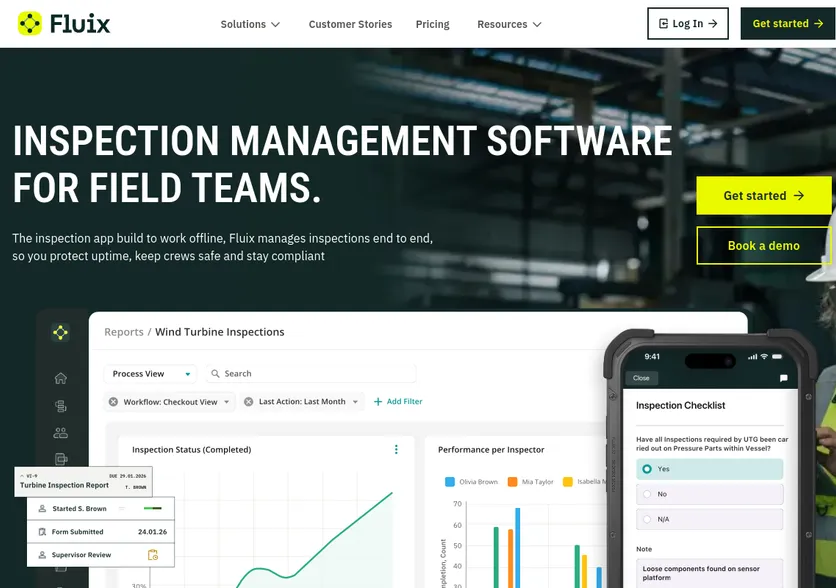
For a builder who runs field work on forms and e-signatures, this Fluix plan costs twenty-nine dollars per user a month for Crews and moves documents, inspections and sign-offs through the field with offline mode and advanced APIs on the higher tier. Forms and e-signature are built in, so a sub can sign on site and the office sees it at once. It is the document-workflow pick in this list.
What we like
- Forms and e-signature built for field work
- Offline mode keeps the crew working anywhere
- Advanced APIs on the higher tier
Watch out for
- Operations needs a fifteen-user minimum
- No free plan, only a trial
How to try it
- Build the form for the inspection or report
- Send it to the crew for completion and signature
- File the signed document from the dashboard
Prices above were checked on each vendor’s own website on Nov 29, 2026 and can change — the vendor’s page is the final word. Vendor links are editorial: nobody paid to be listed or ranked here. Vendors who want a featured listing can see how it works on our Get listed page.
How to pick a subcontractor tool that survives the first job
Start with the daily report, because the tool that cannot produce a clean daily report will not survive the first dispute with a client or a sub. Run one real job through the trial for a full month, with the foreman filing from the field and the office billing from the same data, and count how many times the crew falls back to paper or chat. Check the minimums and the per-user maths at the real crew size, since a three-user minimum triples the bill for a one-person firm. End the trial by asking the foreman, not the office, whether the app made the day easier.
Before you buy
- Confirm the tool produces a daily report the client and the GC will accept, not just an internal log
- Check the minimums, since a three-user minimum triples the bill for a one-person firm
- Ask whether forms, inspections and signatures are included, or locked behind a dearer tier
- Make sure the app works offline on site, because signal on a jobsite is never guaranteed
- Test the tool on one real job for a full month before paying, with the foreman filing from the field
Official websites
Official websites of the products reviewed above. Features and prices were checked against these sites when this guide was written, and they can change, so confirm on the vendor site before you buy.
Frequently asked questions
What is subcontractor management software for builders?
It is software that helps a builder run subcontractors across field tasks, drawings, bids, billing, inspections and daily reports in one place. Good tools replace the spreadsheets and group chats with a single record of who did what, when and for how much, so disputes get settled from the job record instead of from memory.
How much does Fieldwire cost for a builder?
Fieldwire Pro costs thirty-nine dollars per user a month billed annually, with a free Basic plan for a small crew. Business is sixty-four dollars and Business Plus is eighty-nine dollars a user a month billed annually, and forms start on Business, so a builder who needs forms should budget for that tier rather than Pro.
Is Raken worth twenty-three dollars a user a month?
It is worth it for a builder whose daily report is the job record, because branded PDF reports with voice-to-text, photos and time tracking are its whole focus. It is poor value for a one-person firm, because the three-user minimum means one person pays sixty-nine dollars a month, where Snappii or Mitti costs far less.
Can a builder manage subcontractors for free?
Yes, with the free plans on Fieldwire, Mitti and Snappii, which all cover real work without paying. Fieldwire Basic is free, Mitti is free for teams of up to ten people with five active templates, and Snappii covers two form submissions a month free, so a small builder can start free and only pay when the work grows.
Which tool is best for a small contractor on a budget?
Contractor Foreman is the best low-cost all-in-one, at forty-nine dollars a month billed annually for one user with daily logs, scheduling, punch lists and billing included. DailyBuild is the best flat-price pick at forty-nine dollars a month for a whole crew on one project, and Snappii is the cheapest per-user option at twenty-five dollars a month.
Compare the eight tools above, then start with the free plan or trial on the tool that matches the hardest part of the builder's week before paying for the whole crew.
Browse Business Tools tools