On this page
Captions decide whether a video gets watched or scrolled past, and they decide whether a deaf viewer can follow it at all. The eight tools below cover every way an editor works, from human-verified captions for client delivery to AI subtitles that appear in seconds. Rev leads because it pairs human accuracy with AI speed in one account for one dollar and fifty cents a minute, and the rest are ranked on how well they fit real editing workflows.
How we researched this
We checked every price on the vendor pricing page on November 29, 2026, and only included tools with a published US dollar list price. Quote-only caption services and enterprise broadcast tools that publish no prices are not in this list. Prices change, so confirm the current figure on the vendor site before you buy.
Compare the tools
| Name | Best for | Starting price | Free plan | |
|---|---|---|---|---|
 Rev | Editors who need human-verified captions | $1.50/minute | Free plan (45 AI minutes a month) | Visit |
 Kapwing | Social teams captioning clips every day | $16/member/month | Free plan (watermarked exports) | Visit |
 Happy Scribe | Multilingual teams captioning in many languages | $8.50/month | Free plan (10-minute trial for uploads) | Visit |
 VEED | Creators who want fast browser-based captions | $12.25/seat/month | Free plan (watermarked exports) | Visit |
 Trint | Newsrooms working from interview tape | $52/seat/month | No free plan; 7-day free trial | Visit |
 Sonix | Editors with bursty workloads and no subscription | $10/audio hour | No free plan; 30-minute free trial | Visit |
 Descript | Editors who cut dialogue-led video by transcript | $16/person/month | Free plan (60 media minutes a month) | Visit |
 Amara | Teams captioning for accessibility and community | $24/month | Free plan | Visit |
The subtitling software for video editors, compared
1. Rev
Best for: Editors who need human-verified captions
Paid tool Starting price: $1.50/minute · One dollar and fifty cents a minute for human captions; AI captions are twenty-five cents a minute; Global Subtitles run five to twelve dollars a minute depending on the language pair
Free plan: Free plan (45 AI minutes a month)
For editors who need captions they can trust on a client delivery, this Rev plan starts at one dollar and fifty cents a minute for human captions, and it pairs that accuracy with AI speed in the same account. Human captions arrive at ninety-nine percent accuracy, AI captions cost a quarter a minute, and the same account also covers transcription and translation. It is the safest pick when a caption error would embarrass the channel or the client.
What we like
- Human captions at ninety-nine percent accuracy
- AI captions at twenty-five cents a minute in the same account
- Free plan with forty-five AI minutes every month
Watch out for
- Human captions cost more than any AI-only rival here
- The free plan covers English only
How to try it
- Upload the video and choose human or AI captions
- Review the timed captions in the editor and fix names
- Export the SRT or burned-in file for the edit
2. Kapwing
Best for: Social teams captioning clips every day
Paid tool Starting price: $16/member/month · Sixteen dollars per member a month billed annually on Pro ($24 billed monthly); Business is $50 a member a month billed annually ($64 monthly)
Free plan: Free plan (watermarked exports)
Social teams that caption a dozen clips a week will move fastest here, since this Kapwing plan costs sixteen dollars per member a month billed annually, and it turns raw footage into captioned, resized social clips in the browser. Auto subtitles land in more than seventy languages, the editor trims and reframes for every feed, and shared workspaces keep the whole team on the same templates. It is the best all-rounder for editors who publish daily.
What we like
- Auto subtitles in more than seventy languages
- Browser editor resizes clips for every social feed
- Shared workspaces and templates for the whole team
Watch out for
- Exports carry a watermark on the free plan
- Long-form editing is weaker than a desktop editor
How to try it
- Upload the clip and run auto subtitles
- Style the captions and resize for the target feed
- Export the captioned clip for publishing
3. Happy Scribe
Best for: Multilingual teams captioning in many languages
Paid tool Starting price: $8.50/month · Eight dollars and fifty cents a month billed annually on Basic ($17 billed monthly); Pro is $19 a month billed annually ($29 monthly) and Business is $59 ($89 monthly)
Free plan: Free plan (10-minute trial for uploads)
Editors working across languages get the widest coverage here, because this Happy Scribe plan costs eight dollars and fifty cents a month billed annually, and it transcribes and subtitles in more than one hundred and fifty languages. Human transcription starts at two dollars a minute for the files that must be exact, and a meeting notetaker records calls in Zoom, Meet and Teams. It suits teams whose audience spans several languages.
What we like
- AI transcription and subtitles in more than one hundred and fifty languages
- Human transcription from two dollars a minute when accuracy matters
- Meeting notetaker for Zoom, Meet and Teams
Watch out for
- The free allowance is only ten minutes for uploaded files
- Video exports carry a watermark on the free plan
How to try it
- Upload the video and pick the subtitle language
- Check the auto captions against the audio
- Export the SRT file or a captioned video
4. VEED
Best for: Creators who want fast browser-based captions
Paid tool Starting price: $12.25/seat/month · Twelve dollars and twenty-five cents per seat a month billed yearly on Creator ($25 a month month to month); Pro is $29 a seat a month billed yearly — a November 20 read showed $22.08, so confirm Pro on the vendor page before buying
Free plan: Free plan (watermarked exports)
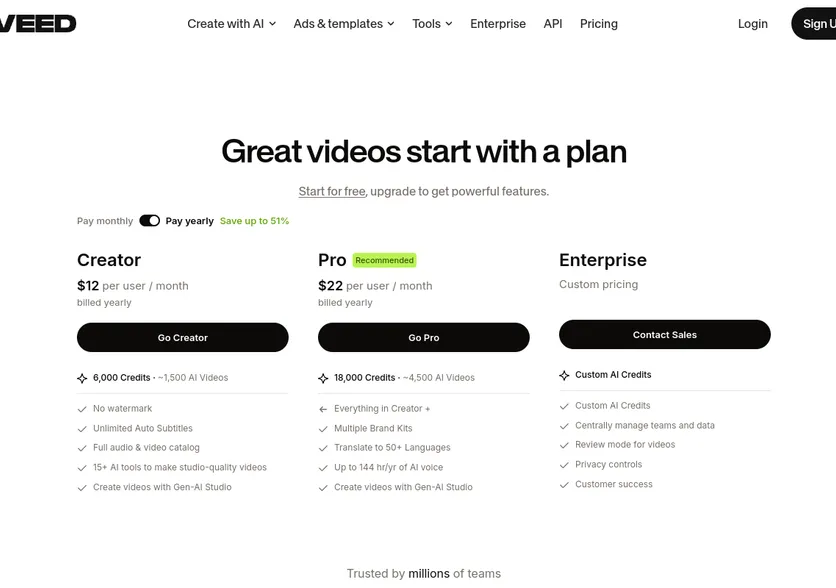
Creators who want captions done in minutes rather than hours should start here, since this VEED plan costs twelve dollars and twenty-five cents per seat a month billed yearly, and it captions, cuts and publishes from the browser with no install. Auto subtitles cover more than one hundred languages, one-click tools clean the audio and remove silence, and brand kits keep every clip on style. It is the fastest route from raw footage to a captioned post.
What we like
- Auto subtitles in more than one hundred languages
- One-click audio cleanup and silence removal
- Brand kits keep every clip on style
Watch out for
- Free exports are watermarked and limited to 720p
- Pro pricing moved recently, so confirm it before buying
How to try it
- Upload the video and generate auto subtitles
- Edit the captions and apply the brand kit
- Export the captioned video for the feed
5. Trint
Best for: Newsrooms working from interview tape
Paid tool Starting price: $52/seat/month · Fifty-two dollars per seat a month billed annually on Starter ($80 billed monthly); Advanced is $60 a seat a month billed annually ($100 monthly)
Free plan: No free plan; 7-day free trial
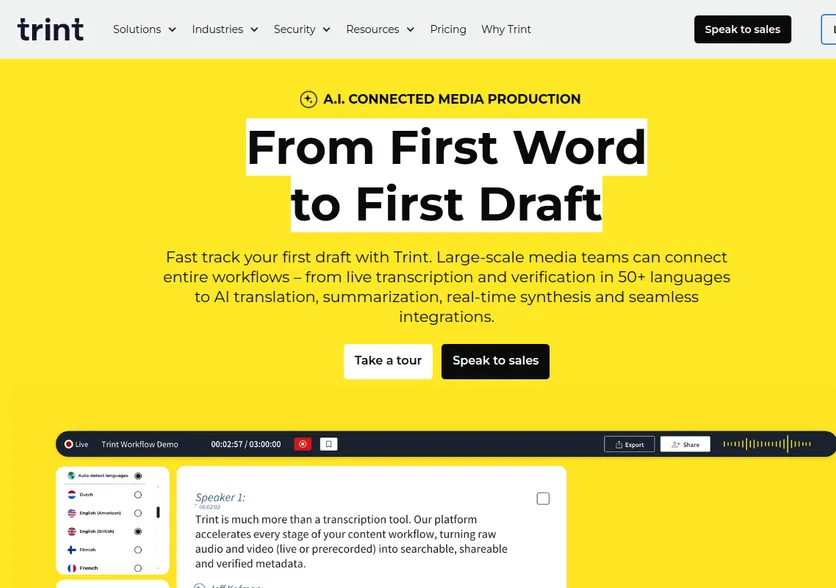
Newsrooms and editorial teams that work from interview tape will feel at home here, because this Trint plan costs fifty-two dollars per seat a month billed annually, and it turns long recordings into searchable, editable transcripts. Story Builder drafts articles from quotes, translation covers more than seventy languages, and collaboration tools let producers verify lines together. It is the pick for desks where the transcript is the raw material.
What we like
- Transcripts are searchable and editable like a document
- Story Builder drafts articles from interview quotes
- Translation in more than seventy languages
Watch out for
- No free plan, only a seven-day trial
- Priced per seat, so a large desk adds up fast
How to try it
- Upload the interview audio or video
- Search the transcript and pull the quotes you need
- Export captions or a story draft for the desk
6. Sonix
Best for: Editors with bursty workloads and no subscription
Paid tool Starting price: $10/audio hour · Ten dollars per audio hour on pay as you go with no subscription; Premium is $22 per user a month plus $5 an hour ($16.50 a user a month billed annually)
Free plan: No free plan; 30-minute free trial
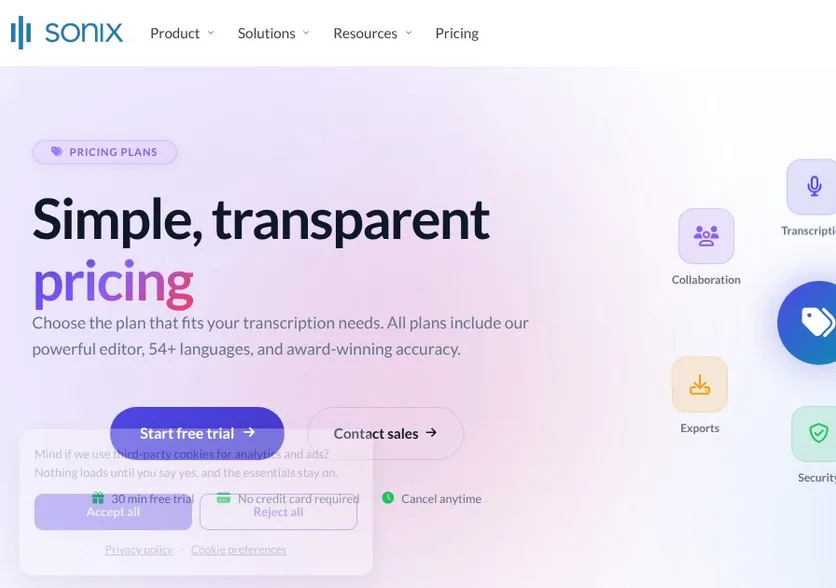
Editors with uneven workloads should look here first, since this Sonix plan costs ten dollars per audio hour with no subscription at all, and you only pay for the hours you actually transcribe. It handles more than fifty languages, labels speakers automatically, and exports subtitles in the formats editors expect. It is the cheapest way to caption a burst of videos without a monthly bill.
What we like
- Pay as you go at ten dollars an audio hour, no subscription
- More than fifty languages with automatic speaker labels
- Thirty free minutes to test with no card
Watch out for
- No free plan beyond the thirty-minute trial
- No monthly plan for editors who want predictable billing
How to try it
- Upload the audio or video and start the trial
- Review the transcript and speaker labels
- Export subtitles in SRT or VTT format
7. Descript
Best for: Editors who cut dialogue-led video by transcript
Paid tool Starting price: $16/person/month · Sixteen dollars per person a month billed annually on Hobbyist ($24 billed monthly); Creator is $24 a person a month billed annually ($35 monthly) and Business is $50 ($65 monthly)
Free plan: Free plan (60 media minutes a month)
Editors who cut video by cutting words will love this workflow, because this Descript plan costs sixteen dollars per person a month billed annually, and it lets you edit the video by editing its transcript. Deleting a sentence deletes the footage, filler-word removal cleans the audio in one click, and Overdub can fix a flubbed line without a re-record. It is the most creative editor in this list for dialogue-led video.

What we like
- Edit video by editing the transcript itself
- Filler-word removal cleans audio in one click
- Overdub fixes a flubbed line without re-recording
Watch out for
- The free plan covers only sixty media minutes a month
- Heavier effects work still needs a traditional editor
How to try it
- Import the video and let it transcribe
- Cut words in the transcript to cut the footage
- Export the finished video for publishing
8. Amara
Best for: Teams captioning for accessibility and community
Paid tool Starting price: $24/month · Twenty-four dollars a month on Plus for two users, with twelve dollars for each additional user and sixty free AI caption minutes a month; Personal is pay as you go with a five-dollar minimum order and Enterprise is quoted
Free plan: Free plan
Teams that caption for accessibility and community will find a natural home here, since this Amara plan costs twenty-four dollars a month for two users, and it was built around collaborative subtitling from the start. Volunteers and translators can work on the same captions, AI drafts speed up the first pass, and the editor handles timing and styling without a desktop app. It suits organisations that treat captions as a shared, public good.
What we like
- Collaborative subtitling built for teams and volunteers
- AI drafts speed up the first caption pass
- Sixty free AI caption minutes every month on Plus
Watch out for
- Fewer video editing tools than the all-in-one editors
- Per-user pricing climbs as the captioning team grows
How to try it
- Upload the video and generate an AI caption draft
- Invite translators to review and refine the captions
- Publish the finished subtitles with the video
Prices above were checked on each vendor’s own website on Nov 29, 2026 and can change — the vendor’s page is the final word. Vendor links are editorial: nobody paid to be listed or ranked here. Vendors who want a featured listing can see how it works on our Get listed page.
How to pick captions that viewers actually read
Start with the audience, not the tool, because captions for a social clip and captions for a client film are different jobs. Social captions need big readable text and fast turnaround, while client work needs exact timing, correct names and a file the broadcaster will accept. Test the auto captions on your hardest audio first, a noisy interview or a strong accent, because that is where cheap tools fall apart. Check the export formats before you pay, since SRT, VTT and burned-in video are not the same deliverable, and confirm the free allowance covers a real week of work rather than a single test file.
Before you buy
- Check the subtitle accuracy on noisy audio and strong accents before trusting any auto caption tool
- Confirm the export formats match what your platform needs, including SRT, VTT and burned-in video
- Make sure the free allowance covers a real week of captioning, not just one short test clip
- Test how the tool handles names, brands and technical terms that auto captions usually mishear
- Ask whether human review is available for client work where a caption error would be embarrassing
Official websites
Official websites of the products reviewed above. Features and prices were checked against these sites when this guide was written, and they can change, so confirm on the vendor site before you buy.
Frequently asked questions
What is the best subtitling software for video editors?
Rev is the best overall pick, because it pairs human-verified captions at ninety-nine percent accuracy with AI captions at twenty-five cents a minute in one account. Kapwing is the best choice for social teams that caption daily, and Descript suits editors who cut dialogue-led video by editing the transcript. The right tool depends on whether accuracy, speed or editing workflow matters most.
How much does subtitling software cost in 2026?
Prices in this list run from eight dollars and fifty cents a month for Happy Scribe Basic to fifty-two dollars per seat a month for Trint Starter, with Sonix charging ten dollars per audio hour and no subscription. Rev charges one dollar and fifty cents a minute for human captions and twenty-five cents a minute for AI captions. Free plans cover small volumes, so busy editors should budget for a paid tier.
Can I add subtitles to videos for free?
Yes, with Rev, which offers forty-five AI minutes a month on its free plan, Descript, which offers sixty media minutes a month, and VEED and Kapwing, which both offer free plans with watermarked exports. Happy Scribe gives ten free minutes for uploaded files. These free tiers suit occasional captioning, but regular editors will outgrow them and should compare the paid plans above.
Are AI captions accurate enough for professional work?
AI captions are accurate enough for social video and internal edits, where a small error is harmless and easy to fix. For client delivery, broadcast or legal work, human-verified captions are still the safer choice, because AI mishears names, brands and technical terms. The practical approach is AI for the first pass and a human review for anything that will be published or paid for.
Which tool is best for YouTube captions?
Kapwing is the best pick for YouTube creators who caption often, because it combines auto subtitles with resizing and templates for sixteen dollars per member a month. VEED is the fastest option for a single clip, and Rev is the best choice when the captions must be exact. All three export SRT files that YouTube accepts, so the decision comes down to volume and accuracy.
Compare the eight tools above, then start with a free plan or trial on the tool that matches how you actually edit before paying for a full year.
Browse Business Tools tools