On this page
Most viewers watch with the sound off, so subtitles are no longer an accessibility extra but the difference between a video watched and a video swiped past. The nine tools below generate captions, fix their timing and export them in the format every platform expects. Kapwing leads because its browser editor pairs auto-subtitles with full video editing for sixteen dollars a month billed annually, and the rest are ranked on how accurately they caption and how fast they let a creator fix the words.
How we researched this
We checked every price on the vendor pricing page on November 29, 2026, and only included tools with a published US dollar list price. Subtitle Edit and Aegisub are free, so they have no paid price to compare, and CapCut is excluded because its Pro price conflicts in November 2026 reads. Prices change, so confirm the current figure on the vendor site before you buy.
Compare the tools
| Name | Best for | Starting price | Free plan | |
|---|---|---|---|---|
 Kapwing | Creators who caption inside a full browser editor | $16/month | Free plan (10 credits) | Visit |
 Descript | Creators who edit spoken-word video by transcript | $16/person/month | Free plan (60 media minutes a month) | Visit |
 VEED | Creators who want styled captions for social video | $12/user/month | Free plan | Visit |
 Happy Scribe | Creators captioning in many languages on a budget | $8.50/month | Free plan (10 minutes) | Visit |
 Sonix | Creators who caption in bursts with no subscription | $10/hour | Free plan (30 free minutes) | Visit |
 Rev | Creators whose captions must be human-checked | $1.99/minute | Free plan (45 AI minutes a month) | Visit |
 Adobe Premiere Pro | Professional editors captioning inside the timeline | $22.99/month | No free plan; 7-day free trial | Visit |
 Final Cut Pro | Mac creators who want speed and a one-time purchase | $299.99 one-time | No free plan; 90-day free trial | Visit |
 DaVinci Resolve Studio | Creators who want Hollywood colour for one payment | $295 one-time | Free plan (full editor) | Visit |
The subtitle editing software for content creators, compared
1. Kapwing
Best for: Creators who caption inside a full browser editor
Paid tool Starting price: $16/month · Sixteen dollars a month billed annually for Pro; $24 billed monthly; Business $50 billed annually
Free plan: Free plan (10 credits)
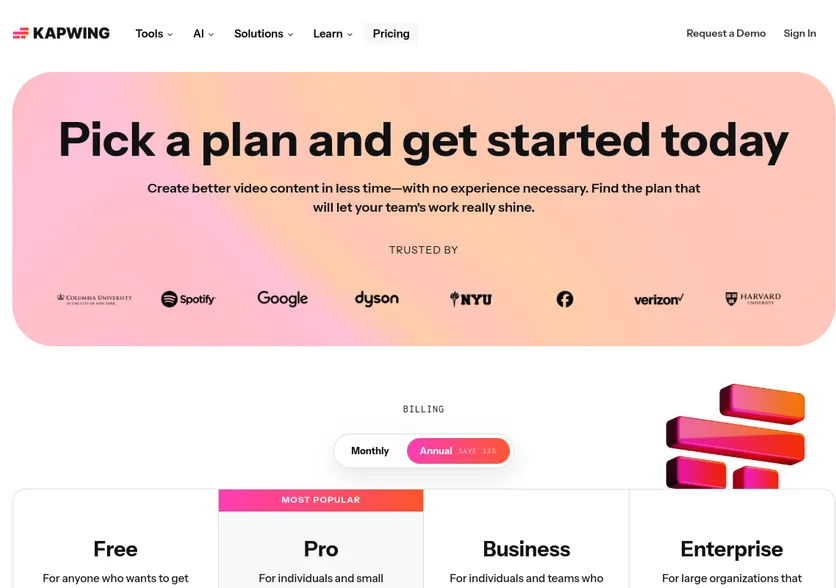
For a creator who captions inside a full browser editor, this Kapwing plan costs sixteen dollars a month billed annually for Pro and pairs auto-subtitles with editing, translation, dubbing and four-K export in one tab. One thousand credits a month cover subtitle minutes, translation and clean audio, and the free plan gives ten credits to test the workflow. It is the most complete browser caption tool in this list.
What we like
- Auto-subtitles with translation and dubbing in one tab
- One thousand credits a month on Pro
- Four-K export with no watermark
Watch out for
- Credits reset monthly and cannot be topped up on Pro
- Free plan exports are capped at four minutes
How to try it
- Upload the video and generate auto-subtitles
- Fix the timing and wording in the editor
- Export the captioned video or the subtitle file
2. Descript
Best for: Creators who edit spoken-word video by transcript
Paid tool Starting price: $16/person/month · Sixteen dollars per person a month billed annually for Hobbyist; $24 billed monthly; Creator $24 billed annually; Business $50 billed annually
Free plan: Free plan (60 media minutes a month)
For a creator who edits video by editing words, this Descript plan costs sixteen dollars per person a month billed annually for Hobbyist and turns the transcript into the timeline, so fixing a caption fixes the video. Studio Sound cleans the audio, eye contact and dubbing come with the plan, and ten hours of media a month fit a steady publishing schedule. It is the transcript-editing pick in this list.

What we like
- Edit the video by editing the transcript
- Studio Sound cleans noisy audio automatically
- Ten hours of media a month on Hobbyist
Watch out for
- Not a pure auto-caption tool, so clips need the editor
- Four-K export needs the Creator tier
How to try it
- Import the video and let Descript transcribe it
- Correct the transcript where the words are wrong
- Export the captioned video from the transcript
3. VEED
Best for: Creators who want styled captions for social video
Paid tool Starting price: $12/user/month · Twelve dollars per user a month billed annually for Creator; $20 billed monthly in most reads, with some reads showing $9.67 or $12.25 a month billed annually; Pro $22 billed annually
Free plan: Free plan
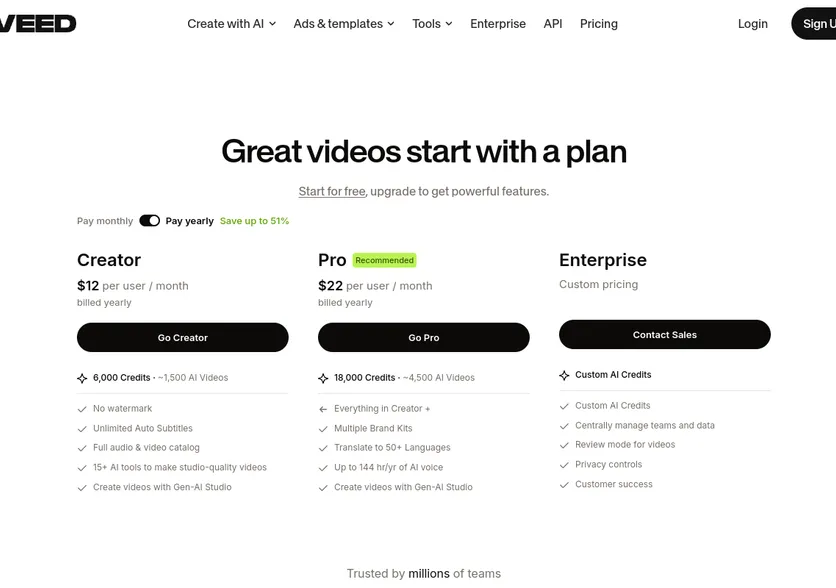
For a creator who wants styled captions that look like the brand, this VEED plan costs twelve dollars per user a month billed annually for Creator and gives unlimited auto-subtitles with a fifty-hour monthly fair-use cap, plus translation and an iPhone app. The caption styles, fonts and animations match social video, and exports run to high definition with no length limit. It is the styled-caption pick in this list.
What we like
- Unlimited auto-subtitles on paid plans
- Caption styles that match social video
- Translation and an iPhone app included
Watch out for
- Four-K export needs the Pro tier
- Monthly billing is dearer than the annual rate
How to try it
- Upload the video and generate subtitles
- Style the captions with fonts and colours
- Export the video or download the subtitle file
4. Happy Scribe
Best for: Creators captioning in many languages on a budget
Paid tool Starting price: $8.50/month · Eight dollars and fifty cents a month billed annually for Basic; $17 billed monthly; Pro $19 billed annually; Business $59 billed annually
Free plan: Free plan (10 minutes)
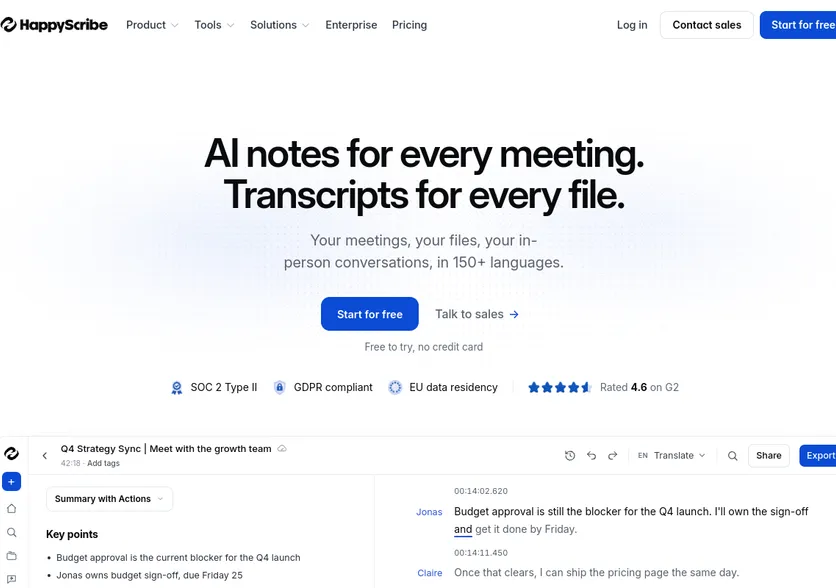
For a creator who captions in many languages, this Happy Scribe plan costs eight dollars and fifty cents a month billed annually for Basic and covers transcription and subtitles in more than one hundred and fifty languages and dialects. One hundred and twenty uploaded minutes a month fit a steady channel, extra minutes cost twenty cents each, and human proofreading starts at two dollars a minute. It is the cheapest paid plan in this list and the widest in languages.
What we like
- More than one hundred and fifty languages and dialects
- Cheapest paid plan in this list
- Human proofreading from two dollars a minute
Watch out for
- Basic covers only one hundred and twenty minutes a month
- Extra minutes cost twenty cents each
How to try it
- Upload the video and pick the language
- Review the generated subtitles for errors
- Export the subtitle file in the needed format
5. Sonix
Best for: Creators who caption in bursts with no subscription
Paid tool Starting price: $10/hour · Ten dollars per hour of audio pay as you go with no subscription; Core $25 a month for 5 hours; Advanced $50 a month for 20 hours
Free plan: Free plan (30 free minutes)
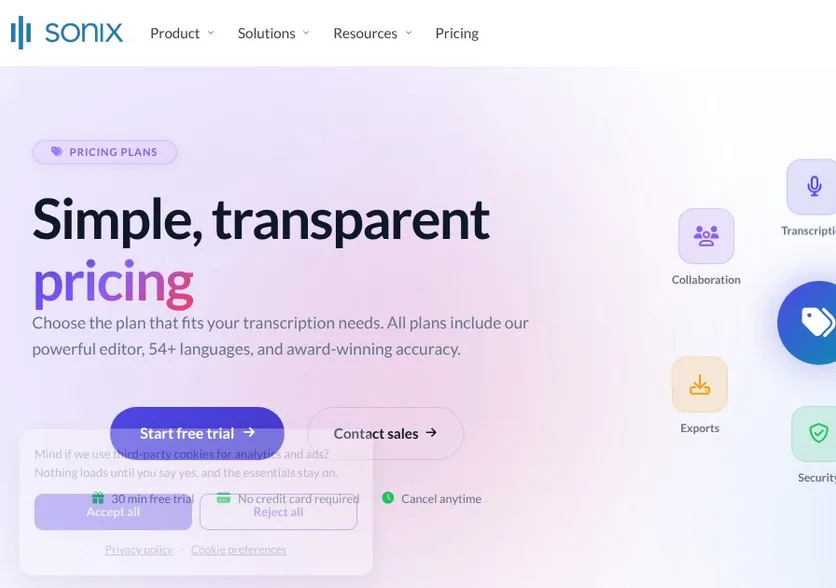
For a creator who captions in bursts rather than every week, this Sonix plan costs ten dollars per hour of audio pay as you go, with no monthly fee at all. Fifty-four languages, an in-browser editor with timestamps and speaker labels, and thirty free minutes to test it make it the most flexible billing in this list. It suits a creator who pays only for the hours actually uploaded.
What we like
- Pay only for the hours actually uploaded
- Fifty-four languages with timestamps and speaker labels
- Thirty free minutes with no card required
Watch out for
- Ten dollars an hour is dear for heavy monthly use
- No free plan beyond the thirty-minute trial
How to try it
- Upload the video and let Sonix transcribe it
- Fix the words in the browser editor
- Export the subtitles and the transcript
6. Rev
Best for: Creators whose captions must be human-checked
Paid tool Starting price: $1.99/minute · One dollar and ninety-nine cents a minute for human transcription and captioning with a 99%+ accuracy guarantee; AI transcripts are $0.25 a minute; the Essentials subscription is $25.49 a seat a month billed annually
Free plan: Free plan (45 AI minutes a month)
For a creator whose captions must be right, this Rev plan costs one dollar and ninety-nine cents a minute for human transcription and captioning with a ninety-nine percent accuracy guarantee, delivered in twelve hours or less. The free plan gives forty-five AI minutes a month in English, and the Essentials subscription adds seats and Spanish for a team. It is the accuracy pick in this list for high-stakes video.
What we like
- Human-checked captions with a ninety-nine percent guarantee
- Delivered in twelve hours or less
- AI minutes at twenty-five cents for rough drafts
Watch out for
- Human pricing makes long video very expensive
- Free plan is English only and AI-only
How to try it
- Upload the video and choose human captioning
- Review the finished captions when they arrive
- Download the subtitle file for the platform
7. Adobe Premiere Pro
Best for: Professional editors captioning inside the timeline
Paid tool Starting price: $22.99/month · Twenty-two dollars and ninety-nine cents a month on the annual plan billed monthly; $34.49 month to month; Adobe marks $22.99 as first-year pricing for new subscribers
Free plan: No free plan; 7-day free trial
For a creator whose captions live inside a professional edit, this Adobe Premiere Pro plan costs twenty-two dollars and ninety-nine cents a month on the annual plan and is the editor agencies and studios expect, with speech-to-text captions, Frame dot io review and Express Premium included. Captions can be generated, styled, translated and burned in without leaving the timeline. It is the professional-edit pick in this list.
What we like
- Speech-to-text captions inside the professional timeline
- Review and approval with Frame dot io included
- The editor agencies expect on client work
Watch out for
- The twenty-two dollar price is first-year pricing for new subscribers
- No free plan, only a seven-day trial
How to try it
- Generate captions from speech on the timeline
- Style and time the captions to the picture
- Export the captioned video or the sidecar file
8. Final Cut Pro
Best for: Mac creators who want speed and a one-time purchase
Paid tool Starting price: $299.99 one-time · Two hundred and ninety-nine dollars and ninety-nine cents once on the Mac App Store; also in Apple Creator Studio at $12.99 a month or $129 a year
Free plan: No free plan; 90-day free trial
For a Mac creator who wants speed and a one-time purchase, this Final Cut Pro plan costs two hundred and ninety-nine dollars and ninety-nine cents once and pairs a magnetic timeline with fast Apple Silicon performance. Captions can be added, styled and exported in the formats platforms expect, and the ninety-day trial is the longest here. It is the Mac pick in this list for creators who hate subscriptions.

What we like
- Magnetic timeline that keeps clips connected
- Fastest editor here on Apple Silicon
- Ninety-day trial, the longest in this list
Watch out for
- Mac only, so Windows creators cannot use it
- Caption tools are thinner than the dedicated apps
How to try it
- Import the footage onto the magnetic timeline
- Add and style captions for the dialogue
- Export the captioned video for the platform
9. DaVinci Resolve Studio
Best for: Creators who want Hollywood colour for one payment
Paid tool Starting price: $295 one-time · Two hundred and ninety-five dollars once for Studio; the free version is a full editor with most features and no watermark
Free plan: Free plan (full editor)
For a creator who wants Hollywood colour and a one-time purchase, this DaVinci Resolve Studio plan costs two hundred and ninety-five dollars once and puts editing, colour grading, effects and audio in one app with free updates for life. Subtitles from audio, Magic Mask and voice isolation need Studio, while the free version already handles most editing in four-K with no watermark. It is the colour-grading pick in this list.
What we like
- Editing, colour, effects and audio in one app
- One-time purchase with free updates for life
- Free version is a full editor with no watermark
Watch out for
- Subtitles from audio need the paid Studio licence
- The learning curve is the steepest here
How to try it
- Import the footage and generate subtitles from audio
- Grade the picture and mix the audio
- Export the captioned master for delivery
Prices above were checked on each vendor’s own website on Nov 29, 2026 and can change — the vendor’s page is the final word. Vendor links are editorial: nobody paid to be listed or ranked here. Vendors who want a featured listing can see how it works on our Get listed page.
How to caption a video so people actually watch it
Start with accuracy, because a caption with the wrong word is worse than no caption at all, and read every line before publishing. Keep lines short, two at most, and time them to the speech rather than the scene, so the words arrive when they are spoken. Style the captions to the brand, but keep them readable on a phone in daylight, since most viewers watch on a small screen with the sound off. Export the subtitle file as well as the burned-in video, because platforms, search and accessibility all use the file the viewer never sees.
Before you buy
- Confirm the tool exports the subtitle file the platform needs, not just a burned-in video
- Check whether captions are generated by AI, by a human, or both, since accuracy and price follow that choice
- Ask if the tool charges per minute, per hour or per month, since the same channel can cost triple
- Make sure the captions can be styled to the brand and read on a phone in daylight
- Test the tool on one real video before paying, including a noisy clip and a speaker with an accent
Official websites
Official websites of the products reviewed above. Features and prices were checked against these sites when this guide was written, and they can change, so confirm on the vendor site before you buy.
Frequently asked questions
What is subtitle editing software for content creators?
It is software that generates, times and styles captions for video, so viewers can follow along with the sound off and platforms can index the words. Good tools add transcription in many languages, translation, human checking and exports in the formats every platform expects, from sidecar files to burned-in captions.
How much does Kapwing Pro cost for a creator?
Kapwing Pro costs sixteen dollars a month billed annually, or twenty-four dollars billed monthly, with one thousand credits a month, four-K export and no watermark. Business is fifty dollars a month billed annually with four thousand credits, and the free plan gives ten credits with exports capped at four minutes and a watermark.
Is Rev worth one dollar and ninety-nine cents a minute?
It is worth it when the captions must be right, because human-checked captions carry a ninety-nine percent accuracy guarantee and arrive in twelve hours or less. It is poor value for everyday social clips, where AI captions from Kapwing, VEED or Descript cost a few dollars a month, and a ninety-minute video would cost nearly one hundred and eighty dollars at Rev.
Can a creator add subtitles for free?
Yes, with the free plans on Kapwing, Descript, VEED, Happy Scribe, Sonix and Rev, which all let a creator caption real video without paying. Kapwing gives ten credits, Descript gives sixty media minutes a month, VEED has a free plan, Happy Scribe gives ten minutes, Sonix gives thirty free minutes and Rev gives forty-five AI minutes a month.
Which tool is best for styled captions on social video?
VEED is the best pick for styled captions, at twelve dollars per user a month billed annually with unlimited auto-subtitles and caption styles built for social video. Kapwing is the best all-round browser editor at sixteen dollars, and Descript is the best pick when the creator wants to edit the video by editing the transcript.
Compare the nine tools above, then start with the free plan or trial on the tool that matches the video made most often before paying for a full month.
Browse Video Tools tools