
On this page
Captions decide whether a video reaches everyone, and for compliance teams they decide whether a video passes an audit, so accuracy matters more than speed when the checklist comes out. The eight tools below run from about eight dollars and fifty cents a month to twenty-four dollars a month, and every price was checked on the vendor site on November 27, 2026. Some use human captioners, some are AI-only, and some bundle captioning with editing, so match the tool to what your audit actually checks. Rev is our first pick — human captions that pass real accessibility audits.
How we researched this
We started with the captioning tools compliance teams actually use, then read each price on the vendor pricing page on November 27, 2026 and noted the free plan or trial each one carries. We kept only tools with a published list price and a caption export a video player can read. We dropped Subly because the name covers two different products with different prices, and we left out built-in platform captions because they are not standalone paid tools with a published price.
Compare the tools
| Name | Best for | Starting price | Free plan | |
|---|---|---|---|---|
 Rev | Teams that need human captions that pass accessibility audits | $1.99/minute | Free plan with forty-five AI minutes a month | Visit |
 Kapwing | Teams that caption social and training clips inside one online editor | $16/member/month | Free plan available | Visit |
 VEED | Creators and teams that want fast AI captions with a simple editor | $12/month | Free plan available | Visit |
 Descript | Teams that caption video inside a text-based editor | $24/person/month | Free plan available | Visit |
 Happy Scribe | Teams that need accurate AI captions and subtitles in many languages | $8.50/month | No free plan; free trial available | Visit |
 Clipchamp | Teams already on Microsoft 365 that need captions inside a familiar editor | $9.99/month | Free plan available | Visit |
 Zubtitle | Social teams that caption short vertical videos with styled words | $19/month | No free plan; free trial available | Visit |
 Amara | Nonprofits and educators that need community-reviewed captions on a budget | $24/month | Free plan available | Visit |
The AI video captioning software for accessibility compliance, compared
1. Rev
Best for: Teams that need human captions that pass accessibility audits
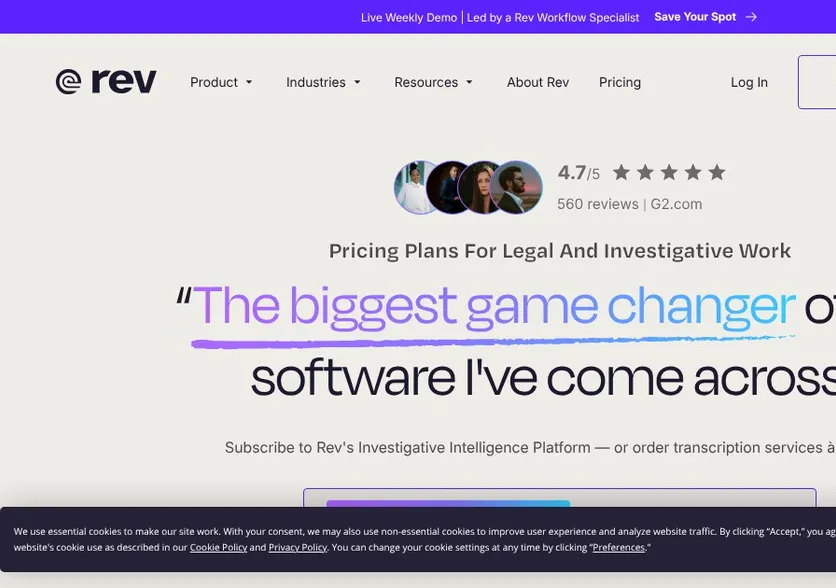
Paid tool Starting price: $1.99/minute · Human captions, one dollar ninety-nine a minute; AI transcription costs twenty-five cents a minute
Free plan: Free plan with forty-five AI minutes a month
Rev captions are written by human captioners who understand timing, speaker labels and sound descriptions, so the result passes accessibility checks that AI captions often fail. This Rev human caption service costs one dollar ninety-nine a minute. A compliance team gets captions a real auditor accepts, though the per-minute price is the highest in this list and turnaround takes days.
What we like
- Human captioners who know timing and sound descriptions
- Captions that pass real accessibility audits
- AI captions available on the same account for drafts
Watch out for
- Highest per-minute price in this comparison
- Human turnaround takes days, not minutes
How to try it
- Open the Rev pricing page and check the caption rate
- Upload one training video and order human captions
- Check the returned caption file against the accessibility checklist
2. Kapwing
Best for: Teams that caption social and training clips inside one online editor
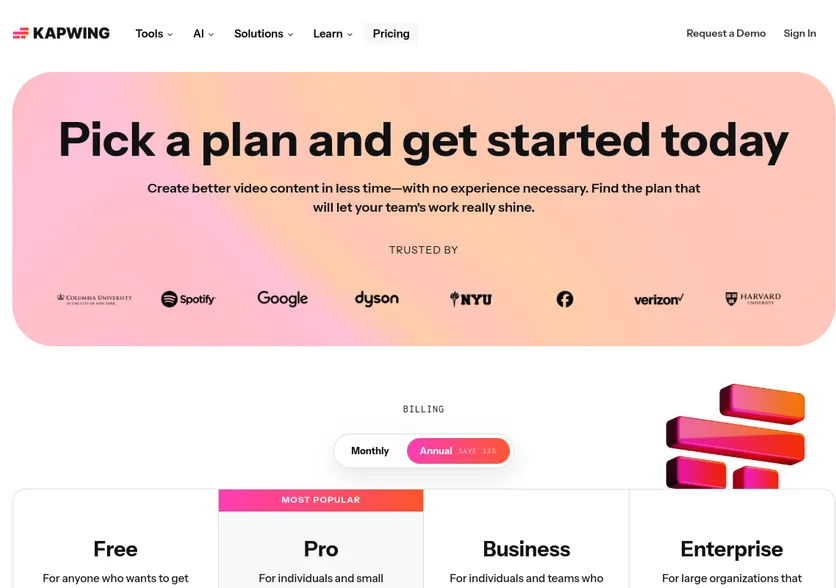
Paid tool Starting price: $16/member/month · Pro plan, sixteen dollars a member a month billed yearly; monthly billing costs twenty-four dollars a member a month; includes one thousand credits a month
Free plan: Free plan available
Kapwing auto-captions video in the browser, then lets the team style, translate and burn in captions without leaving the editor. This Kapwing Pro plan costs sixteen dollars a member a month billed yearly, with monthly billing at twenty-four dollars a member a month. A team that publishes clips daily gets captioning plus editing in one subscription, though the credit allowance caps how much it can caption each month.
What we like
- Auto-captions plus a full video editor in one tool
- Caption styling, translation and burn-in built in
- One thousand credits a month on the Pro plan
Watch out for
- Credits cap monthly captioning, so heavy months need a higher tier
- AI captions still need a human pass before an audit
How to try it
- Open the Kapwing pricing page and claim the free plan
- Upload one clip and generate captions automatically
- Style the captions, export a captioned clip and a sidecar file
3. VEED
Best for: Creators and teams that want fast AI captions with a simple editor
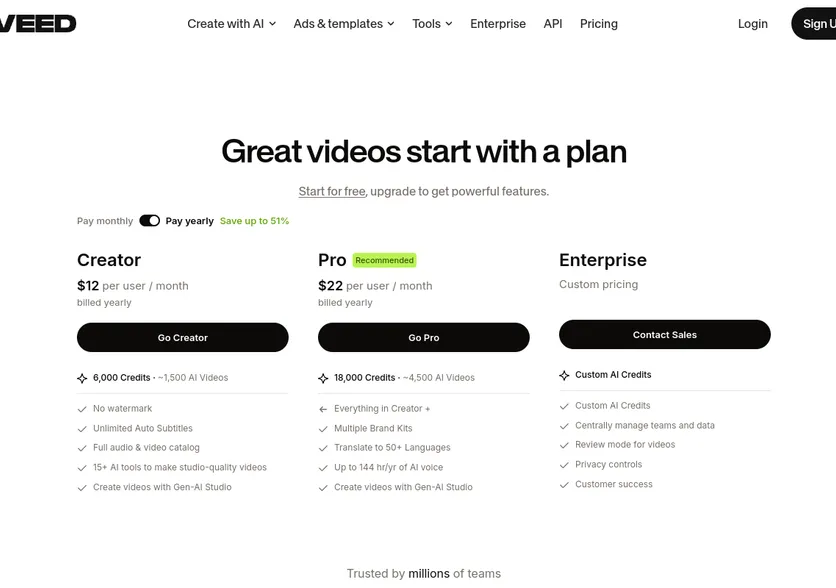
Paid tool Starting price: $12/month · Lite plan, twelve dollars a month billed yearly; monthly billing is listed at nineteen dollars a month in newer sources
Free plan: Free plan available
VEED generates captions automatically, lets the team edit them like text and exports both burned-in captions and sidecar files for players that need them. This VEED Lite plan costs twelve dollars a month billed yearly. A team that captions short videos daily gets a fast workflow at the second-lowest subscription price here, though the exact monthly rate varies across listings and should be checked at checkout.
What we like
- Fast AI captions with a text-style editor
- Both burned-in captions and sidecar files included
- Simple workflow that suits short daily videos
Watch out for
- The monthly rate differs across listings, so confirm it at checkout
- AI captions still need a human pass before an audit
How to try it
- Open the VEED pricing page and claim the free plan
- Upload one video and generate captions automatically
- Edit one caption line and export both the video and the sidecar file
4. Descript
Best for: Teams that caption video inside a text-based editor
Paid tool Starting price: $24/person/month · Creator plan, twenty-four dollars a person a month billed yearly; monthly billing costs thirty-five dollars a person a month
Free plan: Free plan available
Descript transcribes video, turns the transcript into captions and lets the team edit the video by editing the words, which makes fixing a caption as easy as fixing a typo. This Descript Creator plan costs twenty-four dollars a person a month billed yearly, with monthly billing at thirty-five dollars a person a month. A team that already edits video in Descript gets captions without a second tool, though the captioning is part of an editing plan rather than a standalone service.

What we like
- Edit captions by editing the transcript text itself
- Captioning plus full video editing in one subscription
- Speaker detection keeps multi-person videos readable
Watch out for
- Captioning is part of an editing plan, not a standalone service
- Transcription hours are capped per plan, so long videos use the allowance fast
How to try it
- Open the Descript pricing page and claim the free plan
- Upload one video and review the auto-generated captions
- Fix one caption by editing the text and export the captioned video
5. Happy Scribe
Best for: Teams that need accurate AI captions and subtitles in many languages
Paid tool Starting price: $8.50/month · Basic plan, eight dollars and fifty cents a month billed yearly; monthly billing costs seventeen dollars a month; includes one hundred twenty minutes a month
Free plan: No free plan; free trial available
Happy Scribe generates captions and subtitles with strong accuracy and translates them into many languages, with an editor for fixing timing and wording before export. This Happy Scribe Basic plan costs eight dollars and fifty cents a month billed yearly, with monthly billing at seventeen dollars a month. A team captioning in several languages gets translation plus captioning in one plan, though the Basic allowance is only one hundred twenty minutes a month.
What we like
- Strong caption accuracy with translation into many languages
- Editor for fixing timing and wording before export
- Lowest subscription price in this comparison
Watch out for
- Basic allows only one hundred twenty minutes a month
- Plan names differ between the pricing page and the vendor blog
How to try it
- Open the Happy Scribe pricing page and start the free trial
- Upload one video and generate captions in the original language
- Translate the captions into one more language and export both files
6. Clipchamp
Best for: Teams already on Microsoft 365 that need captions inside a familiar editor
Paid tool Starting price: $9.99/month · Premium through Microsoft 365 Personal, nine dollars and ninety-nine cents a month at ninety-nine dollars and ninety-nine cents a year; Premium is no longer sold standalone to new buyers
Free plan: Free plan available
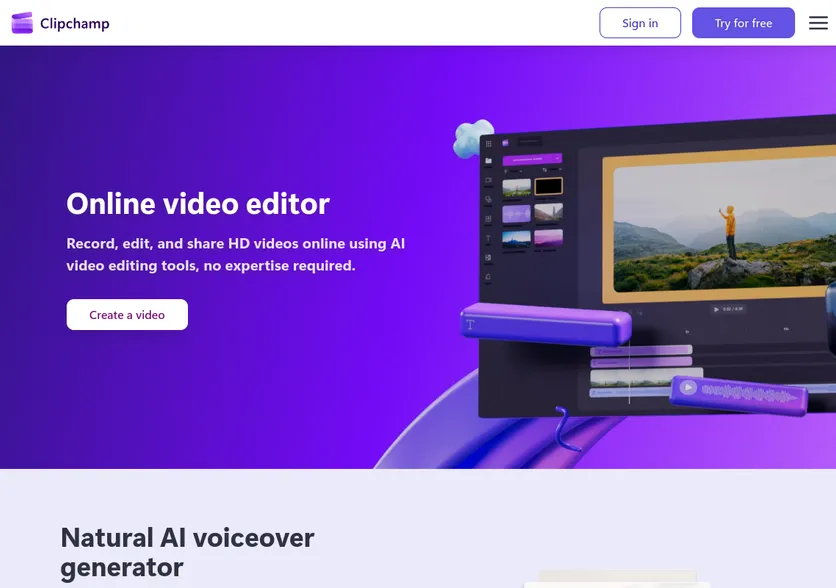
Clipchamp adds captions to video in the browser, and its Premium tier now comes with a Microsoft 365 Personal subscription that teams may already pay for. This Clipchamp Premium plan costs nine dollars and ninety-nine cents a month through Microsoft 365 Personal. A Microsoft shop gets captioning plus the full 365 suite for one price, though Premium is no longer sold standalone to new buyers.
What we like
- Captioning inside a familiar Microsoft editor
- Premium comes with the full Microsoft 365 Personal suite
- Browser-based, so nothing needs installing
Watch out for
- Premium is bundled with Microsoft 365, not sold on its own
- AI captions still need a human pass before an audit
How to try it
- Open the Clipchamp pricing page and check the Microsoft 365 option
- Upload one video and generate captions automatically
- Export the captioned video and a sidecar caption file
7. Zubtitle
Best for: Social teams that caption short vertical videos with styled words
Paid tool Starting price: $19/month · Guru plan, nineteen dollars a month billed monthly; annual billing costs one hundred ninety dollars a year
Free plan: No free plan; free trial available
Zubtitle adds animated, word-by-word captions to short videos, which keeps viewers watching on silent feeds and makes the message readable without sound. This Zubtitle Guru plan costs nineteen dollars a month billed monthly, with annual billing at one hundred ninety dollars a year. A social team captioning clips daily gets styled captions built for feeds, though the tool is built for short social video rather than long training courses.

What we like
- Word-by-word animated captions built for silent feeds
- Simple workflow that suits short social clips
- Annual billing at one hundred ninety dollars a year saves two months
Watch out for
- Built for short social video, not long training courses
- No sidecar caption export for players that need it
How to try it
- Open the Zubtitle pricing page and start the free trial
- Upload one short vertical video and generate captions
- Pick a caption style and export the video with burned-in words
8. Amara
Best for: Nonprofits and educators that need community-reviewed captions on a budget
Paid tool Starting price: $24/month · Plus plan, twenty-four dollars a month for two users with sixty AI caption minutes a month; each additional user costs twelve dollars a month
Free plan: Free plan available
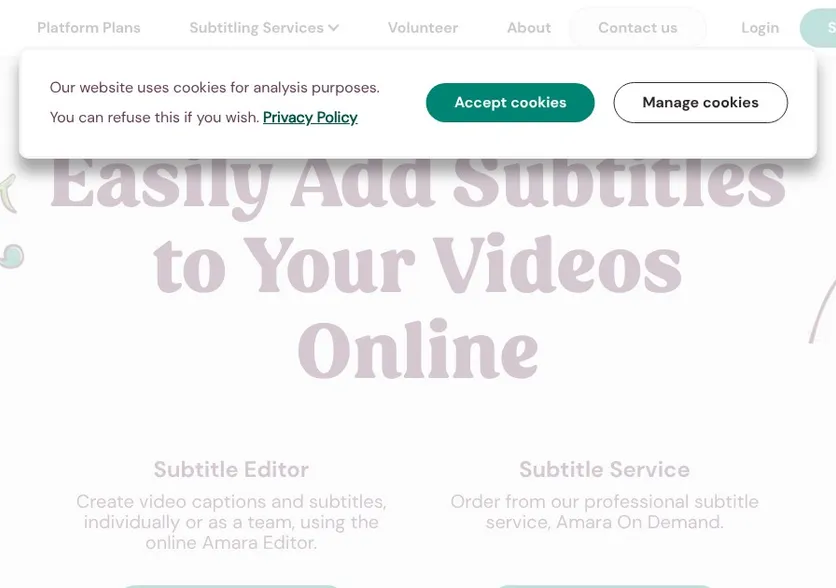
Amara gives teams a collaborative captioning workspace where volunteers and staff can create, review and translate captions, with AI captions to start from. This Amara Plus plan costs twenty-four dollars a month for two users and sixty AI caption minutes a month. An education or nonprofit team gets human-reviewed captions at a flat team price, though the AI minute allowance is small and extra users cost twelve dollars each.
What we like
- Collaborative review workflow for caption quality
- AI captions plus human review in one workspace
- Flat team price that suits nonprofits and educators
Watch out for
- Only sixty AI caption minutes a month on the Plus plan
- The plans page URL was not verified, so confirm pricing on the homepage
How to try it
- Open the Amara homepage and check the Plus plan
- Upload one video and generate AI captions as a starting draft
- Invite one reviewer to correct the captions and publish them
Prices above were checked on each vendor’s own website on Nov 27, 2026 and can change — the vendor’s page is the final word. Vendor links are editorial: nobody paid to be listed or ranked here. Vendors who want a featured listing can see how it works on our Get listed page.
What video captioning costs in 2026
Most teams here pay one of two ways: a monthly subscription for AI captions, or a per-minute rate for human captions. A subscription like eight dollars and fifty cents a month looks cheap until the minute allowance runs out, while a human rate like one dollar ninety-nine a minute looks steep until you count the hours spent fixing an AI draft. The cheapest bill is usually AI for the draft plus a human pass only for the videos that face an audit.
Start with the free plan or trial on two tools and caption one real video on each. Compare accuracy on names and technical terms, check the export format against your player, and time the cleanup. Pick the tool whose captions need the least fixing, because cleanup time is the real cost of cheap captioning.
Before you buy
- Check whether captions are burned in or sidecar files, because compliance usually needs both formats for different players.
- Confirm the accuracy on your own footage, because accents and technical terms break weaker caption engines.
- Count your monthly caption minutes first, because per-minute plans beat subscriptions only below a certain volume.
- Test the export format during the trial, because a caption file your player cannot read is wasted work.
- Compare human and AI captions, because AI is fast and cheap while human review is what an audit needs.
Official websites
Official websites of the products reviewed above. Features and prices were checked against these sites when this guide was written, and they can change, so confirm on the vendor site before you buy.
Frequently asked questions
Which AI video captioning software is best for accessibility compliance in 2026?
Rev is the best overall pick for compliance because human captioners write captions that pass real accessibility audits. Happy Scribe is the cheapest subscription at eight dollars and fifty cents a month, and Kapwing is the best all-rounder for teams that caption and edit in one place. For a filing or an audit, order the human pass rather than relying on any AI draft alone.
How much does video captioning software cost?
Subscriptions in this list run from eight dollars and fifty cents a month for Happy Scribe to twenty-four dollars a month for Descript and Amara. Human captions cost one dollar ninety-nine a minute on Rev, which is the only human option here. A team captioning ten hours of video a month pays far less on a subscription than per minute.
Are AI captions accurate enough for accessibility compliance?
AI captions are fast and cheap, but they still mishear names, technical terms and overlapping speech, so they suit drafts and social clips. Human captions cost more and take days, but they deliver the timing, speaker labels and sound descriptions an accessibility audit checks. Most compliance teams use AI for the draft and humans for the version that ships.
Do these tools export captions my video player can read?
Most tools here export both: a video with captions burned in, and a sidecar file such as SRT or VTT that players can toggle. Kapwing, VEED and Descript all export both formats. Check the export list during the trial, because some players need the sidecar file and will not read burned-in captions.
How should a team choose between these tools?
Start with the free plan or trial on two tools and caption one real video on each. Compare accuracy on names and technical terms, check the export format against your player, and time how long cleanup takes. Pick the tool whose captions need the least fixing, because cleanup time is the real cost of cheap captioning.
Need everyday video help too? Try Toolsvine's free video tools right in your browser.
Browse Video Tools tools


