On this page
A school ticket queue has to serve teachers, students, parents and IT staff without a training course, and it has to survive the September rush. Zoho Desk leads on price at seven dollars an agent, while Freshservice and Freshdesk both start at nineteen dollars with a free tier to try first. We read every price on the vendor pricing page on November 29, 2026, and kept only tools with a published dollar rate, so nothing below hides behind a sales call.
How we researched this
We read every price on the vendor pricing page on November 29, 2026, and kept only tools with a published dollar rate. We ranked the shortlist on ease of use for non-technical staff, parent and student portals, and value for small school IT teams. Tools that need a sales call for a price were dropped, as were tools built only for large enterprises.
Compare the tools
| Name | Best for | Starting price | Free plan | |
|---|---|---|---|---|
 Zoho Desk | Schools that want the cheapest paid desk with a real free tier | $7/agent/month | Free plan (up to 3 agents) | Visit |
 Freshservice | School districts that want proper ITSM process at a low price | $19/agent/month | No free plan; free trial available | Visit |
 Zendesk | Schools that want a famous, reliable queue and may add chat later | $19/agent/month | No free plan; 14-day free trial | Visit |
 Jira Service Management | Schools already using Jira that need a free start for a small IT team | $21.50/agent/month | Free plan (up to 3 agents) | Visit |
 Freshdesk | Schools that want the gentlest learning curve with a free start | $19/agent/month | Free plan (1 to 2 agents, 6 months) | Visit |
 ManageEngine ServiceDesk Plus | Schools that want the lowest seat price and a free tier for five staff | $13/technician/month | Free plan (Standard edition, up to 5 technicians) | Visit |
 SolarWinds Service Desk | Schools that want change management and a CMDB on the entry plan | $39/agent/month | No free plan; 30-day free trial | Visit |
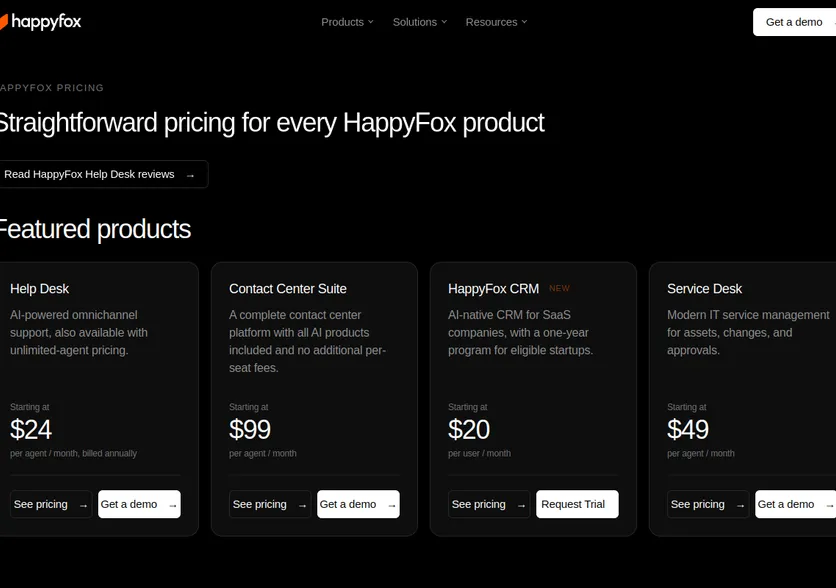
 HappyFox | Small school teams that want a simple multi-channel queue | $29/agent/month | No free plan; demo on request | Visit |
The 8 best ticketing tools for schools
1. Zoho Desk
Best for: Schools that want the cheapest paid desk with a real free tier
Paid tool Starting price: $7/agent/month · Express costs seven dollars per agent a month billed annually (nine dollars monthly); Standard fourteen dollars (twenty dollars monthly); Professional twenty-three dollars (thirty-five dollars monthly); Enterprise forty dollars (fifty dollars monthly); Express is hard-capped at five users. Zoho shows prices in local currency outside the US, so check the dollar list before you buy.
Free plan: Free plan (up to 3 agents)
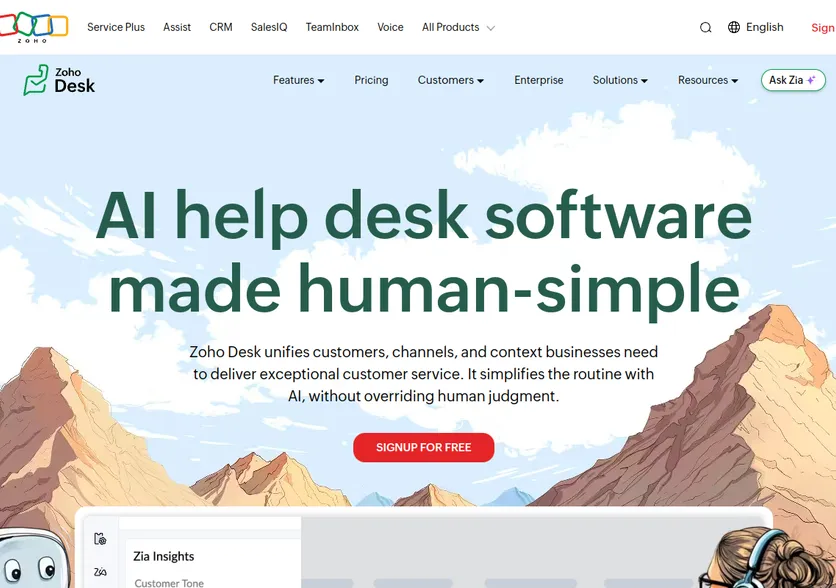
Zoho Desk starts at seven dollars per agent a month billed annually on Express, the lowest paid starting price in this list. It covers email, chat and phone tickets with a customer portal and automations, and the free plan supports up to three agents. The catch is the Express cap at five users, so a growing school IT team moves to Standard at fourteen dollars sooner than the headline suggests.
What we like
- Lowest paid starting price in this list
- Free plan for up to three agents
- Portal, automations and multi-channel tickets included
Watch out for
- Express plan is hard-capped at five users
- Pricing page shows local currency outside the US
How to try it
- Start on the free plan with up to three agents
- Connect the school support email and build ticket categories
- Open the parent portal and set your first SLA rules
2. Freshservice
Best for: School districts that want proper ITSM process at a low price
Paid tool Starting price: $19/agent/month · Starter costs nineteen dollars per agent a month billed annually (twenty-nine dollars monthly); Growth forty-nine dollars (fifty-nine dollars monthly); Pro ninety-nine dollars (one hundred nineteen dollars monthly); Enterprise is quoted.
Free plan: No free plan; free trial available
Freshservice opens its Starter plan at nineteen dollars per agent a month billed annually, which puts a real IT service desk within reach of a school district budget. Starter covers incident and knowledge management with a support portal, and Growth adds a service catalog, SLA management and on-call rotas for the whole district. The AI Copilot costs extra on Pro, so schools that want AI help should add twenty-nine dollars per agent a month to the Pro price.

What we like
- Cheapest full ITSM entry in this list
- Service catalog and SLAs from Growth
- MSP mode for districts that serve several schools
Watch out for
- Freddy AI Copilot is a paid add-on, not included
- No free plan, only a free trial
How to try it
- Start a free trial from the pricing page
- Build ticket categories for each school in the district
- Set SLA policies and on-call rotas on Growth
3. Zendesk
Best for: Schools that want a famous, reliable queue and may add chat later
Paid tool Starting price: $19/agent/month · Support Team costs nineteen dollars per agent a month billed annually (twenty-five dollars monthly); Suite Team fifty-five dollars (sixty-nine dollars monthly); Suite Professional one hundred fifteen dollars (one hundred forty-nine dollars monthly); Suite Enterprise is quoted. Older reads list Suite at sixty-nine, one hundred fifteen and one hundred forty-nine dollars; the November 2026 reads agree the Suite ladder now starts at fifty-five dollars.
Free plan: No free plan; 14-day free trial
Zendesk gives schools a nineteen dollar per agent a month starting point on the email-only Support Team plan. The queue is easy to learn, with macros, automations and prebuilt dashboards that a small IT team can run without training. Suite Team jumps to fifty-five dollars for messaging, live chat and a help center, so schools should stay on Support Team until parents actually ask for chat.

What we like
- Easy to learn, with macros and prebuilt dashboards
- Huge app marketplace for school tools
- Scales from a small team to a district desk
Watch out for
- Suite Team costs nearly three times Support Team
- AI resolutions are billed on top of seats
How to try it
- Start the 14-day trial on Support Team
- Connect the school support email and set up macros
- Add the parent portal before the new term starts
4. Jira Service Management
Best for: Schools already using Jira that need a free start for a small IT team
Paid tool Starting price: $21.50/agent/month · Standard costs twenty-one dollars and fifty cents per agent a month at the default team size on monthly billing (fifty-five dollars and twenty-eight cents for Premium); billed annually, Standard works out near eighteen dollars and thirty-three cents per agent a month at fifty agents; the rate is tiered by team size and Enterprise is quoted.
Free plan: Free plan (up to 3 agents)
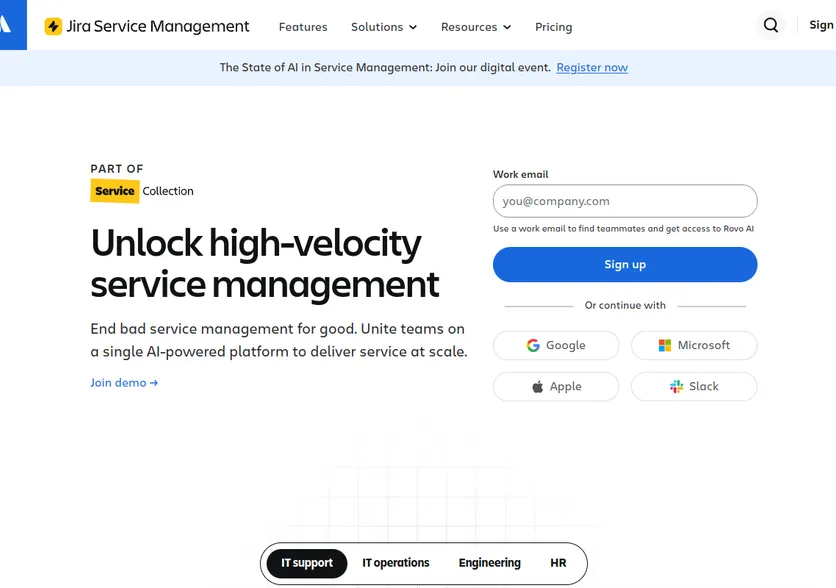
Jira Service Management is free for up to three agents, which covers a small school IT team before a single dollar is spent. It adds a service portal, knowledge base and approval workflows to the Jira that many school tech teams already use for projects. The per-agent rate is tiered by team size, so a district should confirm the exact rate for its headcount before budgeting.
What we like
- Free plan for up to three agents
- Service portal and knowledge base included
- Approval workflows for purchases and access requests
Watch out for
- Price is tiered by team size, so the headline rate moves
- Heavier to learn than Freshdesk or Zoho Desk
How to try it
- Start on the free plan with up to three agents
- Build the service portal with request forms for teachers
- Set up approval workflows for device purchases
5. Freshdesk
Best for: Schools that want the gentlest learning curve with a free start
Paid tool Starting price: $19/agent/month · Growth costs nineteen dollars per agent a month billed annually (twenty-three dollars monthly); Pro fifty-five dollars (sixty-six dollars monthly); Enterprise eighty-nine dollars (one hundred seven dollars monthly); Freddy AI Copilot costs twenty-nine dollars per agent a month as an add-on on Pro and Enterprise.
Free plan: Free plan (1 to 2 agents, 6 months)
Freshdesk lets a school start free with one or two agents for six months, then moves to nineteen dollars per agent a month on Growth. The queue is clean and easy to learn, with collision detection so two staff never answer the same parent email twice. Pro adds skills-based routing and custom objects, while the AI Copilot costs twenty-nine dollars per agent a month extra on Pro and Enterprise.

What we like
- Free plan for one or two agents for six months
- Collision detection stops double replies to parents
- Clean queue that non-technical staff learn in a day
Watch out for
- Free plan ends after six months
- AI Copilot is a paid add-on on Pro and Enterprise
How to try it
- Start on the free plan with one or two agents
- Connect the school inbox and build parent ticket views
- Turn on the knowledge base for common parent questions
6. ManageEngine ServiceDesk Plus
Best for: Schools that want the lowest seat price and a free tier for five staff
Paid tool Starting price: $13/technician/month · Cloud Standard costs thirteen dollars per technician a month billed annually; Professional twenty-seven dollars; Enterprise sixty-seven dollars; the on-premises edition starts at one hundred twenty dollars per technician a year.
Free plan: Free plan (Standard edition, up to 5 technicians)
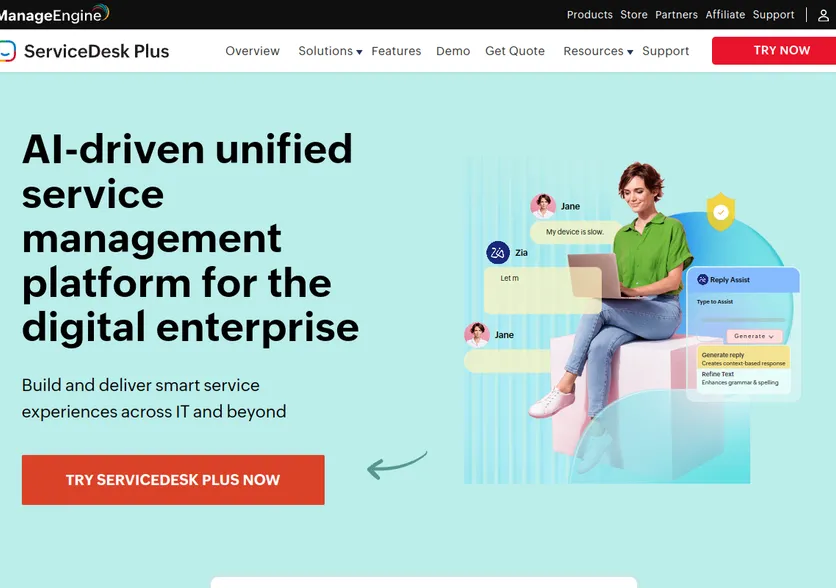
ManageEngine ServiceDesk Plus charges thirteen dollars per technician a month billed annually, and its free Standard edition covers up to five technicians. That free tier handles incident and asset management for a small school, while the paid plans add problem, change and project workflows. The interface feels dated next to newer rivals, so schools should trial it with real teachers before committing.
What we like
- Free Standard edition for up to five technicians
- Lowest per-technician price in this list
- Asset management included for school devices
Watch out for
- Interface feels dated beside newer rivals
- Some advanced features sit only on the Enterprise plan
How to try it
- Start on the free Standard edition with five technicians
- Import the school device inventory and set categories
- Turn on the parent portal and SLA policies
7. SolarWinds Service Desk
Best for: Schools that want change management and a CMDB on the entry plan
Paid tool Starting price: $39/agent/month · Essentials costs thirty-nine dollars per agent a month billed annually; Advanced ninety-nine dollars; Premier one hundred twenty-four dollars; asset management is priced by device on request. Older reads list Advanced at seventy-nine dollars and Premier at ninety-nine dollars; the November 2026 reads agree on ninety-nine and one hundred twenty-four dollars.
Free plan: No free plan; 30-day free trial
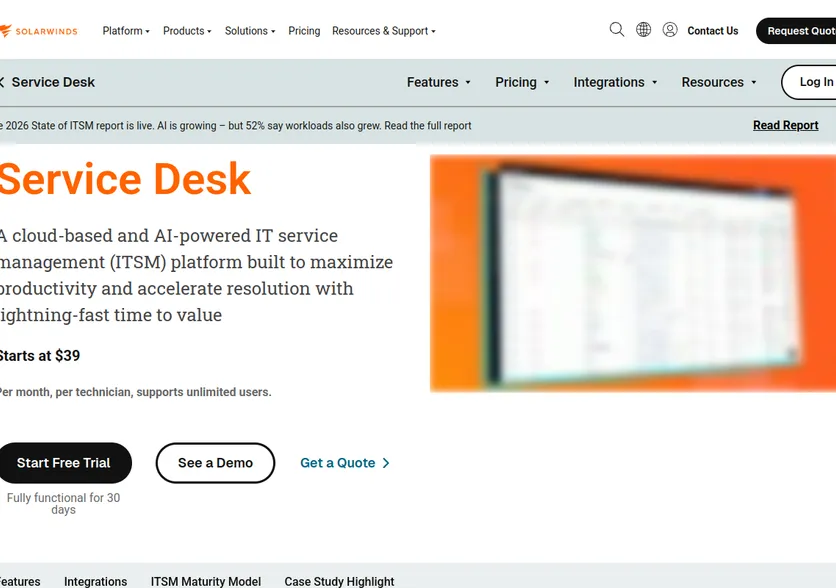
SolarWinds Service Desk prices Essentials at thirty-nine dollars per agent a month billed annually, with a service catalog and change management included from the start. Schools get incident, problem and release management plus a configuration database without paying for a top tier. Asset management is priced by device on request, so districts with large Chromebook fleets should get that quote before budgeting.
What we like
- Change management and CMDB on the entry plan
- Unlimited requestors, so every teacher and parent is free
- 30-day trial opens every Premier feature
Watch out for
- Asset management is priced by device on request
- Heavier to set up than Freshdesk or Zoho Desk
How to try it
- Start the 30-day trial with Premier features
- Import school devices and build the service catalog
- Turn on change approvals for classroom tech rollouts
8. HappyFox
Best for: Small school teams that want a simple multi-channel queue
Paid tool Starting price: $29/agent/month · Mighty costs twenty-nine dollars per agent a month billed annually (thirty-nine dollars monthly); Fantastic forty-nine dollars (fifty-nine dollars monthly); Enterprise sixty-nine dollars (seventy-nine dollars monthly); Enterprise Plus eighty-nine dollars (ninety-nine dollars monthly); an Unlimited Agents plan costs one thousand four hundred ninety-nine dollars a month.
Free plan: No free plan; demo on request
HappyFox starts at twenty-nine dollars per agent a month billed annually on the Mighty plan, built for small teams that want a simple multi-channel help desk. It handles email, chat, phone and social tickets in one queue, with smart rules that route parent messages to the right staff member. There is no free plan and no self-serve trial, so schools should book the demo and test the queue with real parent emails first.
What we like
- Simple queue across email, chat, phone and social
- Smart rules route parent messages to the right staff
- Unlimited Agents plan for large districts
Watch out for
- No free plan and no self-serve trial
- Mighty plan lacks the deeper automation of Fantastic
How to try it
- Book a demo from the pricing page
- Test the queue with real parent emails
- Set smart rules to route messages by school
Prices above were checked on each vendor’s own website on Nov 29, 2026 and can change — the vendor’s page is the final word. Vendor links are editorial: nobody paid to be listed or ranked here. Vendors who want a featured listing can see how it works on our Get listed page.
How to set up a school ticket queue before term starts
Map your request types before you buy anything: password resets, broken devices, classroom AV and parent questions each need their own form and their own SLA. Give teachers a simple portal and parents a separate one, so urgent classroom problems never sit behind a lunch menu question. Start on a free tier with your smallest team, then move the whole school over once the categories and automations are proven. Finally, publish a short help page for parents, because a clear portal cuts repeat tickets more than any feature will. Review the categories each term, because new request types appear faster than anyone expects.
Before you buy
- Check the free tier limits before you roll the queue out to every teacher.
- Make sure parents can submit tickets without a staff login.
- Confirm the per-agent price covers all your IT staff, not just a few.
- Test the portal on a phone, since parents mostly file from mobile.
- Ask whether student data stays in your region before you sign.
Official websites
Official websites of the products reviewed above. Features and prices were checked against these sites when this guide was written, and they can change, so confirm on the vendor site before you buy.
Frequently asked questions
What is the cheapest ticketing software for schools?
Zoho Desk Express costs seven dollars per agent a month billed annually, with a free plan for up to three agents. ManageEngine ServiceDesk Plus has a free edition for up to five technicians, and its paid plans start at thirteen dollars. Freshservice and Freshdesk both start at nineteen dollars per agent a month, so a small school can run a real desk for under sixty dollars a month.
Do schools get a discount on ticketing software?
Most vendors in this list offer education pricing on request, but none of them publish a school rate on the pricing page. Ask each vendor for an education quote before you budget, and use the published rates in this guide as the ceiling. Zoho Desk, Freshservice and ManageEngine all have free tiers, so a small school can start without any discount at all.
Can parents submit tickets without a login?
Most tools here offer a public portal where parents can file a request with just an email address, and Freshservice, Freshdesk and Zoho Desk all include a portal on their entry plans. HappyFox and Zendesk handle this through web forms and email-to-ticket instead. Check the portal setup during your trial, because a login wall is the fastest way to push parents back to phone calls.
Which school ticketing tool is easiest to learn?
Freshdesk and Zoho Desk have the gentlest learning curves in this list, with clean queues that non-technical staff pick up in a day. HappyFox is similarly simple, while Jira Service Management and SolarWinds Service Desk expect some ITSM knowledge. If your team has never run a service desk, start on a free tier and train on real tickets before you pay.
How much should a school with five IT staff budget?
Five agents cost about thirty-five dollars a month on Zoho Desk Express, sixty-five dollars on ManageEngine Standard, and ninety-five dollars on Freshservice Starter or Freshdesk Growth, all billed annually. HappyFox Mighty runs about one hundred forty-five dollars a month for five agents. Add nothing for a free tier, but remember that AI add-ons and higher tiers cost extra on most tools here.
Try our free Event Ticket Maker — design a printable ticket in your browser, no upload, no account.
Browse Business Tools tools