On this page
A small business does not lose time to big disasters: it loses it to scheduling email, copy and paste, and calendars that eat the deep work. Zapier automates the copy and paste from nineteen dollars and ninety-nine cents a month, while Calendly kills the scheduling email for ten dollars a seat. We read every price on the vendor pricing page on November 29, 2026, and kept only tools with a published dollar rate.
How we researched this
We read every price on the vendor pricing page on November 29, 2026, and kept only tools with a published dollar rate. We ranked the shortlist on hours saved per week, ease of setup for a non-technical owner, and value at small-business scale. Enterprise-only tools were dropped, as were tools that save time only inside one narrow job.
Compare the tools
| Name | Best for | Starting price | Free plan | |
|---|---|---|---|---|
 Zapier | Small businesses that want the widest app library for automation | $19.99/month | Free plan (100 tasks a month) | Visit |
 Make | Small businesses that want visual multi-step automations | $9/month | Free plan (1,000 credits a month) | Visit |
 Calendly | Small businesses that lose hours to scheduling email | $10/seat/month | Free plan (1 event type, 1 calendar) | Visit |
 HoneyBook | Service businesses that sell projects and want one client flow | $30/month | No free plan; free trial available | Visit |
 Motion | Small business owners whose calendar keeps eating their task list | $19/seat/month | No free plan; 7-day free trial | Visit |
 Reclaim | Small teams that need focus time protected from meetings | $10/seat/month | Free plan (Lite, 1 user) | Visit |
 Clockify | Small businesses that want to see where the hours really go | $3.99/seat/month | Free plan (up to 5 users) | Visit |
 Toggl Track | Small businesses that want the simplest possible timer | $9/user/month | Free plan (up to 3 users) | Visit |
The 8 best time saving tools for small business
1. Zapier
Best for: Small businesses that want the widest app library for automation
Paid tool Starting price: $19.99/month · Professional starts at nineteen dollars and ninety-nine cents a month billed annually (twenty-nine dollars and ninety-nine cents monthly) for seven hundred fifty tasks; Team starts at sixty-nine dollars billed annually (one hundred three dollars and fifty cents monthly) for two thousand tasks and twenty-five seats; Enterprise is custom.
Free plan: Free plan (100 tasks a month)
Zapier starts Professional at nineteen dollars and ninety-nine cents a month billed annually, for seven hundred fifty tasks across more than six thousand apps. It connects the tools a small business already uses and moves data between them without code, so invoices, leads and orders stop needing manual copy and paste. The free plan covers one hundred tasks a month, and the Team plan starts at sixty-nine dollars billed annually for two thousand tasks and twenty-five seats.

What we like
- Widest app library in this list
- No code needed to build a workflow
- Free plan for one hundred tasks a month
Watch out for
- Task limits bite fast on busy workflows
- Team plan costs more than triple Professional
How to try it
- Start on the free plan with one hundred tasks
- Connect the two apps you move data between most
- Build your first automation and watch it run
2. Make
Best for: Small businesses that want visual multi-step automations
Paid tool Starting price: $9/month · Core costs nine dollars a month billed annually (ten dollars and fifty-nine cents monthly) for ten thousand credits; Pro sixteen dollars (eighteen dollars and eighty-two cents monthly); Teams twenty-nine dollars (thirty-four dollars and twelve cents monthly); Enterprise is custom; credits replaced operations as the billing unit in August 2025. Older guides list Core at twelve dollars; the November 2026 reads agree the price dropped to nine dollars.
Free plan: Free plan (1,000 credits a month)
Make starts Core at nine dollars a month billed annually, for ten thousand credits across a visual workflow builder. It builds multi-step automations with filters, routers and error handling, so a small business can run a real process, not just a one-step trigger. Credits replaced operations as the billing unit in August 2025, and the free plan covers one thousand credits a month for testing.

What we like
- Visual builder for multi-step workflows
- Cheapest paid automation in this list
- Free plan with one thousand credits a month
Watch out for
- Credit model is newer than the old operations model
- Pro costs nearly double Core
How to try it
- Start on the free plan with one thousand credits
- Build a visual workflow for your most repeated task
- Add a filter and an error path before you go live
3. Calendly
Best for: Small businesses that lose hours to scheduling email
Paid tool Starting price: $10/seat/month · Standard costs ten dollars per seat a month billed annually (twelve dollars monthly); Standard Plus eighteen dollars (twenty-four dollars monthly); Teams sixteen dollars (twenty dollars monthly); Teams Plus twenty-four dollars (thirty-two dollars monthly); Enterprise starts at fifteen thousand dollars a year for fifty seats or more.
Free plan: Free plan (1 event type, 1 calendar)
Calendly starts Standard at ten dollars per seat a month billed annually, and it kills the back-and-forth email of booking meetings. Guests pick a time from your real availability, the invite and reminders go out automatically, and the booking lands in your calendar without a single email. The free plan covers one event type and one calendar, and Enterprise starts at fifteen thousand dollars a year for fifty seats or more.

What we like
- Kills scheduling email completely
- Automatic reminders cut no-shows
- Free plan for one event type
Watch out for
- Free plan covers only one event type
- Enterprise starts at fifteen thousand dollars a year
How to try it
- Start on the free plan with one event type
- Connect your calendar and set your working hours
- Share your booking link in your email signature
4. HoneyBook
Best for: Service businesses that sell projects and want one client flow
Paid tool Starting price: $30/month · Starter costs thirty dollars a month on the yearly plan as confirmed on the vendor blog in November 2026; Essentials costs thirty-eight dollars and Premium eighty-three dollars on the same offer; standard annual rates are twenty-nine, forty-nine and one hundred nine dollars, and monthly billing runs thirty-six, fifty-nine and one hundred twenty-nine dollars.
Free plan: No free plan; free trial available
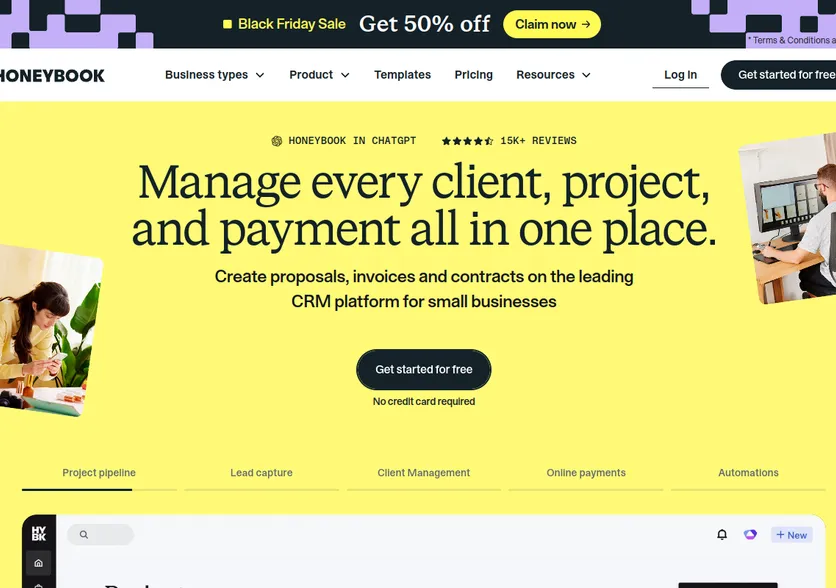
HoneyBook starts Starter at thirty dollars a month on the yearly plan, built for service businesses that sell projects, not hours. It runs proposals, contracts, invoices, payments and scheduling in one place, so a small business can take a client from inquiry to paid invoice without switching apps. Essentials costs thirty-eight dollars and Premium eighty-three dollars on the same November 2026 offer, while standard annual rates run twenty-nine, forty-nine and one hundred nine dollars.
What we like
- Proposals, contracts and invoices in one place
- Scheduling built into the client flow
- Payments collected inside the same app
Watch out for
- No free plan is offered
- Standard annual rates differ from the current offer
How to try it
- Start a free trial from the pricing page
- Build your first proposal template
- Send a contract and invoice to a real client
5. Motion
Best for: Small business owners whose calendar keeps eating their task list
Paid tool Starting price: $19/seat/month · Pro AI Teams costs nineteen dollars per seat a month billed annually (twenty-nine dollars monthly); Business AI Teams twenty-nine dollars (forty-nine dollars monthly); individual plans run twenty-nine and thirty-nine dollars a month billed annually; seats come in bundles of one, three and five, then steps of five; the seven-day trial needs a card.
Free plan: No free plan; 7-day free trial
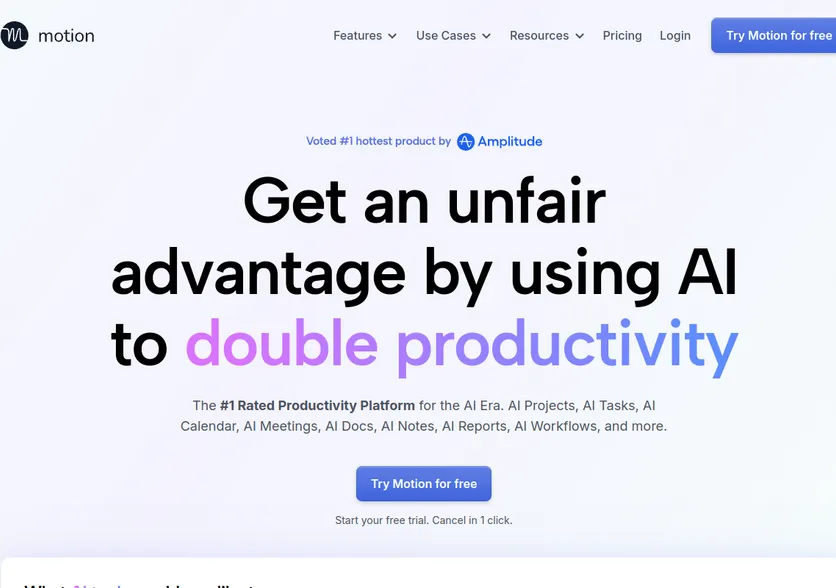
Motion starts Pro AI Teams at nineteen dollars per seat a month billed annually, and it plans your day for you. It turns your task list into a calendar that reschedules itself when meetings move, so a small business owner stops rebuilding the day by hand. Seats come in bundles of one, three and five, then steps of five, and the seven-day trial needs a card.
What we like
- Calendar rebuilds itself when plans change
- Tasks and meetings in one view
- AI scheduling saves the daily planning chore
Watch out for
- No free plan, only a 7-day trial
- Seat bundles can waste a seat on a small team
How to try it
- Start the 7-day trial from the pricing page
- Import your tasks and connect your calendar
- Let Motion plan your first week and adjust it
6. Reclaim
Best for: Small teams that need focus time protected from meetings
Paid tool Starting price: $10/seat/month · Starter costs ten dollars per seat a month billed annually (twelve dollars monthly) for up to ten seats; Business fifteen dollars (eighteen dollars monthly) for up to one hundred seats; Enterprise twenty-two dollars per seat a month billed annually only, for one hundred seats or more.
Free plan: Free plan (Lite, 1 user)
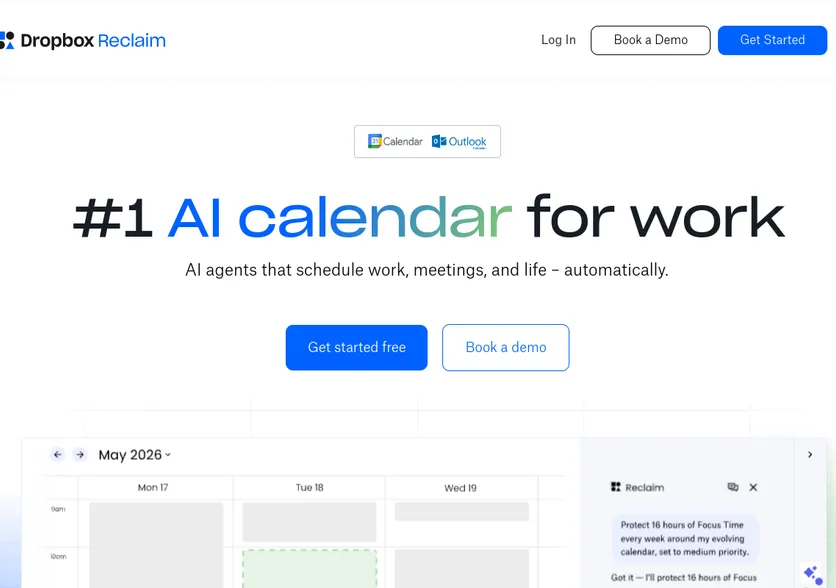
Reclaim starts Starter at ten dollars per seat a month billed annually, for up to ten seats, and it guards focus time automatically. It blocks focus time, habits and breaks on your calendar and moves them when meetings land, so deep work survives a busy week. Business costs fifteen dollars a seat for up to one hundred seats, and Enterprise at twenty-two dollars a seat is billed annually only for one hundred seats or more.
What we like
- Focus time is guarded automatically
- Free Lite plan for one user
- Habits and breaks scheduled beside work
Watch out for
- Lite plan covers only one user
- Enterprise is billed annually only
How to try it
- Start on the free Lite plan
- Set your focus hours and habits
- Connect your calendar and let Reclaim defend the blocks
7. Clockify
Best for: Small businesses that want to see where the hours really go
Paid tool Starting price: $3.99/seat/month · Basic costs three dollars and ninety-nine cents per seat a month billed annually (four dollars and ninety-nine cents monthly); Standard five dollars and forty-nine cents (six dollars and ninety-nine cents monthly); Pro seven dollars and ninety-nine cents (nine dollars and ninety-nine cents monthly); Enterprise eleven dollars and ninety-nine cents (fourteen dollars and ninety-nine cents monthly); kiosk seats start at seventy-nine cents; a seven-day trial applies.
Free plan: Free plan (up to 5 users)
Clockify charges three dollars and ninety-nine cents per seat a month billed annually on Basic, and it shows a small business exactly where the hours go. It tracks time by project and client with reports, so an owner can see which work pays and which work quietly eats the week. The free plan covers up to five users, and kiosk seats start at seventy-nine cents for a shared clock at the door.

What we like
- Free plan for up to five users
- Time by project and client with reports
- Kiosk mode for a shared clock
Watch out for
- Free plan reporting is basic
- Scheduling sits on the higher plans
How to try it
- Start on the free plan with up to five users
- Create projects for each client and service
- Check the weekly report for wasted hours
8. Toggl Track
Best for: Small businesses that want the simplest possible timer
Paid tool Starting price: $9/user/month · Starter costs nine dollars per user a month billed annually (twelve dollars monthly); Premium sixteen dollars (twenty-four dollars monthly); Enterprise is custom; the Time Off add-on costs two dollars per user a month and Capacity five dollars. One guide lists the free plan at five users; the vendor FAQ caps it at three.
Free plan: Free plan (up to 3 users)
Toggl Track starts Starter at nine dollars per user a month billed annually, with the simplest timer in this list. One click starts the clock, and the reports show time by client, project and task, so a small business can bill honestly without guessing. Premium costs sixteen dollars per user a month and adds forecasting, while Enterprise is quoted, and the free plan covers up to three users.

What we like
- Simplest timer in this list
- Reports by client, project and task
- Free plan for up to three users
Watch out for
- Free plan covers only three users
- Premium costs nearly double Starter
How to try it
- Start on the free plan with up to three users
- Create your clients and projects
- Start the timer on your next billable task
Prices above were checked on each vendor’s own website on Nov 29, 2026 and can change — the vendor’s page is the final word. Vendor links are editorial: nobody paid to be listed or ranked here. Vendors who want a featured listing can see how it works on our Get listed page.
How to buy back five hours a week
Track one normal week before you buy anything: write down every repeated task, every scheduling email and every hour that vanished into admin. Automate the most repeated task first, not the most annoying one, because frequency beats frustration for payback. Give the new tool two full weeks before you judge it, since the first week is always slower than the old way. Finally, delete the old process when the new one works, because keeping both doubles the work you were trying to remove. Keep one list of the automations you run, because a workflow nobody remembers will break silently and cost you a week.
Before you buy
- Track one normal week before you buy any time saving tool.
- Automate the most repeated task first, not the most annoying one.
- Check the free plan covers your whole team, not just you.
- Confirm the tool connects to the apps you already use.
- Delete the old process once the new one works.
Official websites
Official websites of the products reviewed above. Features and prices were checked against these sites when this guide was written, and they can change, so confirm on the vendor site before you buy.
Frequently asked questions
What is the best time saving software for a small business?
Zapier saves the most hours for most small businesses, because it automates the copy and paste between the apps you already use. Calendly saves the most hours for service businesses that book meetings by email. Reclaim and Motion save the most hours for owners whose calendar keeps eating their deep work, so pick by where your hours actually go.
How much does Zapier cost per month?
Professional starts at nineteen dollars and ninety-nine cents a month billed annually for seven hundred fifty tasks, or twenty-nine dollars and ninety-nine cents billed monthly. Team starts at sixty-nine dollars billed annually for two thousand tasks and twenty-five seats. The free plan covers one hundred tasks a month, which is enough to test one real workflow before you pay.
Is Make cheaper than Zapier?
Yes, at the entry level: Make Core costs nine dollars a month billed annually for ten thousand credits, while Zapier Professional costs nineteen dollars and ninety-nine cents for seven hundred fifty tasks. Make also builds multi-step workflows with filters and routers that Zapier reserves for higher plans. Zapier wins on the size of its app library, so pick Make for complex flows and Zapier for breadth.
Which time saving tool has a free plan?
Zapier is free for one hundred tasks a month, Make is free for one thousand credits a month, and Calendly is free for one event type and one calendar. Reclaim Lite is free for one user, Clockify is free for up to five users, and Toggl Track is free for up to three users. HoneyBook and Motion have no free plan, so those teams start on a trial instead.
How much time can automation really save?
A small business that automates its most repeated task usually saves two to five hours a week, and scheduling tools save another hour or two by killing booking email. The payback comes from frequency, not drama, so automate the task you do every day before the one you do once a month. Track the hours for two weeks after you switch, because the first week is always slower than the old way.
Try our free Invoice Generator — send a client invoice in minutes in your browser, no upload, no account.
Browse Business Tools tools