On this page
A distributed team works across time zones, so the tracker has to show what happened without a manager hovering, and it has to do it without turning every workday into surveillance. The eight tools below cover that job for remote teams of every size, from a gentle timer that trusts the team to a full monitoring suite. Hubstaff leads because it pairs screenshots and activity levels with payroll for four dollars and ninety-nine cents per seat a month, and the rest are ranked on how much visibility they give per dollar.
How we researched this
We checked every price on the vendor pricing page on November 29, 2026, and only included tools with a published US dollar list price. Quote-only time trackers and tools that publish no prices are not in this list, and prices change, so confirm the current figure on the vendor site before you buy.
Compare the tools
| Name | Best for | Starting price | Free plan | |
|---|---|---|---|---|
 Hubstaff | Remote teams that need proof of work | $4.99/user/month | No free plan; 14-day free trial | Visit |
 Time Doctor | Managers who need productivity proof | $6.67/user/month | No free plan; 14-day free trial | Visit |
 Insightful | Distributed teams that need workforce analytics | $8/user/month | No free plan; 7-day free trial | Visit |
 Monitask | Small teams that want simple monitoring | $6.49/user/month | No free plan; 10-day free trial | Visit |
 DeskTime | Teams that want automatic productivity data | $6.42/user/month | Free Lite plan (1 user) | Visit |
 Toggl Track | Teams that bill clients by the hour | $9/user/month | Free plan (up to 3 users) | Visit |
 Clockify | Small teams that want a low entry price | $3.99/user/month | Free plan (up to 5 users) | Visit |
 Timely | Teams that forget to start timers | $9/user/month | No free plan; 14-day free trial | Visit |
The time tracking software for distributed teams, compared
1. Hubstaff
Best for: Remote teams that need proof of work
Paid tool Starting price: $4.99/user/month · Four dollars and ninety-nine cents per seat a month on Starter billed annually ($7 billed monthly); Grow is $7.50 a seat a month billed annually ($9 monthly); Team is $10 ($12 monthly) and Enterprise is $25; every plan has a two-seat minimum
Free plan: No free plan; 14-day free trial
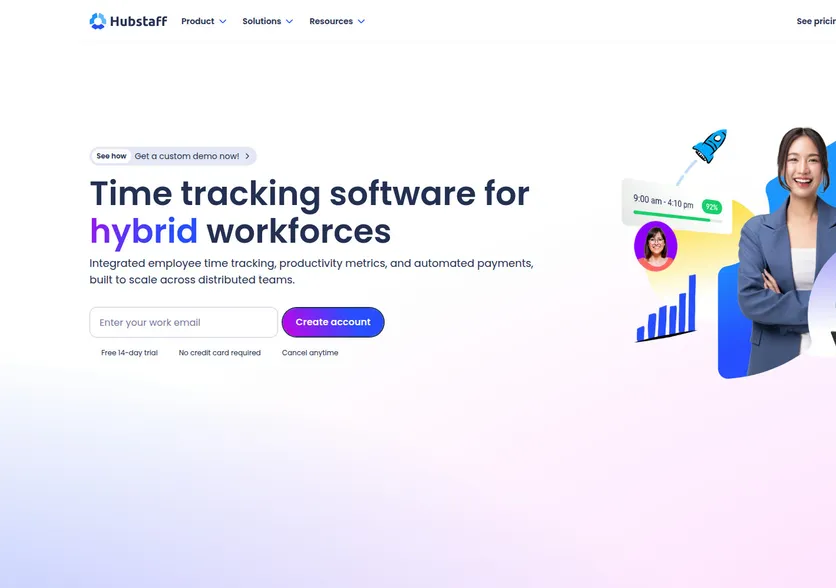
A distributed team needs proof of work across time zones, and this Hubstaff plan costs four dollars and ninety-nine cents per seat a month billed annually for screenshots, activity levels and timesheets in one dashboard. Its payroll and payments run from the same place, so hours in one country become pay in another without a spreadsheet. It is the most complete remote oversight tool in this list for the price.
What we like
- Screenshots and activity levels show remote work clearly
- Payroll and payments run from the same dashboard
- GPS and geofencing options for field staff
Watch out for
- Owners and managers count as paid seats
- Screenshot monitoring can feel intrusive to staff
How to try it
- Invite the team and set the screenshot frequency
- Assign each person to projects with hourly rates
- Review activity levels and approve the timesheets
2. Time Doctor
Best for: Managers who need productivity proof
Paid tool Starting price: $6.67/user/month · Six dollars and sixty-seven cents per user a month on Basic billed annually ($8 billed monthly); Standard is $11.67 a user a month billed annually ($14 monthly); Premium is $16.70 ($20 monthly); video screen recording is a three-dollar add-on on Basic and Standard
Free plan: No free plan; 14-day free trial
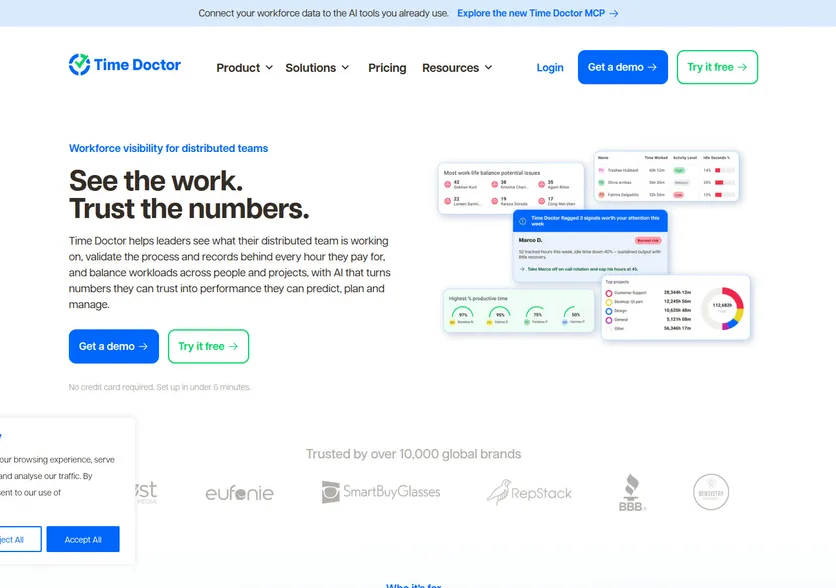
Managers of scattered teams need to see productivity without hovering, and this Time Doctor plan costs six dollars and sixty-seven cents per user a month billed annually for automatic tracking with screenshots and app usage. Its Standard tier adds attendance, payroll and scheduling, so a distributed team runs its whole people operation in one app. It is the strongest monitoring option here for teams spread across continents.
What we like
- Automatic tracking with screenshots and app usage
- Attendance, payroll and scheduling on Standard
- Distraction alerts nudge staff back to work
Watch out for
- No permanent free tier at any level
- Screenshots and monitoring need a frank team conversation
How to try it
- Install the desktop app on each team computer
- Set projects and tasks for the team to track against
- Check the daily productivity report and approve payroll
3. Insightful
Best for: Distributed teams that need workforce analytics
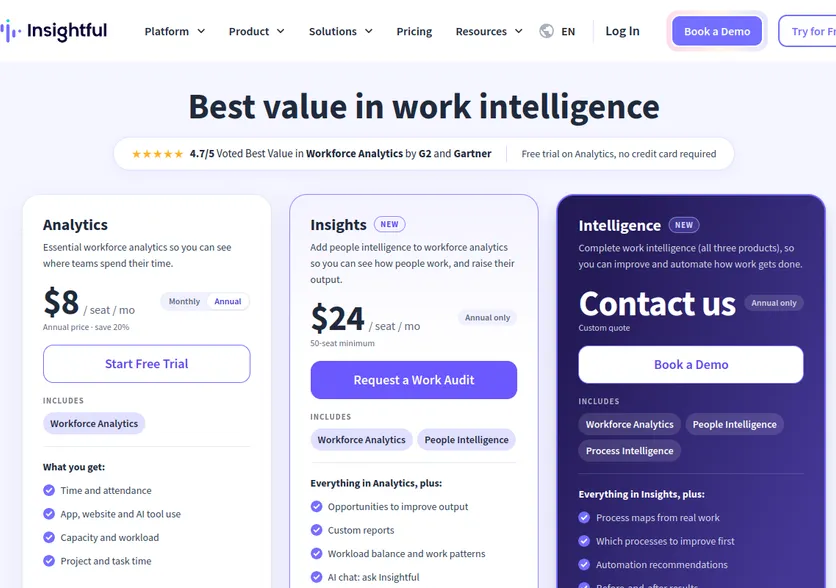
Paid tool Starting price: $8/user/month · Eight dollars per seat a month on Workforce Analytics billed annually ($10 billed monthly); Workflow Optimization is $12 a seat a month billed annually ($15 monthly); Combo is $16 ($20 monthly); screen recording and workspace security are paid add-ons from fifty cents to four dollars a seat a month; some listings show a renamed Insights tier at $24, which conflicts with this ladder
Free plan: No free plan; 7-day free trial
Workforce analytics matter most when the team is everywhere, and this Insightful plan costs eight dollars per seat a month billed annually for real-time dashboards of app use, screenshots and idle time. Its managers who only view dashboards are not billed, which keeps the seat count honest, and the reports show patterns a timesheet never would. It suits a distributed team that wants insight, not just hours.
What we like
- Real-time dashboards show where the day actually goes
- Screenshots and idle detection on the entry plan
- Managers who only view dashboards are not billed
Watch out for
- Add-ons can double the headline price quickly
- Workflow Optimization is still in beta for select customers
How to try it
- Install the agent on staff computers and set tracking rules
- Build the productivity dashboard for each team
- Review app usage weekly and coach on the patterns
4. Monitask
Best for: Small teams that want simple monitoring
Paid tool Starting price: $6.49/user/month · Six dollars and forty-nine cents per user a month on Pro billed annually ($7.99 billed monthly); Business is $8.99 a user a month billed annually ($10.99 monthly); Business Premium is $12.99 ($15.99 monthly) and Enterprise is $15.99 ($19.99 monthly); older five-dollar-ninety-nine-cent listings are stale
Free plan: No free plan; 10-day free trial
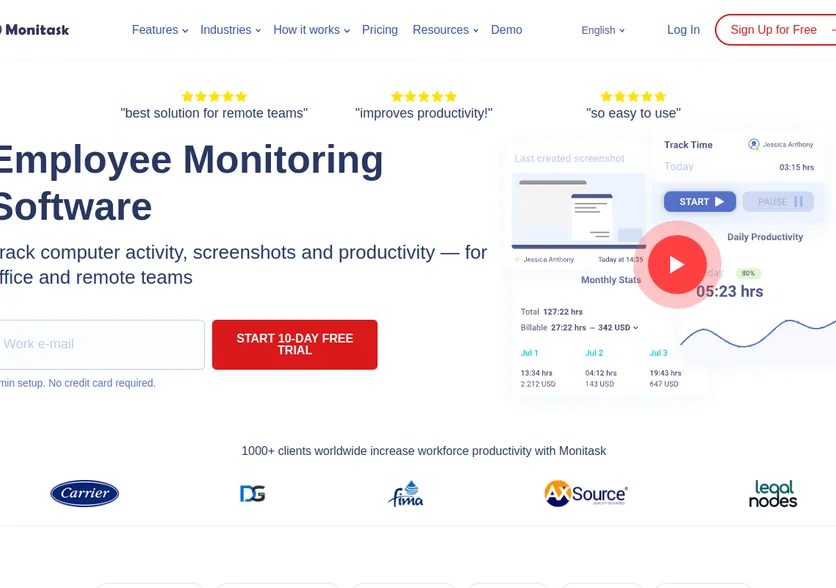
A small distributed team that wants simple monitoring without a big setup finds it here, since this Monitask plan costs six dollars and forty-nine cents per user a month billed annually. Its screenshots, stealth mode and employee scorecards give managers a clear read on remote work, and the ten-day trial needs no card. It is the lightest-weight monitoring tool in this list.
What we like
- Screenshots and activity tracking without a complex setup
- Stealth mode for discreet monitoring
- Employee scorecards rank the team at a glance
Watch out for
- Pro keeps only one month of data
- App and website monitoring needs the Business tier
How to try it
- Install Monitask on each workstation
- Set screenshot frequency and project assignments
- Check the daily activity summary and timesheets
5. DeskTime
Best for: Teams that want automatic productivity data
Paid tool Starting price: $6.42/user/month · Six dollars and forty-two cents per user a month on Pro billed annually ($7 billed monthly); Premium is $9.17 a user a month billed annually ($10 monthly); Enterprise is quoted for two hundred users and more
Free plan: Free Lite plan (1 user)
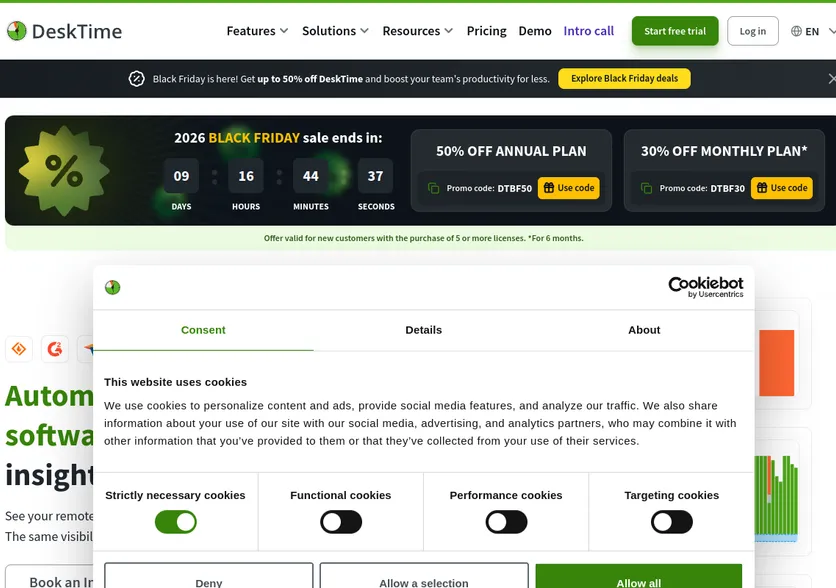
Automatic tracking suits a team that spans time zones, because this DeskTime plan costs six dollars and forty-two cents per user a month billed annually and sorts apps into productive and unproductive without any timers. Its shift scheduling and absence calendar keep coverage visible across zones, and the private time switch lets staff pause tracking. It is the cheapest automatic tracker here with scheduling built in.
What we like
- Automatic tracking sorts apps into productive and unproductive
- Shift scheduling and absence calendar included
- Private time switch lets staff pause tracking
Watch out for
- Screenshots only on the Premium tier
- No invoicing or timesheet approvals
How to try it
- Install the desktop app and set productive app categories
- Assign staff to projects and shifts
- Review productivity scores and the absence calendar weekly
6. Toggl Track
Best for: Teams that bill clients by the hour
Paid tool Starting price: $9/user/month · Nine dollars per user a month on Starter billed annually ($12 billed monthly); Premium is $16 a user a month billed annually ($24 monthly); some older listings still show Premium at $18 a month, so confirm at checkout
Free plan: Free plan (up to 3 users)
Not every distributed team wants monitoring, and this Toggl Track plan costs nine dollars per user a month billed annually for a timer that trusts the team instead. Its one-click timer and calendar integrations work on every device, and the reports show billable time by client and project without a single screenshot. It is the best pick for a distributed team that values autonomy.

What we like
- One-click timer on web, desktop and mobile
- Billable rates and project estimates on Starter
- Calendar and project-tool integrations included
Watch out for
- Free plan covers only three users
- Profitability reports need the Premium tier
How to try it
- Start the timer from the browser extension when work begins
- Assign the entry to a client, project and task
- Review the weekly report and export the billable hours
7. Clockify
Best for: Small teams that want a low entry price
Paid tool Starting price: $3.99/user/month · Three dollars and ninety-nine cents per user a month on Basic billed annually ($4.99 billed monthly); Standard is $5.49 a user a month billed annually ($6.99 monthly); Pro is $7.99 ($9.99 monthly) and Enterprise is $11.99 ($14.99 monthly)
Free plan: Free plan (up to 5 users)
A distributed team on a budget gets a solid free start here, because this Clockify plan costs three dollars and ninety-nine cents per user a month billed annually. Its free tier covers five users with unlimited projects, and the kiosk mode gives office-based staff a shared clock, while the Pro tier adds GPS and screenshots for field members. It is the lowest-priced way to cover a mixed remote and office team.

What we like
- Free plan covers five users with unlimited projects
- Kiosk mode turns a shared device into a time clock
- Invoicing starts on the Standard tier
Watch out for
- Every invited user takes a paid seat, including admins
- Reports feel basic next to pricier rivals
How to try it
- Start the timer or enter hours on the timesheet
- Tag each entry with a project and a billable rate
- Approve the week and export the report for payroll
8. Timely
Best for: Teams that forget to start timers
Paid tool Starting price: $9/user/month · Nine dollars per user a month on Starter billed annually ($11 billed monthly); Premium is $16 a user a month billed annually ($20 monthly); Unlimited is $22 ($28 monthly); Starter caps at five users and twenty projects
Free plan: No free plan; 14-day free trial
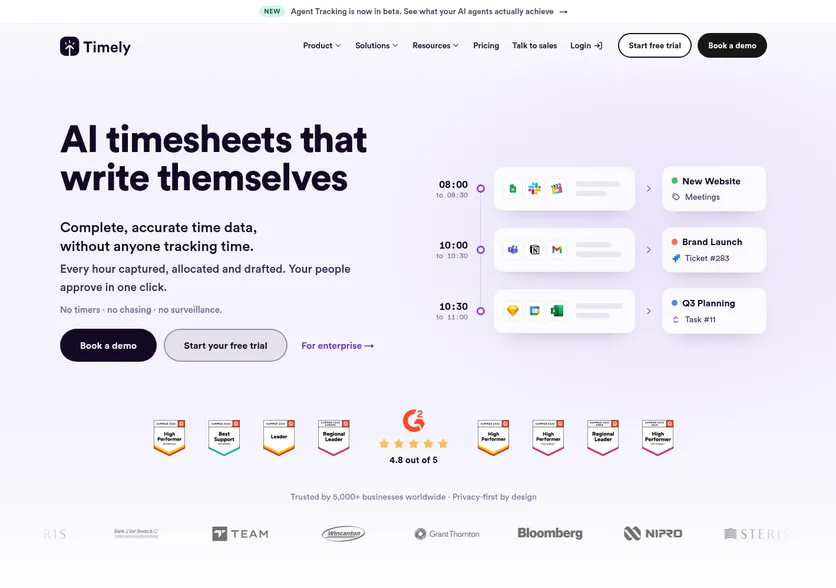
Time zones make manual timesheets a chore, so automatic capture earns its keep, and this Timely plan costs nine dollars per user a month billed annually to draft them from computer activity. Its memory view reconstructs each person's day from calendars and apps, then files the hours into projects without anyone remembering a timer. It is the best fit for a distributed team that hates timesheet admin.
What we like
- Automatic capture drafts timesheets from computer activity
- AI sorting files hours into the right projects
- Memory shows what was worked on without screenshots
Watch out for
- Starter caps at five users and twenty projects
- No permanent free tier, only a trial
How to try it
- Connect calendars and apps so Timely can capture activity
- Review the drafted timesheet and confirm the project splits
- Send the approved hours to billing or payroll
Prices above were checked on each vendor’s own website on Nov 29, 2026 and can change — the vendor’s page is the final word. Vendor links are editorial: nobody paid to be listed or ranked here. Vendors who want a featured listing can see how it works on our Get listed page.
The time tracking software for distributed teams, compared
Start by agreeing with the team what gets tracked and why, because a monitoring tool imposed without a conversation destroys trust faster than it builds visibility. Run a two-week trial with a small group, share the reports openly, and ask whether the data actually changed any decision. If it did not, you bought surveillance, not insight. Keep the lightest tool that answers the real question, since heavier monitoring rarely buys better work. If the reports do not change a single decision in the first month, the monitoring is not earning its keep.
Before you buy
- Confirm the tool covers every time zone the team works in, including scheduling and leave
- Check whether screenshots and monitoring can be tuned or switched off per team
- Test the tracker on the devices the team actually uses, including personal laptops
- Ask if managers who only view dashboards are billed as seats or not
- Make sure the trial covers a full two weeks before you commit the whole team
Official websites
Official websites of the products reviewed above. Features and prices were checked against these sites when this guide was written, and they can change, so confirm on the vendor site before you buy.
Frequently asked questions
What is the best time tracking software for distributed teams?
Hubstaff is the best overall pick for distributed teams, at four dollars and ninety-nine cents per seat a month billed annually, because it pairs screenshots, activity levels and timesheets with payroll in one dashboard. Time Doctor is the strongest monitoring option, at six dollars and sixty-seven cents a user a month. Toggl Track suits teams that prefer trust over monitoring.
How much does Hubstaff cost per seat?
Hubstaff costs four dollars and ninety-nine cents per seat a month on Starter billed annually, or seven dollars billed monthly, and that plan includes time tracking, timesheets, activity levels and limited screenshots. Grow costs seven dollars and fifty cents a seat a month billed annually, and Team costs ten dollars. Every plan has a two-seat minimum, and owners and managers count as seats.
Can a distributed team track time for free?
Yes, with Clockify, which offers a free plan for up to five users with unlimited projects, and TimeCamp, whose free plan covers unlimited users and projects. Toggl Track is free for up to three users, and Everhour is free for up to five seats. Free tiers track hours well, but screenshots and monitoring need a paid plan.
Do distributed teams need screenshots?
Not always, and it depends on trust. Hubstaff, Time Doctor, Insightful and Monitask all offer screenshots, which help when a client demands proof of work. Toggl Track and Timely give visibility without any screenshots, and many remote teams prefer that. Agree the level of monitoring with the team before you buy, since imposed surveillance damages morale.
Which tool is best for a small distributed team?
Hubstaff is the best pick for a small distributed team that needs proof of work, at four dollars and ninety-nine cents per seat a month billed annually. Toggl Track suits a team that values autonomy, at nine dollars per user a month. Clockify is the cheapest option, from three dollars and ninety-nine cents a user a month, with a free tier for five users.
Compare the eight tools above, then trial one with a small group and share the reports openly before rolling it out to the whole team.
Browse Productivity Tools tools