On this page
A support team works in shifts, tickets and chats that never line up neatly with a nine-to-five timesheet, so the tracker has to follow the shift rather than the clock. The eight tools below were picked for teams that answer customers around the clock, from screenshot monitoring that proves coverage to scheduling tools that build the rota. Time Doctor leads because it costs six dollars and sixty-seven cents a user a month billed annually and records screenshots from the cheapest plan, while the rest compete on shifts, payroll and how much oversight the team will accept.
How we researched this
We checked every price on the vendor pricing page on November 29, 2026, and only included tools with a published US dollar list price. Quote-only platforms and tools with no verifiable price were left out. Prices change, so confirm the current figure on the vendor site before you buy.
Compare the tools
| Name | Best for | Starting price | Free plan | |
|---|---|---|---|---|
 Time Doctor | Remote teams that want proof of work with screenshots | $6.67/user/month | No free plan; 14-day free trial | Visit |
 Hubstaff | Remote teams that need screenshots and activity levels | $4.99/user/month | No free plan; 14-day free trial | Visit |
 DeskTime | Hybrid teams that want automatic tracking and productivity scores | $6.42/user/month | Free plan (Lite, 1 user) | Visit |
 Monitask | Small teams that want budget monitoring with screenshots | $4.99/user/month | Free plan (limited) | Visit |
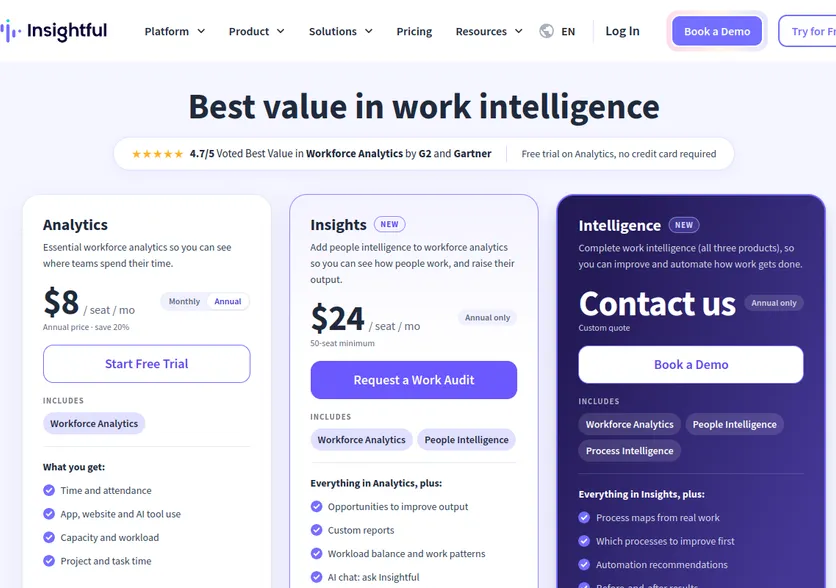
 Insightful | Mid-size teams that want monitoring plus time tracking | $8/user/month | No free plan; 7-day free trial | Visit |
 Deputy | Shift-based teams that need a time clock with compliance | $4.50/user/month | No free plan; 31-day free trial | Visit |
 Connecteam | Deskless teams that want a free start and flat pricing | $29/month | Free plan (up to 10 users) | Visit |
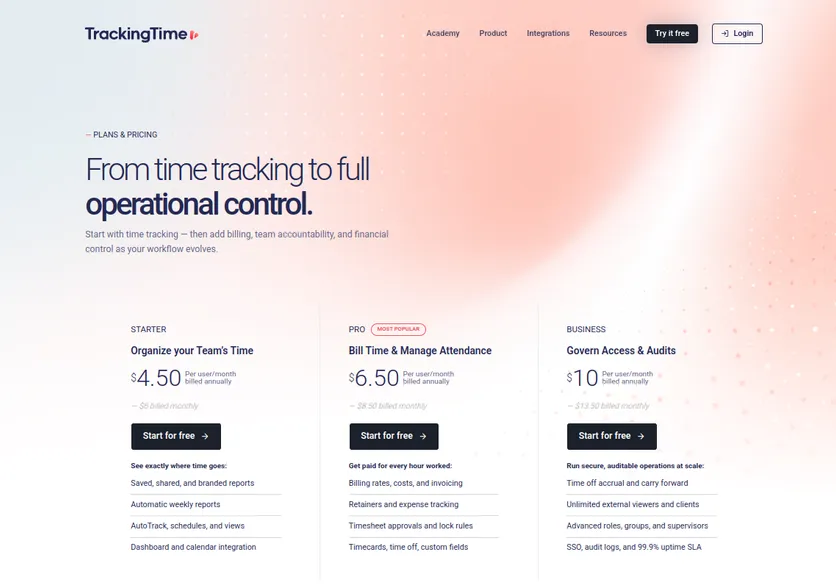
 TrackingTime | Small teams that want approvals without a big bill | $3.75/user/month | Free plan (limited) | Visit |
The time tracking software for support teams, compared
1. Time Doctor
Best for: Remote teams that want proof of work with screenshots
Paid tool Starting price: $6.67/user/month · Six dollars and sixty-seven cents per user a month billed annually on Basic ($8 billed monthly); Standard is $11.67 billed annually and Premium is $16.70; older listings showing five dollars and ninety cents for Basic are stale
Free plan: No free plan; 14-day free trial
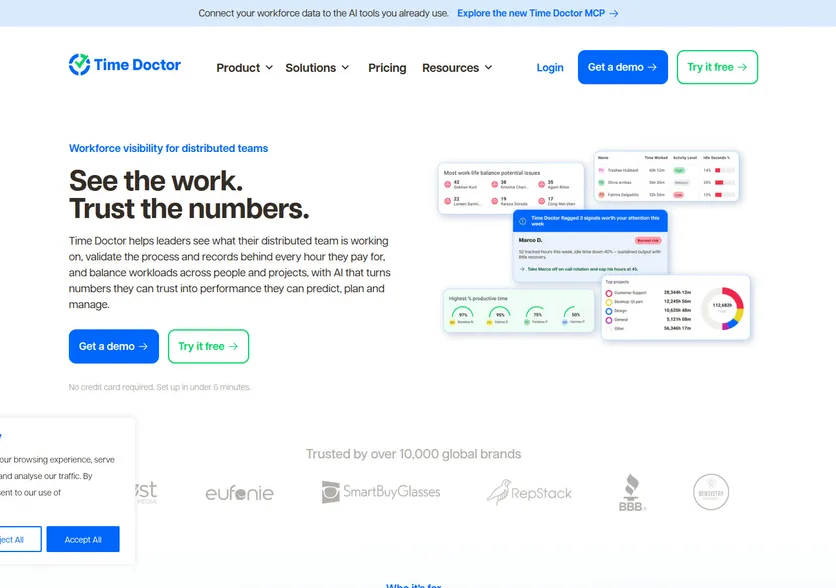
For a support team covering tickets across shifts, Time Doctor costs six dollars and sixty-seven cents a user a month billed annually and keeps every agent hour on the record. It records screenshots, app use and a minute-by-minute timeline, then turns that record into payroll-ready timesheets. The Basic plan already includes the monitoring most managers ask for, while payroll and integrations wait for Standard.
What we like
- Screenshots and app tracking from the cheapest plan
- Payroll and timesheet approvals on Standard
- Distraction alerts nudge staff back to work
Watch out for
- No free plan, only a fourteen-day trial
- Video screen recording and single sign-on need Premium
How to try it
- Create the team and install the desktop tracker on each computer
- Turn on screenshots and set the privacy rules for the team
- Check the daily timeline and approve timesheets for payroll
2. Hubstaff
Best for: Remote teams that need screenshots and activity levels
Paid tool Starting price: $4.99/user/month · Four dollars and ninety-nine cents per user a month billed annually on Starter ($7 billed monthly); Grow is $7.50 billed annually, Team is $10 and Enterprise is $25; Starter, Grow and Team carry a two-seat minimum
Free plan: No free plan; 14-day free trial
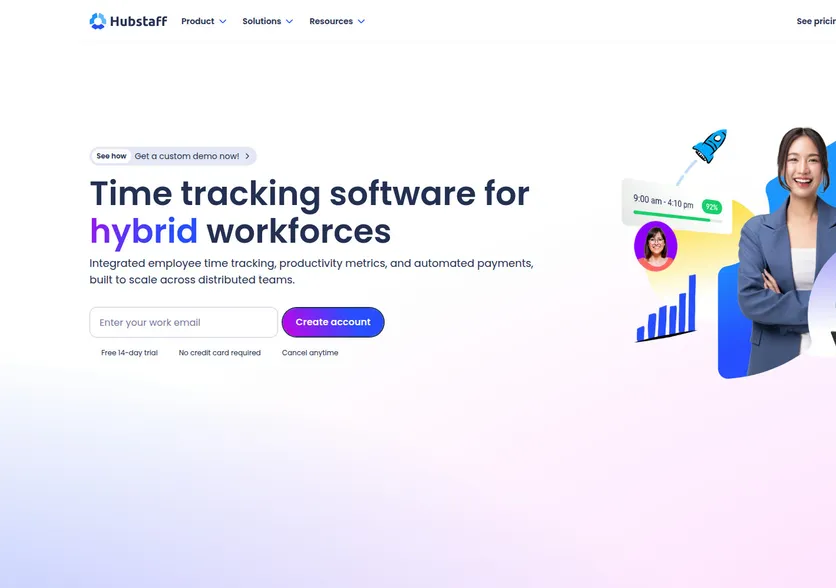
A support manager who needs to see who worked when gets it here, since Hubstaff costs four dollars and ninety-nine cents a user a month billed annually and logs shifts in detail. It pairs a simple timer with screenshots, app tracking and activity levels, so a manager can see what the hours actually contained. The same data feeds payroll and client invoices, which is why distributed teams keep it after the trial ends.
What we like
- Screenshots and activity levels show real work, not just hours
- Automated payroll turns approved time into payments
- GPS tracking and geofencing for field and hybrid crews
Watch out for
- Every person counts as a paid seat, including managers who never track time
- Add-ons for insights and locations cost extra per seat
How to try it
- Install the desktop app on each team member's computer
- Set screenshot frequency and activity tracking in the organization settings
- Review timesheets weekly and approve them for payroll
3. DeskTime
Best for: Hybrid teams that want automatic tracking and productivity scores
Paid tool Starting price: $6.42/user/month · Six dollars and forty-two cents per user a month billed annually on Pro ($7 billed monthly); Premium is $9.17 billed annually and adds screenshots and scheduling; prices exclude VAT
Free plan: Free plan (Lite, 1 user)
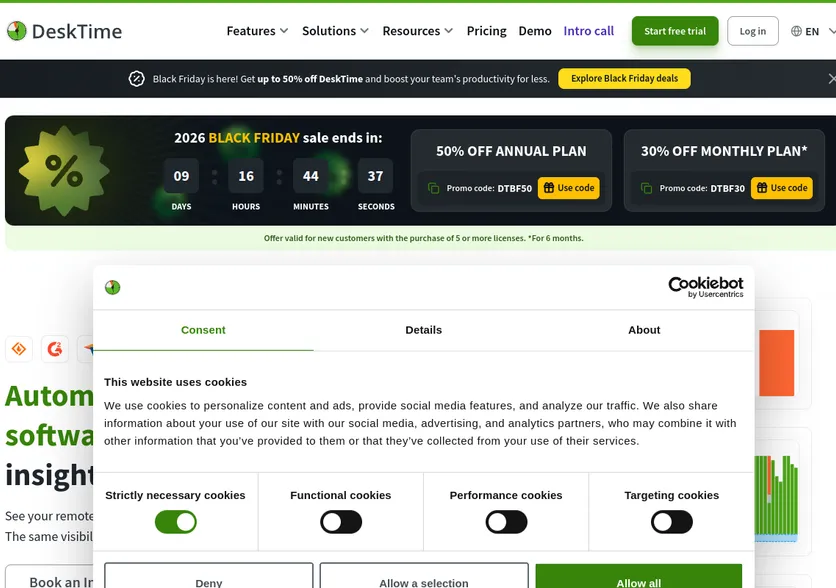
Support teams that juggle queues, chats and calls will like this one, because DeskTime costs six dollars and forty-two cents a user a month billed annually and ties hours to the work done. It starts recording the moment a computer turns on, then scores every app as productive or not and turns the day into a simple report. Managers get an honest picture of the working day without asking anyone to start a timer.
What we like
- Automatic tracking starts when the computer turns on
- Productivity scores rank apps without manual input
- Shift scheduling and absence calendar on Premium
Watch out for
- Screenshots need the Premium plan, not Pro
- Prices exclude VAT, so the real bill is higher in Europe
How to try it
- Install DeskTime on each computer and set productive and unproductive apps
- Let it record work automatically through the day
- Check the productivity report and adjust schedules on Premium
4. Monitask
Best for: Small teams that want budget monitoring with screenshots
Paid tool Starting price: $4.99/user/month · Four dollars and ninety-nine cents per user a month billed annually on Pro ($5.99 billed monthly); Business is $6.99 billed annually and Enterprise is listed at $19.99 a user a month in some directories, with other listings showing it as custom-priced
Free plan: Free plan (limited)
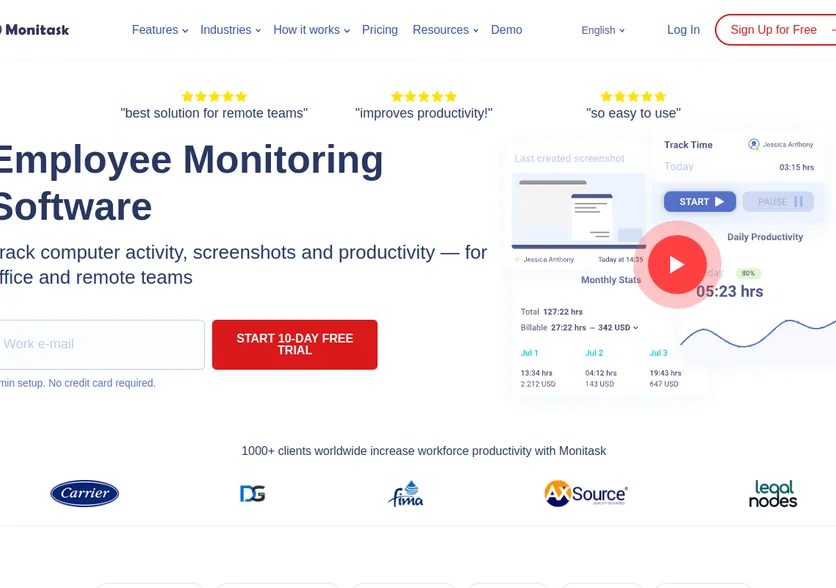
For a support team covering tickets across shifts, Monitask costs four dollars and ninety-nine cents a user a month billed annually and keeps every agent hour on the record. It covers the monitoring basics, screenshots, app tracking and timesheets, for less than most rivals charge for a timer alone. Small teams get real visibility into the working day without paying enterprise prices.
What we like
- Screenshots and activity tracking at a budget price
- Internet monitoring shows where work time goes
- Simple reports that managers read in minutes
Watch out for
- Screenshot storage is short on the Pro plan
- Advanced reporting and scheduling need Business
How to try it
- Install Monitask on team computers and set the screenshot interval
- Create projects and assign the team to them
- Review the daily activity report and approve the timesheets
5. Insightful
Best for: Mid-size teams that want monitoring plus time tracking
Paid tool Starting price: $8/user/month · Eight dollars per user a month billed annually on Workforce Analytics; Workflow Optimization is $12 billed annually and the Combo plan is $16; some older listings show an Employee Monitoring tier at six dollars and forty cents billed annually, which no longer appears on the vendor pricing page
Free plan: No free plan; 7-day free trial
A support manager who needs to see who worked when gets it here, since Insightful costs eight dollars a user a month billed annually and logs shifts in detail. Formerly Workpuls, it combines employee monitoring with project time tracking, so the same install covers both oversight and billing. Its analytics turn raw activity into trends a manager can act on, rather than a feed of individual actions.
What we like
- Screenshots up to thirty times an hour with no keystroke logging
- Project time tracking with budgets and invoicing
- Fifty-plus integrations plus a REST API
Watch out for
- No free plan, and the trial lasts only seven days
- Workflow Optimization is a separate tier, not included
How to try it
- Install the Insightful agent on team computers
- Set productivity rules for apps and websites
- Review workforce analytics and export the time reports
6. Deputy
Best for: Shift-based teams that need a time clock with compliance
Paid tool Starting price: $4.50/user/month · Four dollars and fifty cents per user a month for the Time and Attendance module; Scheduling is the same price as a separate module; Premium bundles both for six dollars a user a month; Enterprise is quoted
Free plan: No free plan; 31-day free trial
Support teams that juggle queues, chats and calls will like this one, because Deputy costs four dollars and fifty cents a user a month and ties hours to the work done. It was built around the shift, so the schedule, the time clock and the compliance rules all live in one app. Staff clock in from a phone with photo verification, and the approved hours flow straight into payroll.

What we like
- Mobile time clock with GPS, photo verification and geofencing
- Auto-scheduling fills shifts around availability and rules
- Break and overtime guardrails built for labor law
Watch out for
- Scheduling and time tracking are separate modules, so most teams pay for both
- No free plan, only a thirty-one-day trial
How to try it
- Import the team and set up locations with their pay rules
- Publish the schedule and let staff clock in from the mobile app
- Approve timesheets and export them to payroll
7. Connecteam
Best for: Deskless teams that want a free start and flat pricing
Paid tool Starting price: $29/month · Twenty-nine dollars a month billed annually for the Operations hub on Basic ($35 billed monthly), covering the first thirty users; Advanced is $49 billed annually and Expert is $99; each hub is priced separately and extra users cost from eighty cents a user a month
Free plan: Free plan (up to 10 users)
For a support team covering tickets across shifts, Connecteam costs twenty-nine dollars a month for the Operations hub billed annually and keeps every agent hour on the record. It gives deskless teams a single phone app for clocking in, schedules, chat and HR, and the free plan covers the whole product for up to ten users. Above that, each hub costs a flat monthly fee for the first thirty users instead of charging per seat.

What we like
- Free for life for up to ten users with all hubs included
- Flat monthly price instead of per-user billing to thirty users
- GPS time clock, scheduling, chat and HR tools in one app
Watch out for
- Each hub is a separate subscription, so three hubs cost three fees
- Payroll integration is not on the free plan
How to try it
- Create the company and invite the team to the mobile app
- Set up the GPS time clock with the job sites
- Build the schedule and let staff clock in from their phones
8. TrackingTime
Best for: Small teams that want approvals without a big bill
Paid tool Starting price: $3.75/user/month · Three dollars and seventy-five cents per user a month billed annually on Starter ($5 billed monthly); Pro is $5.75 billed annually and Business is $10; a single-user Freelancer plan is $8 billed annually
Free plan: Free plan (limited)
A support manager who needs to see who worked when gets it here, since TrackingTime costs three dollars and seventy-five cents a user a month billed annually and logs shifts in detail. It keeps timers, tasks and timesheets in one tidy workspace, and its browser extensions put the timer inside the tools the team already opens. Approvals and invoicing arrive on Pro for less than most rivals charge for a basic plan.
What we like
- Free plan covers tracking and task management
- Timesheet approvals and locking on Pro
- Works inside more than fifty apps with extensions
Watch out for
- Starter and Pro bill for at least two users
- The free plan has no billable rates or CSV exports
How to try it
- Create the workspace and add projects with their tasks
- Start timers from the browser extension inside the apps the team uses
- Submit the timesheet for approval at the end of the week
Prices above were checked on each vendor’s own website on Nov 29, 2026 and can change — the vendor’s page is the final word. Vendor links are editorial: nobody paid to be listed or ranked here. Vendors who want a featured listing can see how it works on our Get listed page.
How a support team tracks hours across shifts without gaps
Build the rota first and the timesheet second, because hours that do not match a scheduled shift are the first thing payroll questions. Give every agent one way to clock in, whether that is a timer, a mobile app or a kiosk, and make the handover between shifts a logged event so no ticket falls between two agents. Review the week by shift rather than by person, since coverage gaps show up in the shift view first. Finally, approve timesheets before they reach payroll, and keep the approval record with the schedule, because a disputed overtime claim is settled by the rota, not by memory.
Before you buy
- Confirm the tool handles shift patterns, breaks and overtime rules, not just flat hours
- Check whether scheduling is included or sold as a separate module at extra cost
- Make sure the time clock works from a phone or kiosk for agents who never sit at a desk
- Ask if timesheet approvals and payroll exports are included in the plan price
- Test the handover between two shifts on a real rota before rolling the tool out to everyone
Official websites
Official websites of the products reviewed above. Features and prices were checked against these sites when this guide was written, and they can change, so confirm on the vendor site before you buy.
Frequently asked questions
What is the best time tracking software for a support team?
Time Doctor is the best overall pick for a support team, at six dollars and sixty-seven cents a user a month billed annually on Basic, with screenshots and a minute-by-minute timeline from the cheapest plan. Hubstaff is the best choice when payroll matters, at four dollars and ninety-nine cents a user a month with automated payments. Deputy suits teams that need scheduling as well, at six dollars a user a month on Premium.
How do support teams track time across shifts?
Support teams track time across shifts by pairing a schedule with a time clock, so every hour is checked against a planned shift. Deputy and Connecteam build the rota and the clock-in together, while Time Doctor and Hubstaff record the hours and let a manager approve them per shift. The key habit is logging handovers, so a ticket worked on by two agents in one day is split cleanly between them.
Do support teams need screenshots?
Support teams need screenshots less than remote sales teams do, because ticket systems already record what an agent did. Screenshots help when the team works across many apps and the ticket record alone cannot show the work, which is why Time Doctor and Hubstaff include them. If the team already logs every action in a helpdesk, a lighter tracker like TrackingTime may be enough and the team will resent it less.
Which tool handles support team payroll best?
Hubstaff handles support payroll best, because approved timesheets flow into automated payments without an export step, from four dollars and ninety-nine cents a user a month billed annually. Time Doctor adds payroll on Standard at eleven dollars and sixty-seven cents a user a month billed annually. Deputy exports approved hours to payroll providers, but the export step adds a weekly chore that Hubstaff skips.
Can a support team track time for free?
Connecteam is free for up to ten users with all hubs included, which covers a small support team completely. TrackingTime has a free plan for tracking and task management, though approvals need Pro. The monitoring tools in this list, Time Doctor, Hubstaff, DeskTime, Monitask and Insightful, have no free plan and only offer trials, so a team that wants monitoring should budget from day one.
Compare the eight tools above, then trial the one that covers shifts and payroll together before paying for a full year.
Browse Productivity Tools tools