
On this page
An estate case often turns on a will, a trust document or a deposition clip shown at exactly the right moment, and fumbling with paper in court can lose the point. The seven tools below present exhibits, video and timelines cleanly, from a ninety-nine dollar one-time iPad app to a nine hundred dollar yearly platform. TrialPad leads at six hundred dollars a year per user because it bundles five presentation apps on iPad and Mac, and the rest are ranked on price and fit for estate planning firms.
How we researched this
We checked every price on the vendor site on November 29, 2026, and only included tools with a published list price. TrialDirector and Sanction publish no prices and sell by quote, so they are not in this list. DocReviewPad and TranscriptPad are no longer sold separately, since they are now part of LIT SUITE, so the TrialPad entry covers the whole suite.
Compare the tools
| Name | Best for | Starting price | Free plan | |
|---|---|---|---|---|
 TrialPad | Estate planning firms presenting documents and video in court | $600/year | No free plan; 7-day free trial | Visit |
 OnCue | Firms that need video sync and presentation on Windows | $900/year | No free plan; 30-day demo by request | Visit |
 ExhibitView Trial Presenter | Firms that want a straightforward yearly price for exhibits | $599/year | No free plan; 5-day free trial | Visit |
 iTrial | Solo attorneys who need a cheap iPad presentation app | $99.99 one-time | No free plan | Visit |
 iLitigate | Attorneys who want a monthly subscription on iPad | $19.99/month | No free plan; trial available | Visit |
 Case Crafter | Firms that want monthly billing with exhibit tools | $50/month | No free plan; 7-day free trial | Visit |
 TrialLine | Firms that need timelines alongside exhibits | $499/year | No free plan; 14-day free trial | Visit |
The trial presentation software for estate planning firms, compared
1. TrialPad
Best for: Estate planning firms presenting documents and video in court
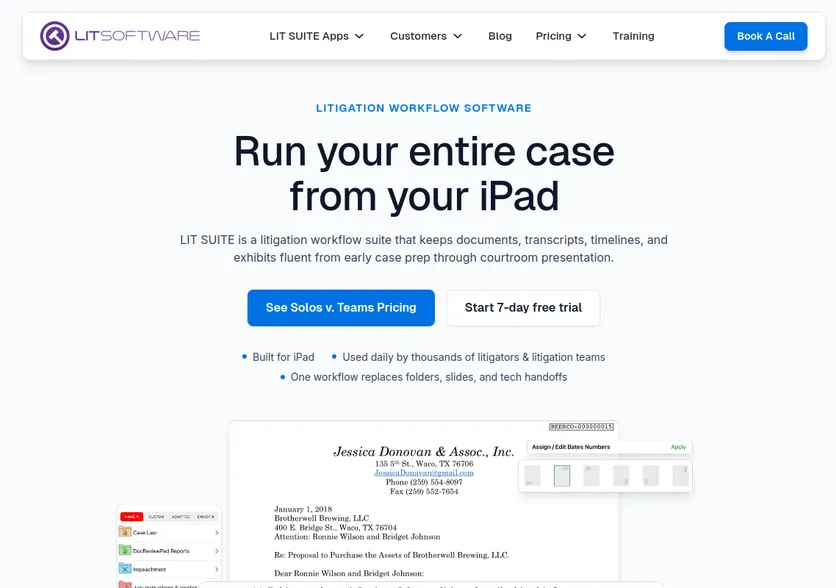
Paid tool Starting price: $600/year · Six hundred dollars a year per user ($50 a month billed annually) for LIT SUITE with 5 apps: TrialPad, TranscriptPad, DocReviewPad, TimelinePad and ExhibitsPad, on iPad and Mac; Enterprise is as low as $500 a year for 10-plus licenses; 7-day free trial; the old $129.99 one-time price is dead since the apps are no longer sold separately
Free plan: No free plan; 7-day free trial
An estate planning firm that needs to present wills, trusts and deposition video in court gets five apps in one subscription, since this TrialPad plan costs six hundred dollars a year per user. It runs on iPad and Mac and covers presentation, transcripts, document review, timelines and exhibits. The old one hundred and twenty-nine dollar one-time price is dead, since the apps are no longer sold separately.
What we like
- Five presentation apps in one subscription
- Runs on iPad and Mac for courtroom use
- Enterprise pricing drops to five hundred dollars a year
Watch out for
- iPad and Mac only, with no Windows version
- The trial lasts only seven days
How to try it
- Import the case documents and exhibits to the iPad
- Build the presentation and mark the key pages
- Present the exhibits and video in court
2. OnCue
Best for: Firms that need video sync and presentation on Windows
Paid tool Starting price: $900/year · Nine hundred dollars a year on Pro; Flex is $100 a month; Team is $700 a year per user with a 12-license minimum; Firmwide is $600 a year per user with a 100-license minimum; ProSync is extra at $15 per video hour on demand or $5 for pre-purchased 300-plus credits, with Pro including 1 ProSync job a month; 30-day demo by email request
Free plan: No free plan; 30-day demo by request
A firm that presents video depositions alongside documents needs a tool built for Windows, and this OnCue plan costs nine hundred dollars a year for the Pro plan. It syncs video with transcripts and presents exhibits from one screen, and the Team and Firmwide tiers lower the per-user price for larger firms. ProSync video processing costs extra, and the thirty-day demo comes by email request.

What we like
- Video synced to transcripts for clean presentation
- Team pricing drops the per-user cost at scale
- Works on Windows where iPad tools do not
Watch out for
- ProSync video processing costs extra
- Demo comes by email request, not instant signup
How to try it
- Import the deposition video and transcript
- Sync the video to the transcript text
- Present the exhibits and video together in court
3. ExhibitView Trial Presenter
Best for: Firms that want a straightforward yearly price for exhibits
Paid tool Starting price: $599/year · Five hundred and ninety-nine dollars a year per user, per the vendor's own blog; PDF Plus add-on is $129 a year; 5-day free trial; one directory listing $498 one time conflicts with the vendor's yearly price, and the vendor price is used here
Free plan: No free plan; 5-day free trial
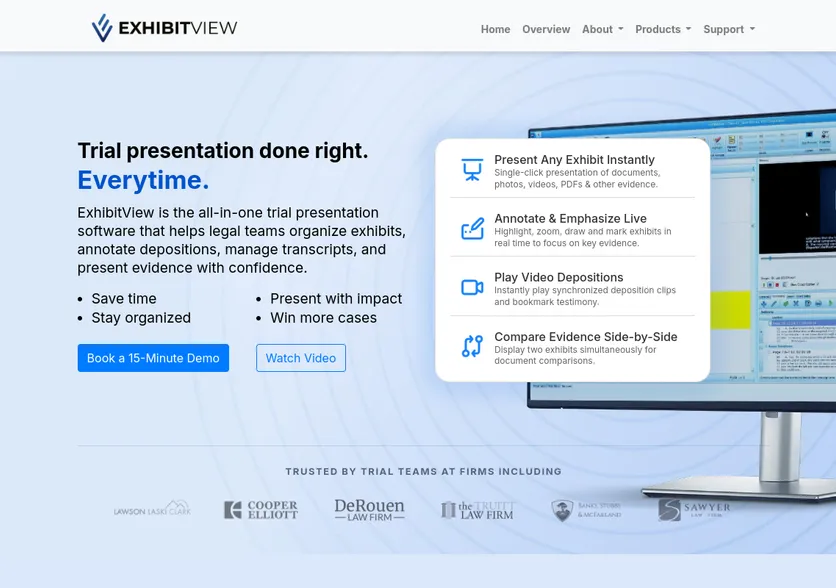
A firm that wants to present exhibits without learning a big platform will find the price simple, since this ExhibitView Trial Presenter plan costs five hundred and ninety-nine dollars a year per user. It presents documents, images and video from a laptop, and the PDF Plus add-on costs one hundred and twenty-nine dollars a year for deeper PDF work. One directory lists a four hundred and ninety-eight dollar one-time price, but the vendor lists the yearly price, so budget from that.
What we like
- Simple yearly price with no tiers to compare
- Presents documents, images and video together
- PDF Plus add-on for deeper PDF work
Watch out for
- Five-day trial is very short
- Fewer features than the full presentation suites
How to try it
- Import the exhibits and documents for the case
- Organise them into the presentation order
- Present the exhibits in court from a laptop
4. iTrial
Best for: Solo attorneys who need a cheap iPad presentation app
Paid tool Starting price: $99.99 one-time · Ninety-nine dollars and ninety-nine cents one time from the App Store, per the vendor blog; standalone iPad app; works with ExhibitView Trial Presenter; no free plan
Free plan: No free plan
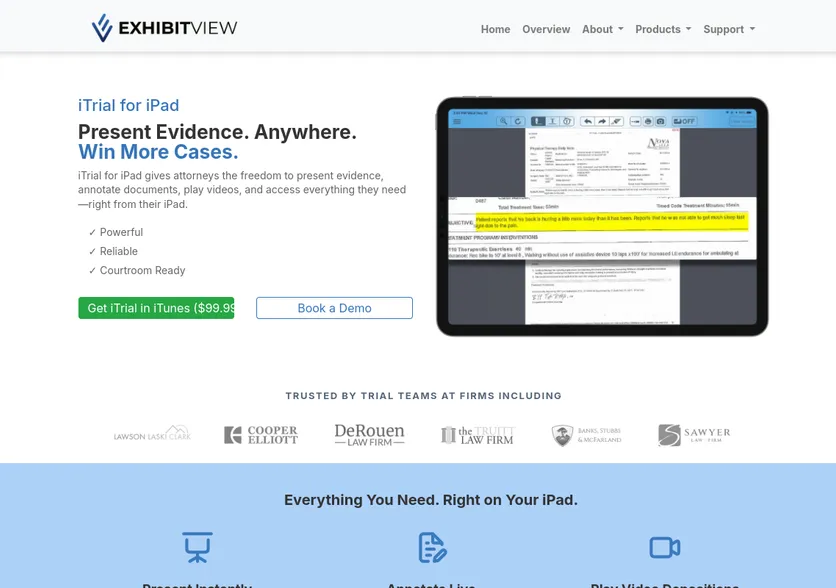
A solo attorney who presents from an iPad and does not need a full suite gets the cheapest option here, since iTrial costs ninety-nine dollars and ninety-nine cents one time from the App Store. It is a standalone iPad app for presenting exhibits, and it works with ExhibitView Trial Presenter for firms that need both. There is no subscription and no free plan, so the price is the whole cost.
What we like
- One-time price with no subscription
- Cheap enough for a solo attorney
- Works with ExhibitView Trial Presenter
Watch out for
- iPad only, with no desktop version
- Standalone app, not a full case platform
How to try it
- Download iTrial from the App Store to your iPad
- Import the case exhibits and documents
- Present the exhibits in court from the iPad
5. iLitigate
Best for: Attorneys who want a monthly subscription on iPad
Paid tool Starting price: $19.99/month · Nineteen dollars and ninety-nine cents a month; iPad only; trial available
Free plan: No free plan; trial available
A monthly subscription suits an attorney who wants to pay as they go, and iLitigate costs nineteen dollars and ninety-nine cents a month. It runs on iPad and presents documents and exhibits in court, and a trial is available to test it on a real case file. The price is the lowest monthly option in this list, though the feature set is narrower than the full suites.

What we like
- Monthly billing with no yearly commitment
- Lowest monthly price in this list
- iPad presentation built for courtroom use
Watch out for
- iPad only, with no desktop version
- Narrower feature set than the full suites
How to try it
- Download iLitigate to your iPad
- Import the case documents and exhibits
- Present them in court from the iPad
6. Case Crafter
Best for: Firms that want monthly billing with exhibit tools
Paid tool Starting price: $50/month · Fifty dollars a month billed annually ($599 a year) on Basic, or $99 a month monthly; Pro is $62 a month billed annually ($749 a year); Unlimited is $75 a month billed annually ($899 a year); 7-day free trial; one directory lists $59 a user a month for Professional with a 14-day trial, which conflicts with the vendor-read figures used here
Free plan: No free plan; 7-day free trial
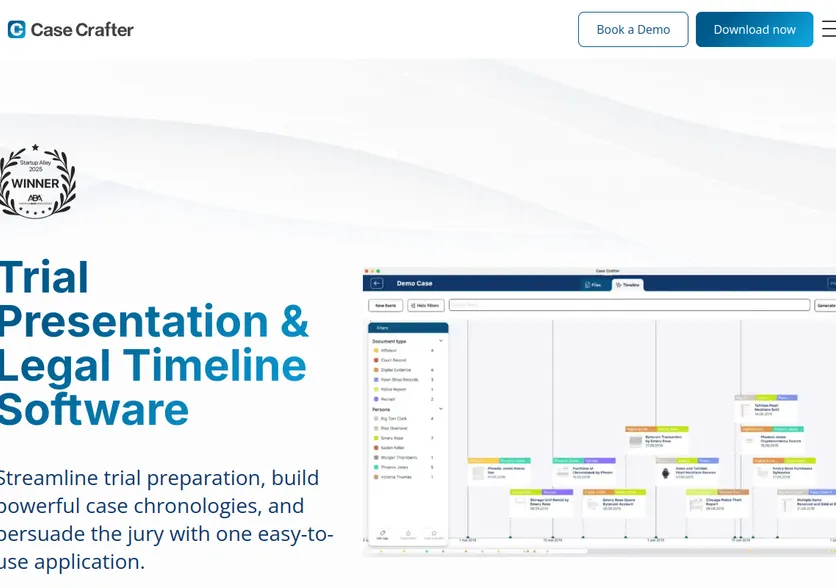
A firm that prefers monthly billing but still needs a proper exhibit tool gets that here, since this Case Crafter plan costs fifty dollars a month billed annually. It presents exhibits and builds the case story around them, and the Pro and Unlimited tiers add more capacity for busier firms. One directory lists fifty-nine dollars a user a month, but the vendor-read figures are used here, so confirm the price on the vendor site.
What we like
- Monthly billing with a yearly discount
- Exhibit tools built around the case story
- Seven-day trial to test it on a real case
Watch out for
- Monthly price jumps to ninety-nine dollars without annual billing
- Vendor-read figures conflict with one directory listing
How to try it
- Import the case files and exhibits
- Build the presentation around the key exhibits
- Present the case story in court
7. TrialLine
Best for: Firms that need timelines alongside exhibits
Paid tool Starting price: $499/year · Four hundred and ninety-nine dollars a year per user billed annually, or $59 a month month-to-month; 14-day free trial; older listings of $29 a month and old tiered prices of $199, $499 and $9.99 appear stale, and the vendor blog figure is used here
Free plan: No free plan; 14-day free trial
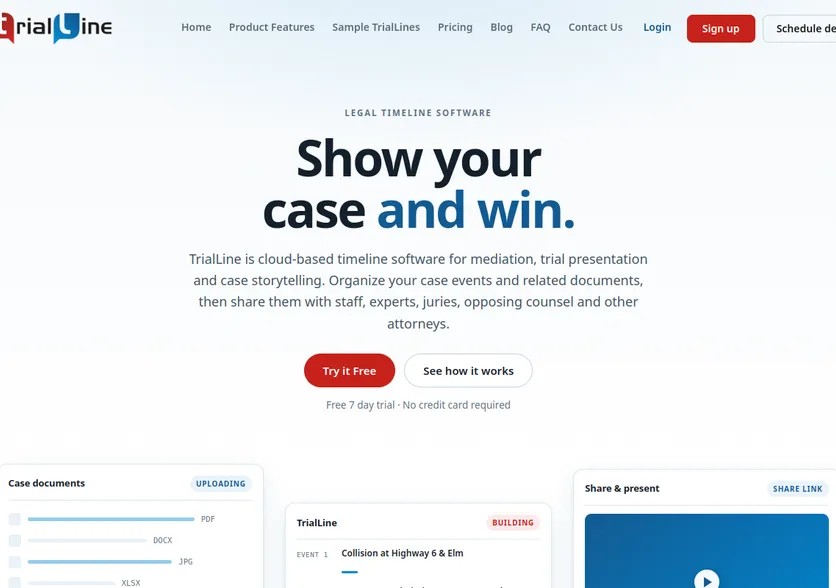
Estate cases often turn on dates, and this TrialLine plan costs four hundred and ninety-nine dollars a year per user to present timelines and exhibits together. It builds visual timelines that show how events unfolded, and the month-to-month price is fifty-nine dollars a month. Older listings showing twenty-nine dollars a month or old tiered prices are stale, so budget from the vendor blog figure.
What we like
- Timelines and exhibits presented together
- Fourteen-day trial to test it on a real case
- Visual timelines that explain complex estate cases
Watch out for
- Focused on timelines, so exhibit features are lighter
- Month-to-month price is much higher than annual
How to try it
- Enter the case events and dates into a timeline
- Attach exhibits to the timeline events
- Present the timeline and exhibits in court
Prices above were checked on each vendor’s own website on Nov 29, 2026 and can change — the vendor’s page is the final word. Vendor links are editorial: nobody paid to be listed or ranked here. Vendors who want a featured listing can see how it works on our Get listed page.
How to present an estate case without fumbling in court
Build the presentation before the trial date, not the night before, because a missed exhibit breaks the flow of the argument. Test the tool on the actual devices you will carry into court, and check that it works offline, since court Wi-Fi is often slow or blocked. Keep a paper backup of the key documents, and rehearse the presentation once with the exhibits in order so the attorney never has to search for a page in front of the jury. Label every exhibit clearly and keep the originals safe, so the courtroom presentation never depends on a single device.
Before you buy
- Confirm the tool runs on the devices your firm actually uses, since several are iPad-only
- Check whether exhibits, transcripts and timelines are included or sold separately
- Ask how many users the price covers, since per-user pricing adds up across a firm
- Make sure the tool works offline in court, where Wi-Fi is often unreliable
- Trial the tool on a real case file, including video and documents, before buying
Official websites
Official websites of the products reviewed above. Features and prices were checked against these sites when this guide was written, and they can change, so confirm on the vendor site before you buy.
Frequently asked questions
What is trial presentation software?
Trial presentation software shows documents, exhibits, video depositions and timelines to a judge and jury in court. For estate planning firms it presents wills, trusts, medical records and deposition video in a clear order, so the story of the case is easy to follow.
How much does trial presentation software cost?
TrialPad costs six hundred dollars a year per user, OnCue costs nine hundred dollars a year, and ExhibitView Trial Presenter costs five hundred and ninety-nine dollars a year. iTrial costs ninety-nine dollars and ninety-nine cents one time, iLitigate costs nineteen dollars and ninety-nine cents a month, and TrialLine costs four hundred and ninety-nine dollars a year.
Is there a free trial for trial presentation software?
Yes. TrialPad offers a seven-day trial, OnCue offers a thirty-day demo by request, ExhibitView offers five days, Case Crafter offers seven days and TrialLine offers fourteen days. iTrial offers no trial, so the ninety-nine dollar one-time price is the whole cost.
Does trial presentation software run on iPad or Windows?
Most of these tools run on iPad, including TrialPad, iTrial and iLitigate, while OnCue and ExhibitView run on Windows and laptops. Check the devices your firm already owns before choosing, since buying new iPads for a Windows tool, or the other way round, adds hundreds of dollars to the real cost.
Which trial presentation software is best for estate planning firms?
TrialPad is the best overall pick, at six hundred dollars a year per user for five apps on iPad and Mac. OnCue is the best choice for Windows firms that present video depositions. ExhibitView Trial Presenter is the best value at five hundred and ninety-nine dollars a year for straightforward exhibit work.
Shortlist two tools that run on your firm's devices, trial them on a real case file, then choose the one your attorneys can operate under pressure in court.
Browse Business Tools tools