On this page
An independent tutor loses hours every week to messages about times, prices and cancellations, and a booking tool gives those hours back. The nine tools below range from a free booking page to a full tutoring system with invoicing, and most cost less than one lesson a month. Calendly leads at ten dollars per seat a month because it is the simplest way to let students book without emailing, and the rest are ranked on price and fit for solo tutors.
How we researched this
We checked every price on the vendor pricing page on November 29, 2026, and only included tools with a published list price. Tutoring marketplaces where tutors set their own hourly rates are not booking software, so they are not in this list. Where two sources disagree on a price, we used the vendor page figure and noted the conflict in the price note.
Compare the tools
| Name | Best for | Starting price | Free plan | |
|---|---|---|---|---|
 Calendly | Independent tutors who want a simple booking link | $10/seat/month | Free plan | Visit |
 Acuity Scheduling | Tutors who sell lesson packages and take payments | $16/month | No free plan; 7-day free trial | Visit |
 SimplyBook.me | Tutors who need a booking cap that matches their volume | $9.90/month | Free plan (50 bookings) | Visit |
 Setmore | Tutors who want a free start and cheap per-user pricing | $5/user/month | Free plan (up to 4 users) | Visit |
 Cal.com | Tutors who want open booking with video call links | $12/user/month | Free plan (1 user) | Visit |
 Square Appointments | Tutors who already take payments through Square | $29/month | Free plan (1 location) | Visit |
 TutorCruncher | Tutors who bill per lesson and take card payments | $30/month | No free plan; 2-week free trial | Visit |
 Teachworks | Tutors who charge per lesson plus a small per-student fee | $16.49/month | No free plan; 21-day free trial | Visit |
 TutorBird | Tutors who want one flat price per tutor | $16.95/month | No free plan; 30-day free trial | Visit |
The tutoring booking software for independent tutors, compared
1. Calendly
Best for: Independent tutors who want a simple booking link
Paid tool Starting price: $10/seat/month · Ten dollars per seat a month billed annually ($12 monthly) on Standard; Teams is $16 a seat a month billed annually ($20 monthly); Enterprise starts at $15,000 a year with a 50-seat minimum; one source describes $10 and $16 as monthly-billing figures with a yearly discount, while most sources show them as annual-billing figures
Free plan: Free plan
A tutor who just needs students to book a time without emailing back and forth gets the simplest option here, since this Calendly plan costs ten dollars per seat a month billed annually. It shares your availability, takes the booking and sends reminders automatically, and the Teams tier adds more seats and routing for a growing practice. The free plan covers one event type, and the Enterprise tier starts from fifteen thousand dollars a year.

What we like
- Students book without emailing back and forth
- Reminders cut no-shows automatically
- Free plan covers one event type
Watch out for
- Built for meetings, not tutoring packages or lesson credits
- Enterprise pricing starts at fifteen thousand dollars a year
How to try it
- Set your availability and the length of a lesson
- Share the booking link with your students
- Let Calendly send reminders and sync the calendar
2. Acuity Scheduling
Best for: Tutors who sell lesson packages and take payments
Paid tool Starting price: $16/month · Sixteen dollars a month billed annually ($20 monthly) on Starter; Standard is $27 ($34 monthly) and Premium is $49 ($61 monthly); 7-day free trial; plan names were renamed from Emerging, Growing and Powerhouse to Starter, Standard and Premium
Free plan: No free plan; 7-day free trial
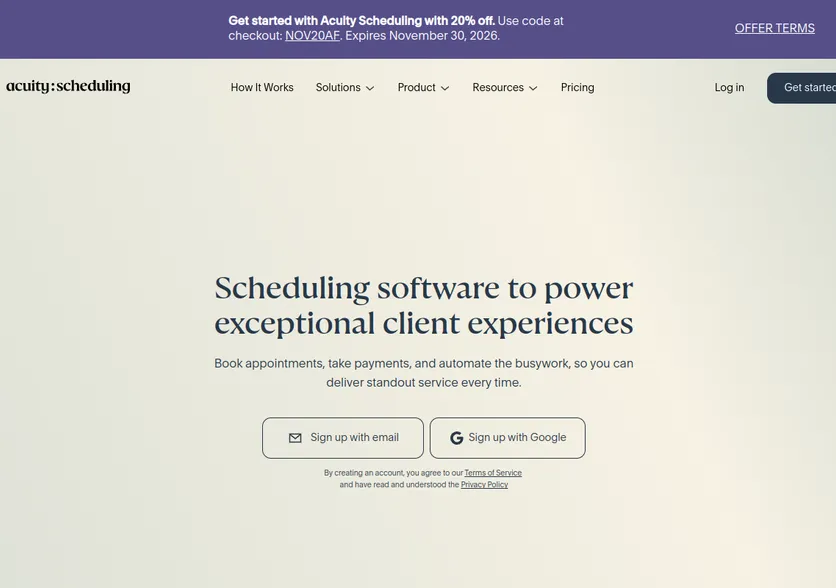
A tutor who sells lesson packages rather than single sessions needs payments built into the booking flow, and this Acuity Scheduling plan costs sixteen dollars a month billed annually. It handles packages, subscriptions and gift certificates, and the Standard and Premium tiers add more calendars and client intake forms. The plan names changed in 2026, so older listings may still show Emerging, Growing and Powerhouse.
What we like
- Packages, subscriptions and gift certificates built in
- Client intake forms on the higher tiers
- Seven-day trial to test the full booking flow
Watch out for
- No free plan, only a seven-day trial
- Single-calendar limit on the entry plan
How to try it
- Set up your services, packages and prices
- Share the booking page with your students
- Take payments and send reminders automatically
3. SimplyBook.me
Best for: Tutors who need a booking cap that matches their volume
Paid tool Starting price: $9.90/month · Nine dollars and ninety cents a month on Basic for 100 bookings; Standard is $29.90 for 500 bookings and Premium is $59.90 for 2,000; 2 months free on annual billing; free plan covers 50 bookings; one source lists Basic at $11.90, which conflicts with the majority figure used here
Free plan: Free plan (50 bookings)
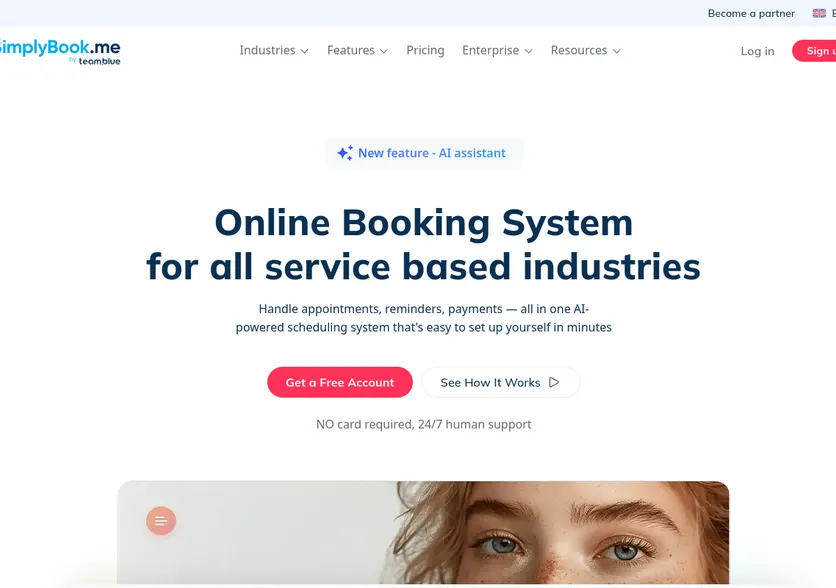
A tutor whose booking volume changes through the school year will like paying by bookings, and this SimplyBook.me plan costs nine dollars and ninety cents a month for one hundred bookings. It covers booking pages, payments and reminders, and the Standard and Premium tiers raise the booking cap to five hundred and two thousand. Two months are free on annual billing, and one source lists eleven dollars and ninety cents for Basic, though most show nine dollars and ninety cents.
What we like
- Pay by booking volume, not by seat
- Free plan covers fifty bookings a month
- Two months free on annual billing
Watch out for
- Booking caps force an upgrade in busy months
- One source lists a higher Basic price, so confirm before paying
How to try it
- Build your booking page and set your lesson types
- Share the link with students and parents
- Track bookings and send reminders automatically
4. Setmore
Best for: Tutors who want a free start and cheap per-user pricing
Paid tool Starting price: $5/user/month · Five dollars per user a month billed annually ($60 a year) or $12 monthly on Pro; free plan covers up to 4 users; an iOS subscription page shows different legacy Premium pricing of $11.99 a month, which is old in-app pricing rather than current web pricing
Free plan: Free plan (up to 4 users)
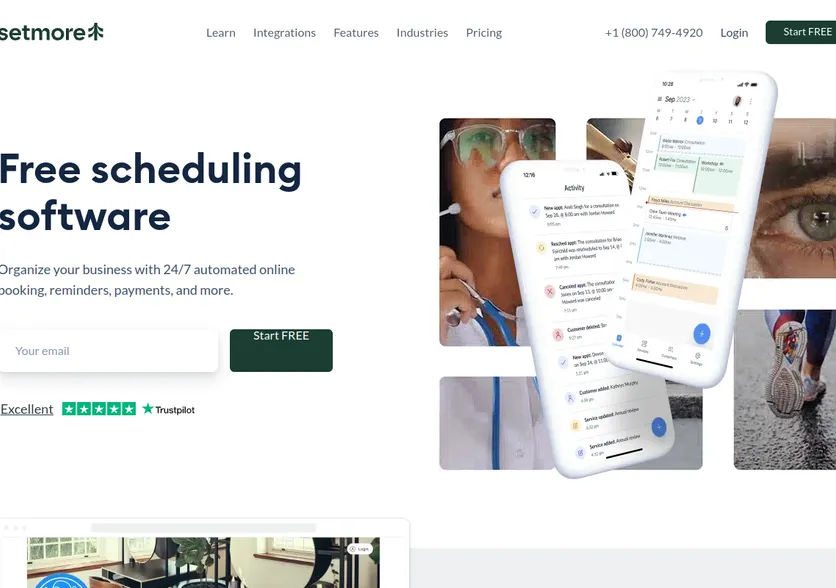
A tutor starting out wants the cheapest possible entry, and this Setmore plan costs five dollars per user a month billed annually, with a free plan for up to four users. It handles online booking, reminders and payments, and the monthly price is twelve dollars a user if you pay month to month. Older iOS listings show a different legacy Premium price, but the web pricing is five dollars and twelve dollars.
What we like
- Free plan for up to four users
- Five dollars a user a month is the cheapest paid plan here
- Online booking with reminders and payments
Watch out for
- The free plan caps at four users
- Monthly billing more than doubles the price
How to try it
- Create your booking page and set your availability
- Share the link with students and parents
- Let Setmore send reminders and take payments
5. Cal.com
Best for: Tutors who want open booking with video call links
Paid tool Starting price: $12/user/month · Twelve dollars per user a month billed annually on Teams ($15 monthly, though one source lists $16); Organizations is $28 a month billed annually ($37 monthly); 14-day free trial; the commercial product went closed-source in April 2026
Free plan: Free plan (1 user)
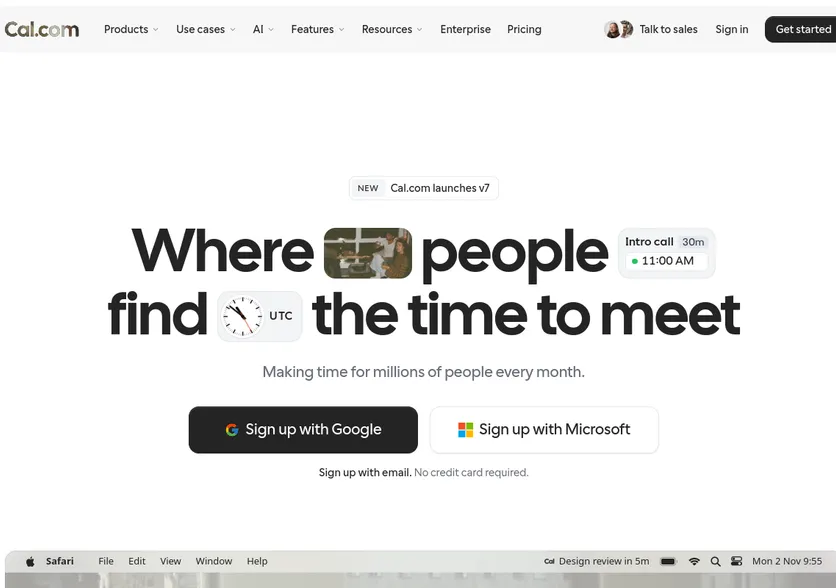
A tutor who teaches online and wants the booking link to include the video call will find this Cal.com plan costs twelve dollars per user a month billed annually. It connects to video tools and calendars, and the Organizations tier adds team features for a growing practice. The monthly price is fifteen dollars a user, though one source lists sixteen, and the free plan covers one user.
What we like
- Video call links built into the booking
- Open booking that connects to your own tools
- Free plan covers one user
Watch out for
- Built for scheduling, not tutoring packages
- Monthly price reads as fifteen or sixteen dollars depending on the source
How to try it
- Connect your calendar and video call tool
- Set your availability and lesson length
- Share the booking link with your students
6. Square Appointments
Best for: Tutors who already take payments through Square
Paid tool Starting price: $29/month · Twenty-nine dollars a month per location on Plus; Premium is $69 a month per location; card fees are 2.9% plus 30 cents online; free plan covers 1 location
Free plan: Free plan (1 location)
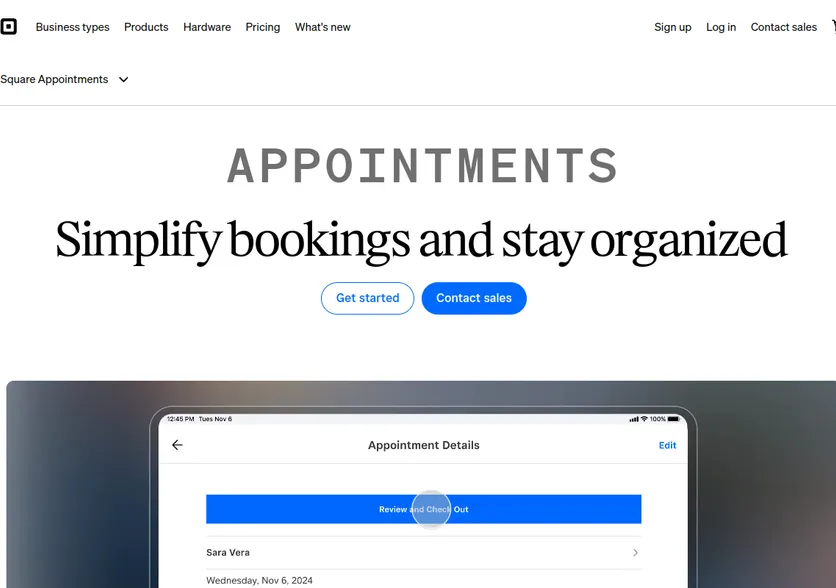
A tutor who already uses Square for payments gets booking on top of it, since this Square Appointments plan costs twenty-nine dollars a month per location. It handles online booking, reminders and card payments at two and nine tenths percent plus thirty cents, and the Premium tier adds more features for busier practices. The free plan covers one location, so a solo tutor can start without paying.
What we like
- Booking and card payments in one place
- Free plan covers one location
- Familiar tool if you already use Square
Watch out for
- Per-location pricing adds up for multi-site tutors
- Card fees apply on top of the monthly price
How to try it
- Set up your services and availability in Square
- Share the booking link with students and parents
- Take card payments and send reminders automatically
7. TutorCruncher
Best for: Tutors who bill per lesson and take card payments
Paid tool Starting price: $30/month · From $30 a month plus 3.85% on card payments for pay as you go; Startup is $80 plus 3.5% and Enterprise starts at $240; 2-week free trial; the vendor site shows localized currencies including NOK and euros, while the dollar figures come from the vendor blog and G2 and agree
Free plan: No free plan; 2-week free trial
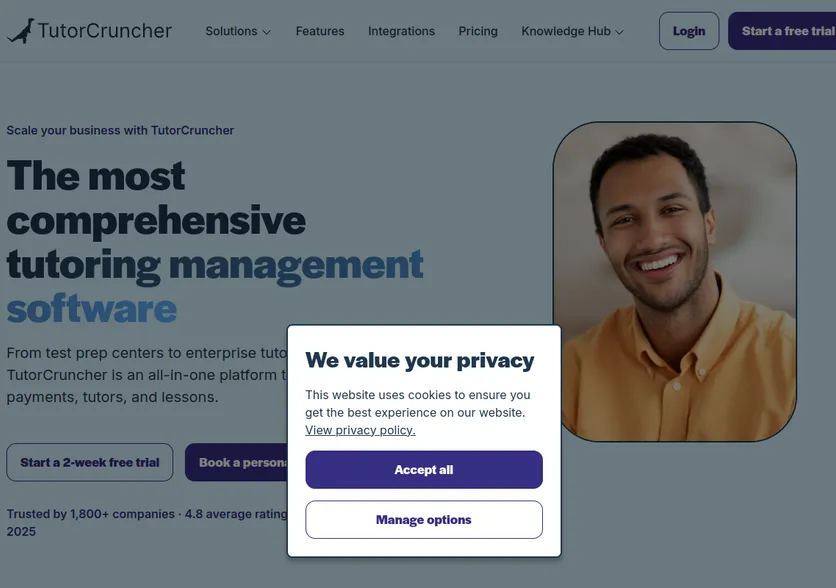
A tutor who charges per lesson and takes card payments needs the fee structure to be clear, and TutorCruncher starts from thirty dollars a month plus three and eighty-five hundredths percent on card payments. It manages students, lessons, invoicing and tutor pay in one system, and the Startup and Enterprise tiers lower the card fee as volume grows. The vendor site shows prices in local currencies, so confirm the dollar figure before paying.
What we like
- Students, lessons and invoicing in one system
- Pay-as-you-go plan starts at thirty dollars a month
- Two-week free trial to test the full system
Watch out for
- Card fees apply on every payment on top of the monthly price
- Vendor site shows local currencies, so confirm the dollar price
How to try it
- Add your students and set your lesson prices
- Schedule lessons and send invoices automatically
- Take card payments and track tutor pay
8. Teachworks
Best for: Tutors who charge per lesson plus a small per-student fee
Paid tool Starting price: $16.49/month · Sixteen dollars and forty-nine cents a month plus $0.35 per student lesson on Starter; Growth is $47.99 plus $0.21 and Premium is $187.99 plus $0.08; 21-day free trial; the vendor page also shows a lower second price list of $15 plus $0.25, $45 plus $0.15 and $175 plus $0.05, and G2 shows $0.32, $0.189 and $0.065 per lesson, so the higher list is used here
Free plan: No free plan; 21-day free trial
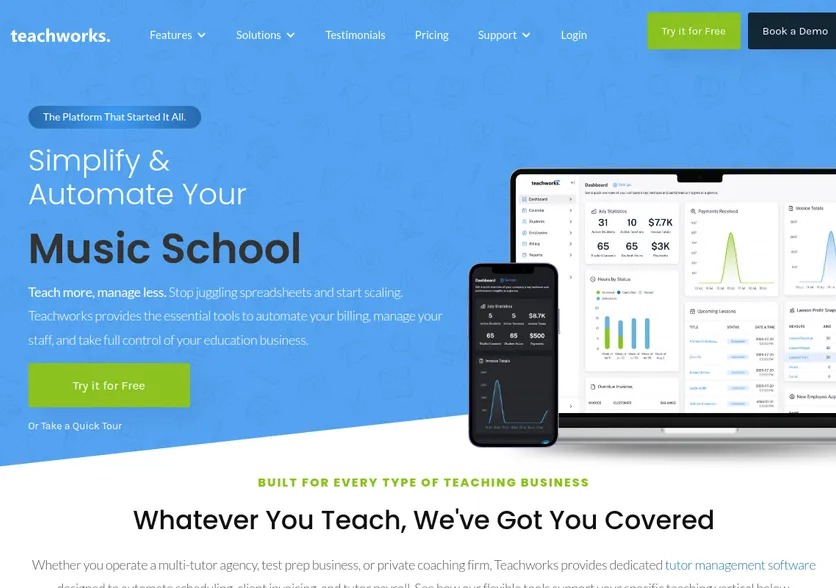
A tutor whose costs should follow the number of lessons taught will find the per-lesson model simple, since this Teachworks plan costs sixteen dollars and forty-nine cents a month plus thirty-five cents per student lesson. It tracks students, lessons and billing in one place, and the Growth and Premium tiers lower the per-lesson fee as volume grows. The vendor page also shows a lower second price list, so confirm the current figure before paying.
What we like
- Costs follow the lessons you actually teach
- Students, lessons and billing in one place
- Twenty-one day trial covers real teaching weeks
Watch out for
- Per-lesson fees add up in a busy teaching month
- Conflicting price lists on the vendor page need checking
How to try it
- Add your students and set your lesson prices
- Schedule lessons and track attendance
- Invoice families and collect payments
9. TutorBird
Best for: Tutors who want one flat price per tutor
Paid tool Starting price: $16.95/month · Sixteen dollars and ninety-five cents a month for the first tutor plus $4.95 per extra tutor or staff member; unlimited students; 30-day free trial; 90-day money-back guarantee
Free plan: No free plan; 30-day free trial
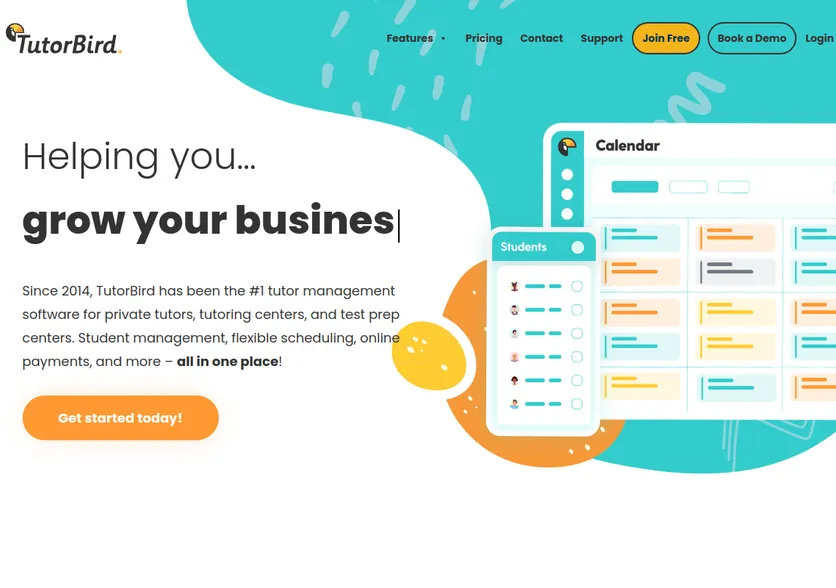
A tutor who wants the bill to stay the same no matter how many students they teach will like the flat price here, since TutorBird costs sixteen dollars and ninety-five cents a month for the first tutor. Extra tutors cost four dollars and ninety-five cents each, and students are unlimited. The thirty-day trial and ninety-day money-back guarantee give a new tutor plenty of time to test it.
What we like
- Flat price with unlimited students
- Thirty-day trial and ninety-day money-back guarantee
- Extra tutors cost under five dollars each
Watch out for
- No free plan, only a trial
- Fewer integrations than the bigger platforms
How to try it
- Add your students and set your lesson schedule
- Share the booking link with parents
- Track lessons and invoice families from one place
Prices above were checked on each vendor’s own website on Nov 29, 2026 and can change — the vendor’s page is the final word. Vendor links are editorial: nobody paid to be listed or ranked here. Vendors who want a featured listing can see how it works on our Get listed page.
How to set up booking so students actually use it
Put the booking link where parents already look: your website, your email signature and the message you send after the first enquiry. Set the lesson length and buffer time before you share it, so back-to-back lessons never run into each other. Turn on reminders for both the student and yourself, and test the whole flow on your phone as a student would, including payment, before you send the link to a real family. Review the bookings each Sunday evening and block out the hours you need for preparation, so the week starts organised rather than reactive.
Before you buy
- Check whether the plan charges per booking, per user or per month, since the real cost depends on your volume
- Confirm students can book and pay without emailing you first, including rescheduling
- Ask if the tool handles packages, subscriptions and lesson credits, not just single sessions
- Make sure reminders go out automatically, since no-shows cost more than the software
- Test the booking page as a student would, on a phone, before you pay
Official websites
Official websites of the products reviewed above. Features and prices were checked against these sites when this guide was written, and they can change, so confirm on the vendor site before you buy.
Frequently asked questions
What is tutoring booking software?
Tutoring booking software lets students and parents book lessons online, pay for them and get reminders automatically. For an independent tutor it replaces the back-and-forth messages about times and prices, so the calendar fills itself and the tutor spends the time teaching instead of admin.
How much does tutoring booking software cost?
Calendly costs ten dollars per seat a month, Acuity costs sixteen dollars a month, SimplyBook.me costs nine dollars and ninety cents a month, and Setmore costs five dollars per user a month. Teachworks costs sixteen dollars and forty-nine cents a month plus thirty-five cents per lesson, and TutorBird costs sixteen dollars and ninety-five cents a month flat.
Is there a free plan for tutoring booking software?
Yes. Calendly, SimplyBook.me, Setmore, Cal.com and Square Appointments all offer free plans, though they limit users, bookings or locations. TutorCruncher offers two weeks free, Teachworks offers twenty-one days and TutorBird offers thirty days. Acuity offers only a seven-day trial for new tutors.
Should a tutor pay per lesson or per month?
It depends on how you charge. A flat monthly price like TutorBird suits a tutor with many students, while a per-lesson price like Teachworks suits a tutor whose lesson count varies. A per-booking price like SimplyBook.me suits a tutor whose volume changes through the school year.
Which booking software is best for an independent tutor?
Calendly is the best overall pick for a tutor who just needs a booking link, at ten dollars per seat a month with a free plan. Acuity is the best choice for selling lesson packages at sixteen dollars a month. Setmore is the best cheap start, with a free plan for up to four users.
Pick two booking tools that fit how your students pay, trial them with real students for two weeks, then keep the one that fills your calendar with the least admin.
Browse Business Tools tools