On this page
A solo educator who sells lessons online needs more than a calendar: the software has to list the tutor, take the booking and collect the payment without a second app. The eight tools below cover that job for tutors of every size, from a simple booking page for one teacher to a full marketplace with per-lesson fees. TutorCruncher leads because it runs the whole marketplace, from student sign-up to payment, for thirty dollars a month, and the rest are ranked on how much of the business they handle for the price.
How we researched this
We checked every price on the vendor pricing page on November 29, 2026, and only included tools with a published US dollar list price. The big tutoring marketplaces that take a cut of each lesson instead of charging a subscription, such as Wyzant and Preply, do not fit a software comparison, so they are not in this list. Prices change, so confirm the current figure on the vendor site before you buy.
Compare the tools
| Name | Best for | Starting price | Free plan | |
|---|---|---|---|---|
 TutorCruncher | Solo tutors who want the full marketplace in one app | $30/month | No free plan | Visit |
 Teachworks | Tutors who already have students and need the admin handled | $16.49/month | No free plan; 21-day free trial | Visit |
 TutorBird | Solo tutors who want a simple site with booking and billing | $16.95/month | No free plan; 30-day free trial | Visit |
 TutorPanel | Small tutoring businesses that want one system for everything | $22/month | No free plan | Visit |
 Lessonspace | Tutors who teach live lessons in an online whiteboard room | $9/month | No free plan; 14-day free trial | Visit |
 Classcard | Tutors whose timetable is mostly group classes | $99/month | No free plan; 7-day free trial | Visit |
 Teach 'n Go | Growing tutoring practices with up to one hundred students | $79/month | No free plan; 14-day free trial | Visit |
 Oases Online | Busy tutoring practices with dozens of active students | $99/month | No free plan | Visit |
The tutoring marketplace software for solo educators, compared
1. TutorCruncher
Best for: Solo tutors who want the full marketplace in one app
Paid tool Starting price: $30/month · Thirty dollars a month on Pay as you go plus 3.85% card fees; Startup is $80 a month plus 3.5%; Enterprise starts at $240 a month with bespoke rates; offline payment fees run from 1% to 0.5% depending on tier, and international cards add 1.5%
Free plan: No free plan
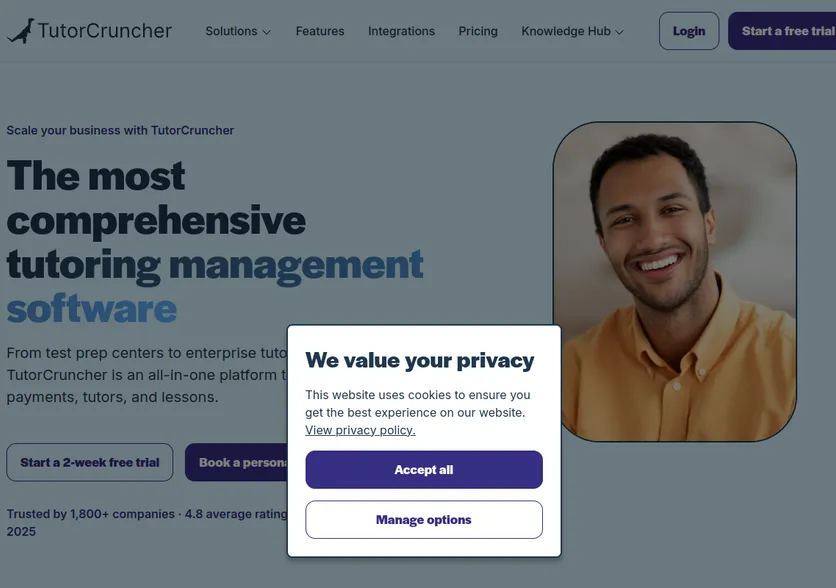
A solo educator who wants a marketplace that finds students and handles the money will find it here, since this TutorCruncher plan costs thirty dollars a month and covers sign-up, scheduling, invoicing and card payments in one place. Its per-lesson fees are transparent, so the tutor knows the cost of every booking before it happens, and the parent portal lets families book and pay without a phone call. It is the most complete marketplace in this list for a tutor who wants the business side handled.
What we like
- Student sign-up, scheduling and payments in one system
- Parent portal lets families book and pay themselves
- Per-lesson fees are shown clearly before each booking
Watch out for
- Card fees add up on the entry plan, so busy months cost more
- The interface has more settings than a simple booking page
How to try it
- Create a tutor profile and set the subjects and hourly rate
- Share the booking link and let students pick a time
- Send the invoice and collect the card payment in the app
2. Teachworks
Best for: Tutors who already have students and need the admin handled
Paid tool Starting price: $16.49/month · Sixteen dollars and forty-nine cents a month plus $0.35 per student lesson on Starter; Growth is $47.99 plus $0.21 per lesson and Premium is $187.99 plus $0.08; a second price list on the vendor page shows $15 plus $0.25, $45 plus $0.15 and $175 plus $0.05, so confirm the plan at checkout; 21-day free trial
Free plan: No free plan; 21-day free trial
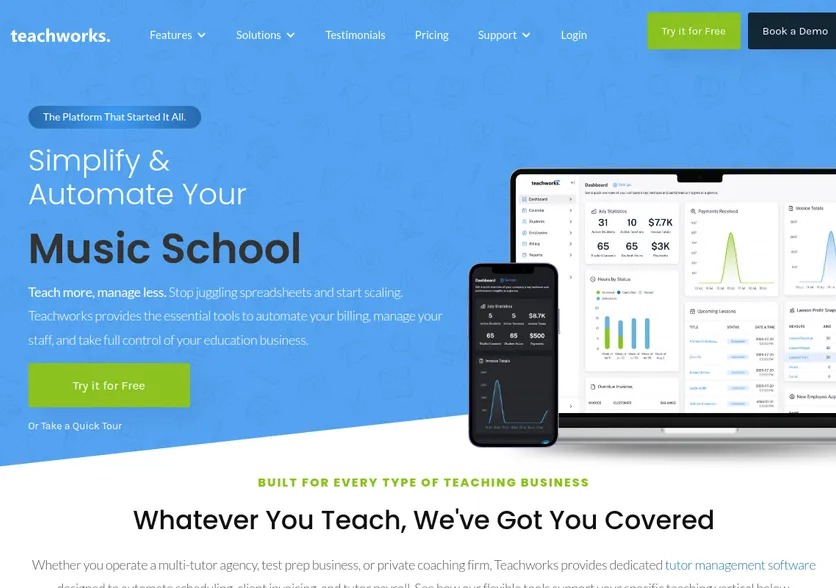
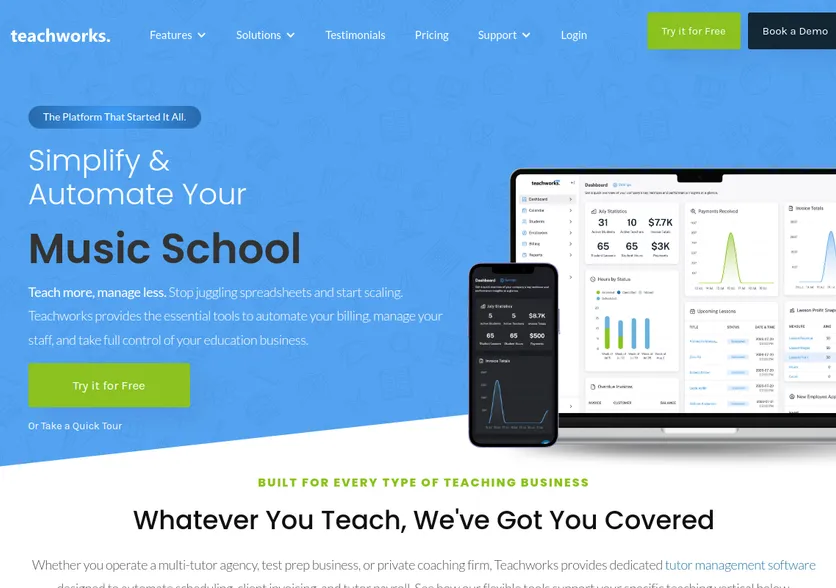
A tutor who would rather teach than run a marketplace storefront gets a leaner option here, because this Teachworks plan costs sixteen dollars and forty-nine cents a month plus a small fee on every student lesson. It covers the diary, the student records and the invoices without the marketplace extras, and parents can book and pay from the same page. It suits a solo educator whose students already find them by word of mouth.
What we like
- Diary, student records and invoicing in one lean app
- Per-lesson fee keeps the monthly price low for part-timers
- Parents book and pay from the same page
Watch out for
- A second, lower price list on the vendor page causes confusion
- No built-in marketplace for finding new students
How to try it
- Add students and set the lesson rate for each one
- Build the weekly diary and share the booking link
- Invoice each lesson and collect payment online
3. TutorBird
Best for: Solo tutors who want a simple site with booking and billing
Paid tool Starting price: $16.95/month · Sixteen dollars and ninety-five cents a month for the first tutor plus $4.95 per additional tutor or staff member; unlimited students; 30-day free trial and 90-day money-back promise
Free plan: No free plan; 30-day free trial
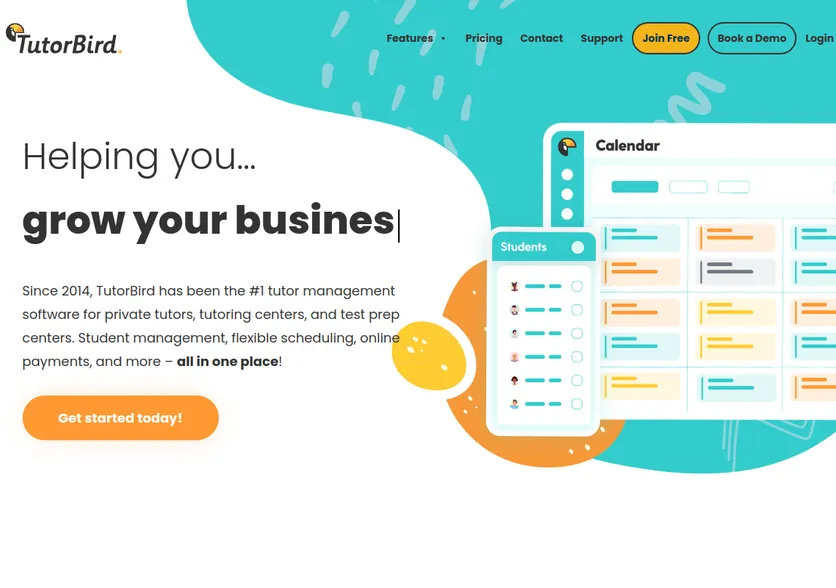
Solo educators who sell lessons through their own site get a simple storefront here, since this TutorBird plan costs sixteen dollars and ninety-five cents a month for the first tutor with unlimited students. It handles bookings, reminders and invoices, and every extra tutor costs under five dollars a month, so a solo tutor who later hires help does not need a new app. The thirty-day trial is long enough to test it on real lessons.
What we like
- Unlimited students on a low flat monthly price
- Extra tutors cost under five dollars a month each
- Thirty-day free trial and a ninety-day money-back promise
Watch out for
- No live lesson room, so video calls need a separate app
- Fewer marketplace discovery features than TutorCruncher
How to try it
- Set up the tutor profile and the lesson catalogue
- Publish the booking page and share the link with families
- Send invoices and track payments from the dashboard
4. TutorPanel
Best for: Small tutoring businesses that want one system for everything
Paid tool Starting price: $22/month · Twenty-two dollars a month per the SourceForge listing, corroborated by several agreeing SourceForge and Slashdot pages in November 2026; the vendor pricing page was not independently readable, so treat this as a directory figure rather than a vendor-published price
Free plan: No free plan
A tutor who wants students, schedules, billing and finances in one web app will find this TutorPanel plan costs twenty-two dollars a month, a flat rate with no per-lesson cut. It is fully web-based, so tutors can check schedules, record attendance and send invoices from any computer or phone, and parents get their own view of lessons and bills. It suits a small tutoring business that wants one system for everything.
What we like
- Flat monthly price with no per-lesson cut
- Parents see their own schedules, notes and invoices
- Works from any web browser with no install
Watch out for
- The price comes from directory listings, not the vendor page
- No free trial and no free plan to test it first
How to try it
- Add students and tutors and build the recurring schedule
- Share the parent portal so families can check lessons
- Generate itemised invoices and take card payments online
5. Lessonspace
Best for: Tutors who teach live lessons in an online whiteboard room
Paid tool Starting price: $9/month · Nine dollars a month on Basic with ten hours included and extra hours at $1.95 each; Starter is $29 for thirty hours, Pro is $99 for one hundred hours and Advanced is $199 for two hundred hours; 14-day free trial, no free plan
Free plan: No free plan; 14-day free trial
When the lesson itself happens online, the classroom matters more than the booking page, and this Lessonspace plan costs nine dollars a month for ten hours in a shared whiteboard room with video built in. Students join from a browser with nothing to install, and the tutor can write, draw and share files on the same screen. It is the cheapest way onto a proper online lesson room in this list.

What we like
- Whiteboard classroom with video built in, no install needed
- Cheapest entry here at nine dollars a month
- Extra hours are priced clearly by the hour
Watch out for
- Ten hours a month runs out fast for a full-time tutor
- No booking or payment system, so another tool is needed
How to try it
- Create a lesson room and share the join link with the student
- Open the whiteboard and load the lesson materials
- Teach the lesson and save the whiteboard notes afterwards
6. Classcard
Best for: Tutors whose timetable is mostly group classes
Paid tool Starting price: $99/month · Ninety-nine dollars a month flat on Starter with unlimited staff, students and classes; Growth is $199 and Business is $349; annual billing is two months free, so Starter works out at $990 a year; 7-day free trial
Free plan: No free plan; 7-day free trial
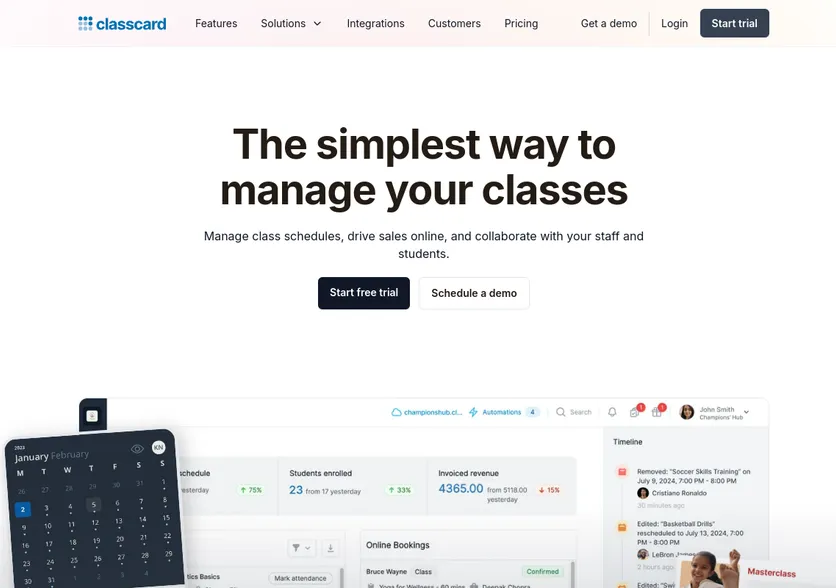
A tutor who teaches classes as well as one-to-one lessons gets a flat-rate option here, since this Classcard plan costs ninety-nine dollars a month with unlimited staff, students and classes. It covers scheduling, attendance and billing for group classes, and the annual plan gives two months free, so the effective monthly price drops. It suits a solo educator whose timetable is mostly group classes.
What we like
- Flat price with unlimited staff, students and classes
- Group-class scheduling with attendance built in
- Annual billing gives two months free
Watch out for
- Ninety-nine dollars a month is steep for one-to-one only
- Fewer marketplace discovery tools than TutorCruncher
How to try it
- Add the class timetable and the student roster
- Share the booking link for each class
- Track attendance and invoice each family monthly
7. Teach 'n Go
Best for: Growing tutoring practices with up to one hundred students
Paid tool Starting price: $79/month · Seventy-nine dollars a month on Base for up to one hundred live students; Pro is $109, and bands run to two thousand students at $459 and $599; annual billing is two months free; 14-day free trial
Free plan: No free plan; 14-day free trial
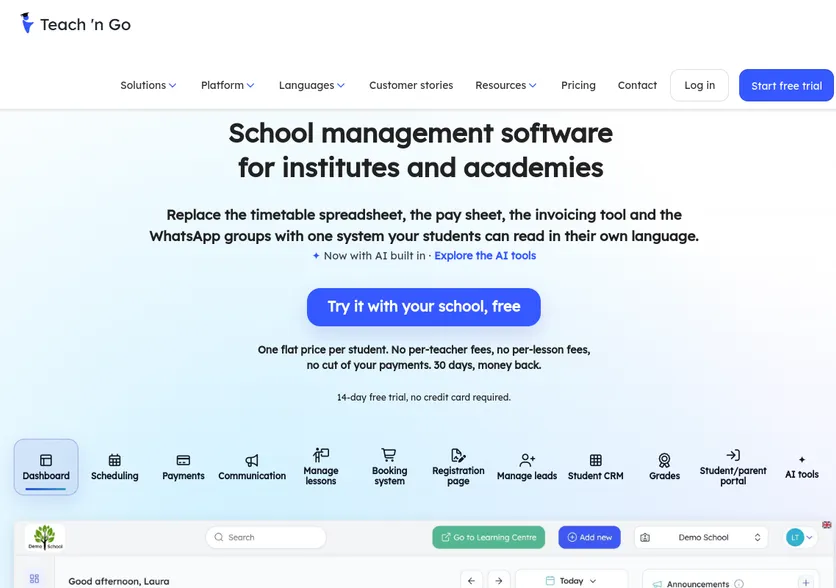
A tutor whose student list keeps growing will like the banded pricing here, because this Teach 'n Go plan costs seventy-nine dollars a month for up to one hundred live students. It handles enrolment, scheduling and billing, and the price steps up only when the student count does, so a growing practice pays for growth rather than features it never uses. The two-months-free annual deal softens the first year.
What we like
- Banded pricing that grows with the student list
- Enrolment, scheduling and billing in one place
- Annual billing gives two months free
Watch out for
- Seventy-nine dollars a month is high for a brand-new tutor
- No live lesson room included in the base plan
How to try it
- Import the student list and set the enrolment bands
- Build the weekly timetable and publish the booking page
- Invoice families and collect payments each month
8. Oases Online
Best for: Busy tutoring practices with dozens of active students
Paid tool Starting price: $99/month · Ninety-nine dollars a month on Starter for up to twenty-five active students; Basic is $199 for sixty, Standard is $299 for one hundred, Advanced is $399 for one hundred and forty, Professional is $499 for two hundred and Ultimate is $699 for three hundred and fifty; Enterprise is quoted; an optional Stripe fee of 0.25% applies
Free plan: No free plan
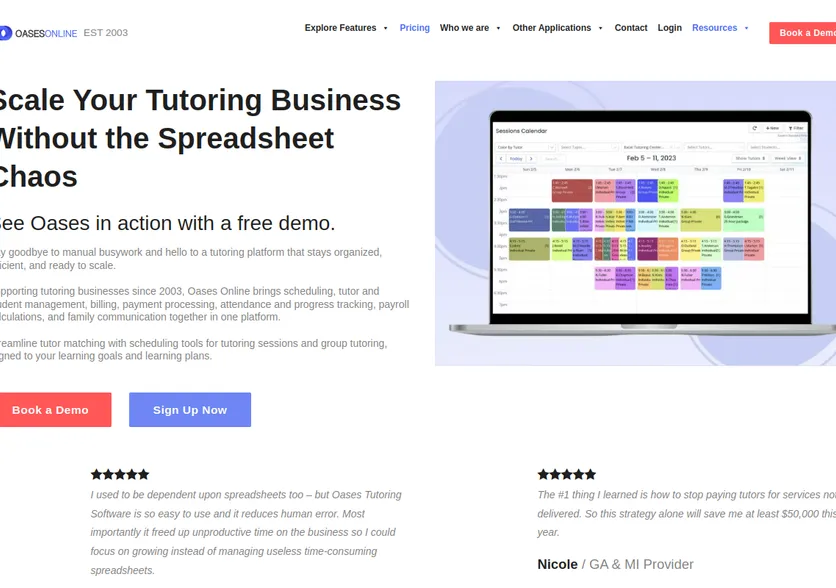
A tutor who runs a busy practice with dozens of active students needs room to grow, and this Oases Online plan costs ninety-nine dollars a month for up to twenty-five active students. Its tiers step up by student count rather than by features, so the tool stays the same as the practice grows, and the optional card fee is a small percentage of each payment. It suits an educator who has outgrown the cheapest plans.
What we like
- Tiers step up by student count, not by missing features
- Covers scheduling, billing and student records together
- Optional card fee is a small percentage per payment
Watch out for
- Ninety-nine dollars a month for only twenty-five students
- Higher tiers get expensive as the student count grows
How to try it
- Add active students and assign them to tutors
- Build the timetable and share the booking link
- Invoice each family and track payments in the dashboard
Prices above were checked on each vendor’s own website on Nov 29, 2026 and can change — the vendor’s page is the final word. Vendor links are editorial: nobody paid to be listed or ranked here. Vendors who want a featured listing can see how it works on our Get listed page.
How to pick a tutoring marketplace that pays for itself
Start with the student journey, not the feature list, because a marketplace only earns its fee when a stranger can find the tutor, book a slot and pay without emailing first. Count the real cost: a low monthly price with a per-lesson fee can cost more than a flat plan once the diary fills up, so multiply the fee by the lessons taught each month. Test the booking flow as a student would, including a cancellation and a reschedule, since that is where most solo tutors lose time. Check the payout timing too, because a tool that holds payments for weeks is a cash-flow problem for a one-person business.
Before you buy
- Confirm the tool takes bookings and payments itself, not just lists the tutor profile
- Add the per-lesson or card fee to the monthly price before comparing plans
- Check whether students can book, cancel and reschedule without emailing the tutor
- Ask how quickly payouts reach the bank and whether the tool holds funds
- Test the free trial with a real lesson, including a parent booking for a child
Official websites
Official websites of the products reviewed above. Features and prices were checked against these sites when this guide was written, and they can change, so confirm on the vendor site before you buy.
Frequently asked questions
What is tutoring marketplace software for solo educators?
It is software that lets a single tutor list lessons, take bookings and collect payment through one system, like a small shopfront for teaching. Good tools handle student sign-up, scheduling, lesson reminders, invoicing and card payments, so the tutor spends the working day teaching rather than chasing messages and late fees.
How much does TutorCruncher cost for a solo tutor?
TutorCruncher costs thirty dollars a month on Pay as you go, plus three point eight five percent in card fees. Startup is eighty dollars a month with a lower card fee, and Enterprise starts at two hundred and forty dollars a month with bespoke rates. The entry plan suits a solo educator starting out, since there is no per-student charge beyond the card fee.
Can I run a tutoring business for free?
Not with the tools in this list, since every one of them charges a subscription or a per-lesson fee. TutorBird, Teachworks, Lessonspace and Classcard all offer free trials of seven to thirty days, so a tutor can test the booking flow before paying. The cheapest paid entry here is Lessonspace at nine dollars a month, which covers ten hours of live lessons.
Which tool is best for live online lessons?
Lessonspace is the best pick for live online lessons, at nine dollars a month for ten hours in a shared whiteboard classroom with video built in. It is the only tool here built around the lesson room itself rather than the booking and billing around it. Tutors who teach in person will get more value from TutorCruncher or Teachworks, which cover the whole business.
Do these tools take a cut of my lesson fees?
Some do, and the cut matters more than the headline price. TutorCruncher charges three point eight five percent on card payments on its entry plan, while Teachworks adds thirty-five cents per student lesson. Classcard and Teach 'n Go charge flat monthly fees with no per-lesson cut, which works out cheaper once the diary is full. Always add the fee to the monthly price before comparing.
Compare the eight tools above, then start with a free trial on the tool that matches how the tutoring business already runs before paying for a full month.
Browse Education & Learning tools